Games
Cuphead 1.3.3 DLC
GamesUpdated
| Requirement | On file |
|---|---|
| macOS | See the sheet |
| CPU | Intel 64-bit |
| Tested on | macOS Catalina, iMac (Retina 4K 21.5-inch 2017) |
Version 1.3.3 (57402) ships a DLC fix alongside the full base game and The Delicious Last Course expansion.
Hand-Drawn Cels and Multi-Phase Boss Fights
The content of Cuphead breaks down into a few clear definitions.
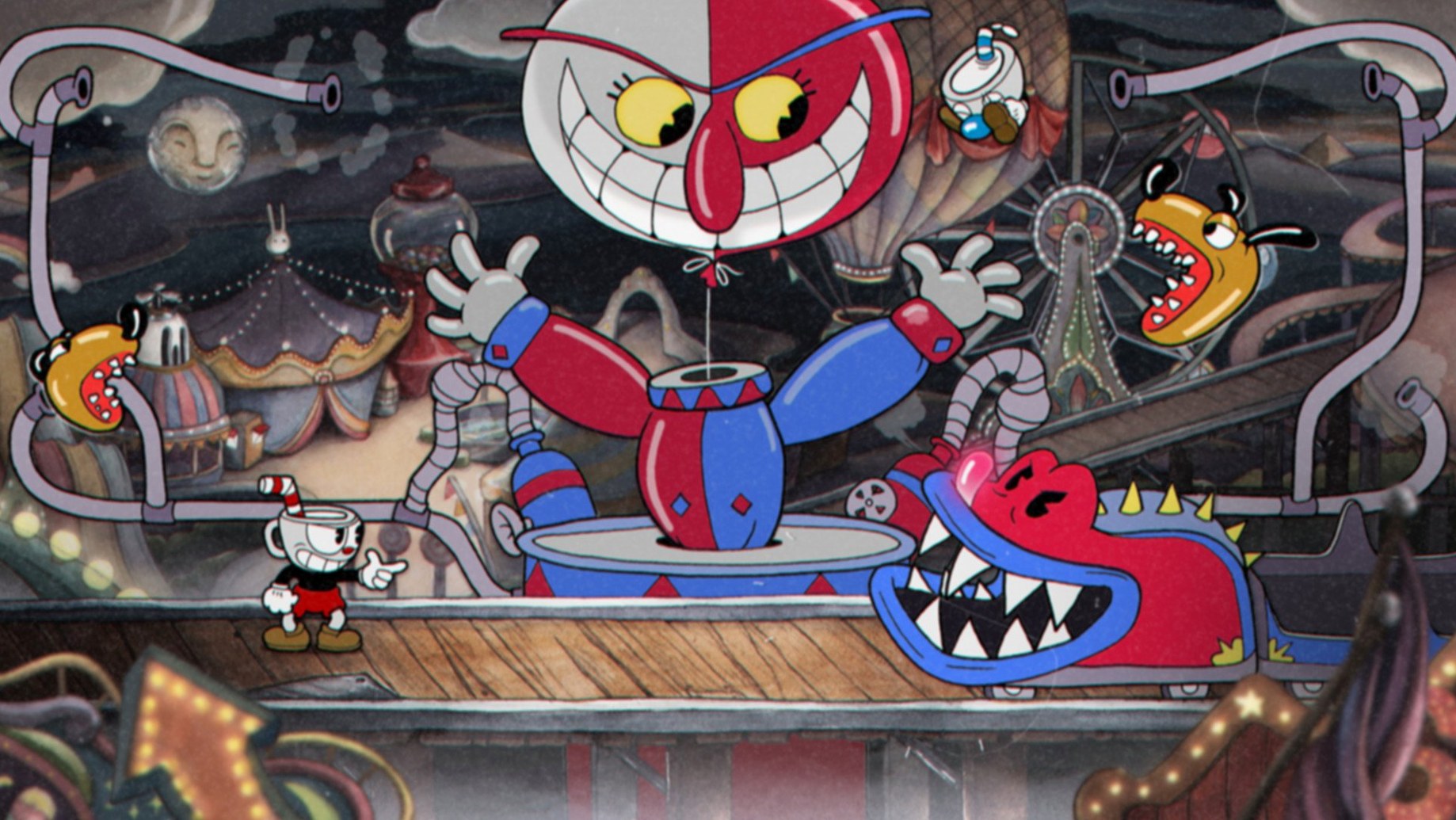
Run-and-gun action — side-scrolling combat built around multi-phase boss encounters, with occasional platforming levels that break up the rhythm.
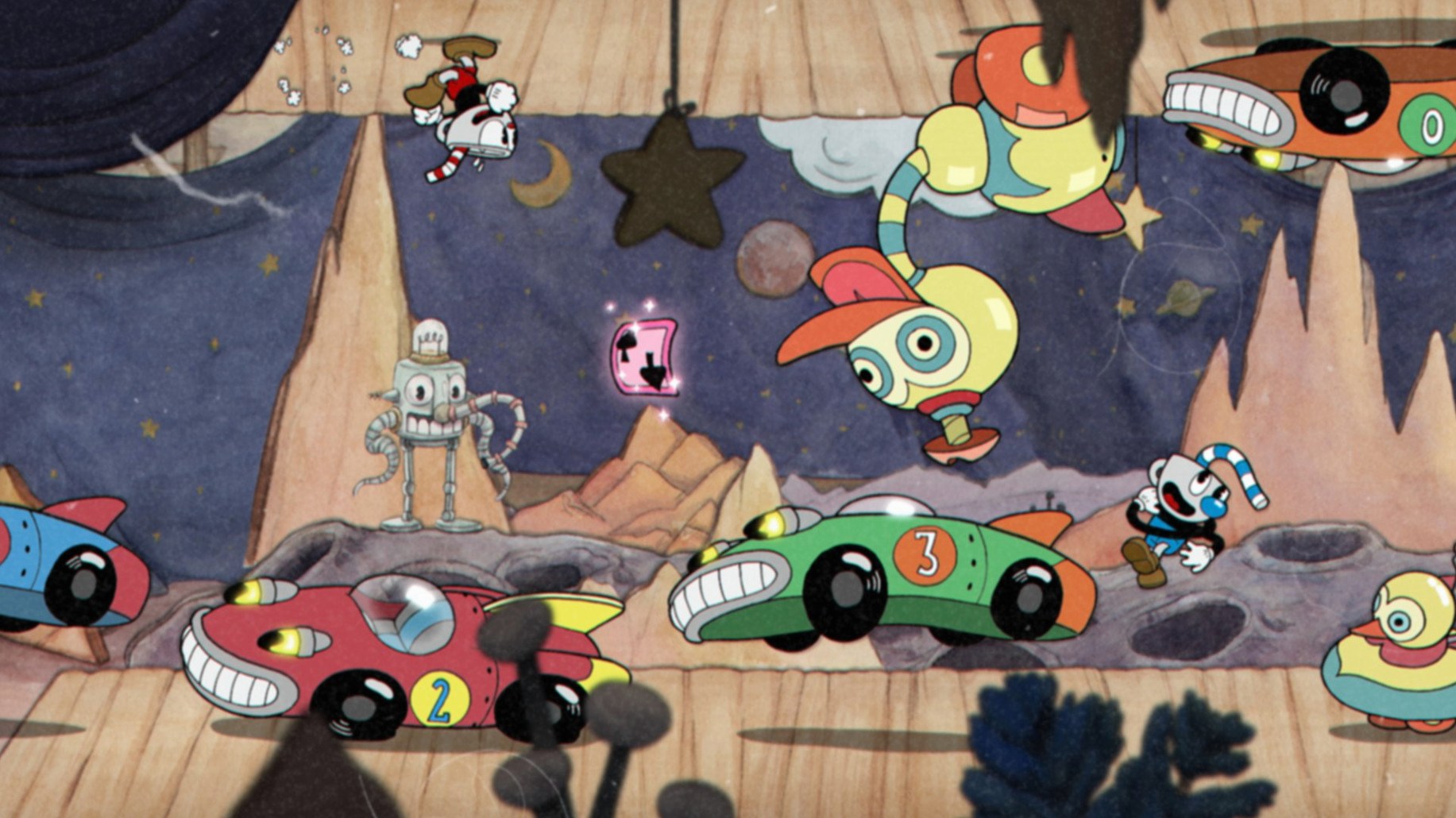
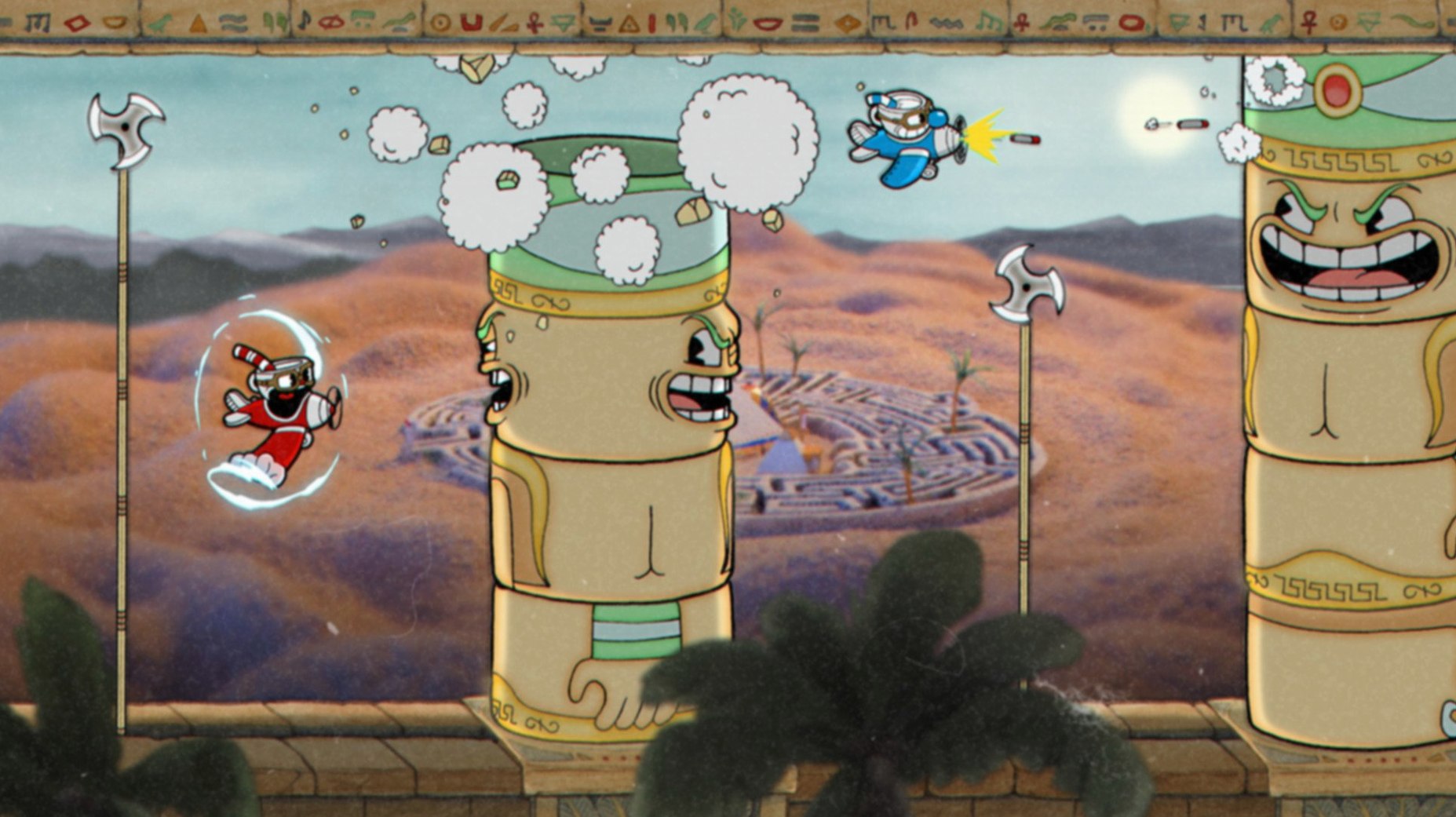
Hand-drawn cels — every frame of character animation was inked and painted on paper, then photographed, matching the techniques of 1930s cartoons.
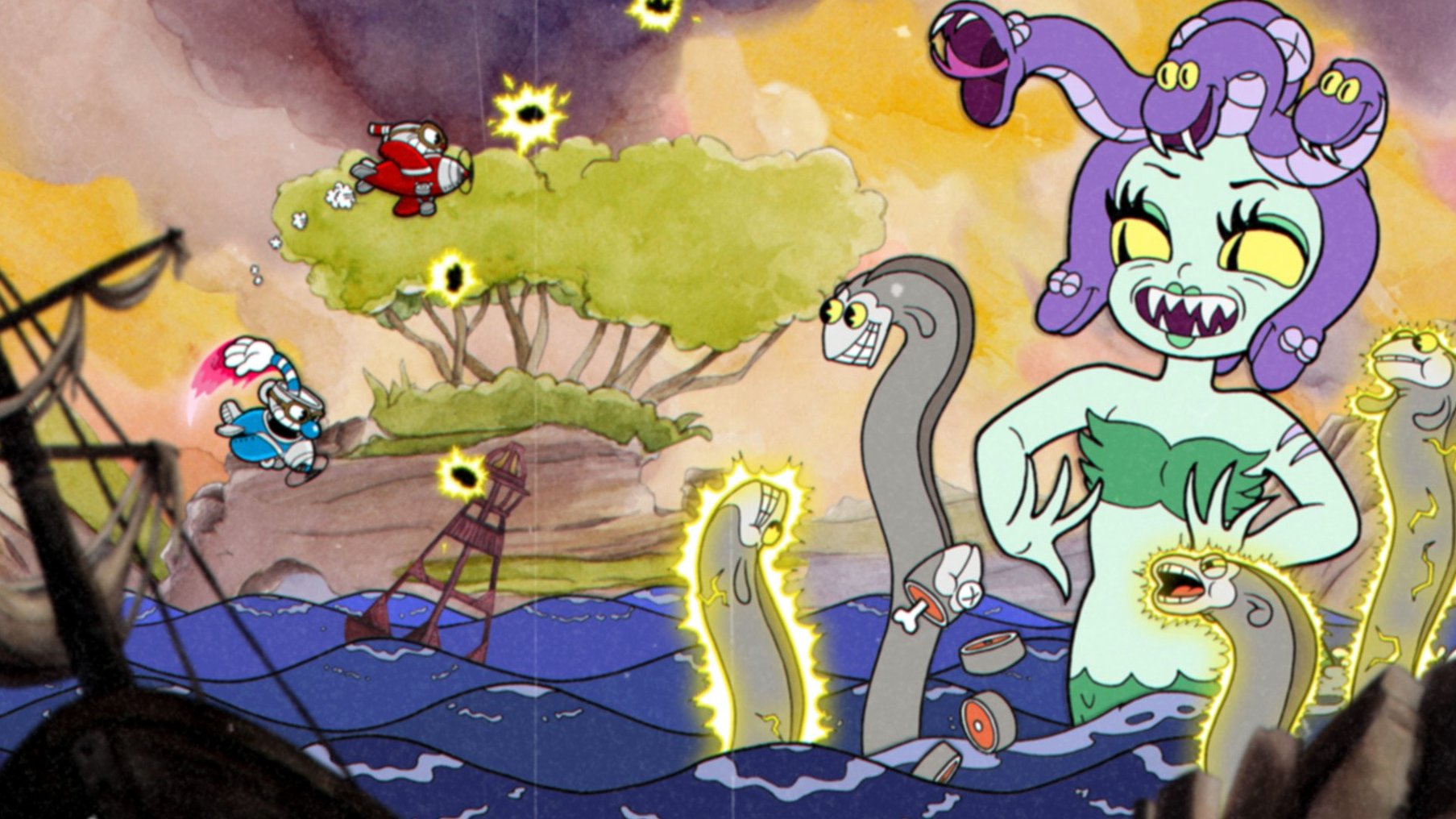
Watercolour backgrounds — the studio painted full scenic backdrops in watercolour, giving each world a distinct wash of colour that contrasts with the clean ink lines of the characters.
Weapons and specials — players earn coins through exploration and spend them on new shot types and charms; super moves charge during fights and add another layer to the loadout choices.
Cooperative play — a second player can drop in as Mugman for the entire campaign, doubling the firepower and the chaos.
The Delicious Last Course — a full expansion that adds a new isle, new weapons, new charms, and a new playable character, Ms. Chalice.
Core premise — Cuphead and Mugman lose a bet at the Devil’s casino and must collect soul contracts from debtors across several strange worlds to settle the score.
Tapping the Peashooter for a Faster Fire Rate
Most early frustration in Cuphead comes down to a handful of habits that look sensible on paper but work against the game's rhythm.
Holding the fire button constantly. The Peashooter fires faster when you tap the button, not when you hold it. New players who keep the trigger pressed deal less damage over a fight, which stretches out phases that are already punishing. Learn the tap cadence early — it applies to most weapons.
Ignoring the dash. The dash grants a split-second of invincibility frames. Beginners tend to jump over everything and save the dash for traversing gaps. Using it to phase through pink projectiles, enemies, and certain boss attacks is the difference between scraping through on one hit point and clearing a phase cleanly.
Overvaluing extra hit points. The Heart charm gives you more health but lowers your attack power. Longer fights mean more chances to take damage, so the net effect is often negative. A damage-boosting charm like Coffee or Smoke Dash tends to yield better results for the same player effort.
Neglecting the parry. Pink objects are not just obstacles — every successful parry fills a card of your super meter. Players who treat parries as optional enter the final phase of a boss with no super built up, then wonder why it takes forever.
Sticking to one weapon set. Certain bosses punish close-range play and others melt to it. The Roundabout shot hits enemies behind you, which trivialises phases where the boss moves to the far side of the screen. Swapping weapons between attempts is not a sign of failure; it is part of reading the fight.
How Cuphead plays with other apps and macOS features
The game runs in a standard window or fullscreen and does not demand much cooperation from the system, but a few interactions are worth knowing.
Controller support. Cuphead recognises Bluetooth controllers through macOS natively — no third-party driver needed. A DualShock 4 or Xbox Wireless Controller paired via System Preferences will appear in the game's control settings. The face-button layout defaults to a Nintendo-style arrangement; remap the dash to a shoulder button immediately unless you enjoy stretching your thumb across the pad mid-fight.
Audio routing. The jazz soundtrack is a mix of live big-band recordings. If you use an external DAC or audio interface, the game outputs to the system-default device. Switching outputs while the game is running can cause it to drop audio until the next launch — quit first, switch in System Preferences, then relaunch.
Screen recording and streaming with OBS. OBS can capture the game window directly via Window Capture on Intel Macs, but the hand-drawn animation at 60 frames per second benefits from a constant frame rate in the recording settings. Variable frame rate encoding introduces visible judder on the ink lines during panning sequences.
Screen sharing and remote play. Discord screen share and Steam Remote Play both work, though local co-op over a remote stream introduces input lag that makes parry timing unreliable. The person hosting should play Cuphead while the remote player takes Mugman — the parry window is tight enough that even 40 milliseconds of added latency can break a run.
Focus modes and notifications. macOS notifications overlay the game in windowed mode but are suppressed in fullscreen by default. If you play windowed, turn on a Focus mode that silences everything — a single banner during a final-phase dodge can cost a fight.
Bypassing Gatekeeper on Intel Macs
A few technical hiccups show up consistently, particularly on Intel machines running newer macOS versions.
Game fails to launch on first run. The DRM-free build does not need to phone home, but macOS Gatekeeper may block it regardless. If the icon bounces once and quits, open System Preferences > Security & Privacy and look for a prompt to allow the app. You may need to right-click the app and choose Open the first time.
Frame pacing drops during screen transitions. On integrated Intel graphics — common on 13-inch MacBook Pro models and the MacBook Air — the watercolour map screen and certain boss intros can stutter as assets stream in. There is no in-game setting that fixes this, but closing other applications that use the GPU (browsers with hardware acceleration enabled, for instance) frees enough headroom to smooth it out.
Controller stops responding mid-session. This is usually a Bluetooth power-saving behaviour in macOS, not the game. The system parks the controller's connection after a period of no rumble events. Disable Bluetooth power management with a tool like NoSleep or plug the controller in over USB for the session. Wired mode eliminates the issue entirely.
Co-op second player cannot join. The game requires both players to be ready before a level starts. If the second controller is connected but not recognised, open the game's control settings and check that Player 2 has an assigned input device. Sometimes macOS assigns both controllers to Player 1 by default.
Save file location. Progress is stored in ~/Library/Application Support/StudioMDHR/Cuphead/. Backing up this folder preserves everything — campaign progress, unlocked weapons, and DLC completion. If you are moving to a different Mac or sharing progress for a Cuphead Mac torrent setup, this is the only folder that matters.
Instant Fight Reloads from the Pause Menu
Several features are never explained in a tutorial but make repeated attempts far less tedious.
Quick restart. Pressing the pause button and selecting Retry reloads the fight instantly — no walking back through the overworld, no repeated dialogue. On a controller, this is the Menu button; on keyboard, it is Escape. Players who quit to the map after every death waste minutes per session that add up over a boss grind.
Weapon swap while aiming. Holding the lock-aim button and tapping the weapon-switch input lets you change shot types without dropping your firing angle. This is essential for bosses where the weak point moves vertically and you need to switch from a spread shot to a straight shot mid-phase.
Duck-and-shoot. Holding down on the stick or D-pad while on a flat surface makes the character lie prone. You can still fire in this state. Several boss attacks sail over a prone character entirely — the carrot homing projectiles in Botanic Panic are a prime example.
Parry off objects you have already parried. A pink projectile can be parried only once per object, but you can parry it again after a dash reset. Chaining parries on the same object by dashing away and back is a niche technique, but it fills the super meter fast when you have the spacing down.
Mute the music only. The audio settings separate music and sound effects into independent sliders. Turning the music off while keeping effects at full volume makes parry timing easier to hear — the musical sting that accompanies a successful parry cuts through more clearly without the brass section competing for your ear.
Overworld shortcuts. The world maps contain hidden paths that connect distant areas without triggering random encounters. On Inkwell Isle One, walking behind the mountain near the entrance to Forest Follies skips two patches of run-and-gun terrain. These routes are never signposted but are present on every isle.
Ms. Chalice's unique properties. The DLC character, selectable by equipping the Astral Cookie charm, has a double jump and a dodge roll with more invincibility frames than the standard dash. She cannot equip any other charm, which is a deliberate trade-off, but her increased mobility makes several base-game bosses considerably more approachable. Players who struggled through the main campaign on Cuphead may find revisiting earlier fights with Ms. Chalice feels like a different game.
If you picked up the game through a Cuphead download torrent and are working through the DLC for the first time, the Astral Cookie is unlocked on the new isle early — you do not need to finish the base game again to access it.
- DLC — fix applied
- macOS Catalina
- Intel processor
Questions on file
Can I play Cuphead with a friend on Mac?
Yes, the game supports local two-player cooperative play through the entire campaign.
Sign in · Create an account to add a field note.
No field notes yet. A measurement, a version, a machine — they appear after moderation.