Games
Crimson Desert 2.03.02 Native
GamesUpdated
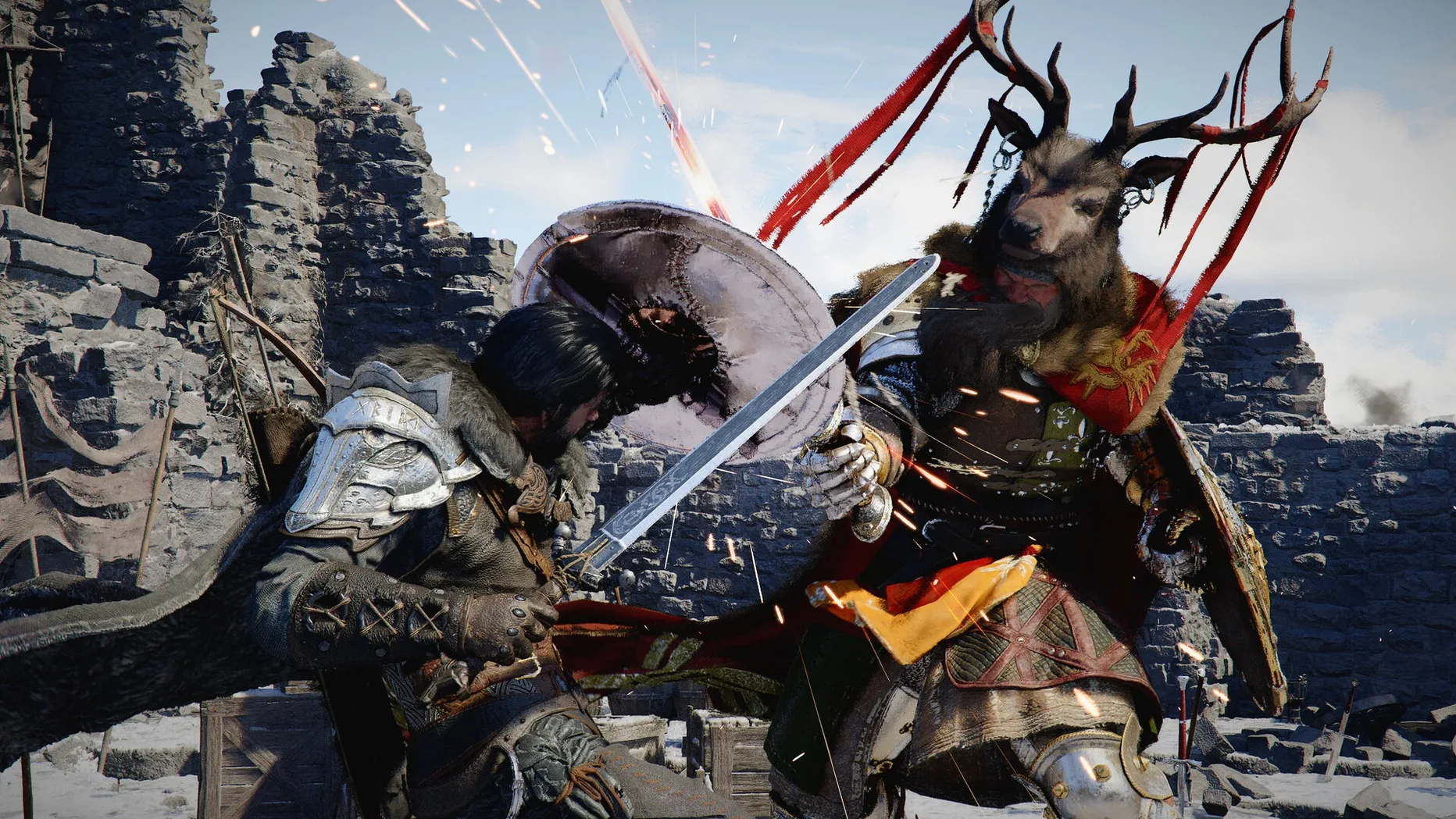
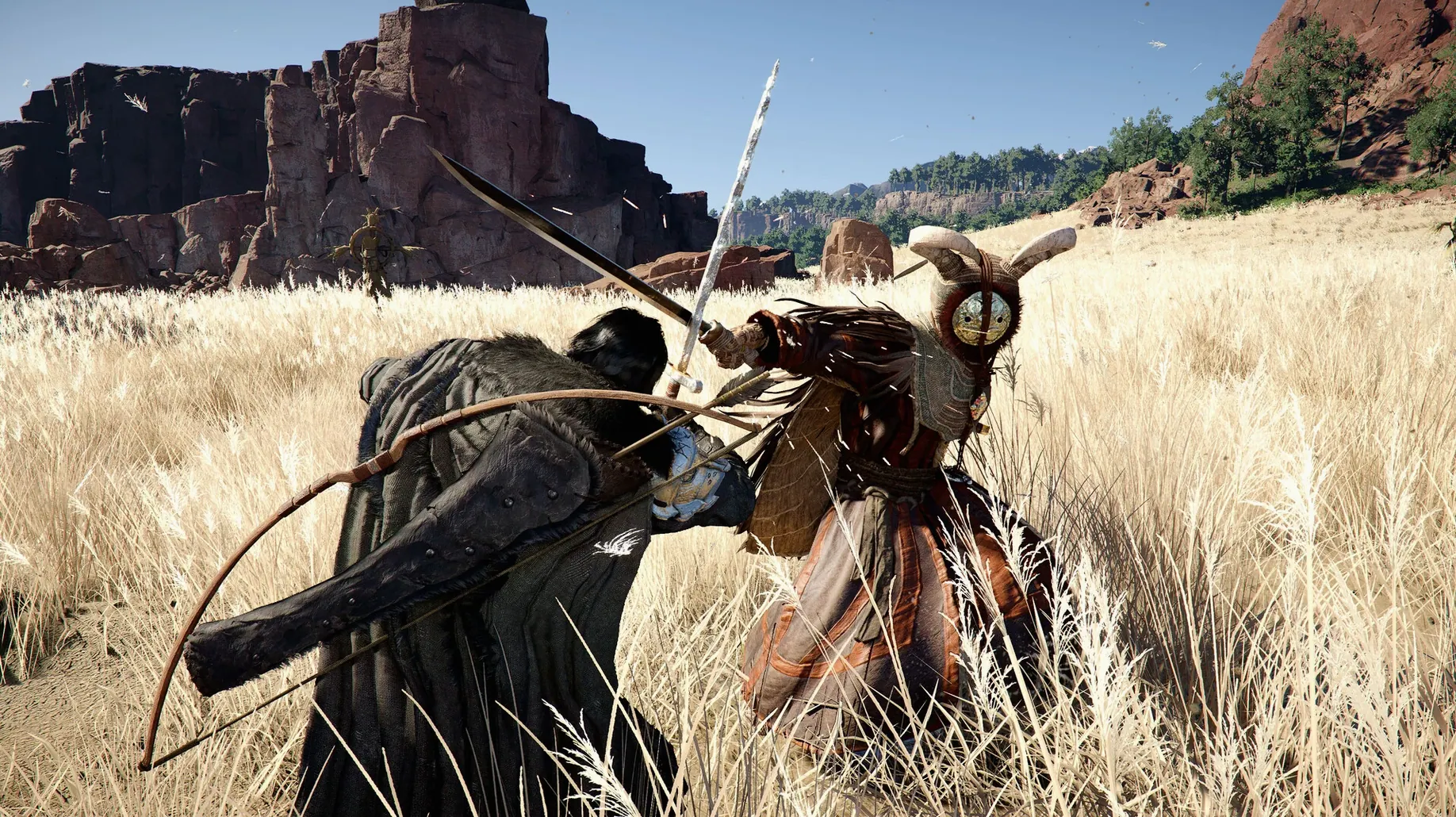
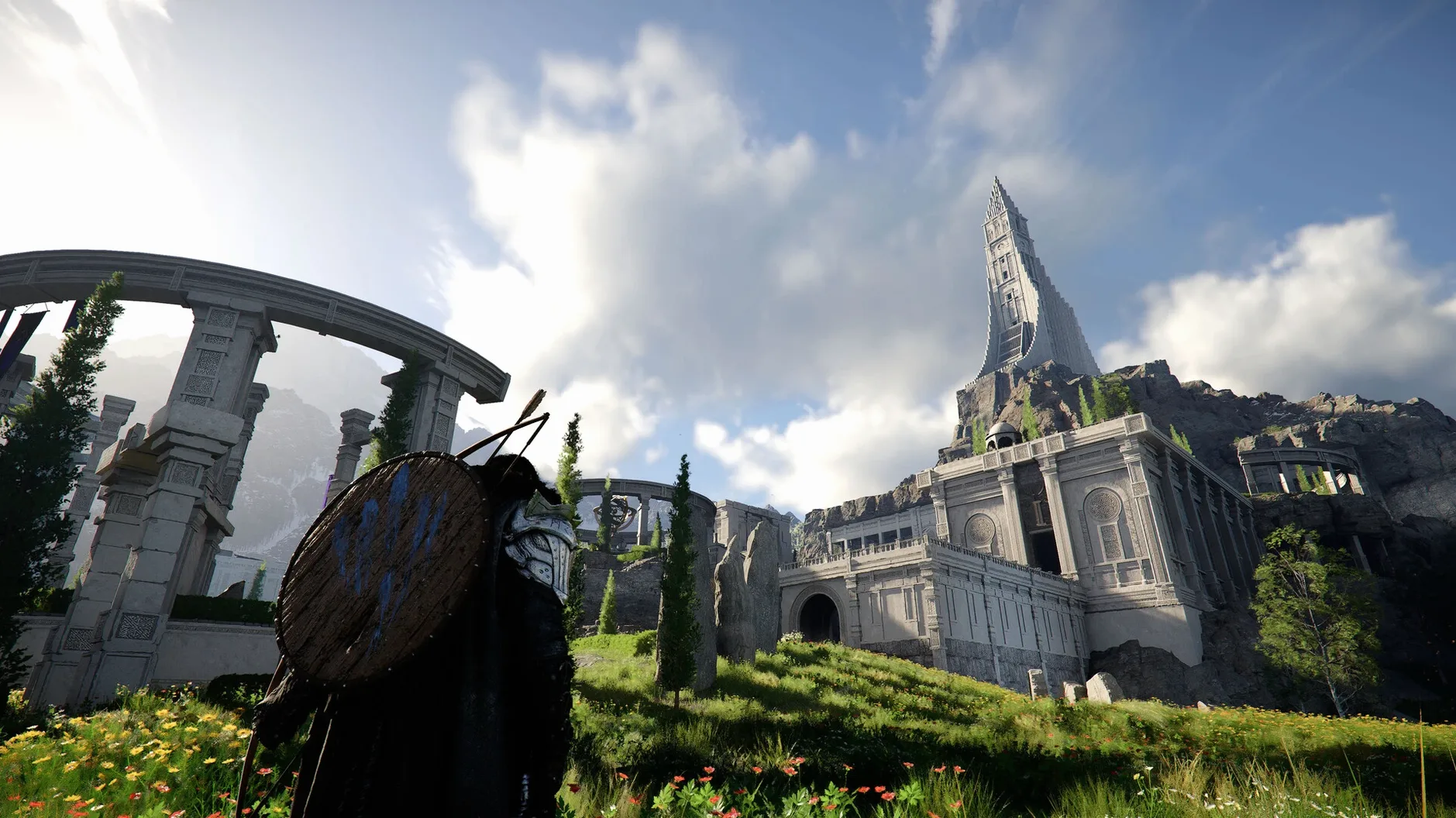
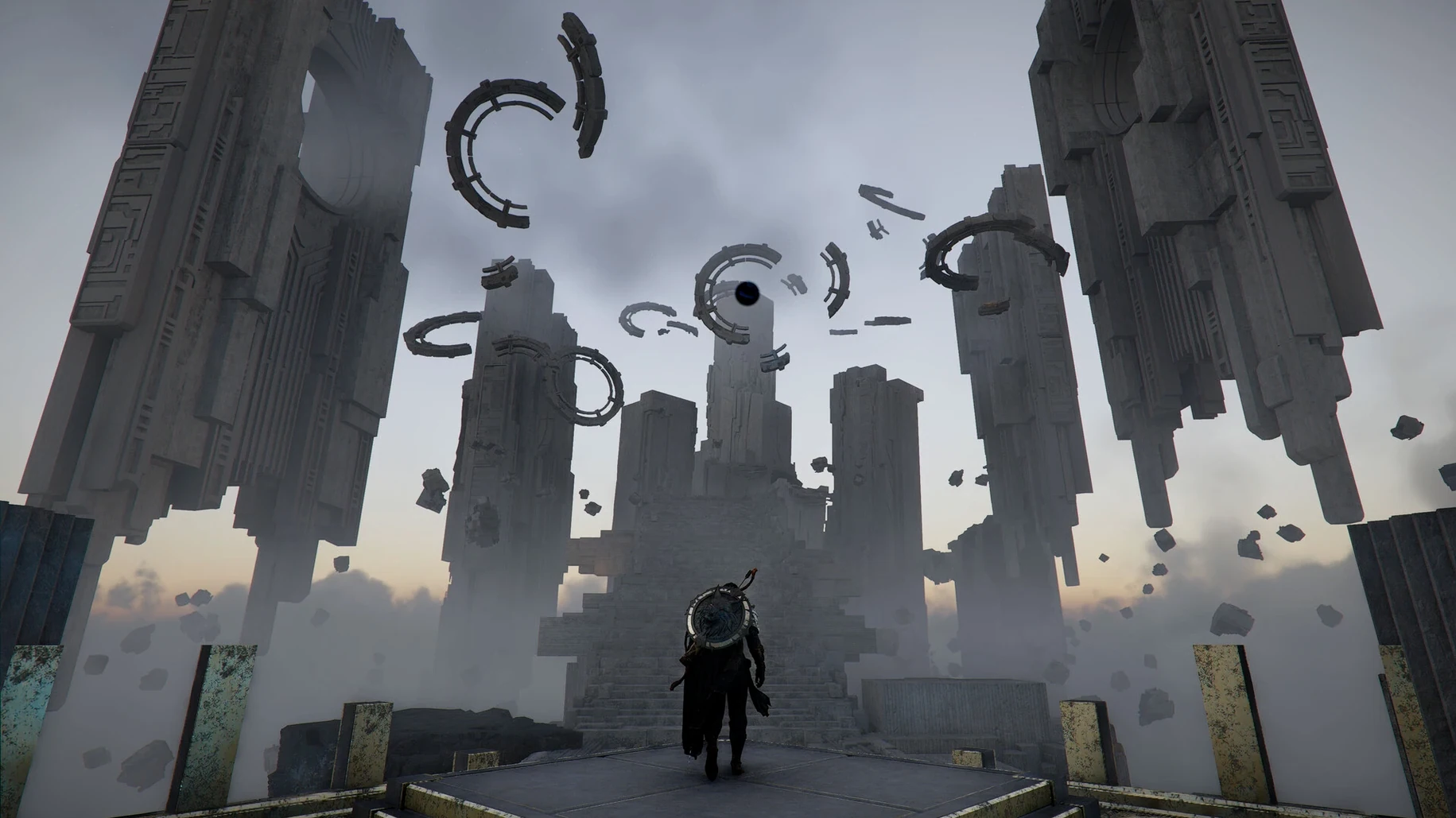
| Requirement | On file |
|---|---|
| macOS | See the sheet |
| CPU | Apple Silicon |
| Download | 101 GB |
| Tested on | macOS Tahoe, Mac mini 2024 M4 |
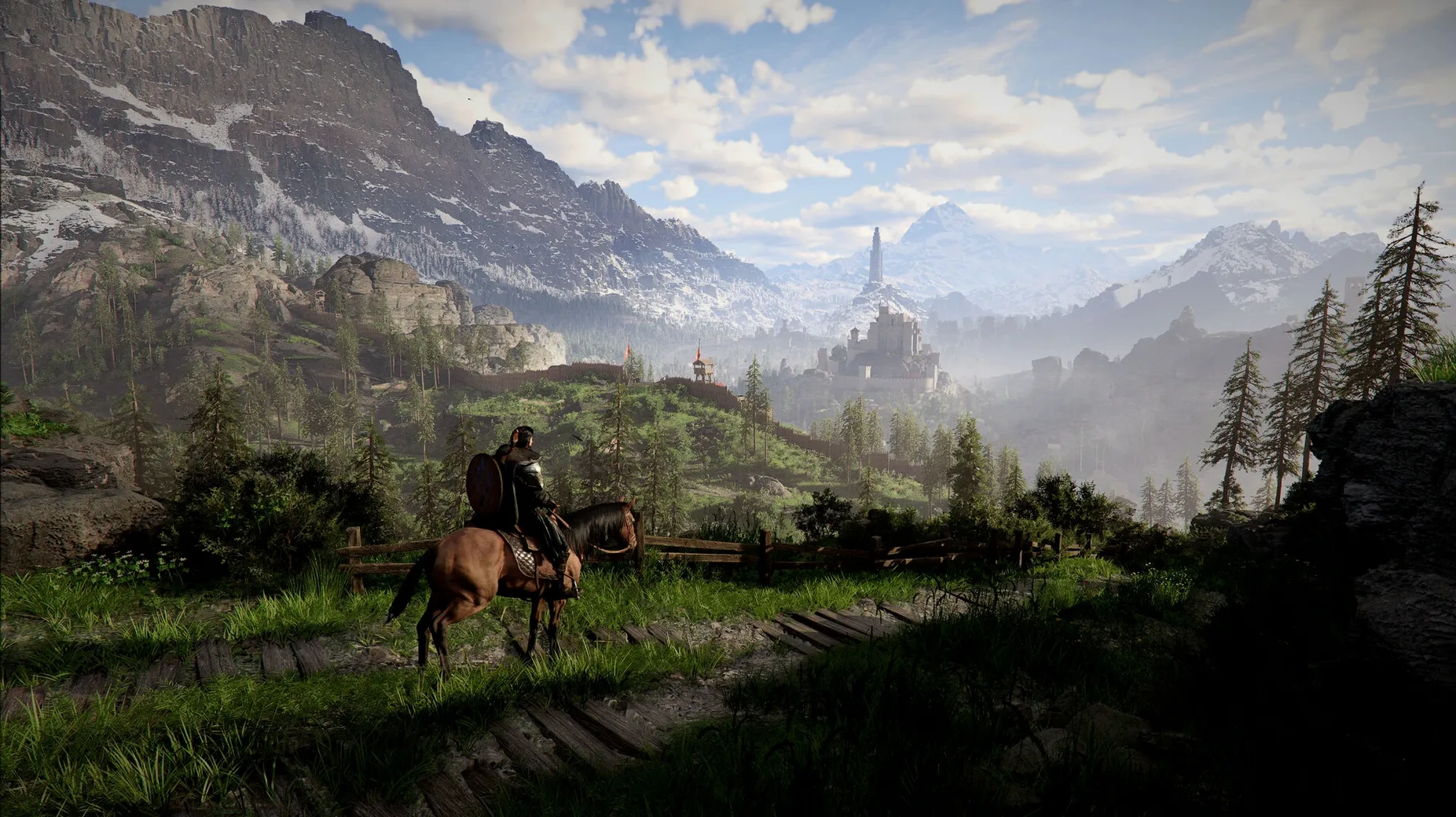
Gaming on a Mac used to mean accepting a second-tier catalogue. A native Apple Silicon build of an open-world title the scale of Pywel changes that equation, removing the overhead of translation layers and letting the silicon do what it was designed for.
Confirm your machine meets the spec
The game runs on Apple Silicon only. An Intel Mac will not open the app, and external GPU enclosures are irrelevant here — the render path expects a unified memory architecture.
Map the controls to your setup
Keyboard and mouse tracking feels direct, but a DualSense or Xbox controller over Bluetooth gives you cleaner access to the distinct combat styles of Kliff, Unca, and Damiana without modifier-key gymnastics.
Set a frame budget you can hold
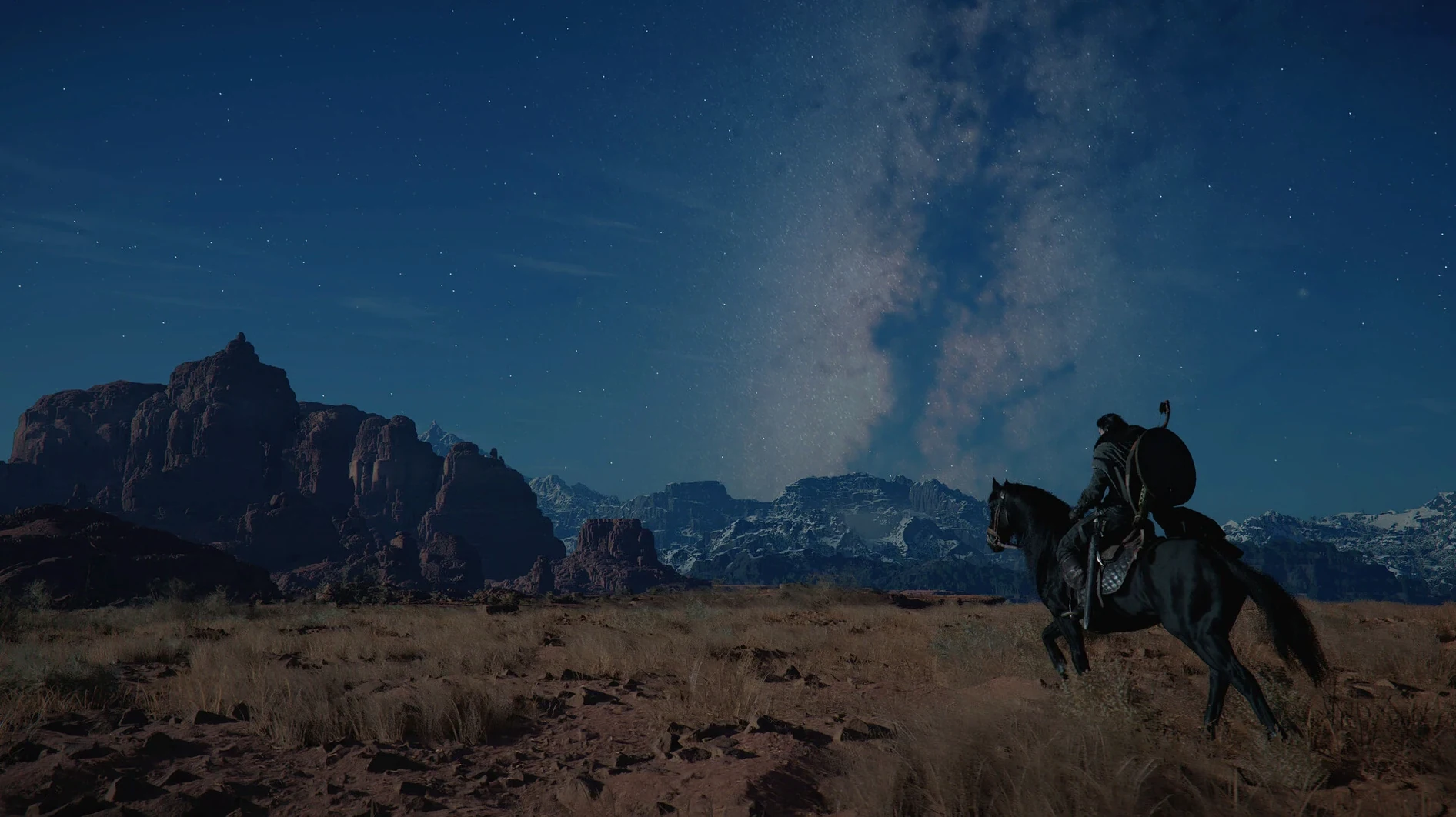
Open-world traversal — horseback across the plains, dragon flight, or piloting a robot — stresses the GPU more than enclosed fights. Cap the frame rate a few ticks below your average to keep the delivery smooth when the draw distance spikes.
Where Crimson Desert sits among Mac open-world action games
Three titles come up whenever Mac gamers talk about open-world action-adventure in 2026: Death Stranding Director's Cut, Resident Evil 4, and Crimson Desert. They scratch different itches, and knowing which one fits depends on what you actually want from a session.
Death Stranding gives you a landscape and a logistics problem. Traversal is deliberate, combat is secondary, and the satisfaction comes from route planning and cargo management. It runs well on Apple Silicon, but the pace is meditative — you spend more time reading terrain than trading blows.
Resident Evil 4 is the opposite: tight, linear, intensely paced. Combat is everything, the encounters are choreographed, and the world exists to funnel you from one set piece to the next. It performs beautifully on a Mac, but the freedom Crimson Desert offers — walking away from a quest to hunt, fish, or pick a fight with a passing patrol — is absent by design.
Crimson Desert splits the difference. It has the systemic openness of a Bethesda-style RPG layered on top of a combat system with the depth of a dedicated action title. The three playable characters — Kliff with his sword-and-board versatility, Unca's spear reach and crowd control, Damiana's dual-blade speed — mean the same enemy camp plays differently depending on who you bring. No other Mac-native title in 2026 offers that combination of character switching, open-world scale, and frame-cancelling combat mechanics in a single package.
How the game talks to the rest of your Mac
Crimson Desert integrates with macOS in a few practical ways that are easy to overlook during setup.
iCloud and cross-save. Version 2.02.00 added cross-save for Mac. If you also play on another platform that supports it, your progress syncs. On the Mac side, the save data lives in the app's container, but iCloud handles the transfer — no manual file shuffling required.
Game Center. Achievements and leaderboard entries for mini-games with local residents tie into Game Center if you are signed in. It is unobtrusive — no overlay pop-ups mid-duel — but the data is there in the sidebar if you want it.
Spotlight and Launchpad. The app registers itself properly: typing crimson into Spotlight finds it, and Launchpad places it in the Games folder by default. The disk image install follows the standard macOS pattern — open, drag, eject — with no installer package or scripts.
Bluetooth controller handoff. If you pair a controller while the game is running, it picks it up within about two seconds. Disconnecting mid-session drops you back to keyboard and mouse without a pause menu trip. Small thing, but it saves a restart when a battery dies.
Mission Control and Spaces. The game respects fullscreen Space assignment. Swiping to another desktop pauses rendering cleanly; swiping back resumes without a stutter or resolution reset. If you keep a browser open for quest references on a second Space, the workflow is frictionless.
Spreadsheets and frame data at the Greymane camp
Someone who logs thirty hours a week, runs a spreadsheet for camp resource yields, and knows the frame data on Kliff's counterattack windows. This player opens the game at 21:00 on a Friday.
They load into Greymane camp — expanded to level four, tannery running, fishing hut producing dried stock for trade. A quick inventory check: cured leather stacks are low. The nearest hunting ground with the right game is a forest two kilometres north, but the route passes a rumoured duelist NPC near the river crossing.
They mount up, set a map marker, and ride. The duelist is flagged on the minimap — a one-on-one fight, sword against spear. The player switches to Unca for the reach advantage, baits a thrust, slides under it, and chains a counter into a Descending Force Palm. The duel drops a rare crafting material not listed in any in-game bestiary, the kind of thing you only find by stopping to take the fight.
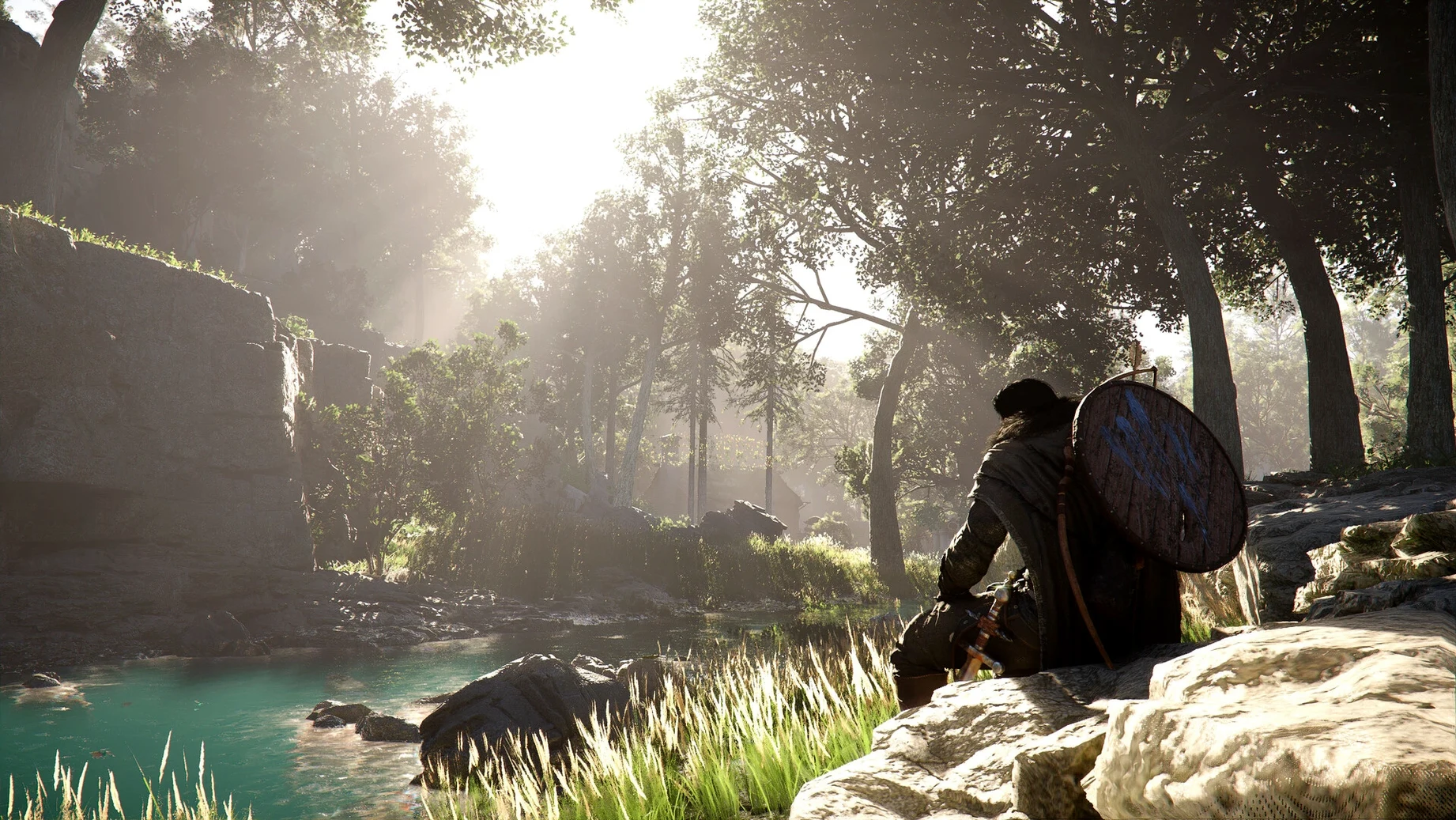
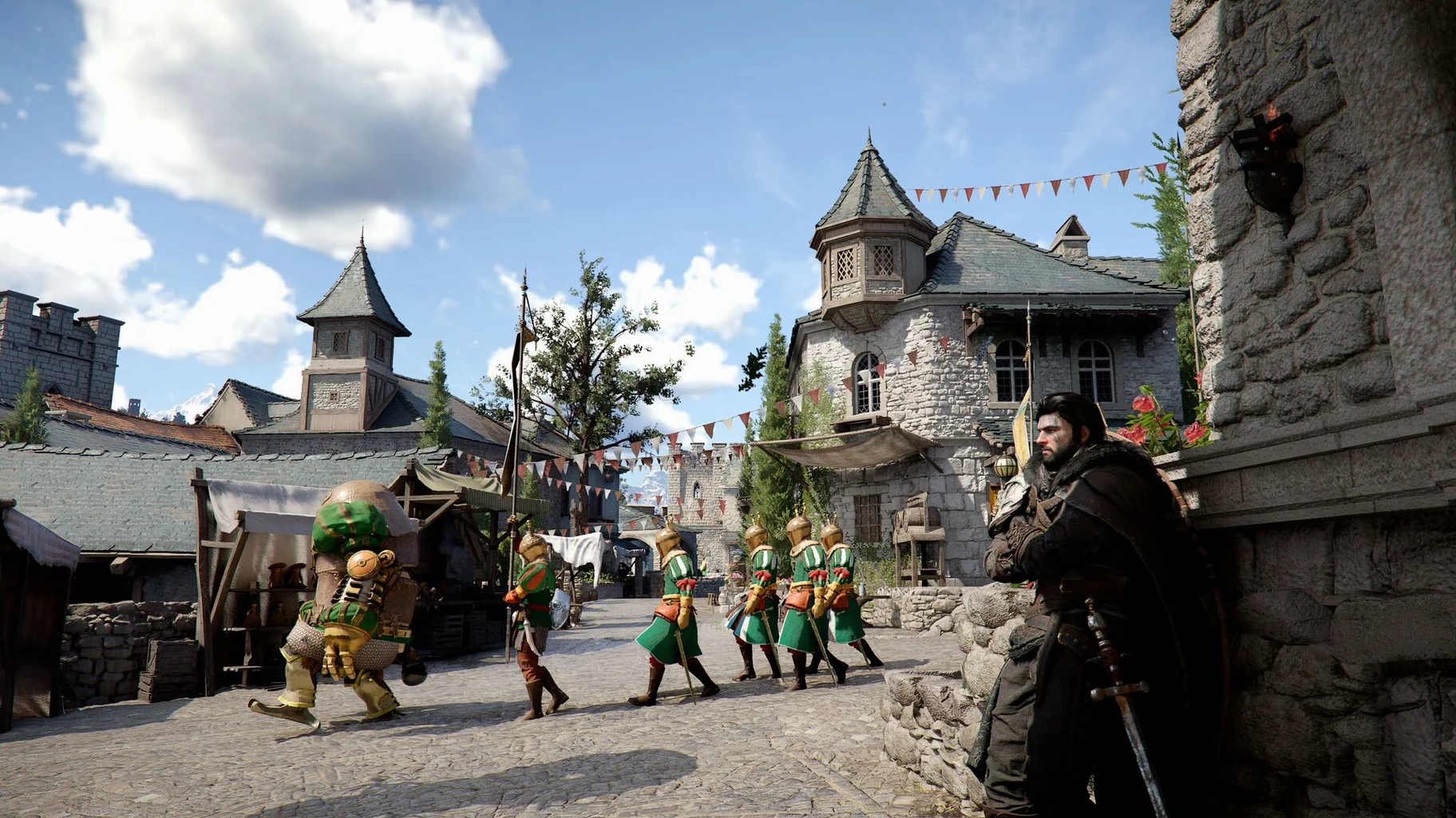
At the forest, they dismount, track game by sound — hoofbeats and birdcalls are directional — and take three deer with a ranged weapon before skinning. The camp cooks will convert the meat into buff food for tomorrow's large-scale battle at Thornbriar Fortress. On the ride back, they stop at a village to play a dice mini-game with a resident. The wager is small, but winning unlocks a tattoo pattern for Damiana.
Ninety minutes passed. The camp has leather, the storage has a new crafting component, and a fortress assault is queued up for the next session. Nothing in the evening felt like busywork because every system — hunting, duelling, mini-games, camp logistics — fed into the same loop without a loading screen interrupting any of it.
Slide-cancelling into a grab
Action-RPG veterans who want combat depth over stat sheets. The difference between a button-masher and a player who can slide-cancel into a grab is enormous. If you have spent time with character-action titles — Devil May Cry, Nioh, Sekiro — the combat ceiling here will keep you busy long after the main story wraps.
Open-world completionists on a single machine. If your Mac is your only computer and you want a map full of markers to chase, Crimson Desert provides that without the compromise of a cloud-streaming subscription or a dual-boot setup. The camp expansion, fishing, cooking, and hunting systems are deep enough to pull focus away from the critical path for weeks.
Players who switch characters mid-session. Many action games lock you into a build. Here, swapping between Kliff, Unca, and Damiana at camp or checkpoints means you can match your play style to the encounter rather than forcing one approach through the whole game.
Mac users who care about localisation. With twelve interface languages and three voiced options, the game covers a broader linguistic range than most native Mac ports. The 2.02.00 patch specifically improved localisation quality across all languages, so text inconsistencies that may have existed at launch are largely ironed out.
Sprint-whistle for a faster horse
- Quick-mount from sprint. If you whistle while sprinting, the horse catches up faster than if you stand still. The game does not tell you this, but the mount speed is tied to your own movement state at the moment of the call.
- Inventory full workaround for camp progression. Version 2.02.00 fixed the bug where housing would not unlock after raising the banner at Howling Hill Camp with a full inventory. If you are on an earlier save and hitting a wall, clear a slot, reload, and the trigger should fire.
- Lantern mechanics. The 2.02.00 patch also fixed an NPC visibility bug — shining a lantern on certain characters now properly reveals their belongings. If you have been ignoring the lantern, it is worth equipping in dim interiors and caves.
- Counterattack windows are character-specific. Kliff's counter frames start earlier and last longer than Damiana's. If you are struggling to land them after switching characters, the timing is not broken — it differs by design.
- Slide into grab is a combo opener, not a panic move. Sliding under a swing and chaining into a grab works on most human-sized enemies, including duelist NPCs. The input window is tighter than it looks, but once you land it twice, muscle memory takes over.
- Trade Goods Storage persistence. A 2.02.00 fix addressed items disappearing from storage when loading certain saves. If you use Trade Goods Storage as a bank, the patch means you can trust it again — but it is worth rotating a manual save before depositing high-value goods, just as a habit.
- DLSS Frame Generation crash fix. Starting a new game with DLSS Frame Generation enabled previously caused a crash. That is resolved in 2.02.00, so if you turned it off as a precaution, you can re-enable it without worrying about a fresh-save CTD.
- Apple Silicon Mac
Questions on file
Does the Mac version include the same mini-games as Windows?
Yes, the full feature set is present, including the various mini-games with local residents scattered across Pywel.
Can I switch between the playable characters freely?
Kliff, Unca, and Damiana each have a dedicated weapon, skill tree, and combat style, and the narrative dictates when you control them.
Sign in · Create an account to add a field note.
No field notes yet. A measurement, a version, a machine — they appear after moderation.