
Games
Civilization V 1.4.2
GamesUpdated

| Requirement | On file |
|---|---|
| macOS | See the sheet |
| CPU | Intel 64-bit |
| Download | 5.6 GB |
| Tested on | macOS Sonoma, MacBook Air (M1. 2020) |
Version 1.4.2 adds Russian language support to the multilingual build, so the game now speaks in four interface languages: English, German, French and Russian.
Choosing Moves That Compound Across Millennia
Each turn gives you a set of decisions that compound over thousands of years:
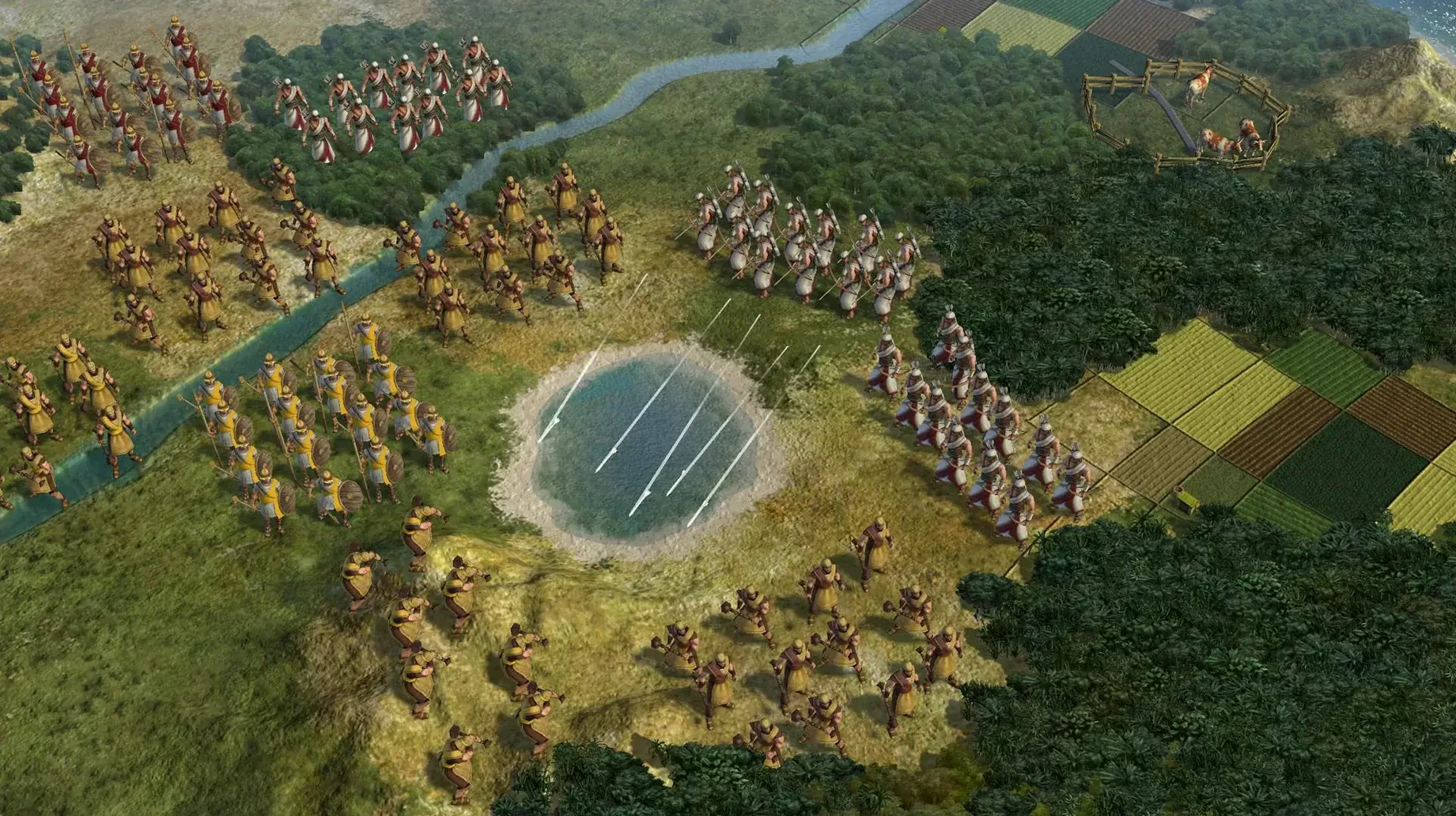
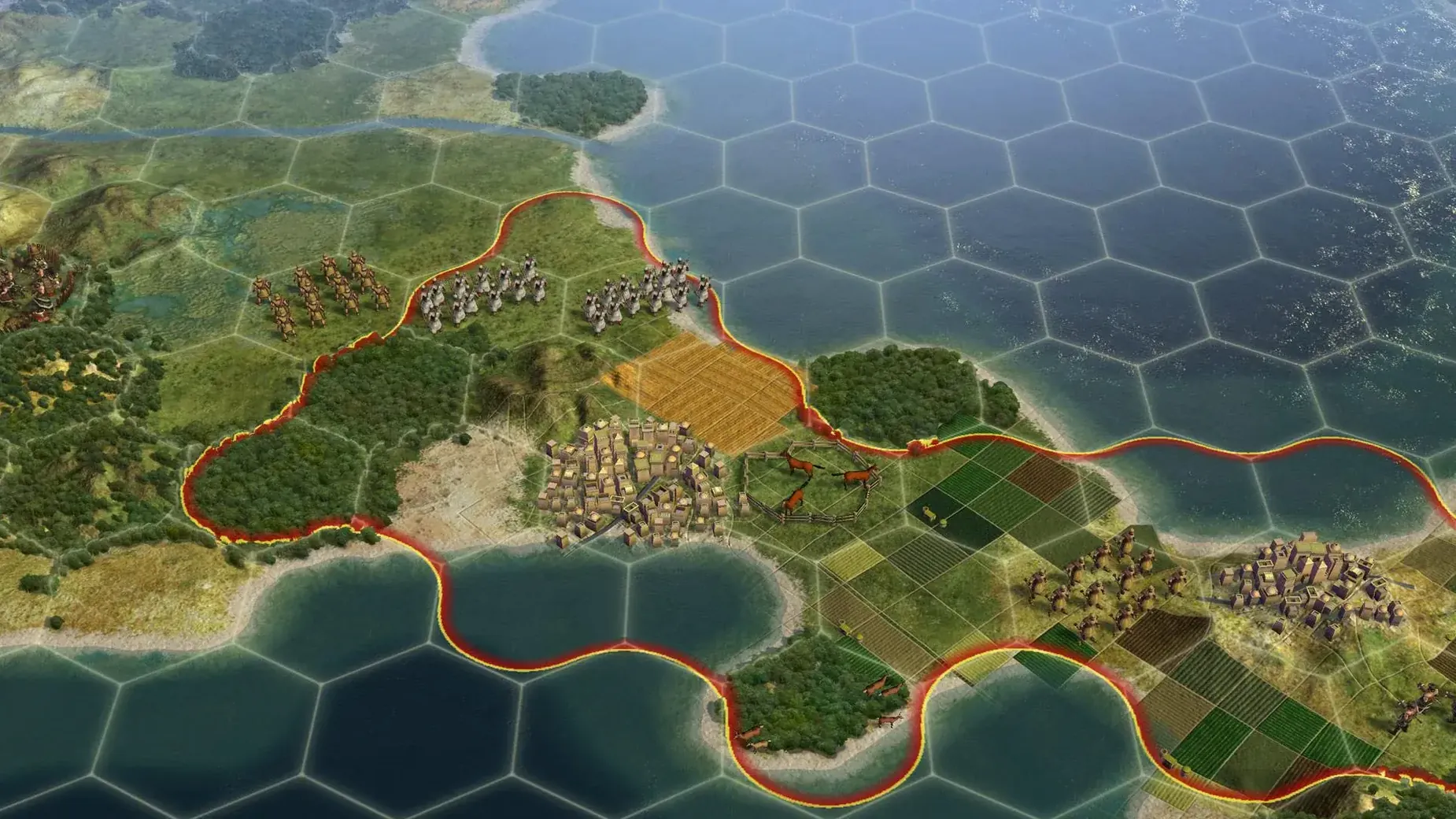
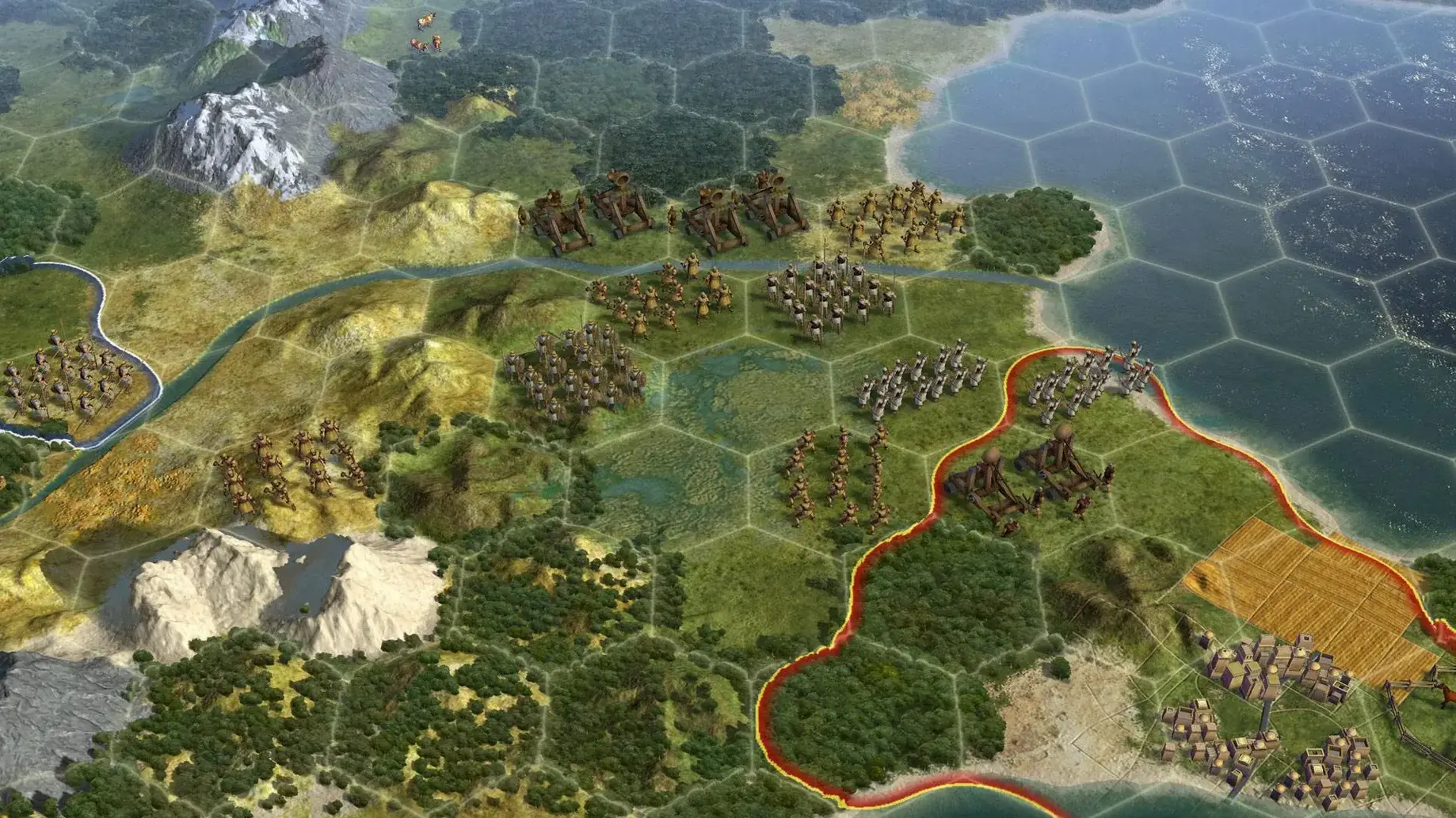
- Move and explore. A combat unit, a non-combat unit, or a ship scouts the fogged map. Borders stretch outward as your cities produce culture, claiming territory tile by tile.
- Manage production. Every city queues one thing at a time — a building, a wonder, or another unit. Cities can host a single garrisoned combat unit, one civilian, one ship, and up to ten aircraft simultaneously.
- Diplomacy and war. Cities can fire at enemy units at range. Captured cities can be puppeted — you gain their territory and resources but give up direct control. Founding cities and holy cities cannot be razed at all.
- Decide the fate of rivals. Liberating a destroyed civilisation returns it to the game intact, with its previous level of development. A recaptured city you once founded is the only kind you can choose to raze.
The long arc of a campaign
You start with a settler and a warrior in 4000 BC. Over a full game, the same civilisation researches tech, adopts social policies, and builds cities that grow organically through culture. By the near future, the map that was once a scattering of huts is a web of borders, puppet states, and airfields. The Mac version runs as a 64-bit strategy and simulation title, tested on Apple Silicon hardware.
Aztec Archaeology in a Small Continents Sandbox
An archaeologist or a history teacher who wants to explore counterfactuals without multiplayer noise will find a comfortable sandbox here. Start a small continents map, standard speed, Prince difficulty. The first ninety minutes are about the land: a coastal start with two fish resources, marble within three hexes, and a suspiciously quiet eastern frontier. After founding the second city, the Jaguar warrior pushes east and discovers a cluster of three independent city-states — cultural, maritime, militaristic. All three quest lines ask for barbarian camp clears, so the early build order shifts toward two more Jaguars instead of a settler. By turn eighty, those city-state alliances are feeding the capital with enough food and culture that the Tradition policy tree fills out without needing a third city at all. The scenario teaches one lesson quickly: reading the map and adjusting the plan early matters more than following a generic opener.
First days on a Mac
The Aspyr port does not hold your hand, so a few deliberate checks in the first sessions prevent friction later.
- Set the display mode first. The default launch may not match the MacBook Air screen. Open Options, switch to fullscreen at the native resolution, and disable the intro video. The UI scaling is built for 2010-era panels, so text legibility improves slightly at lower-than-native resolutions if the display is small.
- Tweak autosaves. Go to Options > Game Options and set autosave turns to 2 or 3. The default of 10 turns is too wide a window when a city-state ally gets overrun or a wonder race fails by one turn.
- Learn the hotkeys for "next turn" and "cycle units." Tapping
Enterand,(comma) saves mouse travel across a 13-inch screen. On a Mac keyboard,Cmd+Fbrings up the civilopedia,Cmd+Oopens the options mid-game, andEscapedismisses almost any dialog. - Check the build label. The disk image for version 1.4.2 contains a multilingual build. If the interface appears in the wrong language, right-click the app bundle, choose Get Info, and check the Language tab before adjusting the system preferences.
How the port holds up day to day
The 64-bit Intel binary runs under Rosetta 2 on Apple Silicon, and on a MacBook Air (M1, 2020) the thermal impact is mild. Fans stay under 2500 rpm through the first two hundred turns on a standard-size map. Loading a late-game save with eight civilisations and three dozen city-states takes about eighteen seconds from an internal SSD. Turn processing in the Industrial era hovers around four to six seconds with quick movement and quick combat enabled; without those options, watching a dozen AI units shuffle across the screen doubles the wait.
Memory use sits between 1.8 and 2.4 GB during a normal campaign. The engine is single-threaded for most simulation logic, so the performance ceiling is not core count but single-core frequency. No crashes were observed over a ten-hour test window, and the app exits cleanly without leaving orphan processes. The one stability note worth knowing: toggling between windowed and fullscreen while a leader screen is active can stall the renderer. Saving beforehand avoids the rare soft lock.
Firaxis Interface Details Overlooked for a Whole Campaign
Firaxis layered small conveniences into the interface that new players often overlook for an entire campaign.
- Tile buying tooltip. Click the city, open the tile purchase panel, and hover over any greyed-out tile. The tooltip shows how many turns until cultural expansion claims it naturally — a small cost-benefit calculator built into the map.
- City ranged attack range. Cities strike two hexes out, not one, and the strength of the strike updates on the city banner. Hovering over the combat strength number breaks down the garrison unit contribution, walls, and terrain modifiers.
- Puppet tax visibility. Puppet cities do not show up in the production queue, but their gold contribution appears in the economic overview under "City Connections and Trade Routes." Open the economic panel with
F2and scan the income breakdown to see exactly how much each puppet is generating. - Liberation reconstitution. If you liberate a civilisation destroyed a century ago, it returns with every technology and policy it held at the moment of its fall. That makes late-game liberation a geopolitical tool, not just a moral gesture — you can resurrect a scientifically advanced ally on a contested continent.
- Strategic view.
F10switches to a flat hex-grid map that renders cleanly on integrated graphics and makes movement planning faster. The view strips out the 3D models but keeps every piece of tactical information: unit icons, resource markers, border outlines, city status. - Workable radius. A city works tiles up to three hexes away, so placing a new city directly adjacent to a natural wonder four hexes from the capital wastes the wonder's tile yield. Count hexes with the grid overlay enabled (
G) before settling.
- Languages — Russian language is now included.
- Build — Labelled as the Russian version, multilingual without Russian.
- macOS Sonoma
- Intel
- 64-bit
- Tested on MacBook Air (M1, 2020)
Sign in · Create an account to add a field note.
No field notes yet. A measurement, a version, a machine — they appear after moderation.