
Games
City Bus Manager 2.6.6 Native
GamesUpdated
| Requirement | On file |
|---|---|
| macOS | See the sheet |
| CPU | Apple Silicon, Intel 64-bit |
| Download | 40 GB |
| Tested on | macOS Tahoe, Mac mini 2024 M4 |
The current build remains at version 2.6.5, with no gameplay changes since the last patch. The simulation continues to centre on two things: drawing routes over real city maps and managing the depot that keeps those routes running. For Mac users, that means a game built on OpenStreetMap data, where your hometown's street layout can become the network you have to service.
Requirements and Mac Support
- Runs natively on both Apple Silicon (ARM) and 64-bit Intel Macs
- No specific macOS version cutoff published by the developer
- Controls rely on keyboard and mouse; controller support is not a focus
- Performance scales with the complexity of the route network, not graphical density
What the Simulation Covers
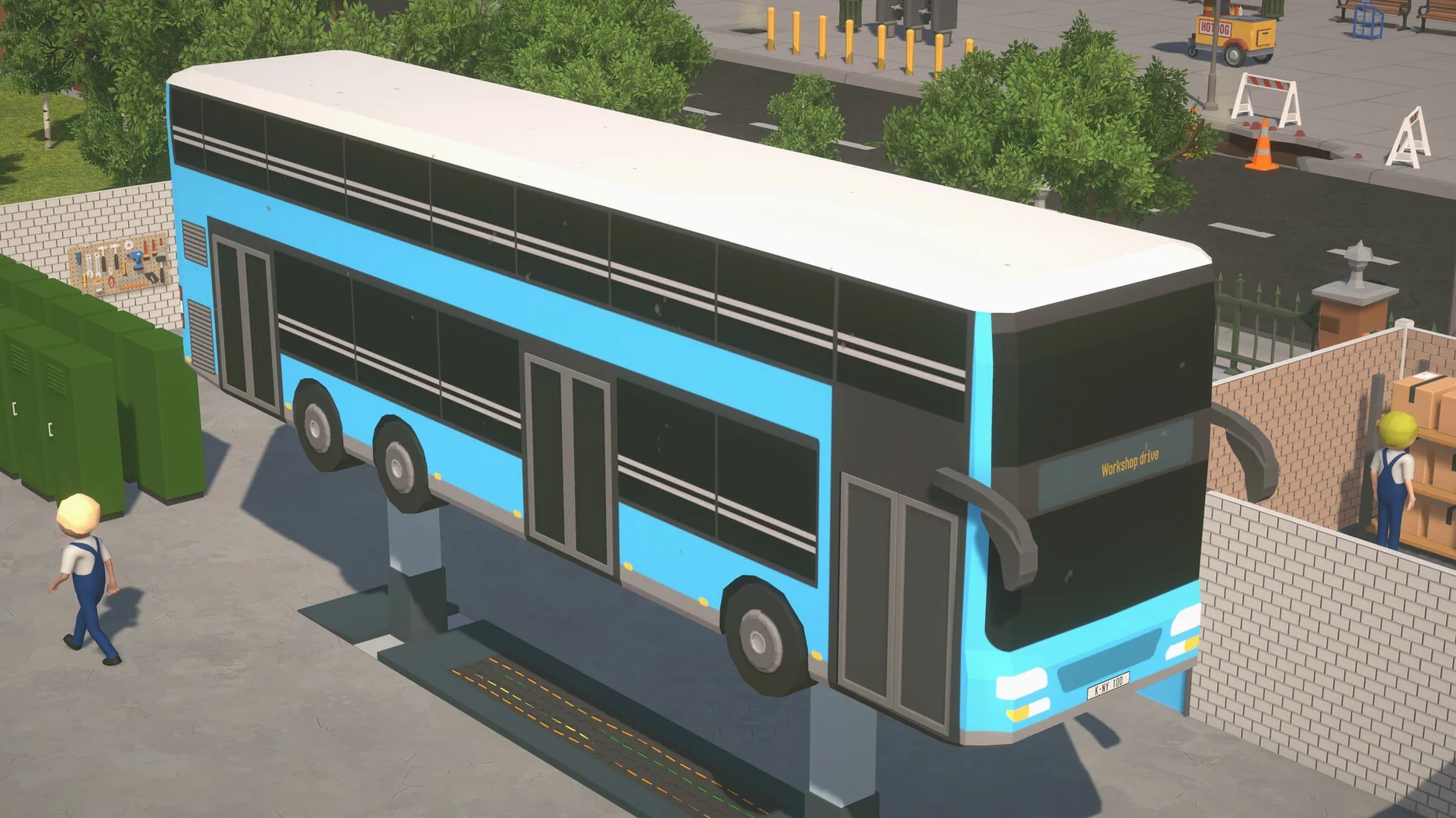
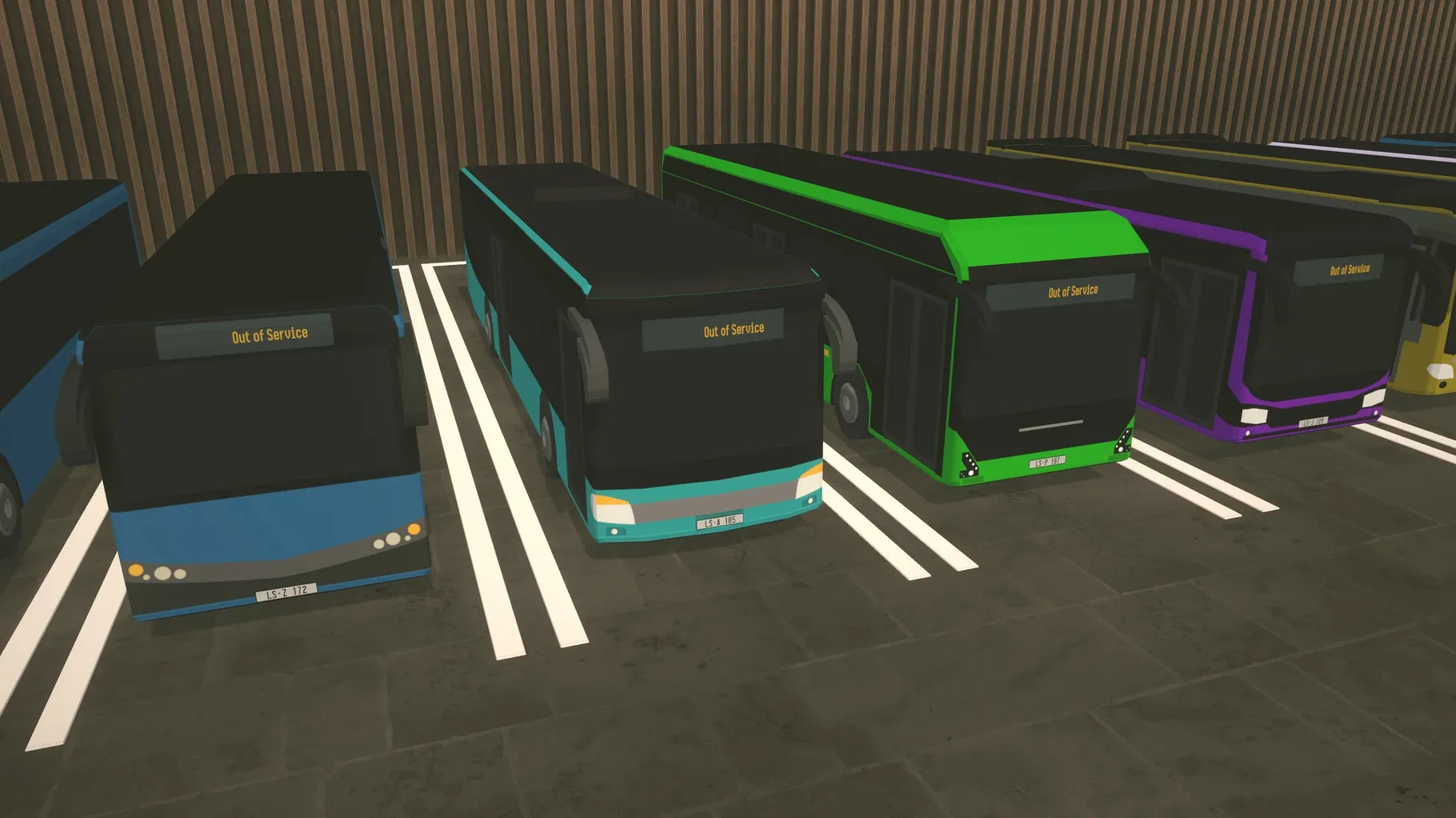
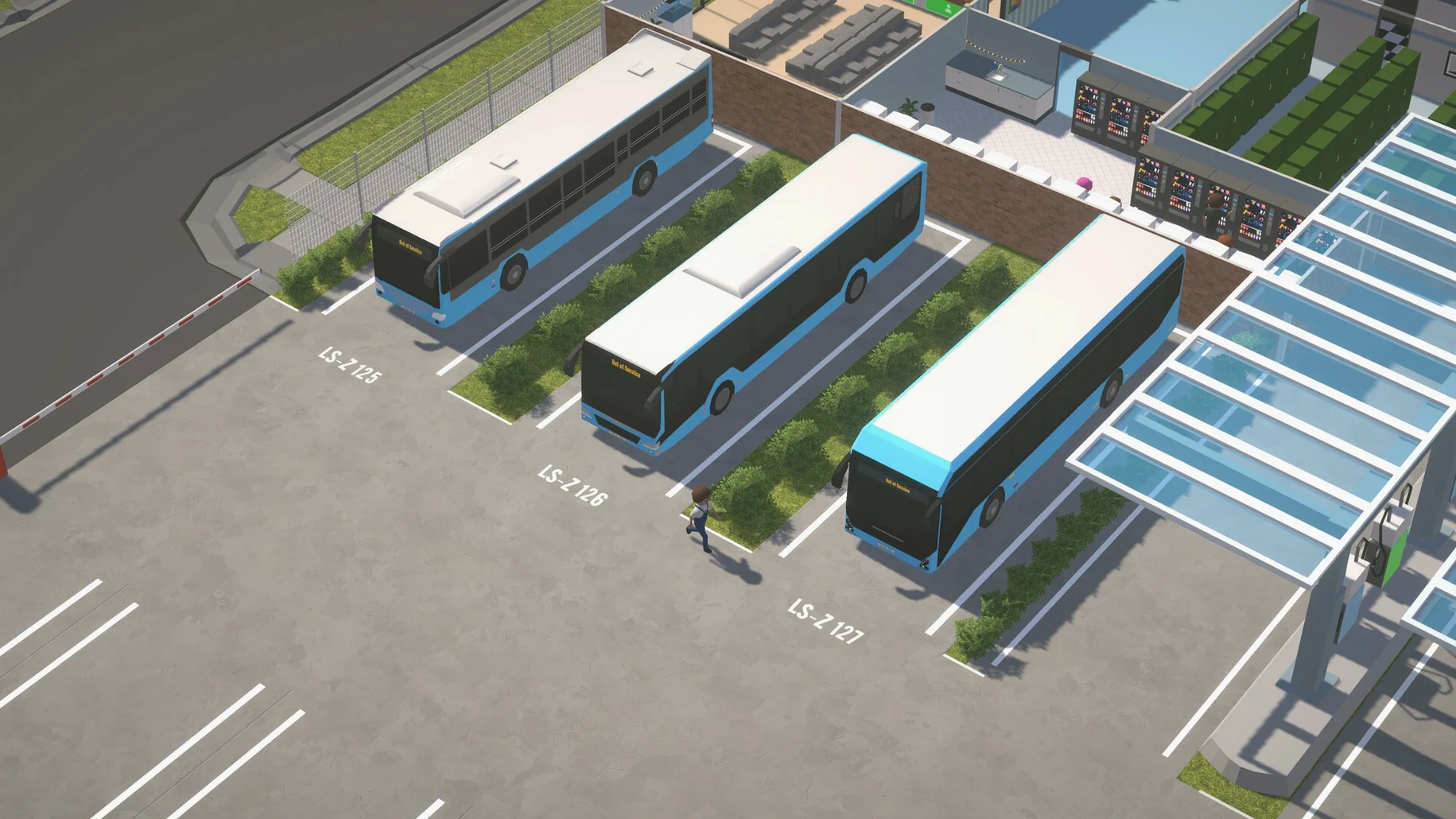
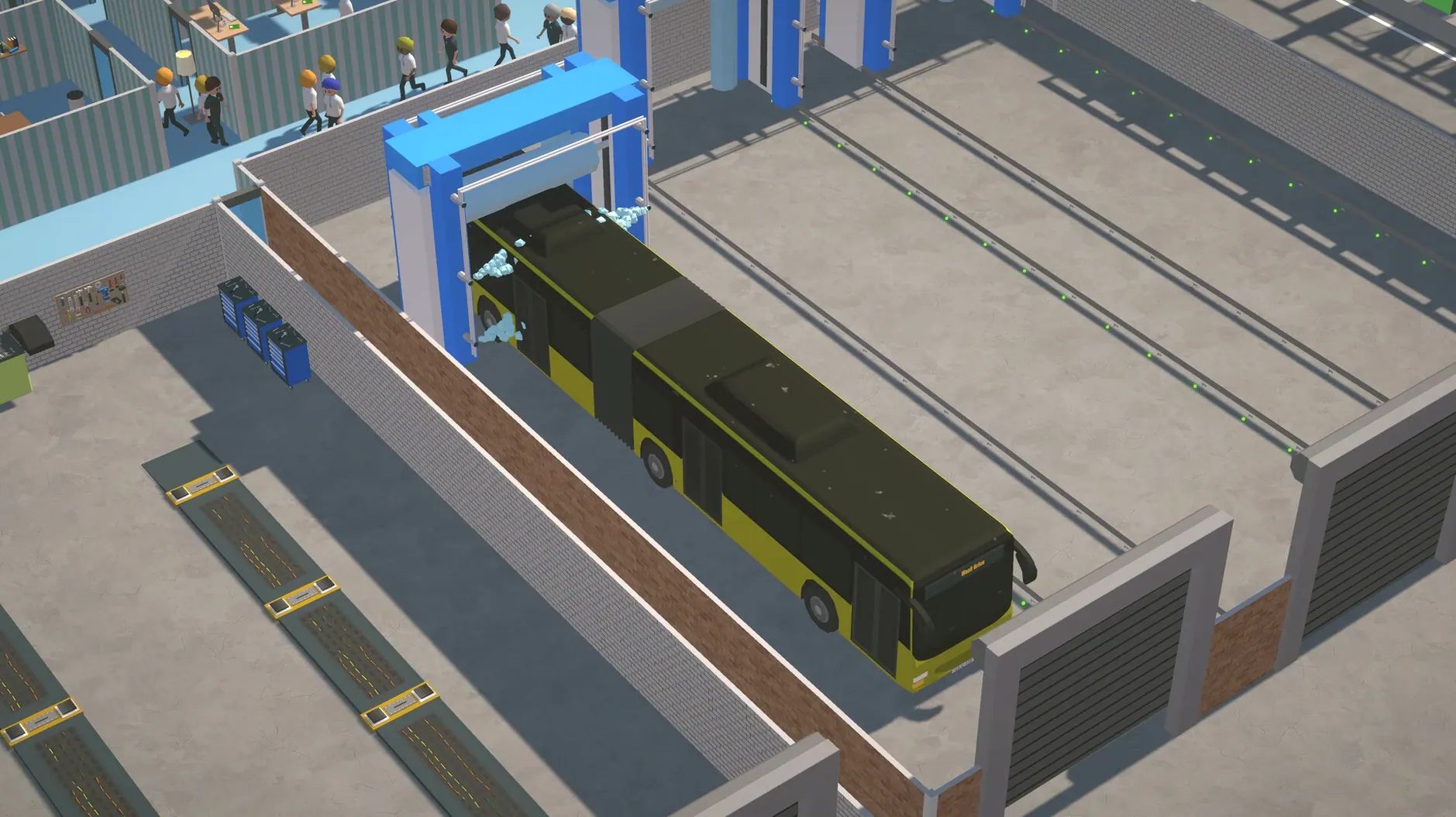
The core loop splits between street-level planning and back-office management. You pick a city from the OpenStreetMap base, plot routes stop by stop, then assign buses from a catalogue of more than 20 models. The depot side has you hiring drivers, mechanics, and ticket-sellers, building a service centre, and reacting to passenger reviews that drift in over time. Repainting buses is possible either in-game or through an external graphics tool, which matters if you want a fleet identity beyond the defaults. The interface ships in thirteen languages, so the ticket counter and staff panels read naturally whether you play in Polish, Korean, or Portuguese.
Scout a Familiar 5–Stop Patch Before Unlocking the Globe
When you first drop the app into Applications and launch it, the scope of the OpenStreetMap data can feel unfocused. Pick a neighbourhood you know well, not a whole city. Limiting the map view to a cluster of 5–8 stops gives you a test route that runs in under ten minutes of sim time, and the passenger counts from that single line tell you more about demand patterns than any tutorial panel will.
Second, hire a mechanic before you hire a second driver. The game models vehicle wear from day one, and a single bus sitting idle in the depot because the maintenance queue is empty costs you rating points that take three in-game weeks to recover. Mechanics are cheap compared to the knock-on effect of negative passenger reviews piling up while the fleet sits unserviced.
Third, open the technology tree screen and pin the node labelled "Service Centre." It unlocks the ability to sell tickets at your own depot rather than relying solely on on-board fares, and the margin difference on a medium-sized route network pays for the construction cost within a season. Many first-time players delay it because the tree presents it as a mid-tier unlock; it is worth rushing.
Stability Fix That Eased Zoom Lag on Sprawling Networks
Version 2.6.5 is a stability release, so the changes are under the hood rather than in the feature list. Route calculation times improved measurably when zooming between distant stops on large maps, which matters if you run a sprawling network across several districts. The depot vehicle list now refreshes correctly after repainting a bus externally and reloading the save, fixing a display bug where livery changes would not appear until you sent the bus out on a route. Passenger boarding logic also handles tight stop spacing with fewer pathing failures, so routes through dense city centres produce fewer complaints about missed connections. None of these changes require relearning the game; they simply remove friction that was present in earlier builds.
Fitting City Bus Manager Into a Broader Setup
The game reads its city data directly from bundled OpenStreetMap extracts, which means it does not need an internet connection once installed. That makes it one of the few management sims you can run alongside other desktop work without it competing for bandwidth. The windowed mode plays well on a second monitor while you keep a spreadsheet or notes app open on the first — useful for sketching out route schedules on your own terms before committing them in-game.
On Apple Silicon Macs, the simulation thread stays responsive even when the passenger count climbs past several hundred, and the app coexists comfortably with lightweight productivity tools like Notes or a text editor. If you use an external graphics tool to repaint bus liveries, the modified texture files sit in a flat folder inside the app's container, so they are easy to back up or share. macOS's built-in screenshot tool captures the route map cleanly, which helps if you want to compare network layouts between play sessions. The absence of controller support means you will stay keyboard-and-mouse, but the interface accepts standard macOS text-entry conventions, so naming your routes and depots feels native rather than ported.
- Apple Silicon or Intel 64-bit Mac
Questions on file
Does City Bus Manager use real city maps?
Yes. The game pulls street layouts and points of interest from OpenStreetMap data, letting you build routes in your hometown or any well-known city covered by the service.
Sign in · Create an account to add a field note.
No field notes yet. A measurement, a version, a machine — they appear after moderation.