
Games
CATO: Buttered Cat 1.3.923 Native
GamesUpdated
| Requirement | On file |
|---|---|
| macOS | See the sheet |
| CPU | Apple Silicon, Intel 64-bit |
| Download | 567 MB |
| Tested on | macOS Sequoia, MacBook Air (M1. 2020) |
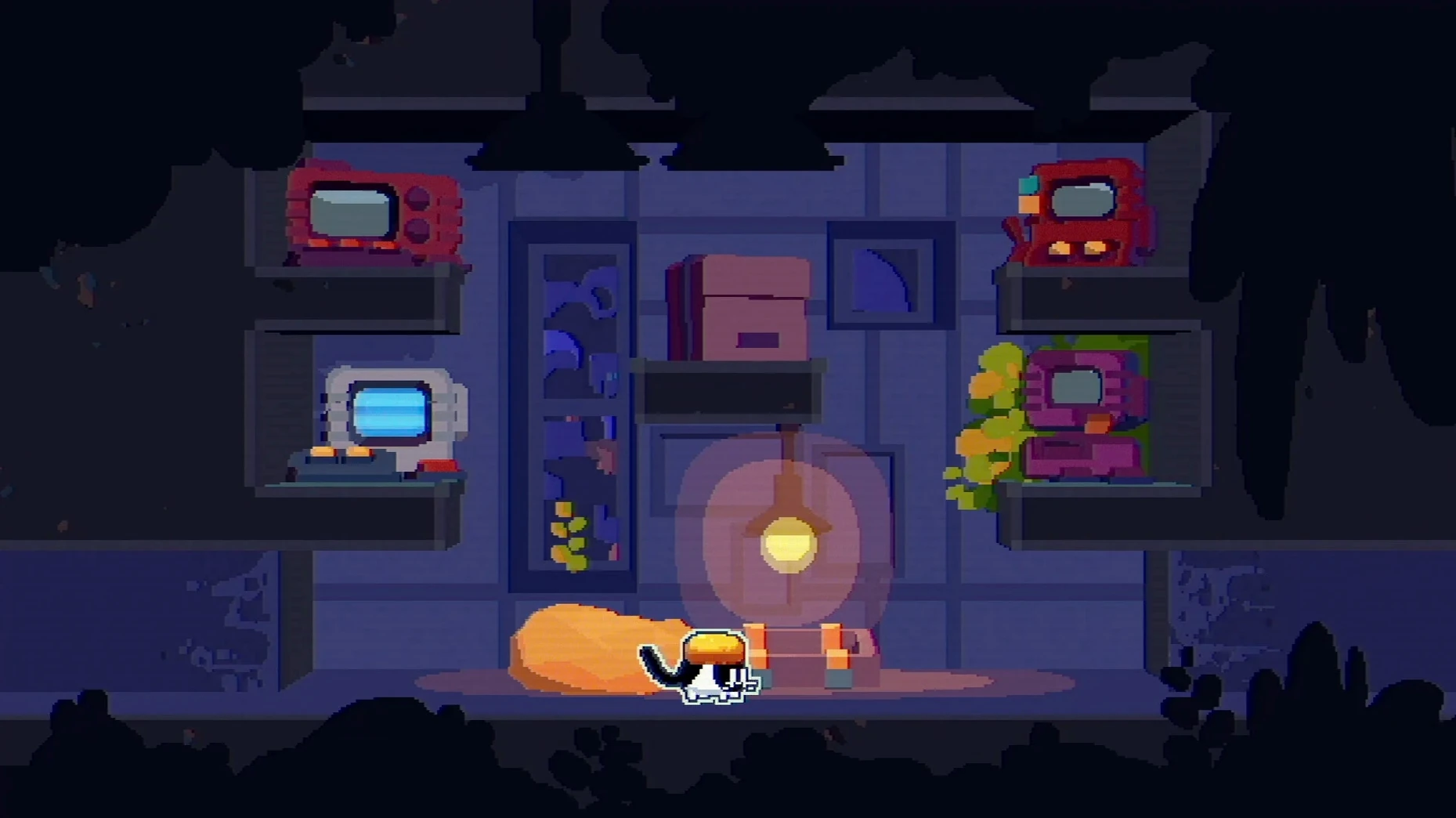
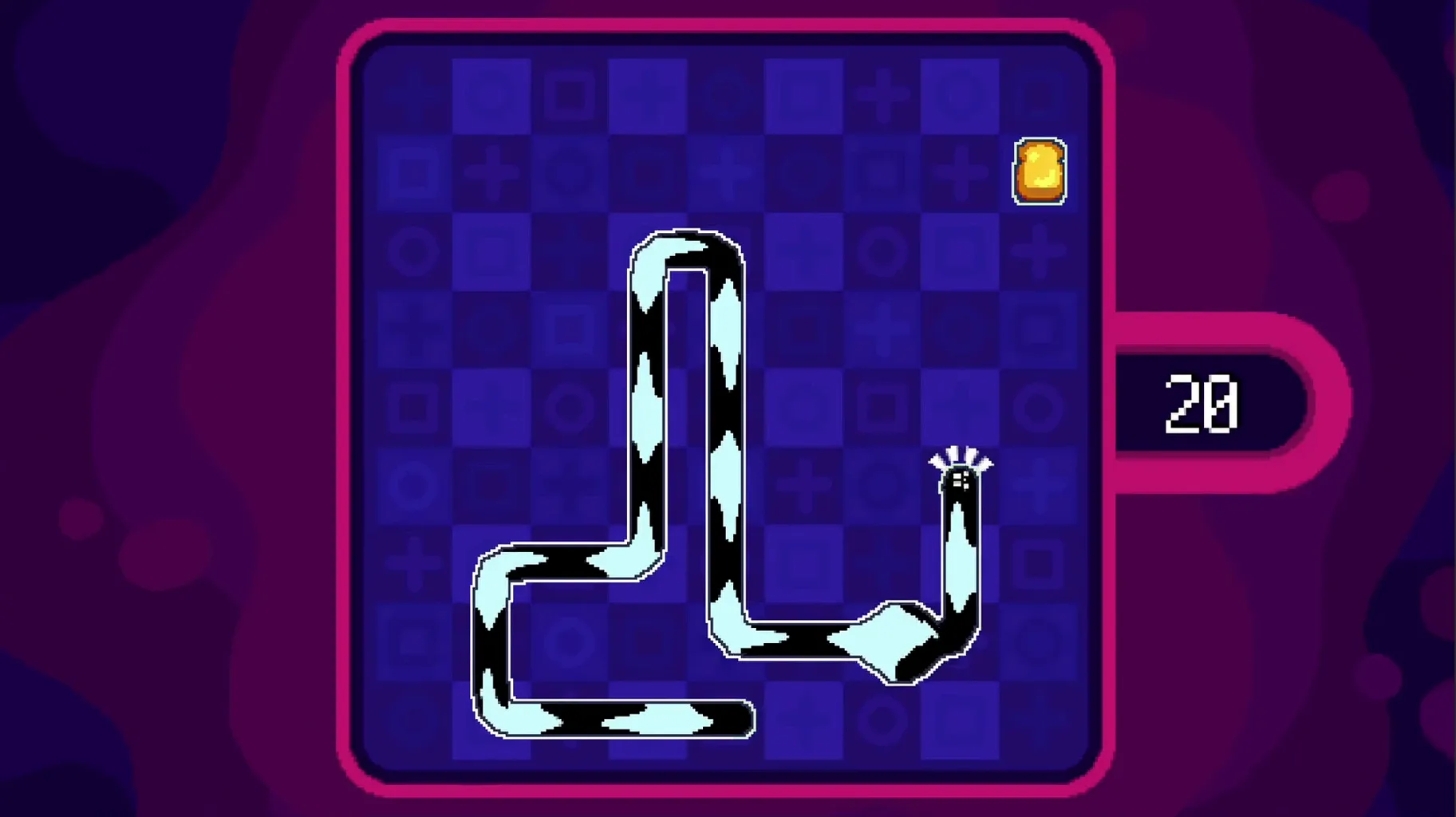
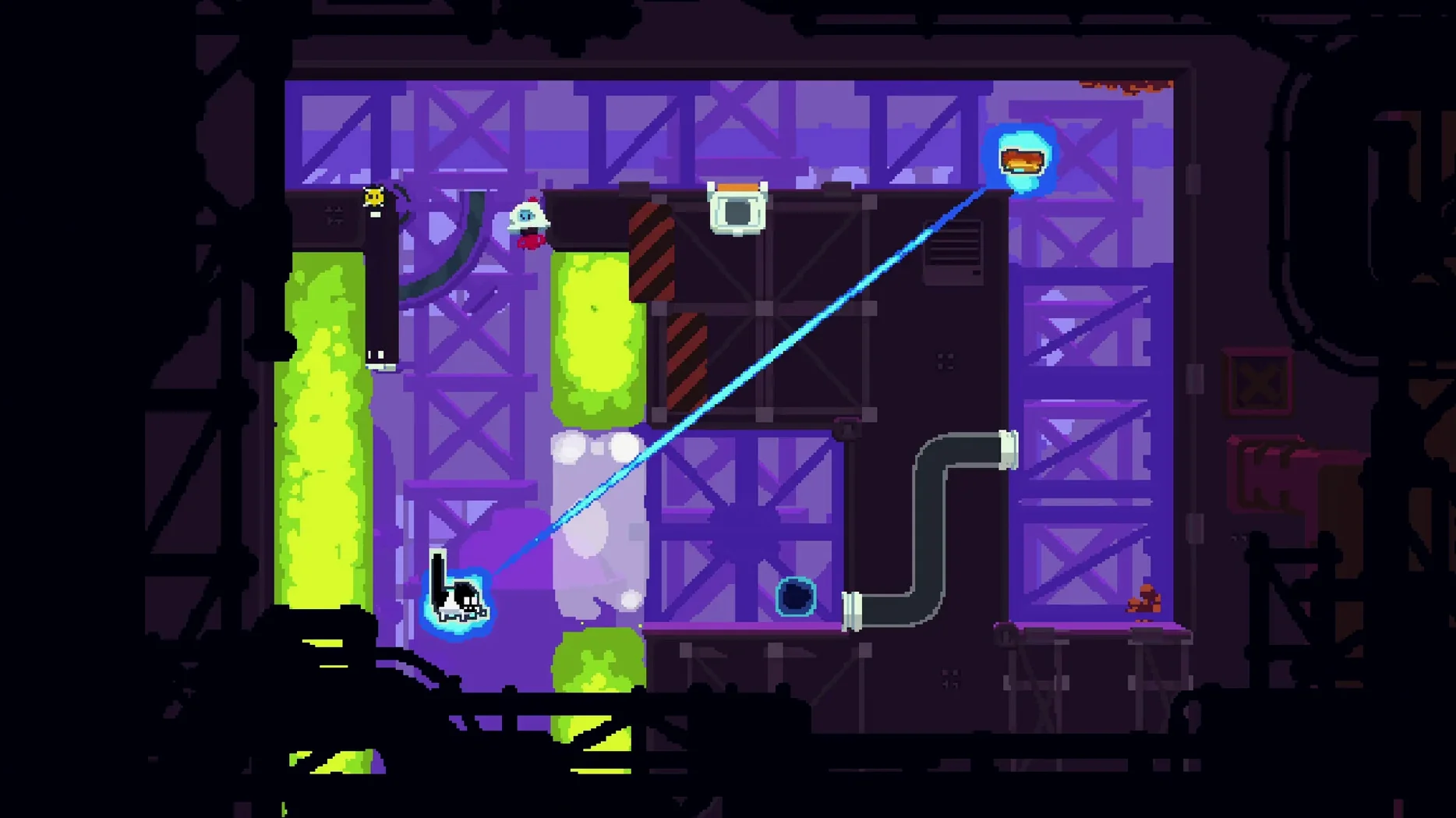
CATO: Buttered Cat is a puzzle-platformer where you simultaneously move a cat and a slice of buttered toast through a single set of directional inputs.
Land the toast on the cat
The core loop revolves around reuniting the two characters. The toast flips when you jump, and you must catch it mid-air to solve environmental puzzles.
Survive the boss encounters
Across five worlds, the game mixes pure platforming with boss fights that test how well you manage the split-second timing between the cat and the airborne toast.
Measure your patience
This is a game for players who enjoy deconstructing a mechanic. With over 140 main levels and 60 side levels in the full version, the difficulty ramps steeply. If you dislike re-executing precise sequences after failure, the later stages will grate.
Fighting the shared controls and ignoring toast spin
Most early frustration comes down to two things: fighting the shared controls and ignoring toast spin. The cat and the toast respond to the same directional inputs, and new players instinctively try to treat them as separate entities. They aren't. Every left press moves both. Accepting that constraint early saves a dozen restarts.
A second common mistake is landing the toast on the cat by pure chance, then failing to reproduce it. The toast flips 180 degrees with each jump. If you jump while the toast is butter-side down above the cat, the flip turns it butter-side up — and it misses. The fix is to delay the jump until the toast completes an odd number of half-rotations. Count the flips out loud for the first ten levels until the rhythm becomes automatic.
Beginners also overlook the hidden room indicators. Wall segments that look slightly recessed or have a faint shimmer are not decoration. Walking the cat into them often reveals a side chamber with an extra skin or a mini-game trigger. Missing these early means replaying entire worlds later for collectables.
Finally, players tend to hoard the dash ability during boss fights. The dash isn't just an escape tool — it resets toast spin mid-flight, which lets you correct a misaligned landing on the fly. Using it reactively rather than saving it cuts down failed boss attempts by half.
From title-screen chime to the world-select nodes
You open the game from Launchpad. The title screen shows the cat mid-pounce over a spinning toast slice, and a three-note chime plays. You press any key to reach the world select screen. Five circular nodes sit across a hand-drawn map: a kitchen, a garden, a rooftop, a factory, and a space station.
You tap the kitchen world. Level 4-3 is still marked with a hollow star — you cleared it but missed the hidden room. You select it. The screen fades to a tiled kitchen counter. The cat spawns on the left, the toast hovers on the right, above a row of steaming teacups. A three-second countdown blinks, then the shared control activates.
You tap right. Both the cat and the toast slide toward the centre. A jump sends the cat upward and the toast into a half-rotation. You count one flip. The toast lands butter-side down on the cat. A small particle burst confirms the connection, and the exit gate on the far right glows green. You walk the combined pair past the teacups — the steam does nothing while they're united — and reach the gate. Level time: 14 seconds.
But you're here for the hidden room. You walk back to the left wall and nudge the cat against a discoloured tile. It gives way. The screen scrolls into a narrow pantry alcove with three moving platform columns and a locked skin capsule at the top. This is a mini-game: collect three sardine tokens before the timer hits zero, using only the airborne toast. You guide it through the columns with short, timed jumps, snagging the tokens at 1.8 seconds remaining. The capsule opens — a tuxedo cat skin unlocks. You exit to the world map, the star now solid gold.
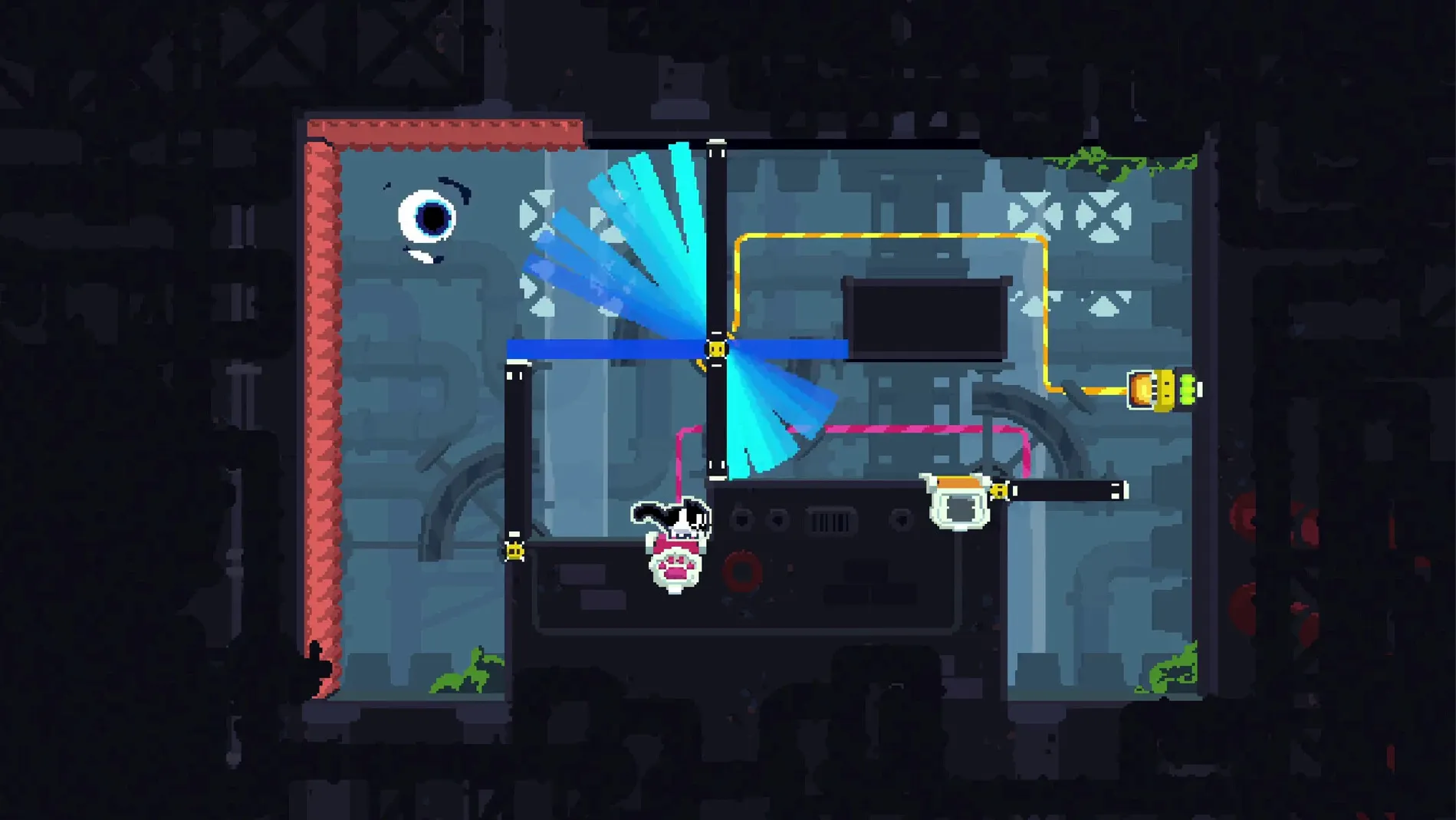
You move to the factory world, level 5-1. A boss door rumbles. Inside, a mechanical whisk occupies the centre of the screen, swinging in a pendulum arc. You spend the first eight attempts learning the swing rhythm. On attempt nine, you dash mid-jump to flip the toast early, land it on the cat, and slip under the whisk during its upswing. The boss shudders, sparks fly, and the level-end fanfare plays. Session time: 37 minutes. You close the window — macOS remembers the window position and full-screen state for next time.
Screen-recording boss kills at a steady 60 fps
CATO plays well with screen recording. QuickTime Player's New Screen Recording command captures the game at a steady 60 fps on Apple Silicon, which makes sharing boss kill clips straightforward. The game window runs in a standard macOS frame, so resizing and moving it between Spaces works without the fullscreen lock-in that some Unity titles impose.
If you use a controller, macOS recognises the DualSense and Xbox Wireless Controller over Bluetooth without third-party drivers. CATO maps the face buttons to jump and dash by default, and the D-pad to movement. The analogue stick also works but introduces a slight dead-zone that feels mushy on precision landing levels — the D-pad is the better choice for later worlds.
Because the game stores progress in a local .plist file inside ~/Library/Application Support/, Time Machine catches save data in its hourly snapshots. If you accidentally overwrite a completed world, you can pull the plist from an earlier backup without losing everything else.
For players hunting the cato buttered cat mac download to run on an external display, the game handles resolution scaling cleanly. It reads the current display's native resolution on launch and adjusts the level viewport to match. On a 4K monitor, the hand-drawn assets stay sharp at 2560×1440 and scale up without blurring. Split View with a notes app on one side works too — typing level codes or flip-count sequences into Notes while keeping the game window active on the other half of the screen is a practical way to track puzzle solutions across sessions.
- macOS version not specified by the developer
- Apple Silicon or Intel 64-bit Mac
Questions on file
Is CATO: Buttered Cat a full release or an early-access title?
It is a complete game from developer Team Woll, marking their first release, and includes mini-games alongside the main campaign.
What languages are supported in the interface?
The game displays text in English, Traditional Chinese, and Japanese.
Sign in · Create an account to add a field note.
No field notes yet. A measurement, a version, a machine — they appear after moderation.