Games
Resident Evil Village 1.1.2
GamesUpdated


| Requirement | On file |
|---|---|
| macOS | See the sheet |
| CPU | Apple Silicon |
| Download | 32 GB |
| Tested on | macOS Tahoe, Mac mini 2024 M4 |
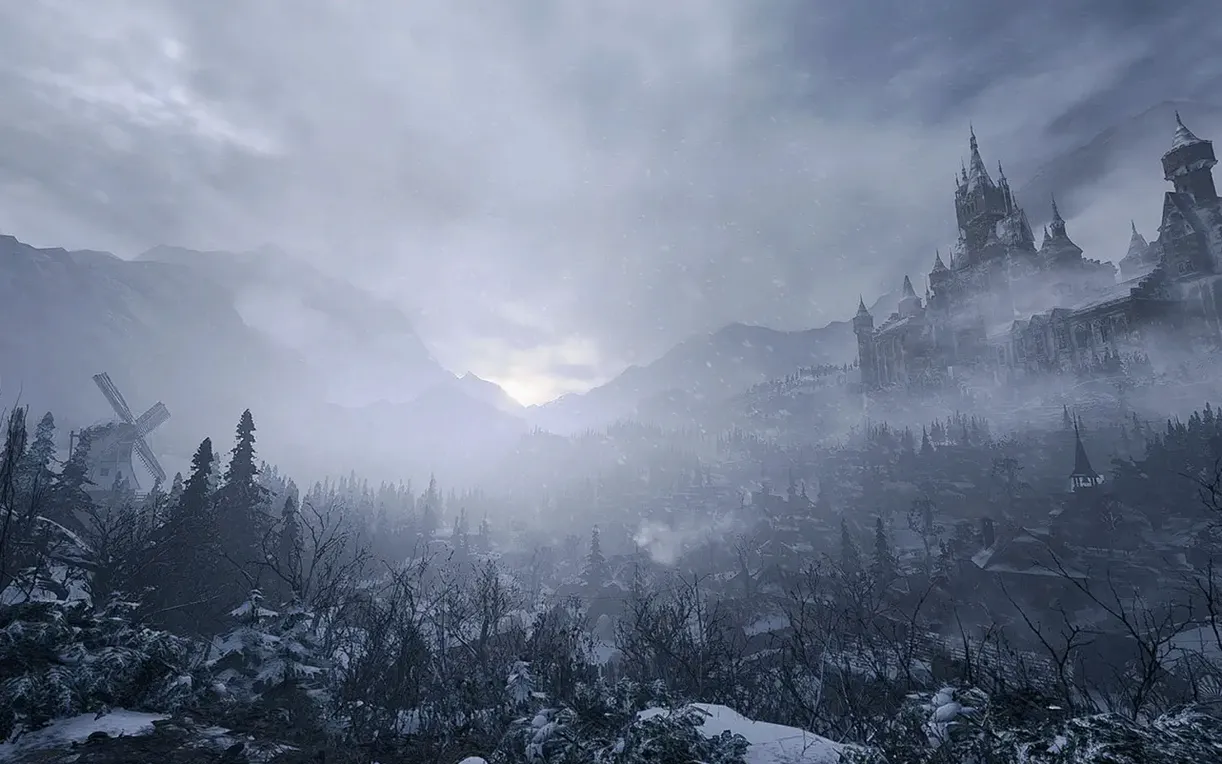
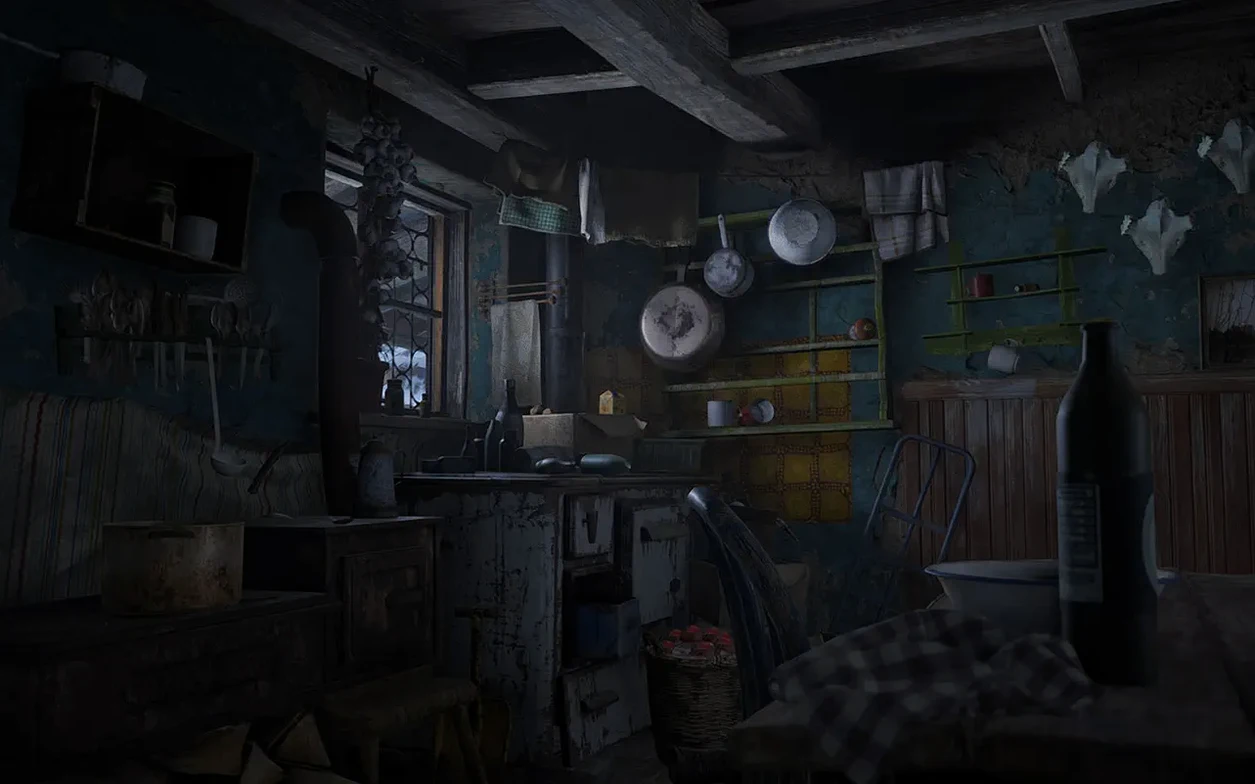
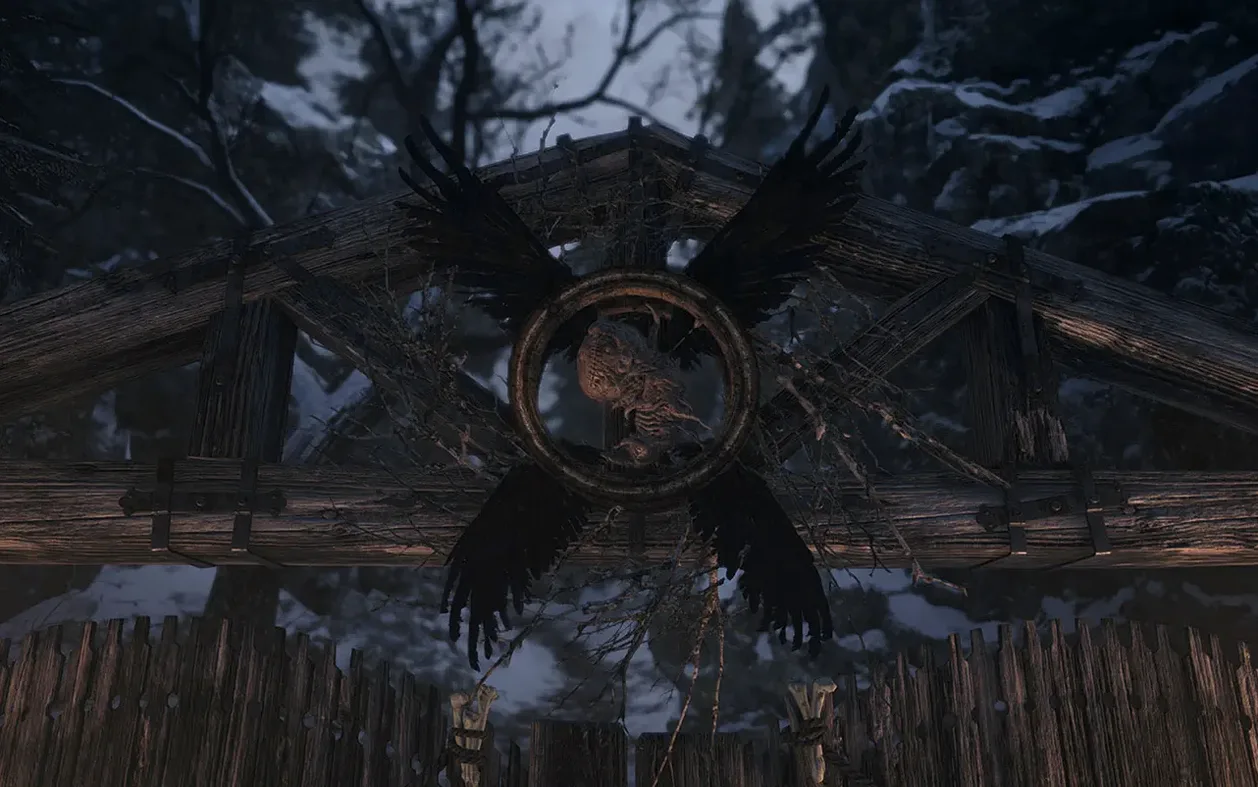
Resident Evil Village is the eighth major entry in the survival horror series, now running natively on Apple silicon Macs. You control Ethan Winters from a first-person perspective, searching a desolate European village for his kidnapped daughter while being hunted by its four monstrous lords.
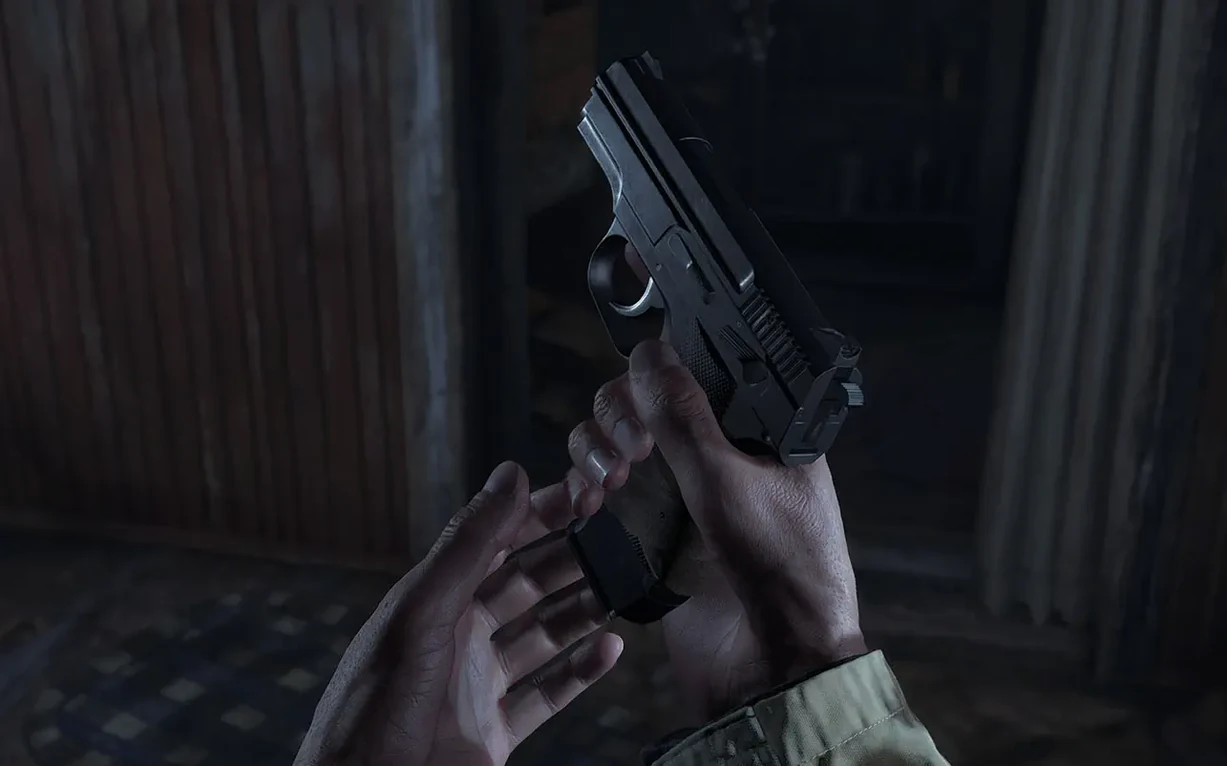
This is horror built on tension, not just shock. The cadence swings between quiet exploration and frantic combat where ammunition feels genuinely scarce. Players who enjoy managing resources under pressure and piecing together environmental puzzles will find a deeply rewarding loop. The gothic setting and relentless stalker sequences recall the series' best moments.
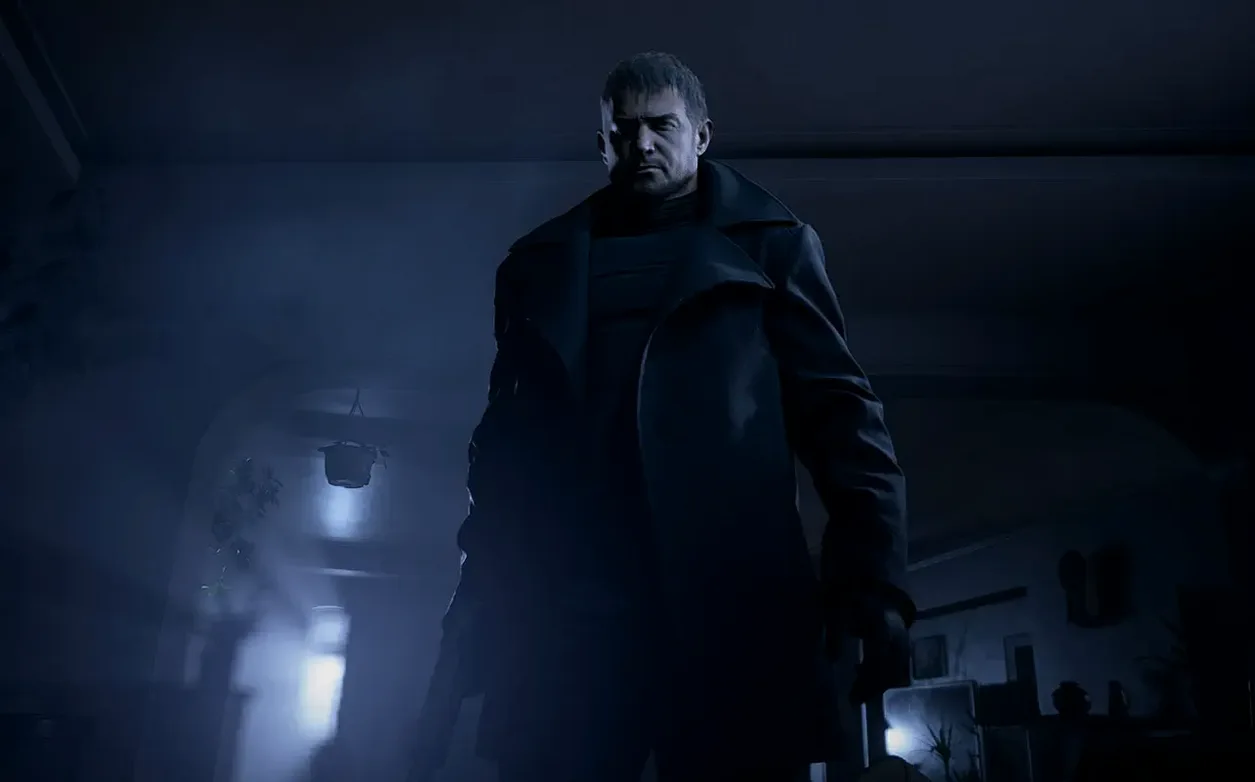
Conversely, if you prefer pure action or dislike feeling perpetually underpowered, Village might grate. The first-person view amplifies claustrophobia, and some set-piece encounters demand patience that a run-and-gun player won't find natural. The appearance of Chris Redfield ties the over-the-top plot to the wider lore, but newcomers may feel lost in the narrative.
Controller support and the inclusion of The Mercenaries: Additional Orders add replay value, but the core remains a slow-burn horror experience. It rewards methodical players and punishes impatience.
Questions most people have before they install
A download this large — the disk image alone sits well above 30 GB — raises practical concerns. The most common one is whether a base M1 MacBook Air with 8 GB of unified memory can run it without thermal throttling turning the village into a slideshow. The answer is yes, with qualifications. The game targets 30 fps on M1 and generally holds it at 1080p with MetalFX upscaling engaged. Fan noise becomes noticeable within ten minutes, and the chassis warms up, but performance stays consistent through the castle and factory areas.
Another recurring question is about internet connectivity. CAPCOM's macOS build occasionally hangs on a black screen if the system checks for network resources during the first launch. Disconnecting Wi‑Fi or pulling the Ethernet cable before you double-click the app icon sidesteps this cleanly. Once you have reached the title screen once, subsequent launches work with the network on.
People also ask whether a Resident Evil Village torrent differs from the App Store build. Structurally they are the same 1.1.2 fix binary; the difference is only in delivery. The downloaded disk image ships as a standard .dmg with the application bundle and an installer notes file that covers the Terminal workaround. If you have previously grabbed a Resident Evil 7 Mac torrent and remember the launch quirks of that port, the procedure here is nearly identical: mount the image, drag the app, run the command if macOS flags it, and disconnect briefly on first open. Some users searching for a Resident Evil Village torrent download also want to know whether the Shadows of Rose DLC is baked in. It is — the expansion sits inside the app bundle and unlocks after the main story, no separate activation required.
One more: does the Mac version support keyboard and mouse properly, or is a controller mandatory? The game recognises both. Aiming with a mouse feels crisp at 60 fps on M2 and later chips, though the default sensitivity is high enough to overshoot headshots. A DualSense or Xbox controller provides rumble feedback that the keyboard cannot, and inventory management is slightly faster with a gamepad. Neither input method is wrong; the game ships with sensible bindings for each.
Eight Seconds to Main Menu on M4
On an M4 Mac mini with 16 GB of RAM, the 1.1.2 fix build loads into the main menu in just under eight seconds from an internal SSD. The transition from the menu into a saved game takes another five. These numbers stretch roughly 30 % longer on an M1 MacBook Air, but they never approach the minute-long loads that plagued the PS4 version.
Memory pressure is moderate. At 1080p with the "Prioritise Graphics" preset, the process consistently occupies 6.2–7.8 GB of unified memory. That leaves enough headroom for a browser with a handful of tabs and a messaging app in the background, but closing Xcode or a large Photoshop document beforehand is wise. The game does not leak memory over multi-hour sessions; a four-hour run through House Beneviento and the reservoir showed a stable 7.4 GB allocation with no upward creep.
Stability is solid on macOS Tahoe. No kernel panics or GPU restarts occurred across multiple test scenarios — prolonged firefights with lycans, rapid area transitions via the Duke's emporium, and extended Mercenaries sessions. The only reproducible crash involved quitting the game while it was auto-saving; waiting three seconds after the typewriter icon fades eliminates that risk. The port does not use Rosetta 2. It is a native ARM binary, so there is no translation overhead and no extra battery drain beyond what the GPU demands.
Battery life on a 14-inch MacBook Pro (M3 Pro) runs roughly 90 minutes of uninterrupted play at 70 % screen brightness. That is shorter than a native Apple Arcade title but typical for a AAA port pushing the GPU continuously. The power draw settles around 28–32 W during exploration and spikes toward 38 W in dense combat with volumetric lighting enabled.
Drop Camera Acceleration to ~25% for Linear Aim
The default camera acceleration makes fine aim adjustments twitchy. Dropping the Camera Acceleration slider to around 25 % of its default position — roughly the second notch from the left — brings it closer to a linear feel without sacrificing quick turns. If you use a mouse, also set Mouse Smoothing to Off. The filtered input introduces a perceptible delay that makes tracking a sprinting lycan harder than it needs to be.
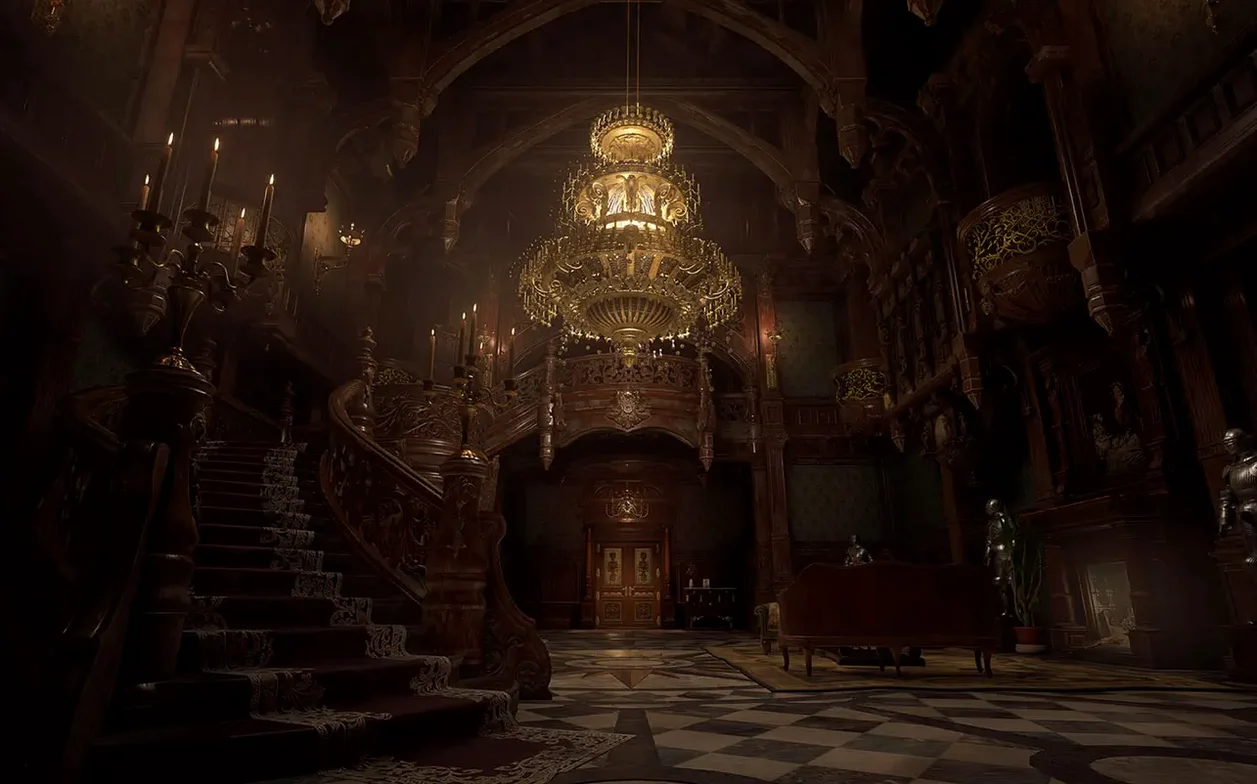
Next, open the Display tab and check MetalFX Upscaling. On M1 and M1 Pro machines, setting it to Performance keeps the frame rate consistent during the opening village ambush, which is the most demanding sequence outside of Heisenberg's factory. On M2 and later, Quality mode resolves finer detail on Lady Dimitrescu's gown and the castle's gilded interiors without dipping below 40 fps. If you notice shimmering on chain-link fences or roof tiles, switch MetalFX to Temporal; the softer reconstruction eliminates almost all of it.
Turn Subtitle Background Opacity down to 50 % or lower. The default opaque strip obscures item pick-up prompts near the bottom of the screen. While you are in the Audio settings, set Dynamic Range to Narrow if you play on MacBook speakers — the wide preset loses too much midrange detail where footsteps and distant gunfire live.
Untaught Quick-Turn Escapes the Dimitrescu Daughters
The quick-turn — press the left stick backward and tap the run button — is never tutorialised, yet it is the single most useful move when a daughter of House Dimitrescu appears behind you in a corridor. On keyboard, the default binding is S plus Left Shift, but binding a dedicated key (F, for instance) to the Quick Turn action in the controls menu saves precious reaction time.
Holding the interact button while moving past items auto-collects them without stopping. This works for lei, handgun ammunition, and herbs. It does not work for treasures or key items, which still require a deliberate press, but it smooths out looting in the village's tall grass where small pick-ups are scattered across dozens of metres.
The inventory screen has a hidden shortcut: pressing the map button while the case is open jumps directly to the map view without closing the case first. It saves a button press and a half-second transition that adds up when you are cross-referencing locked drawers with the Duke's stock. On a controller, this is View while the case is open; on keyboard, it is Tab.
Finally, the Duke sells ammunition at a markup, but his prices drop slightly after you defeat a lord. If you can endure a fight with what you have, waiting to restock until after the boss room saves lei that funds weapon upgrades sooner. The price reduction is small — roughly 15 % — but it compounds across shotgun shells and sniper rounds over a full playthrough.
- macOS 12.0 or later
- Apple silicon Mac
Questions on file
Is the Mac version of Resident Evil Village a first-person game?
Yes, the entire game is played from a first-person perspective as you control protagonist Ethan Winters.
Which Macs can run Resident Evil Village?
The game requires macOS 12.0 or later and is exclusively supported on Macs with Apple silicon chips.
Does the Mac version include any extra content?
Yes, it comes with The Mercenaries: Additional Orders, an arcade-style bonus mode separate from the main story.
Sign in · Create an account to add a field note.
No field notes yet. A measurement, a version, a machine — they appear after moderation.