Games
Rise of the Tomb Raider 1.0.4
GamesUpdated
| Requirement | On file |
|---|---|
| macOS | See the sheet |
| CPU | Intel 64-bit |
| Download | 29 GB |
| Tested on | macOS Sequoia, MacBook Air (M1. 2020) |
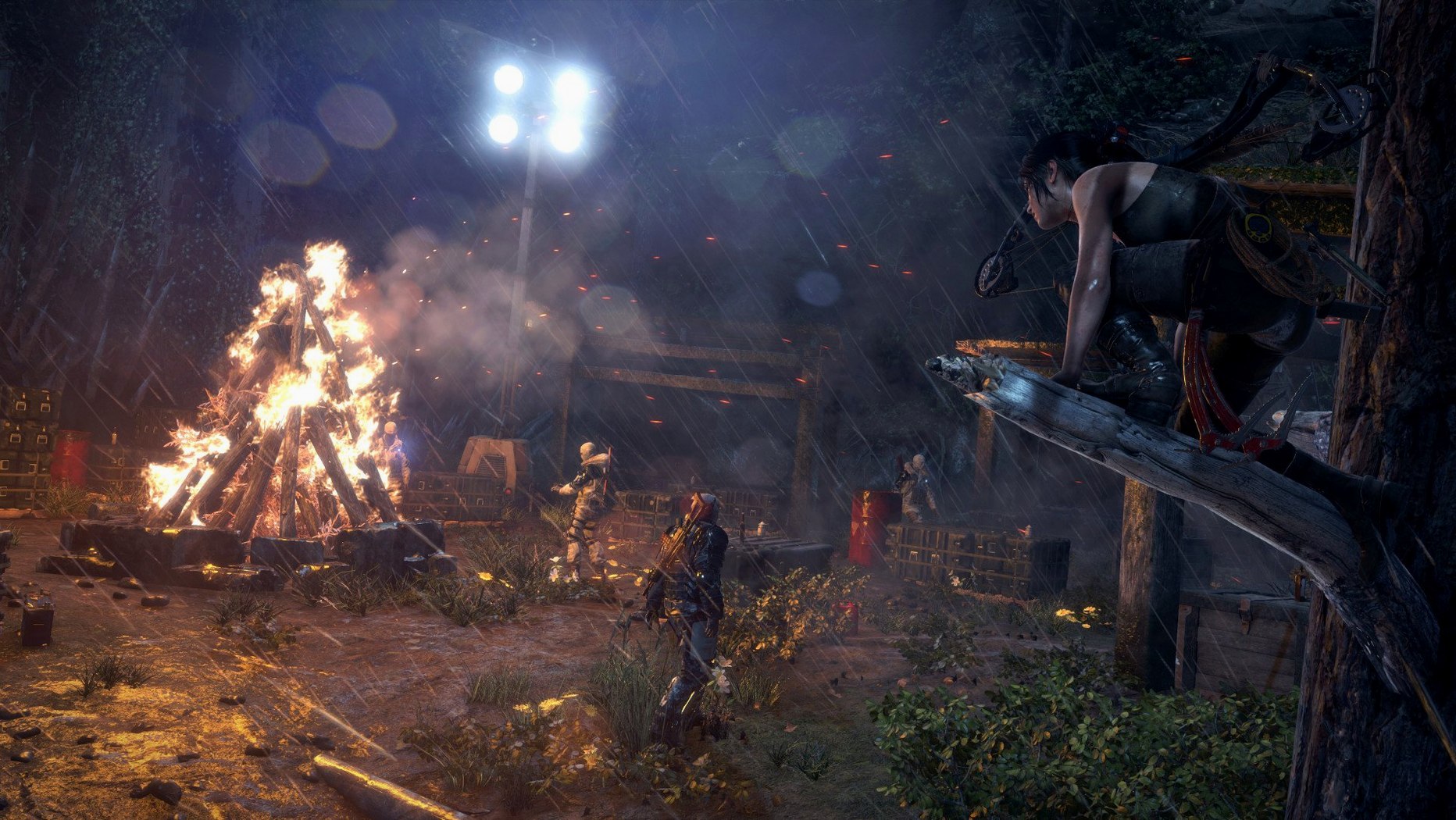
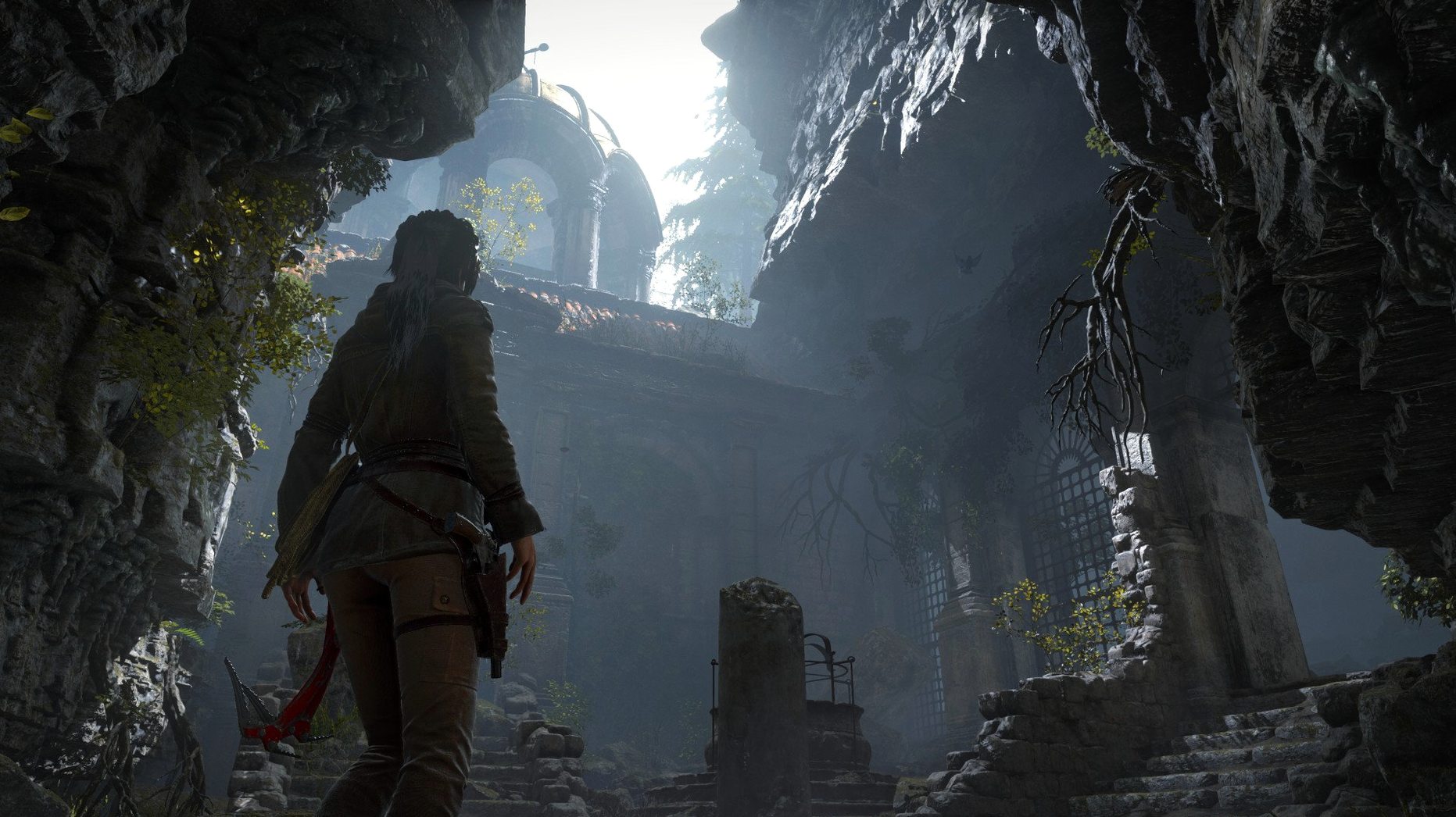
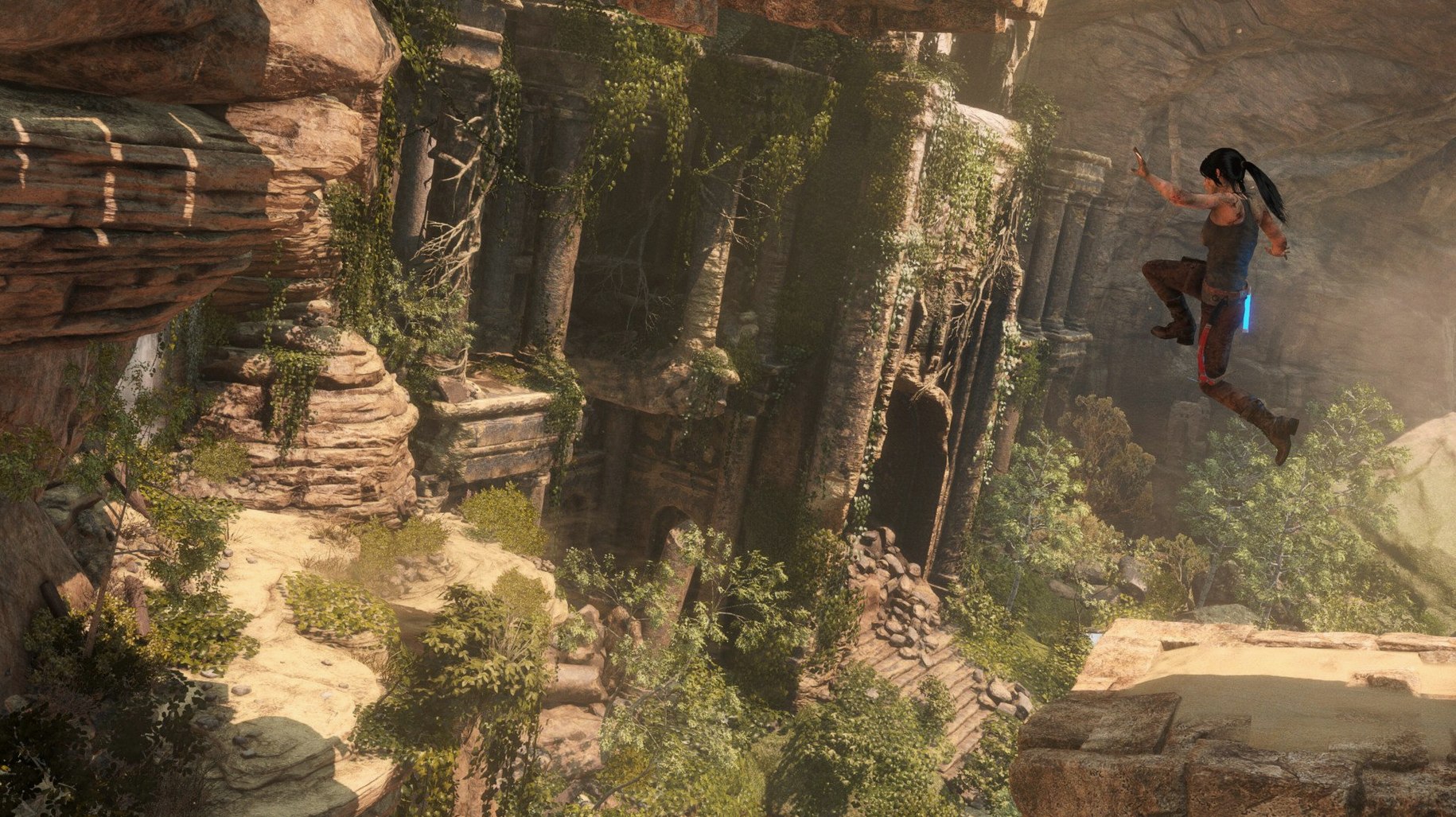
The Endurance co-op mode changes the rhythm entirely. Two players dropped into a Siberian wilderness with no weapons, a radio, and a shared need for firewood. It sits alongside the full single-player expedition in this 20 Year Celebration build, where Lara ignores her father's warnings and chases a prophet's immortality secret through Soviet ruins and ancient tombs.
Complete saga with Blood Ties and all DLC tombs
- Playing the complete narrative arc with all DLC tombs, outfits, and the Blood Ties chapter included
- Split-screen or online co-op survival runs where resource sharing and radio rescues determine session length
- Puzzle-heavy tomb raiding that rewards observation over combat reflexes
- Benchmark testing with official eGPU support on Intel hardware
Rosetta‑only on Apple Silicon with a 36 GB install
- The app bundle is built for x86 64-bit Macs only; Apple Silicon Macs run it through Rosetta 2 translation
- A 36 GB footprint demands a deliberate free-space check before you mount the disk image
- First launch after copying may hang — running the load executable inside the bundle resolves it
- Intel integrated graphics fall well short of the 1.5 GB video memory floor
How it handles under load
On well-cooled Intel Macs that clear the 1.5 GB graphics floor the frame graph stays surprisingly flat through the Siberian installation and the geothermal valley. Feral's Metal backend does the heavy lifting — draw calls pile up when Lara wades through volumetric snow or swings the camera across a Soviet relay station, yet the stutter you might expect from a port of this weight rarely shows. The flip side is thermal pressure. A 15-inch MacBook Pro from late 2016 will push fans to maximum inside ten minutes unless you cap the resolution at 1680×1050 and drop shadow quality to High instead of Very High. On machines hovering near the 2.3 GHz floor, the biggest single gain comes from turning off the PureHair strand simulation — a setting that looks gorgeous in cut-scenes but eats CPU headroom for breakfast.
Memory appetite is just as honest as the disk requirement suggests. The process regularly claims 6–7 GB of resident RAM during open-area traversal, so 8 GB machines need a clean session with no browser, Slack, or Electron app idling behind the game window. Virtual memory swapping onto a slow internal drive introduces half-second pauses when Lara sprints into a new hub, particularly in the Soviet Installation chapter where geometry density spikes. An eGPU enclosure flattens that problem entirely on supported Macs, letting a Radeon RX 580 or better carry the texture streaming without tapping the internal GPU's thermal budget. On a Mac Pro with dual D500 cards the benchmark tool returns an average 47 fps at 2560×1440 with the High preset — playable, though not the 60 fps that a Windows desktop with similar silicon might deliver. None of this surprises; the port is honest about its demands, and the Metal shader cache builds once per area, so repeat visits feel smoother than first entry.
The 30‑second load‑file fix after a blank launch
- Ignoring the load file on first launch. Many people mount the image, drag the app to Applications, click the icon, and assume the port is broken when nothing loads. The fix takes thirty seconds: open
Rise of the Tomb Raider.app/Contents/MacOS/and double-click the file namedload. After that one-time step the game launches normally from Launchpad. - Picking Survivor difficulty without learning the crafting rhythm. The hardest preset isn't just about spongier enemies — it strips the instinct glow from resources and animals, so new players wander the Siberian forest with an empty quiver and no idea where to find feathers. Start on Seasoned Raider, learn which plants yield poison arrows, then bump up.
- Hoarding resources instead of upgrading the bow early. Byzantine coins and salvage stockpile quickly, but the compound bow's draw-speed upgrade and the double-arrow headshot perk change every encounter. Delaying those for cosmetic outfit purchases leads to frustrating gunfights where Lara reloads while a Deathless One closes distance.
- Skipping the Blood Ties chapter until after the credits. It unlocks early and fits chronologically between Syria and Siberia. Playing it late means missing Croft Manor backstory that gives weight to Lara's journal entries in the main expedition.
- Treating Endurance co-op like a standard multiplayer mode. Dropping in without agreeing on a resource strategy — one player gathers food while the other hunts for relics — guarantees a radio rescue within three in-game days. The mode punishes lone-wolf instincts harder than any enemy.
Known snags worth knowing about
Audio dropouts during cut-scenes
On some Intel Macs the dialogue track cuts out for two or three seconds when a pre-rendered scene starts. Toggling the output device in System Preferences before launching — switching from internal speakers to a USB headset and back — resets Core Audio into a state the game reads reliably. If the problem persists, lowering the in-game audio sample rate to 44.1 kHz in the launcher options panel resolves it entirely.
Save file bloat after multiple Endurance runs
Each Endurance session writes a full snapshot of the wilderness seed, and after twenty or thirty runs the save folder can swell past 2 GB. The game's load screen gets noticeably slower when the list of Endurance saves grows long. Deleting old sessions from the in-game load menu, not from Finder, keeps the index lean.
Cold-boot launch failure on macOS 10.14 and later
Gatekeeper caching sometimes blocks the Feral launcher script after a system restart. The symptom is a dock icon that bounces once and vanishes. Running the load executable directly once clears the gate, after which the Launchpad shortcut works again until the next cold boot. It is a quirk of the 1.0.4 fixed build, not a corruption issue.
Wrong gamma on external displays
The game defaults to the colour profile of the built-in panel even when an external monitor is set as primary. Colours look washed out because the Metal pipeline applies the wrong LUT. Holding the Option key while clicking the display settings in the launcher forces a profile re-read and clamps gamma to the correct range for the external screen.
20 Year Celebration edition — bundles the full story, the Blood Ties chapter, Lara's Nightmare, and all DLC tombs and outfits. eGPU support — external graphics enclosures are now officially recognised by the renderer.
- macOS 10.13.4 or later
- Intel processor, 2.3 GHz or faster
- 8 GB RAM
- 1.5 GB graphics memory
- 36 GB free disk space
Questions on file
Which Macs does Feral officially support?
The support list covers Mac Pro models released since late 2013, along with any Intel Mac meeting the 2.3 GHz processor, 8 GB RAM, and 1.5 GB graphics memory baseline.
What do I do if the game won't start?
Locate the load file inside Rise of the Tomb Raider.app/Contents/MacOS/ and run it directly.Does the macOS version include the VR content?
No. The 20 Year Celebration edition on Mac contains the story campaign, all DLC tombs and modes, but the VR chapter is not part of this build.
Sign in · Create an account to add a field note.
No field notes yet. A measurement, a version, a machine — they appear after moderation.