
Games
Roots of Pacha 1.3.1.1
GamesUpdated

| Requirement | On file |
|---|---|
| macOS | See the sheet |
| CPU | Apple Silicon, Intel 64-bit |
| Download | 890 MB |
| Tested on | macOS Sonoma, MacBook Air (M1. 2020) |
Version 1.3 pushed the clan's knowledge forward with two new regions to explore, the arrival of ironworking, and the simple joy of bug catching. It's a substantial expansion for a game already packed with prehistoric invention.
What are the hard requirements for macOS?
The native Mac build runs on both Apple Silicon and 64‑bit Intel machines. Soda Den tested the current version under macOS Sonoma, so that's your safe baseline, though it's likely fine on recent Ventura installations too. No unusual hardware demands, just a standard modern Mac.
Prompt Swap for Bluetooth Gamepads
Keyboard and mouse work as you'd expect from a farming sim, and the game recognises common Mac shortcuts. If you prefer a controller, Bluetooth gamepads pair without fiddling; the interface swaps button prompts automatically. No touchscreen support, naturally, but a trackpad is comfortable for the slower pace of village life.
Shape Clan Culture with Festivals
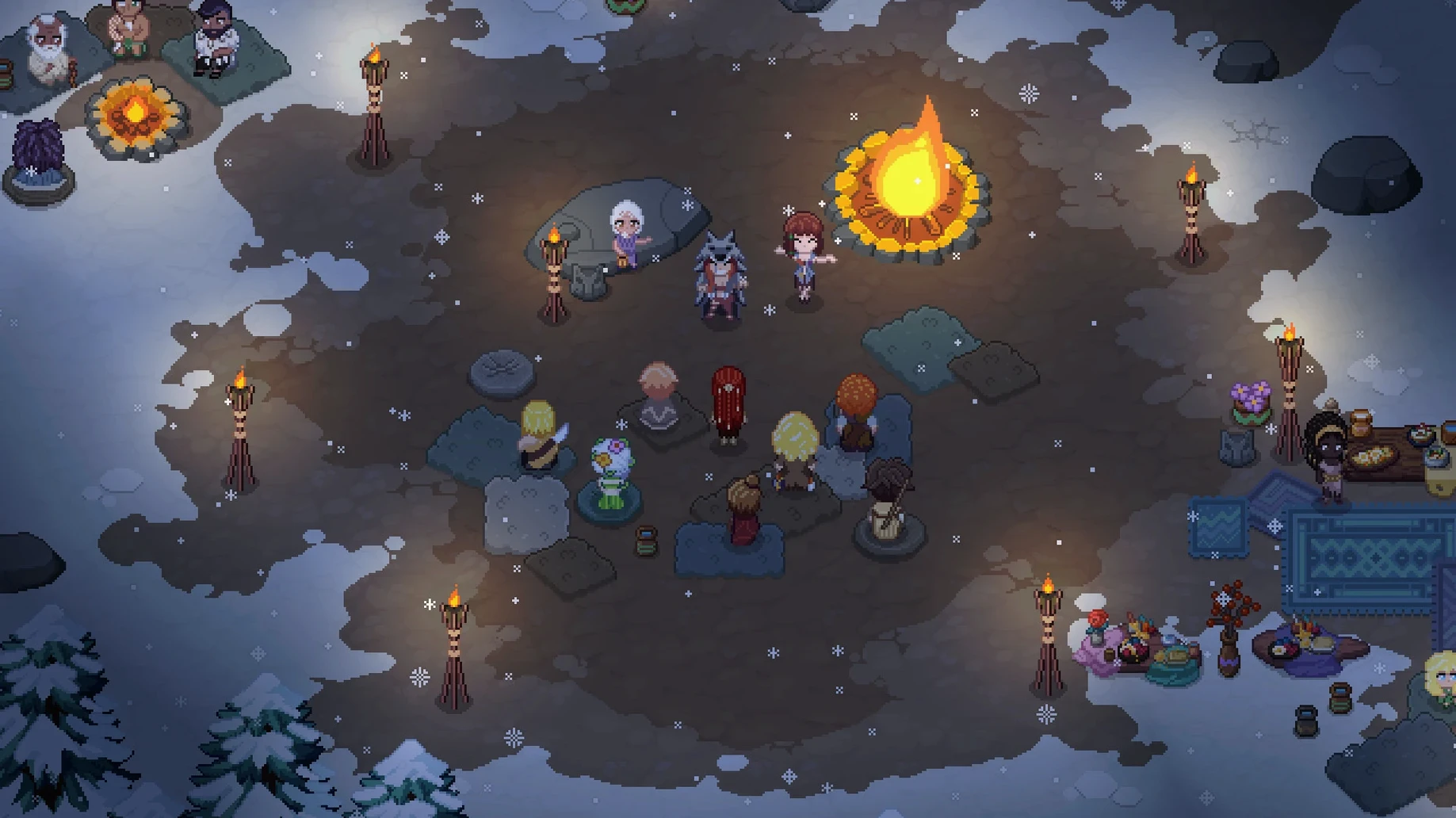
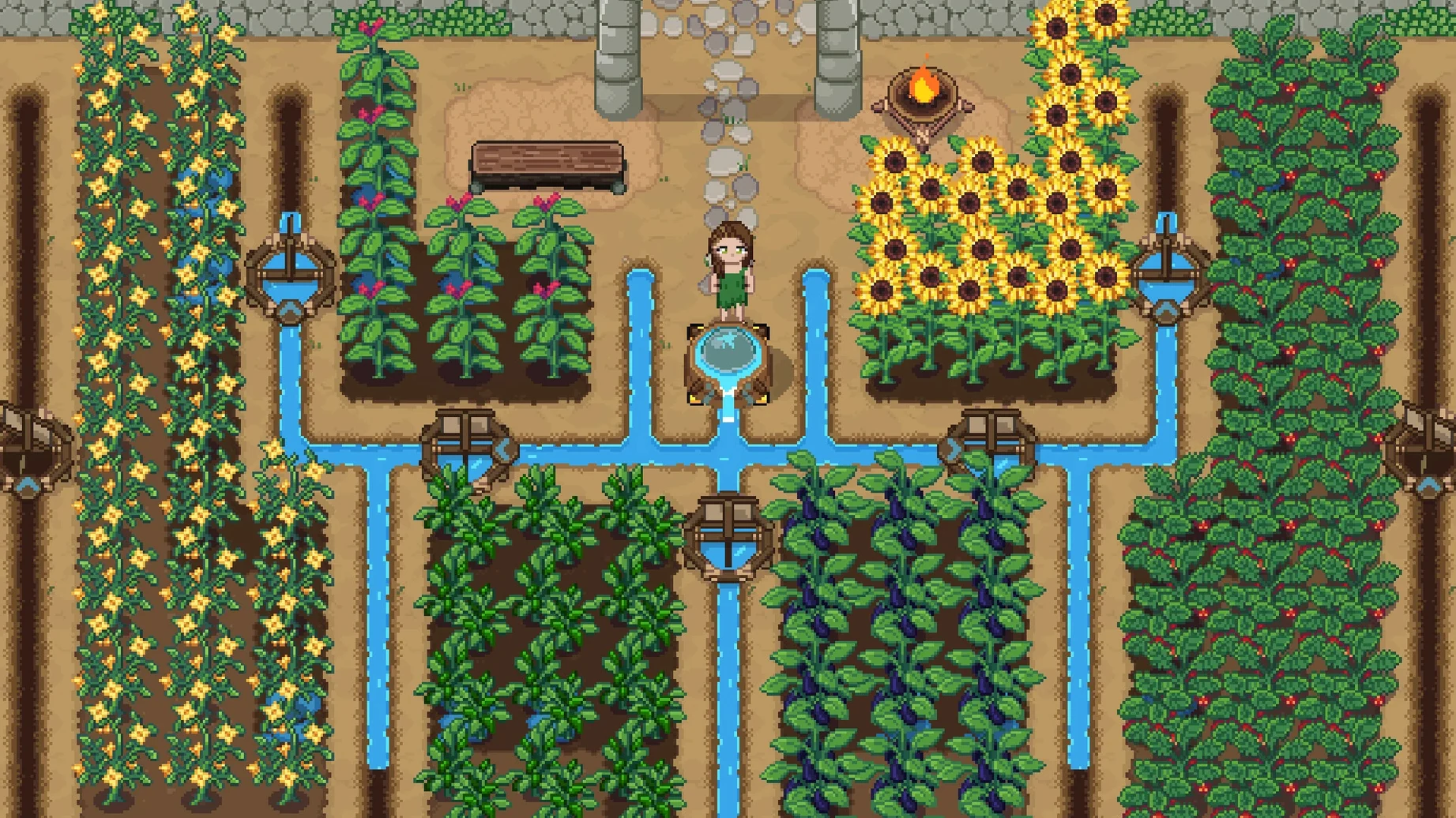
You found a settlement, develop tools through ideas rather than a fixed tech tree, and shape the clan's culture with festivals and rituals. Day-to-day work covers farming, pottery, food preservation, and eventually metalworking. Romance is present, and you can design and decorate your own house piece by piece. The whole thing was built from scratch with multiplayer in mind, so a friend can join your stone‑age world.
Stretch Each Day by 40 Percent
Out of the box, the game defaults to a day length that some players find too short for a relaxed first season. Switching Day Speed to Slow in the gameplay options stretches each day by roughly 40 % — enough to water crops and still chat with villagers without feeling rushed. The setting lives under Options → Gameplay → Day Speed.
Two other toggles matter early. Show Tool Hit Area highlights the tile your hoe or watering can will affect; it removes guesswork when planting in tight plots. Auto‑Run, bound to a key you can remap, saves a surprising amount of wrist strain during long foraging trips across the savanna. Both sit in the same gameplay menu.
If you play on a MacBook with a smaller display, reduce the UI scale to 90 % or 85 %. The default interface can crowd the edges at native resolution, and a slight shrink keeps toolbars readable without hiding the landscape.
Contribution Replaces Gold Economy
Three kinds of Mac users will sink the deepest hours here. The first is the Stardew Valley veteran who has optimised every crop layout and wants fresh systems to learn. Pacha replaces gold with contribution points and technology with collective discovery, which scratches the same efficiency itch but rewards different thinking. The second is the co‑op pair or small group looking for a shared world that does not treat multiplayer as an afterthought. Because the netcode was built from the first line of development, two to four players can divide labour naturally — one fishes while another mines — without desync or waiting on a host screen.
The third group is quieter: players who enjoy world archaeology. The cave exploration and idea‑unlocking system tell a story about how a clan might piece together knowledge. If you read every museum plaque in other games, the discovery logs here will hold your attention.
A Workflow: Preparing for the First Clan Festival
Suppose it is mid‑spring and the village announces the first festival in five days. You want to contribute a high‑quality dish and a gift for a clan member you are befriending.
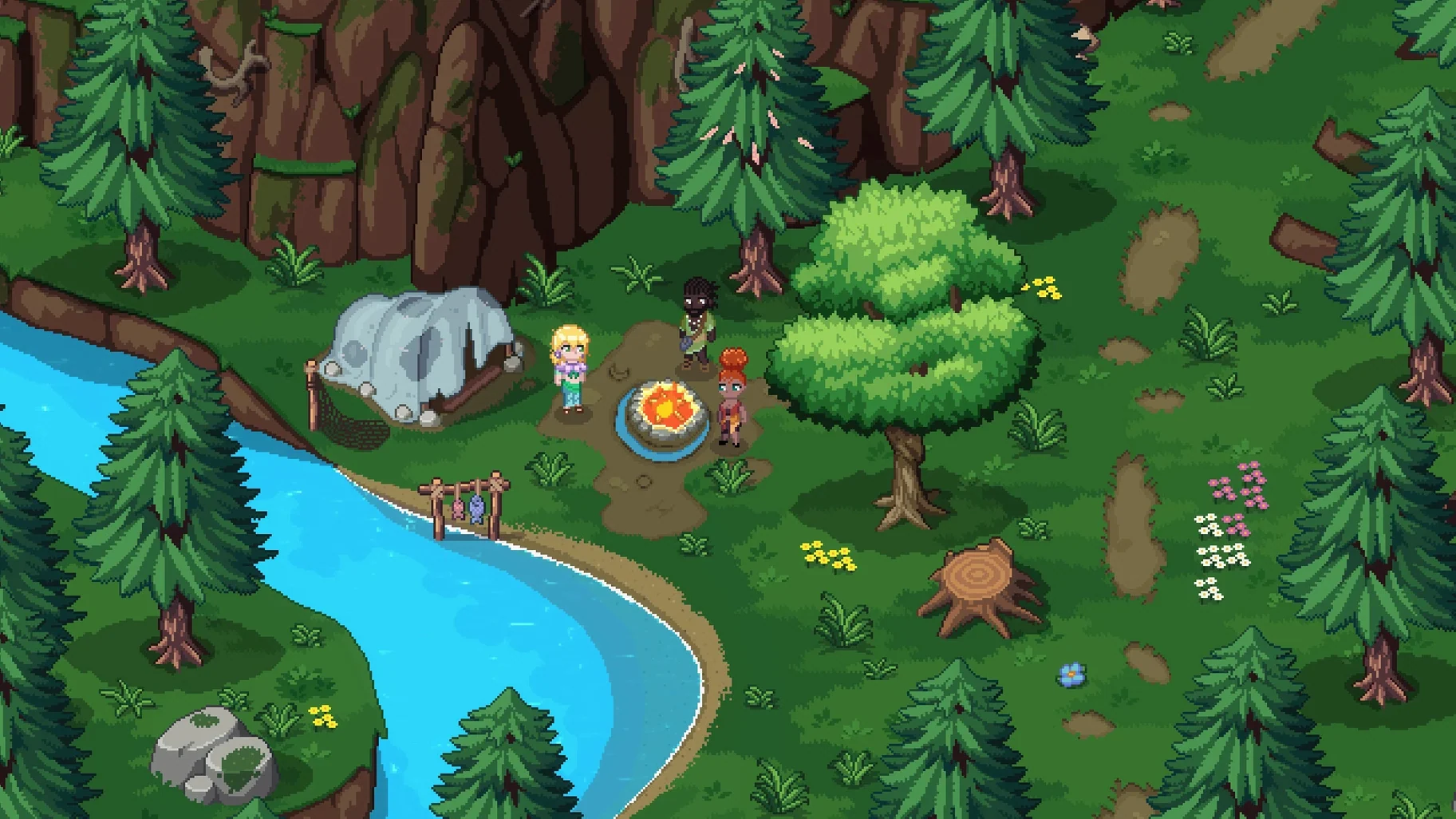
- Day 1 – Inventory check. Open the journal and note what produce you have preserved. If you lack smoked fish, head to the river with a fishing spear. The shallow‑water spots near the starting area yield tilapia reliably; deep water requires a rod but offers higher‑value catches.
- Day 2 – Processing. Build or locate a smokehouse. Load the catch before midday so it finishes by evening. While it smokes, gather wild herbs from the forest edge — oregano and sage boost dish quality when added during cooking.
- Day 3 – Mining for a gift. If you have unlocked the first cave level, mine copper ore. Smelt it into a copper bar and craft a simple piece of jewellery at the jeweller's table. Many characters favour crafted items over raw materials, and a polished bracelet beats a stack of berries for relationship points.
- Day 4 – Cooking the contribution. Combine the smoked tilapia, herbs, and any spring onion you have foraged. Use the cooking pot rather than the campfire; pot‑cooked meals yield higher contribution scores during festivals.
- Day 5 – Festival morning. Place the dish and gift in the top row of your inventory so they are selected quickly when the event UI appears. The festival plays out in a series of dialogue and donation prompts, and having items ready prevents fumbling while the timer ticks.
After the festival, check the clan's shared knowledge pool. Community events often unlock a new idea seed — irrigation channels or beekeeping, for example — that you can develop through repeated use of related tools. The loop of preparation, contribution, and collective reward is where the game's structure shines.
Area — change
World — two new regions added
Crafting — ironworking introduced
Collection — bug catching mechanic added
- Apple Silicon or 64‑bit Intel processor
- macOS Sonoma (tested; recent Ventura builds expected to work)
Sign in · Create an account to add a field note.
No field notes yet. A measurement, a version, a machine — they appear after moderation.