
Games
Schedule I 0.4.7f12 Wine
GamesUpdated

| Requirement | On file |
|---|---|
| macOS | See the sheet |
| CPU | Apple Silicon |
| Download | 2.4 GB |
| Tested on | macOS Golden Gate, Mac mini 2024 M4 |
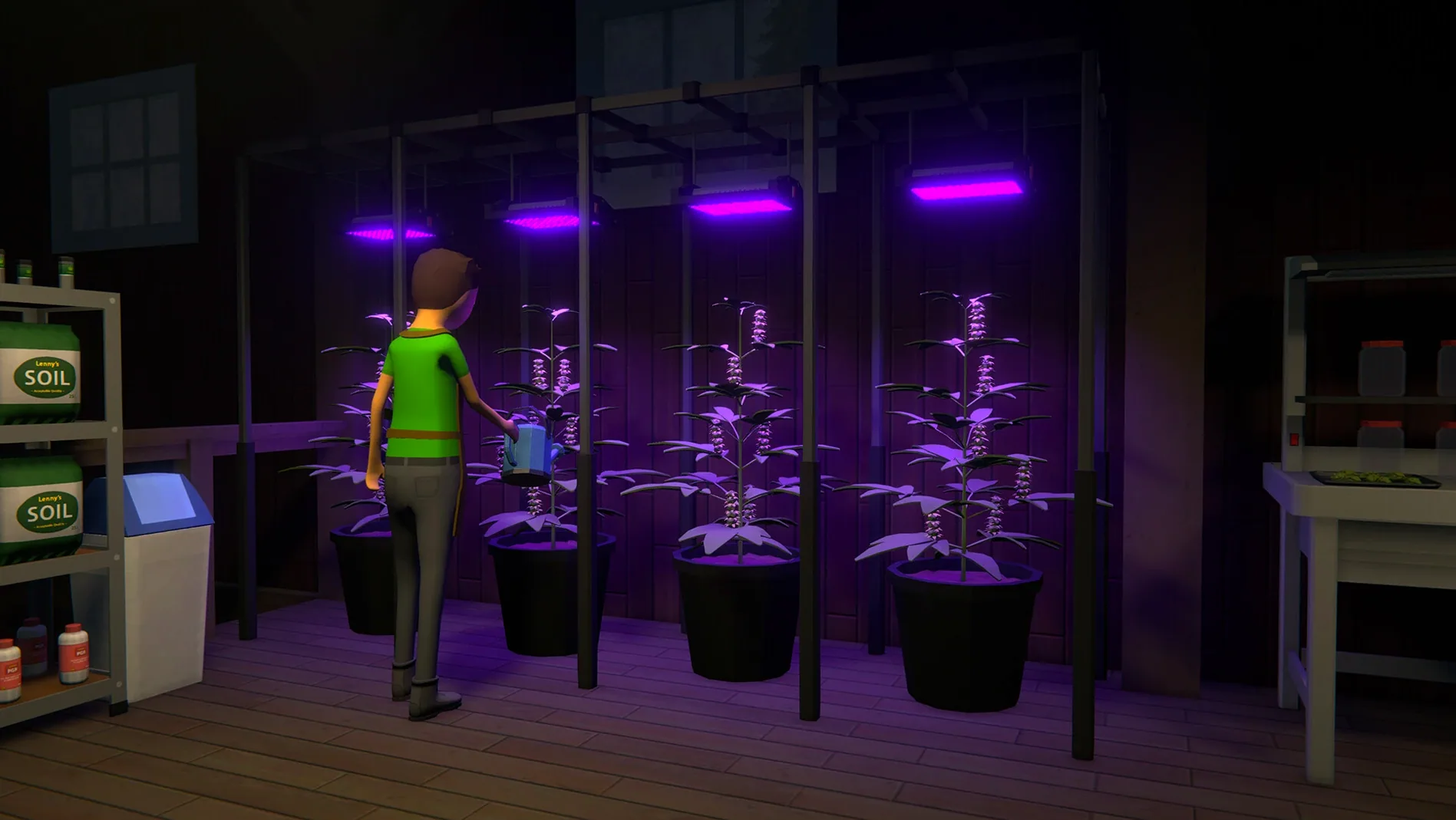
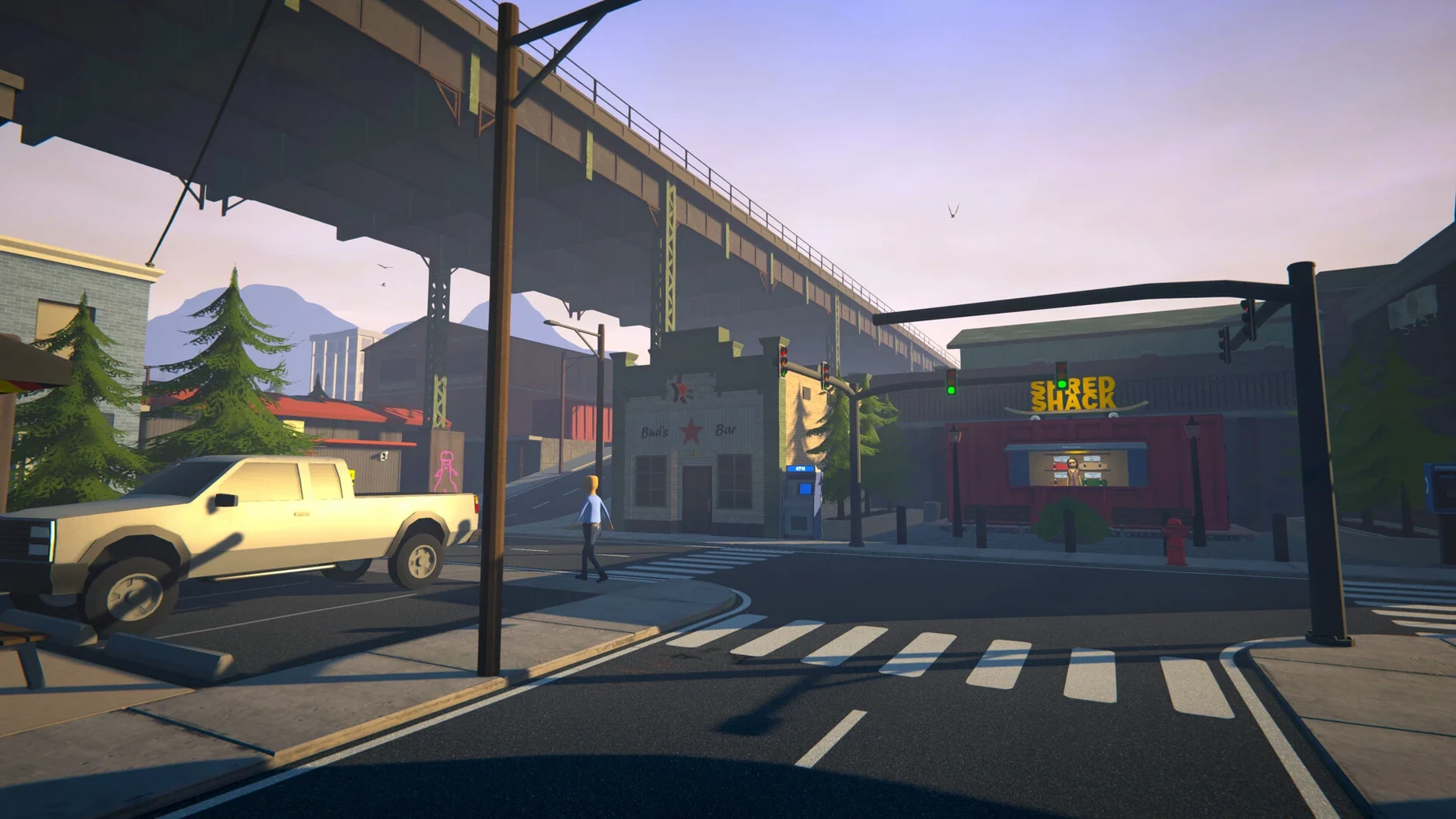
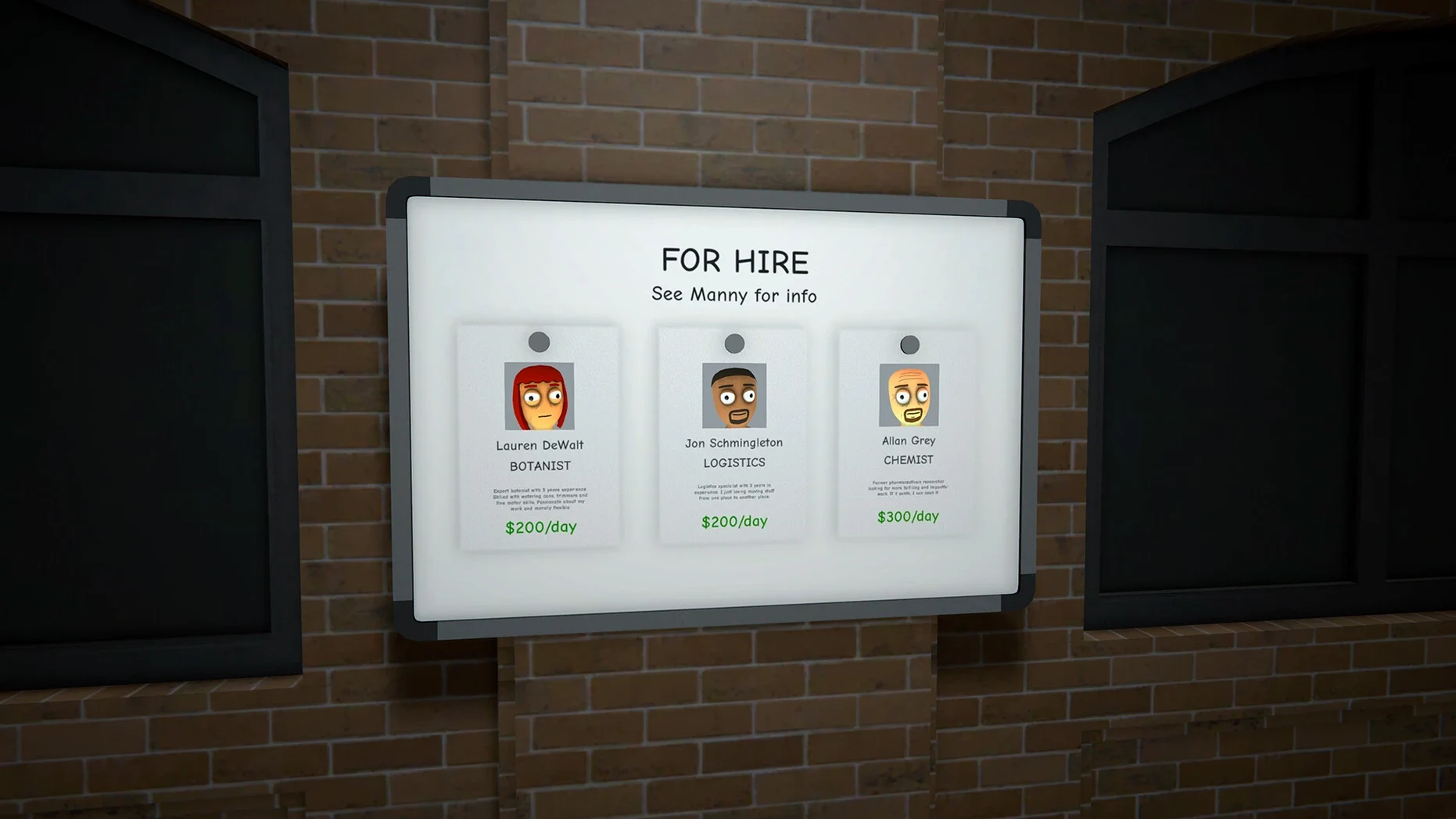
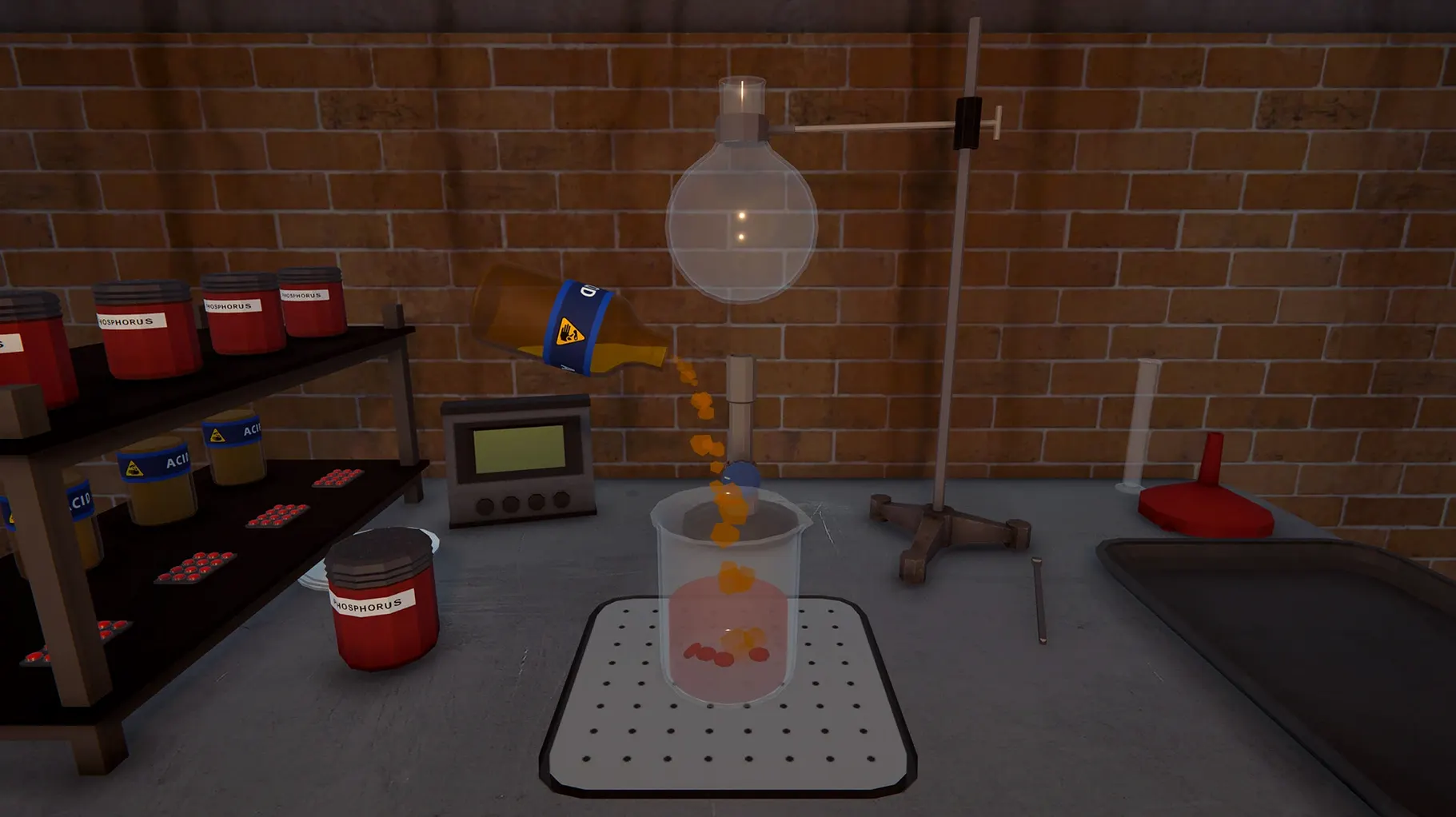
Think of it as the logical endpoint of the business-tycoon loop you find in something like Game Dev Tycoon, except the fluctuating market is for illicit substances and a rival gang torching your warehouse counts as an operating expense. Schedule I drops you into Hyland Point with nothing and expects you to build a criminal enterprise from the ground up.
Starting position — zero cash, no product, no network
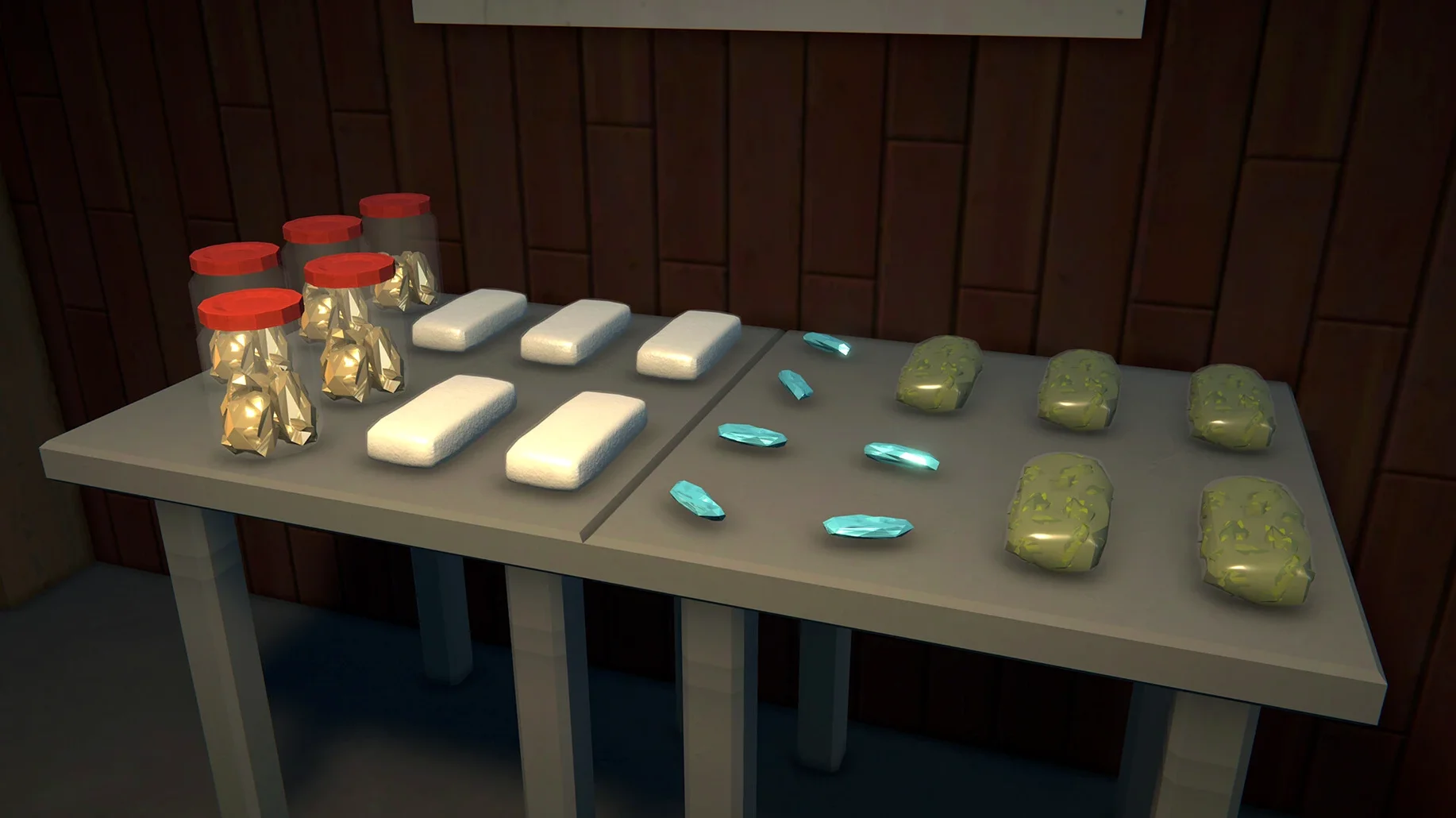
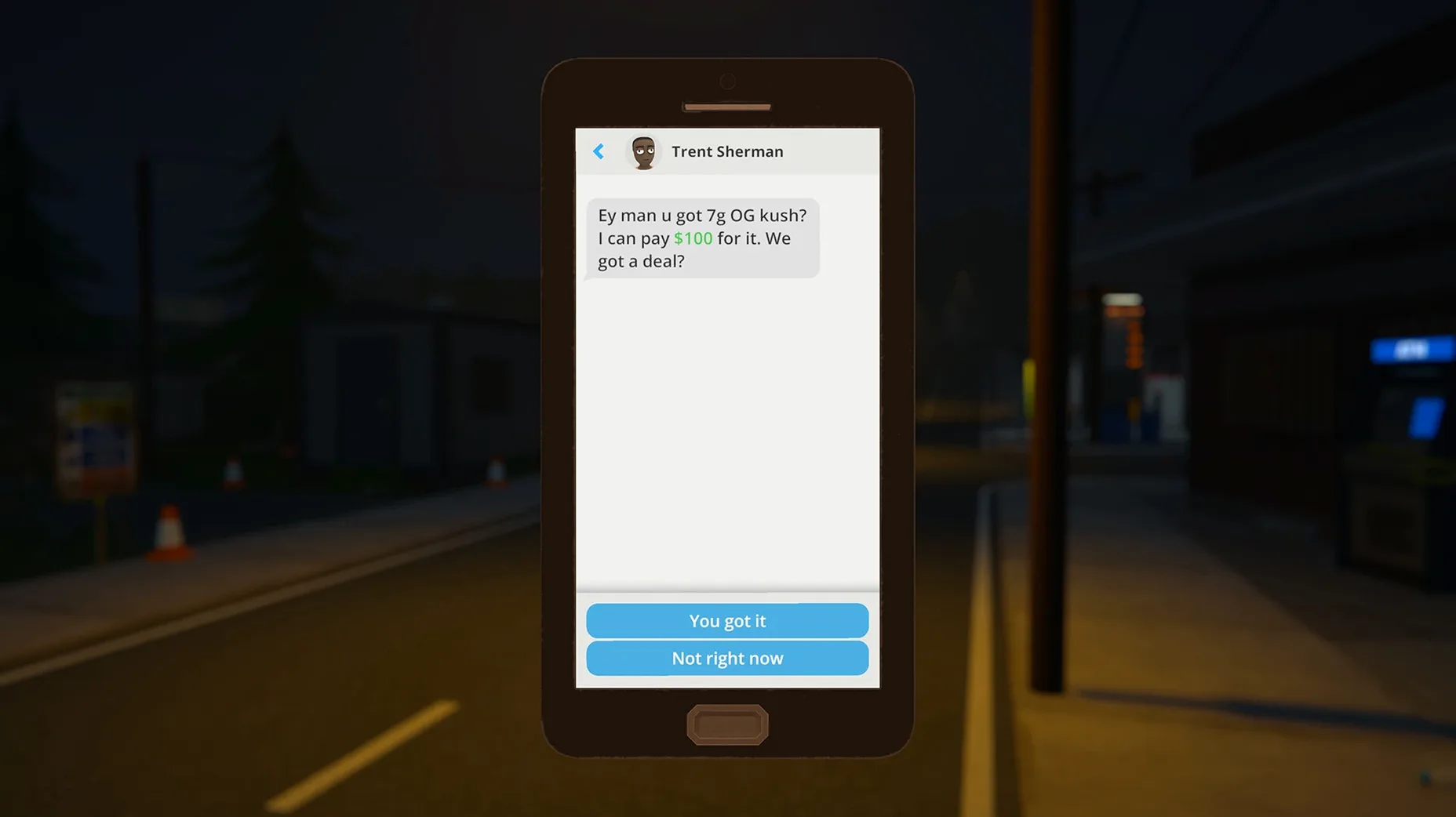
Core loop — source recipes, manage production, distribute through hired dealers
Movement — on foot, by skateboard, or by car for deliveries
Economy model — dynamic pricing that responds to supply, competition, and police raids
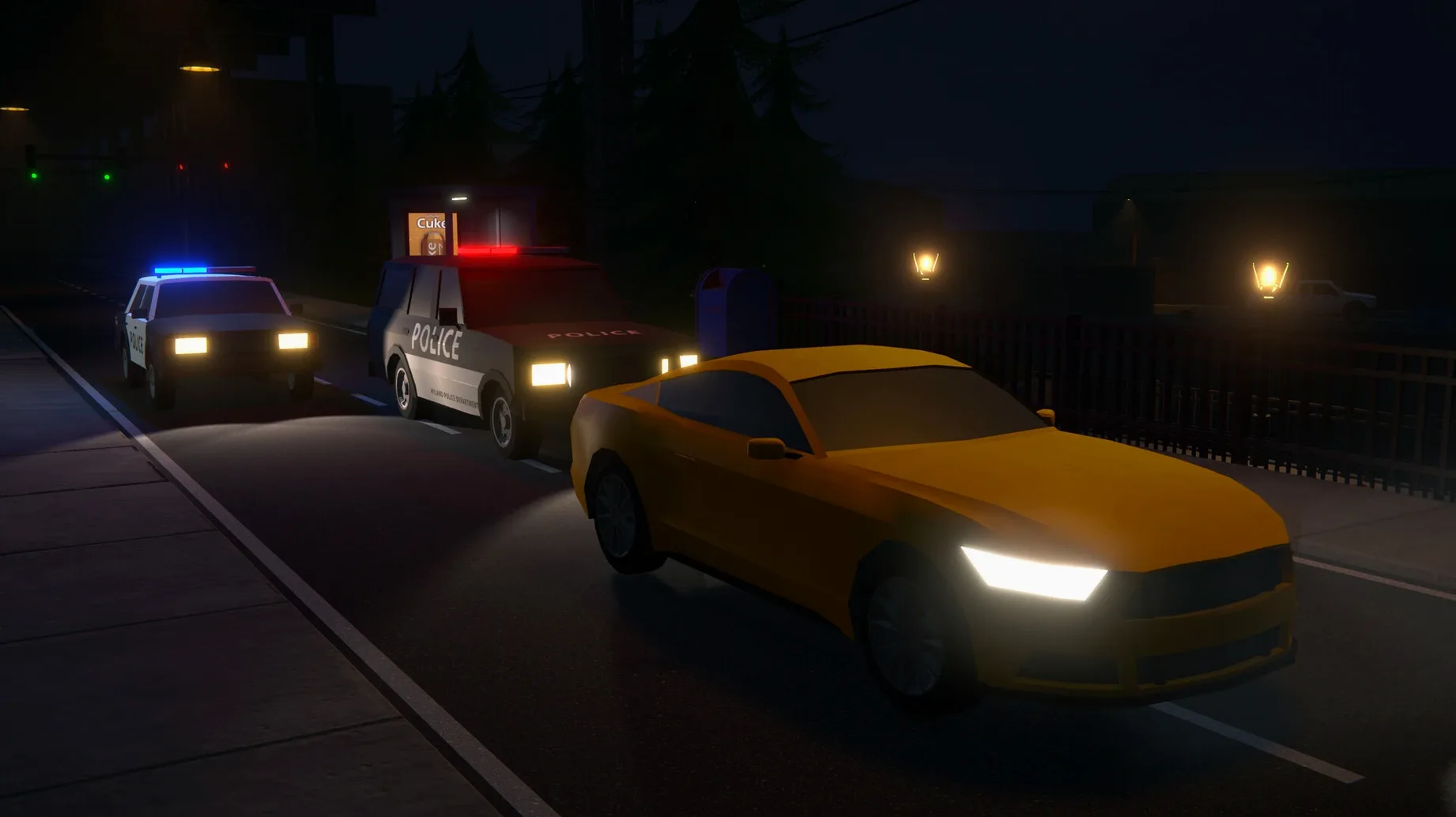
Threats — law enforcement sweeps and hostile cartels reacting to your territory moves
Expansion path — acquire property, front businesses, and automated workers
Interface languages — Russian and English
Running It on Apple Silicon
The 0.4.5f2 build supplied in the package targets macOS Tahoe on Apple Silicon architecture. No Intel support is listed. First launch triggers a component install that can appear to stall—switching to the desktop with Command-Tab and force-quitting from the Dock resolves the hang, and the game should launch normally on the next attempt.
Mod support exists through the app package itself. The Mods folder lives at Schedule I.app/Contents/SharedSupport/prefix/drive_c/Appstorrent Games/ScheduleI/Mods, and any supplementary files go in the game folder per the specific mod’s instructions. Performance expectations on base M-series chips are reasonable given the scope of the simulation, though the reactive city and dynamic economy mean CPU load scales with how many automated dealers and production chains you have running simultaneously.
What 0.4.5f2 Changes in Practice
This build bundles the Wineskin wrapper for Apple Silicon, which shifts how you interact with the game in a few small but noticeable ways. Save files live inside the app package rather than a standard macOS container, so backing up your progress means diving into the package contents. The component installation on first run is a one-time tax — once past it, subsequent launches are straightforward.
Mod compatibility through Melonloader v7.0 is baked into this version. The Mods folder path sits deeper than most Mac players will expect, but once you place a .dll mod there, the loader picks it up on the next launch. If you also grab a schedule i mac download that includes community mod packs, they drop into the same location without extra configuration steps.
The First-Launch Freeze That Needs a Force-Quit
A few friction points surface regularly. The first-launch hang is the obvious one — the component installer window loses focus, and the game sits unresponsive until you Command-Tab away and force-quit. On the next attempt, it loads normally. Some users report the game window ignoring clicks after switching spaces; tapping the Escape key or toggling fullscreen with Command-F usually restores input.
Mod installation trips people up because Spotlight won't index files inside the package. You need to manually navigate to the Mods folder via Finder's "Show Package Contents" right-click option. If a mod doesn't activate, check that its .dll is at the root of the Mods folder, not nested inside a subfolder the mod's creator included.
Audio can drop out after extended sessions of three hours or more — quitting and relaunching restores it. This appears tied to the Wineskin layer rather than the game engine itself.
Police Raids Pull Frame Rates Into the 30s
On an M4 Mac mini, the simulation stays fluid through the mid-game with six automated dealers and two production sites running. Frame pacing holds steady above 50 fps in the city centre, dipping to the mid-30s when police raids trigger multiple AI pathfinding routines simultaneously. The dynamic economy calculations run on a tick system that doesn't hammer the CPU constantly — spikes correlate with price recalculations every few in-game hours.
Memory usage sits around 2.8 GB at idle and climbs to 4.1 GB after a two-hour session with automation chains active. That's modest by current standards, though closing background apps helps on 8 GB machines. The Wineskin translation layer adds roughly 15% overhead compared to native code, which you feel most during the initial world stream when entering a new district.
Crashes are infrequent but not absent. The most common trigger is switching between windowed and fullscreen modes during an autosave — waiting for the save indicator to clear before toggling display modes avoids this entirely. Autosave frequency is generous, so lost progress rarely exceeds a few minutes even on the rare occasion the game quits unexpectedly.
- Apple Silicon Mac
Questions on file
Why does Schedule I freeze on the first launch?
The game installs a required component on first run, and the process can appear to hang. Switch to the desktop with Command-Tab, then quit the app from the Dock and relaunch it.
Where do I put mods for the macOS version?
Right-click the app, choose Show Package Contents, then navigate to Contents/SharedSupport/prefix/drive_c/Appstorrent Games/ScheduleI/Mods and place mod files there.
Sign in · Create an account to add a field note.
No field notes yet. A measurement, a version, a machine — they appear after moderation.