Games
Sid Meier’s Civilization VII 1.5.0.1 Native
GamesUpdated
| Requirement | On file |
|---|---|
| macOS | See the sheet |
| CPU | Apple Silicon |
| Download | 18 GB |
| Tested on | macOS Golden Gate, Mac mini 2024 M4 |
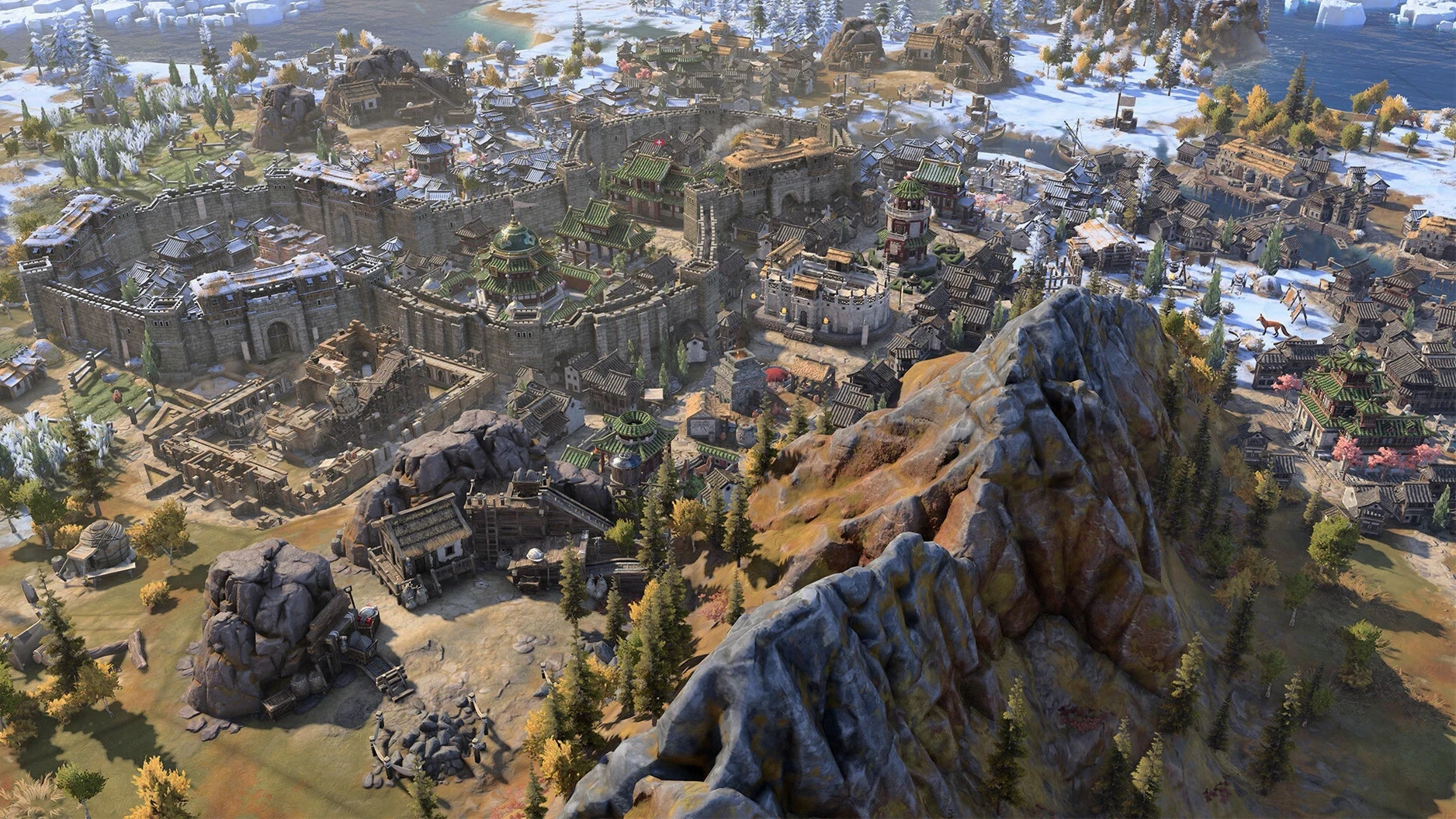
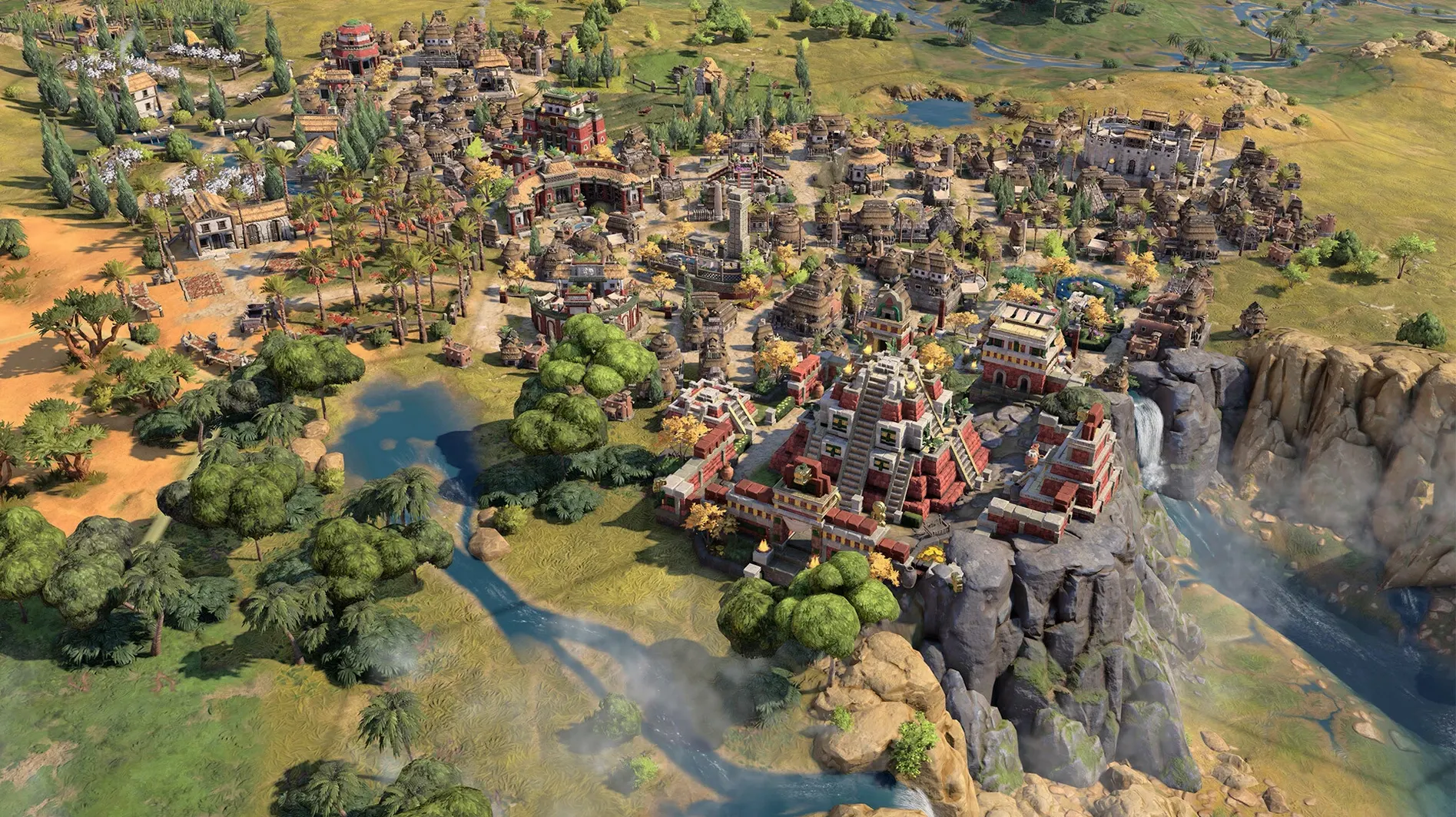
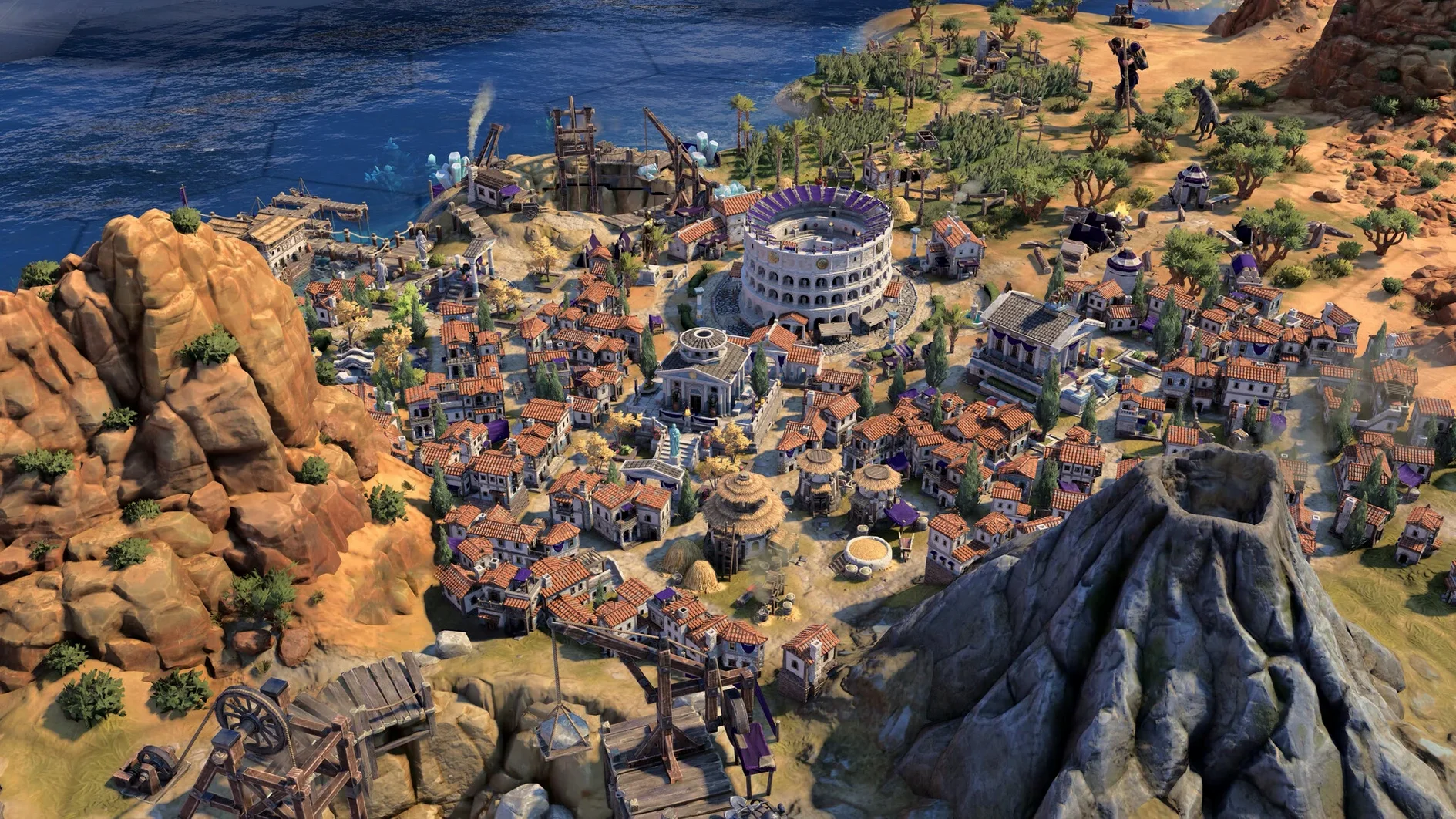
Sid Meier's Civilization VII suits players who treat a loading screen like a chess clock. It is a turn-based strategy build that asks you to select leader traits and era-specific bonuses, then steer a society from its first settlement through shifting historical conditions. The Mac release was tested on macOS Tahoe for Apple Silicon hardware, so late-game Modern Age turns and layered leader abilities render without translation overhead.
Check the System Requirements
This build runs exclusively on Apple Silicon Macs. Before dragging the disk image, confirm your machine sits on the right side of the architecture split—Intel Macs are not supported.
Tune Controls and Performance
Update 1.5.0 addressed a specific input lag that appeared when a mouse and keyboard sent commands at the same time. On a Mac, that matters during rapid city management sequences where you might click menus while holding a modifier key for map overlays.
Start a Game with the New Earth Map
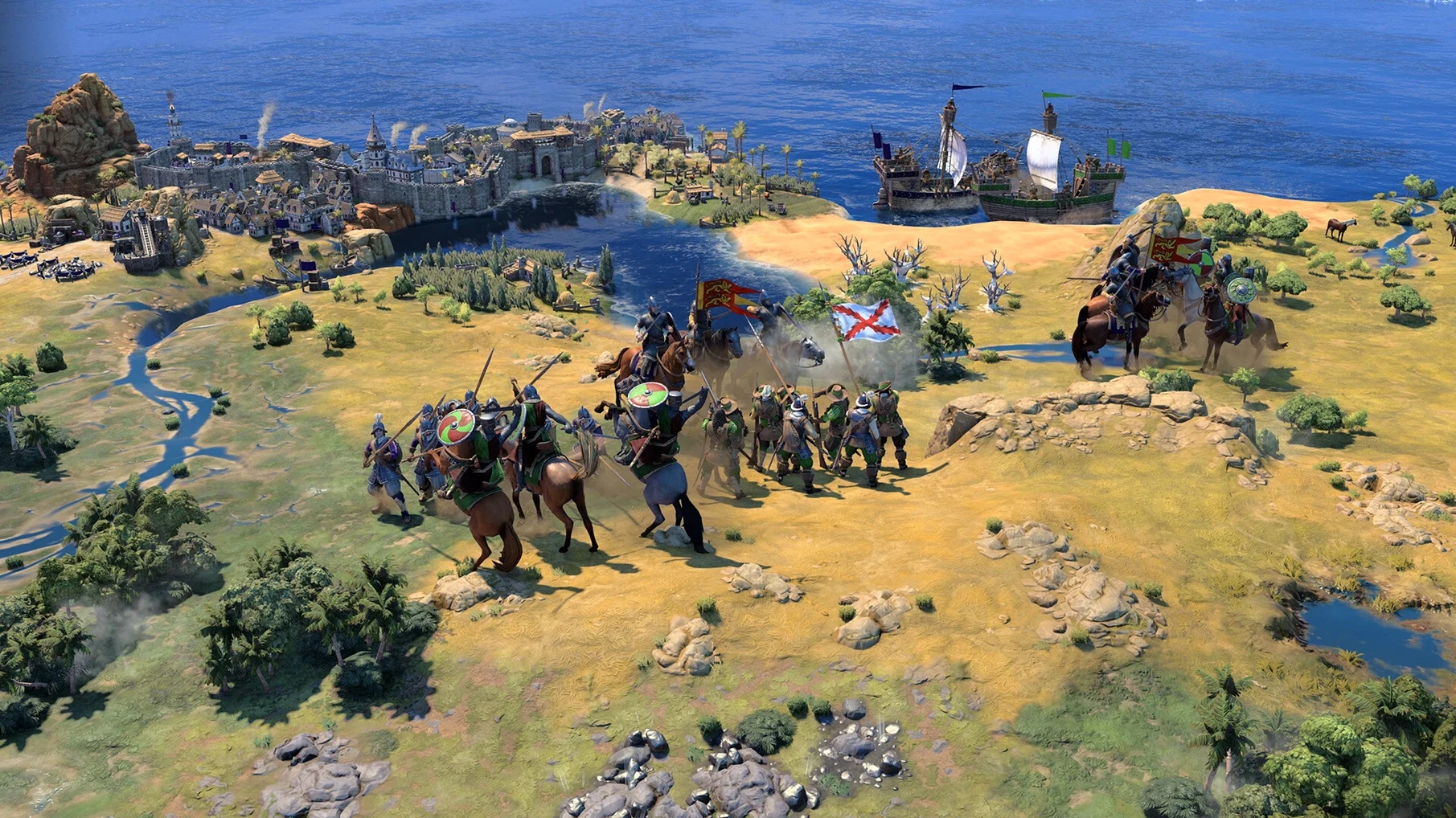
The latest patch adds the True Start Location Earth map, which places civilisations at their historical geographic positions. Leader abilities remain upgradeable and combinable, and the Modern Age benefits from targeted stability and crash fixes that arrived alongside the map.
Skip the Tutorial? Not This Time
A fresh install of Civilization VII drops you into the tutorial prompt within seconds. Accept it, even if you have played every entry since the 1990s. The onboarding covers era transitions and the new leader-trait layering system in under fifteen minutes, and skipping it means missing the exact moment where combined leader bonuses are explained with tooltips you will not find in the Civilopedia.
Three things to do before your second session:
- Set autosave frequency to every turn. The default is every five turns. Changing it under Options → Game costs almost nothing in disk space and saves you from replaying a tight siege when the Modern Age late-game fixes from 1.5.0 still leave room for rare quits during diplomatic animations.
- Map the overlay toggle to a single key. The patch that addressed simultaneous mouse-keyboard lag makes this safer now, but the default binding for strategic view sits behind a two-key chord. Rebind it to something you can hit with one finger while the other hand stays on the mouse during a turn timer.
- Turn off movement animations for scouts. The setting lives under Options → Graphics. Early exploration on a True Start Location Earth map with full animations can stretch the first fifty turns by a third without adding any decision-relevant information.
Native M4 Launch in Under Eight Seconds
You launch the app from Launchpad on a Mac mini M4. The title screen loads in under eight seconds—no Rosetta, no wrapper, a native Apple Silicon binary. You select Single Player, pick the True Start Location Earth map from 1.5.0, and set the game speed to Standard. Leader selection takes a minute: you pair a militaristic leader trait with an economic bonus from a different historical figure, because the trait system now separates the two.
The map resolves. Your starting settler stands on the Nile delta. You send a warrior east along the coast, queue a scout in the capital, and assign the first civic research. The early turns move at a click-per-second pace—city placement, production queue, end turn. By turn twenty the scout reveals a city-state to the north and a rival civilisation's border to the south-west. You note both with map pins, a feature the tutorial covered but you almost skipped.
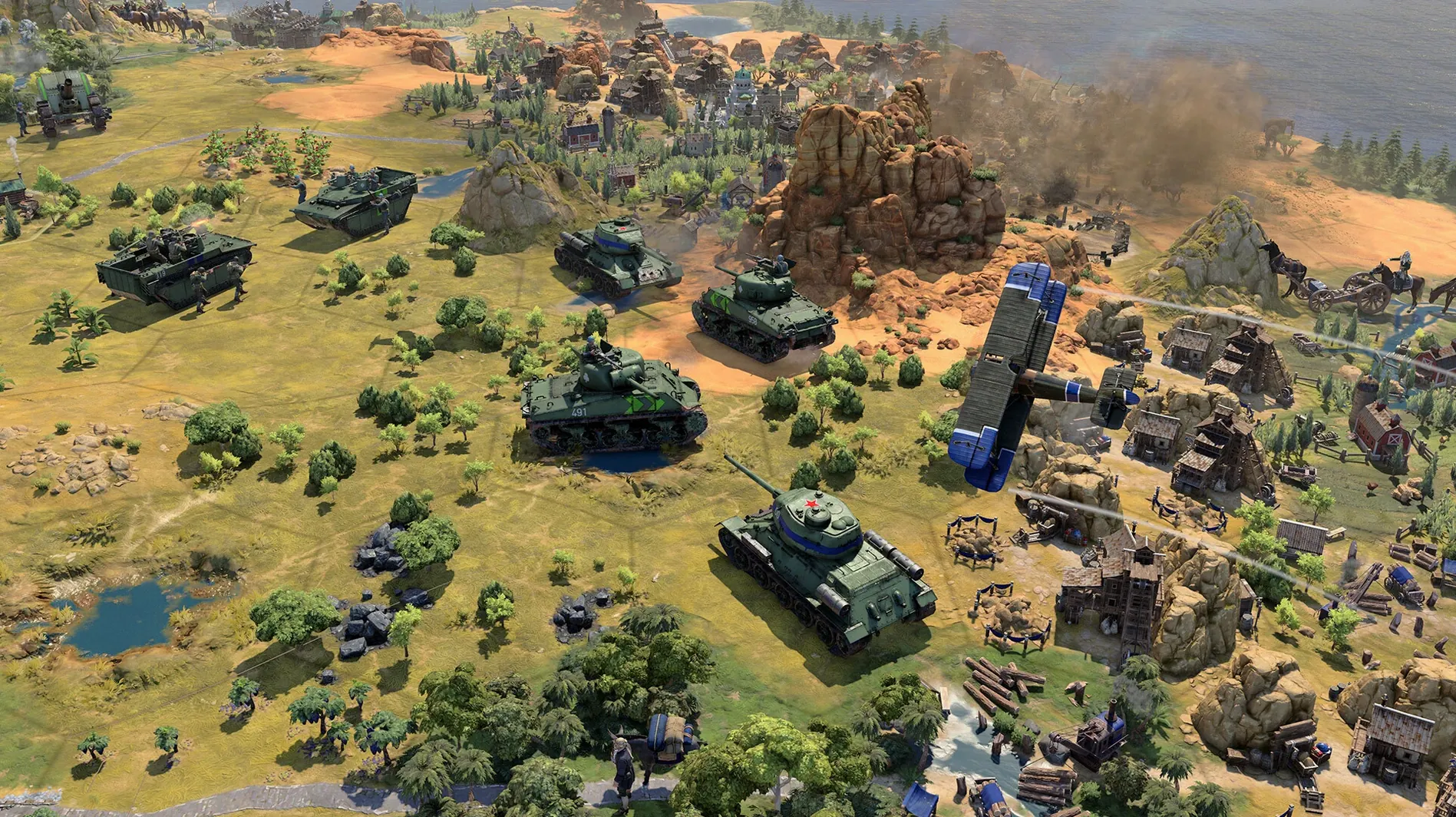
Around turn sixty the era transition screen appears. Conditions shift: previously available bonuses lock, new ones unlock, and you must commit to a path that fits the geography you have uncovered. You choose a naval expansion trait because the map revealed a narrow sea to the east. The Modern Age is still hours away, but the stability fixes in 1.5.0 mean the game will not stutter when the late-game unit count climbs past the hundreds.
A typical session runs two to three hours. You save manually before a declared war, because autosave alone feels too passive when you are about to commit six crossbowmen to a mountain pass. The quit is Command-Q, the same as any Mac app, and the resume picks up at the exact tile where you left it.
Tuning Turn Speed and AI Pace
Audio
The voice language list is separate from the interface language list—both include Russian, English, German, Spanish, Italian, Traditional Chinese, Simplified Chinese, Korean, Polish, French, and Japanese, but they can differ from one another. Switching interface to English while keeping voice lines in Italian is a single checkbox change in Options → Language and requires a restart.
Map Generation Seed Display
Civilization VII hides the map seed by default. Enable it under Options → Advanced if you ever want to replay a memorable start location or share it. The True Start Location Earth map uses a fixed geography, but the seed still governs resource placement and city-state distribution.
Cursor Lock Behaviour
On a multi-monitor Mac setup, the cursor can drift to the second screen during edge scrolling. The Options → Controls menu includes a lock-to-window toggle that prevents this without affecting Mission Control gestures.
No Rosetta, Native Apple Silicon Build
Does the Mac version run natively or through a translation layer? The build is a native Apple Silicon binary. Tested on macOS Tahoe with an M4 chip, it launches directly without Rosetta 2 or any compatibility middleware. The 1.5.0 patch notes confirm specific fixes for input handling on Mac hardware, so the port is not an afterthought.
Is this the same game as the Apple Arcade edition? The Apple Arcade version is the authentic Civilization VII base game experience, identical in mechanics to the standalone Mac release. The core difference is distribution, not content: the Arcade edition omits in-app purchases by Apple's policy, while the standalone Mac version from other storefronts follows a different model. Both received the 1.5.0 update with the True Start Location Earth map and the Modern Age stability fixes.
Can I continue a PC save on Mac? Save files are cross-platform between Mac, PC, and Linux when the game versions match. Cloud sync handles this through your store account—no manual file transfer needed if you use the same platform's sync service.
Does it work on an Intel Mac? No. The Apple Silicon requirement is hard: the binary targets ARM architecture exclusively. An Intel Mac will not launch the app, and no workaround exists. Check About This Mac → Processor before downloading.
- Apple Silicon Mac
Sign in · Create an account to add a field note.
No field notes yet. A measurement, a version, a machine — they appear after moderation.