
Games
Software Inc 1.8.41
GamesUpdated


| Requirement | On file |
|---|---|
| macOS | See the sheet |
| CPU | Apple Silicon, Intel 64-bit |
| Download | 273 MB |
| Tested on | macOS Tahoe, Mac mini 2024 M4 |
Early access continues to refine the core loop. The current build sharpens how subordinate tasks flow through assigned leaders, making multi-team projects feel less like herding cats and more like a coordinated dev studio.
Create a product line
Start by picking a genre or platform niche. Name your software, set its feature targets, then watch your team turn a design doc into a shippable product — or a buggy mess if you cut QA too hard.
Shape the workplace
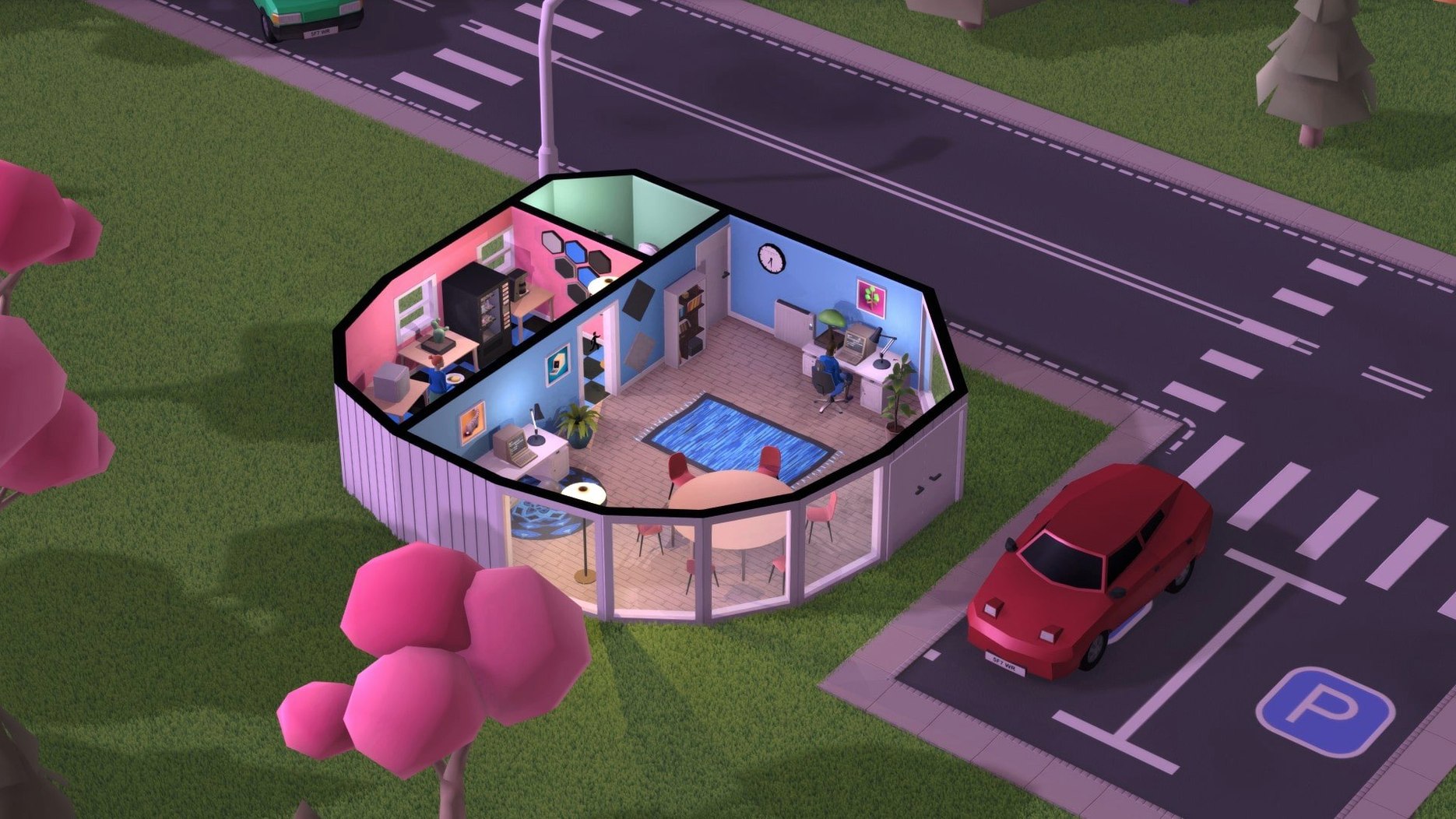
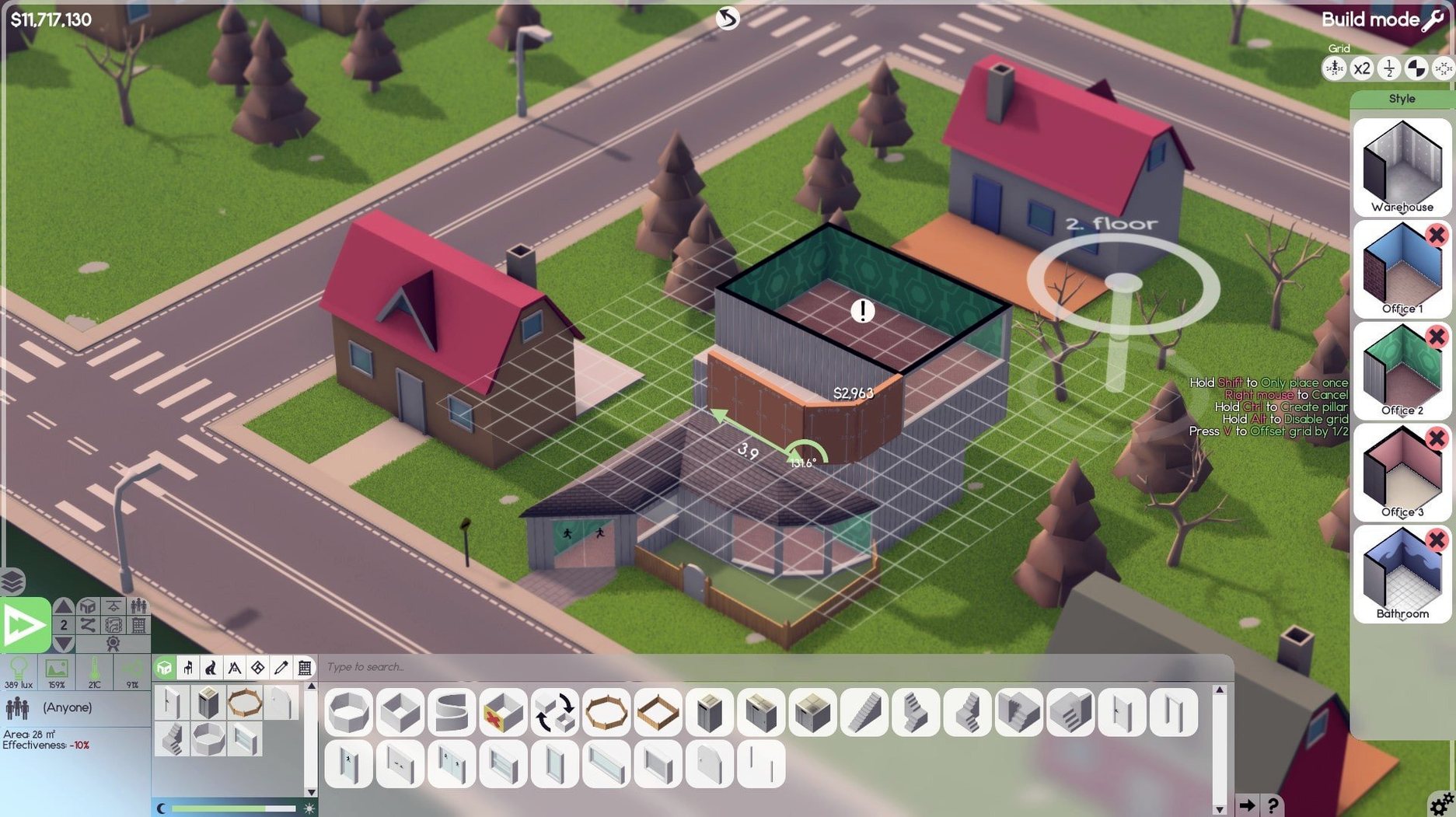
Pour a concrete slab, zone the floor plan, and furnish rooms. Parking lots and road placement affect staff morale long before the first line of code is written.
Manage the team
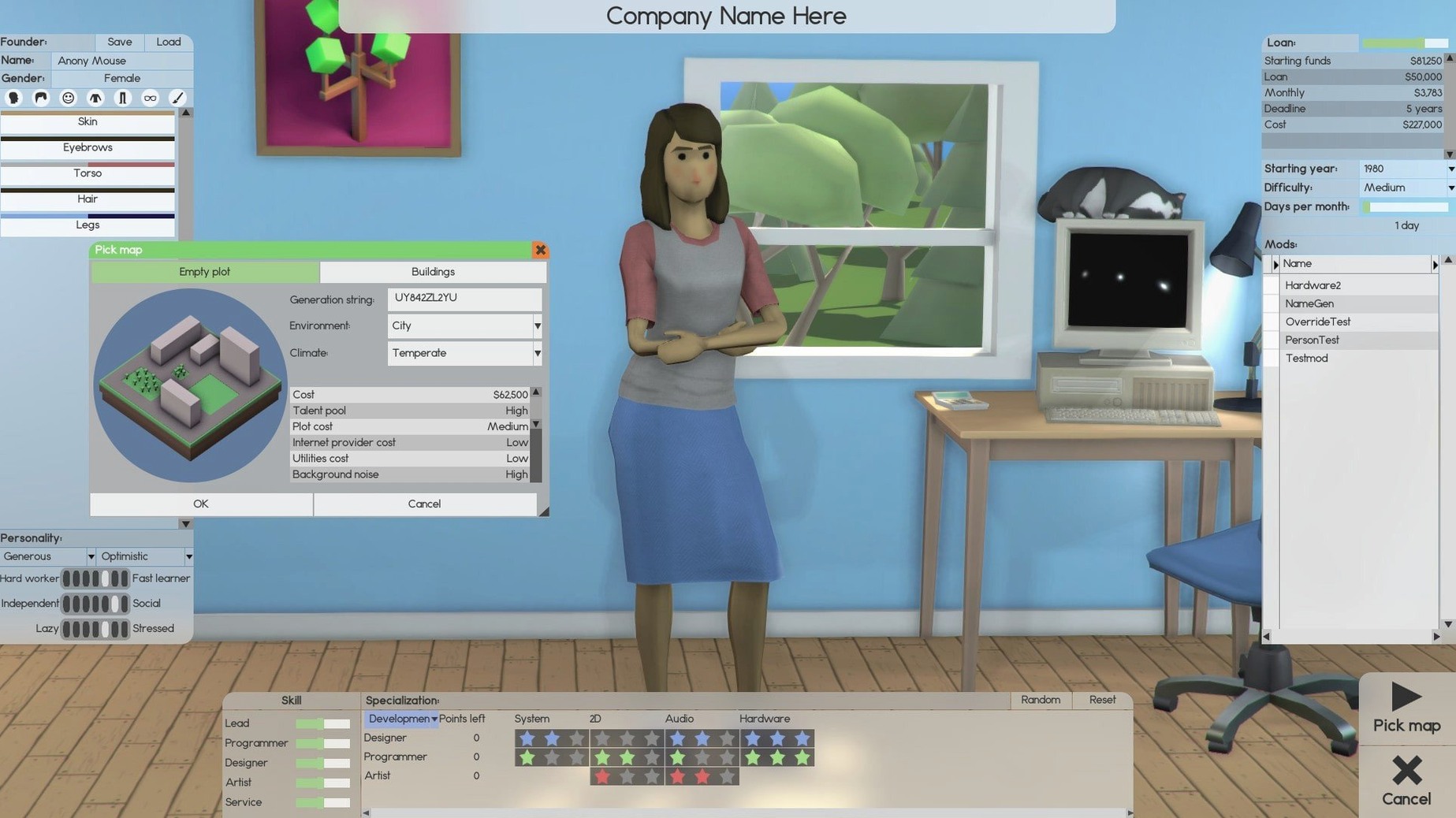
Customise your avatar, then hire staff with distinct traits. Assign a strong lead to coordinate development and handle the subordinates — a weak link in middle management will bottleneck an otherwise solid crew.
Pouring the First Concrete Slab and Zoning Reception
Boot up the game and the camera settles on an empty plot of land. The first ten minutes are pure site planning. You pour a small concrete slab — maybe 12×8 tiles — and zone a reception area, a single open-plan office, and a toilet block. Furnish it with the basics: four desks, four chairs, a water cooler, a potted plant. The plant isn’t decorative fluff; room attractiveness scores feed directly into staff satisfaction, and unhappy employees ship late.
Next, head into the hiring screen. Pull in two developers, one designer, and one support worker. Their trait sheets matter more than their base stats — a developer with "antisocial" will tank team cohesion if you pack them into a tight bullpen, while a designer with "creative" pushes out more polished feature sets but needs solitude to function. Assign the designer as team lead. The lead’s management skill determines how much of their subordinates’ time actually translates into productive work instead of meetings about meetings.
Now the product. Open the software creation panel, pick a genre — say, simulation games — and name your debut title. Drag the feature sliders: two bars into graphics, one into gameplay depth, one into performance optimisation. A three-month development cycle with a modest QA phase. Hit start and watch the timeline tick forward. The first week reveals a bottleneck: your support worker is idle while developers crunch, so you reassign them to bug-hunting early and shift them back to answering customer tickets post-launch.
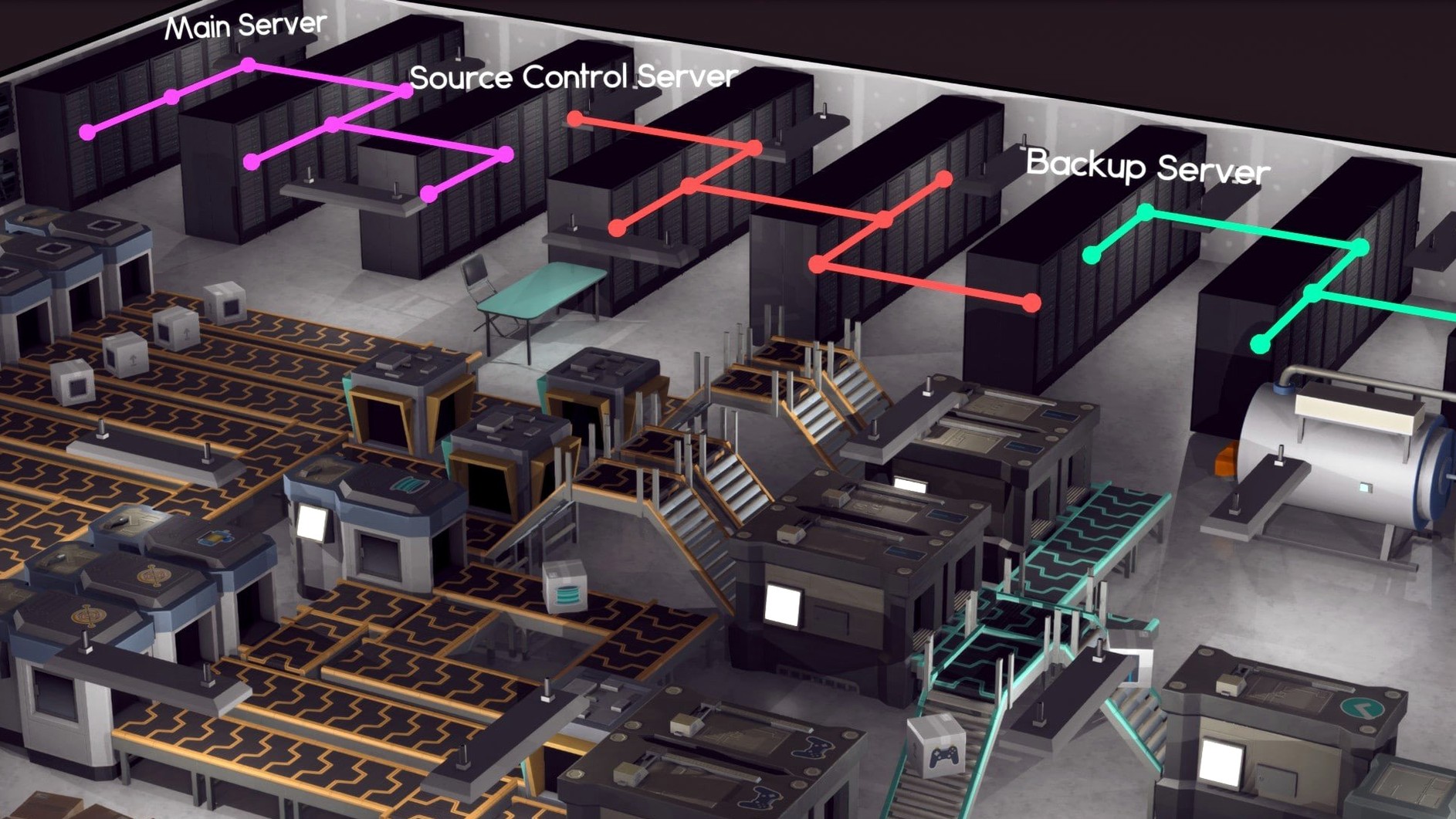
Launch day arrives. The sales graph spikes, flattens, then dips as early reviews mention the thin tutorial. You patch it in a two-week sprint, assign marketing to push a discount, and watch the tail of the curve lift. By month six you’ve saved enough revenue to dig a basement floor for the server room — cooling units and all — because your next project is an MMO and it’ll need its own infrastructure.
Watching a Cross-Functional Team Finally Ship
The game rewards a specific mindset: people who enjoy layering systems. If you’ve spent hours optimising supply chains in factory sims or tweaking staff rosters in management titles, Software Inc will click immediately. The satisfaction comes from watching a cross-functional team execute on a plan you designed from the zoning level up.
Players who treat each playthrough as a self-imposed challenge get the longest mileage. Restrict yourself to a single floor for five years, or launch only open-source products with no marketing budget, and the game morphs into something closer to a地下 survival sim. Architects and space-planning enthusiasts also find a deep rabbit hole here: the room editor supports custom furniture layouts, and a well-designed office with logical flow between departments measurably outperforms a chaotic sprawl.
Mac users running Apple Silicon hardware benefit in particular. The simulation chugs on large maps with 200+ employees, and the ARM-native build keeps frame times steady on M-series chips even with a ten-floor tower fully staffed and furnished.
Why Three Employees Bleed Less Cash Than Four
Over-hiring in the first quarter is the classic blunder. Staff salaries are the game’s silent killer — you’ll sign a contract for modest upfront cash, then watch your burn rate outpace revenue before the first product ships. Start with three or four employees and scale only after a successful launch.
Neglecting the support role is another trap. A product with no post-launch support generates negative reviews that suppress future sales, and you’ll end up spending more on marketing to counteract the reputation hit than you would have spent on one support worker’s salary. Assign at least one person to handle tickets within the first week of release.
New players also underestimate how much room attractiveness and noise levels matter. An open-plan office crammed with twenty desks, no plants, and a single door will breed conflicts between employees with incompatible traits. Those conflicts manifest as delays, missed deadlines, and sudden resignations. Build walls. Add carpets. Place a few ficus trees. The budget for creature comforts pays for itself in reduced staff churn.
A subtler error: ignoring the leader assignment system entirely. Without a designated lead, teams split their attention across tasks inefficiently. A mediocre developer with decent management skills often contributes more to overall output as a lead than a brilliant coder left unmanaged.
Split-View on One Screen, Tutorial on the Other
Software Inc runs as a standalone simulation — no companion apps, no cloud sync, no plug-in architecture. That said, it plays well with the broader macOS ecosystem in practical ways. The game respects native fullscreen and split-view modes, so you can keep a spreadsheet or a note-taking app open alongside it. Players who track their own financial models — profit-per-product, optimal team ratios, build-versus-buy calculations for server hardware — often keep Numbers or a plain text editor running on a second display. The game’s own data visualisation is functional but basic; exporting your own metrics into a separate tool lets you spot trends the built-in graphs miss.
For those hunting down the current build, the search terms software inc download and software inc macos surface the official distribution channels. The game’s early-access status means patches arrive frequently, and the community around it shares floor plans, team templates, and strategy breakdowns on forums outside the app itself. Some players treat the game as a sandbox for testing real-world office layouts before renovating a physical space — the zoning tools are detailed enough to make that surprisingly useful.
The simulation also dovetails with hardware monitoring on Mac. Large-scale builds with extensive HVAC, server racks, and 300-employee workforces push CPU utilisation hard, and the thermal behaviour on fanless MacBook Air models differs noticeably from actively cooled Macs. Keeping Activity Monitor visible during a late-game session gives you a sense of where the simulation bottlenecks — useful both for optimising your in-game server room and for understanding your machine’s limits.
- Architecture: ARM and 64-bit x86
- Language: English
Questions on file
Can I create franchises in Software Inc?
Yes. You can build a brand through sequels and spin-offs, turning a single hit program into a multi-release franchise over the in-game years.
Does Software Inc run on Apple Silicon Macs?
Yes. The game runs natively on ARM and 64-bit x86 architecture, and has been tested on a 2024 M4 Mac mini with macOS Tahoe.
What kind of simulation is Software Inc?
It is a strategy simulation that combines office construction, room furnishing, staff assignment, employee relationships, and software development into one management loop.
Sign in · Create an account to add a field note.
No field notes yet. A measurement, a version, a machine — they appear after moderation.