
Games
Stardew Valley 1.6.15.24357.8705766150
GamesUpdated
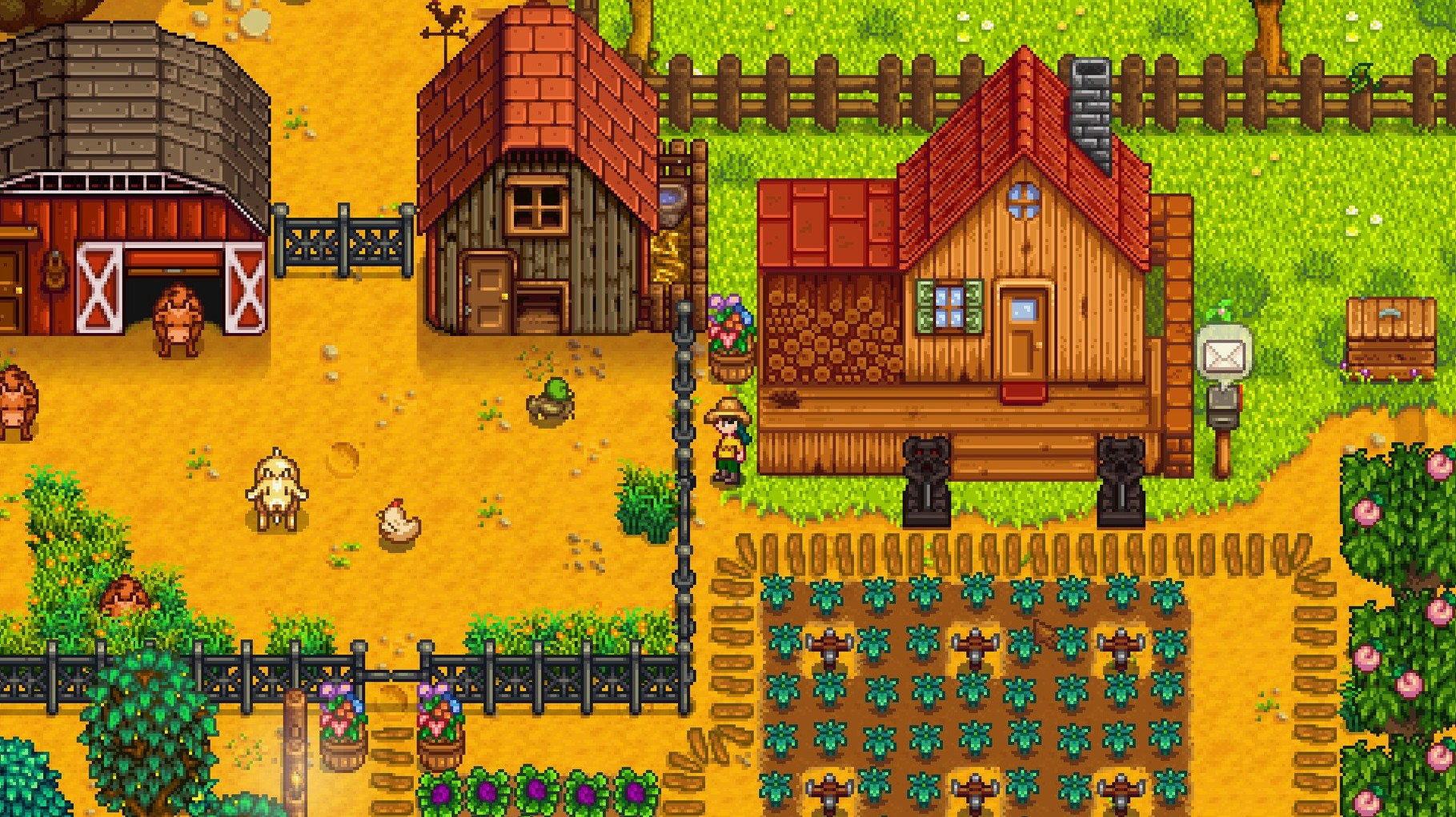
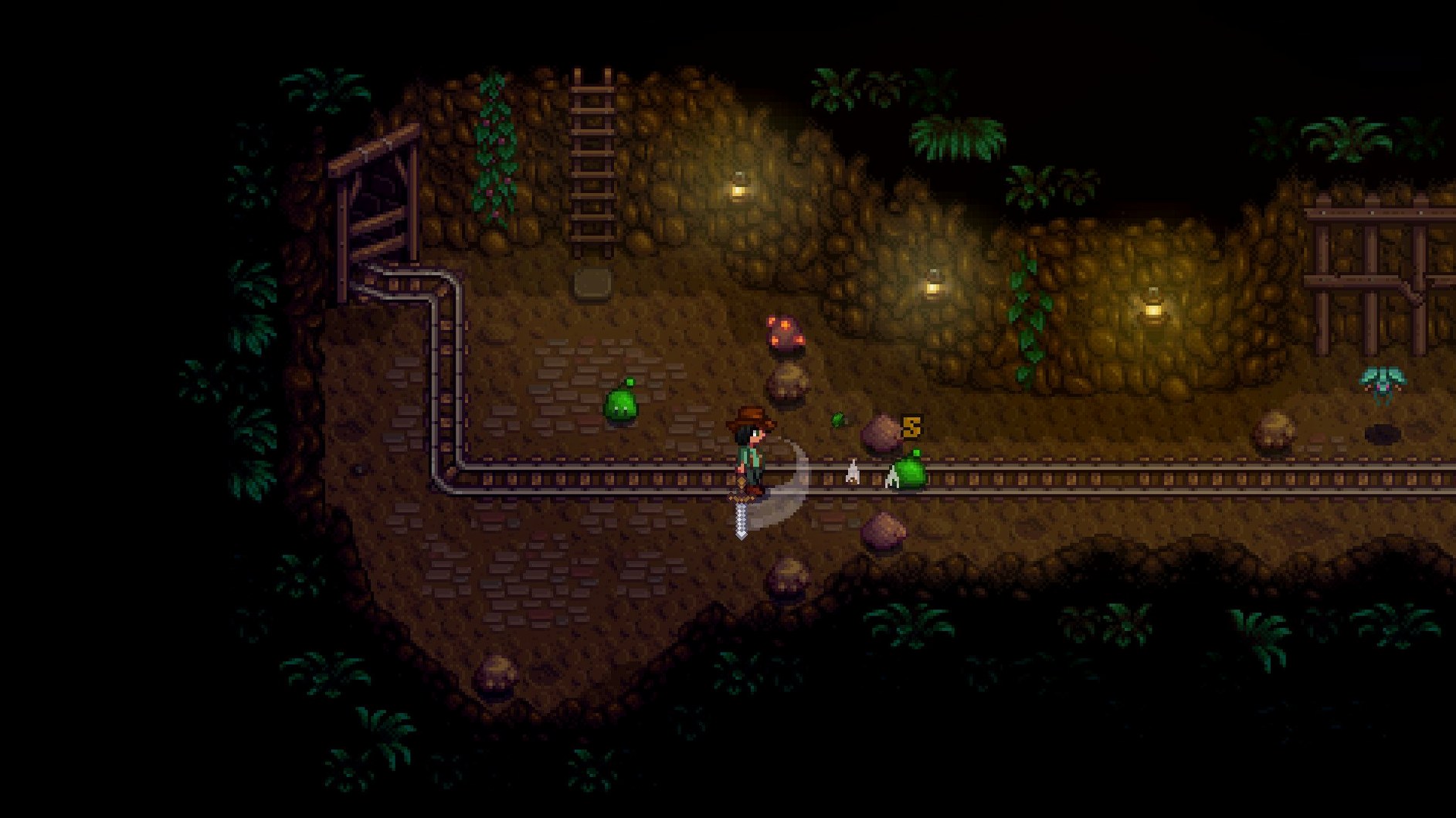

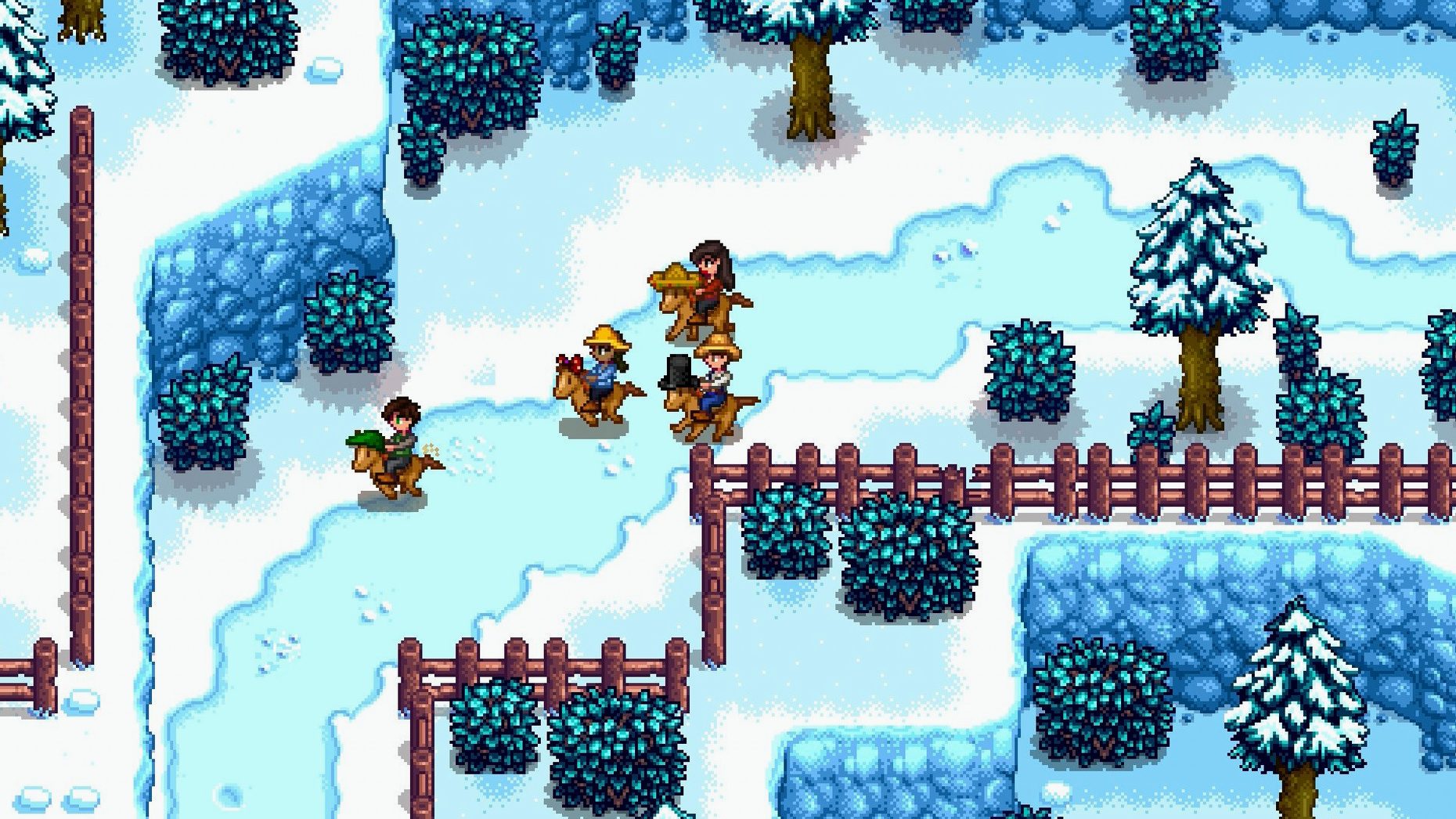
| Requirement | On file |
|---|---|
| macOS | See the sheet |
| CPU | Apple Silicon, Intel 64-bit |
| Download | 467 MB |
| Tested on | macOS Tahoe, Mac mini 2024 M4 |
It is autumn, year three, and your cellar hums with the quiet industry of a hundred casks. You are not checking the weather; you are cross-referencing the fridge inventory against a Junimo bundle on a note beside the monitor. This is the point where Stardew Valley's gentler rhythms give way to a quietly complex set of logistical tools.
Production Logic and Economic Levers
The 1.6 update recalibrated several late-game economic pathways, and the change to legendary fish ponds is a clear signal. These ponds now produce roe on a faster cycle, and their average daily value has been raised. For a player running multiple ponds, this shifts the arithmetic of what belongs in that prime corner of the farm. It is a small data point that rewards the sort of player who keeps a mental ledger of g/day yields. The abandoned community centre remains the primary counterweight to the Joja Corporation's blunt financial efficiency, but the game's deeper systems now offer more ways to optimise without ever touching a Joja membership form.
Interface, Performance and Architecture
Version 1.6.15.24357.8705766150 brings a small but telling interface change: a Junimo bundle button now lives directly within fridge and mini-fridge interfaces. It removes the friction of running between storage and the community centre just to check if you are holding a needed parsnip. Under the hood, the application is a universal binary, running natively on both Apple Silicon and 64-bit Intel hardware. The build includes performance optimisations and targeted fixes for several crashes and multiplayer desyncs, addressing the stability concerns that can derail a co-op session. Localisation fixes span the full set of twelve interface languages, from Russian to Japanese, tightening up text in places where earlier builds had drifted.
Three Farm Sims That Borrow the Pixel Art but Miss the Heart
Stardew Valley sits in a crowded field of country-life games on macOS, but three titles make for the most direct comparison: Graveyard Keeper, My Time at Portia, and Story of Seasons: Friends of Mineral Town.
Graveyard Keeper borrows the pixel art and daily loop but swaps crops for corpses. The crafting chains are deeper and more opaque; you will spend as much time on a wiki as you do in the game. Where Stardew Valley lets you discover a crop schedule through experimentation and a calendar, Graveyard Keeper often buries a required resource behind three intermediate stations and an obscure tech unlock. Its tone is darker, drier, and less forgiving of a missed day. On a Mac, both run natively on Apple Silicon, but Stardew Valley's codebase is lighter — it idles at a lower memory footprint and keeps fans quiet on a MacBook Air, something Graveyard Keeper struggles with during rain effects.
My Time at Portia renders its world in full 3D and shifts the economic core from farming to workshop assembly. You gather raw materials, feed them into machines, and deliver commissions against a clock. The social system is more structured — NPCs have voiced barks and scheduled routines you can track on a map — but the Mac port has a history of shader bugs on M-series chips that ConcernedApe's engine simply avoids. Stardew Valley gives you tighter control over the farm layout; Portia's workshop grid snaps objects to a coarser grid and punishes irregular placement.
Story of Seasons: Friends of Mineral Town is the genre ancestor, rebuilt in 3D with chibi character models. Its calendar and crop system feel lighter, almost frictionless. Animal care is a bigger time sink than in Stardew Valley, and the mining loop is a single shaft with no combat. The Mineral Town Mac port requires Rosetta 2 — it has no ARM slice — and the interface shows its handheld origins with large, inflexible menus. Stardew Valley gives you more systems to juggle and more room to optimise; Mineral Town is better suited to a player who wants no monsters in the mine and no pressure to fill a community centre bundle by a season deadline.
Planting Parsnips Before 9 A.M. Shapes the Whole First Year
The game does not hand you a checklist, and the first week can feel scattered. A few deliberate moves on days one through five will shape the whole first year.
Day 1: clear a small patch, plant the fifteen parsnip seeds, then walk the entire town. Meet every NPC whose door is open. The introduction quest triggers a small gold reward and, more importantly, marks every named character on the social tab for later reference. Do not cut all the grass yet — wait until you have a silo, because grass cut without one yields no hay.
Day 2 through 4: fish aggressively. The mountain lake near the carpenter's shop gives largemouth bass in the morning and bullhead in the evening; both sell well enough to fund the first backpack upgrade (2,000 g) before the egg festival. Keep one of every item in a chest. The community centre bundles are not visible yet, but the habit of retaining a specimen of each crop, forage item, and fish prevents the frustration of waiting three seasons because you sold your only leek.
Day 5: mine level 5. The elevator unlocks every five floors. Copper ore from levels 1–39 is the gate on early tool upgrades and furnace construction. Bring field snacks made from acorns, maple seeds, and pine cones — they are free energy and keep you underground longer without eating into profit margins.
Set the zoom level to 90% in the options menu on your first launch. The Mac build defaults to a wider field of view than the console versions, and pulling back slightly lets you spot forage items on the path to town without scrolling.
Fullscreen Mode Stutters on Apple Silicon
A handful of friction points show up repeatedly, and most have straightforward remedies that do not require a fresh save.
- Game stutters or screen tears on an M1/M2 Mac. The universal binary runs well, but the default fullscreen mode sometimes grabs the wrong refresh rate. Switch to Windowed Borderless in the graphics options and disable VSync. If the issue persists, force-quit the game, navigate to
~/.config/StardewValley/in Finder (Go > Go to Folder), and delete thestartup_preferencesfile — the game will regenerate it on next launch. - Multiplayer connection drops after a few in-game days. This is often a sleep proxy issue on the host Mac. In System Settings > Battery > Options, disable Wake for network access while the game is running. Also verify that both players are on the same build number — the version string must match exactly, including the long numeric suffix.
- Tool swings hit the wrong tile. Enable Always Show Tool Hit Location in the settings. On a trackpad, a two-finger tap places a red indicator on the targeted tile. With a mouse, the cursor is precise; with a trackpad, the game sometimes misinterprets the last tap before a click. A cheap USB mouse solves this entirely for players who find the trackpad finicky during combat.
- Fridge and mini-fridge do not show the Junimo bundle button. The button appears only if you have at least one active bundle and the fridge contains an item that belongs to it. An empty fridge or a fridge full of items irrelevant to any bundle will not display the icon. It is not a bug — it is a conditional UI element, present only when there is something to flag.
- Save file will not load after a crash. Navigate to
~/.config/StardewValley/Saves/. Each farm folder contains two files with the same name: one with the_oldsuffix. Rename the non-suffixed file to something else, then remove_oldfrom the backup. The game will load the previous day's save, which costs you at most one in-game day of progress.
Legendary Fish Pond Rebalancing Shipped Simultaneously on Mac
Does the Mac version have all the content from the PC release? Yes — it is the same build with the same version number. The 1.6 update, legendary fish pond rebalancing, performance optimisations, and all twelve interface languages shipped simultaneously. There is no content gating, no delayed patches, and no platform-exclusive items. A save file from Windows or Linux can be moved to the Mac version directly by copying the farm folder into ~/.config/StardewValley/Saves/.
Will it run on an older Intel Mac? The 64-bit x86 slice works on any Intel Mac that supports Metal, which covers models from roughly 2012 forward. The game is not demanding: a 2015 MacBook Pro with integrated graphics holds 60 fps on the default farm map as long as the zoom level is kept at or below 100%. Forest and wilderness maps with heavier tree density may dip, but the performance optimisations in 1.6.15 help on older hardware.
Can you play entirely offline? Yes. There is no always-online requirement, no launcher that phones home, and no cloud-sync service that interrupts gameplay if the connection drops. Multiplayer requires a local network or an IP connection, but single-player runs in complete isolation.
How much disk space does it need? The application bundle, once
- Legendary fish ponds — roe production frequency increased; higher average daily value.
- Interface — Junimo bundle button added to fridge and mini-fridge interfaces.
- Performance — general optimisations applied.
- Stability — several crashes, multiplayer issues, and localisation errors fixed.
- macOS (64-bit)
- Apple Silicon or Intel processor
Sign in · Create an account to add a field note.
No field notes yet. A measurement, a version, a machine — they appear after moderation.