Games
Stronghold Definitive Edition 1.33
GamesUpdated
| Requirement | On file |
|---|---|
| macOS | See the sheet |
| CPU | Apple Silicon |
| Download | 2.8 GB |
| Tested on | macOS Tahoe, Mac mini 2024 M4 |
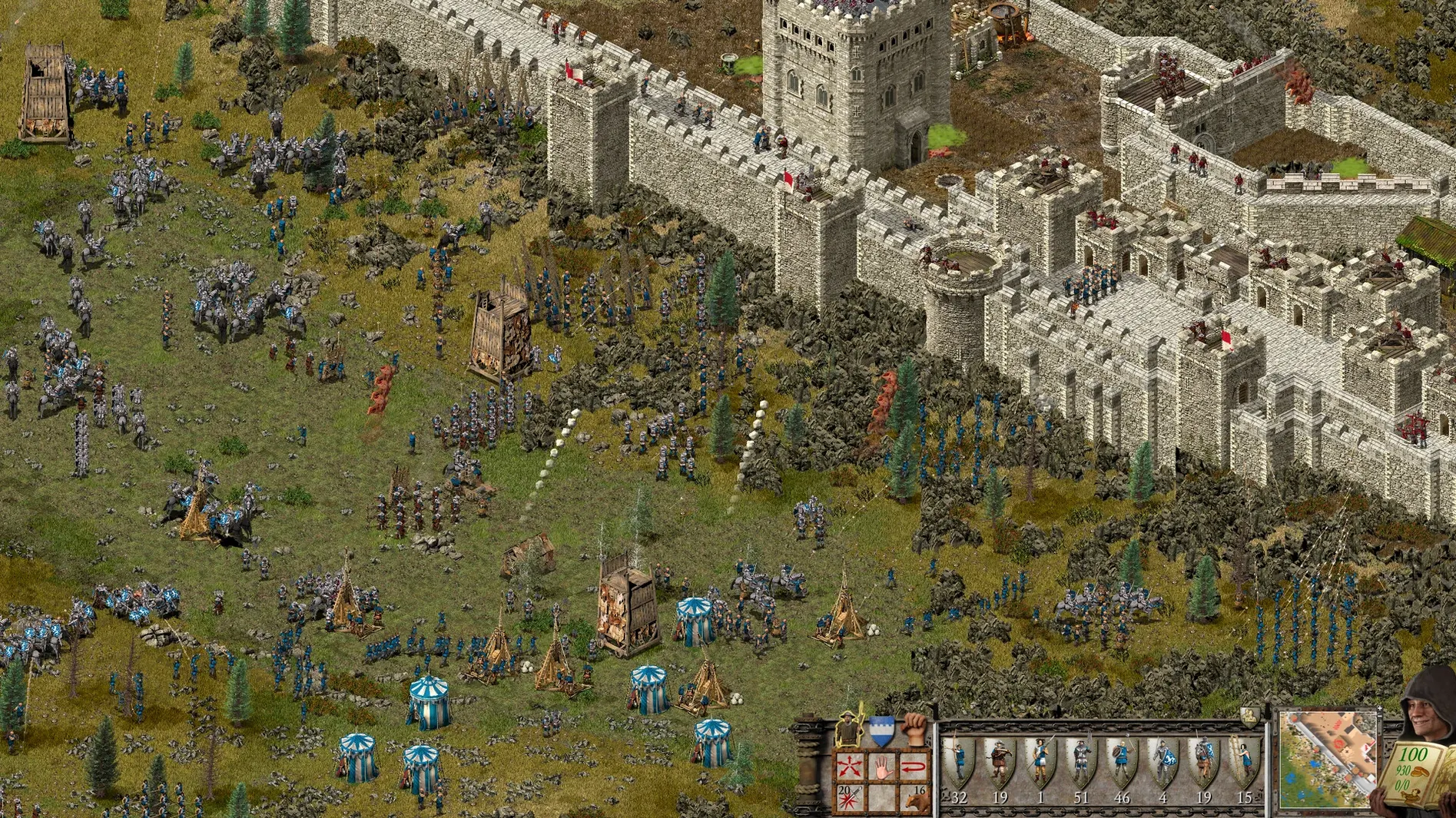
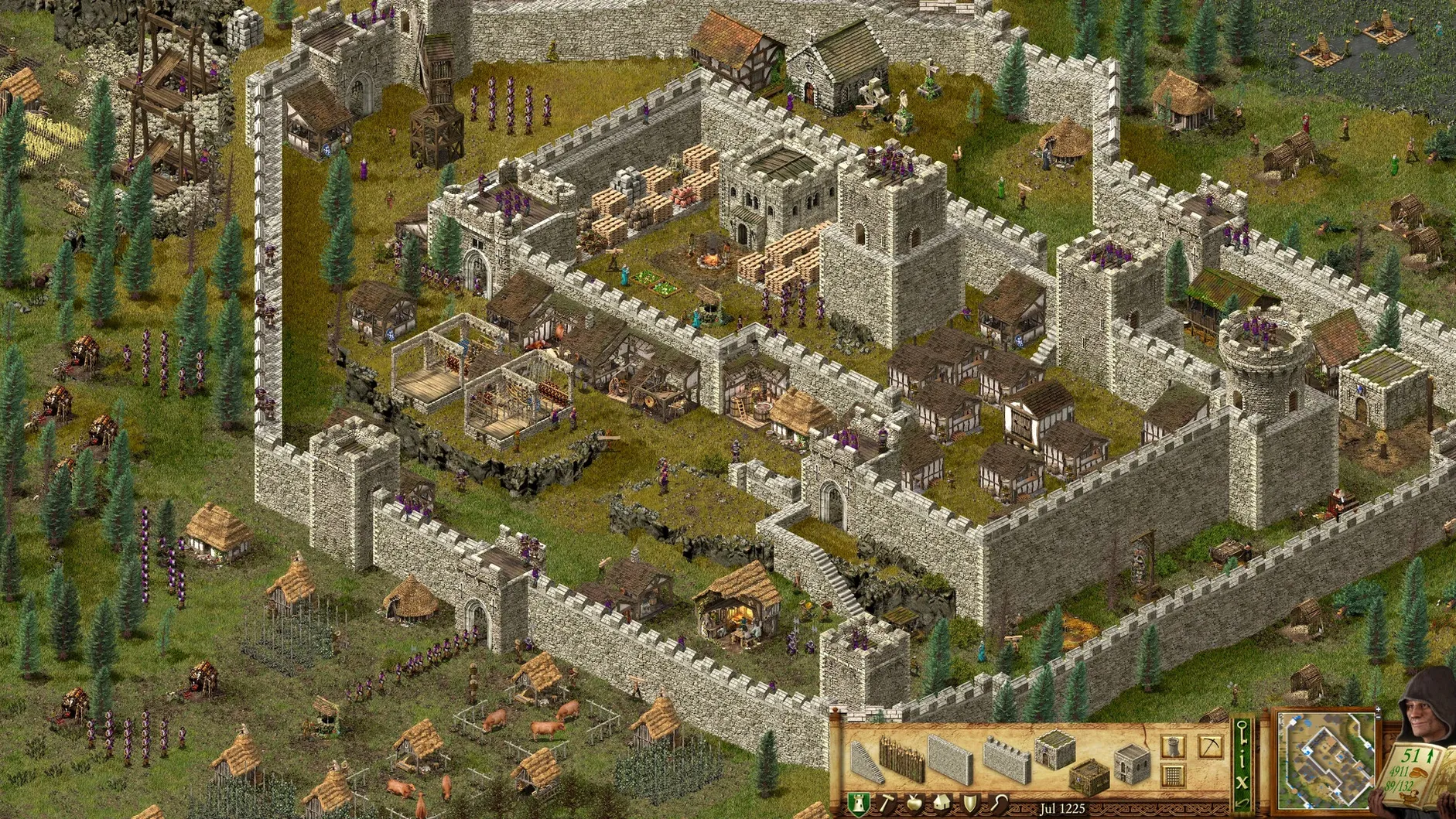
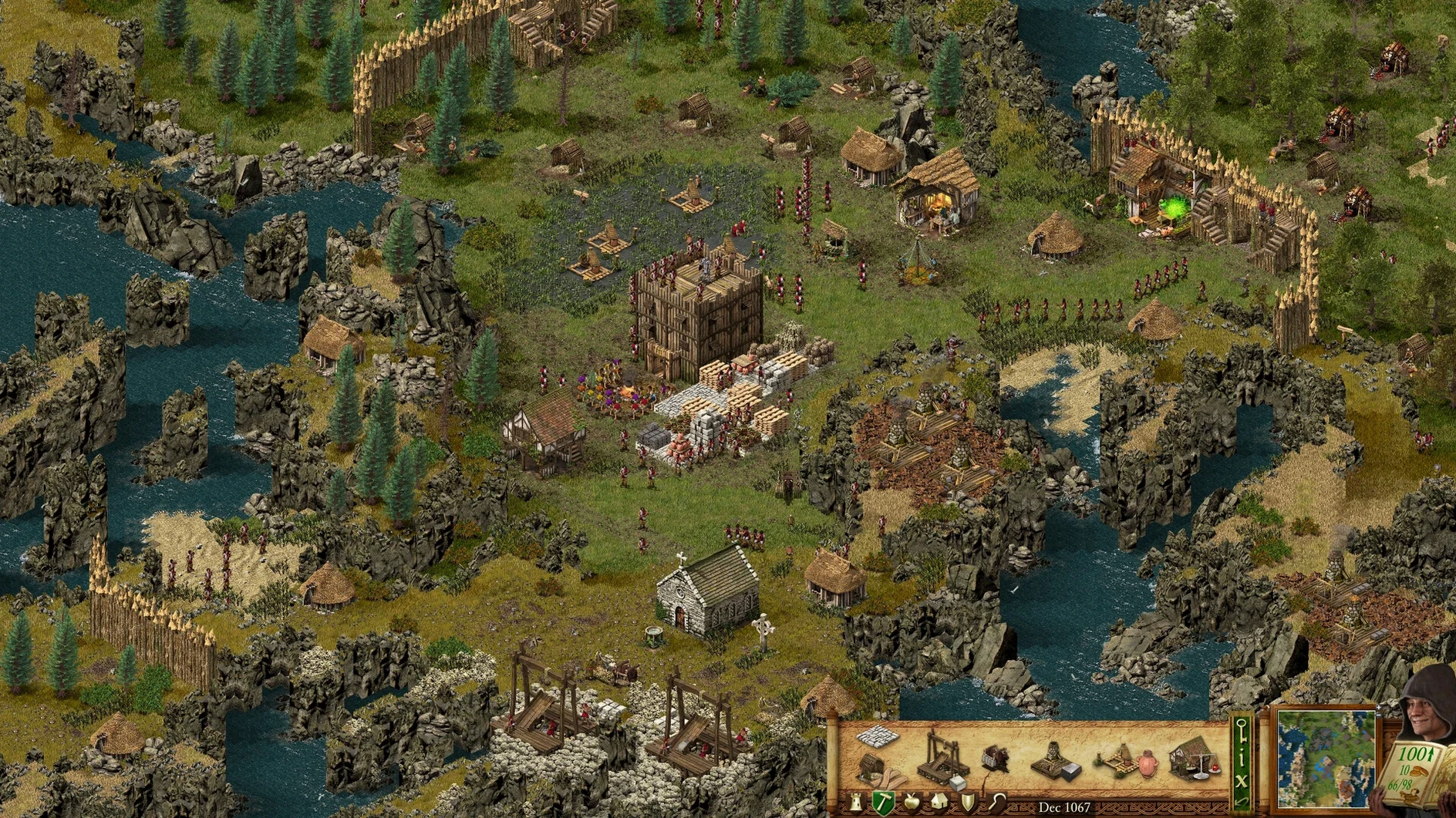
Getting an ARM-native build of a classic real-time strategy game running on macOS isn't always a smooth process. Stronghold Definitive Edition delivers the full medieval package—two classic campaigns, a new 14-mission story, and a 10-scenario Castle Trail—compiled for Apple Silicon, but a launch hiccup is common enough that the developer ships a fix for it.
Getting into the castle
- Mount the downloaded disk image and drag the app bundle into the Applications shortcut. The copy takes about a minute on a modern Mac.
- Launch the app from Launchpad or the Applications folder. If macOS flags an unidentified developer warning, holding Control while clicking the app icon and selecting Open will bypass it.
- If the game throws an error on first launch—a blank screen or an immediate quit—run the Fix utility included on the disk image. This patches permissions and typically resolves the issue in one go.
Once inside, the game recognises the full screen real estate of Apple displays without scaling artefacts. The remastered soundtrack and new voice recordings come through cleanly on MacBook Pro speakers, and the interface scales properly at native resolutions. Steam Workshop support and multiplayer are present, though the player pool on Mac is smaller than on Windows.
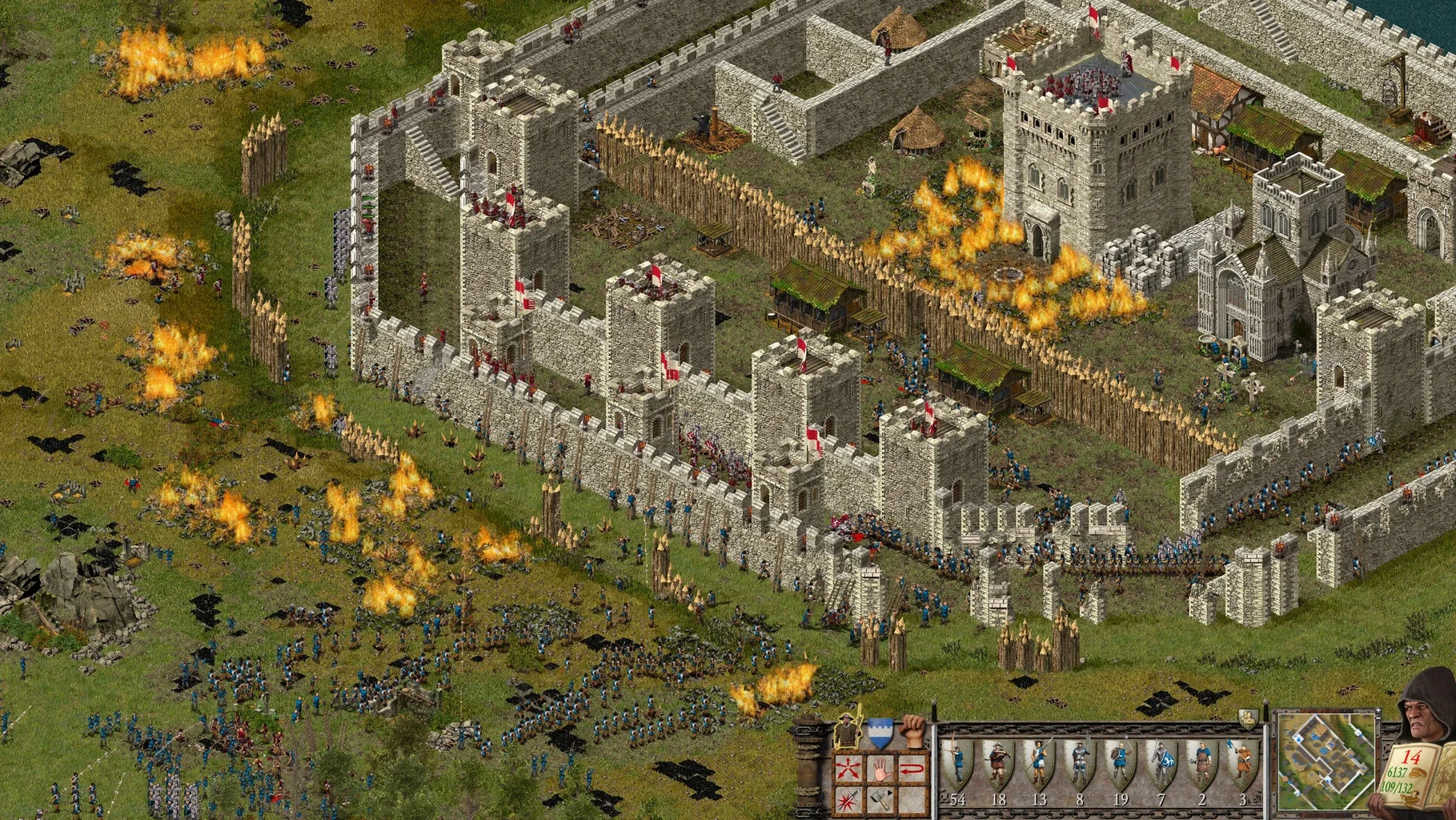
Performance expectations are tied directly to the chip. On an M1 with 8 GPU cores, the game holds 60 fps at 2560x1440 with settings on High. M2 and M3 chips push that ceiling higher, but the engine itself is not an unlimited frame-rate affair—it targets smooth play over raw numbers. Castle Trail scenarios with dozens of units and burning structures show the engine's limits less than the original 2001 code paths would suggest. The definitive edition's graphics update, while not a full remake, sharpens textures and lighting enough that the visual gap between this and the original is immediately obvious.
Skip the campaign, learn production chains in peaceful free build
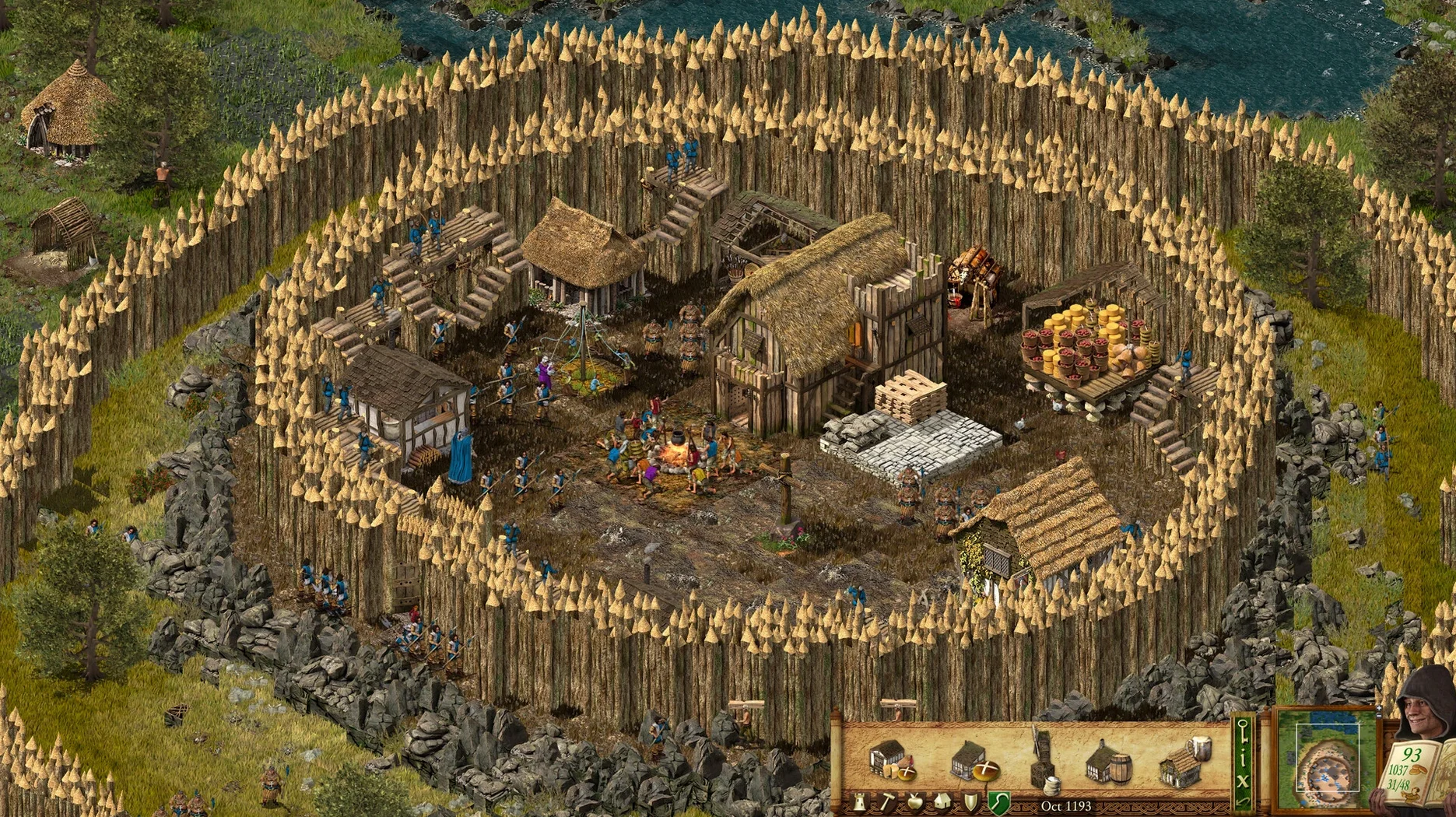
After the initial launch succeeds, skip the campaign menu for an hour and load a free build map. Peaceful mode with no invasions lets you learn the production chains without pressure. Place a stockpile and a granary first, then two woodcutters near trees and a stone quarry if rock is visible. Watching how peasant pathfinding interacts with building placement teaches more in ten minutes than a tutorial does.
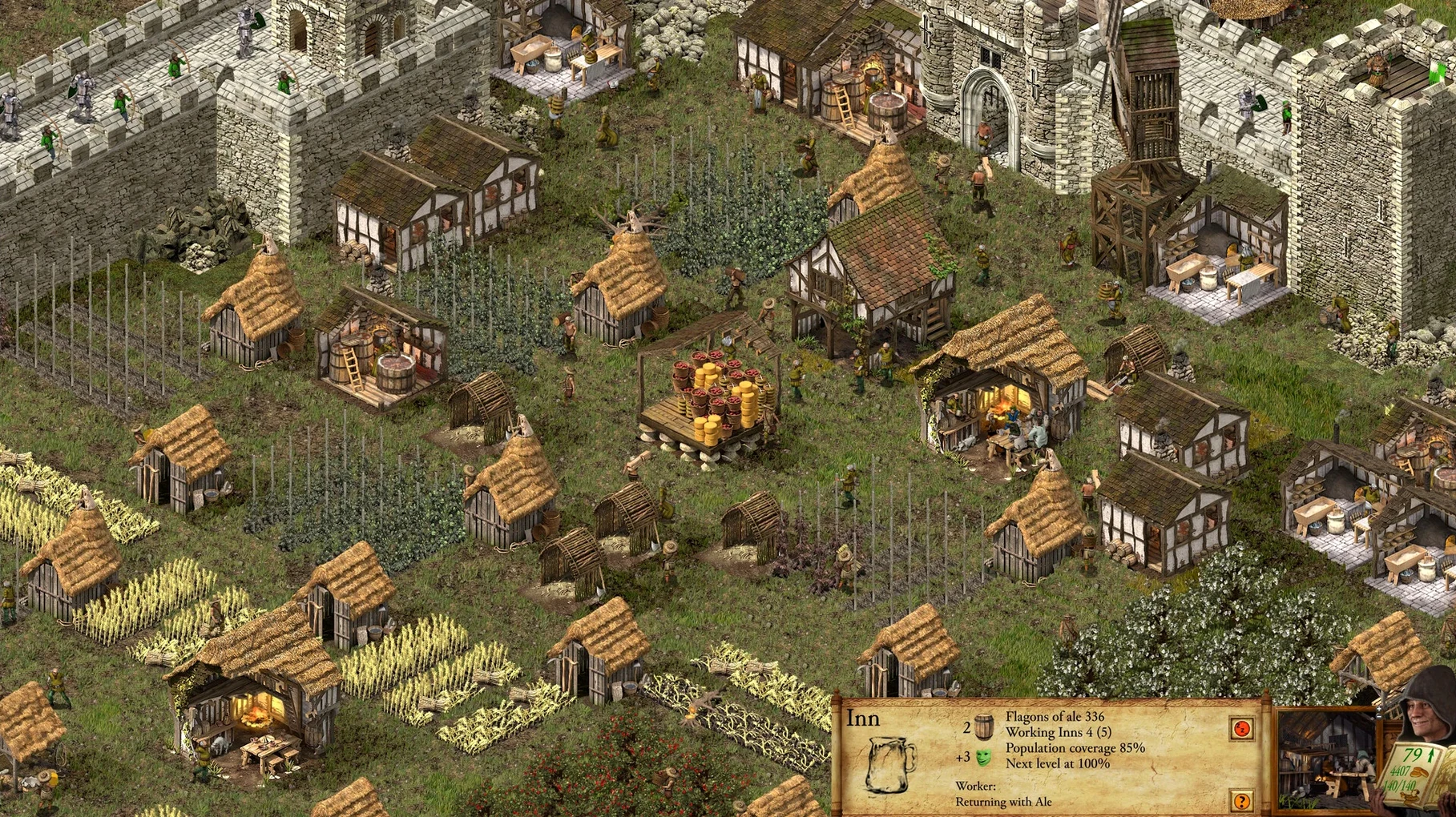
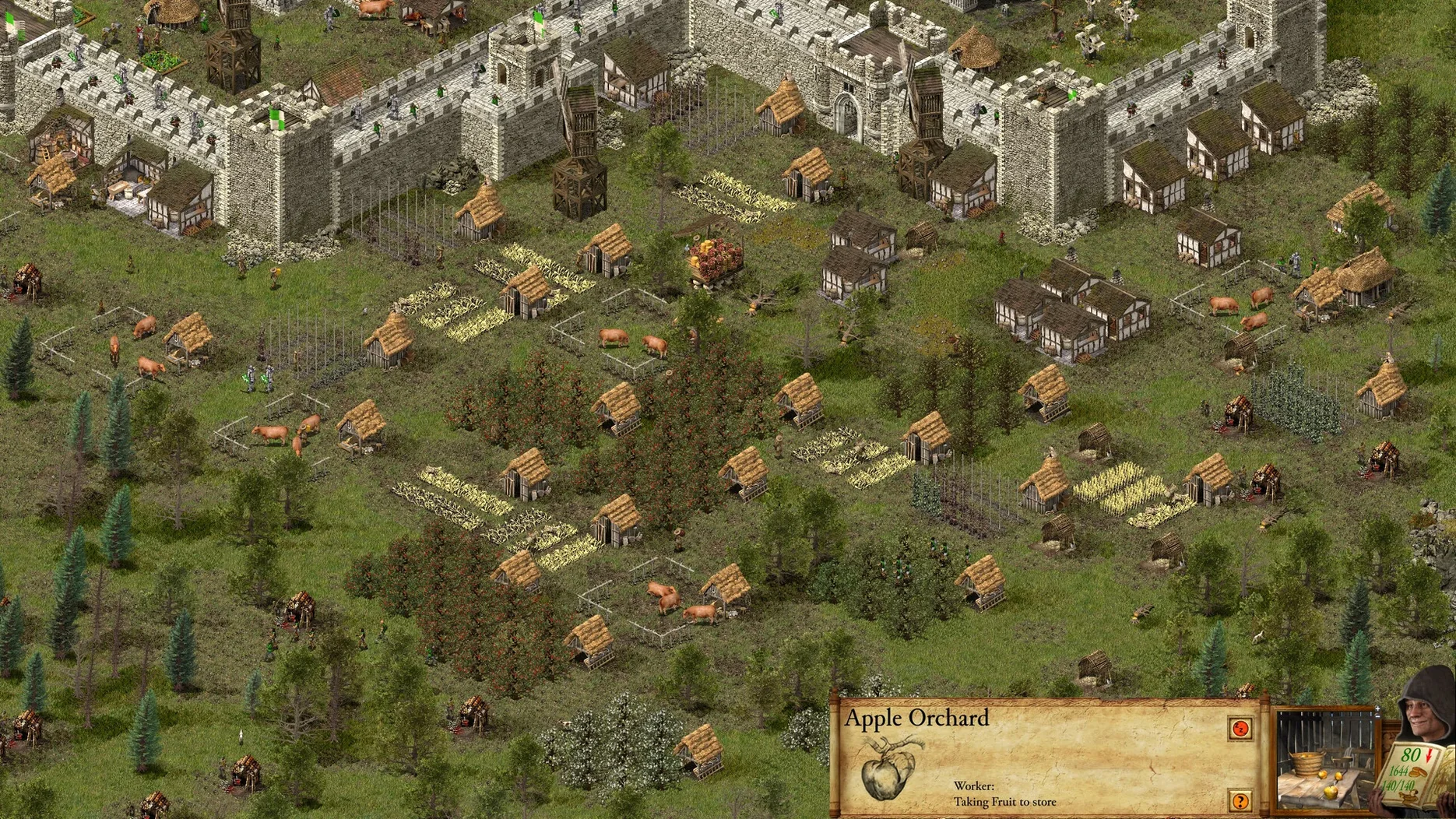
The single most common early-game mistake is building granaries and stockpiles too far from processing buildings. Bakers, millers wine makers and armourers all make repeated trips to fetch raw materials. Place a second stockpile right behind a cluster of fletchers and pole turners to shorten the walk distance—output doubles with no extra workers. This holds true across the classic campaigns, the new 14-mission story, and Castle Trail scenarios alike.
For players coming to the macOS stronghold definitive edition mac full version build from other RTS titles, the speed slider at the bottom of the screen is easy to overlook. It defaults to 20 and can be raised to 90. During the early economic setup in any mission, push it to 70 or 80 until production stabilises, then drop back to 30–40 when combat starts. The engine handles accelerated simulation cleanly on M-series chips, and it cuts the waiting time in barracks construction and crop harvesting by more than half.
Fix sluggish edge scrolling and two other crucial defaults
Three defaults in the options menu warrant immediate attention:
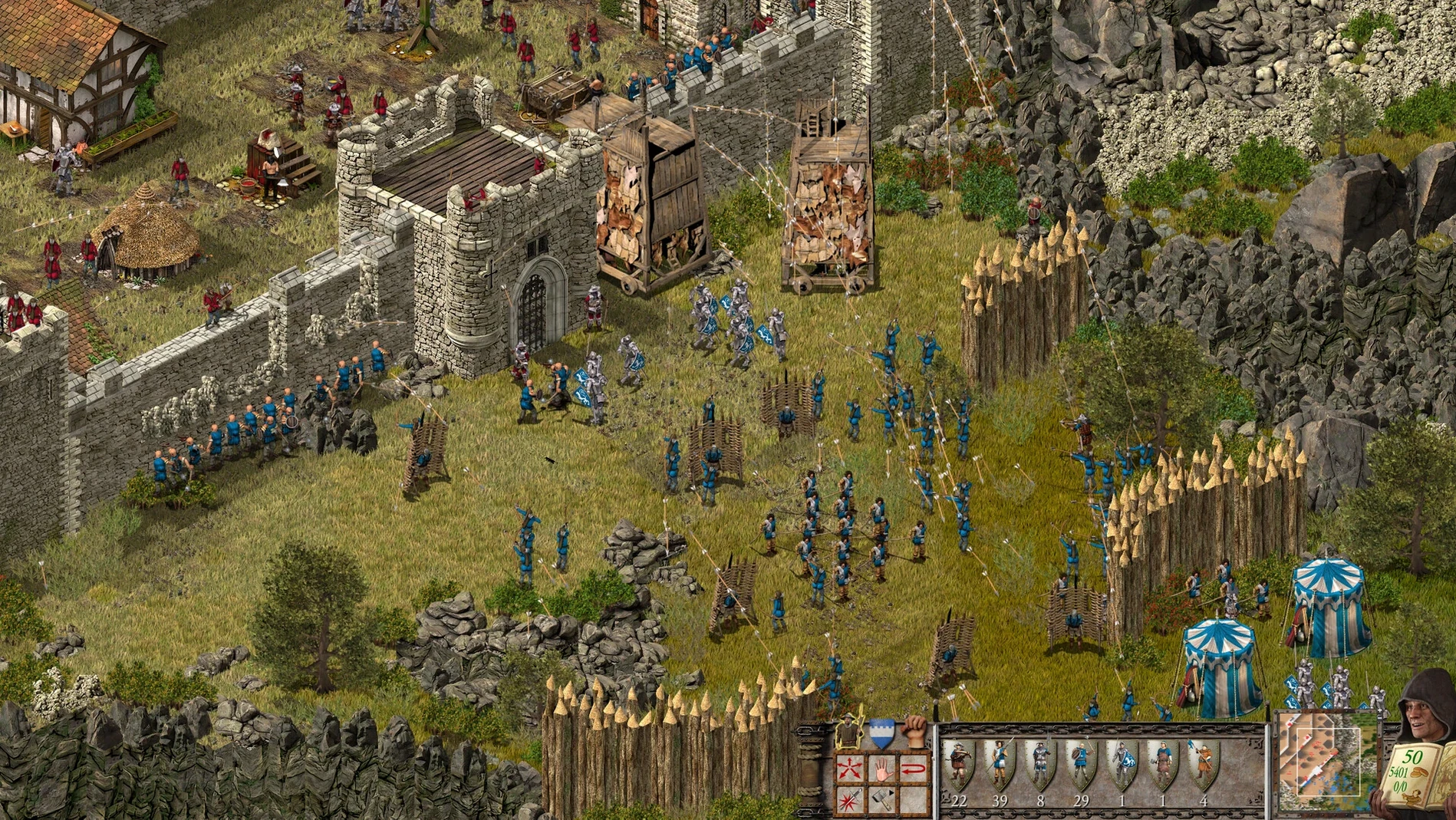
- Edge scrolling speed defaults to a sluggish crawl. Bump it to 8 or 9 on a 14-inch MacBook Pro, or 6 on a larger external display. The difference between 3 and 8 is the difference between reacting to a battering ram breach and watching it happen from across the map.
- Zoom sensitivity is tied to trackpad scrolling and starts low. Raise it to at least 70%, otherwise pinch-to-zoom feels unresponsive when trying to jump from an overview of the outer curtain wall to a single burning building.
- Show grid overlay sits disabled by default. Turn it on. Castle walls, gates and towers snap to a tile grid that is not obvious from the terrain art. Lining up a gatehouse with the stockpile entrance or placing stairs against a tower becomes precise instead of trial-and-error.
One audio adjustment helps enormously. The remastered soundtrack is excellent, but the voice callout volume—peasants complaining about taxes, soldiers acknowledging orders—rides a bit low in the mix. Pull the music slider to 60% and raise voice to 100%. In missions where enemy siege announcements signal an incoming attack, hearing the verbal cue before the visual indicator appears gives about a two-second head start.
Small conveniences worth learning early
Holding Shift while placing walls, gates or staircases keeps the placement tool active so you can lay multiple segments without returning to the build menu. This is buried in the original manual and never surfaced in the definitive edition's interface. Combined with the grid overlay, it turns a ten-click wall layout into three.
The hotkey for the stockpile is S, the granary is G, and the armoury is A—but what the UI does not advertise is that pressing W cycles through your weapon production buildings and F cycles through food processors. On maps where you have six bakeries spread across the inner and outer bailey, F jumps between them faster than scrolling.
A minor interface quirk on the macOS ARM build: the cursor lock sometimes disengages when switching between full-screen and windowed mode on an external monitor. Tapping Command-Tab out and back in restores it, and the game does not pause or stutter during the switch on Apple Silicon. Players running the stronghold definitive edition mac full version on a laptop with a secondary display should keep this in mind during long sessions.
Graphics and rendering — Updated visuals, sharper textures and improved lighting across all scenarios.
Campaigns — A new 14-mission story campaign added alongside the two classic campaigns.
Castle Trail — 10 separate scenarios introduced as a standalone challenge mode.
Audio — Remastered soundtrack with new voice recordings for English, German, Russian, French, Spanish, Italian, Polish and Portuguese.
- macOS running on Apple Silicon (ARM architecture)
- 4 GB of free disk space minimum
- Steam client installed for multiplayer and Workshop access
Sign in · Create an account to add a field note.
No field notes yet. A measurement, a version, a machine — they appear after moderation.