
Games
Survivors of the Dawn 2025.12.04
GamesUpdated
| Requirement | On file |
|---|---|
| macOS | See the sheet |
| CPU | Apple Silicon, Intel 64-bit |
| Download | 1.6 GB |
| Tested on | macOS Sequoia, MacBook Pro (M3 Pro 2023) |
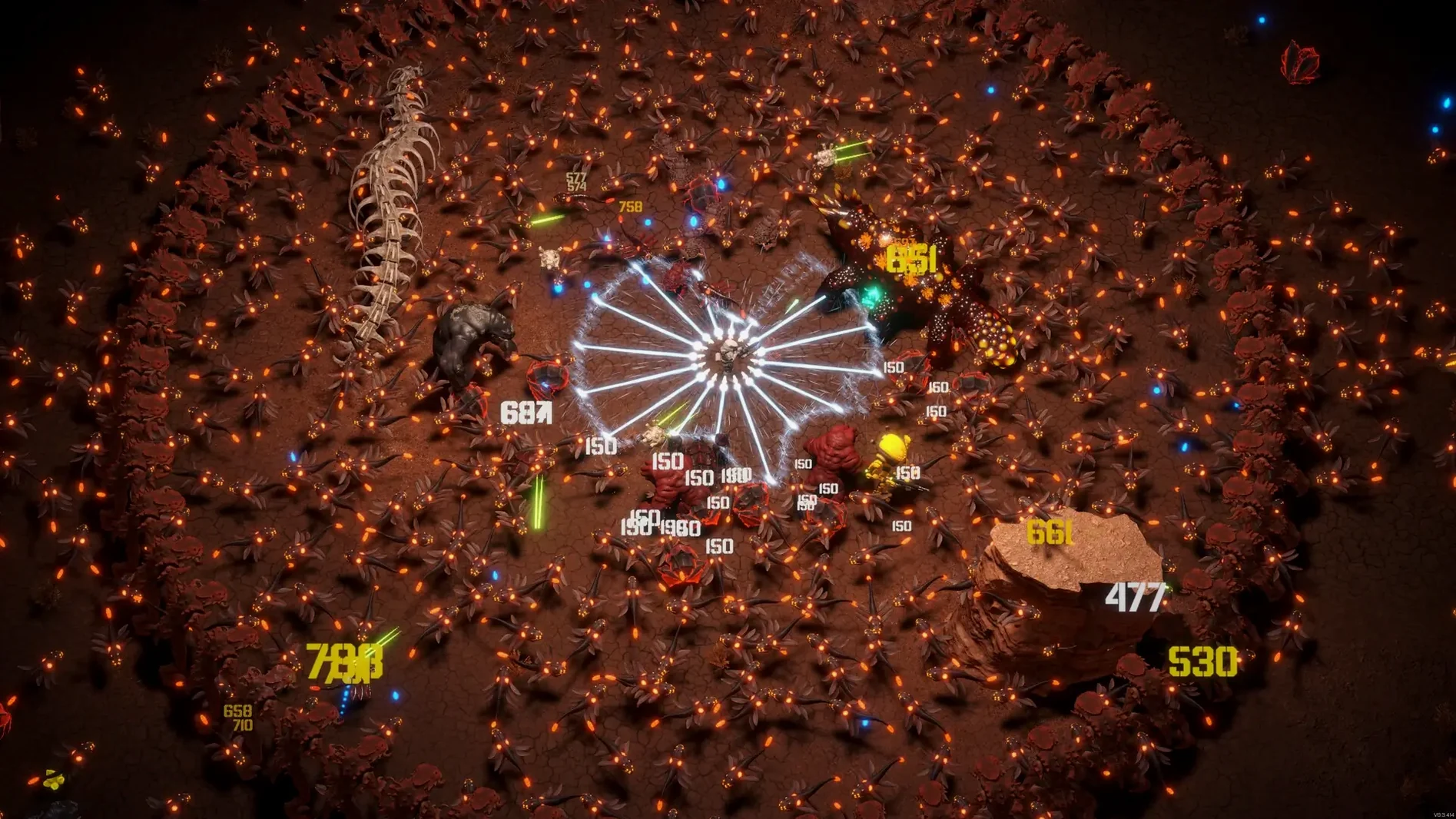
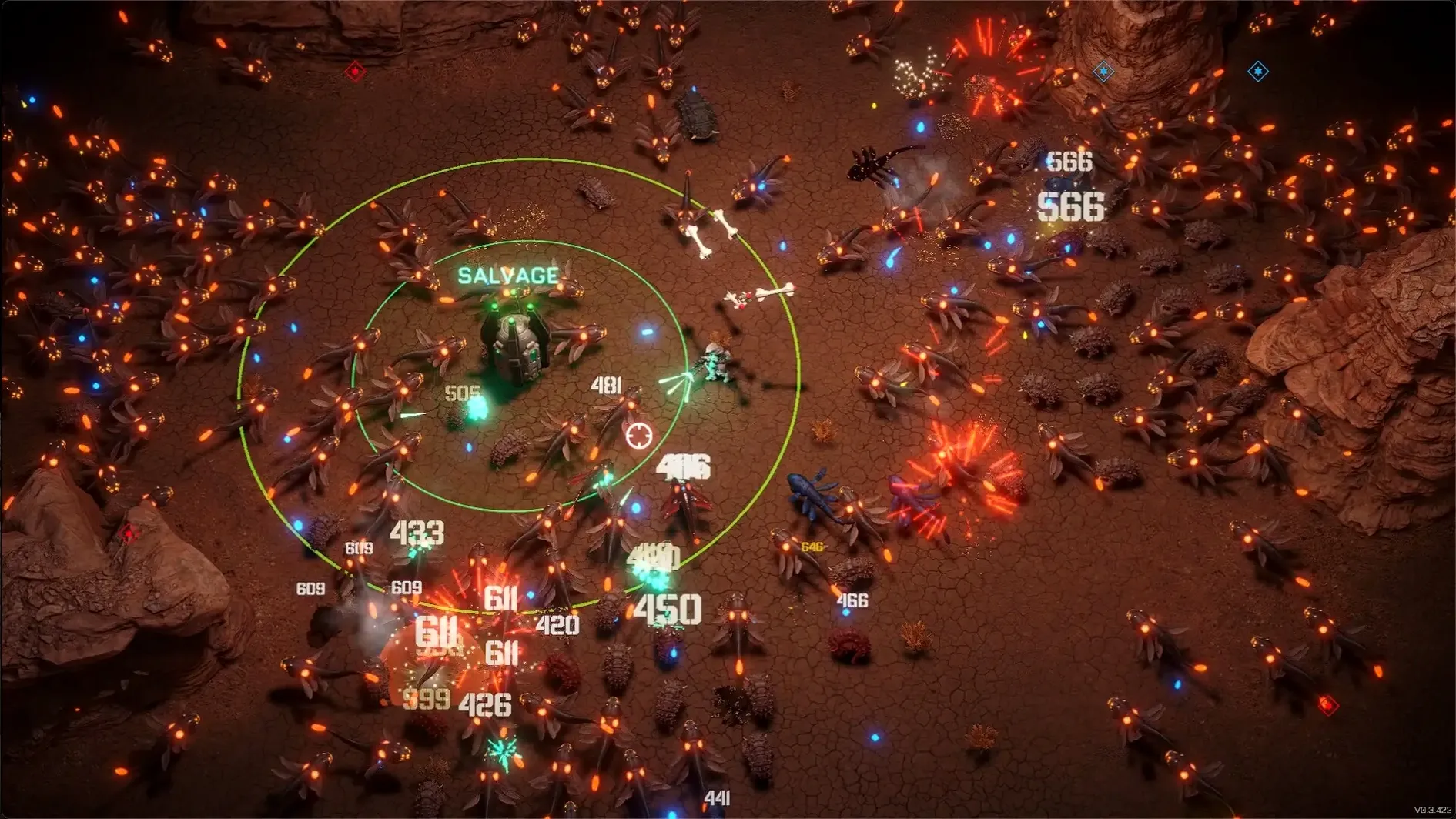
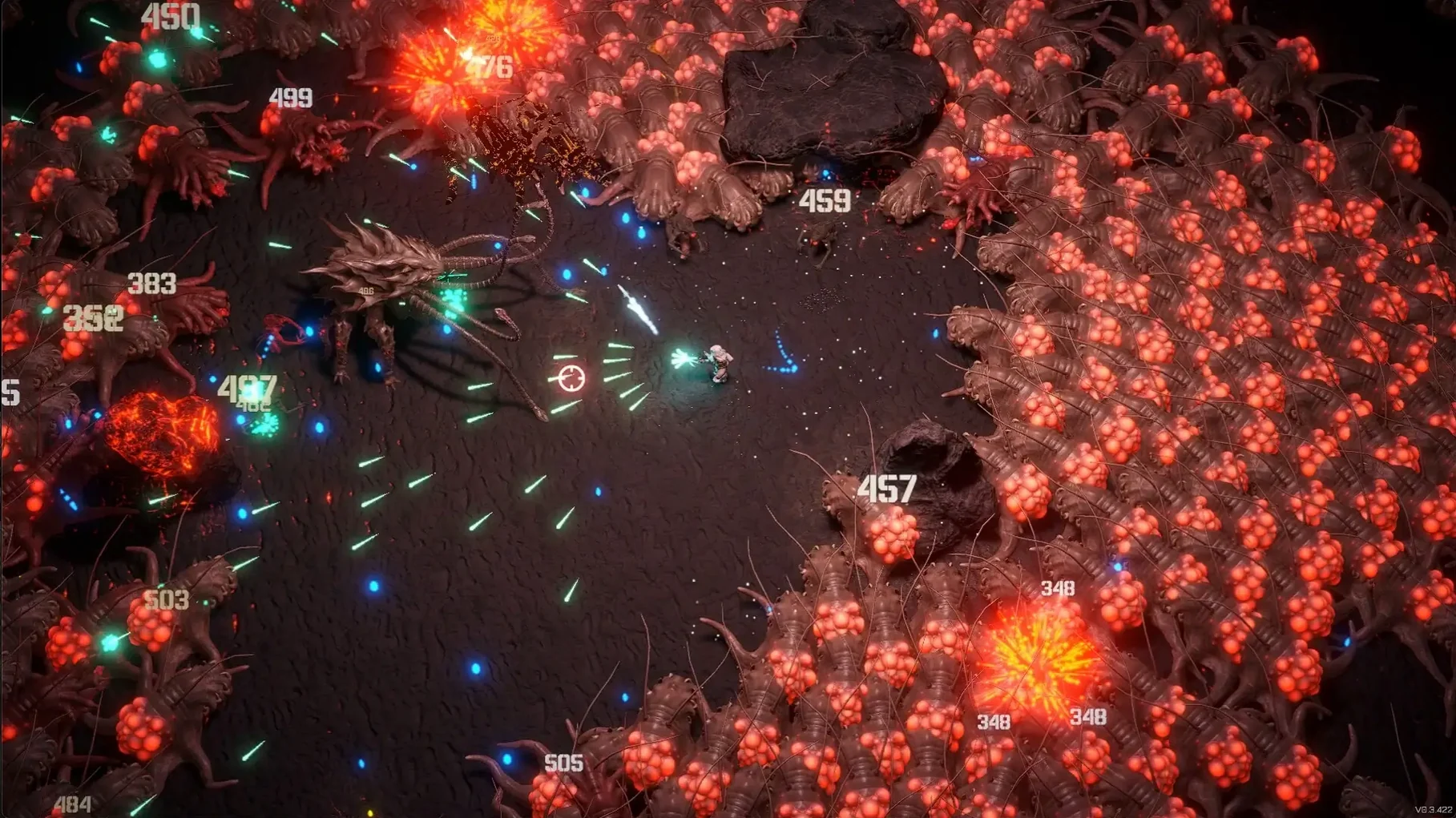
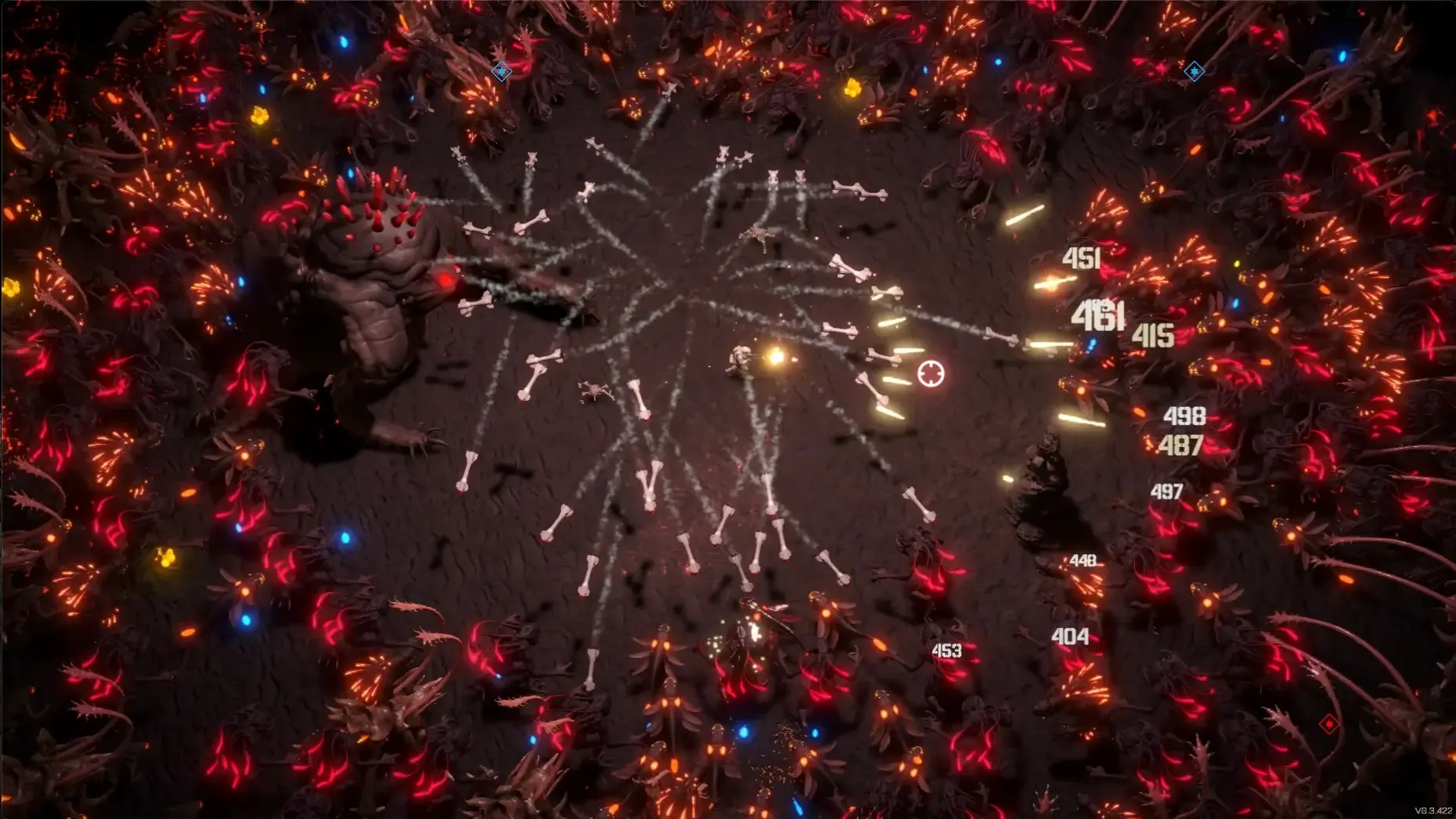
For players who enjoy stacking upgrades into absurdly powerful combinations, Survivors of the Dawn delivers minute-to-minute chaos. You pick a bounty hunter, drop into a hostile alien map, and fend off waves of marauders that never stop coming. Each run resets your loadout, but the choices you make inside a run define how long you last.
- Clear the immediate threat. Enemies swarm from all sides. You move, aim, and fire constantly, kiting groups while your auto-aim weapons thin the crowd.
- Snap up experience gems. Defeated foes drop pickups that fill your level meter. Grabbing them quickly keeps your power curve ahead of the enemy spawn rate.
- Choose an upgrade. Every level-up presents a choice of ammo perks or passive items. Picking one that triggers a synergy with your current gear multiplies your damage output immediately.
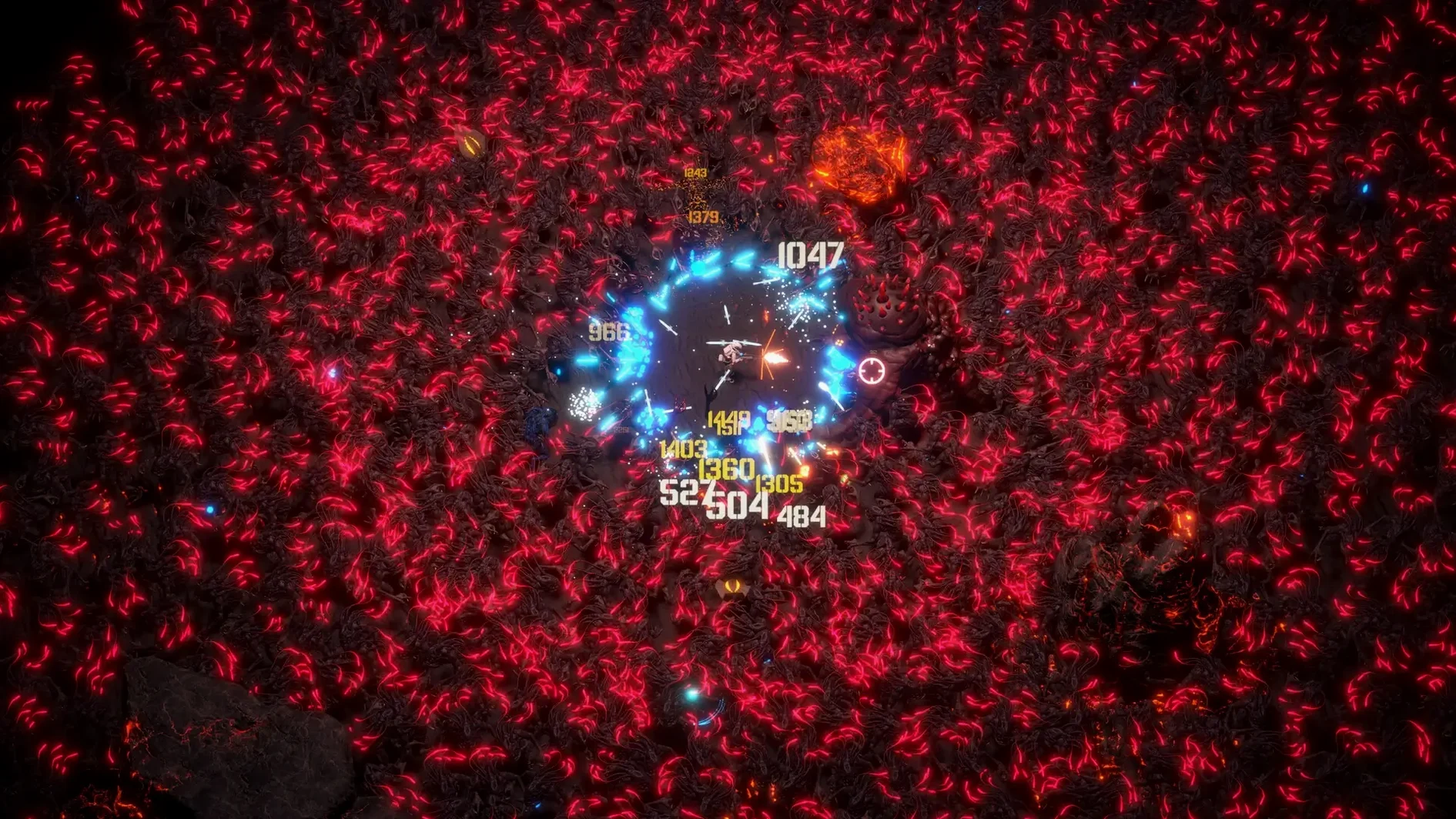
- Stack items to reshape your build. With more than 30 items available, you can pivot toward elemental damage, faster fire rates, or defensive fields. An early choice ripples through the rest of the run.
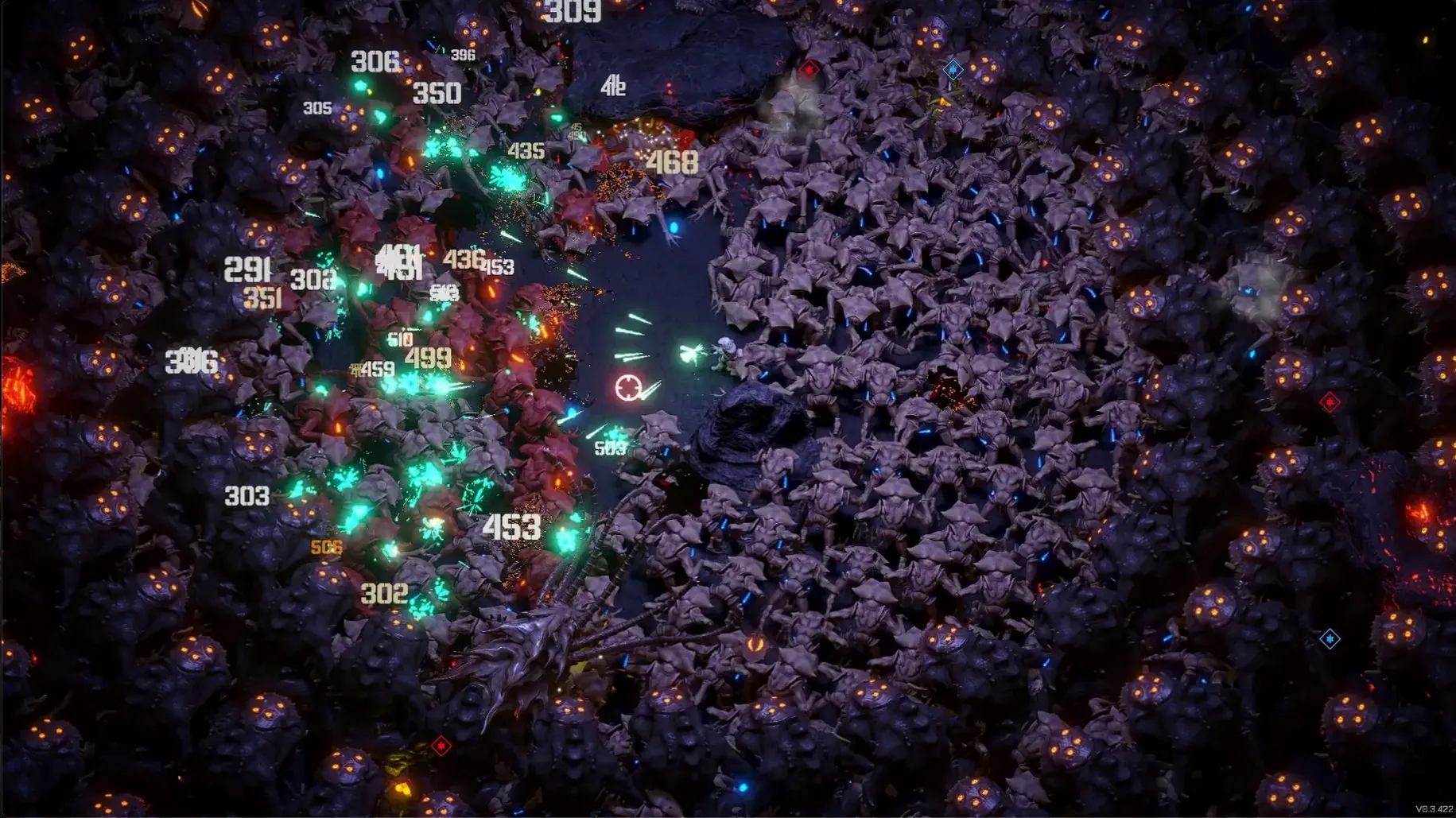
- Survive the escalating timer. Enemy density and toughness climb until one side breaks. A run ends when your hunter falls, feeding progress into the next attempt.
Three maps and six characters give you different starting weapons and terrain to work with. The Early Access build is a slice of the full game planned for 1.0 in 2025, but the core loop of levelling ammo and stacking items already supports long sessions of screen-filling bullet patterns.
Offline runs confirmed, cloud syncs later
Does it run offline? Yes. Once the game files are on your drive, Survivors of the Dawn launches without a network connection. Steam Cloud saves sync when you next go online, but runs themselves work entirely locally. Players who travel or work on metered connections can play without interruption.
Is controller support solid on Mac? The Steam page lists full controller support, and on a MacBook Pro with M3 Pro running Sequoia the game recognised a DualSense and an Xbox Series controller within seconds of pairing. Aiming works well with a thumbstick, though some players will prefer mouse movement for the finer kiting control in dense waves. Both input methods stay active simultaneously; you can swap between them mid-run without touching a menu.
How punishing is the Early Access factor? The current build, labelled version 2025.12.04, is a stable slice of the planned 1.0 release. Six characters and three maps supply enough variety for regular evening sessions, though you will eventually exhaust the weapon and item pool if you play heavily. The developer is actively pushing toward 1.0 during 2025. Crashes are rare in normal play — heavy late-run bullet effects with 20-plus items active can cause a brief frame hitch on integrated graphics, but the game recovers without dropping the run.
Mission Control swipes work in windowed mode
The game respects macOS window focus properly. Mission Control and three-finger swipes between Spaces work while the game is in windowed mode. In fullscreen, it locks to its own Space like most native Metal titles. Notifications from Messages or Mail overlay cleanly without stealing focus; the game keeps ticking behind them, and you can pause with Escape if a notification appears at a bad moment.
Screenshots function as expected. The system's Shift-Command-5 capture tools grab frames without glitches, and the game writes its own screenshot key in Steam overlay if you prefer that route. Sound routing through third-party mixers such as Rogue Amoeba's Loopback works without extra configuration — the game outputs standard stereo audio that macOS treats like any other app. This matters for streamers or anyone who routes game audio separately.
Because the build supports both ARM and 64-bit Intel architectures, it runs natively on Apple Silicon without Rosetta overhead, while still working on older Intel Macs. Save data lives inside the Steam Cloud folder structure, so migrating to a new machine keeps your progress intact once you log into Steam. No manual backup of local files is needed unless you want a snapshot outside the cloud.
Under eight seconds from menu to run
On an M3 Pro machine the game loads a fresh run in under eight seconds from the main menu. Mid-run pauses respond instantly — pressing Escape freezes the action with no perceptible delay, which is essential in a genre where you might need to step away without losing a promising build. The frame rate holds steady at 60 fps through the first 15 minutes of a typical run. Once enemy counts climb past several hundred on screen, particle-heavy synergy effects can dip into the high 40s for a second or two, then recover. The dips are visual, not input-related — movement and aiming stay responsive throughout.
Memory use sits around 1.2 GB during early waves and climbs modestly to about 1.8 GB by the time a run reaches its final minutes. That footprint leaves plenty of headroom for a web browser, Discord, or music playback in the background. The game never triggered a thermal warning during extended sessions, and fan noise on the M3 Pro MacBook remained inaudible throughout two-hour play blocks. Intel Macs with discrete GPUs report similar stability, though older integrated Intel graphics may need settings dialled down once late-run bullet counts spike.
The survivors of the dawn mac download package has not introduced launch conflicts with Gatekeeper when dragged directly to Applications, and the disk image mounts cleanly on both Sequoia and recent Ventura installs. No kernel extensions or low-level system modifications are involved — the game runs entirely in user space, which keeps the install footprint contained to the .app bundle itself.
- macOS information not provided by the developer
- Supports Intel and Apple Silicon Macs
Sign in · Create an account to add a field note.
No field notes yet. A measurement, a version, a machine — they appear after moderation.