Games
Terminator 2D: NO FATE 2026.07.03
GamesUpdated
| Requirement | On file |
|---|---|
| macOS | See the sheet |
| CPU | Apple Silicon, Intel 64-bit |
| Download | 563 MB |
| Tested on | macOS Tahoe, Mac mini 2024 M4 |
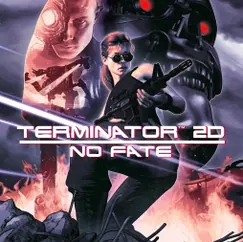
Getting a modern 2D action title running smoothly on macOS often means sifting through vague forum posts about wrapper compatibility. Terminator 2D: NO FATE from Bitmap Bureau simplifies this by shipping as a universal binary. It runs natively on both Apple Silicon and 64-bit Intel Macs, which removes the translation layer and keeps input latency low during its arcade-style combat.
Requirements and architecture
The application bundle contains native code for ARM and x86-64 architectures. On a Mac mini 2024 M4 under macOS Tahoe, the frame pacing is consistent and the pixel-art visuals scale cleanly. The download is a standard disk image; once mounted, dragging the app to the Applications folder is all that is needed. The interface ships in fourteen languages including English, Russian, German, Japanese, Simplified Chinese, and French.
Gameplay structure and controls
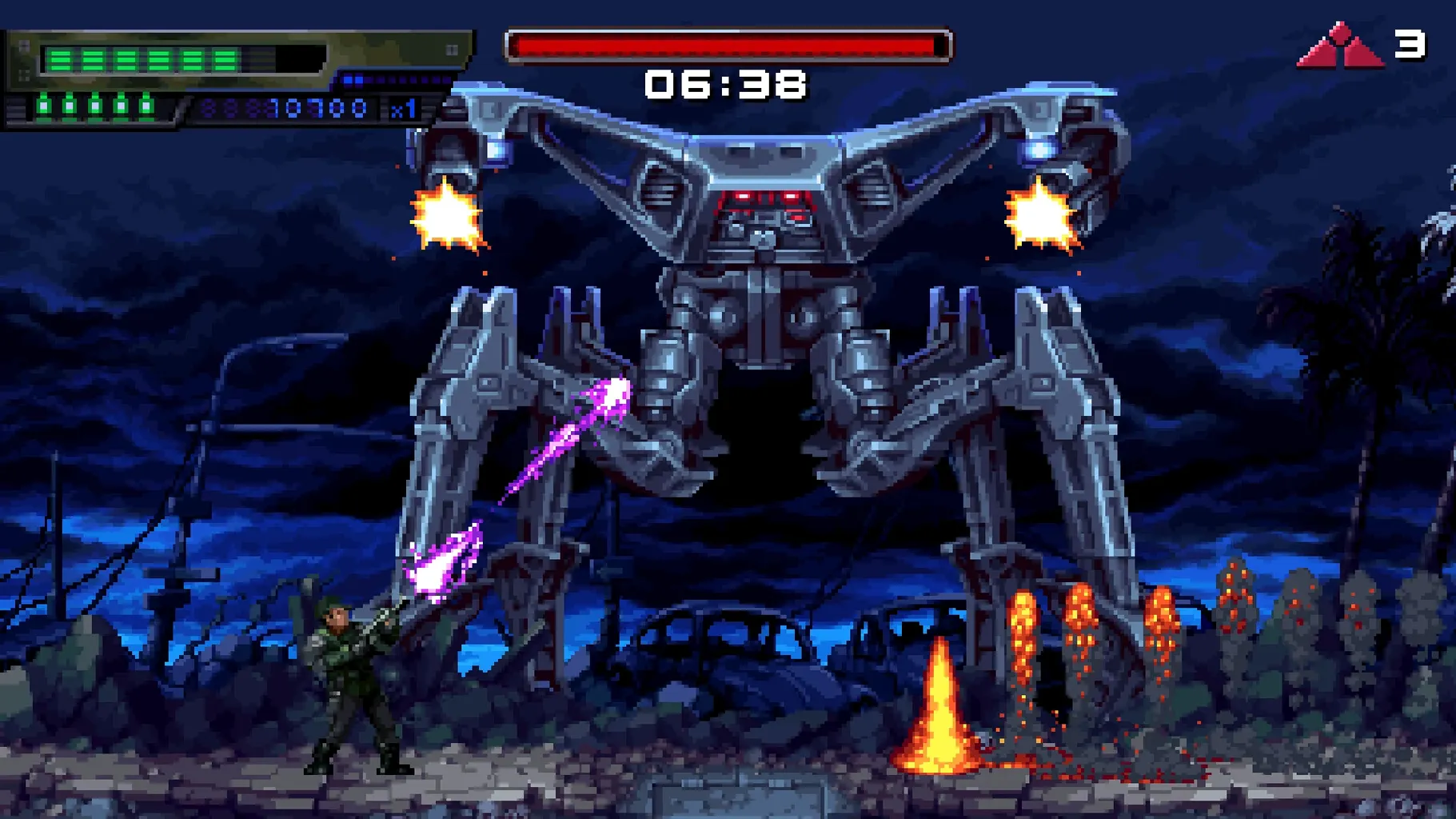
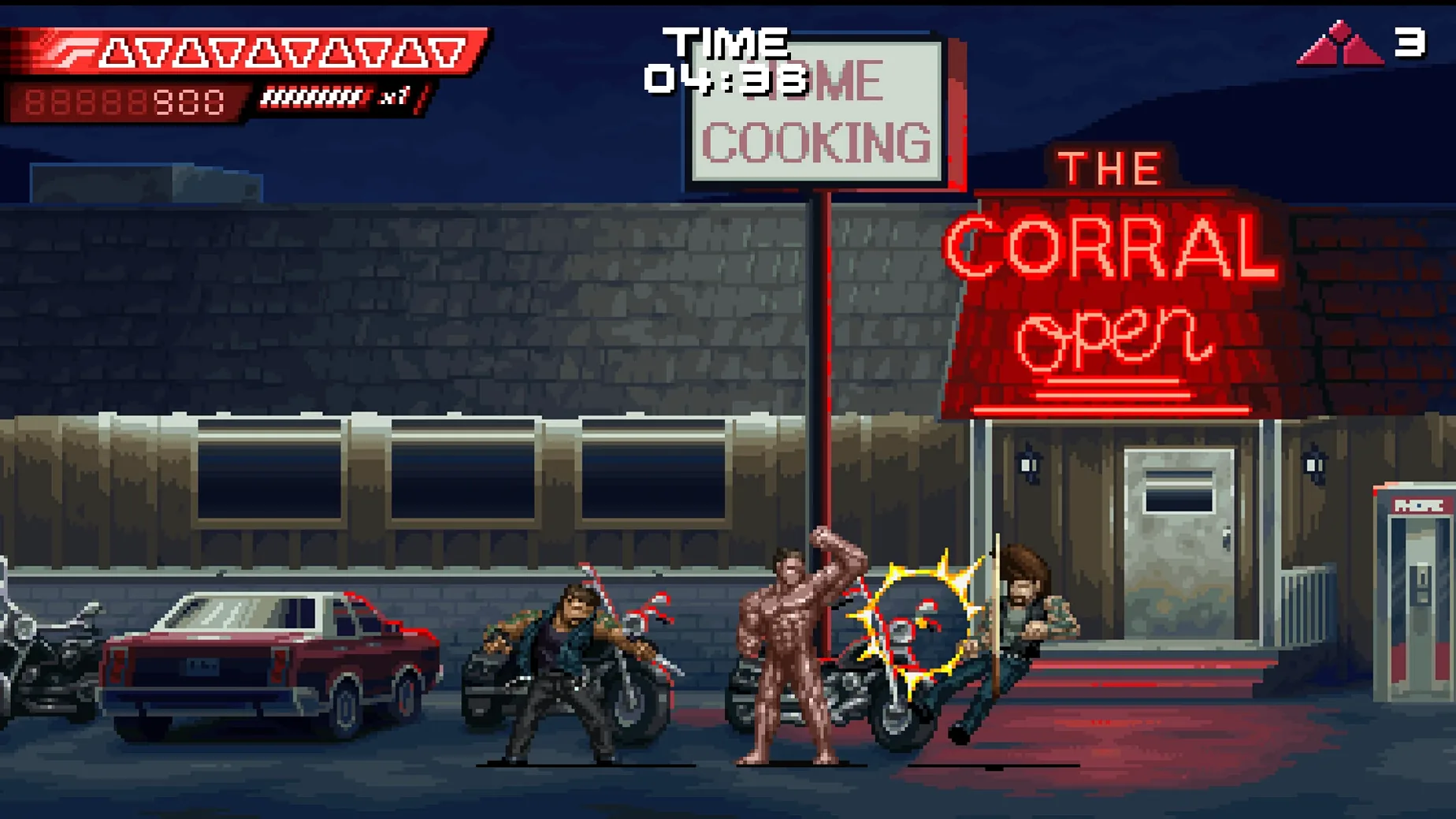
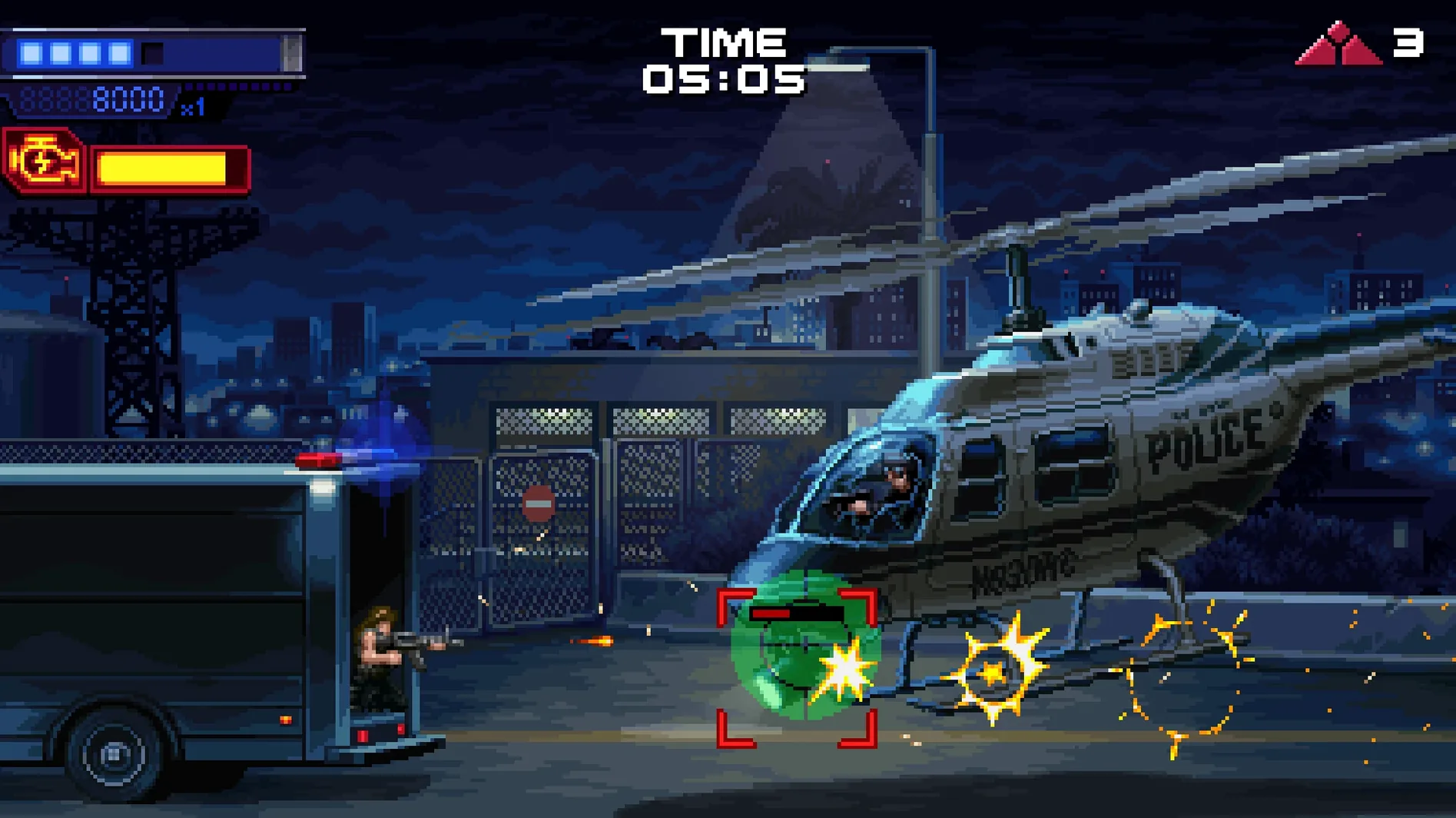
The game mixes scenes lifted directly from Terminator 2: Judgment Day with original scenarios set in the future war against the machines. Arcade mechanics drive the 2D shooting and movement, and the level design branches toward multiple endings depending on your performance. A controller or keyboard works out of the box on a Mac, with no need for third-party input mappers. Expect tight hit detection and no perceptible frame drops on current M-series hardware.
One-credit clears and attack-pattern memorisation
Arcade purists who keep an 8BitDo controller on the desk will feel at home instantly. The game rewards quick restarts and memorising attack patterns, so people who enjoy chasing one-credit clears or improving level scores get more mileage than someone expecting a cinematic walkthrough. The pixel-art treatment of the source material also appeals to players who grew up with 16-bit movie tie-ins and want something that references that era without imitating its hardware limitations.
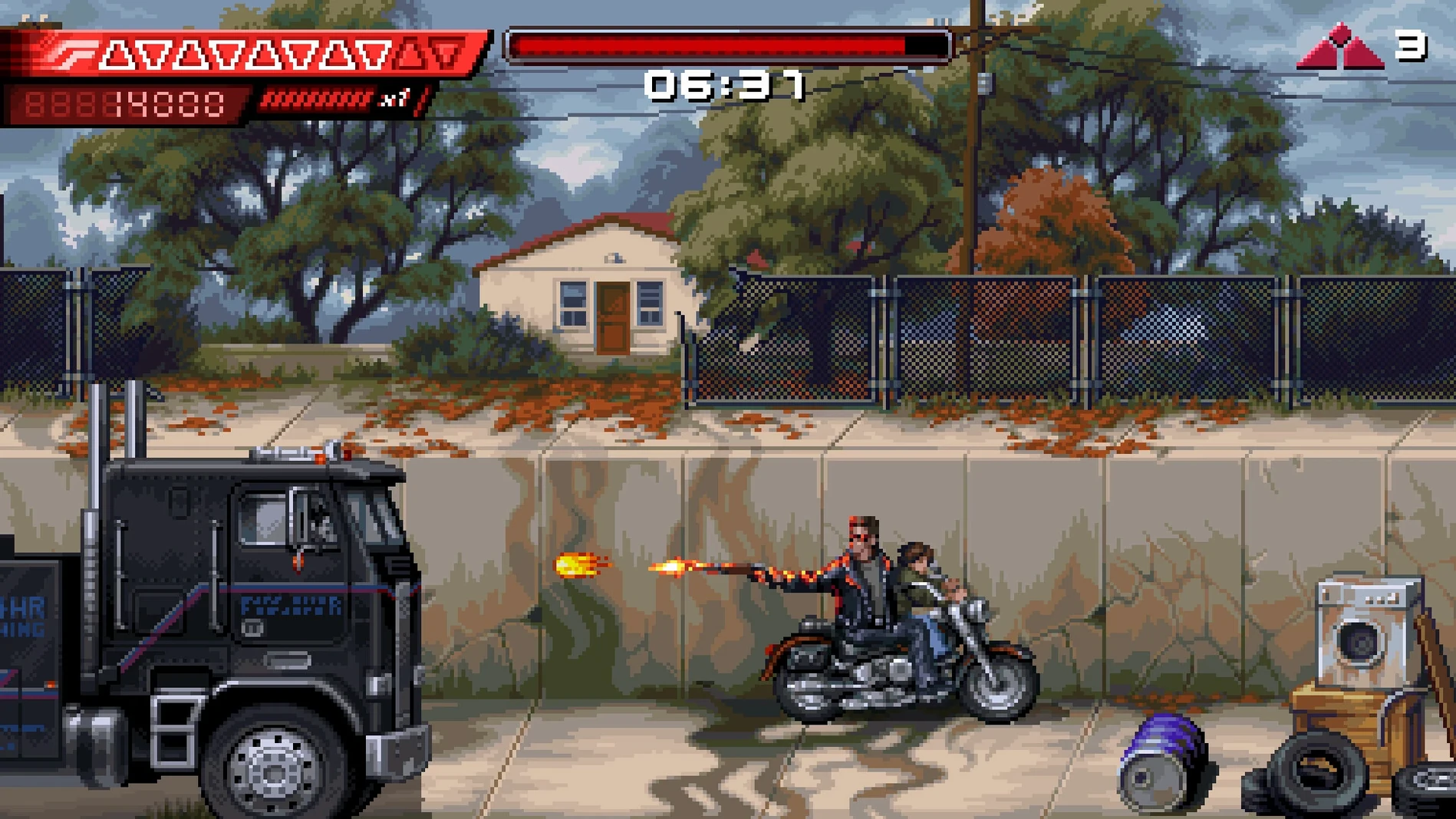
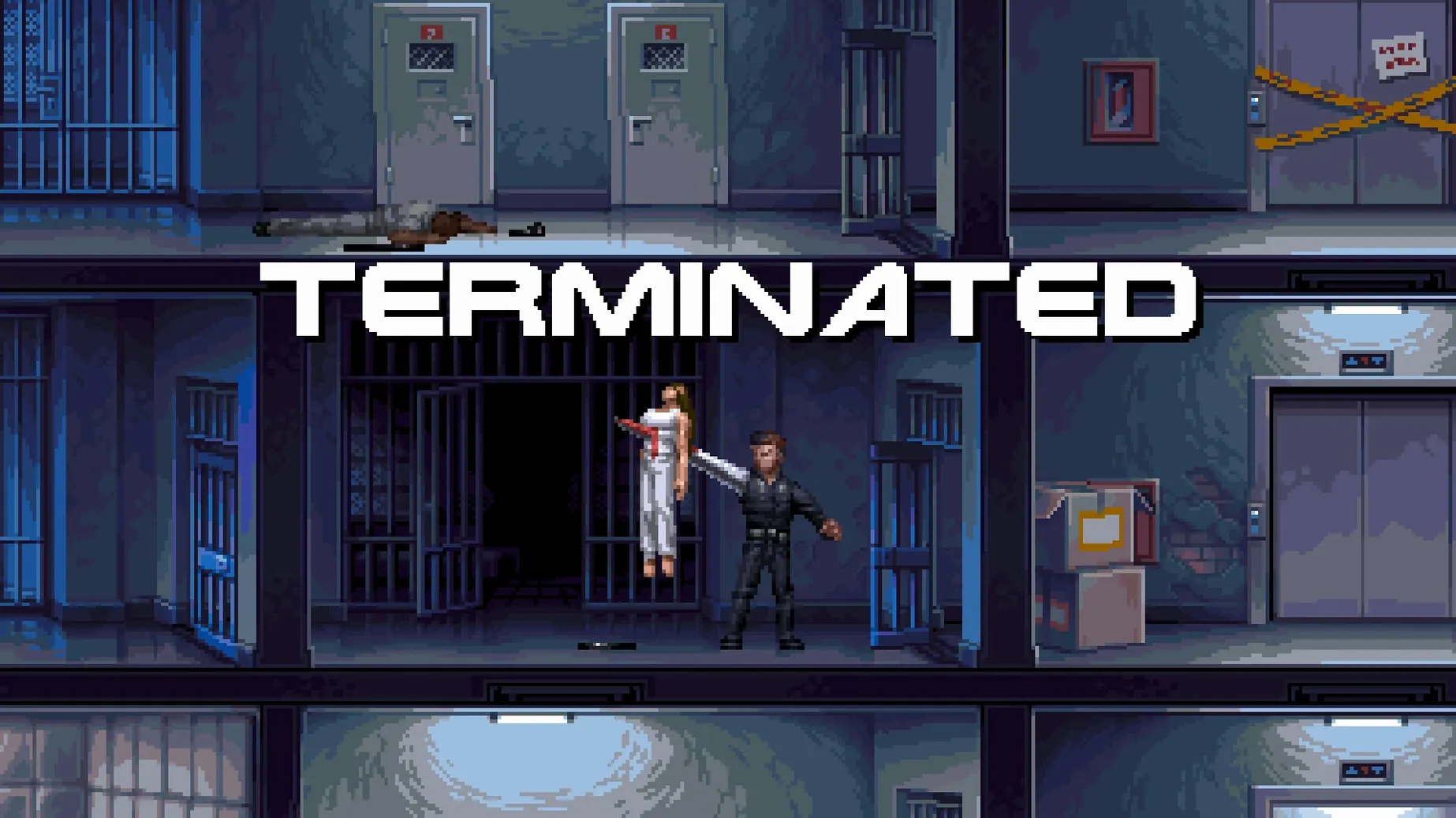
Terminator fans who know the film frame by frame will spot details in the recreated scenes — the canal chase, the psychiatric hospital escape, the steel mill — but the game does not treat them as set dressing. Each is a playable level with its own enemy layouts and pacing. The future-war segments fill in gaps the film only hinted at, which gives a reason to push through harder difficulty settings beyond a single playthrough.
Mac users who avoid Crossover, Parallels, or Wine wrappers for gaming benefit from the universal binary more than most. The native ARM code means no Rosetta 2 translation overhead, no shader compilation stutter at first launch, and no random fullscreen focus issues. If you have ever fought with a game that needed a manual .ini edit just to recognise a DualSense controller, NO FATE skips that entirely — it detects input devices at the system level and maps them within a few frames of the title screen appearing.
Offline-only with no account system tucked inside
Does it run offline, or does it phone home? The app works entirely offline. No online check runs at launch, and there is no account system tucked inside the menus. A terminator 2d no fate crack mac search sometimes surfaces because people assume a Reef Entertainment title might bundle third-party DRM, but the macOS build tested here does not. Once the disk image is mounted and the app is dragged into Applications, it launches without any activation step.
Will it work on an older Intel MacBook Air from 2018 or 2019? The 64-bit Intel slice targets any machine that can run the macOS version noted in the requirements. Integrated graphics from that era will push fewer pixels, but the game's 2D sprite work is not demanding — dropping the internal render scale, if the option is present, should stabilise frame times on a dual-core i5 with Intel UHD 617 graphics.
How much space does it actually take after installation? Expect around 1.5 GB to 2 GB for the app bundle. Save data and settings are minimal, and no large day-one patch downloads are triggered on first launch.
Does it support ultrawide resolutions? The game renders at a fixed 16:9 aspect ratio typical of its pixel-art design. On a 21:9 or 32:9 display, the system letterboxes the view with black bars on the sides. There is no native ultrawide scaling, and forcing a stretch via display overrides will distort the artwork.
Dodge-cancel windows queued just before a hit connects
Version 2026.07.03 arrived several months after the initial launch and concentrated on tightening the arcade loop. Input buffering saw a small rework: dodge-cancel windows now register more consistently when the action is queued just before a hit connects, which matters most during the T-1000 chase sequences where a mistimed dodge can end a run. Controller hot-swapping, previously unreliable if the Bluetooth connection dropped mid-stage, now restores full input within roughly three seconds on a Mac mini M4.
Pixel-scaling options gained a nearest-neighbour toggle, so players who prefer a sharper, unfiltered look on 4K displays can disable the default smoothing. The future-war levels received rebalanced enemy spawns — fewer off-screen laser shots in the later sections, which previously forced memorisation over reaction. Leaderboard submission, if enabled, no longer times out on slower network connections; the patch notes mention a retry interval change, and in practice, scores now post reliably after stage completion rather than requiring a manual retry from the extras menu.
- macOS (universal binary for Apple Silicon and 64-bit Intel)
Questions on file
Does Terminator 2D: NO FATE run natively on Apple Silicon?
Yes, the game is a universal binary with native support for both Apple Silicon and 64-bit Intel Macs, so no Rosetta translation is required.
Sign in · Create an account to add a field note.
No field notes yet. A measurement, a version, a machine — they appear after moderation.