Games
The Drifter 1.1.5
GamesUpdated
| Requirement | On file |
|---|---|
| macOS | See the sheet |
| CPU | Apple Silicon, Intel 64-bit |
| Download | 669 MB |
| Tested on | macOS Tahoe, Mac mini 2024 M4 |
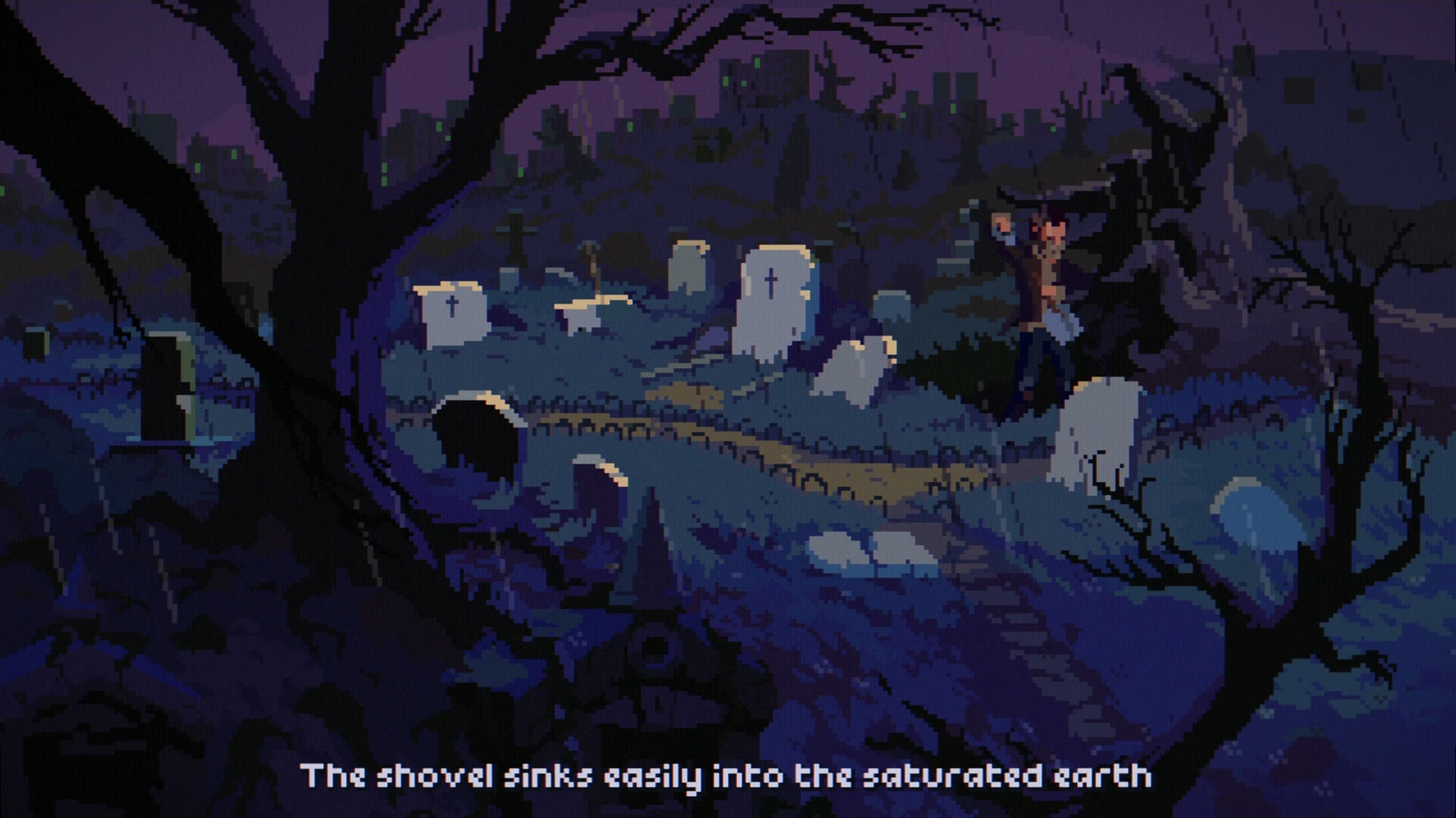
You click on a motel door, and Mick Carter steps inside to find a body. Minutes later he’s dead too — shot on a rainy overpass — before snapping back into his own life, seconds before the bullet hits. That loop defines the minute-to-minute rhythm of The Drifter: walk into a scene, examine objects for clues, talk to people who know more than they’re saying, and piece together a conspiracy that stretches across shadow corporations and a thousand-year obsession.
Clicking through docks, motels and dialogue trees
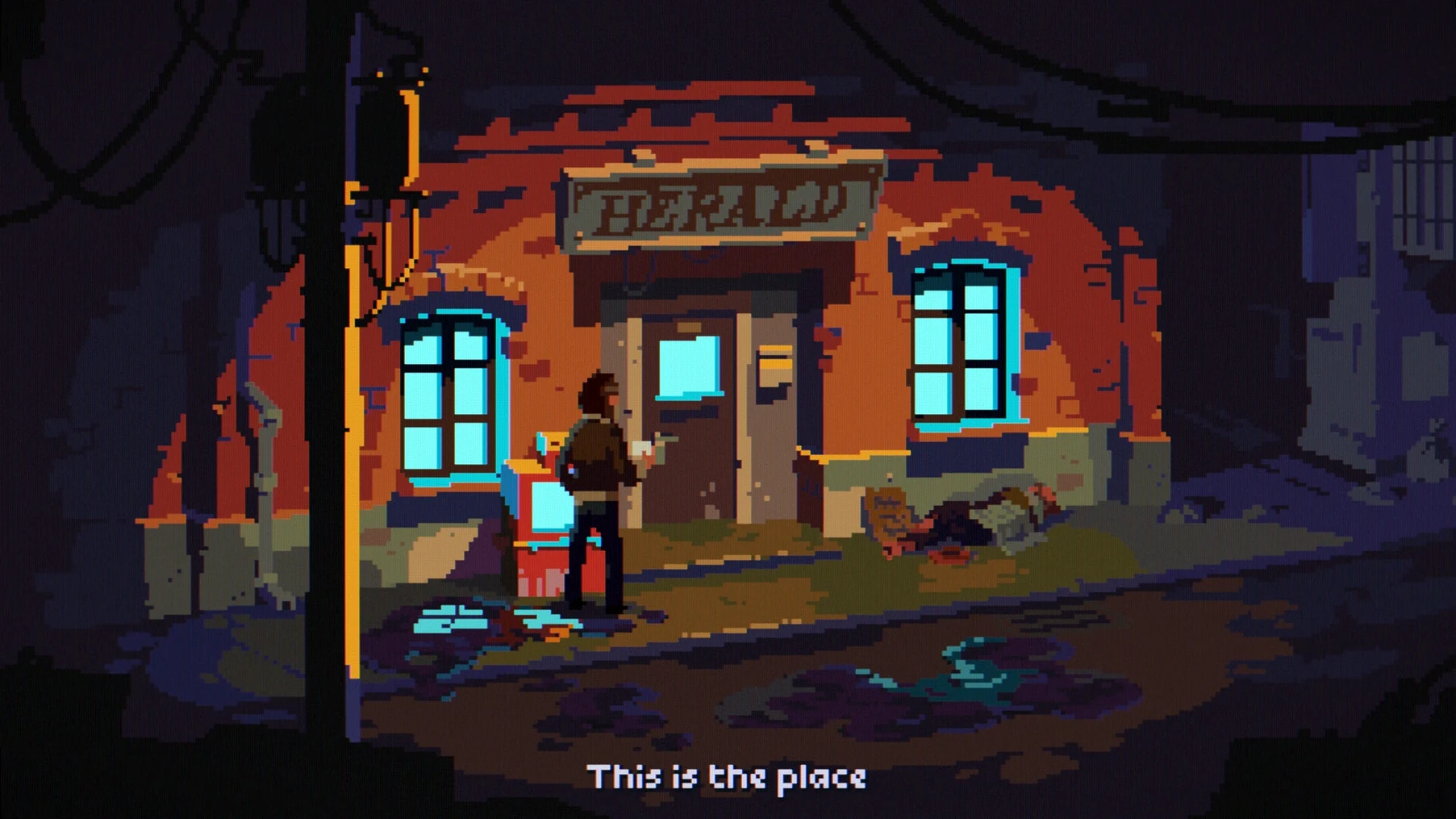
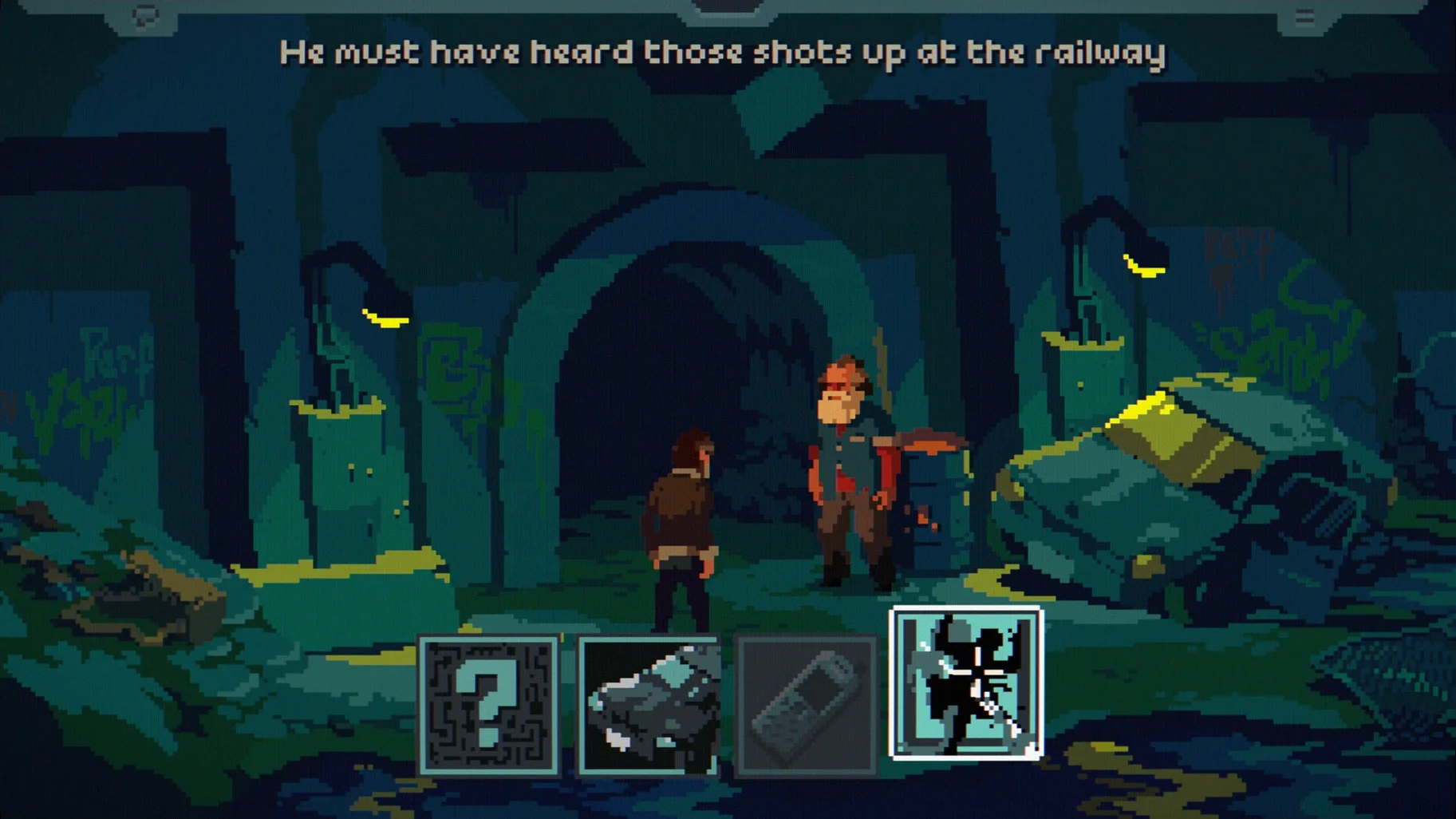
Movement and interaction are mouse-driven. You direct Mick through industrial docks, cheap motels and suburban streets, clicking hotspots to pick up items, read documents, or start conversations. Dialogue trees let you pull threads from wary contacts, while the inventory sits ready for combining a torn note with a matchbook or handing a photo to the right person at the right time. Each loop back from death gives you a few more seconds to act — and a little more information.
Rain, neon and synth under a tight pixel camera
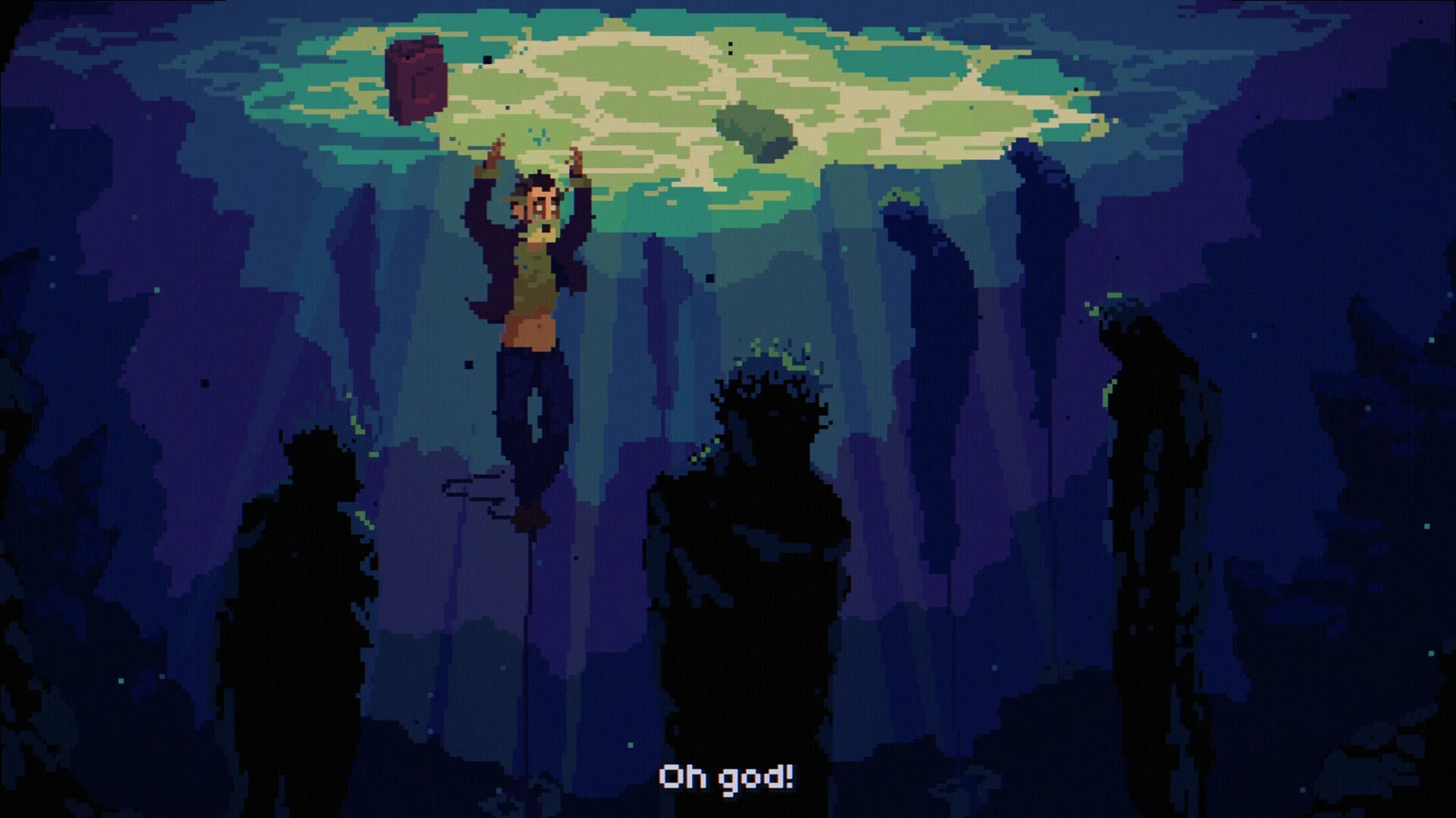
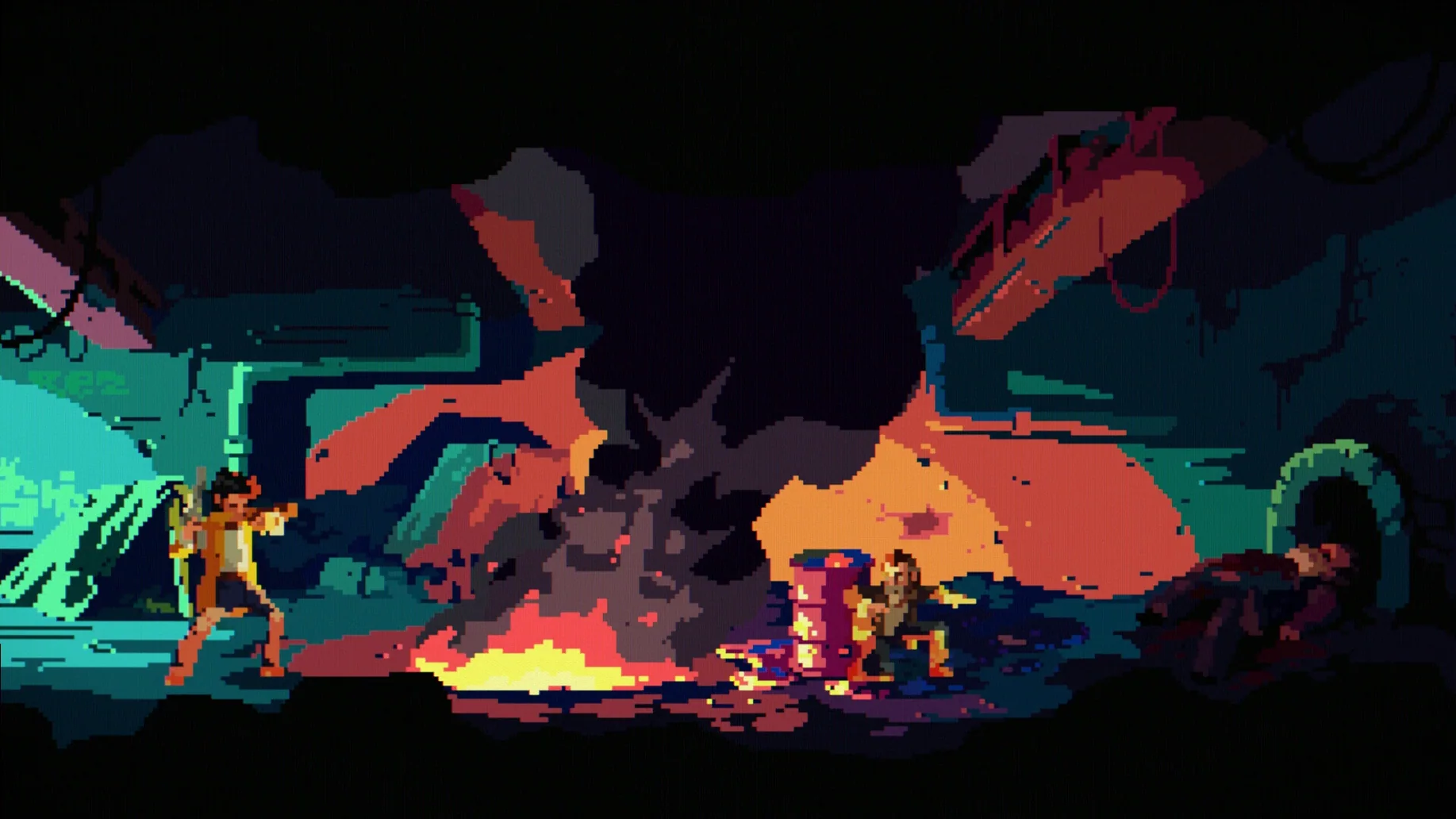
Pixel art keeps the camera tight on Mick’s world, with rain-slick roads and flickering neon setting a grim mood. A dark synth cinematic soundtrack pushes the tension, and professional voice acting gives weight to every exchange. The game runs natively on Apple Silicon and Intel Macs, with interface support for English, German and Russian. It’s a compact, linear thriller where progress comes from watching a scene carefully and choosing the right action before time runs out.
A dock worker’s late shift
Imagine someone who finishes a shift around 11 pm, pours a drink, and wants 90 minutes of story that doesn’t demand twitch reflexes. They’re not here for inventory puzzles that stall a whole evening — they want forward momentum. That player clicks through the first motel scene, dies on the overpass, and then gets the loop mechanic: each restart is a little longer, a little clearer. They’re not replaying the same 30 seconds to perfection; they’re uncovering new dialogue branches and objects that weren’t clickable the first time. For someone who plays two or three adventure games a year, the loop feels less like a punishment and more like a page-turner that won’t let them put the MacBook down.
Pre-install checklist
Tap-to-move works on any trackpad
Yes. The Drifter uses a single-cursor point-and-click model. There’s no click-and-drag for movement, no right-click requirement. A trackpad works fine — tap to move, tap to interact. If you prefer a mouse, the extra precision helps with smaller hotspot areas in busy scenes, but the game’s hitboxes are generous enough that you won’t be pixel-hunting on a 13-inch screen.
What’s the install footprint and architecture support?
The download weighs in under 500 MB. It ships as a universal binary — native on both Apple Silicon and Intel Macs — so there’s no Rosetta overhead on M-series machines. The build is DRM-free; once you have the the drifter mac download, you drag it to Applications and launch it without activation screens or online checks.
How long is a full playthrough?
A first run takes roughly two to three hours. It’s a linear narrative with a fixed sequence of scenes, which means replay value comes from catching dialogue details you missed, not from branching endings. Some players report finishing closer to 90 minutes if they push through without exploring every hotspot.
Is the voice acting for all characters?
Every story-critical character is voiced in English. Background chatter and environmental barks are minimal. The Russian and German localisations cover interface text and subtitles, but voice audio remains English only across all language settings.
Switch to Integer Scaling for sharp Retina pixels
By default, the game picks a display mode based on your current resolution, but pixel scaling can look soft on Retina displays. Open the settings panel from the title screen and set Display Mode to Integer Scaling if available — this keeps the pixel art sharp at multiples of the native resolution. If you’re on an external monitor with a non-standard aspect ratio, try Windowed mode at 1280×720 first; the game’s 16:9 scenes crop awkwardly on ultrawides.
Under Controls, switch Walk Mode from Click-to-move to Hold-to-move if you find double-clicking slows you down during timed sequences. Gamepad users should enable Twin-Stick Movement — the left stick moves Mick while the right stick sweeps the cursor across hotspots, which cuts seconds off inventory actions when the loop timer is tight.
Audio-wise, the synth soundtrack sits high in the mix. Drop Music Volume to around 60% and leave Voice Volume at 100% — the voice acting carries a lot of exposition, and muddy dialogue during a rain-drenched scene can mean missing a clue that changes how you approach the next death loop.
- macOS — runs natively on both Intel and Apple Silicon Macs
Questions on file
What is the core gameplay loop in The Drifter?
Mick Carter is killed early in the story and returns to his body seconds before death, giving you a narrow window to explore scenes, interrogate characters and find a way to survive.
Does The Drifter include voice acting?
Yes, the game features professional voice acting for its characters, layered over a dark synth cinematic soundtrack and pixel art visuals.
Sign in · Create an account to add a field note.
No field notes yet. A measurement, a version, a machine — they appear after moderation.