Games
TerraScape 2.2.1.1 Native
GamesUpdated
| Requirement | On file |
|---|---|
| macOS | See the sheet |
| CPU | Apple Silicon, Intel 64-bit |
| Download | 1.4 GB |
| Tested on | macOS Golden Gate, Mac mini 2024 M4 |
The current build runs on Apple Silicon Macs and 64-bit Intel machines. Bitfall Studios tested it on macOS Tahoe with a 2024 M4 Mac mini, so M-series owners are well covered.
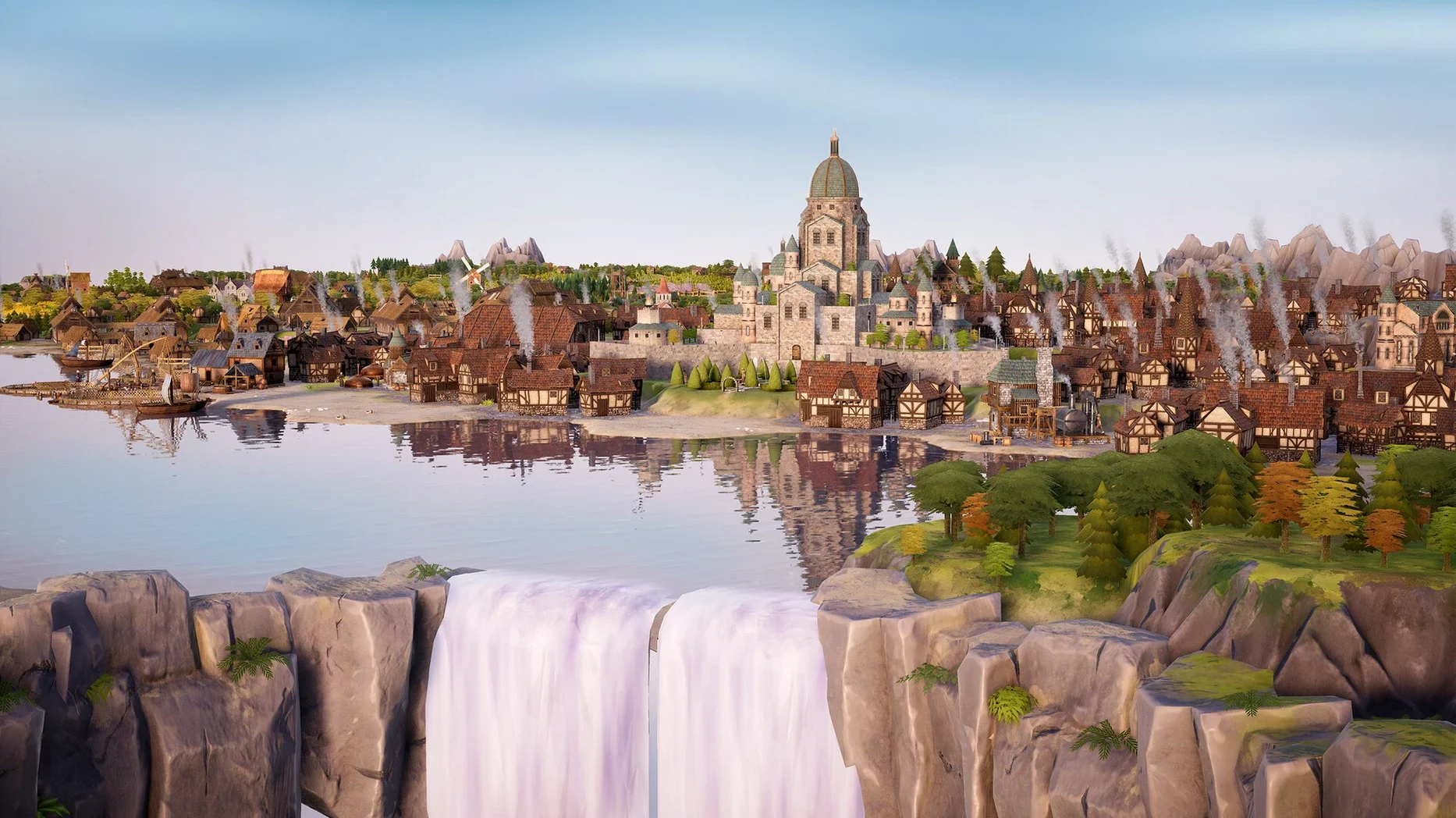
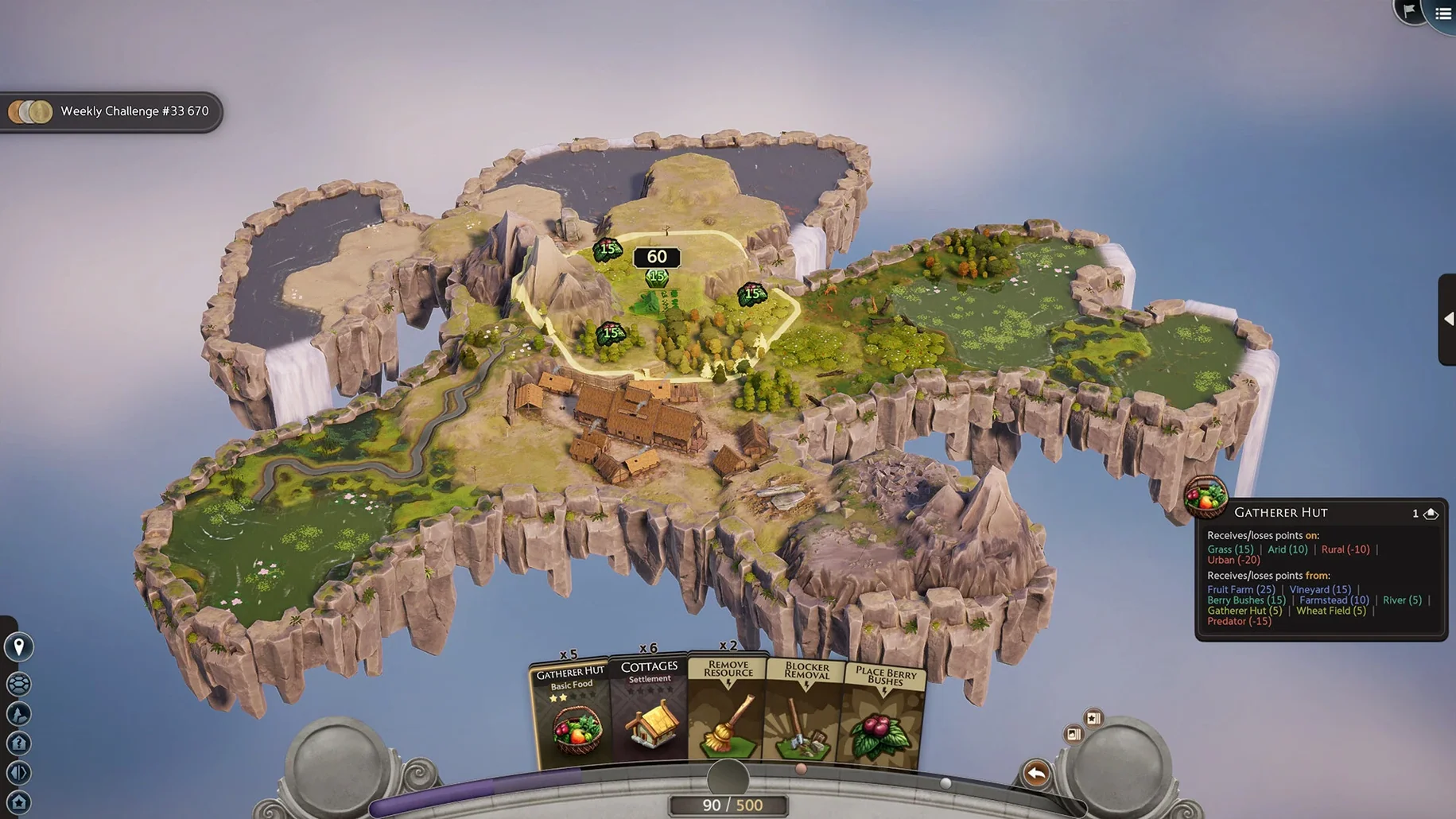
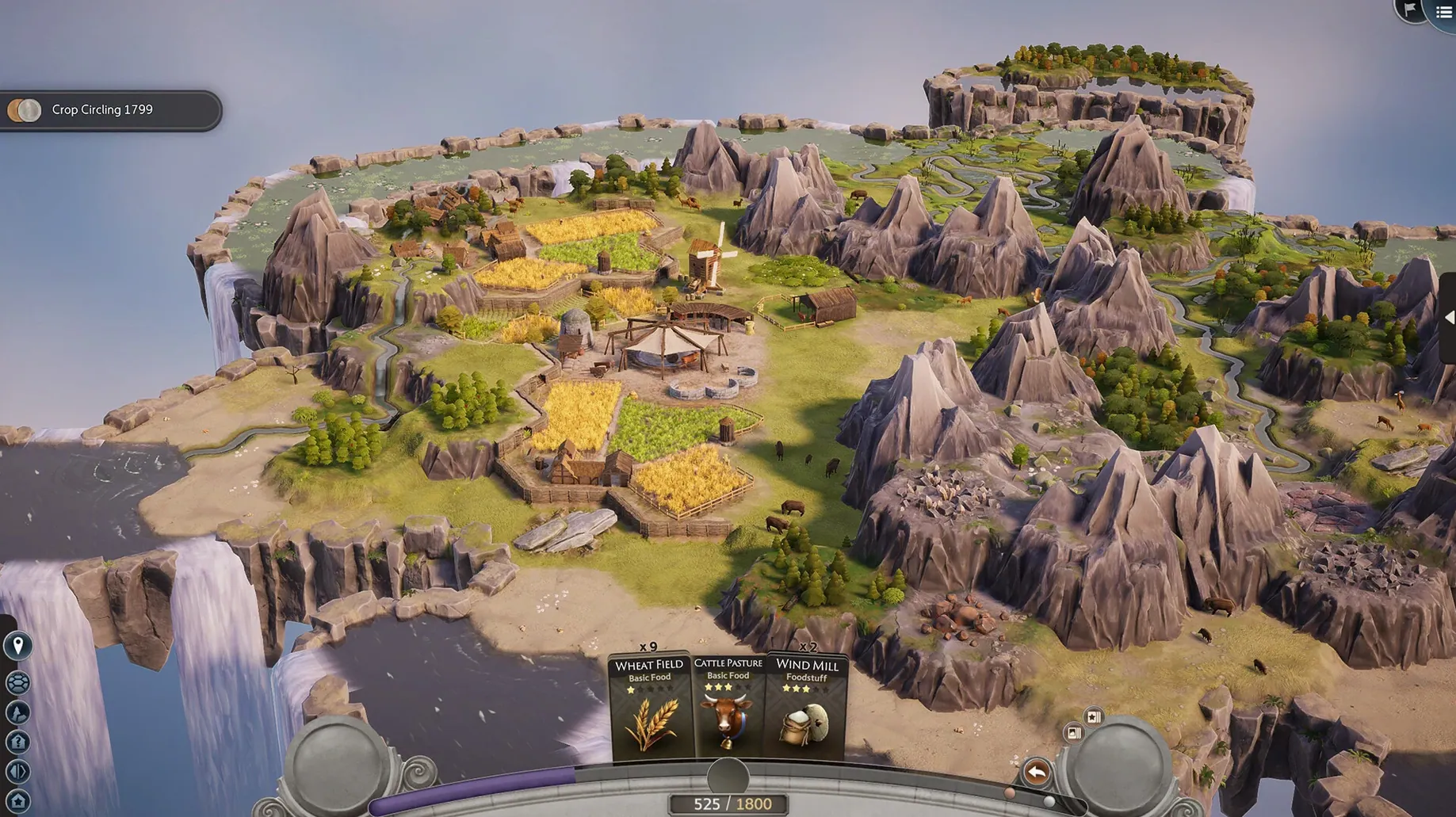
You start on an idyllic floating island with a single castle placement. From there, the game hands you a deck of building cards and the puzzle begins. Each tile you place nudges the island’s score upward — or drags it down if you ignore adjacency effects. A sawmill next to a forester’s hut might trigger a bonus; drop a building in the wrong spot and the numbers turn against you.
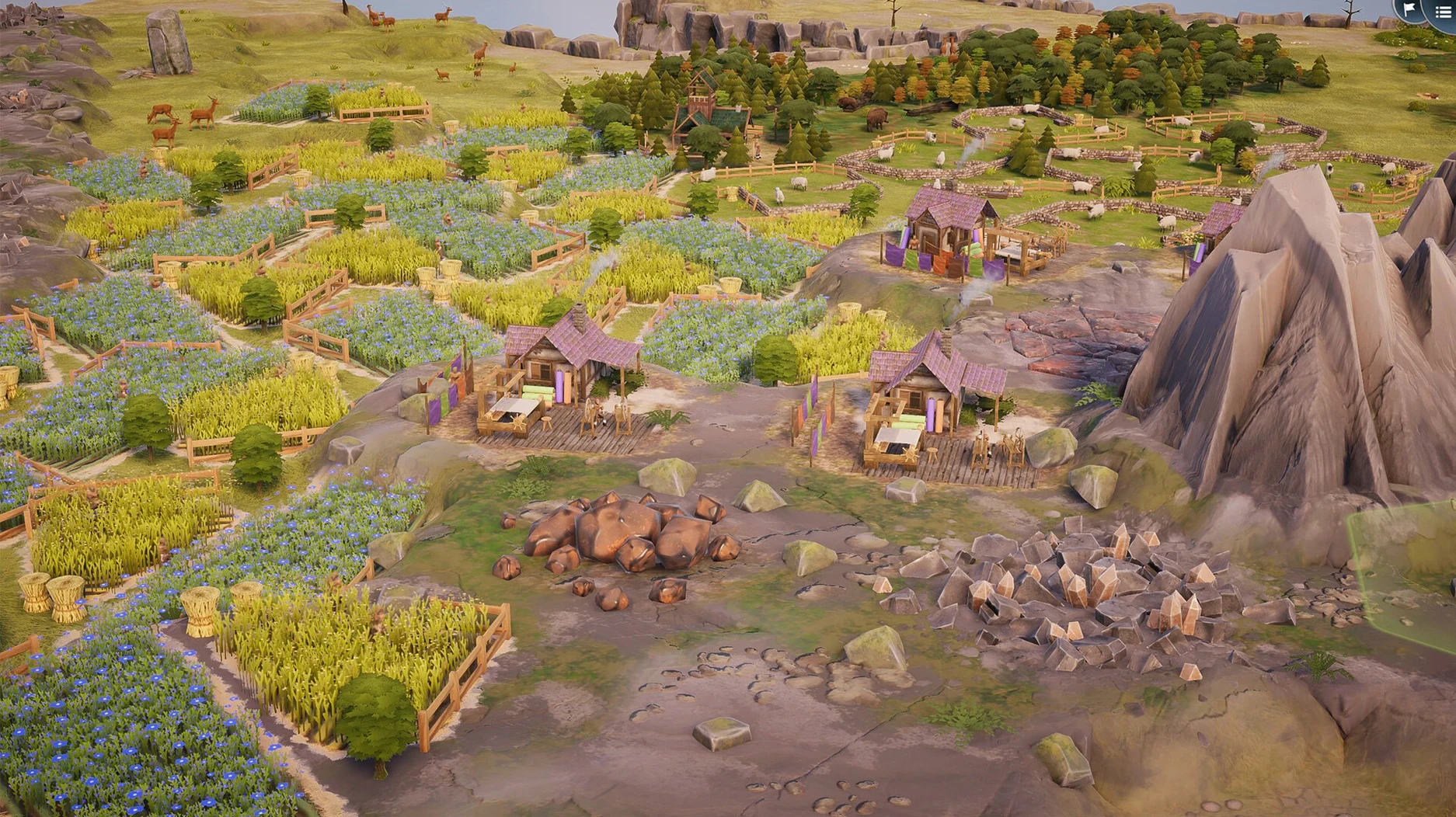
Minute to minute, you are scanning the hex grid, counting tiles, and deciding whether to chase a large combined complex or play it safe with single placements. Buildings can merge into bigger structures, and those merges unlock extra cards, bonus points, or special effects. The loop is unhurried. There is no timer, no invading army — just the quiet pressure of optimising a growing kingdom before your deck runs dry.
Good for
- Short, focused sessions where each move carries weight
- Players who enjoy spatial puzzles wrapped in a gentle aesthetic
- Those who like score-chasing without time pressure
Keep in mind
- More than 15 building types exist across the decks, but you only see a subset each round
- Negative adjacency effects can undo a run if you place carelessly
- Audio is music-only; no voice work or ambient chatter
macOS integration and cross-app fit
TerraScape lives comfortably in the Mac ecosystem. It respects Mission Control and full‑screen space switching — swipe back to the desktop mid‑game and the session waits silently in the background. On M‑series machines, memory pressure stays low enough that leaving it open alongside Safari, Notes, and a messaging app causes no stutter when you slide back to the grid.
If you keep a second display connected, the window remembers its last monitor. Drag it to a 4K screen and the UI scales cleanly; text remains legible in all twelve interface languages. The game writes nothing outside its container, so manual cleanup means trashing one .app bundle. No LaunchAgents, no hidden preference folders to hunt down.
Spotlight indexes the app by its German developer name, so typing Bitfall pulls it up instantly. Handoff is not supported — this is a single‑screen experience by design — but the lack of cloud sync fits the session‑by‑session nature of a puzzler. One small integration worth noting: the music ducks automatically when a FaceTime call rings, following the system’s audio focus rules without a dedicated toggle in the game’s own settings.
A cartographer’s morning session
Picture a cartography student who spends evenings studying terrain adjacency and resource distribution. On a quiet Saturday morning, she opens TerraScape on a MacBook Air, places a castle on a forested island, and draws the Sawmill deck. Her goal is not raw score but understanding how a single sawmill complex shapes the tile economy.
She places a forester’s hut two hexes from the mill, notes the +3 adjacency bonus, then chains a lumber yard onto the growing complex. The merged building grants an extra card — a rare stonecutter she was not expecting. Instead of placing it immediately, she scans the biome boundaries: stonecutters prefer rocky ground, and the island’s southern edge has three adjacent rock tiles. She rotates the card twice with a right‑click, slots it in, and watches the score counter tick upward by 12 points.
Half an hour passes. No timer rushes her. The deck eventually empties, leaving a compact kingdom of fourteen tiles that maximised two combined structures. She screenshots the final layout for a lecture slide on spatial clustering. The whole session fit into a single coffee, and the M1 Air stayed cool the entire time.
Shortcuts and quiet mechanics
Several interactions hide just below the surface. A right‑click rotates a card 60 degrees before placement, which matters when a building’s adjacency shape needs a specific orientation. The rotation is not mentioned during the tutorial, but it unlocks tighter packing on irregular coastlines.
Hovering over any placed tile highlights every connected building in that complex with a soft outline. Use it to check whether a planned placement will merge into an existing chain or stand alone — useful when a bonus card depends on complex size. On a trackpad, a two‑finger pinch zooms the floating island smoothly; a double‑tap resets the view to the default angle.
Key repeat works in the deck panel: arrow keys cycle through available cards faster than clicking, and pressing Space places the selected card at the cursor position. Players chasing high scores often lean on this pair to shave seconds off decision time, even though the game itself never enforces a clock. The Escape key clears a held card and returns it to your hand, and Cmd‑Z undoes the last placement as long as you have not scored the turn yet — a small mercy when you spot a negative adjacency a moment too late.
- Apple Silicon or Intel 64-bit Mac
Sign in · Create an account to add a field note.
No field notes yet. A measurement, a version, a machine — they appear after moderation.