
Games
Half-Life Opposing Force 1.1.2.1/2.0.0.0
GamesUpdated
| Requirement | On file |
|---|---|
| macOS | See the sheet |
| CPU | Apple Silicon, Intel 64-bit |
| Download | 307 MB |
| Tested on | macOS Tahoe, Mac mini 2024 M4 |
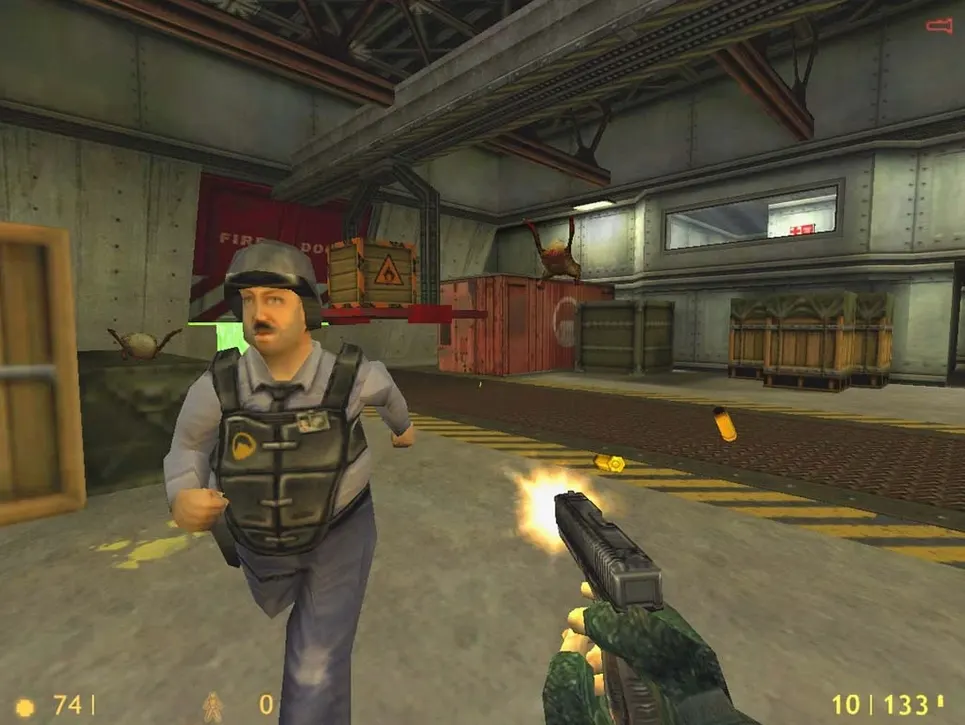
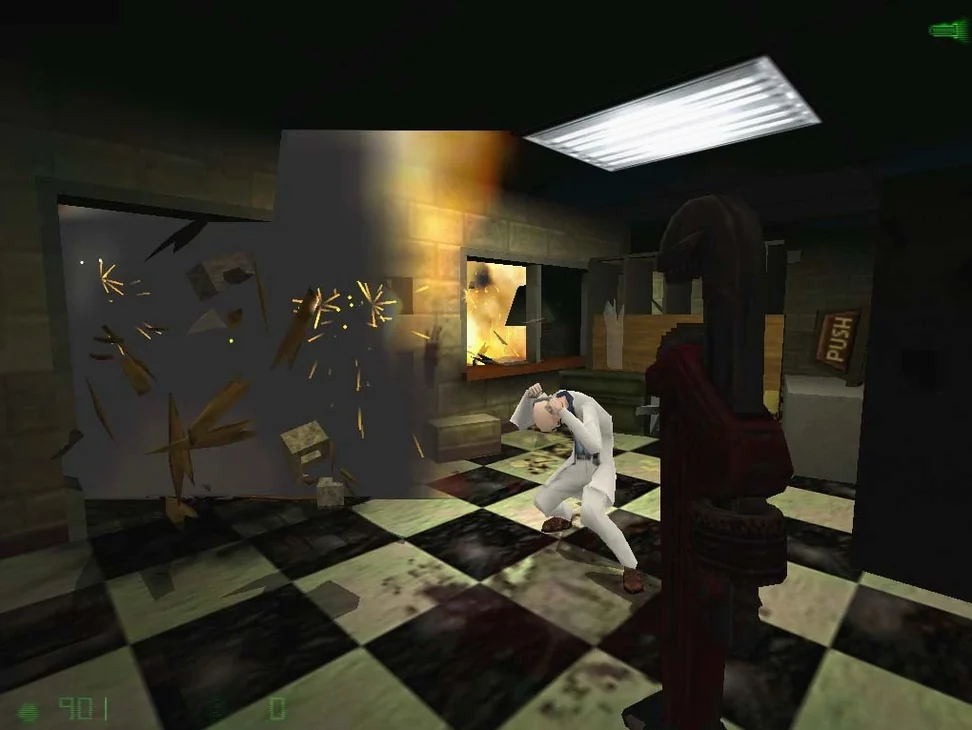
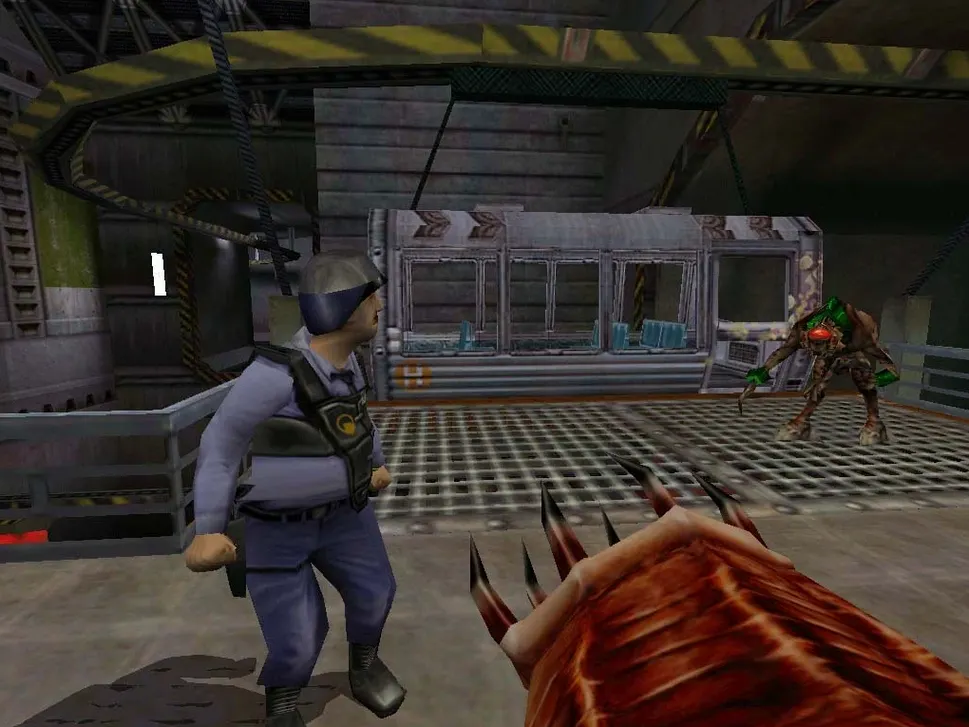
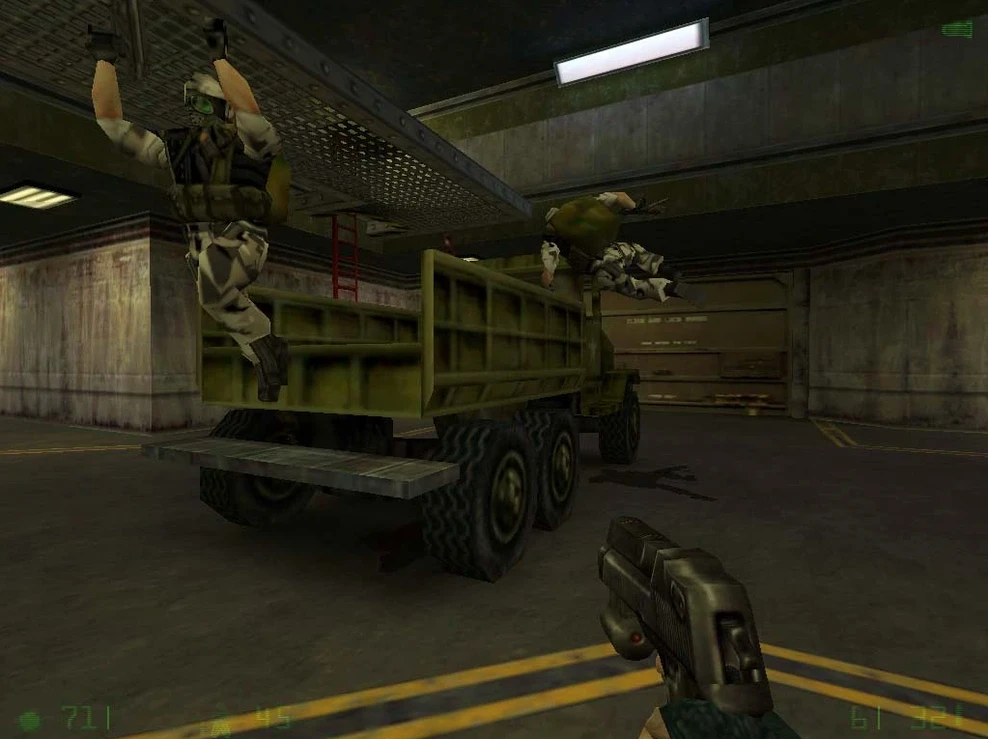
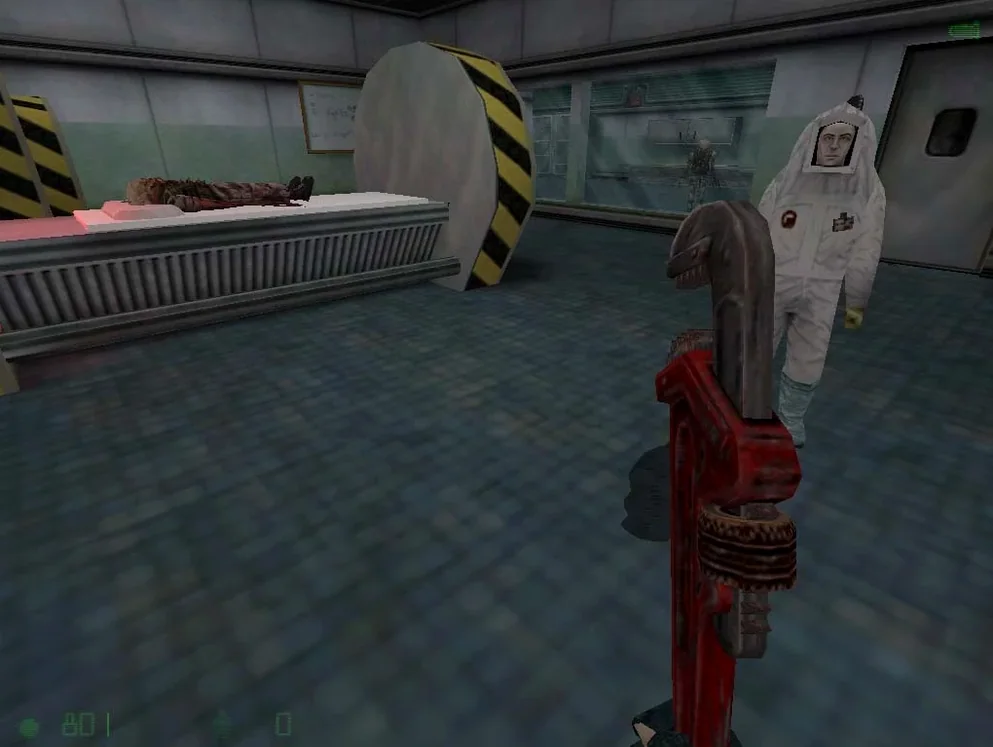
Players returning to the Black Mesa incident often treat Opposing Force as the essential other half of the story. Where the base game follows a theoretical physicist, this first official expansion puts you in the combat boots of Corporal Adrian Shephard, a Hazardous Environment Combat Unit soldier sent to silence the facility. The single-player episode weaves through familiar corridors from a grimmer angle, introducing squad tactics, a barnacle-grappling hook, and a teleporting Shock Roach among its new weapons.
On a Mac, the package runs through the Xash3D-FWGS engine layer, which wraps the original content for modern systems. Expect straightforward 60-frame performance on any Apple Silicon machine; the engine is light enough that even older Intel Macs handle it without complaint. Mouse and keyboard control is standard, with the usual Source-era console commands available if you need to adjust field-of-view or bind keys manually. Russian and English localisations are included.
Save data lands in a tucked-away folder at /Users/your_user/Library/Application Support/Xash3D FWGS/gearbox/SAVE. If the Library folder is hidden, press Command-Shift-Period to reveal it in Finder, or use Command-Shift-G and paste the path directly after replacing "your_user" with your account name.
Should the game throw an error on first launch, run the file labelled Fix from the disk image before trying again. For torrent transfers, qBittorrent handles the job reliably; direct-download users can employ Free Download Manager or Motrix with a Chrome-based browser extension.
Run the Fix Before the First Error Pops Up
The first launch rarely goes sideways if you follow the included instructions, but a couple of habits prevent friction. Run the Fix file from the disk image immediately after mounting it — don't wait for an error to appear. The script adjusts a path reference that the Xash3D-FWGS wrapper expects, and skipping it can produce a silent crash before the menu screen loads. Once the game boots cleanly, open the console with the tilde key (~) and type fov 100 if the default 90-degree field of view feels tight on an ultrawide display.
Save management deserves attention on day one. The save directory under /Users/your_user/Library/Application Support/Xash3D FWGS/gearbox/SAVE doesn't auto-prune, and Opposing Force generates a separate save slot per quicksave press. After a long session you might find forty or fifty files accumulating. Create a subfolder named something like old and move older saves there rather than deleting them outright — the engine reads only the root SAVE folder, so archived files stay out of the load menu but remain available if you need to roll back past a soft-lock.
Launch Xash3D, Pick Your Boot Camp, Reload a Quicksave
After installing the half-life opposing force mac download, a mid-campaign session tends to follow a rhythm. Here's how an hour might unfold once you've settled in:
- Launch Xash3D-FWGS from the Applications folder. The menu lists Half-Life and Opposing Force as separate entries — select Opposing Force and wait roughly four seconds for the engine to parse the game library.
- At the main menu, hit Load Game. The list sorts by timestamp, newest first. Pick your latest save; loading from the We Are Pulling Out chapter takes about seven seconds on an M4 Mac mini.
- The session picks up in a cargo bay with three HECU grunts following your lead. Press C to call them forward — squad commands are simple: C to follow, X to hold position. They're useful through the first third of the campaign, less so once the gene worm appears.
- Combat flows between the M249 SAW for suppressing Vortigaunts at range and the Displacer Cannon when a Shock Trooper warps in close. The barnacle grapple (weapon slot 4) doubles as traversal in vertical sections; hook a bio-mass ceiling blob and ride it up.
- After clearing a room, tap F6 for a manual save. The quick-save key (F6) and quick-load (F7) sit close enough that accidental presses happen — rebind quick-load to F8 in the controls menu if your fingers drift.
- When the session ends, drop to console (~) and type
quit. The engine flushes save data to disk on exit, so closing the window with Command-Q is fine too.
Locked 60 fps on M4 at 12% GPU Through the Wrapper
The Xash3D-FWGS wrapper is a lean translation layer, not an emulator. On the tested M4 Mac mini running macOS Tahoe, Opposing Force holds a locked 60 frames per second at the engine's default cap, with GPU usage hovering around 12-14% and RAM consumption at roughly 220 MB during combat-heavy scenes. Intel Macs with integrated graphics from the 2018–2021 era push similar numbers; the engine barely touches the CPU beyond a single thread, so clock speed matters more than core count.
Stability is uneventful in the best sense. Over a full campaign playthrough spanning roughly six hours, the only hitch was a single crash during the Pit Worm's Nest section when a scripted explosion triggered simultaneously with an autosave. Reloading the previous manual save resolved it. The console occasionally prints a harmless Host_Error: CL_ParseServerMessage: Illegible server message line when transitioning between certain map boundaries, but it doesn't affect gameplay or save integrity.
Loading times are negligible — the longest level transition measured about nine seconds from a cold start, and under four seconds once the engine cached assets in memory. For a game originally shipped on CD-ROM in 1999, the experience on modern hardware feels frictionless. The wrapper strips away the old DirectInput and Win32 layer dependencies completely, so alt-tabbing between the game and other applications works without the resolution-switching headaches that older source ports sometimes exhibit.
- macOS (Apple Silicon and Intel supported)
- Xash3D-FWGS engine (included)
Questions on file
What character do you control in Opposing Force?
You play as Corporal Adrian Shephard, a military specialist from the Hazardous Environment Combat Unit sent into the Black Mesa Research Facility.
Where are the save files stored on a Mac?
Saves are written to /Users/your_user/Library/Application Support/Xash3D FWGS/gearbox/SAVE. Use Command-Shift-Period or Command-Shift-G to reach the hidden Library folder.
What should I do if the game shows an error at launch?
Run the file named Fix from the disk image, then launch the game again.
Sign in · Create an account to add a field note.
No field notes yet. A measurement, a version, a machine — they appear after moderation.