Games
Half Sword 0.6.1.5
GamesUpdated
| Requirement | On file |
|---|---|
| macOS | See the sheet |
| CPU | Apple Silicon |
| Download | 9.7 GB |
| Tested on | macOS Tahoe, Mac mini 2024 M4 |
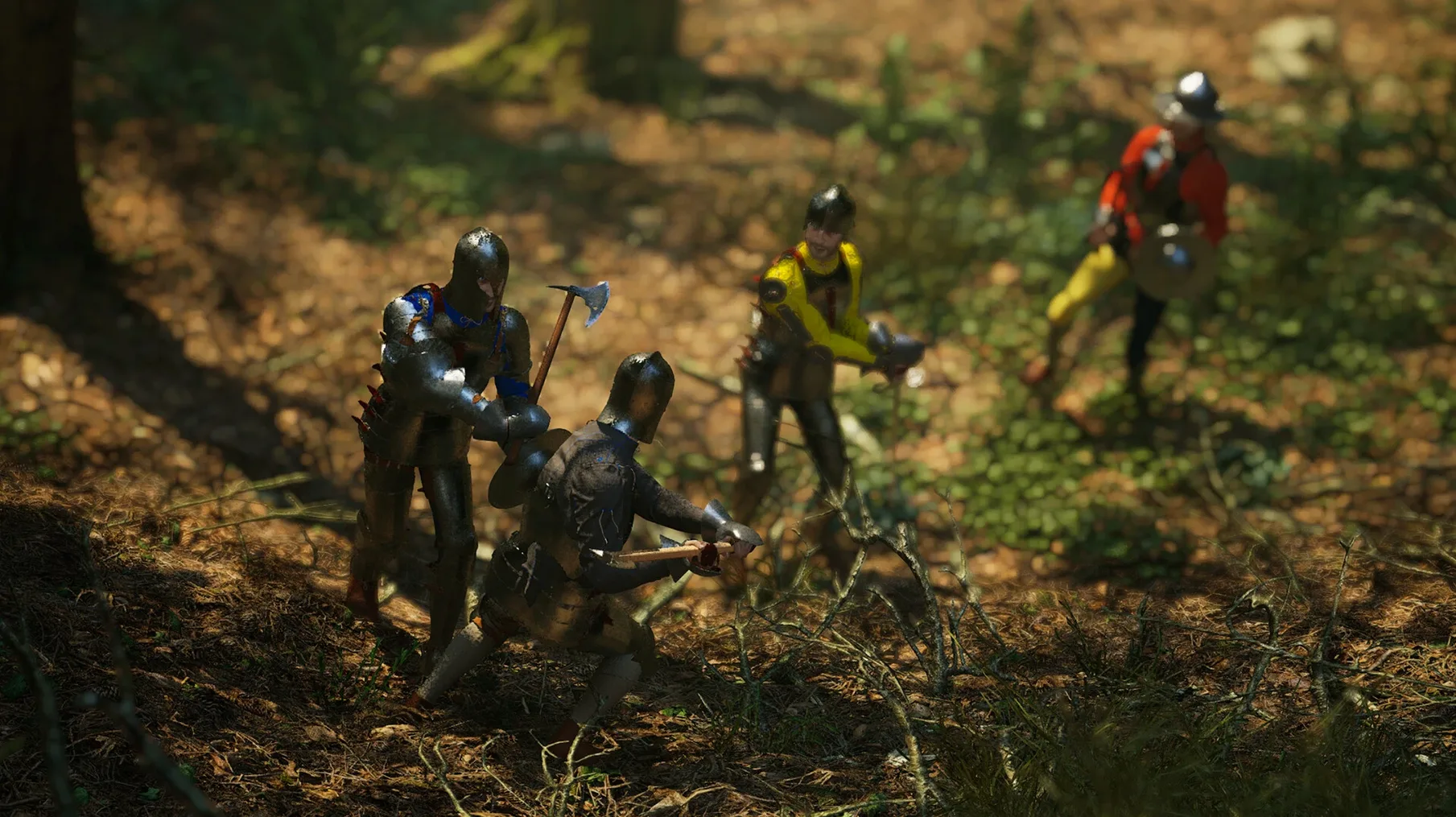
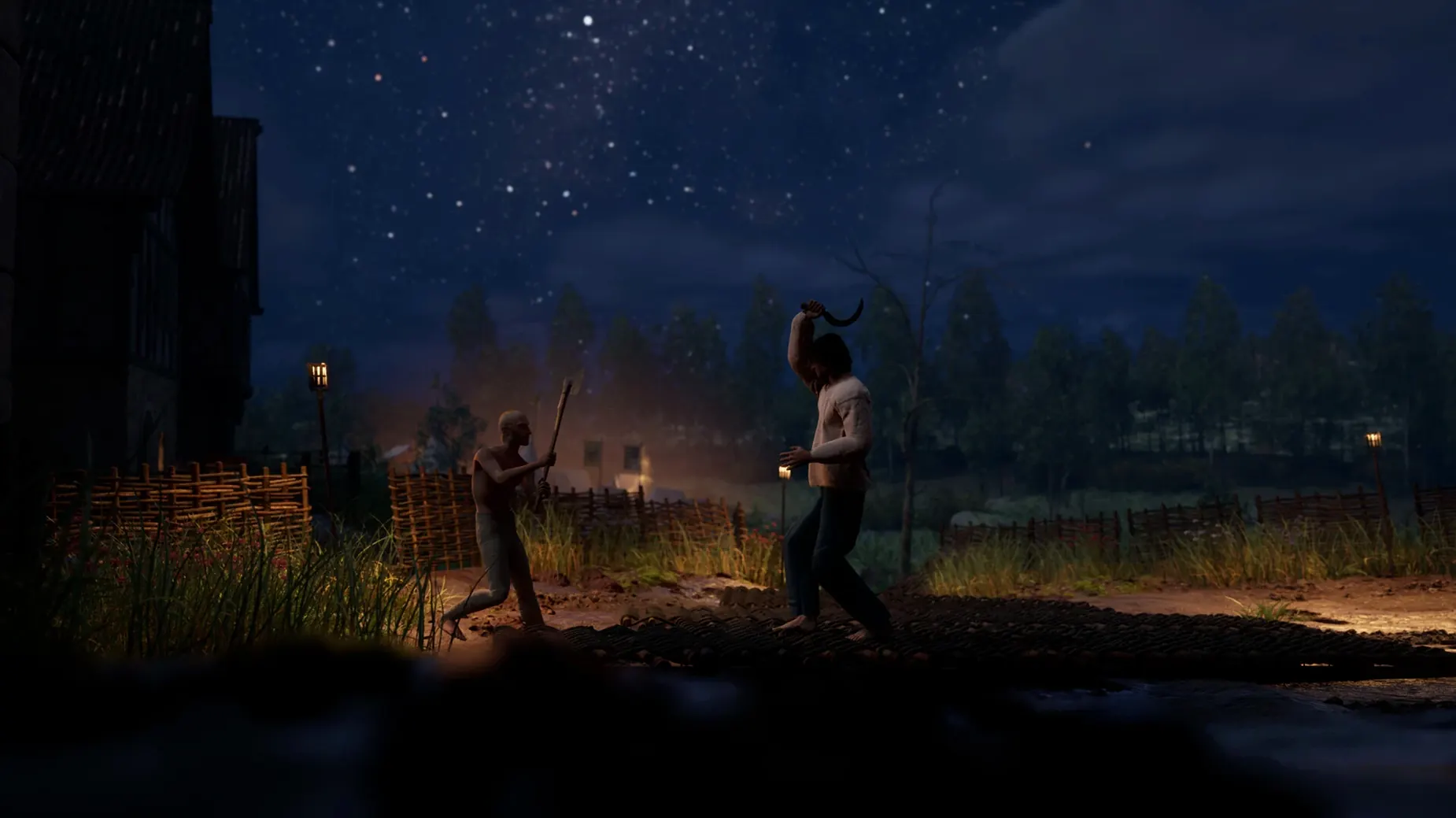
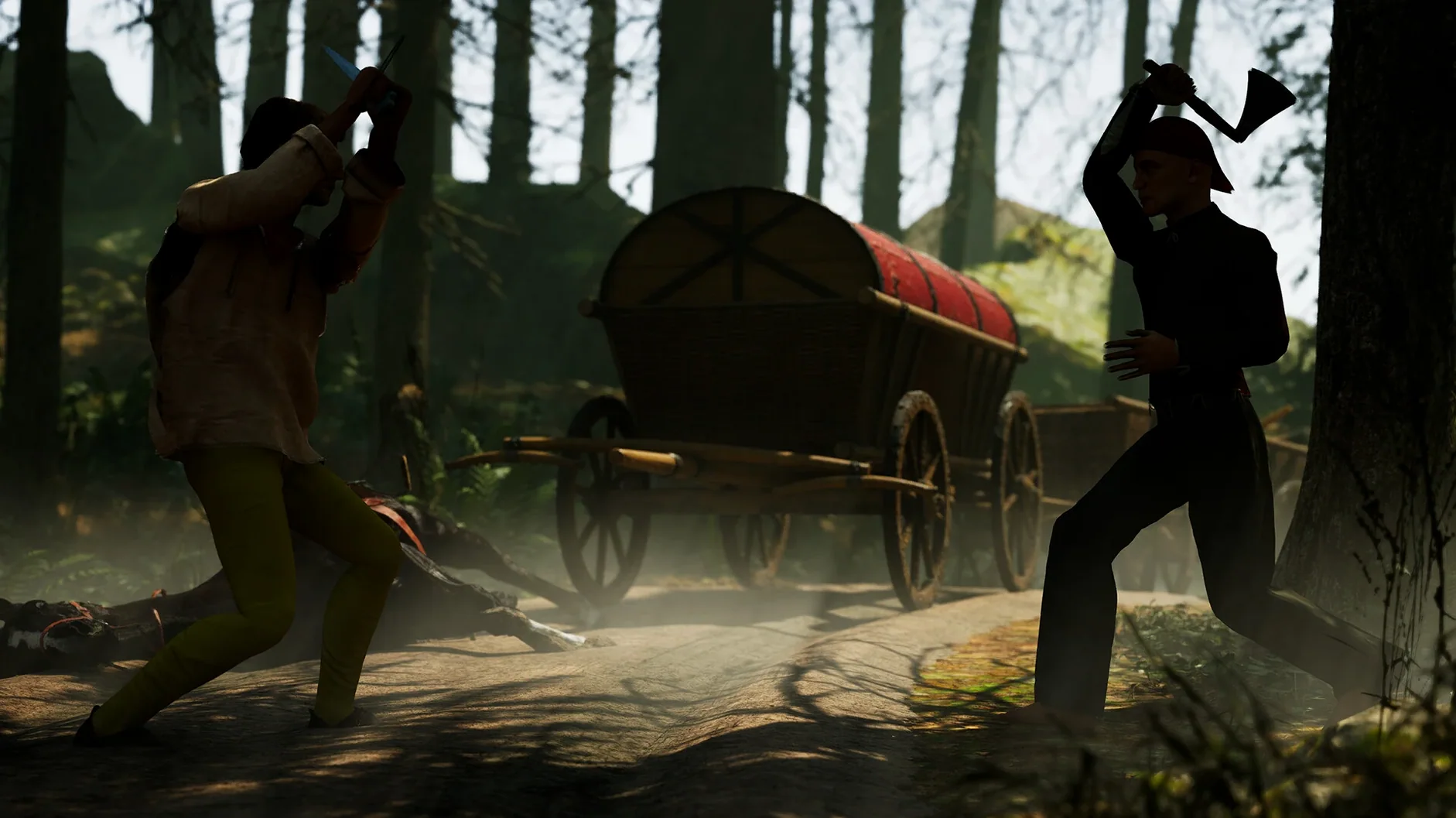
Players who enjoy systemic, skill-driven duelling gravitate toward Half Sword. It casts you as a commoner rising through brutal tournament ranks, where every swing and parry is driven by real-time physics rather than canned animations. The current Early Access build centres on historically grounded XV-century arms and armour, demanding a careful read of reach, momentum, and defence.
Weighty, Unpredictable 15th-Century Combat
| Detail | Info |
|---|---|
| Developer | Half Sword Games |
| Current version | 0.6.1.5 (Early Access) |
| Packaging | Wineskin for macOS |
| Setting | 15th-century European tournaments |
The moment-to-moment feel is weighty and unpredictable. A mistimed overhead can leave you exposed; a well-placed thrust can end a bout in seconds. The Wineskin wrapper delivers the experience on Apple Silicon Macs without a full port, keeping the physics simulation intact. As an Early Access title, the structure is still evolving, but the core loop of fight, learn, and climb the ranks is already firmly in place.
A duel remembered
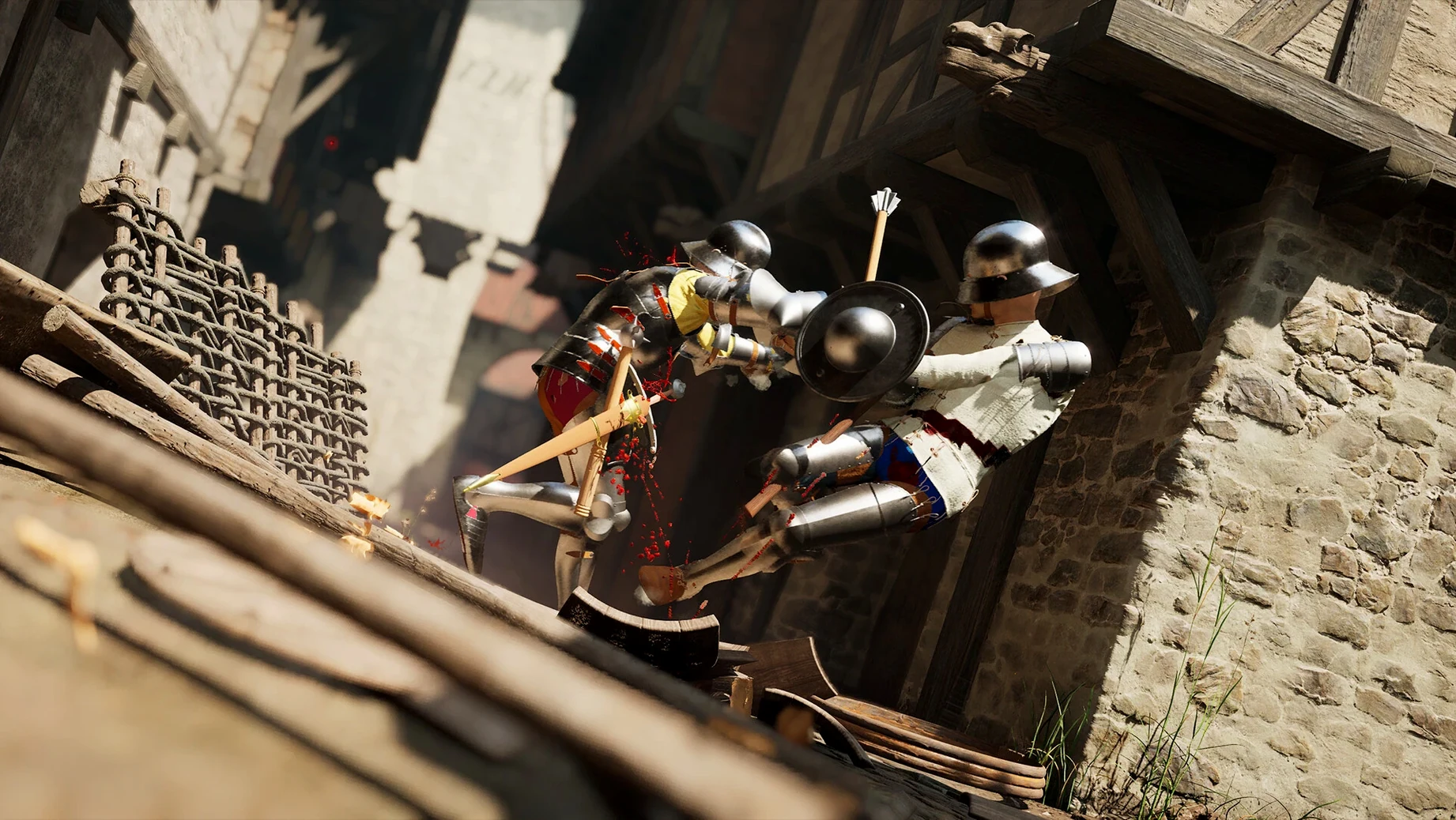
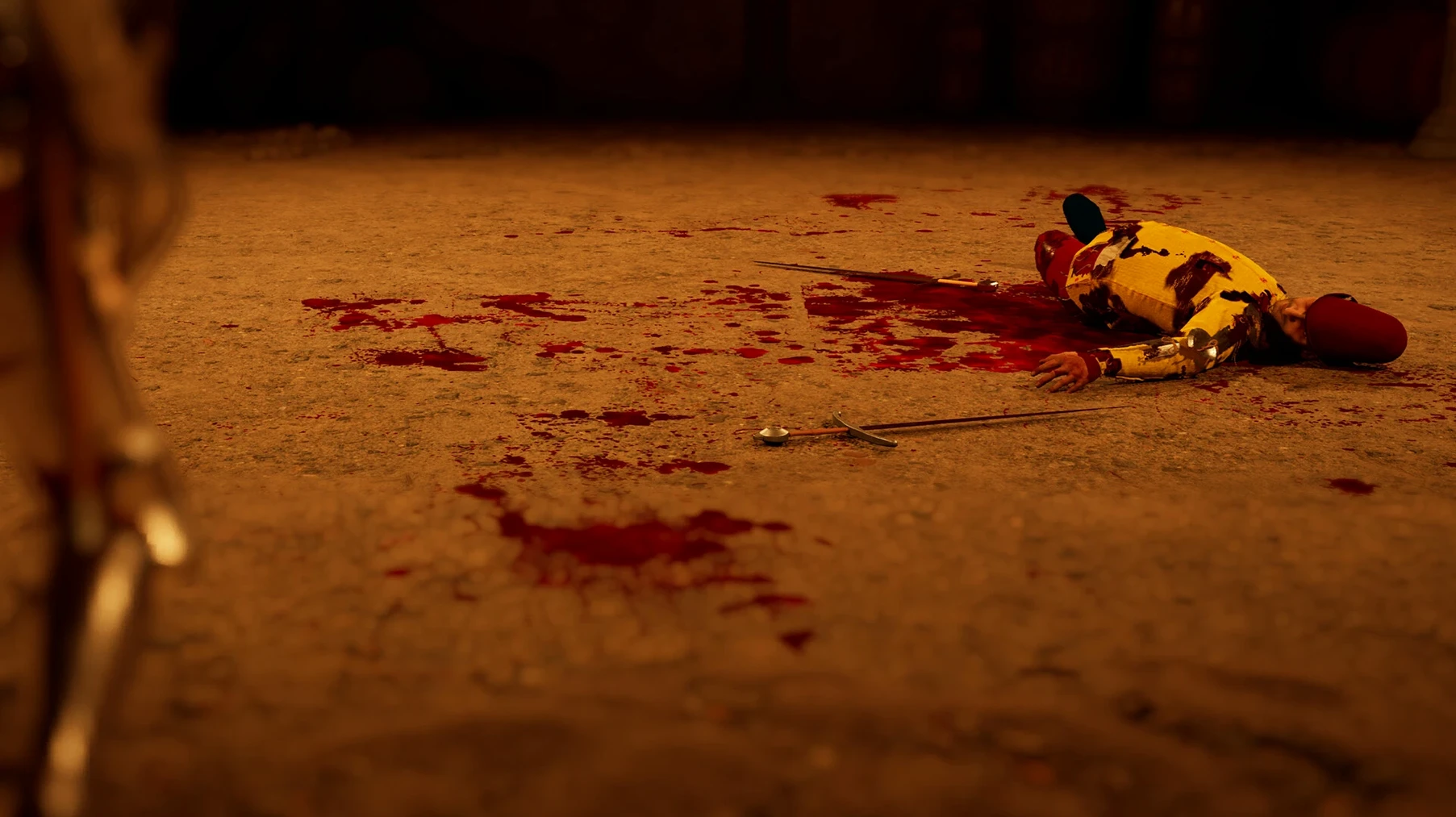
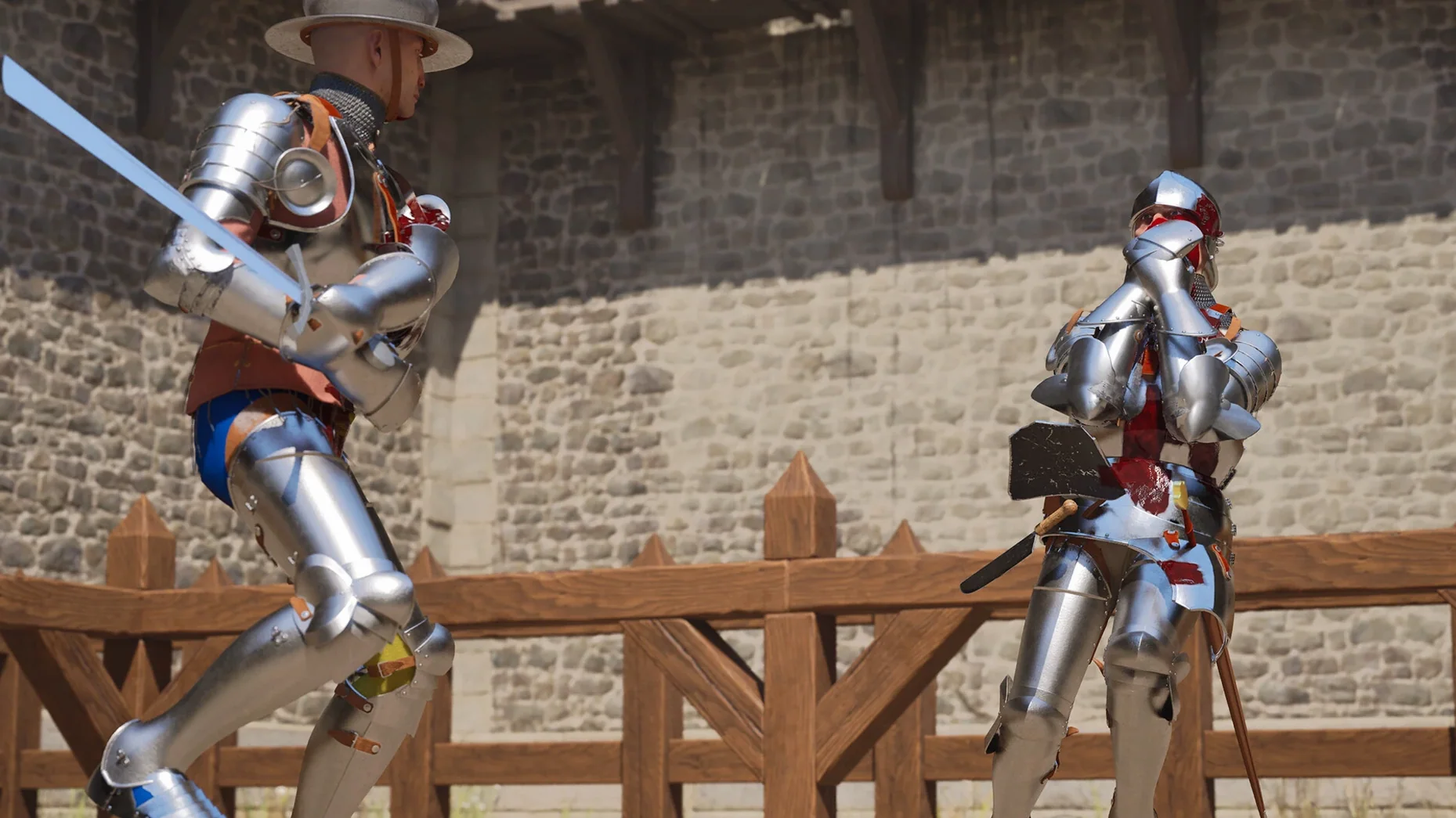
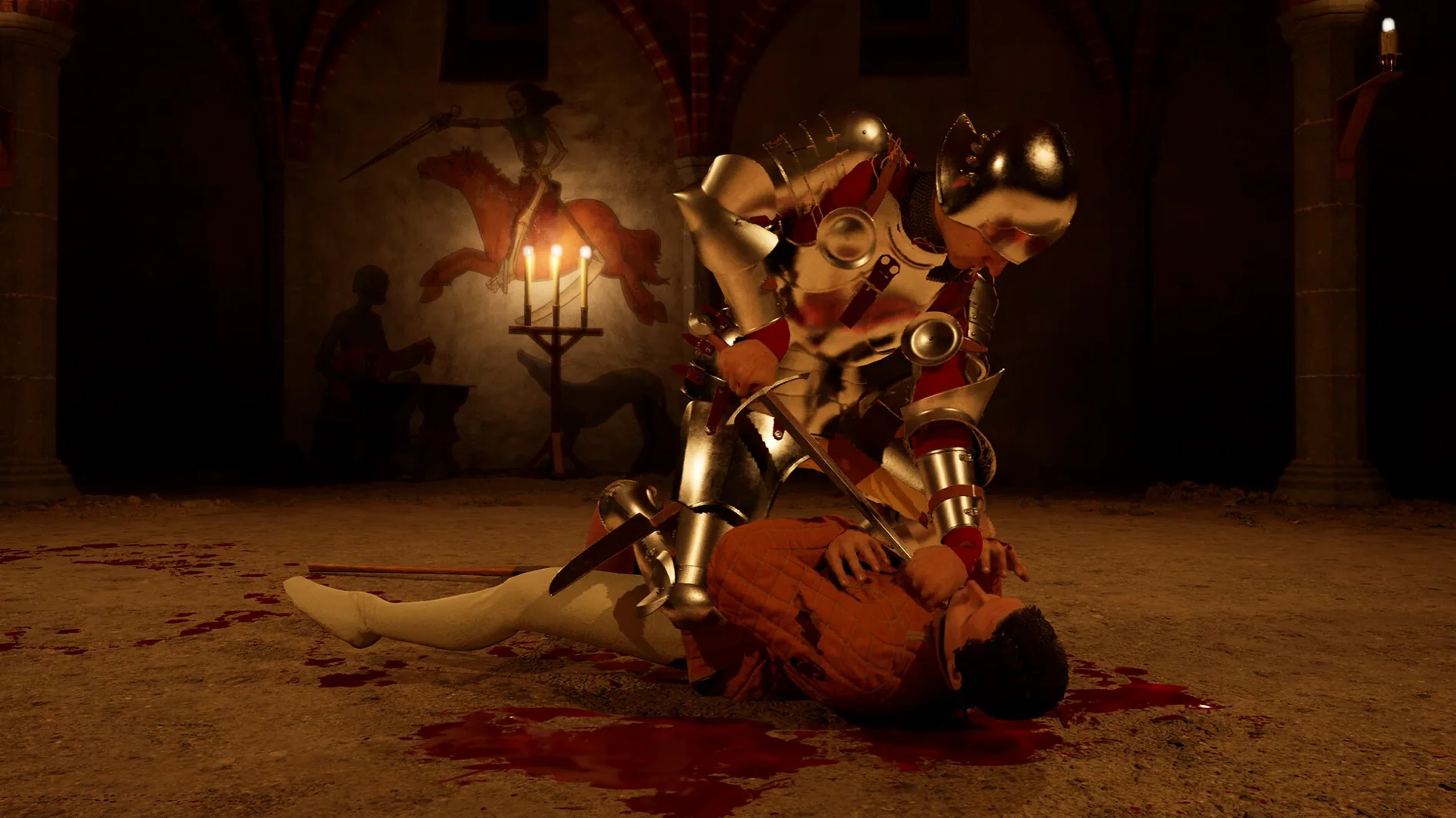
A player who spends evenings in ranked duelling games—someone who knows the difference between a shortsword feint and a genuine commitment—will find Half Sword unsettling at first, then absorbing. Picture a session after the tutorial bouts: you enter a mid-tier tournament carrying a longsword and a buckler, facing an opponent with a poleaxe. The first exchange is cautious circling. You throw a probing thrust. The blade connects with the haft, deflecting just enough that the tip skids off a pauldron. The poleaxe comes around in a wide arc; you step back, but the physics engine registers a glancing hit to the hip, staggering your character. Blood spatters the dirt. You are slower now. The next thirty seconds are a lesson in spacing—you bait the axe overhead, sidestep, and drive the point through the opponent’s visor slit. The body crumples with the exact ragdoll weight you would expect from a fully armoured figure. No fanfare, no score pop-up, just the silence of the arena and the next challenger already walking in. That sequence—mistake, adaptation, one clean kill—is what keeps a certain kind of player returning.
Mistakes that cost a bout
New players tend to treat Half Sword like a conventional third-person action game, and the physics system punishes those habits immediately. The most frequent errors are easy to catalogue.
- Over-committing to heavy swings. Holding the attack input too long winds up a powerful strike, but the recovery frames leave you wide open. Beginners often eat a counter-thrust before their blade is halfway back to guard.
- Ignoring stamina drain. Sprinting into range and chaining three consecutive swings empties the stamina bar. When it bottoms out, your character can barely lift the weapon, let alone parry.
- Forgetting the off-hand. A buckler or dagger in the left hand is not cosmetic. New arrivals frequently leave it idle while circling, missing the chance to deflect or bind an opponent’s blade.
- Standing still after a hit. A landed blow does not guarantee safety. Opponents in Half Sword can swing through pain; hesitating after what looks like a decisive strike invites a mutual kill or worse.
- Choosing weapons by look, not handling. Picking a massive two-handed falchion because it appears intimidating ignores the sluggish recovery and tight spacing demands. A shorter arming sword and shield often yield cleaner results in the early ranks.
Recent changes that alter daily play
The 0.6.1.5 build, packaged on 30 January 2026, tightened several behaviours that tournament regulars will notice within the first few matches. Armour hitboxes received a revision: strikes to limb gaps now register with greater precision, so a thrust aimed at an elbow joint or a bare knee is more likely to wound or dismember. The adjustment rewards deliberate point control and punishes flailing.
Weapon collision was also tuned. Blades now glance off plate surfaces more convincingly, producing a metallic ring and a shower of sparks instead of clipping through. The practical effect is that edge alignment matters. A cut that lands flat does negligible harm, pushing players to angle strikes correctly or switch to thrusting against armour. Stamina costs for missed swings were increased slightly, making feint-heavy play riskier if the bait does not connect. The arena crowd audio was expanded with reactive murmurs and gasps tied to near-misses and dismemberments, deepening the sense of a live audience without affecting mechanical gameplay. On the technical side, the Wineskin wrapper used for this macOS build was updated to maintain frame pacing during particle-heavy moments—blood sprays and dust clouds no longer cause the micro-stutter some players reported in prior preview builds.
Settings that deserve a first tweak
Before entering the first tournament, a few adjustments make the experience more readable and responsive.
- Camera sensitivity and dead zone. The default values prioritise cinematic weight over quick target acquisition. Reducing the dead zone by 10–15% and nudging sensitivity up by a similar margin helps track circling opponents without over-correcting.
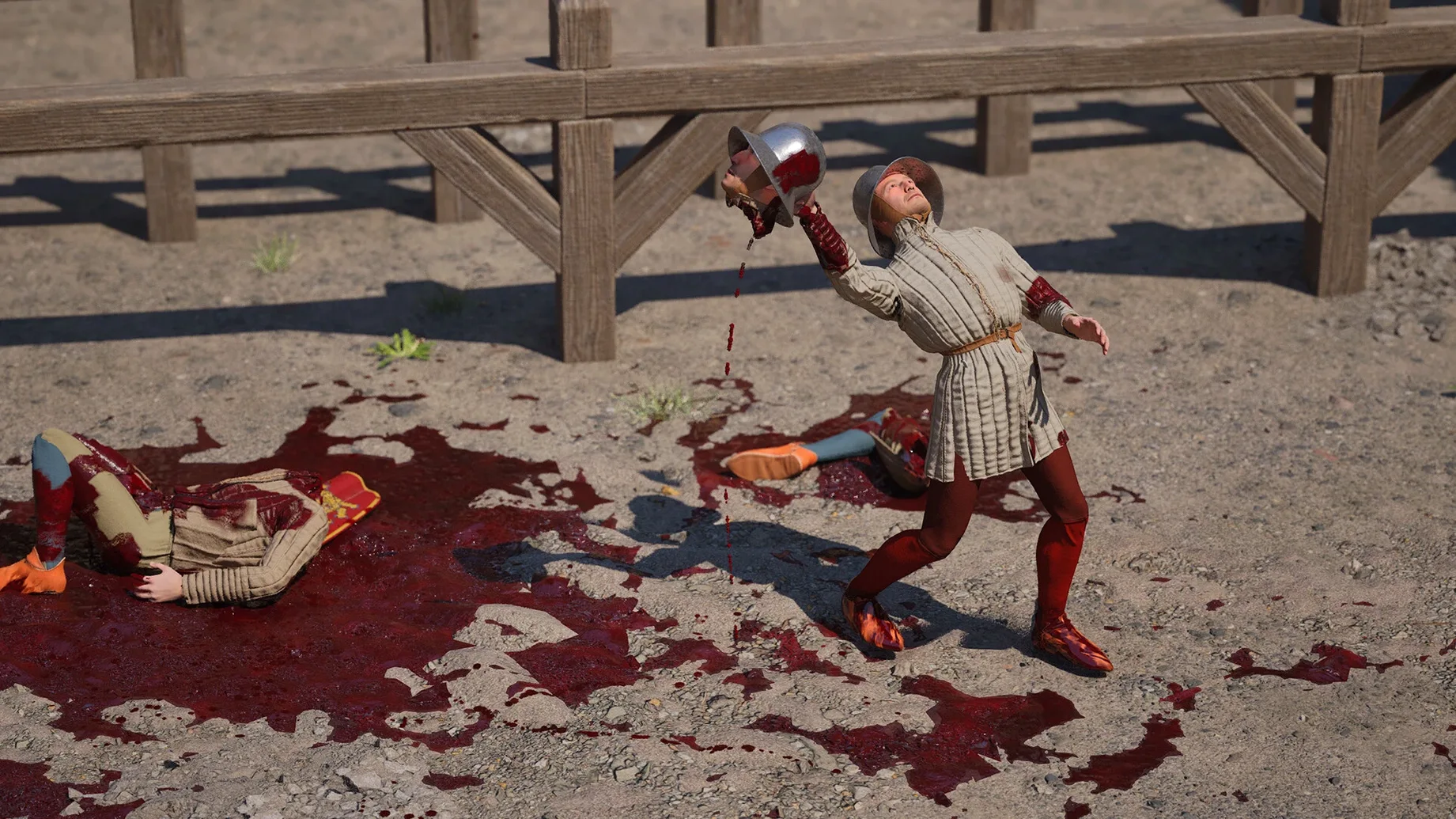
- Gore intensity. Half Sword defaults to full dismemberment and exposed anatomy. The setting is granular—players who want the tactical feedback of blood splashes without the viscera can lower it one tier. The physics simulation remains identical; only the visual feedback changes.
- Language and subtitle options. The interface ships in Russian, English, German, Spanish, and French, switchable from the in-game settings menu. English is the only voiced language. Changing the UI language does not require a restart.
- Graphics preset for Wineskin. The wrapper sometimes defaults to a resolution below the display’s native pixel count. Switching to fullscreen at the panel’s actual resolution—and setting shadows to medium instead of high—often yields a steadier frame rate during multi-combatant melees without sacrificing much visual clarity.
- Audio mix balance. The default mix pushes crowd volume above footstep and weapon audio. Lowering ambient crowd to around 60% and raising effects volume makes the scrape of a blade on armour and the footwork rhythm much clearer, which feeds directly into spacing decisions.
The save data sits inside the app bundle at Half Sword.app/Contents/SharedSupport/prefix/drive_c/users/Sikarugir/AppData/Local/HalfswordUE5/Saved/SaveGames. Backing up that folder preserves tournament progress across re-installations, something worth knowing for anyone chasing higher ranks while the half sword mac download remains in active Early Access iteration.
- Architecture: Apple Silicon
Questions on file
Where are the save files stored for Half Sword on macOS?
The save files are located inside the app bundle under Half Sword.app/Contents/SharedSupport/prefix/drive_c/users/Sikarugir/AppData/Local/HalfswordUE5/Saved/SaveGames.
Sign in · Create an account to add a field note.
No field notes yet. A measurement, a version, a machine — they appear after moderation.