Games
GRIME II 1.0.17360c
GamesUpdated
| Requirement | On file |
|---|---|
| macOS | See the sheet |
| CPU | Apple Silicon |
| Download | 18.6 GB |
| Tested on | macOS Tahoe, Mac mini 2024 M4 |
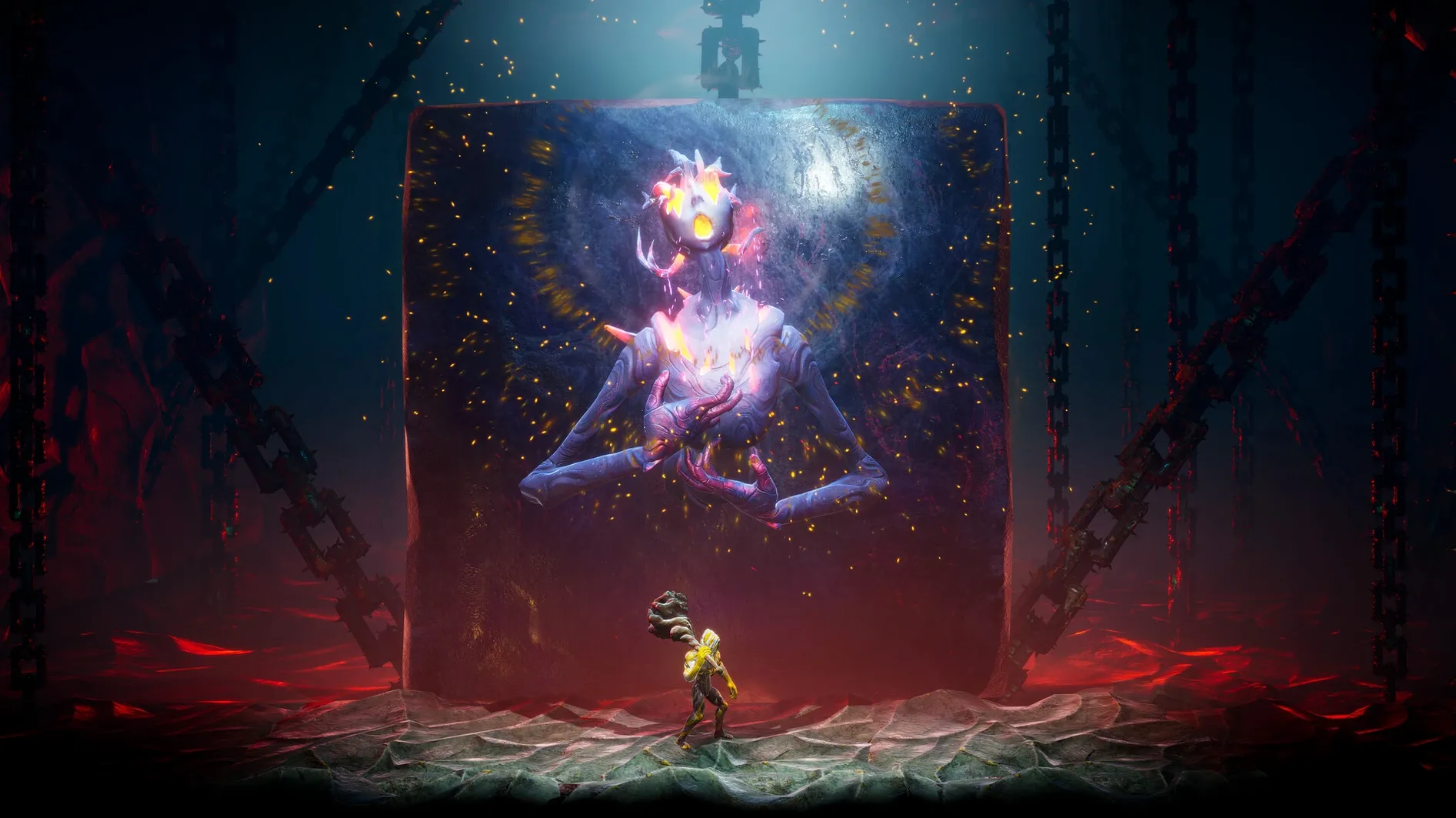
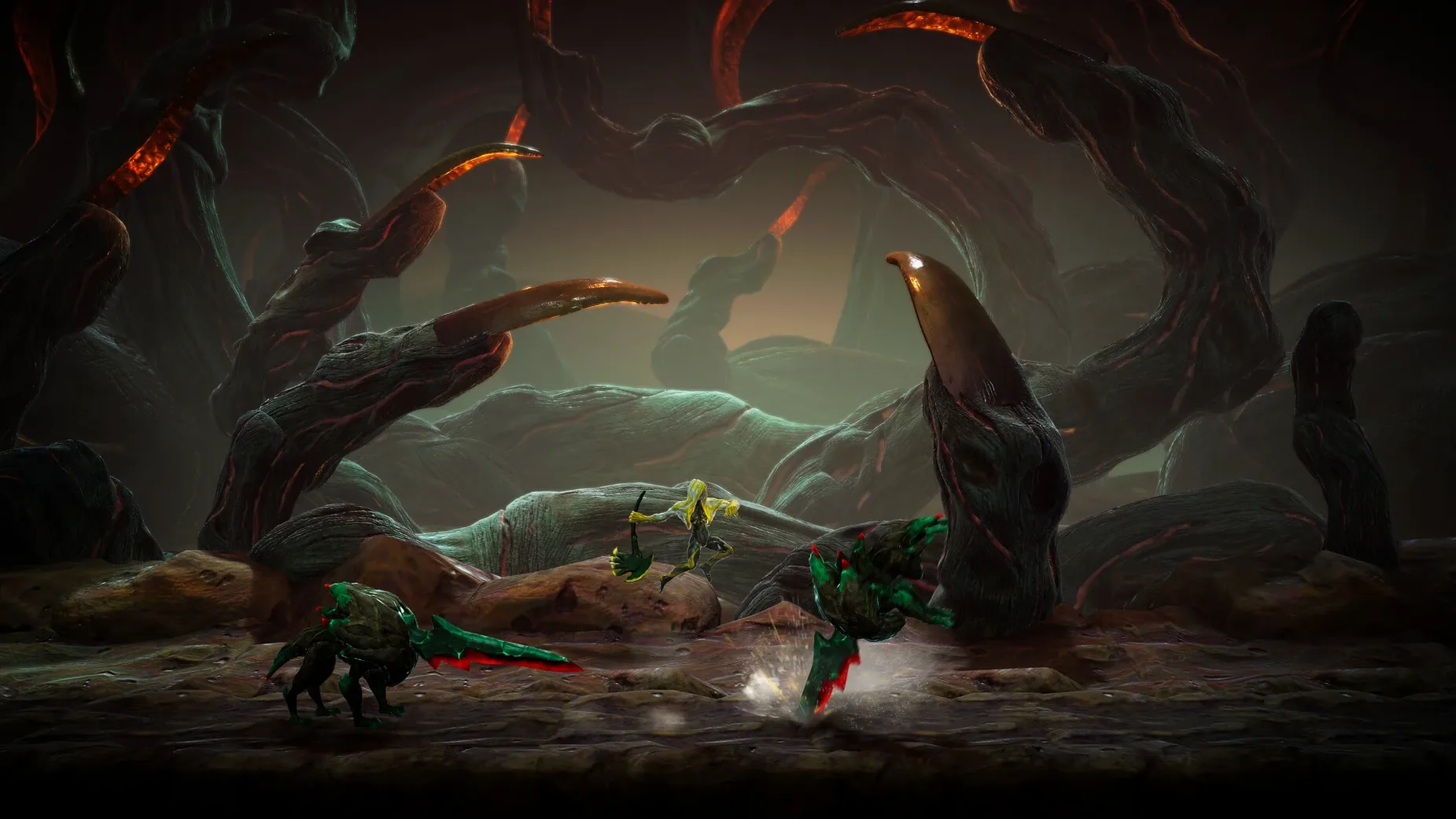
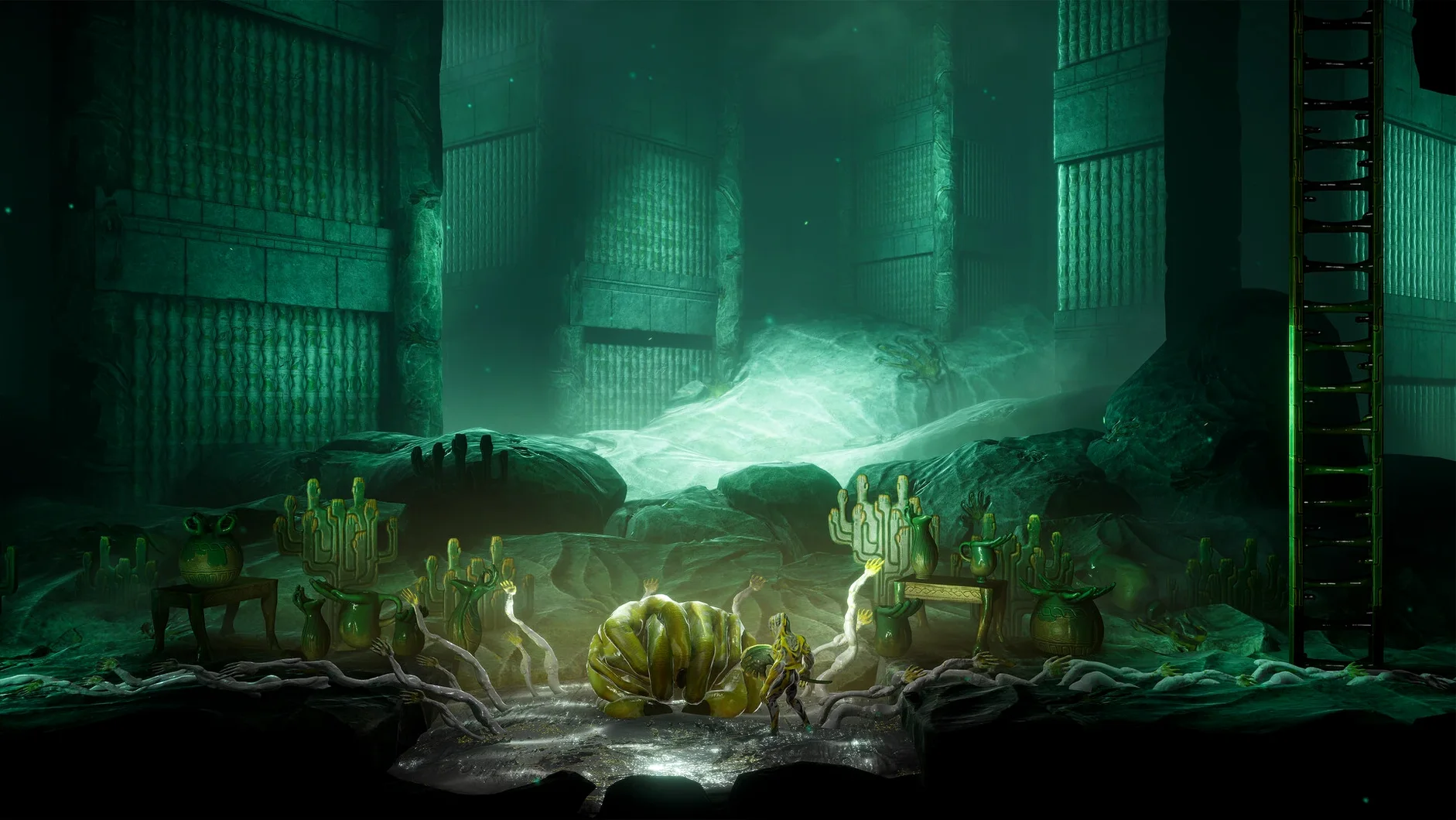
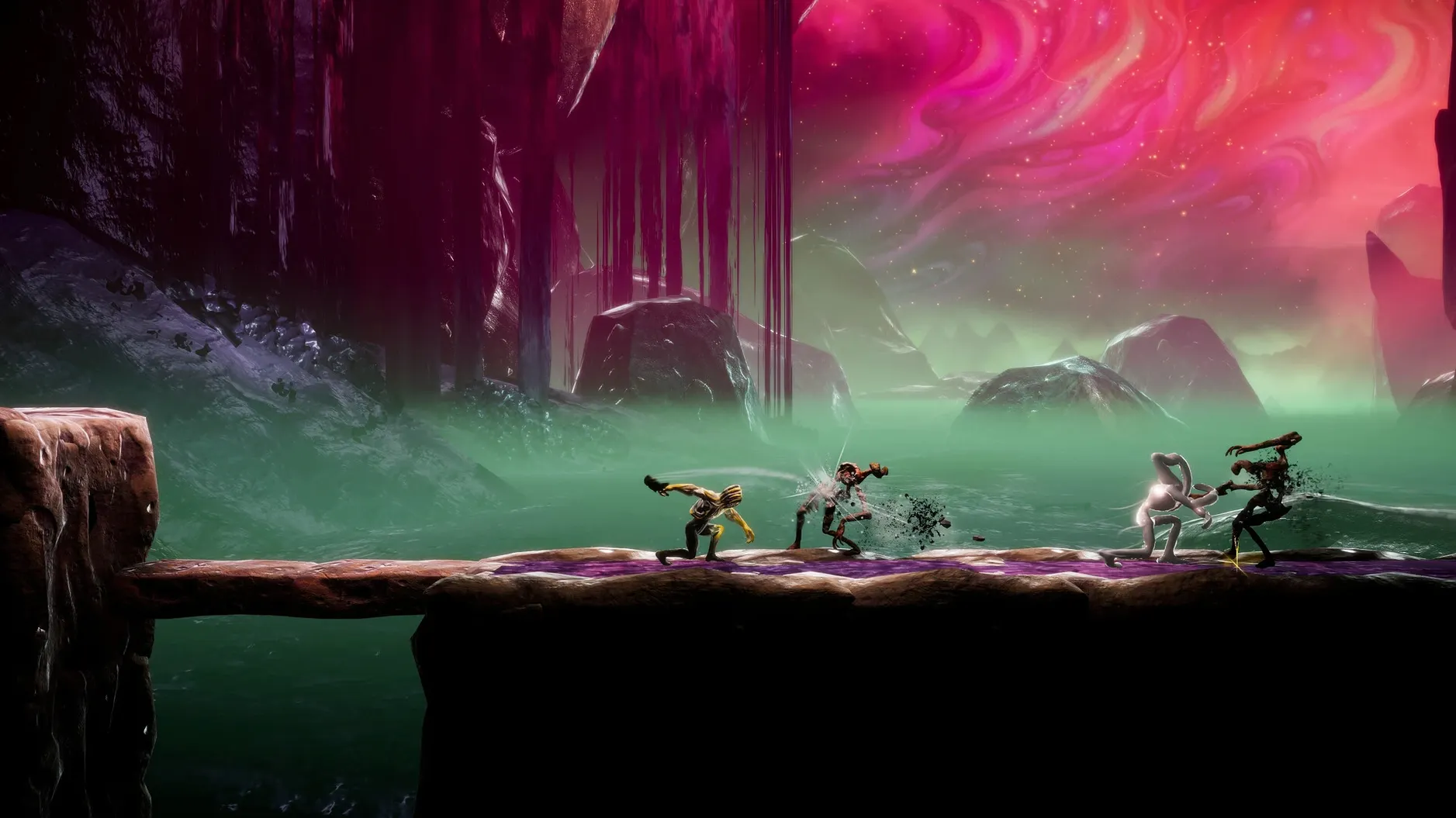
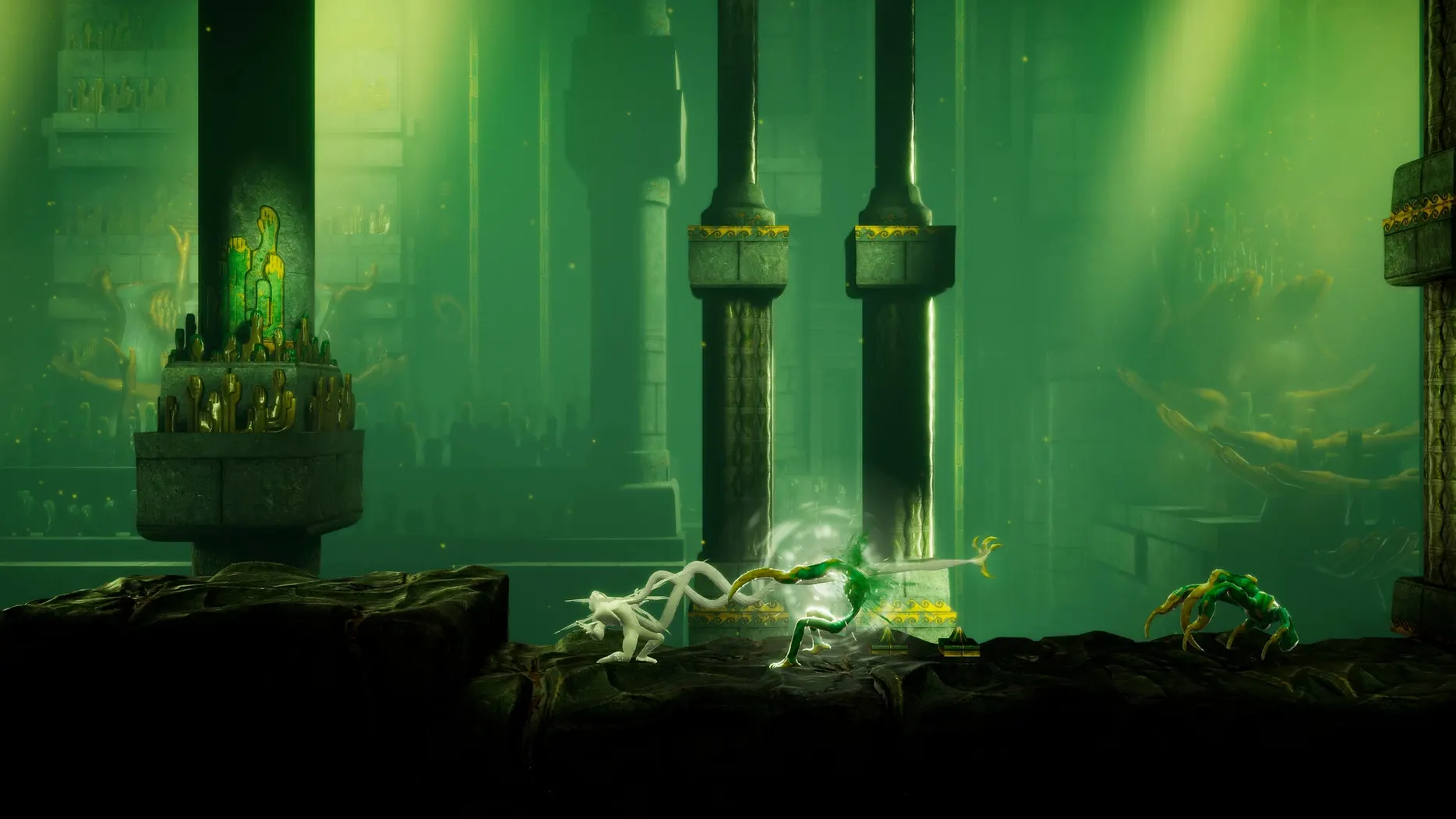
Breathless Form gives you a dash that phases through physical strikes, and it's the first hint that this isn't a standard block-and-roll affair. GRIME II is a metroidvania sequel where you play the Formless — an art mimic that absorbs creatures and summons their forms.
Formless — the player character, a shapeshifting entity that consumes and becomes.
Form Absorption — core mechanic; defeat an enemy, take its shape and traits for your own moveset.
Summoned Forms — manifestations of absorbed creatures, deployed mid-combat for tactical advantage.
40 Abilities — spread across absorbed forms and the Formless's own progression tree.
20 Armor Types — found in new locations across the GRIME universe, each altering weight and resistance values.
ARM Build — the game runs natively on Apple Silicon, no Rosetta layer between you and the frame data.
The Launch Error Fix on First Run
A launch error on first run is the most frequent hiccup. If the game refuses to start, open the disk image again and run the Fix file — it patches the Wineskin wrapper's permissions so it sits properly on modern macOS. After that, the app launches from the Applications folder without fuss.
Save file location catches people out because it's buried inside the app package. Path: GRIME II.app/Contents/SharedSupport/prefix/drive_c/users/Sikarugir/AppData/LocalLow/Clover Bite/GRIME II/Save Files. If you ever need to back up progress or move saves to another Mac, that's where they live. Right-click the app, choose Show Package Contents, and drill down from there.
Language selection is done in-game, not via System Preferences. After the title screen, open Settings and pick from the ten supported text languages — Russian, English, German, Spanish, Traditional Chinese, Simplified Chinese, Korean, Portuguese, French, and Japanese. Audio is music only, so no voiceover language to worry about.
Performance stutter on an M-series chip usually means the game is running at a resolution that doesn't match the display's native scaling. Drop to 1920×1080 in the video settings and work upward from there. The ARM build is direct, but Wineskin translation adds a thin overhead — nothing that affects the parry timing, just something to account for when you push resolution past what the integrated GPU can hold at 60 fps.
A Speedrunner's Tool, Not Just a Playthrough
Consider someone who's already sunk a hundred hours into the first GRIME — they know the parry windows by muscle memory, they read boss tells from the first frame of an animation wind-up. For that player, GRIME II is a lab. Form Absorption isn't a gimmick; it's a routing decision. Each absorbed creature opens a new sequence break possibility. The Breathless Form dash that phases through strikes becomes a way to skip entire combat gauntlets. A runner might spend an afternoon testing whether absorbing a Stone Husks early lets them bypass the Collapsed Gallery with a summoned form block that stops a one-shot environmental hazard. The grime ii mac full version build on Apple Silicon holds a locked 60 fps at 1080p on an M4 Mac mini, which matters when you're frame-counting invincibility windows. No activation means no online check to stall a reset. The save files being self-contained inside the app package makes it trivial to archive splits.
From Disk Image to Title Screen in Seconds
Double-click the disk image. Drag the app across to Applications, wait six seconds for the copy. Launch from Launchpad. The title screen fades in — no splash logos, just the GRIME II emblem and a low drone. Settings first: switch text to English, set resolution to 2560×1440 on the Studio Display, cap frames at 60. Start a new game.
The Formless wakes in the Weeping Gallery. Tutorial prompts walk through basic movement — stick to move, shoulder button to dash. First enemy is a Hollow Curator, slow and telegraphed. Parry the overhead swipe, absorb the form. The moveset swaps instantly: a longer reach, heavier landing lag. Spend ten minutes clearing the east wing, collecting two armour pieces that drop weight class from medium to light. The dash window tightens but recovery shortens. Spend three ability points on the Breathless Form tree — extend dash distance, add i-frames at the midpoint.
Reach the first boss at the 40-minute mark. Die twice learning the phase-two summon pattern. On the third attempt, deploy an absorbed Sentinel Husk mid-combo to interrupt the boss's AoE charge. Win with a sliver of health. Quit to menu, the save writes automatically to the app package. Total session: just under an hour. The build didn't hitch once.
- Apple Silicon Mac
Questions on file
Where are GRIME II save files stored on macOS?
Saves live inside the app package at Contents/SharedSupport/prefix/drive_c/users/Sikarugir/AppData/LocalLow/Clover Bite/GRIME II/Save Files.
Does GRIME II run on Intel Macs?
The current build is ARM-only, so it requires an Apple Silicon Mac. It was tested on a 2024 Mac mini with an M4 chip running macOS Tahoe.
What languages does the interface support?
Russian, English, German, Spanish, Traditional Chinese, Simplified Chinese, Korean, Portuguese, French, and Japanese are all available.
Sign in · Create an account to add a field note.
No field notes yet. A measurement, a version, a machine — they appear after moderation.