Games
Going Medieval 1.1.12
GamesUpdated
| Requirement | On file |
|---|---|
| macOS | See the sheet |
| CPU | Apple Silicon |
| Download | 1 GB |
| Tested on | macOS Tahoe, Mac mini 2024 M4 |
Fortify the settlement
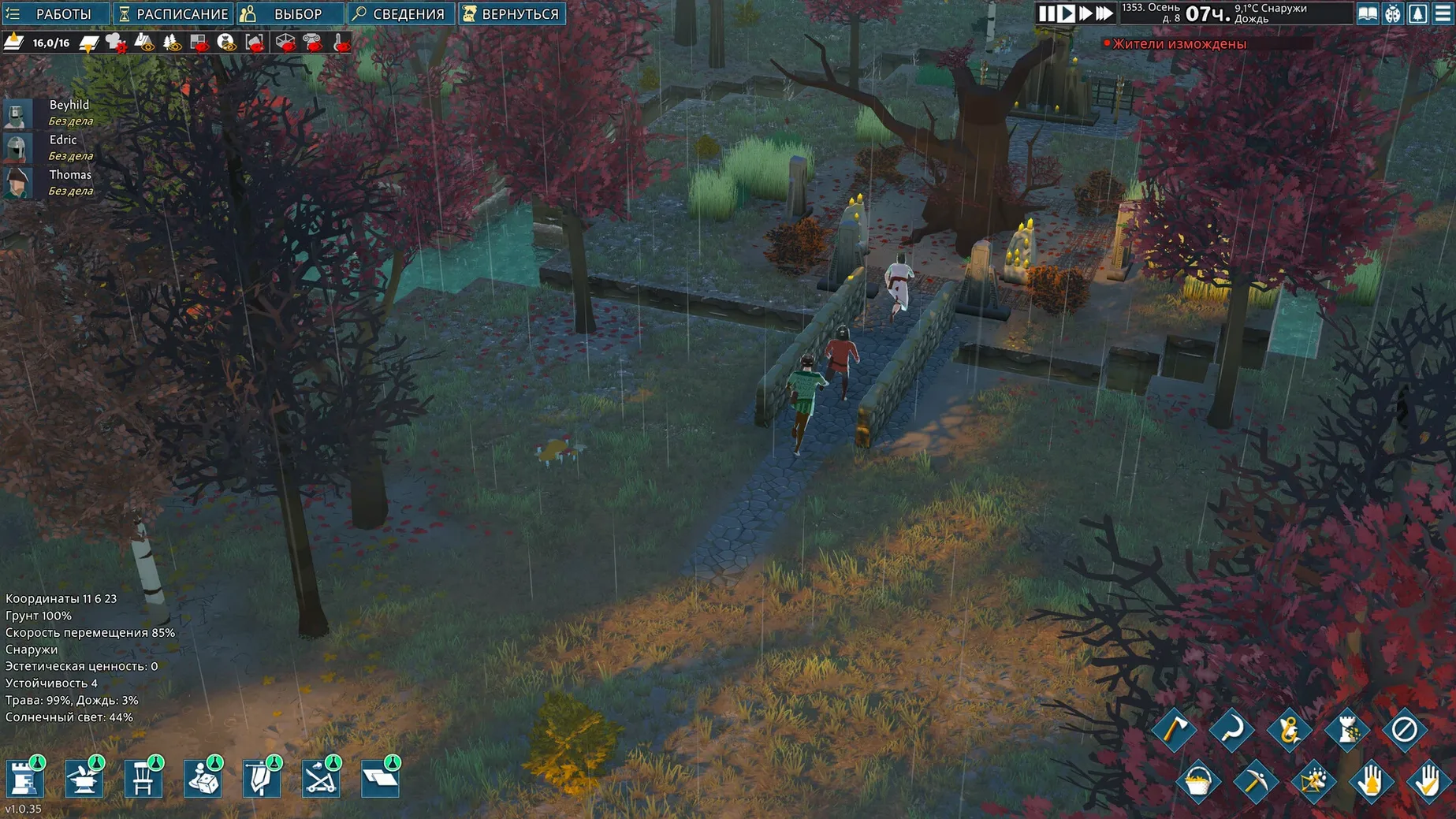
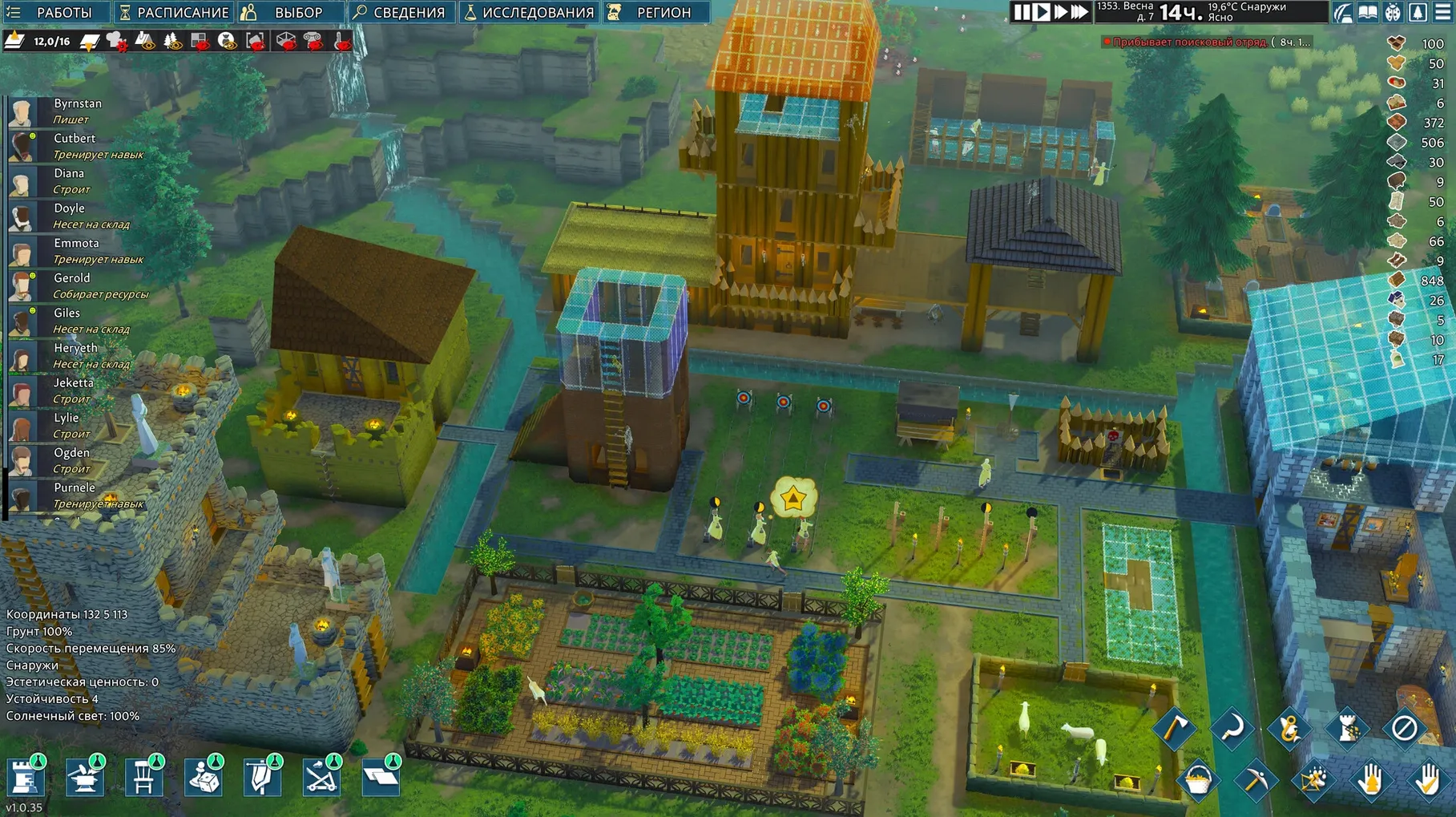
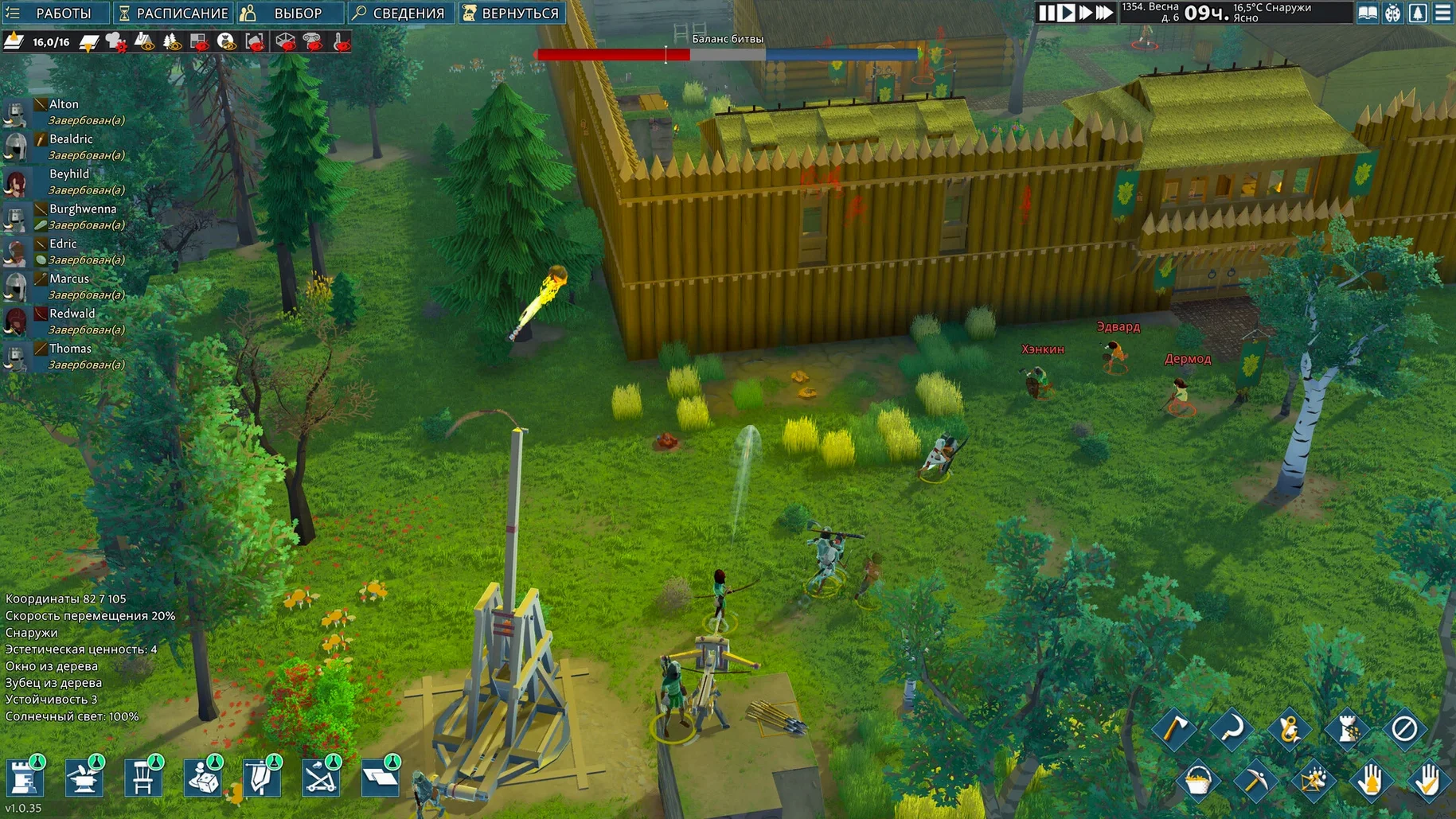
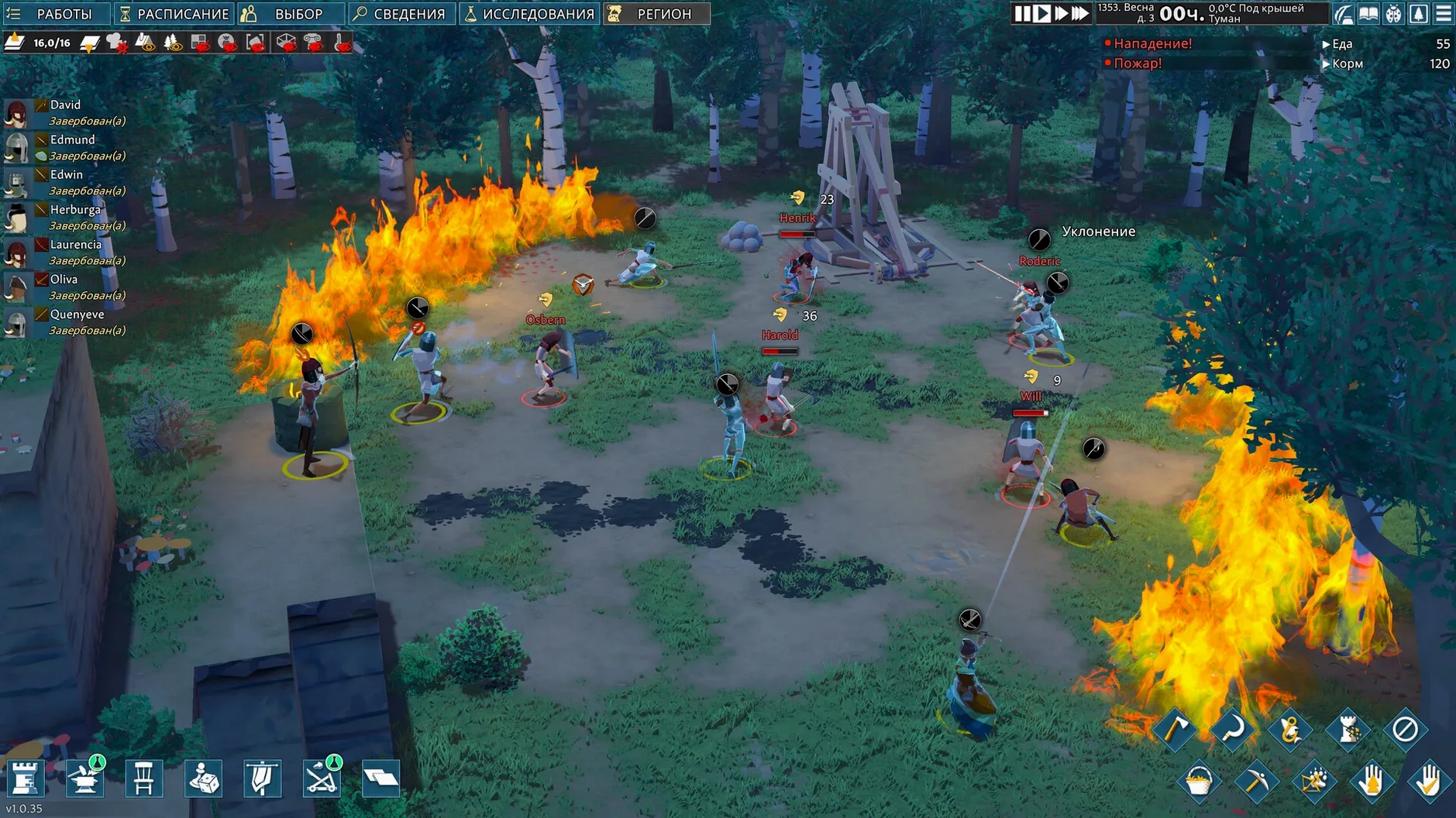
Every structure you raise needs a defensive plan behind it. Raiders and wild animals arrive in waves, so you dig moats, position traps, and draft your settlers into combat positions. The difference between a bad harvest and a wiped-out village often comes down to a single choke point.
Keep the settlers functional
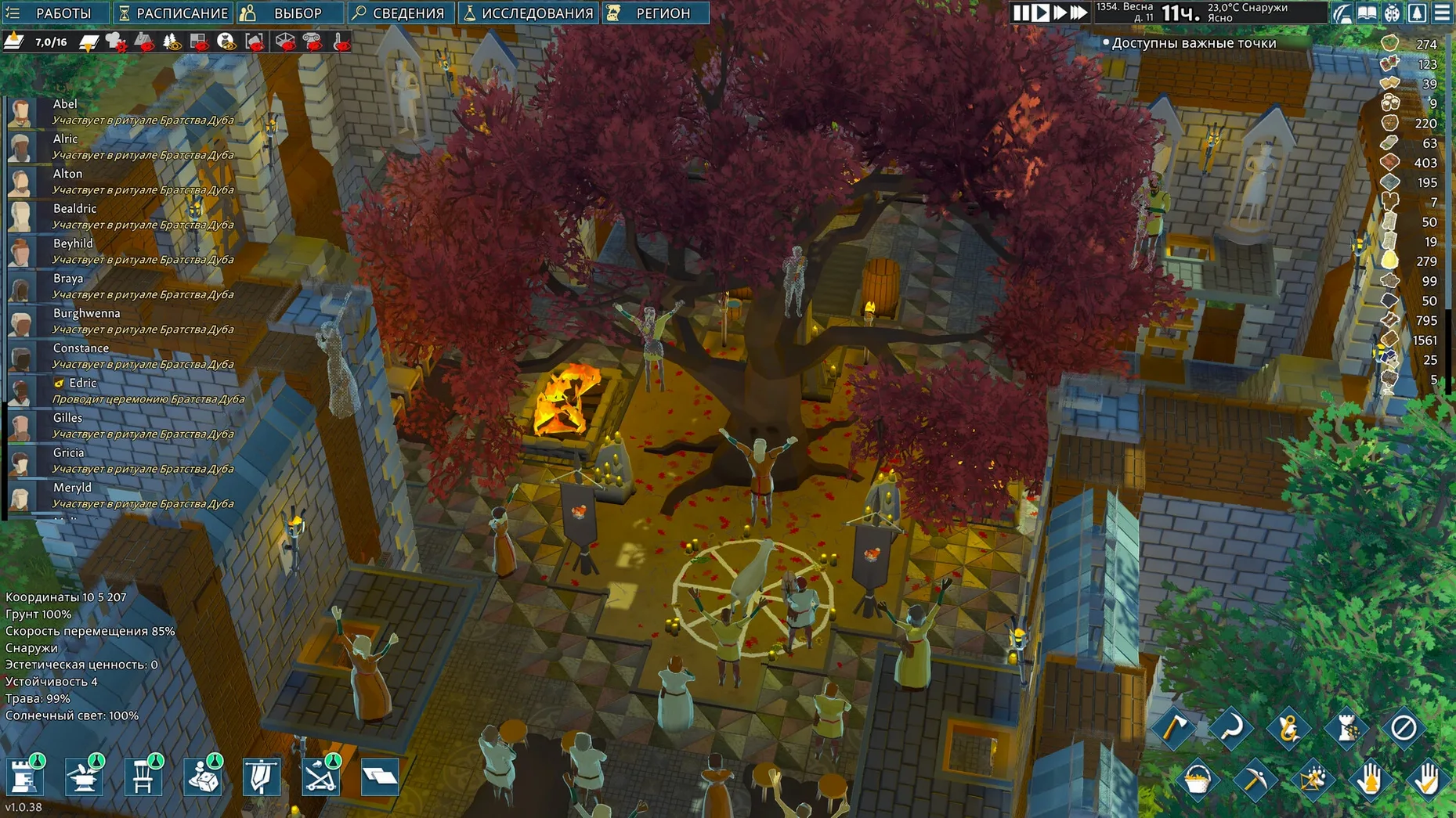
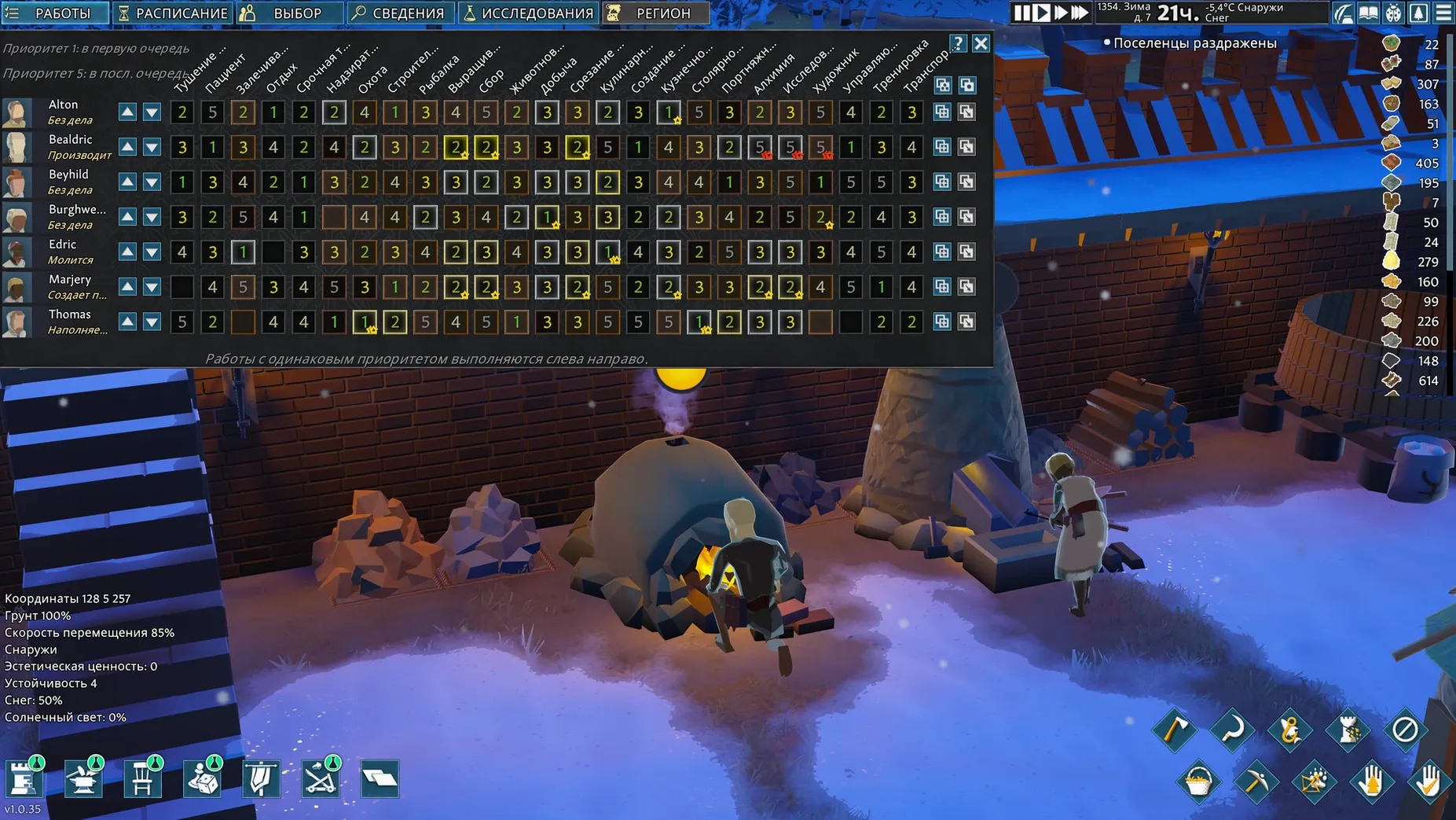
A cold, hungry settler with no chapel time is a liability. Each villager tracks mood, nourishment, rest and recreation, which means you balance crop rotation against chapel construction and workshop output. Neglect one need and you will see productivity crater during the next bandit raid.
Research the next invention
Your workbenches and libraries unlock medieval tech in stages. Early on you are fermenting basic preserves and reinforcing timber palisades. Later you push into advanced metallurgy, higher-capacity storage halls and stronger armour, all gated behind the research choices you make for the colony.
Double-Click Portraits to Reach Bleeding Villagers Instantly
Several quality-of-life shortcuts hide in plain sight. Double-clicking a settler portrait recentres the camera on that villager — handy when someone is bleeding out behind the east wall and you cannot spot them among the livestock. The middle mouse button rotates your view 90 degrees in one jump, which saves wrist strain during long building sessions.
Stockpile management works better with filters. Open any stockpile's settings and toggle the material categories rather than dumping everything into one pile. A clay-only stockpile next to the kiln cuts hauling time noticeably. You can also set stockpile priority with the up and down arrows in the same panel; settlers fetch from higher-priority piles first, so keep raw stone near the stonemason bench at priority 5 and everything else lower.
When you draft settlers for combat, hold Shift while right-clicking to queue movement waypoints. A drafted villager will path through cover or around a kill zone without stopping mid-run. Press R to toggle draft on the currently selected settler instead of hunting for the button in the UI.
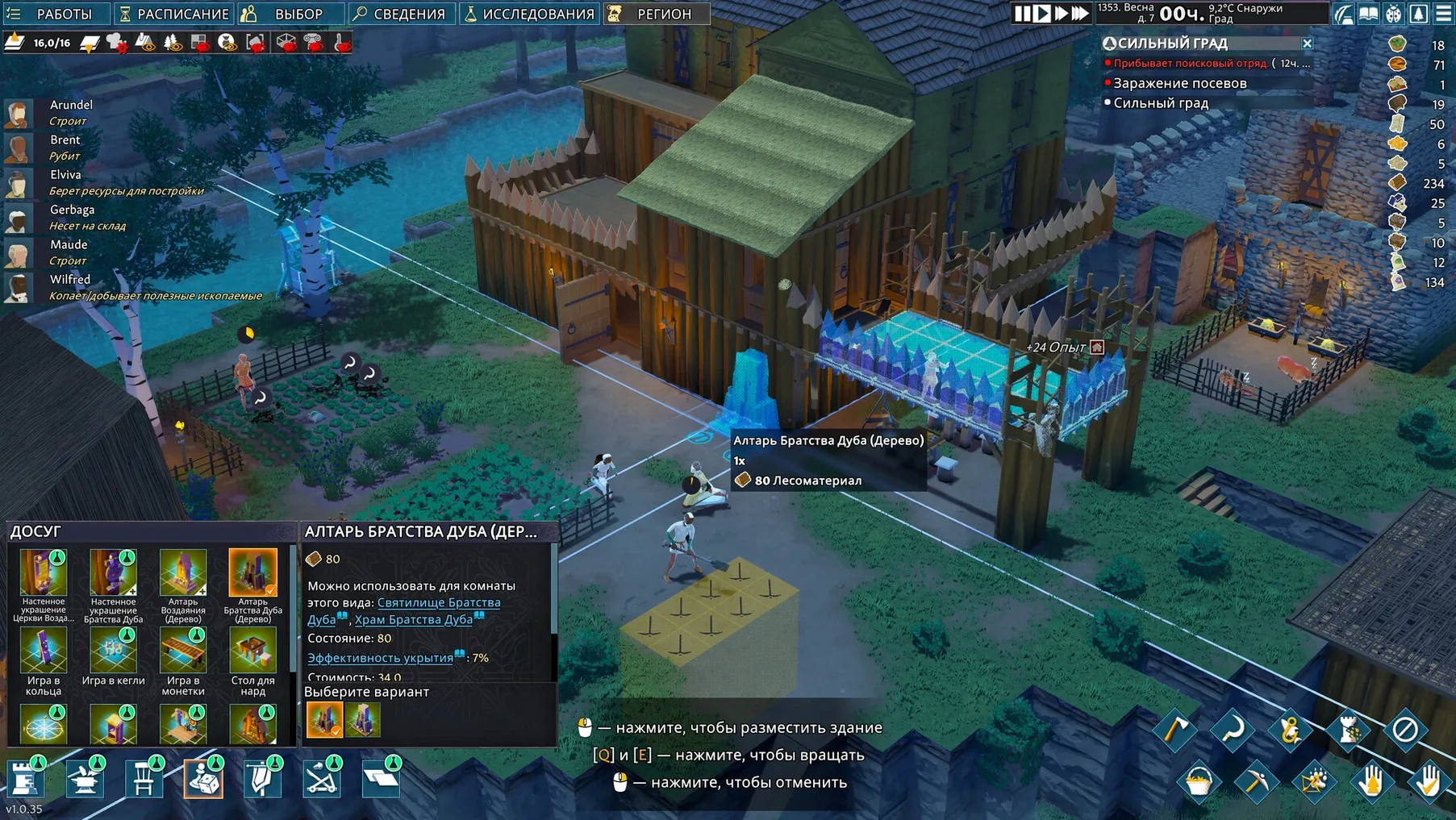
Underground temperature matters. Building a food cellar three levels down with a dirt floor slows spoilage better than a surface stockpile with a roof. The game models insulation depth, not just a binary indoors/outdoors flag. Settlers sleeping in deep underground bedrooms get a slight mood bonus during heat waves, though they lose the chapel view bonus if you bury the altar too far from daylight.
Beginner mistakes that cascade fast
The most common mistake is digging too much too early. Mining out large underground rooms before you have beams researched causes roof collapses that kill settlers outright. A collapse also leaves rubble that blocks pathing for days while your remaining colonists clear it — often during a raid. Dig narrow corridors first, support them, then widen.
Another trap is ignoring the seasonal clock on the HUD. Crops need a full growth cycle, and planting rye three days before autumn hits guarantees zero yield. The same applies to fermenting: starting a large batch of mead without checking the fermenter's temperature range wastes the honey harvest. Build a proper cellar for fermentation before the bees produce, not after.
New players also tend to accept every newcomer without checking traits. A settler with Bloodlust and low mood will start fights in the great hall, injuring your best smith. Banish them early or assign them to a remote mining outpost where they cannot reach the main stockpile. Trait screening at the arrival prompt saves a colony-wide tantrum later.
How it stands among colony sims on Mac
Compared with RimWorld, Going Medieval trades storyteller chaos for structural depth. RimWorld generates narrative events from an AI director that escalates unpredictably; Going Medieval keeps threats more telegraphed — you see raiders approaching on the map edge and have time to reposition. The 3D layer system here gives vertical fortification design that RimWorld's flat plane cannot match, but RimWorld still offers a wider spread of bionics, psycasts and faction diplomacy.
Against Dwarf Fortress, the comparison is about accessibility versus simulation granularity. Dwarf Fortress tracks individual teeth, wound infection vectors and a hundred personality facets per dwarf. Going Medieval pares that back to a manageable set of needs and traits, which means you spend less time in menus deciphering why a settler is miserable. Where Dwarf Fortress demands a wiki, Going Medieval surfaces most information through tooltips and the settler panel. The trade-off is that you lose the sheer emergent weirdness Dwarf Fortress generates over a decade-long fort.
Next to Stranded: Alien Dawn, the medieval setting shifts the tech tree away from electricity and turrets toward castle engineering and melee tactics. Both games share a core loop of scavenge, build and defend, but Going Medieval puts more weight on room roles — chapel, library, great hall bonuses stack in ways that reward architectural planning over raw resource hoarding. Stranded: Alien Dawn gives you ranged weapons and energy grids earlier, which changes how you shape defensive lines.
- macOS (Apple Silicon build)
Sign in · Create an account to add a field note.
No field notes yet. A measurement, a version, a machine — they appear after moderation.