Games
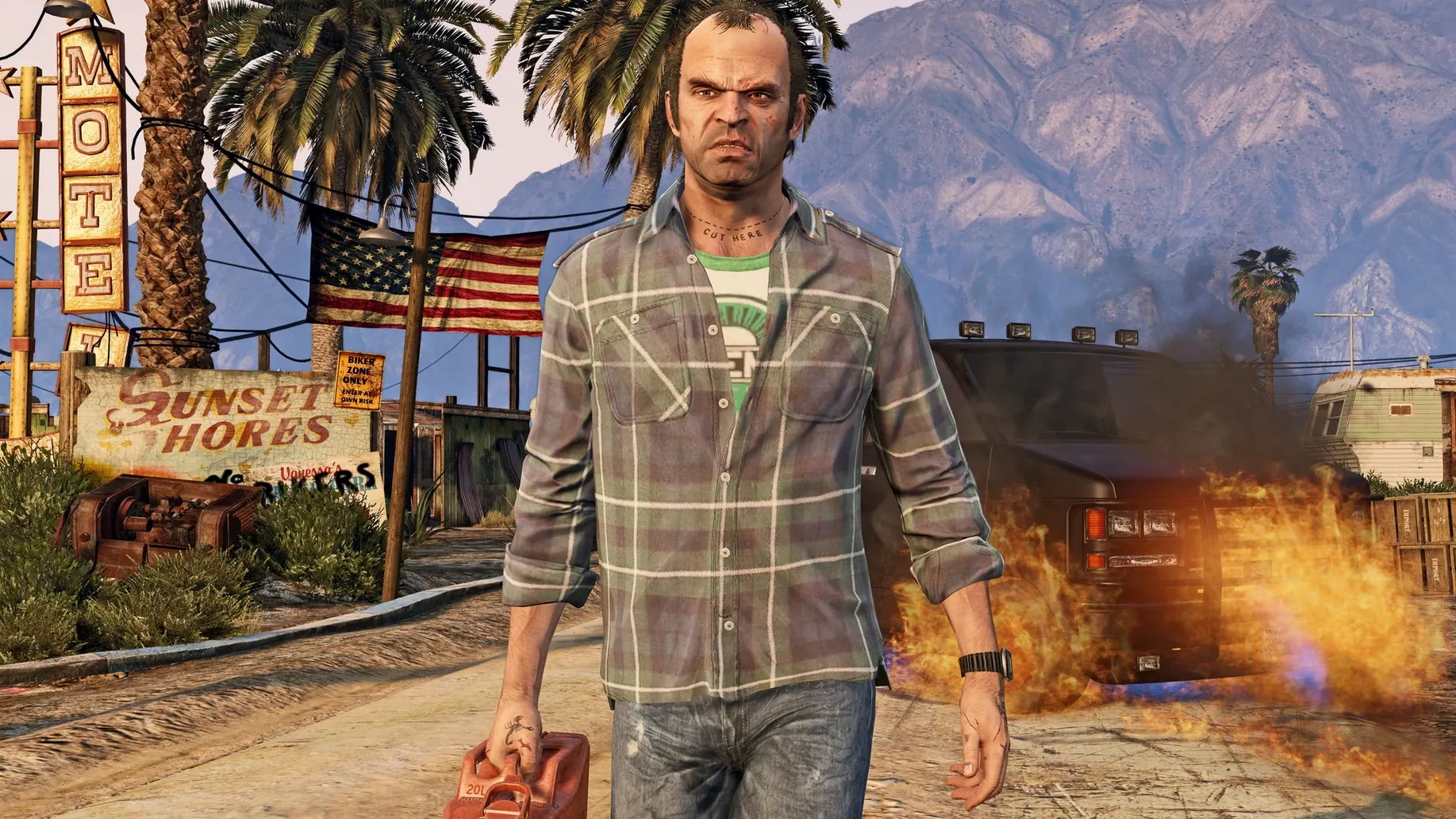
Grand Theft Auto V 1.0.1180.1/1.41 REV 1 Update
GamesUpdated

| Requirement | On file |
|---|---|
| macOS | See the sheet |
| CPU | Apple Silicon |
| Download | 70 GB |
| Tested on | macOS Tahoe, Mac mini 2024 M4 |
Get the Game Running
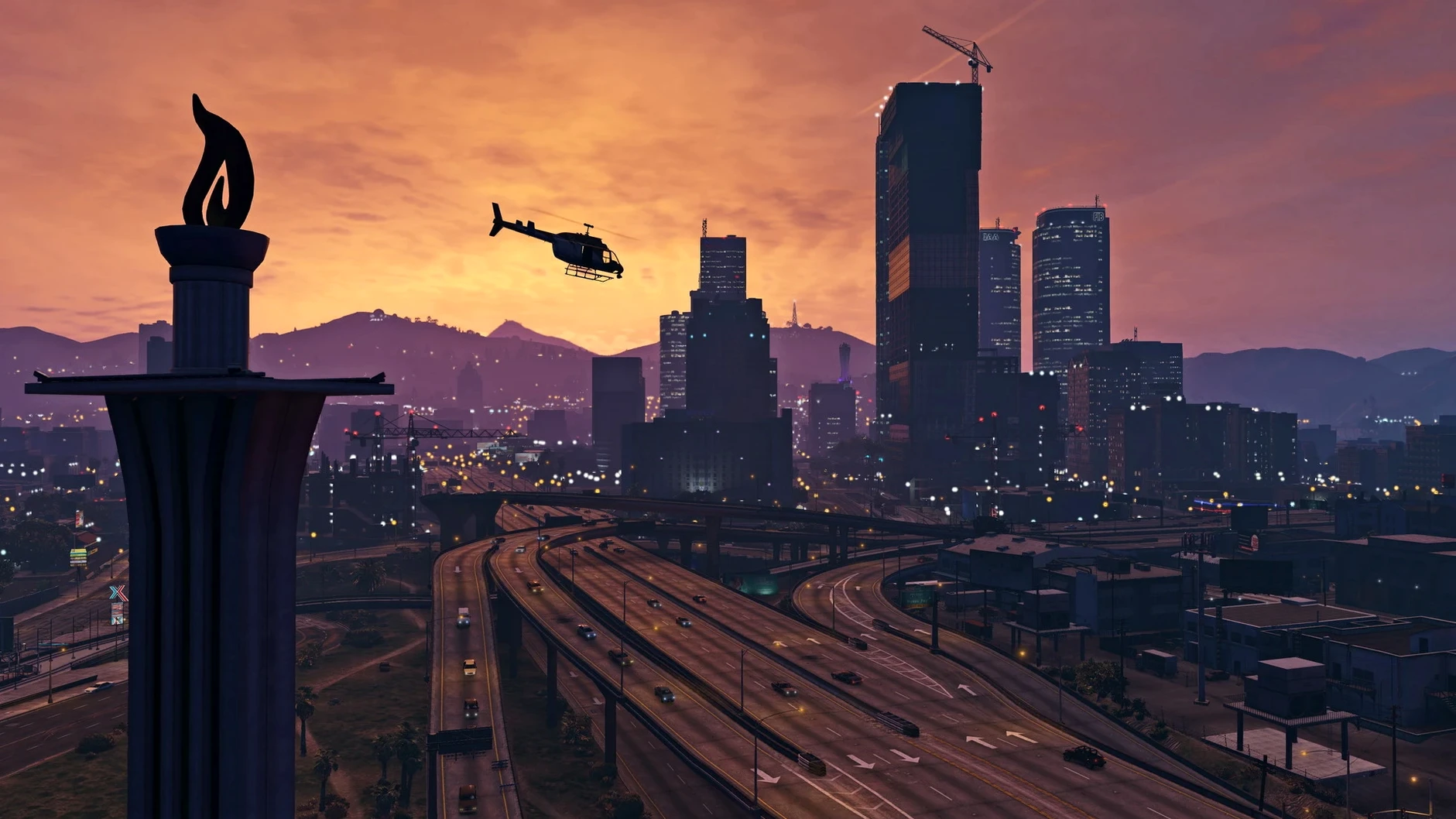
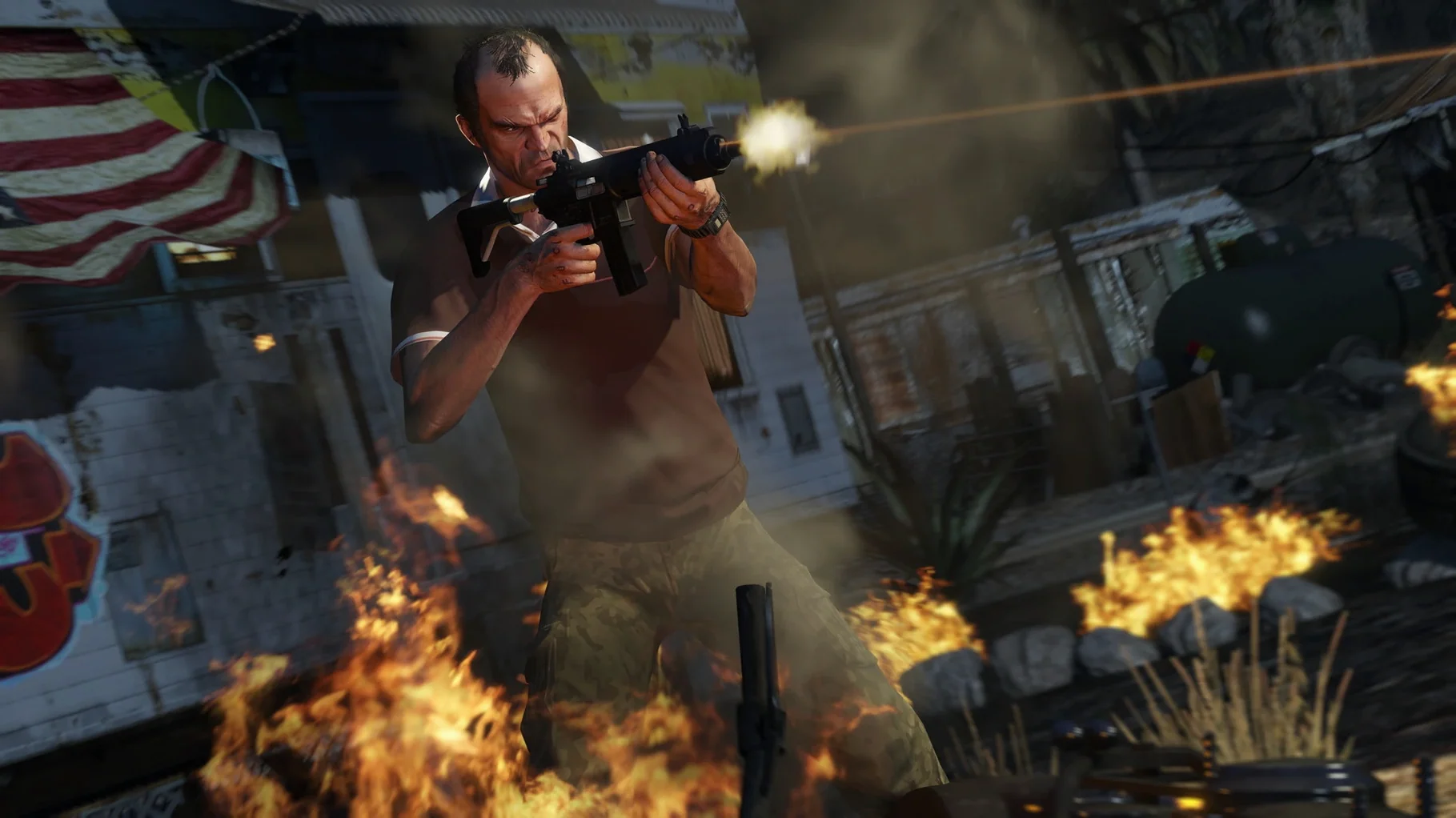
Mac gaming often means missing out on big titles, but running the Los Santos criminal saga on Apple Silicon is a direct workaround for that library gap. Drag the app from the disk image to Applications, then open it from Launchpad; if an error pops up, run the Fix file once.
Set Up Controls
Keyboard and mouse work out of the box, though mapping a gamepad through macOS Bluetooth settings gives you the analogue triggers and rumble that heist driving really benefits from.
Dial In Performance
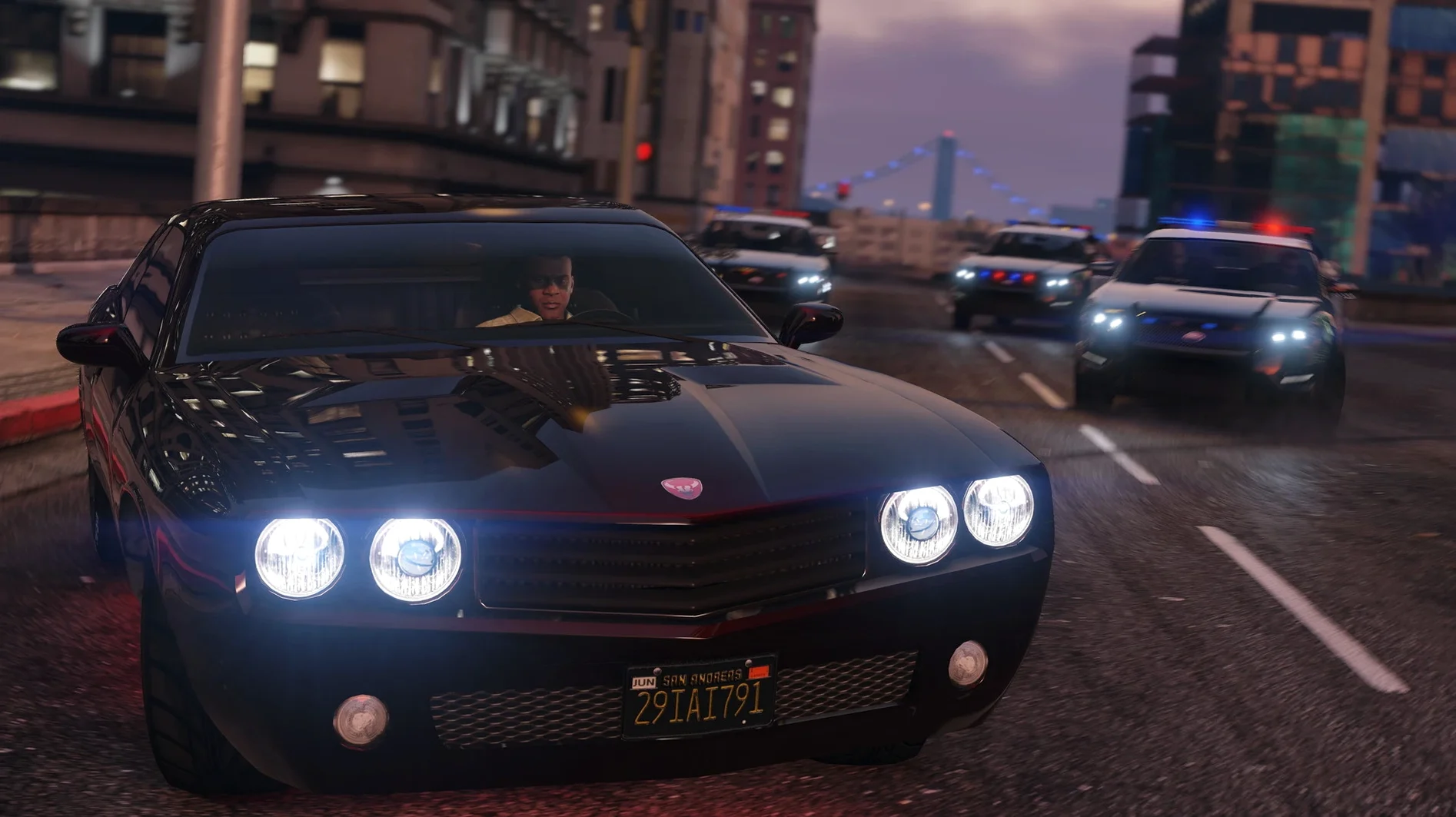
On an M4 chip, the ARM build holds a steady frame rate at native resolution with default settings. Drop shadow quality one notch if you prefer absolute smoothness during the six-star chase sequences.
69 Main Missions Untouched on Console
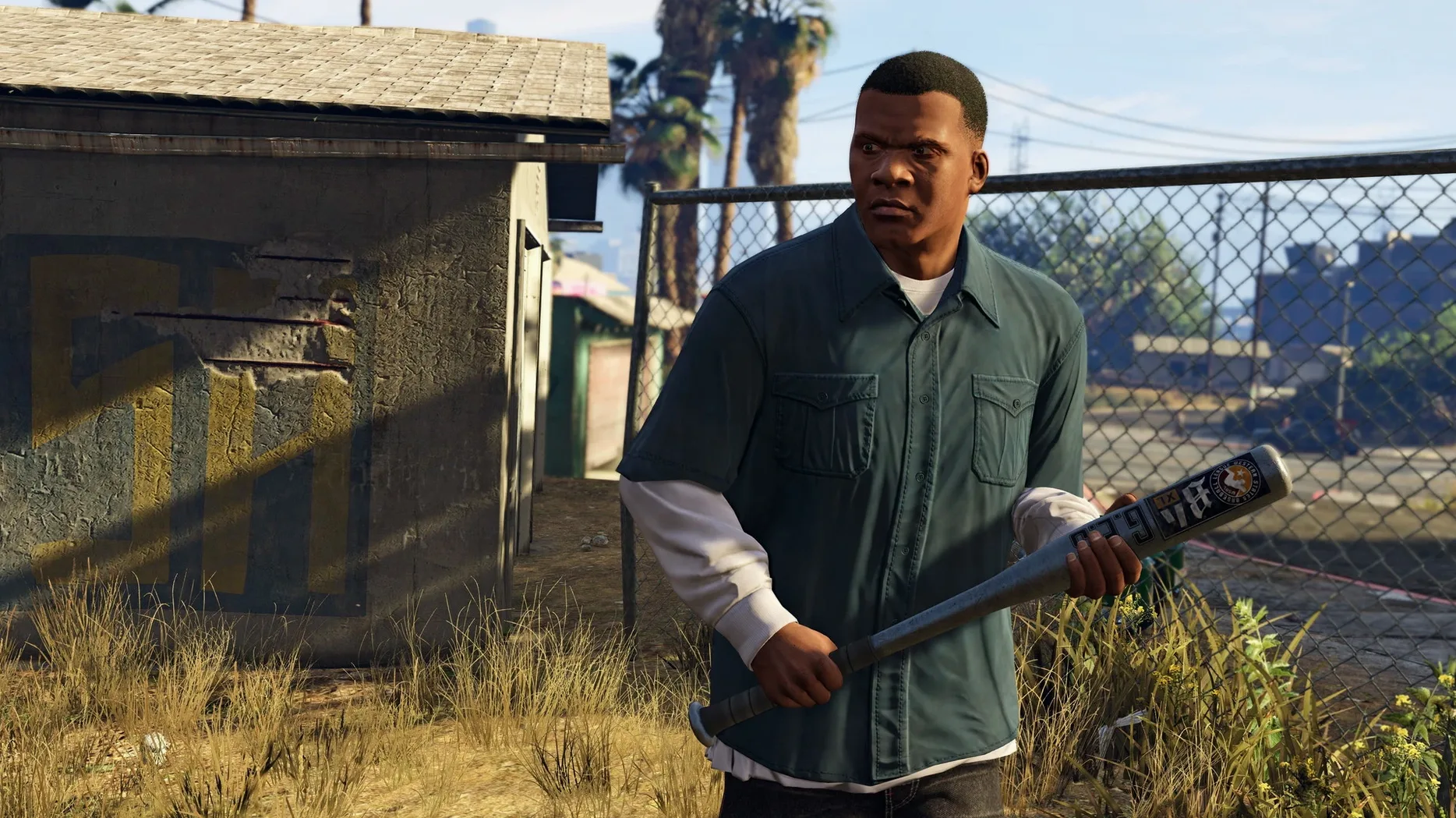
Three groups of players pull more value from this build than others. Single-player campaign loyalists who never touched the Los Santos story on console get the biggest win — the 69 main missions, strangers-and-freaks side threads, and the sheer volume of incidental dialogue run without interruptions that online connectivity would introduce. A second group is the hardware-curious: owners of M4-generation Mac minis and MacBook Pros who want a heavyweight title to stress the GPU cores without booting Windows. The ARM build loads a save from the pause menu in under 12 seconds on tested M4 hardware, which makes quick session switching realistic. The third group is the "second-screen" player — someone who already owns the game elsewhere but wants it on a MacBook Air for hotel rooms or a desk Mac mini as a permanent install that does not compete with console storage limits.
Set Language Before the Story Starts
A few moves early on save friction later. Set the game language inside the Graphics/Advanced menu before launching the story — the list covers Russian, English, German, Spanish, Italian, Traditional Chinese, Korean, Polish, Portuguese, French, and Japanese, and switching later requires a restart. Map the character switch hold to a key you can reach without looking; the default five-second hold on Alt feels long during a three-star wanted level. In Settings → Saving and Startup, switch "Landing Page" to off if you intend to jump straight into single-player each time. Save manually to a new slot after every second mission. The autosave is reliable, but a manual slot gets you back to a point before a mission choice without replaying the setup drive across the map.
If a grand theft auto v crack mac error appears after dragging the app and the Fix file has already been run once, delete the Wineskin prefix folder inside ~/Applications/Grand Theft Auto V.app/Contents/Resources and run the Fix file again. That rebuilds the wrapper from scratch and resolves most launch hangs.
Four-Finger Swipe to Safari While Driving
The game plays well with macOS window management if you run it in a sized window rather than fullscreen. Mission Control gestures still work, so a four-finger swipe left can slide the desktop to a Safari window with an interactive map of hidden collectibles without quitting the session. The ARM build does not lock the display refresh rate, meaning apps like MonitorControl or Lunar can still adjust external display brightness while the game is paused in the background.
Audio routing through Loopback or BlackHole lets you split game sound from Discord voice chat during GTA Online sessions. The game recognises the virtual output device as a standard stereo pair, and the Mac's volume keys remain active in windowed mode. Do not rely on iCloud Drive to sync save files between Macs — the save directory sits inside the Wineskin prefix and does not surface in the standard Documents path that iCloud watches. Copy the SGTA50001 and SGTA50015 files manually to a USB stick or a local folder that a sync utility like SyncThing watches if you play across two Apple Silicon machines.
Spotlight does not index the in-game manual or the map PDF bundled inside the app bundle, so pin the Los Santos paper map download to Finder's sidebar for quick reference during the first ten hours while neighbourhood names are still unfamiliar.
- Apple Silicon architecture (ARM)
Questions on file
Which interface languages does Grand Theft Auto V include on Mac?
The interface supports Russian, English, German, Spanish, Italian, Traditional Chinese, Korean, Polish, Portuguese, French and Japanese.
Sign in · Create an account to add a field note.
No field notes yet. A measurement, a version, a machine — they appear after moderation.