
Games
Gear.Club Stradale 1.32.0
GamesUpdated
| Requirement | On file |
|---|---|
| macOS | See the sheet |
| CPU | Apple Silicon, Intel 64-bit |
| Download | 3.3 GB |
| Tested on | macOS Tahoe, Mac mini 2024 M4 |
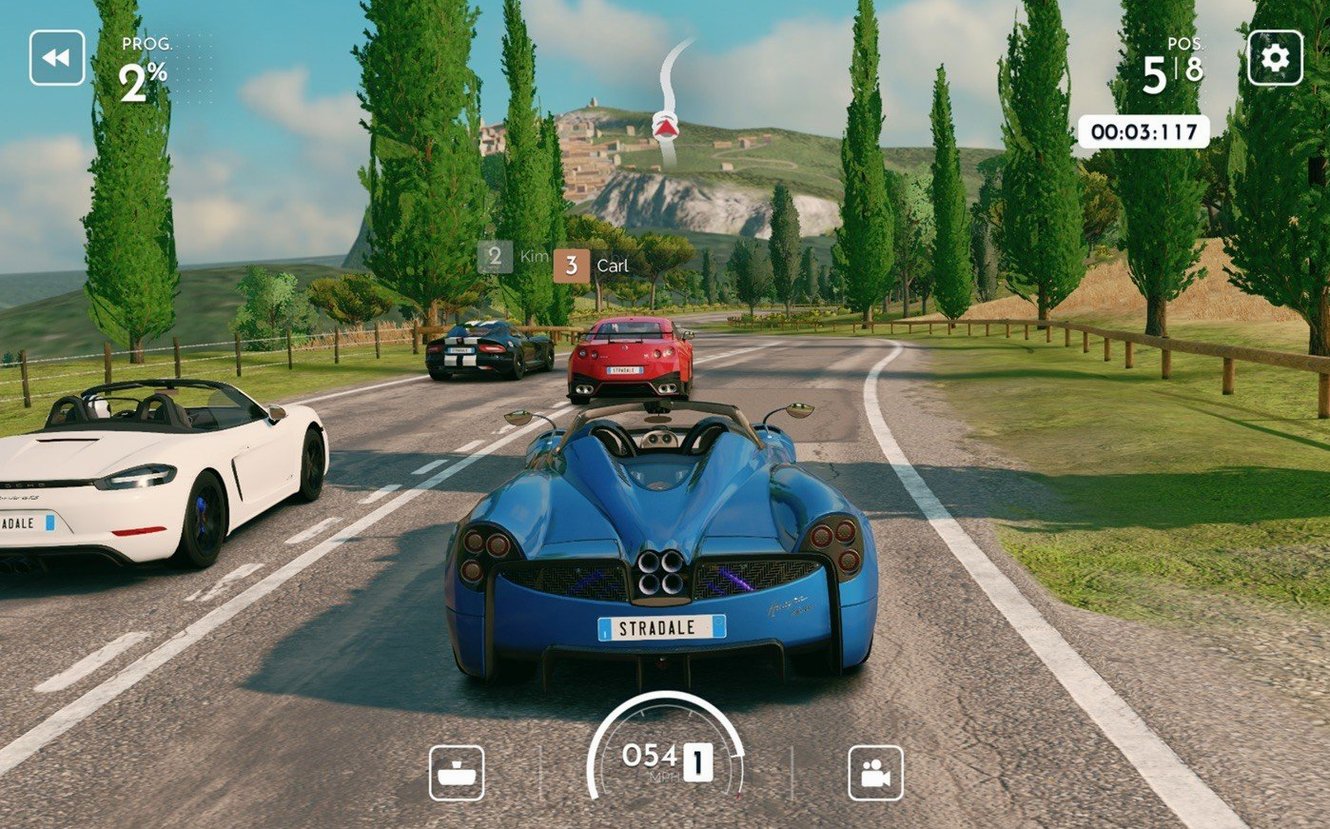
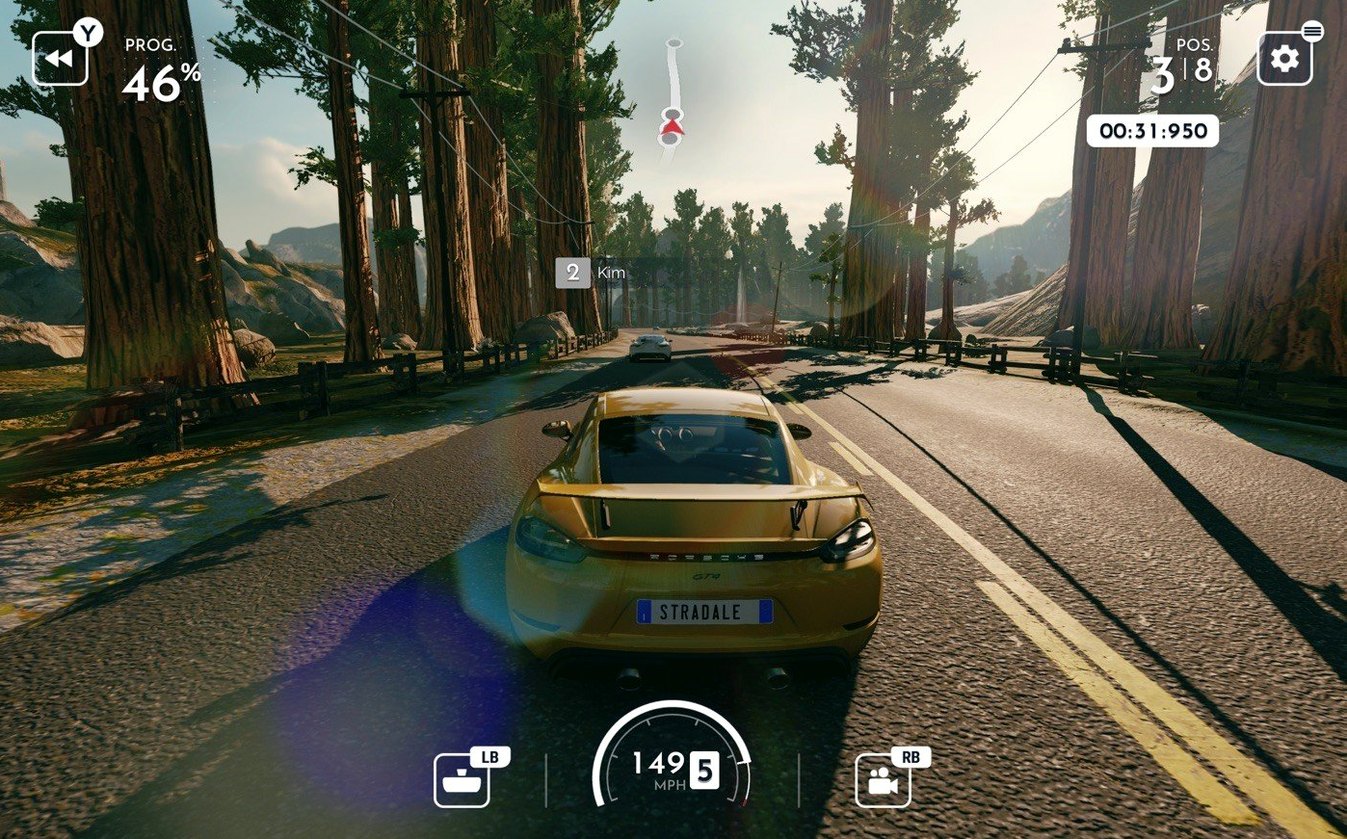
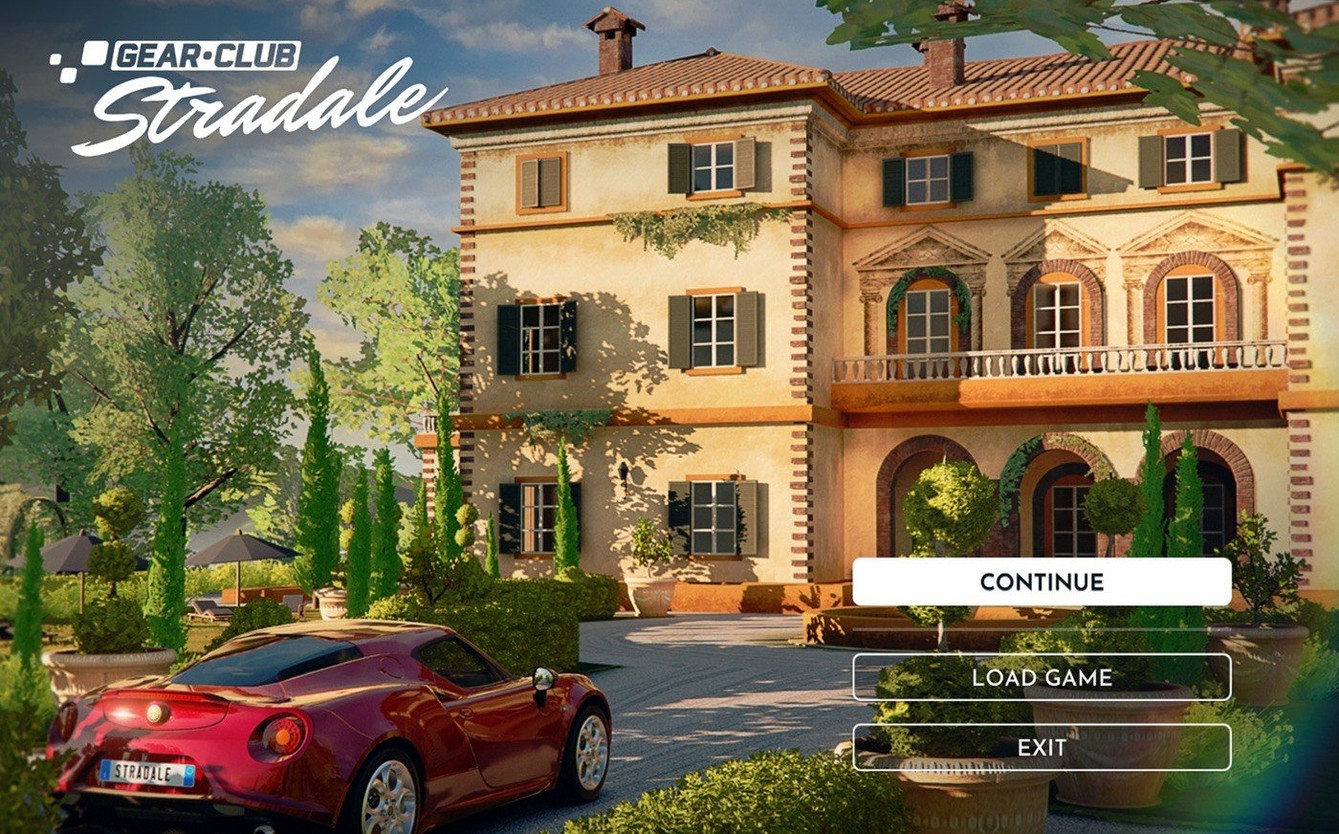
Gear.Club Stradale is a club-focused racing game that places you in a shared villa in Tuscany, where you manage a collection of cars and take part in structured events. The Mac build is a 64-bit universal binary, available on macOS 12.0 or later.
Daily, weekly & seasonal club challenges
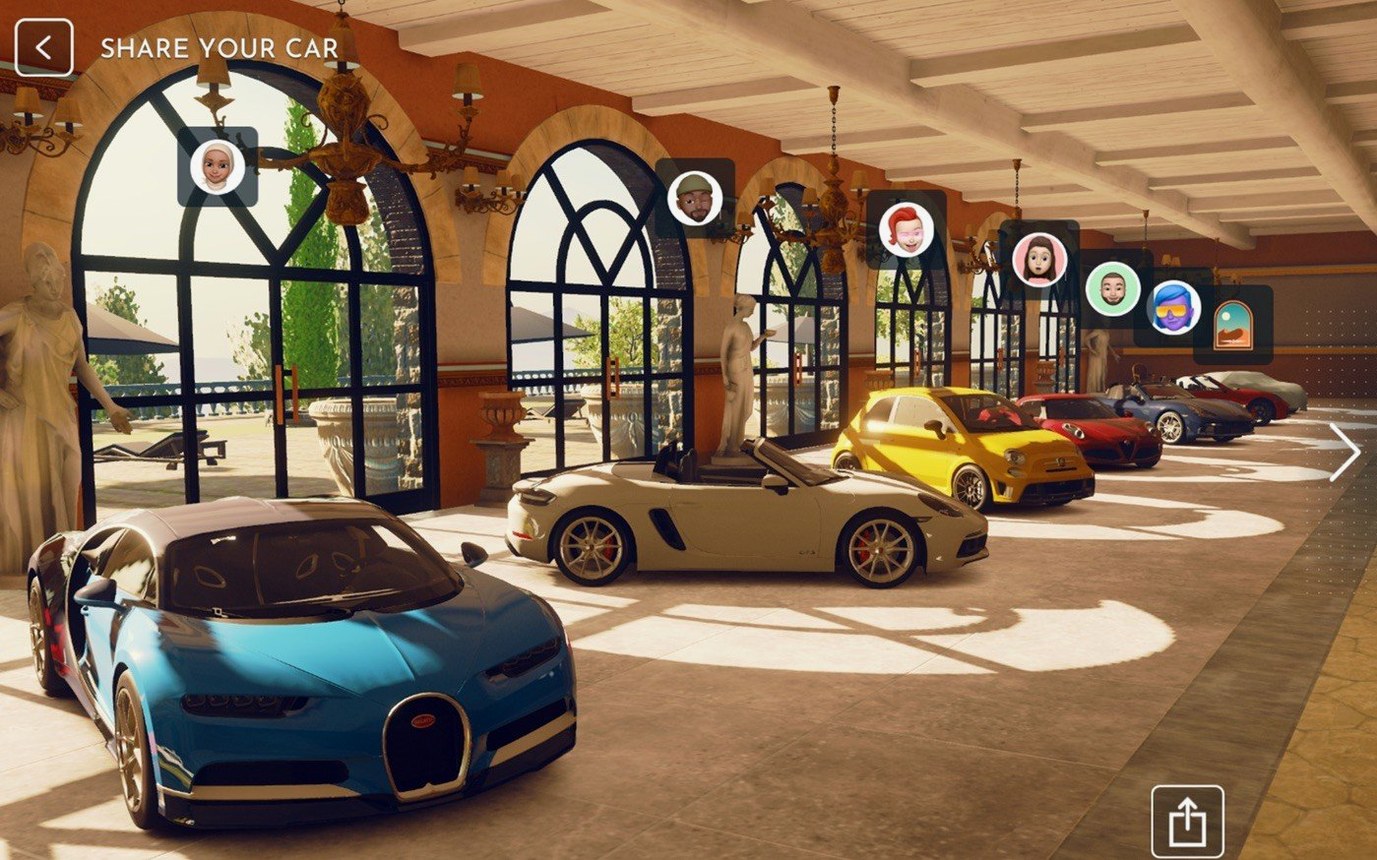
- Collecting and customising detailed car models in a personal workshop you build and upgrade at the villa.
- Forming a club with friends and entering worldwide competitions together.
- Regular content updates — the schedule includes daily, weekly, and monthly events on top of the Carta Stradale progression.
Always-online club structure with assist-focused physics
- This is an always-online experience; no offline single-player campaign sits outside the club structure.
- Car handling leans toward accessible, assisted physics rather than hardcore simulation, which suits a controller but feels limited on a keyboard.
- Performance on Apple Silicon Macs is smooth at the default resolution, though there are no exposed graphics settings to tune frame rate versus visual quality.
Copy to Applications and run like any other Mac app
Gear.Club Stradale behaves like a standard macOS application once copied to the Applications folder. It appears in Launchpad, responds to the usual window-management gestures, and stores its local data inside the per-user Library container rather than scattering files across the system. That keeps the footprint predictable if you run multiple user accounts on the same Mac.
In terms of inputs, the game pairs cleanly with Xbox Wireless and PlayStation DualSense controllers over Bluetooth. macOS recognises both natively, so there is no driver step before the game sees the pad. Keyboard play is possible but secondary — the assisted physics model expects analogue steering and progressive throttle input, which arrow keys do not provide.
Because the build is universal, it moves between Intel and Apple Silicon machines without a Rosetta dependency. On a Mac mini 2024 M4 running macOS Tahoe, the title loads from the villa hub into a race session quickly enough that the absence of a visible loading benchmark is not an issue. The always-online requirement means a stable Wi-Fi or Ethernet connection matters more than raw CPU headroom here.
Structured social progression with shared club goals
Players who enjoy structured, social progression rather than open-world roaming will find the loop comfortable. The club mechanic gives each session a reason to exist: you are not just lapping for its own sake, you are contributing to a shared standing against other clubs worldwide. That suits people with fixed gaming windows — daily and weekly events fit into short sessions, while monthly content offers something longer to chase.
Collectors respond well to the workshop system. Building the workshop at the villa and using it to tune individual cars creates a second progression track alongside race results. If you like reading spec sheets and adjusting parameters to suit a track type, the tuning menu rewards that habit without demanding sim-racing depth.
The game is also a reasonable pick for households with a shared Mac. The club structure lets different players in the same home maintain separate driver profiles and car collections under one installation, assuming each has their own Apple Arcade save. The interface language list includes twelve options, which covers most multi-lingual setups without extra downloads.
Connection drops and controller detection glitches
The game opens but cannot reach the club server
Check that macOS has granted the app Local Network access. If the permission prompt was dismissed early, go to System Settings → Privacy & Security → Local Network and enable the toggle for Gear.Club Stradale. A restart of the app after that change usually reconnects the villa hub.
Controller works in menus but not during races
Disconnect and re-pair the controller before launching the game. macOS sometimes assigns the pad to a background process if it was connected before the app started. Launch order matters: open the game first, then turn on the controller.
Frame pacing feels uneven on an external display
The game does not expose graphics settings, so resolution and refresh rate are inherited from the display. On a high-refresh external monitor, set the macOS refresh rate to 60 Hz for the session — mixing a 120 Hz panel with the game's fixed frame target can create visible stutter. This is a workaround, not a fix, but it stabilises the experience on most setups.
Stale download images fail to mount
If the disk image reports an unverified developer warning, eject it and re-download rather than attempting to patch or modify the file. Corrupted or incomplete images are the usual cause. A fresh copy mounted with a double-click is quicker than troubleshooting the old one. For builds sourced via Gear.Club Stradale crack Mac distributions, check that the always-online club features can still authenticate against the server before spending time on career progression.
- Car roster — a new vehicle was added to the collection.
- Progression — the Carta Stradale content track was introduced.
- macOS 12.0 or later
- Apple Silicon or Intel Mac (64-bit universal build)
Questions on file
Does Gear.Club Stradale run natively on Apple Silicon Macs?
Yes, version 1.32.0 is a universal binary with native ARM and x86 code, so it runs directly on M-series chips without Rosetta translation.
Sign in · Create an account to add a field note.
No field notes yet. A measurement, a version, a machine — they appear after moderation.