Games
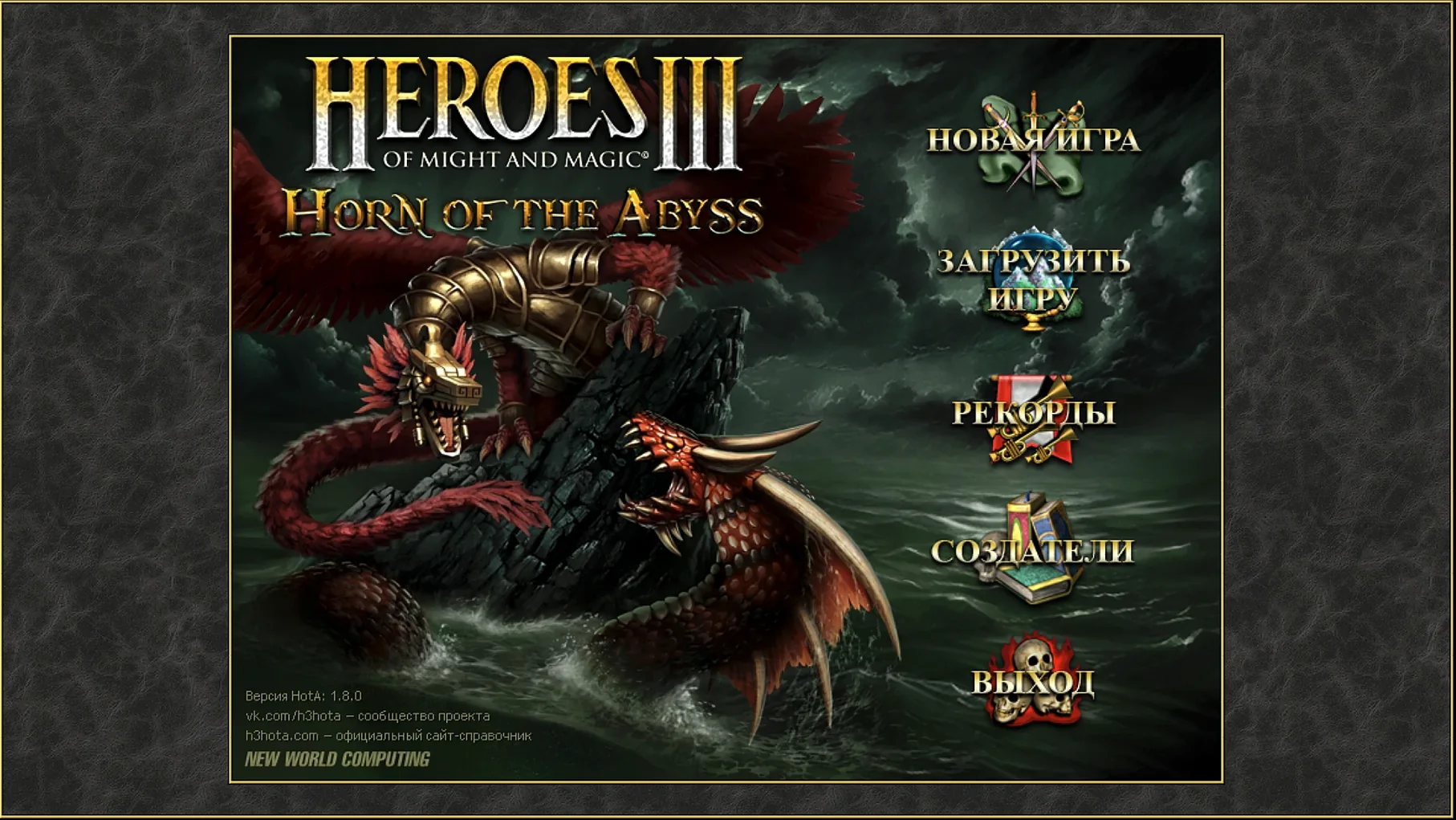
Heroes of Might and Magic III HD Horn of The Abyss 4.0.77075.HD.1.8.0
GamesUpdated
| Requirement | On file |
|---|---|
| macOS | See the sheet |
| CPU | Apple Silicon, Intel 64-bit |
| Download | 1.7 GB |
| Tested on | macOS Tahoe, Mac mini 2024 M4 |
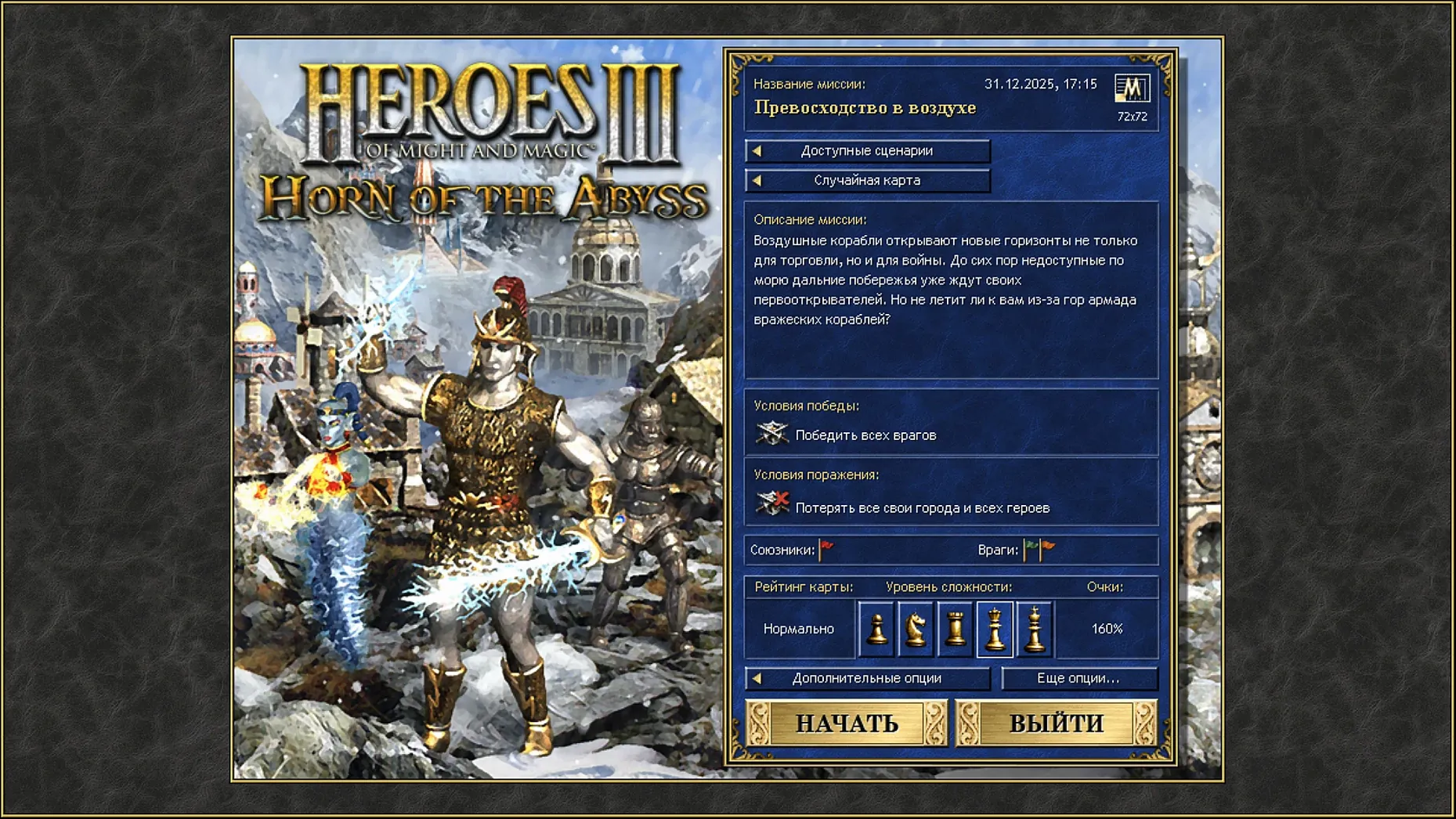
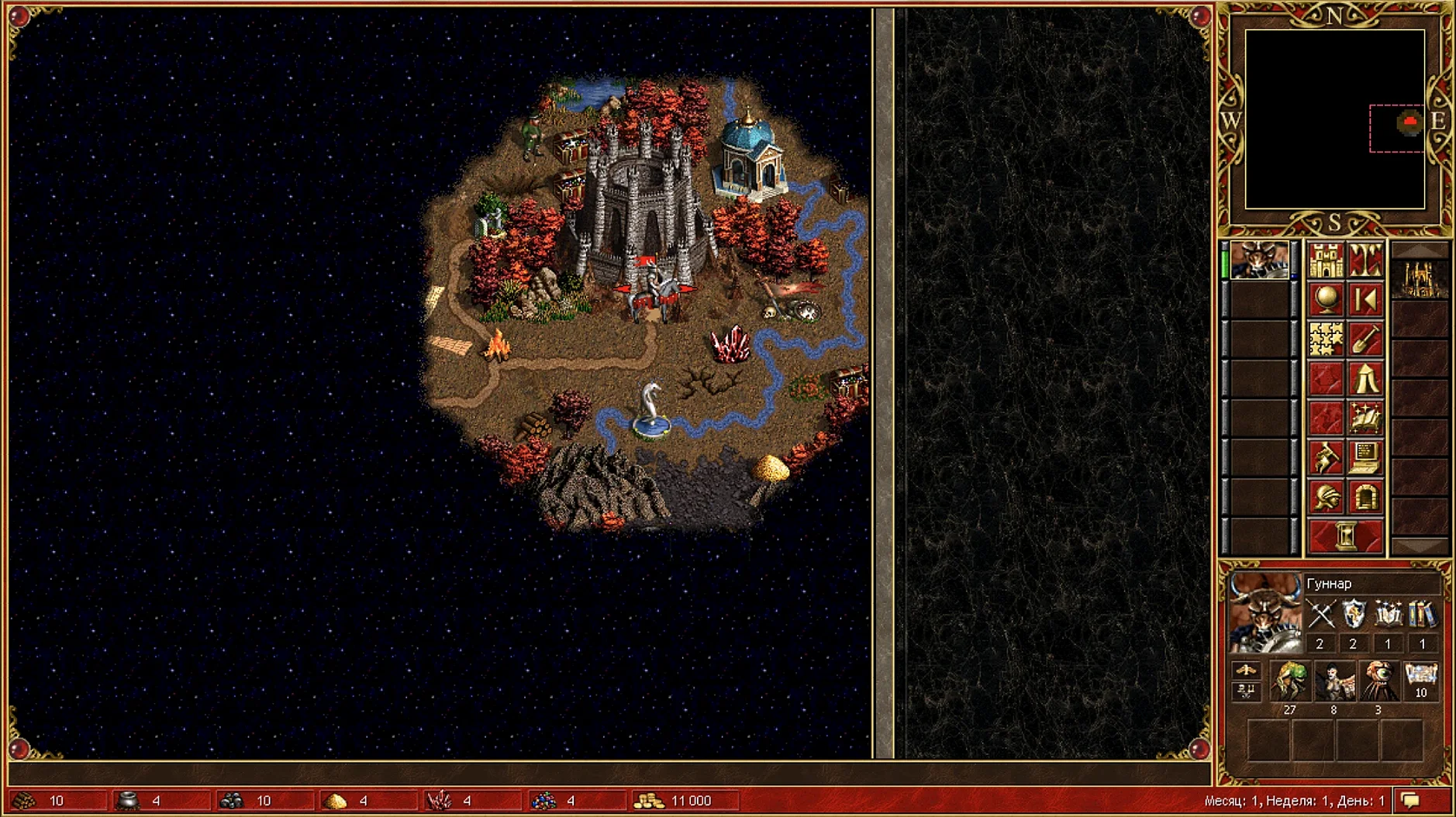
The original game was locked to an 800x600 display, which feels like a museum piece on a modern 2024 M4 Mac mini. The HD Mod bundled here scales the classic 2D maps and town screens without breaking the hand-drawn sprite style, fixing that single resolution limit while leaving the underlying turn-based gameplay untouched.
This package includes the full Heroes III Complete trilogy — Restoration of Erathia, Armageddon’s Blade and The Shadow of Death — plus the Horn of the Abyss add-on. It is a fan-made assembly, not an official remaster, and it runs through Wineskin. That means you get the original engine logic, the iconic battlefield grids and the complete orchestral soundtrack in English, with all the quirks and bugs the community has patched over two decades.
Who will enjoy this: players who remember the late-90s risk-style exploration, the seven-tier creature rosters and the week-by-week resource management. The interface improvements make online play and hot-seat sessions less fiddly than the CD-era original, and the Russian and English language support covers the game’s largest player bases. This is for completionists who want every expansion under one launcher and accept the slight jank of a Wineskin wrapper on Apple Silicon.
Who might walk away: anyone expecting a native Mac build, Retina-pixel-perfect artwork or modern quality-of-life features like undo moves and adjustable AI speed. The sprite scaling is faithful to the 1999 look, which means chunky pixels on a 5K display. If you need a store-bought remaster with cloud saves, this is not that product.
Right-Click the Date for Moon and Week Forecasts
The HD Mod adds a few shortcuts that are easy to miss because the game never advertises them. Right-clicking the adventure map date opens a calendar with moon phase predictions and week-of forecasts — useful when you are timing a creature-growth push. In battle, holding Shift while clicking a creature stack splits it evenly across empty hero slots instead of dragging the slider manually. The mod also restores the Alt + click queue on the minimap: drop up to five waypoints and your hero follows them turn by turn, which saves a lot of mid-game scrolling.
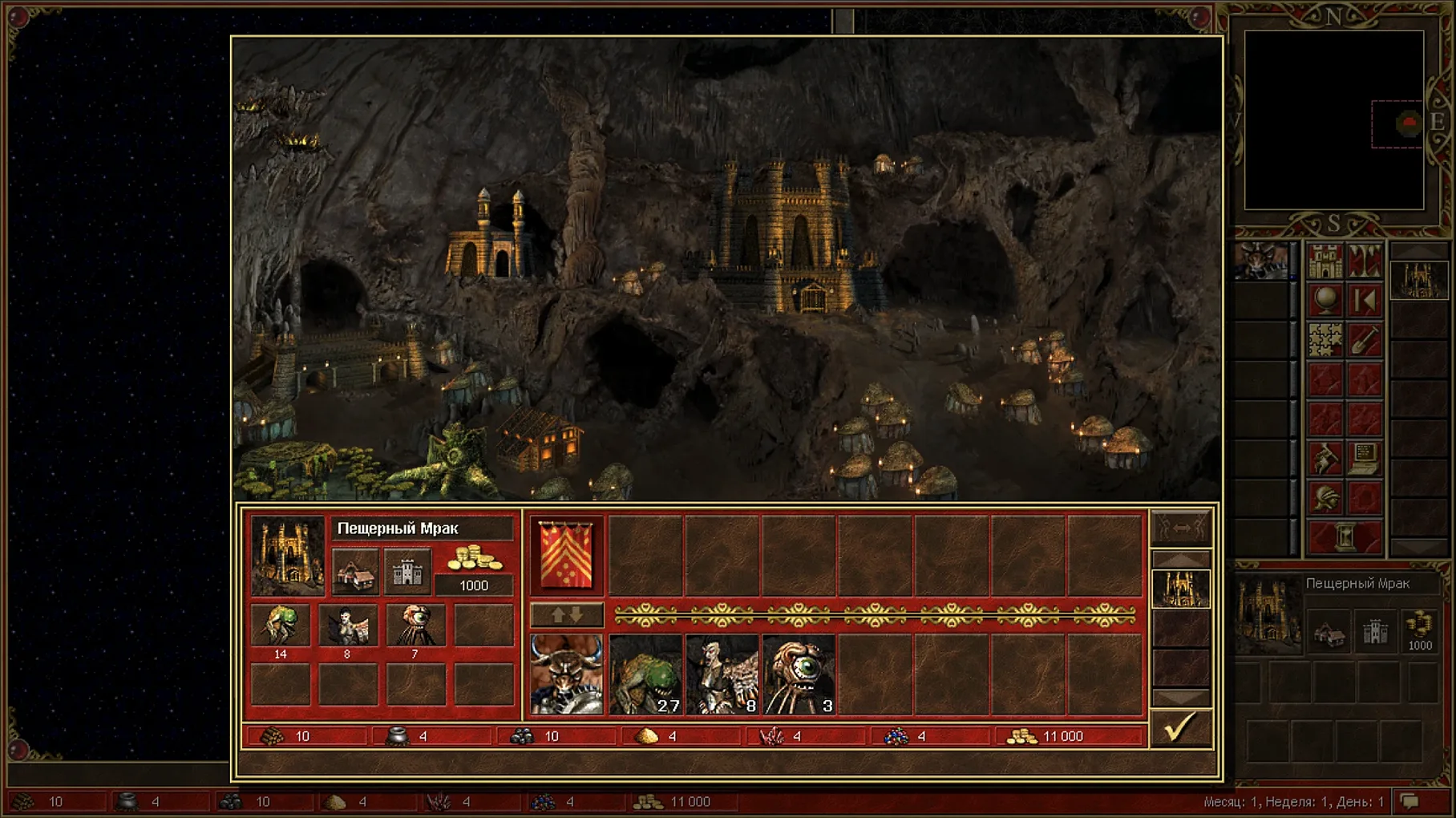
In town screens, Ctrl + click a dwelling buys all available creatures of that tier in one go. The original made you click through each stack individually. On the hero screen, pressing 1–5 on the keyboard switches between your five active heroes instantly — no more hunting through the minimap or the hero list panel. These are all HD Mod additions, off by default in classic HoMM but enabled in this package.
Swap Tournament Defaults for Casual Map Comfort
The default HD Mod config ships with a few choices that make sense for tournament play but less so for a casual single-player map. Open the HD Launcher before starting the game — it is a separate window that appears on launch — and work through these:
- Resolution. The mod defaults to the desktop-native size. Dropping it to 1366×768 or 1600×900 keeps the UI elements readable on a 27-inch display without shrinking the town-building panels to postage-stamp dimensions.
- CPU patch. Under the Misc tab, tick CPU patch. Without it, the Wineskin wrapper on Apple Silicon can spin a single core to 100% even on the title screen. This setting throttles the render loop properly.
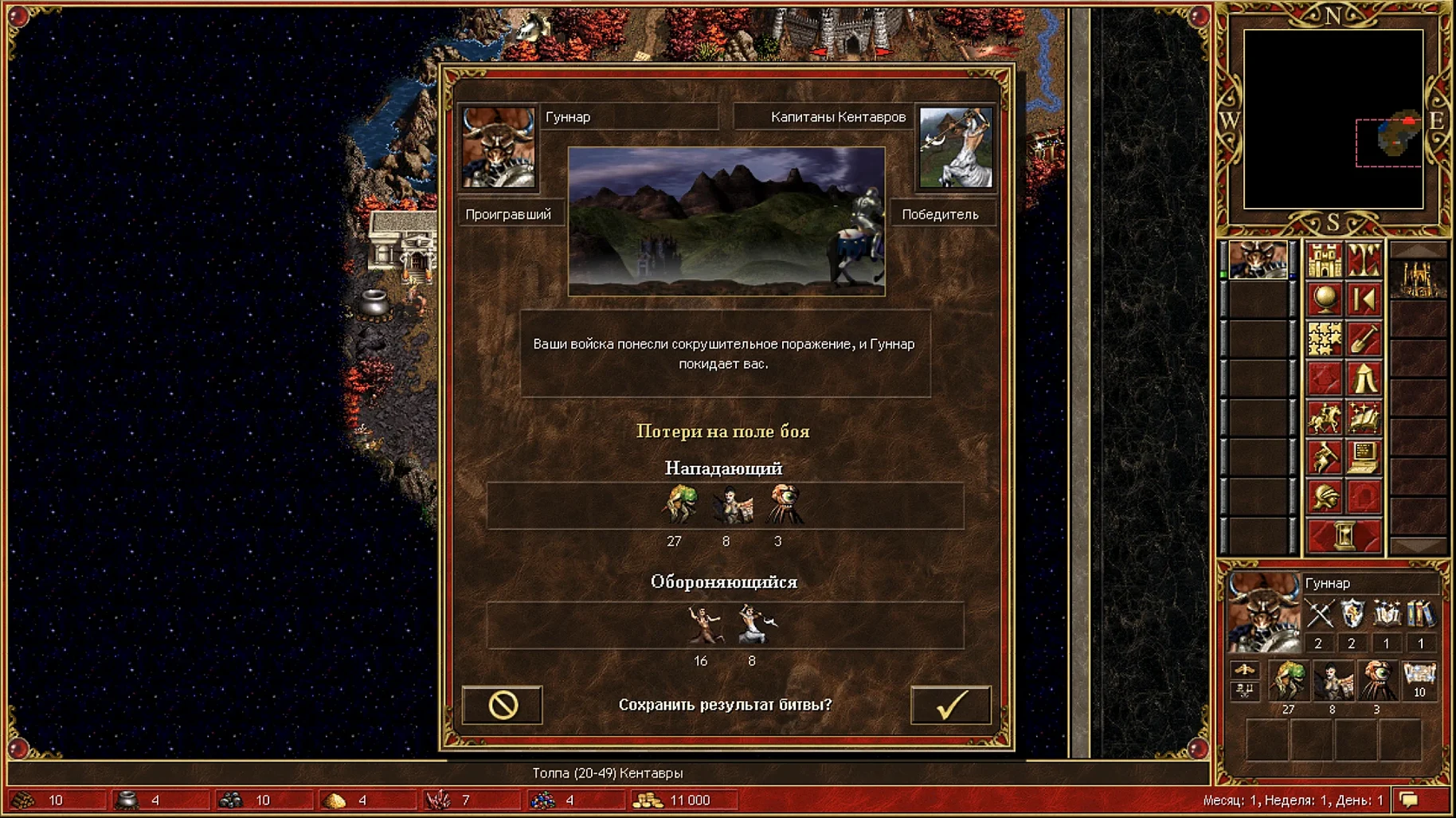
- Quick combat. The Combat tab has an auto-combat speed slider. Crank it to maximum unless you enjoy watching neutral archer stacks shuffle for ten seconds per round.
- Map scroll speed. Default edge-scrolling is sluggish. Bump it to 16–20 under the Adventure Map settings and the camera pans at a pace that matches a modern mouse.
When the HD Launcher Crashes Before the Game Opens
The app bounces once and quits
This is the Wineskin wrapper failing to initialise its bottle. Run the Fix utility from the disk image — it resets the Wine prefix permissions and rebuilds the symlinks that macOS quarantining can break. After running it, wait for the Terminal window to close on its own, then launch the game again.
Save files are missing after a macOS update
Saves live inside the app bundle at SharedSupport/prefix/drive_c/…, which means major system updates can reseal the bundle and make saves appear lost. They are not deleted, just hidden. Right-click the app, choose Show Package Contents, and navigate to the SharedSupport folder to find them. Copy your save folder out before updating macOS if you have a long-running campaign.
Multiplayer lobby shows no games
The Horn of the Abyss online lobby requires the HD Mod’s built-in networking to pass through Wine correctly. If the lobby is empty, check that you have not blocked incoming connections — macOS Firewall sometimes triggers on first launch. Also, HotA uses a separate executable; make sure the launcher is set to the Horn of the Abyss mode, not the base Heroes III client, or you will see the wrong server list.
Right-click context menus flicker and vanish
This is a known interaction between the HD Mod’s UI overlay and Wine’s DirectDraw translation on Retina displays. A workaround: in the HD Launcher, set the renderer to OpenGL instead of the default DirectDraw mode. It clears up the flickering on Apple Silicon Macs and costs virtually no performance on a game this old.
Heroes of Might and Magic III HD Horn of the Abyss in full-screen on an external monitor
If you plug in a second display after launching, the game may lock to a quarter of the screen or refuse to resize. Quit, attach the monitor, and launch again — the HD Mod detects the active display count on startup. For a permanent fix, open the launcher’s Graphics tab and force the resolution to match your external display rather than leaving it on Desktop auto-detect
- macOS Tahoe (tested on Mac mini 2024 M4)
- Apple Silicon and Intel Macs
Questions on file
Does it change the original gameplay rules?
No. The mechanics, unit stats and spell system are identical to the 1999 Complete edition; only the resolution, interface and some online-play features have been adjusted.
Sign in · Create an account to add a field note.
No field notes yet. A measurement, a version, a machine — they appear after moderation.