
Games
House Flipper 1.26252
GamesUpdated
| Requirement | On file |
|---|---|
| macOS | See the sheet |
| CPU | Apple Silicon, Intel 64-bit |
| Download | 13 GB |
| Tested on | macOS Tahoe, Mac mini 2024 M4 |
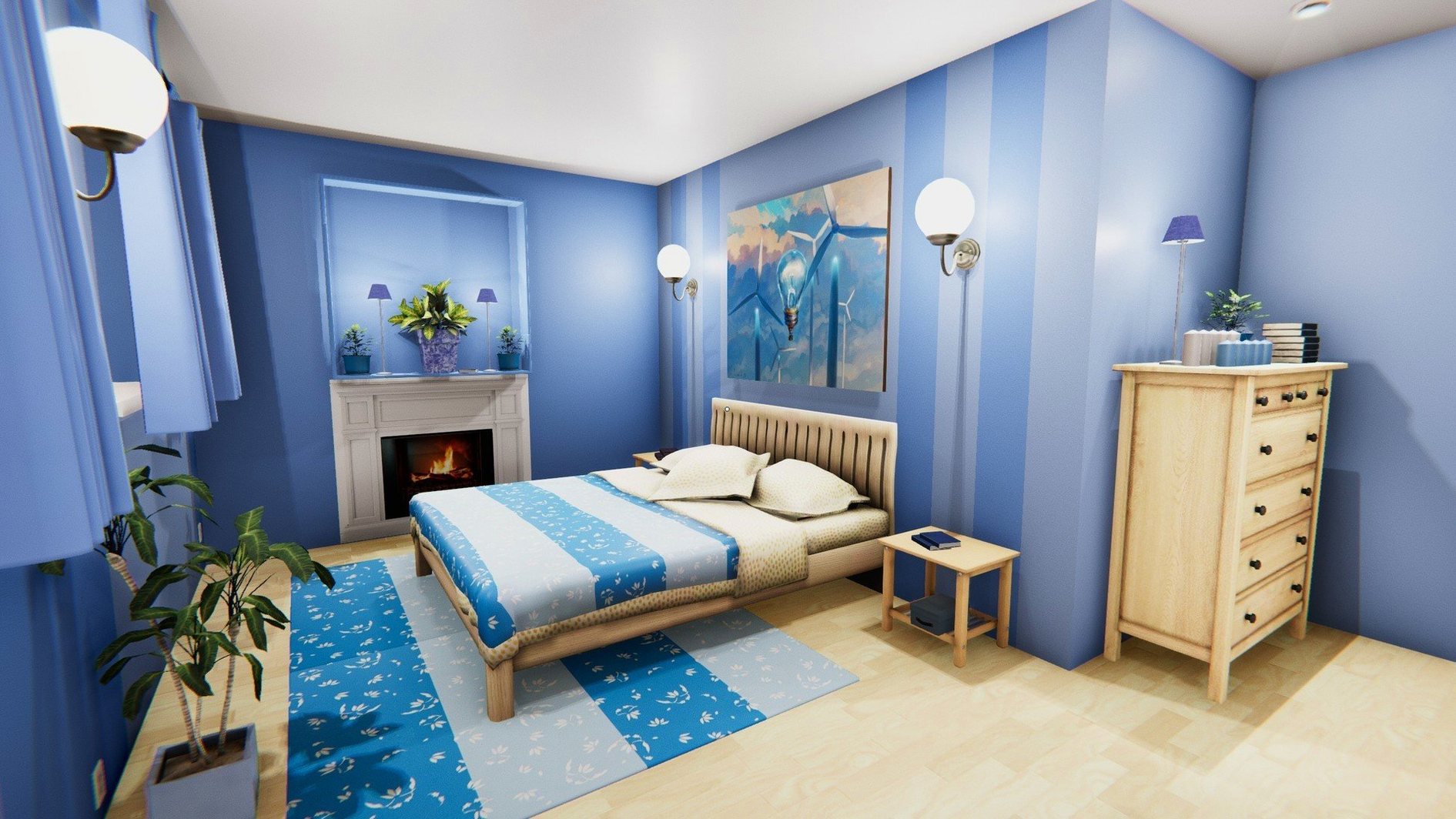
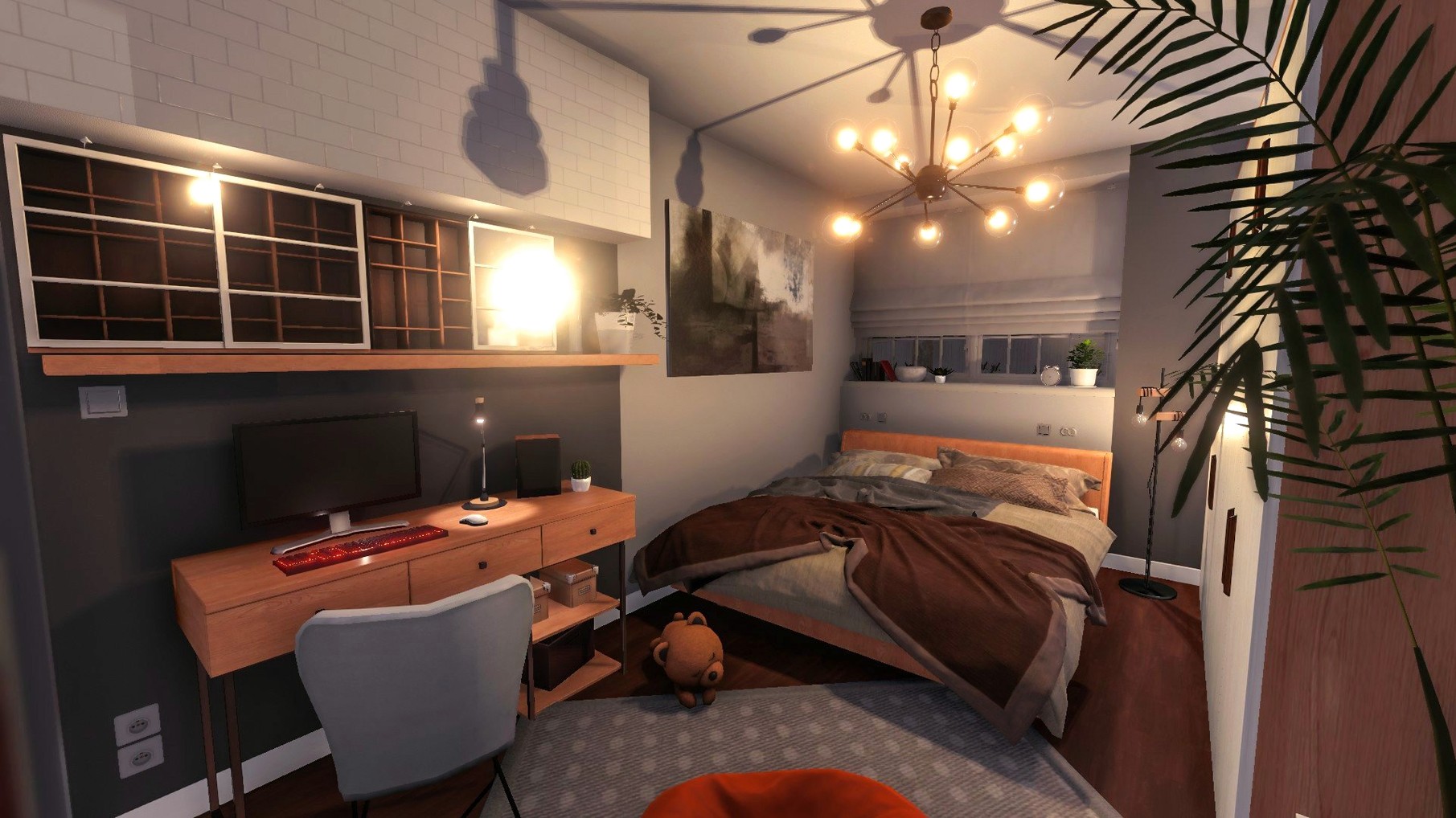
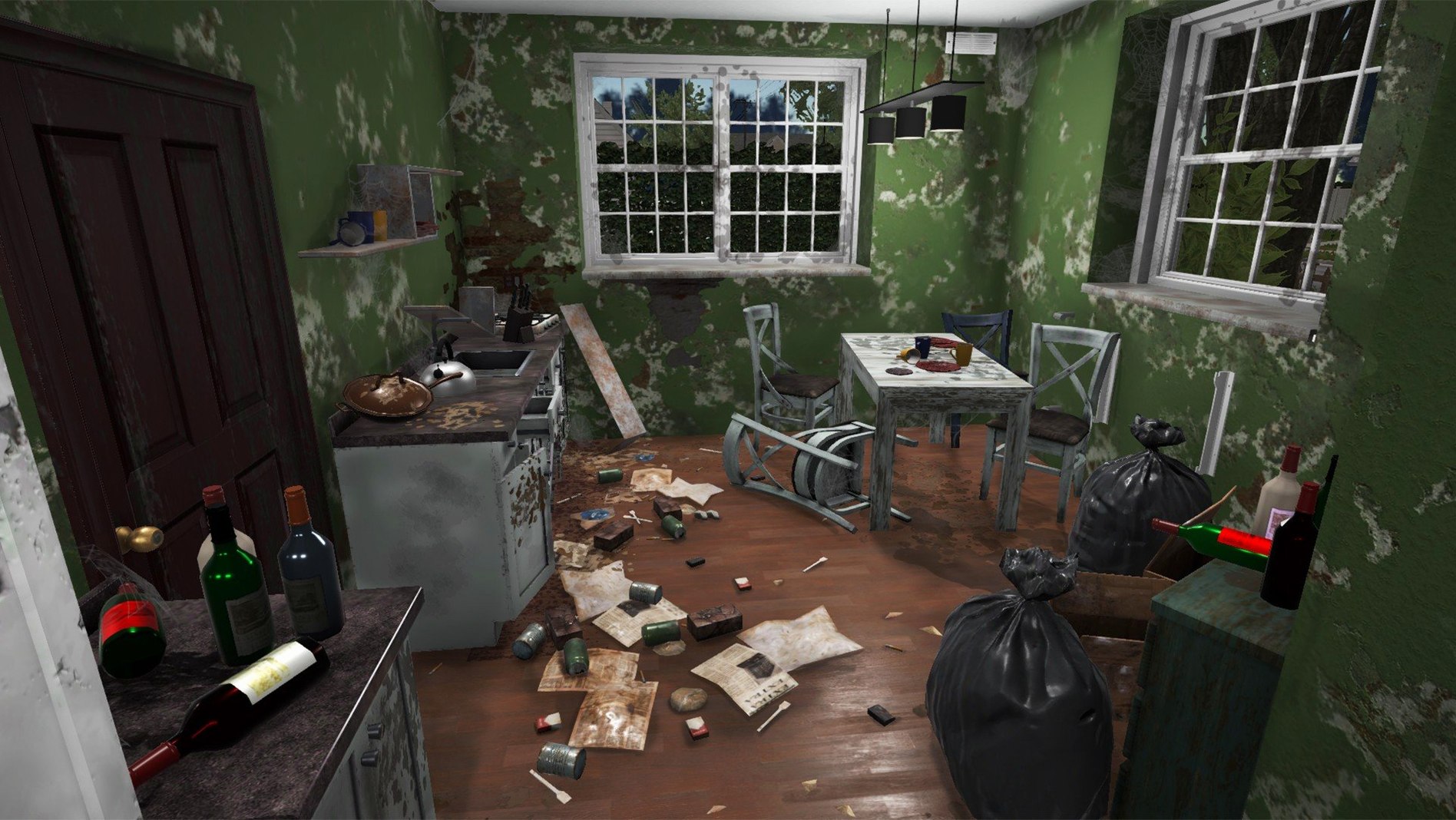
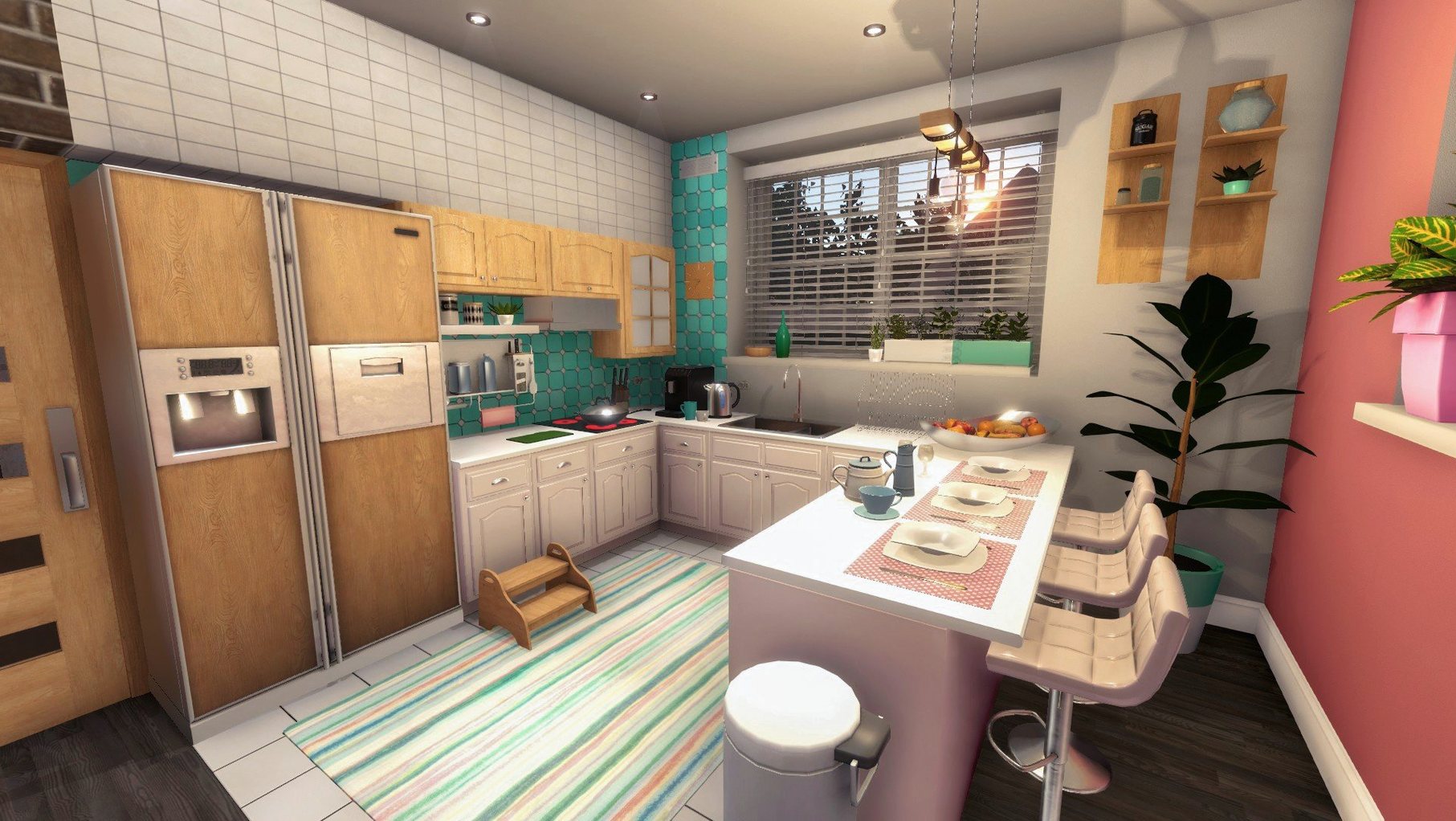
House Flipper is a first-person simulation where you earn money by taking renovation jobs before buying and furnishing your own property. Each contract gives you a dirty, damaged house and a list of tasks.
- Survey the mess. You arrive to find rubbish on the floor, grime on the windows and walls that need a fresh coat. Your tablet shows the job requirements and tracks progress.
- Clean everything. Grab the mop for floors and the window cleaner for glass. Rubbish gets picked up and bagged. The place has to be spotless before any installation work begins.
- Repair and install. Use the trowel for plastering, the hammer for mounting fixtures, then bolt in radiators, shower cabins or air conditioners where the plan specifies. Each tool you use grants experience points.
- Paint the walls. Load the paint roller and cover every marked section. Multiple coats are sometimes needed, and the tablet shows exactly which walls are done.
- Furnish and sell. Once you have enough profit, buy a run-down house of your own. Place furniture room by room — everything from sofas to bedside lamps — until the property is ready to go on the market.
Experience gained from using tools feeds into a skill system that makes you faster at painting, more efficient at cleaning, and better at negotiating prices. The loop is simple: take a job, do the physical work step by step, get paid, and put the money into a bigger flip.
The Slow First Hour With Low Skills and Tablet UI
House Flipper drops you in with a short tutorial job, then leaves you to figure out the rhythm. The first hour tends to feel slow — partly because your starting skills are low, partly because the tablet UI takes a few jobs to read at a glance. Stick with it. By the third or fourth contract, the pace picks up noticeably.
Three things worth doing early:
- Check the skills tab before taking expensive jobs. The game does not gate contracts by skill level, so you can accept a job that needs fast painting or wide-area cleaning while your character is still sluggish at both. Spend the first few experience points on the cleaning and painting speed perks. It makes the early grind less repetitive.
- Learn the tool shortcut keys immediately. Cycling through the tool wheel with the mouse works, but having the mop, paint roller and hammer on direct keys shaves seconds off every room. The tablet is bound to Tab — keep it open during painting jobs so you can see the wall completion overlay without pausing.
- Do not buy a house too soon. The game nudges you toward property ownership after a handful of jobs, but if your skill tree is thin and your bank balance is barely four figures, the first flip will drag. Run a dozen or so contracts first, unlock at least tier-two painting and cleaning, then start hunting for a property.
Three Mac Alternatives and Their Trade-Offs
House Flipper occupies a narrow niche, but three other titles on macOS invite comparison. None is a direct clone, and each makes different trade-offs.
House Flipper vs. Viscera Cleanup Detail
Viscera Cleanup Detail is pure cleaning — no painting, no furniture, no property market. You mop blood, stack crates and incinerate debris across sci-fi facilities. The tool set is deliberately clumsy: buckets spill, mop water needs changing, and your footprints create fresh mess. Where House Flipper abstracts cleaning into a progress bar on the tablet, Viscera makes every stain a physics object. The comparison matters because some players looking for a house flipper download mac end up trying Viscera first. The two games share a cleaning core but diverge on scope. House Flipper adds the creative layer of design and renovation; Viscera stays narrow and punishing. If you want meditative tidying with a side of dark humour, Viscera fits. If you want the full flip — demolition through sale — House Flipper is the obvious pick.
House Flipper vs. The Tenants
The Tenants flips the perspective: you are a landlord renovating apartments for rent rather than sale. The gameplay splits between hands-on renovation (similar to House Flipper's painting and tiling) and tenant management — setting rent, handling complaints, upgrading units to attract higher-paying occupants. House Flipper skips the landlord simulation entirely. You fix, you sell, you move on. The Tenants has a deeper economic layer but a narrower renovation tool set; you will not find the same demolition freedom or detailed furniture placement. Players who enjoy the spreadsheet side of property — yield calculations, tenant profiles — gravitate toward The Tenants. Players who want to knock down walls and place pot plants one by one stay with House Flipper.
House Flipper vs. Builder Simulator
Builder Simulator focuses on construction from the ground up: foundations, brickwork, roofing, concrete pouring. The tool set is more technical, with a blueprint-reading phase that House Flipper lacks. Where House Flipper lets you demolish walls freely with a hammer, Builder Simulator requires you to follow structural plans. Renovation in House Flipper is cosmetic and service-driven — swap a radiator, plaster a crack, paint a wall. Builder Simulator asks you to understand how a wall is built before you touch it. The overlap is smaller than it appears from storefront screenshots. House Flipper players looking to branch out often try Builder Simulator and find the pace slower and the learning curve steeper, but the satisfaction of completing a full structural build is something House Flipper does not attempt to provide.
Selling Too Soon and Misleading Objective Lists
Most early frustration in House Flipper comes from a handful of predictable errors. The game does not always flag these, and the tablet's objective list can be misleading if you do not understand what triggers progress.
- Selling a house without checking the room type list. Every furnished property has a minimum room specification to qualify as a full house. A room with a bed but no wardrobe might not count as a bedroom. A kitchen without a sink will not register. The buyer offers drop sharply when rooms are unlabelled. Before you click sell, walk through the property with the tablet open and verify every space has a recognised room type.
- Buying furniture for a job that does not require it. Some contracts ask only for cleaning and installation. The budget is fixed, and spending money on decorative furniture you were not asked to place comes directly out of your profit. The tablet's task list is the contract — anything not on it is your expense.
- Missing the demolition step on flips. When you own a property, knocking down a wall is free (you already own the hammer). New players often leave awkward partition walls in place because they assume demolition requires a specific job order. It does not. Point the hammer at a wall block and hold the button. The only limit is load-bearing walls — those the game prevents you from removing.
- Ignoring the skill bonuses that affect sale price. The negotiation skill is easy to overlook because it does not change the hands-on gameplay. But at tier three, it adds a substantial percentage to every sale. If you prioritise only cleaning and painting speed, you leave money on the table for every flip.
- Assuming jobs are linear. You can work on any task in any order. If a radiator is blocked by rubbish, clean the rubbish first. But if you want to paint before installing fixtures, go ahead — the tablet does not enforce a sequence. Some players waste time hunting for the "correct" order when none exists.
Day in a Flip: A Renovation Contractor's Afternoon
Take someone who already works in construction or interior fit-out — say, a site supervisor who spends weekdays reading floor plans and managing trades. For them, House Flipper is not escapism so much as a zero-stakes sandbox where they control the entire job without subcontractors, schedules or material delays.
They load a house-flipping contract on a two-storey suburban property. The downstairs living room has broken glass across the floor, a wall with peeling plaster, and an old radiator caked in dust. Upstairs, two bedrooms need painting and a bathroom is missing its shower cabin. The tablet lists seven tasks. They start by clearing glass and bagging rubbish downstairs — methodical, the way they would stage a real job site. The mop follows, then the trowel to patch the wall. While the plaster "sets" (the game has no drying time, but they pause to check the tablet), they run the paint roller over both bedrooms, counting wall sections as the completion overlay fills in. The shower cabin goes in next: mount the frame, connect the fittings, check the tablet for the green checkmark. Radiator last — unbolt the old one, carry it out, bolt the replacement in place. The whole contract runs about twenty minutes. They bank the payment and scroll the property listings for a house with a layout they can remodel from scratch.
The appeal for this kind of player is the procedural fidelity: the tools match real-world actions (paint roller, trowel, hammer), the tasks follow a renovation logic that scans as plausible, and the skill tree rewards exactly the kinds of efficiency they value on a job site. No client calls, no weather delays, no material shortages — just the work.
Completionists Who Chase Visible Progress
Not every Mac user will connect with the loop. The game rewards a particular mindset, and the players who sink fifty-plus hours into it tend to share a few traits.
Completionists who like visible progress. Every job in House Flipper ends with a clean, furnished space that did not exist when you arrived. The tablet tracks percentage completion per task, and the before-and-after contrast is immediate. If you are the kind of person who finds satisfaction in a fully ticked checklist, the game feeds that impulse constantly.
Players who enjoy creative constraint. House Flipper is not an architecture sandbox with infinite freedom. You work within existing floor plans, and the furniture catalogue is finite. But constraints force design decisions: how do you make a narrow living room feel open with the pieces available? Where do you place lighting to fix a dark corner? The limitation becomes the puzzle, and the right layout feels earned.
Mac users with integrated graphics. The game runs on modest hardware — the 2024 M4 Mac mini handles it without issue, and older Intel machines with 64-bit processors manage it fine. Simulation players who do not own a dedicated gaming rig can still get a smooth experience. This is one reason searches like house flipper download mac remain steady years after release; the system requirements stay accessible while the genre continues to grow.
People who use games to unwind, not to compete. There is no timer on jobs, no leaderboard, no fail state beyond spending more on furniture than the contract pays. You can work at your own pace, redo a paint job if you dislike the colour, and experiment with layouts without penalty. The absence of pressure makes it a common choice for evening sessions where the goal is to relax with a task that has a clear endpoint.
Simulation fans who prefer physical labour over spreadsheets. Management sims often abstract the work into menus and numbers. House Flipper puts you in the room with a mop. The satisfaction is tactile — the arc of the paint roller, the clatter of glass being cleared, the snap of a new radiator locking into place. If you bounced off business sims because they felt like accounting software, House Flipper's hands-on approach may hold your attention longer.
- Tested on macOS Tahoe
- Intel or Apple Silicon Mac
Questions on file
What tools do you use in House Flipper?
The game includes a paint roller, window cleaner, trowel, mop, hammer and a tablet for tracking job requirements.
How does the experience system work?
Using any tool grants experience points, which can be spent to improve skills such as cleaning speed, painting efficiency and negotiation ability.
What kinds of tasks do renovation jobs involve?
Tasks include cleaning rooms, painting walls, plastering surfaces, and installing items like radiators, shower cabins and air conditioners.
Sign in · Create an account to add a field note.
No field notes yet. A measurement, a version, a machine — they appear after moderation.