Games
HUNTDOWN: OVERTIME 0.790.2
GamesUpdated
| Requirement | On file |
|---|---|
| macOS | See the sheet |
| CPU | Apple Silicon, Intel 64-bit |
| Download | 675 MB |
| Tested on | macOS Tahoe, Mac mini 2024 M4 |
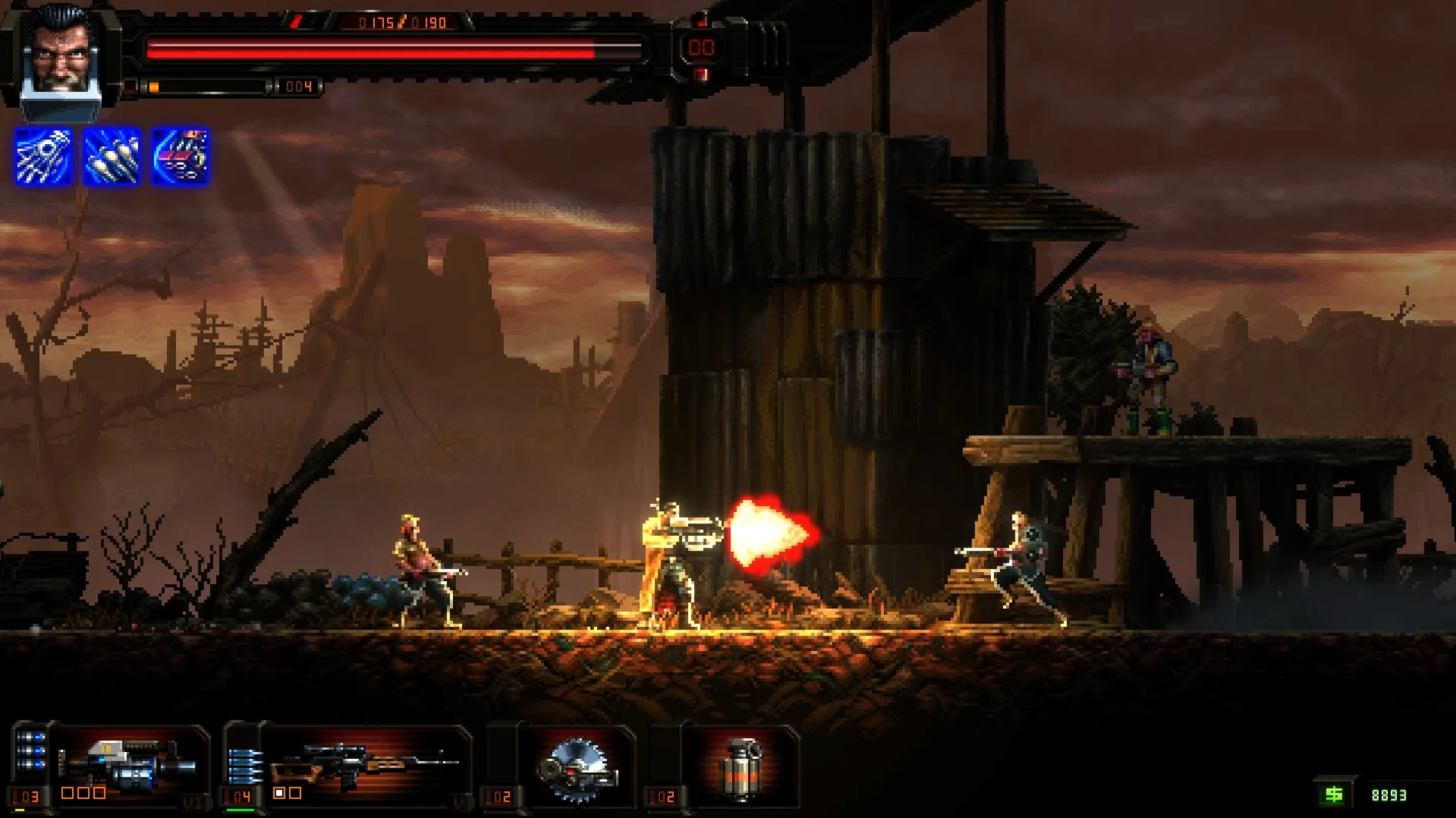
HUNTDOWN: OVERTIME runs on current Apple Silicon Macs. The developer tested the 0.790.2 build on a 2024 M4 Mac mini under macOS Tahoe, and the game launches from that hardware without extra configuration. Intel Macs are also supported.
Clear the Floor
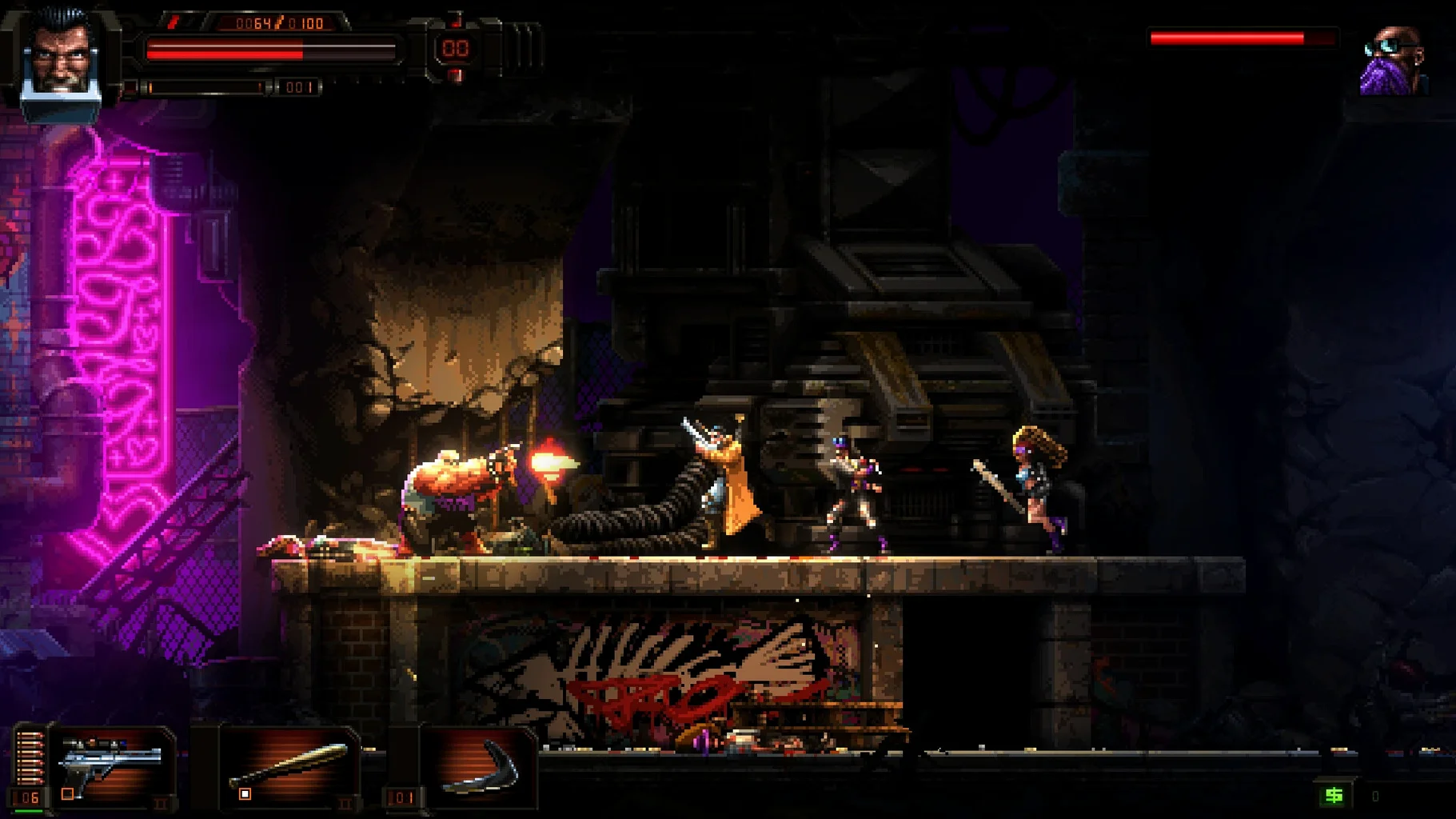
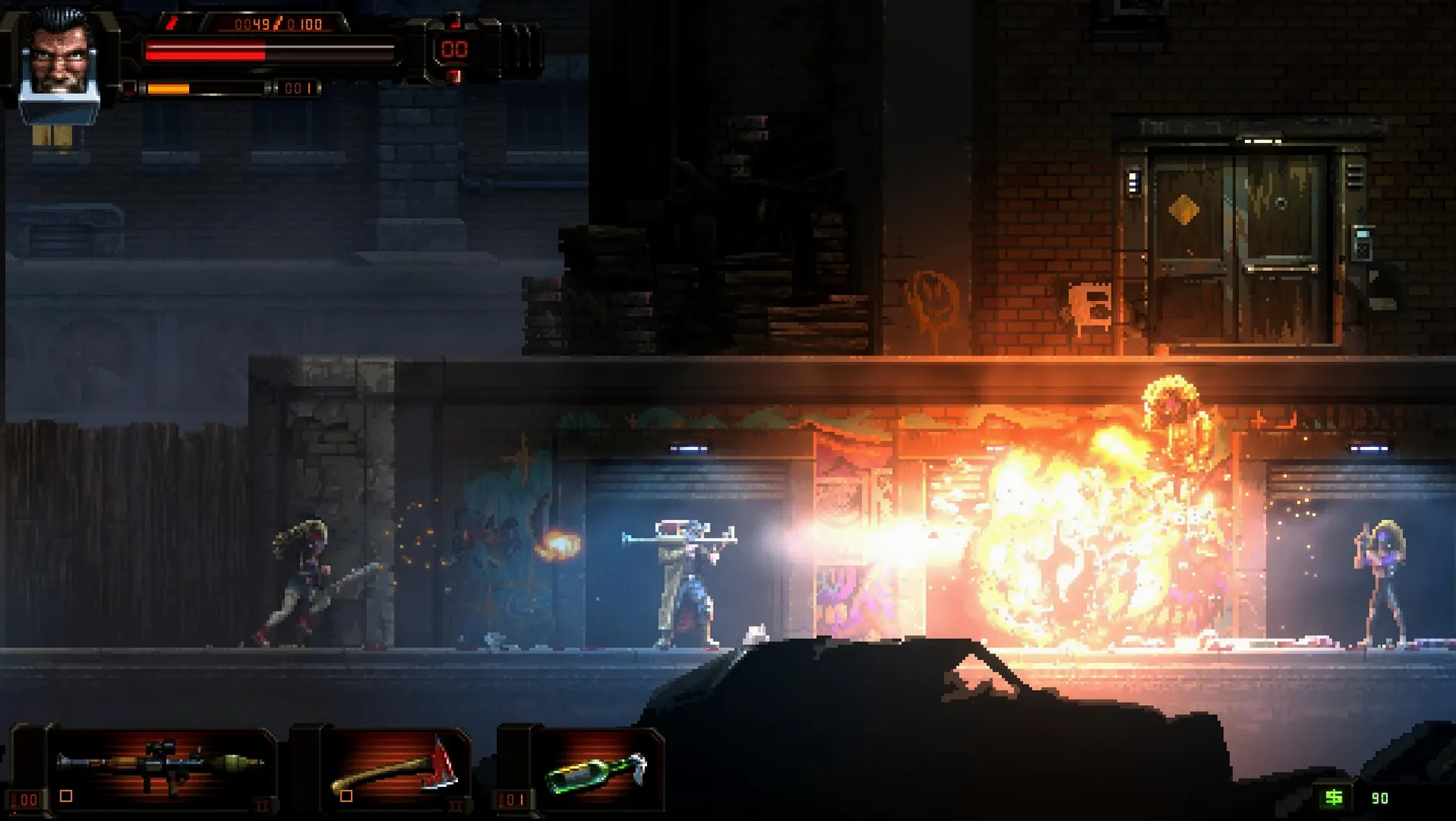
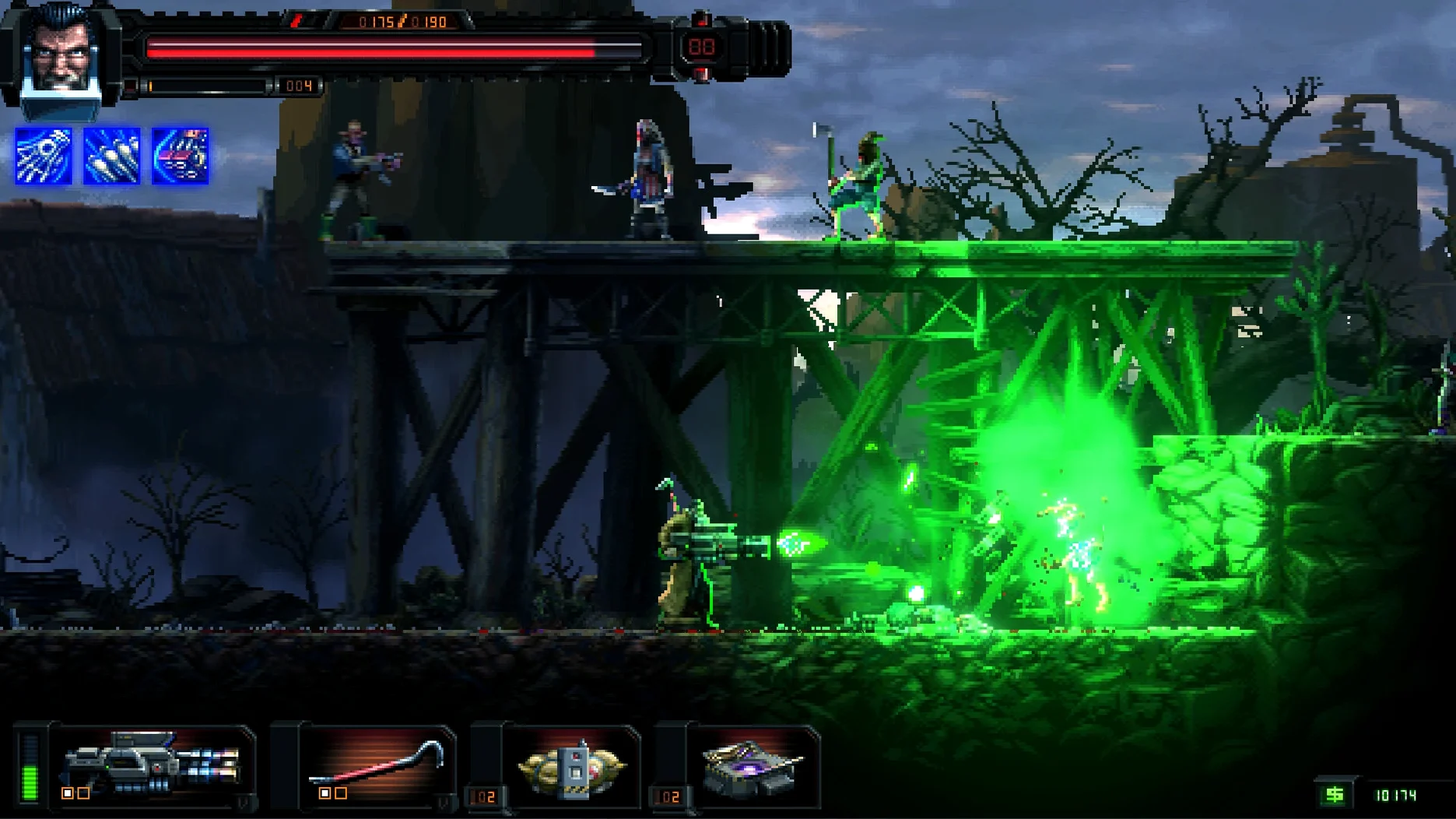
Minute to minute, you move left to right through multi-level urban environments, taking cover behind crates and neon signs while armed bounty hunters pour in from both sides. Pixel art characters are lit with modern dynamic shadows and muzzle flash that cast across the 2D planes, making target acquisition a visual read rather than a UI marker hunt.
Die and Spend
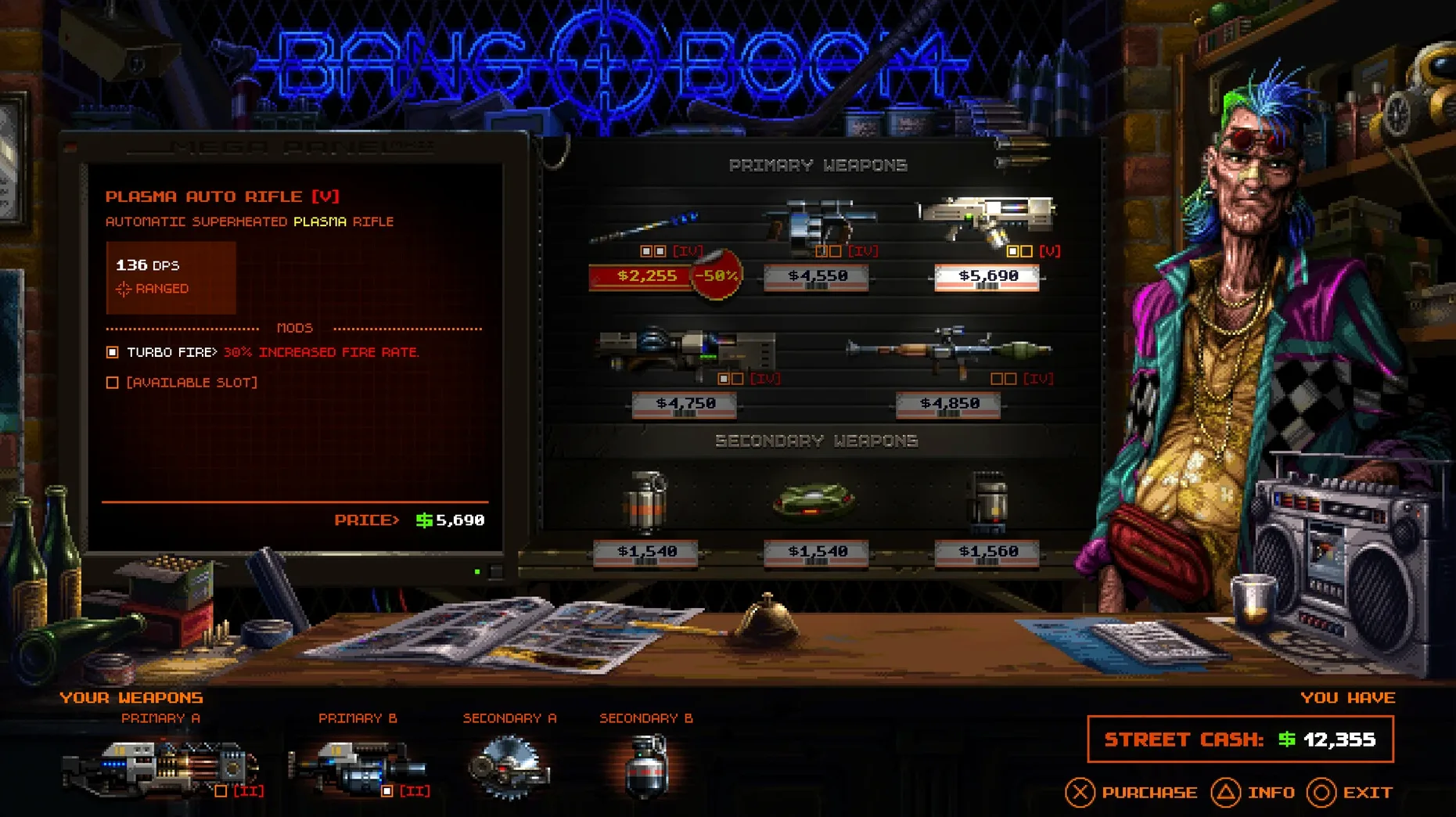
When a run ends, the currency you collected feeds into permanent upgrades. You do not restart from zero. Health pools, weapon handling traits and character unlocks persist across attempts, so a bad round still moves the campaign forward. The Steam page confirms the core upgrade loop is feature complete in this version.
Chain the Kills
Combat rewards speed. Dropping an enemy resets a combo timer, and consecutive kills stack a multiplier that affects the resources dropped. You push into open sightlines to keep the chain alive, trading cover safety for a better post-run payout. The risk-reward rhythm defines each firefight.
First Hours on the Job
The early runs teach you one thing faster than the tutorial pop-ups: standing still gets you killed. John Sawyer starts with a serviceable pistol and no upgrades, which makes the first three or four deaths feel abrupt. That is normal. Spend those opening rounds learning enemy spawn patterns rather than hoarding currency. Each district reuses the same entry points across runs, so a shotgunner who blindsided you from a fire escape at the two-minute mark will do it again next time. Note the position and pre-fire the corner.
Do not skip the shooting range in the hub area between runs. It tracks your equipped weapon's spread pattern, and the pixel-level feedback on muzzle climb reveals handling quirks the stats screen does not show. Five minutes there with a new unlock saves two wasted runs figuring out effective range.
Swap Roll Off Double-Tap Before Your First Run
Display and Performance
The default resolution scaling targets 60 fps with all lighting passes enabled, but the dynamic shadow system pushes the GPU on Intel Macs with integrated graphics. Drop shadow quality to Medium before touching resolution. The visual difference on a 13-inch screen is negligible; the frame-time improvement is not. On Apple Silicon, the MetalFX Upscaling toggle defaults to off. Enable it if you run an external 4K display — the pixel art upscales cleanly and you reclaim about 12–15% GPU headroom for the particle-heavy boss fights.
Rebind Roll to a Mouse Thumb Button
Three bindings deserve immediate attention. First, swap Roll from double-tap to a single key. The double-tap window is tight and the input buffer does not queue it reliably during frame drops. Assign it to a thumb button on your mouse or Left Shift. Second, set Weapon Swap to scroll wheel up/down rather than the number row. You cycle between two guns constantly mid-fight; taking fingers off movement keys costs combo chains. Third, reduce Aim Assist Strength to 40%. The default value pulls the reticle toward centre mass, but headshots multiply the combo timer extension. A lighter assist lets you flick to heads without fighting the magnet.
Audio
Voice volume sits at 100% out of the box and the English voice lines repeat often. Dial it to 60% and boost SFX Volume instead — enemy callouts telegraph grenade throws and flanking moves a full second before the visual indicator appears. That second decides whether you roll clear or eat a reset.
Roguelite Completionists Treating Upgrades Like a Spreadsheet
The game fits three player profiles particularly well.
Roguelite completionists who treat permanent progression as a long spreadsheet will find the upgrade tree satisfyingly granular. Health increments come in 5% steps, weapon handling traits have four tiers each, and character unlocks gate entire weapon categories. The currency-to-upgrade ratio means you see tangible progress every two or three runs, even if you never clear the second district boss. That pacing keeps the grind from feeling like one.
Run-and-gun purists who grew up on Metal Slug and Contra will recognise the frame timing immediately. Enemy projectiles travel at speeds that require pixel-perfect dodges, not pattern memorisation. The roll has no invincibility frames — it repositions your hitbox, and if that hitbox lands on a bullet, you take the damage. That single design choice filters out players expecting a safety button.
Huntdown veterans replaying for lore will extract more from the prequel structure. John Sawyer's dialogue references events the original game only mentioned in background chatter, and the district layouts map to locations that appear in ruined form later in the timeline. The pixel art carries over the same colour palette and enemy silhouette language, so muscle memory from the first game transfers directly.
Hold Escape for a Hidden Mid-Run Upgrade Panel
- Mid-run pause menu — holding Escape for one full second opens a quick-upgrade panel where you can spend currency on the current weapon without dying first. The game never explains this. It shaves minutes off runs where you banked enough cash for a magazine-size boost but cannot reach a shop kiosk.
- Cover slide cancel — tapping Roll the moment you press against a crate cancels the slide-into-cover animation and leaves you crouched one pixel behind the object's edge. Your hitbox shrinks before the enemy AI registers the position change. Useful for the sniper-heavy third district.
- Combo timer freeze — the kill chain timer pauses during boss intro cutscenes if you press any movement key. The freeze window lasts about 1.8 seconds. You can reposition for the first phase without losing a 15x multiplier carried in from the corridor fight.
- Ammo crate double-tap — shooting an ammo crate before picking it up scatters its contents into three smaller pickups. Each restores one magazine instead of a full stock, but the spread lets you grab only what you need mid-fight without wasting the oversupply. Works on health packs too.
- Alt-tab resilience — the game runs in true borderless windowed mode even when fullscreen is selected. Switching to a second monitor or Cmd-Tabbing to a browser does not trigger a resolution reset or drop the audio engine. Handy if you keep a district map reference open on another screen while learning layouts.
- Tested on macOS Tahoe
- Apple Silicon or Intel Mac
Questions on file
Is HUNTDOWN: OVERTIME a roguelite or a standard arcade game?
It is a roguelite. Death resets the level, but permanent upgrades and character unlocks carry over between runs, feeding a loop of repeated attempts with growing power.
What languages does the interface support?
The interface is available in Russian, English, German, Spanish, Simplified Chinese and French.
Sign in · Create an account to add a field note.
No field notes yet. A measurement, a version, a machine — they appear after moderation.