Games
Warnament 1.0.21.527
GamesUpdated
| Requirement | On file |
|---|---|
| macOS | See the sheet |
| CPU | Apple Silicon, Intel 64-bit |
| Download | 260 MB |
| Tested on | macOS Tahoe, Mac mini 2024 M4 |
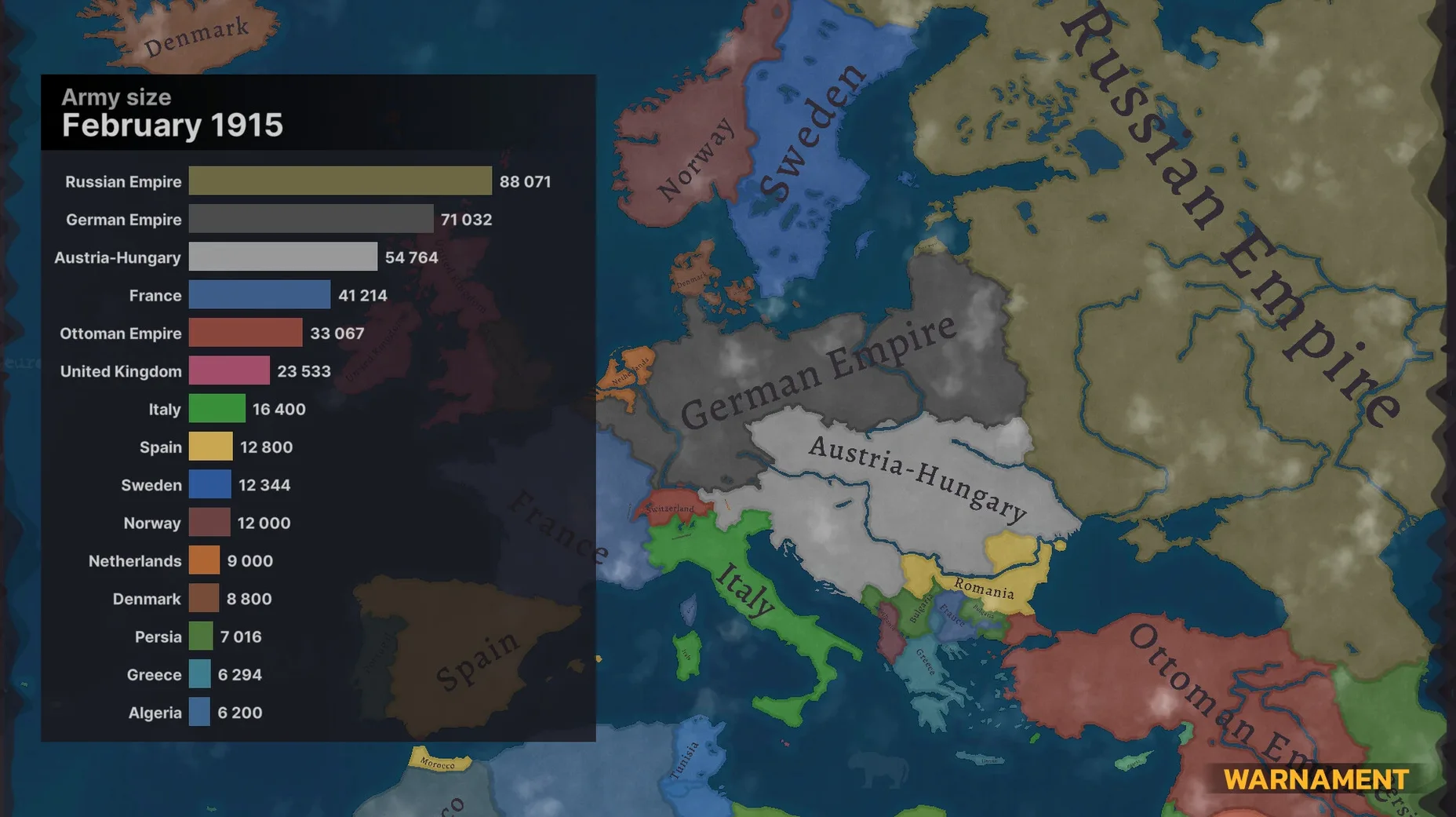
Warnament suits players who want a grand strategy sandbox more than a scripted campaign. The map editor and scenario system mean a lot of the game is what the community makes of it, and the developer has leaned into that with community-driven development.
Run a Country Through War, Trade, and Sanctions
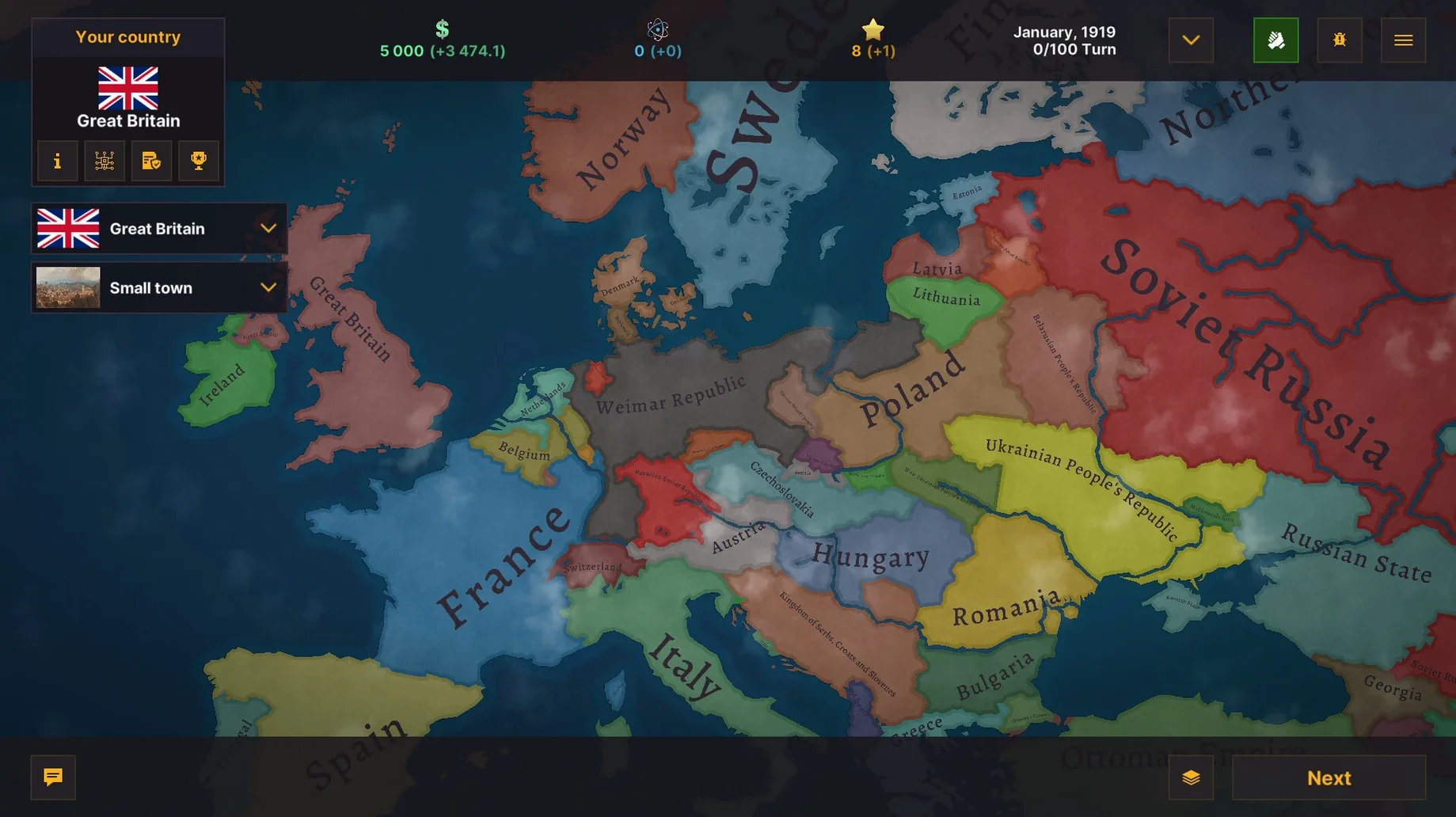
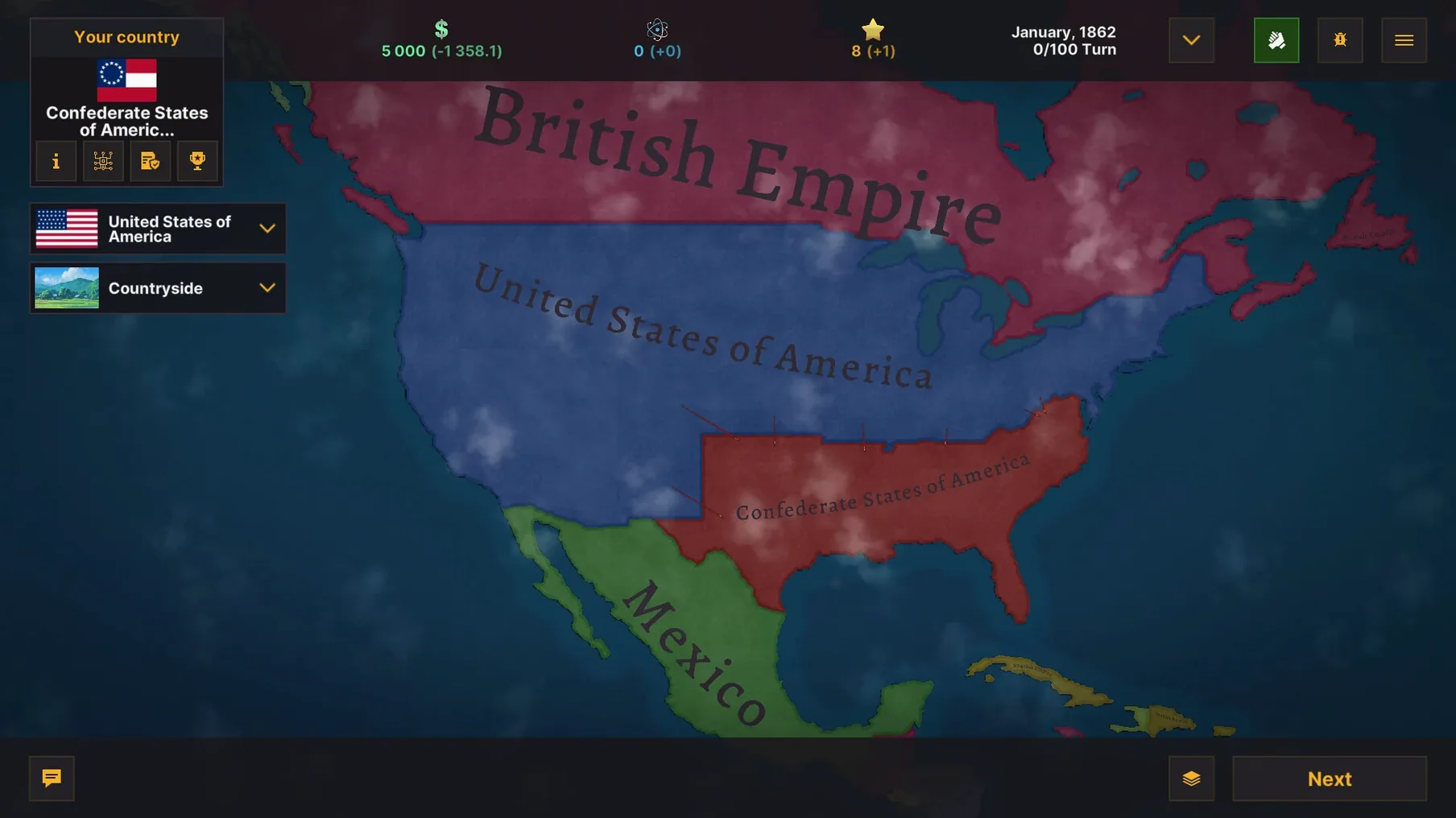
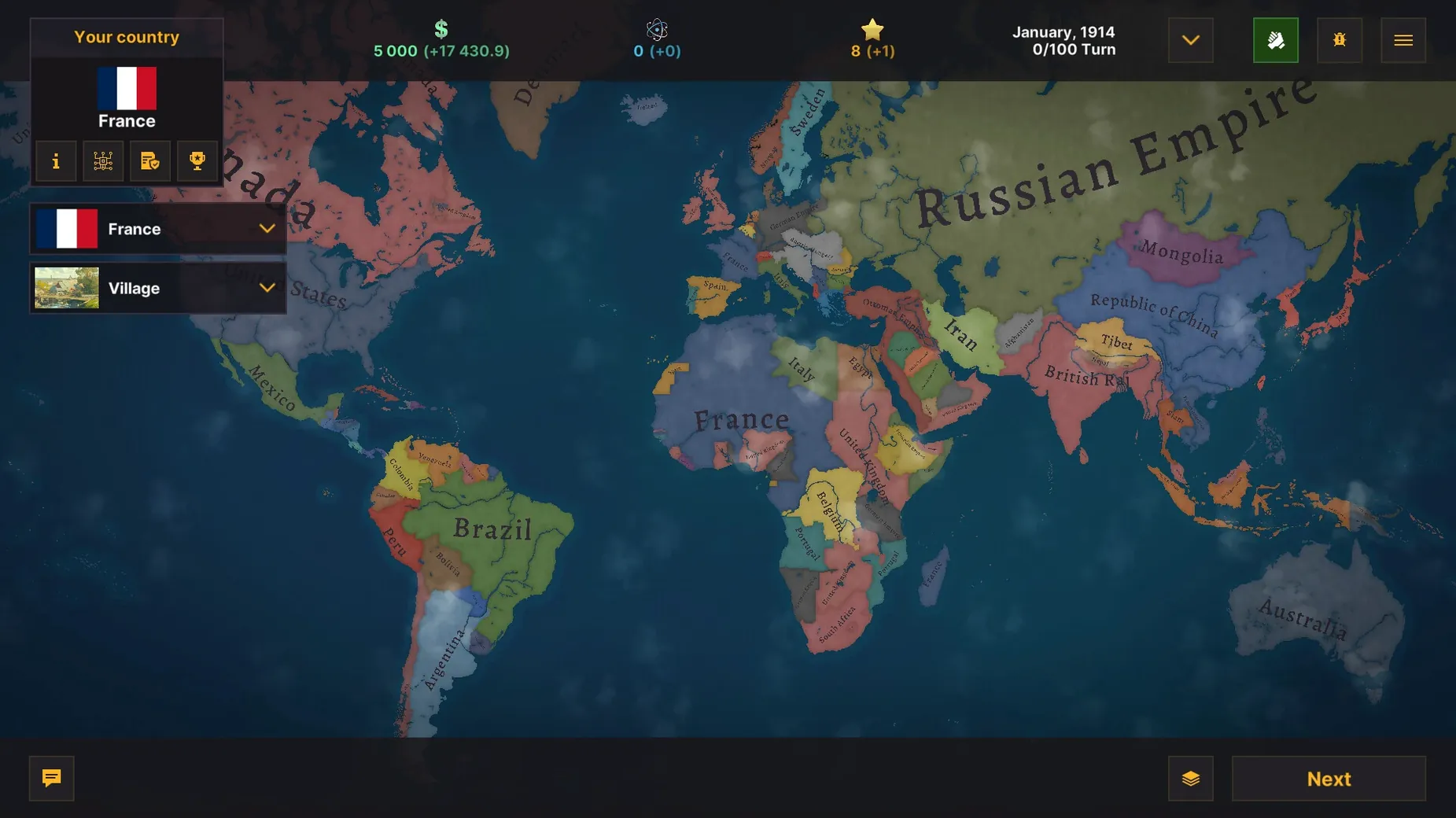
It is a turn-based grand strategy game. You run a country through war and peace, using trade, sanctions, diplomacy, and military force. The current version is 1.0.21.527, released 2025-08-07 for Windows, Linux, and macOS.
What can you build and research?
A technology tree unlocks buildings as you progress. Defensive structures include forts, and the military side covers chemical and nuclear weapons. Economic tools let you apply trade pressure and sanctions instead of always reaching for the army.
What does the editor add?
The built-in map editor lets you create your own scenarios from scratch. You can define borders, set up starting positions, and shape a conflict before playing it. Declaring and ending wars is part of the core loop, so custom scenarios can play out very differently from the default maps.
How customisable is it?
Extensive customization options cover scenario design, map layout, and gameplay parameters. Interface languages include Russian, English, German, Arabic, Hungarian, Vietnamese, Greek, Danish, Spanish, Italian, Traditional Chinese, Simplified Chinese, Korean, Dutch, Norwegian, Polish, Portuguese, Thai, Turkish, Ukrainian, Finnish, French, Czech, Swedish, and Japanese.
Press P to Escape Repetitive Province Management
Province management gets repetitive once you control more than a dozen territories. The province list sidebar (toggle it with P) shows every territory under your control with a compact summary of loyalty, output, and garrison status. You can cycle through provinces with the [ and ] keys instead of clicking around the map, which cuts down a lot of mouse travel in the mid-game.
Right-clicking a province on the map opens a context menu with the three most common actions for that territory type — building the next structure in a queue, adjusting tax levels, or moving a stationed unit. It skips the full province panel when you only need a single adjustment.
Diplomacy has a few shortcuts that are not obvious from the interface. Holding Shift while clicking a trade proposal sends it with the same terms as the last offer to that country, saving you from re-entering numbers when you are renegotiating a deal that got rejected for being one point off. During war declarations, Ctrl+click on an ally in the diplomacy panel pulls them into the war automatically if your pact terms allow it.
The map editor has an undo stack of 30 actions. Ctrl+Z works as expected, but Ctrl+Y redoes, and you can scrub through the history with Ctrl+Shift+Z and Ctrl+Shift+Y — useful when you have painted borders across several provinces and want to compare two versions without saving separate files.
How Warnament fits with other apps and macOS features
The game writes save files and exported scenarios to a plain folder structure inside ~/Documents/Warnament. This makes it straightforward to back up with Time Machine or move scenarios between machines without touching cloud sync. Save files use a compressed JSON format — you can open them with any text editor if you want to tweak starting resources or province ownership for a custom scenario, though the map editor is the supported route.
On macOS, Warnament respects native full‑screen mode and Spaces. You can swipe between the game in full screen and a browser with the community wiki or a Discord discussion without the game minimising. The app supports the system colour picker for custom faction colours in the editor, which means saved swatches carry over from other Mac apps that use the same picker.
There is no built‑in mod manager, but the scenario folder structure matches what the community has standardised on for sharing. Dropping a .warn scenario file into ~/Documents/Warnament/Scenarios makes it appear in the in‑game list after a restart. Community hubs on Steam and Discord often link to scenario packs that follow this convention, and the game loads them without an import step.
Change Autosave from Every Turn to Every 5
The default autosave interval is every turn, which is safe but adds up to a lot of disk writes over a long session. Bumping it to every 5 turns in the gameplay settings reduces that without much risk — especially if you are experimenting with the editor and saving manually.
Unit animation speed defaults to a middle value that drags out naval engagements during large wars. Setting it to Fast under the display options keeps turns snappy when you are managing multiple fleets. You can still slow it back down for a critical battle where you want to watch the exchange step by step.
If you use the map editor regularly, switch the editor grid to Visible by default in the editor preferences. The grid snaps province borders to a hexagonal alignment, and having it visible from the start prevents misaligned borders that are painful to fix later. The snap tolerance slider next to it adjusts how aggressively the cursor pulls to the grid — setting it to around 70% gives a good balance between precision and free placement.
- macOS (Apple Silicon and Intel)
- Available for Windows, Linux, and macOS
Sign in · Create an account to add a field note.
No field notes yet. A measurement, a version, a machine — they appear after moderation.