Games
Workers & Resources: Soviet Republic 1.1.1.9 Wine
GamesUpdated
| Requirement | On file |
|---|---|
| macOS | See the sheet |
| CPU | Apple Silicon |
| Download | 6.3 GB |
| Tested on | macOS Golden Gate, Mac mini 2024 M4 |
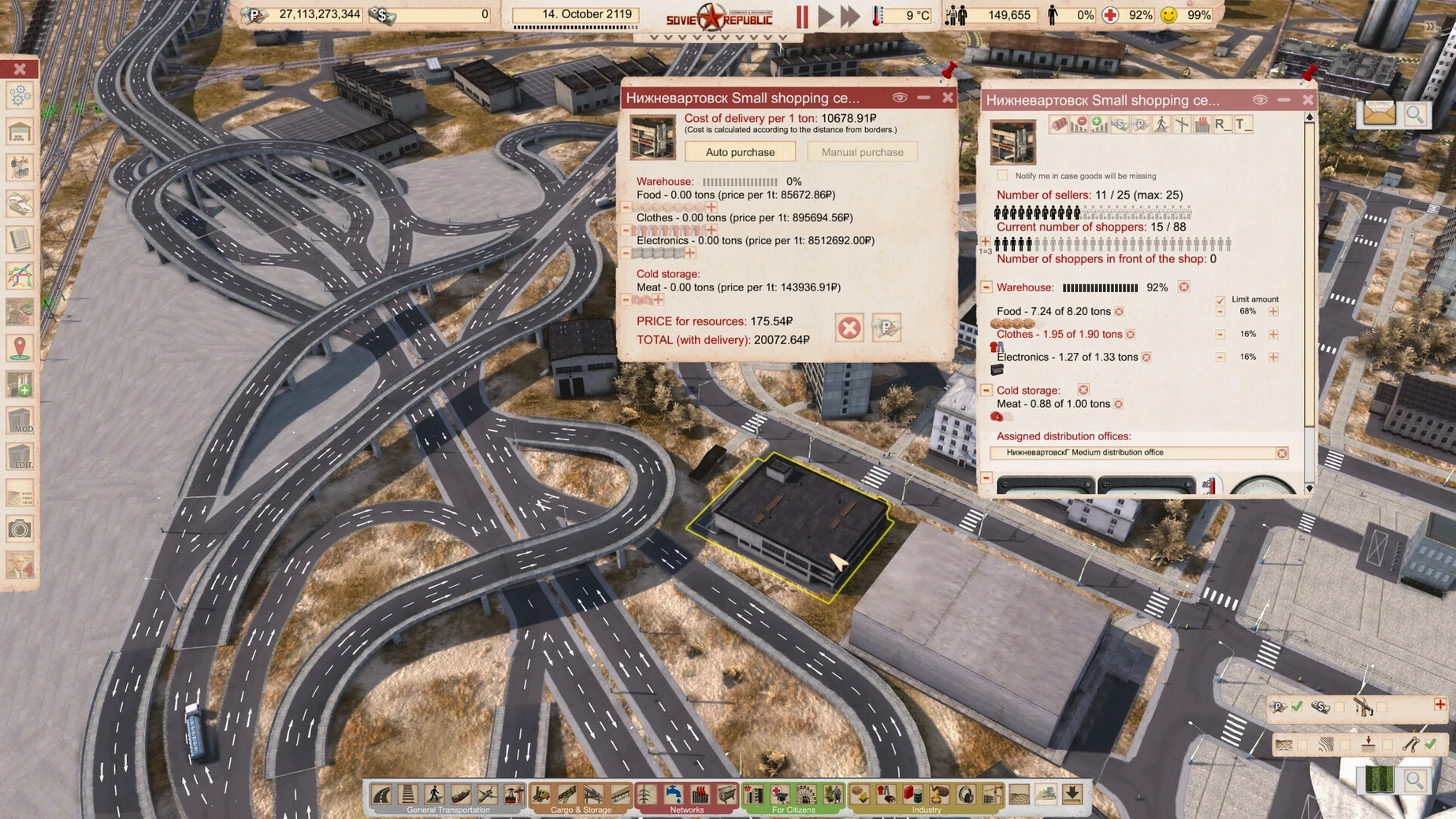
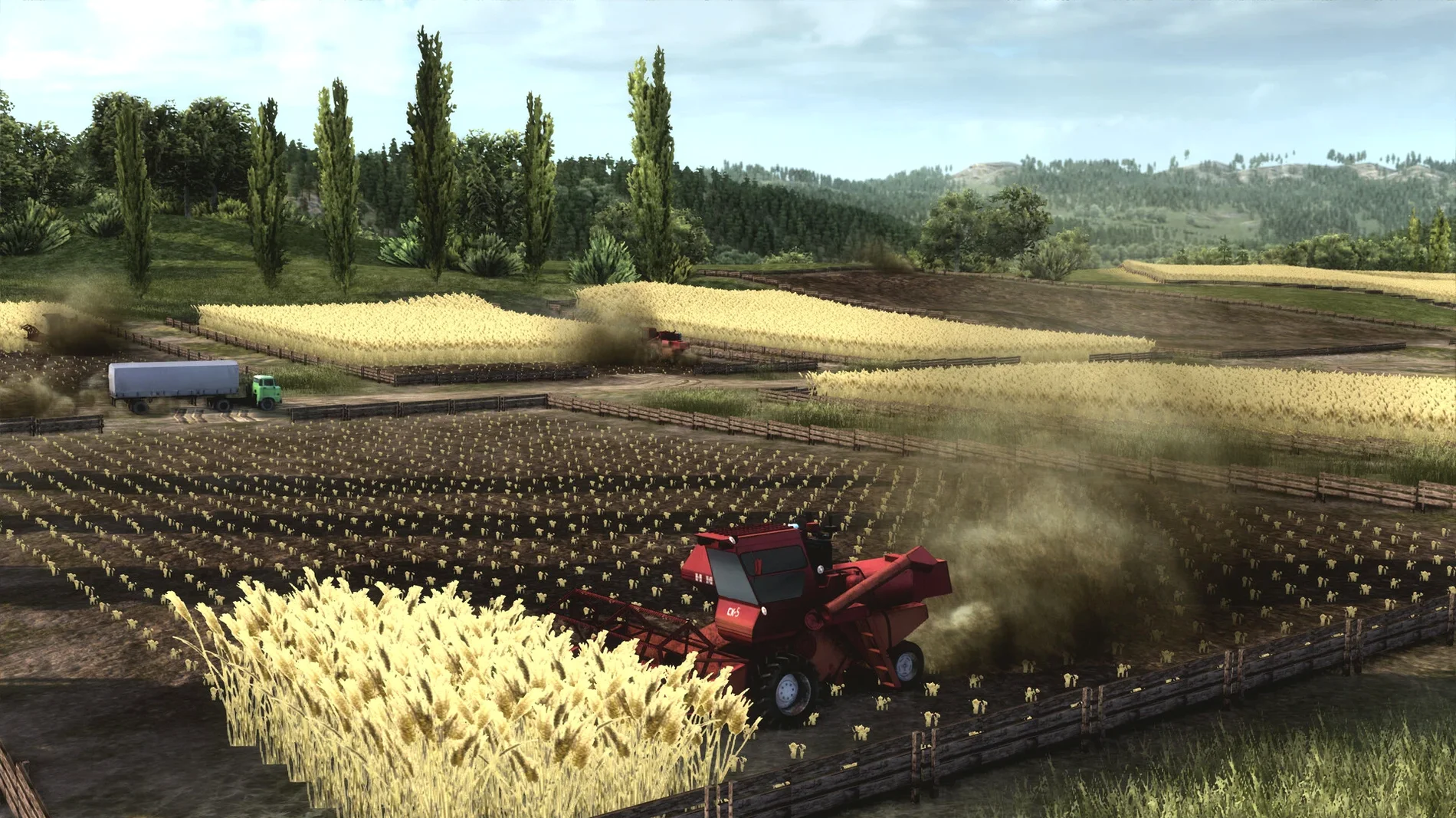
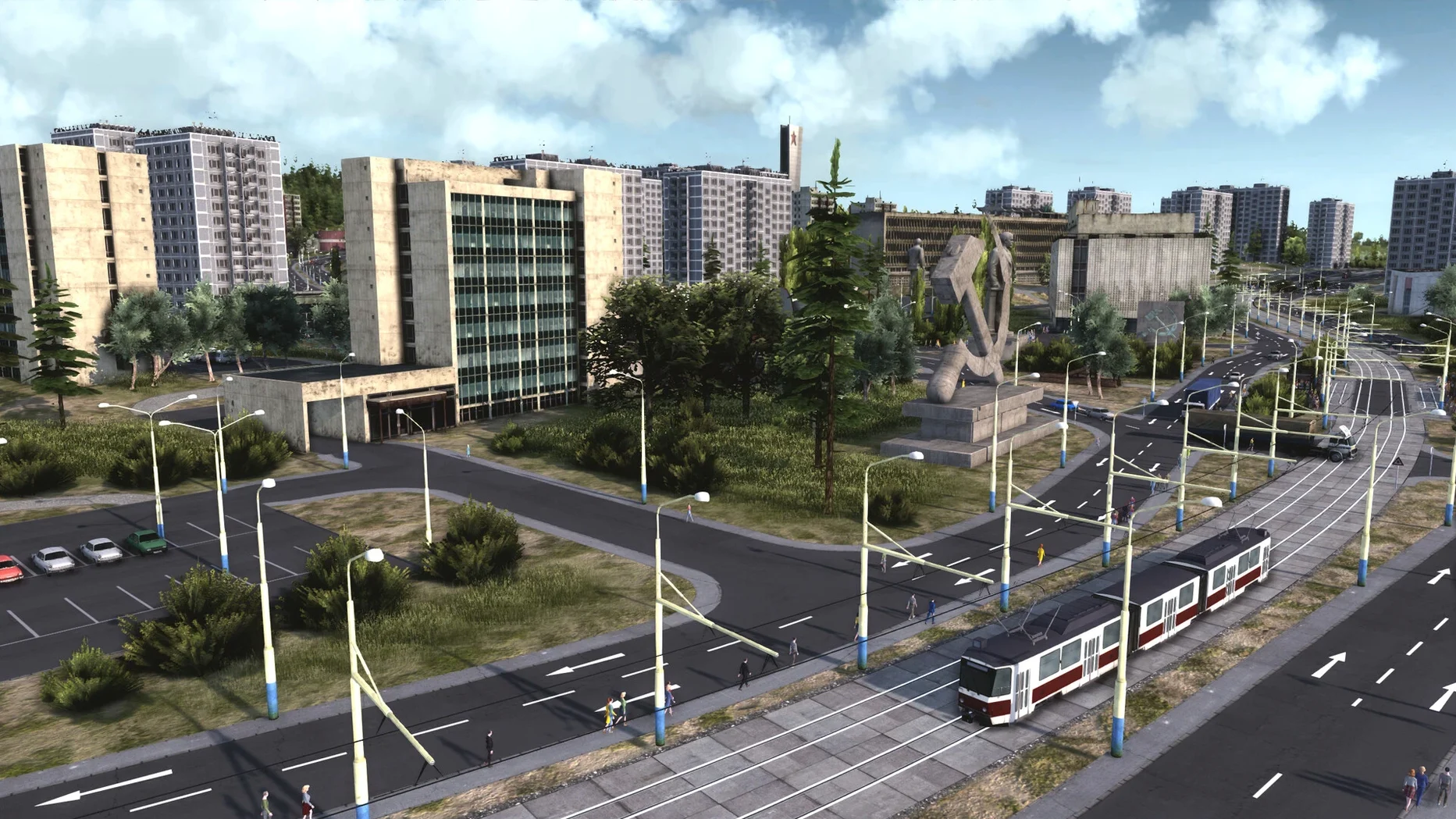
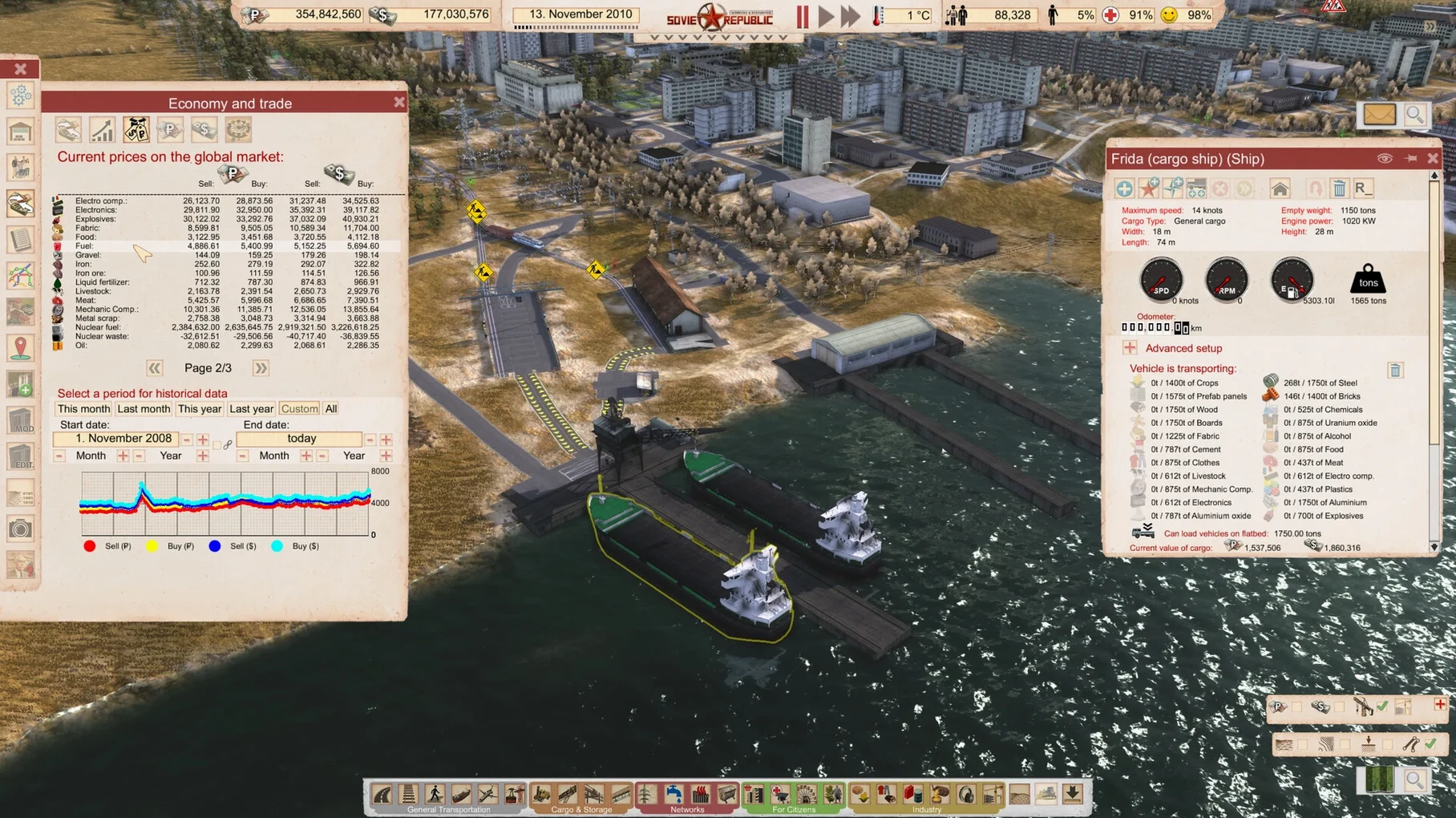
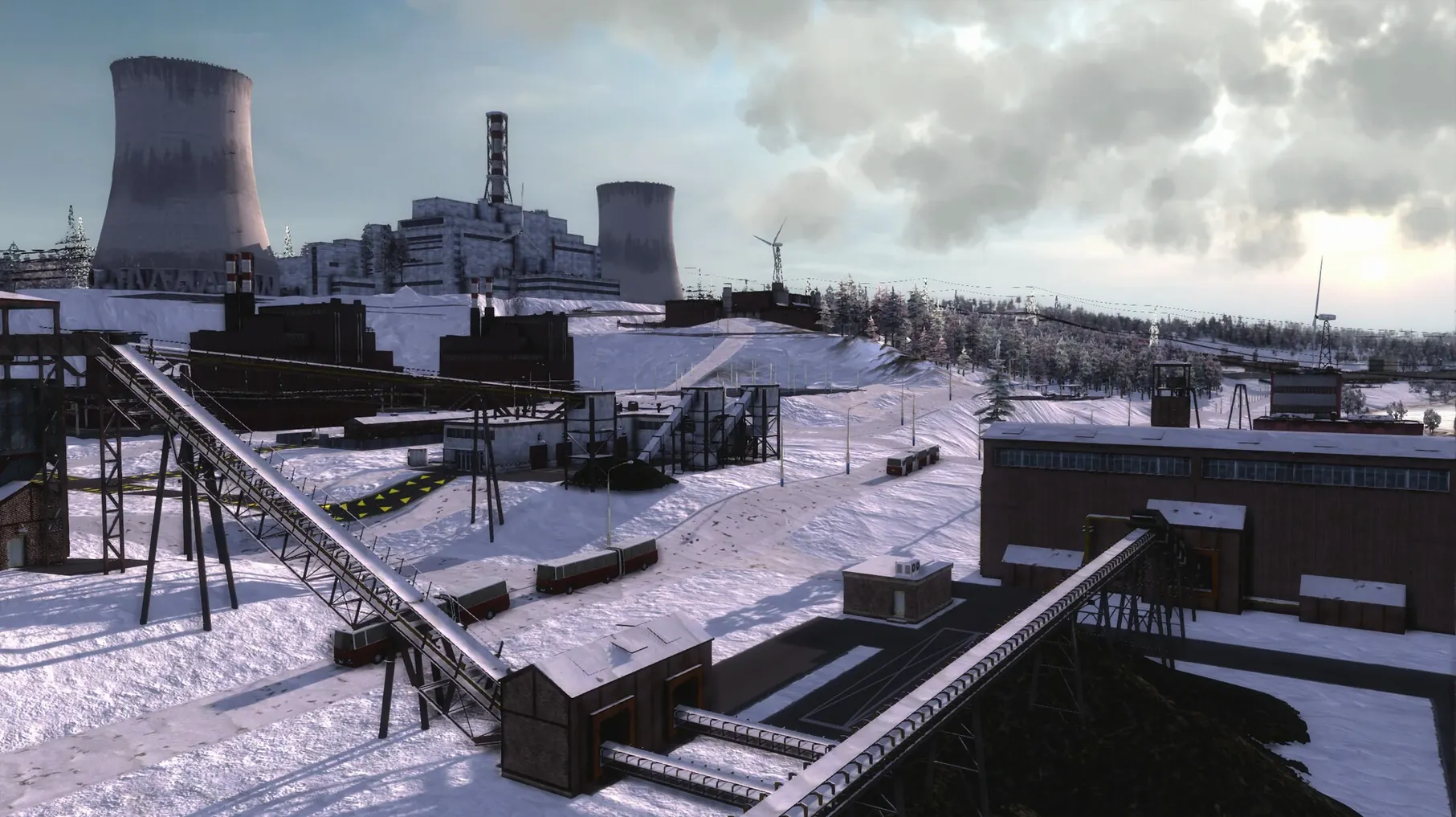
The current build, 1.1.1.5 Rev 1, runs on Apple Silicon Macs and changes almost nothing from the outside — it’s a stability revision. The game itself remains the densest city-builder in the catalogue. You start with an empty plot and a border crossing, then lay roads, string power lines, zone housing, and schedule buses before a single citizen appears. Every brick, beam and loaf of bread must be sourced, transported and paid for. The eastern and western markets operate on different currencies and dynamics, so a sudden steel shortage can stall a hospital build for an in-game year.
Specs, Languages & Who Clicks with Production Chains
| Area | Spec |
|---|---|
| Version | 1.1.1.5 Rev 1 |
| Architecture | Apple Silicon |
| Interface languages | Russian, English, German, Bulgarian, Hungarian, Spanish, Italian, Traditional Chinese, Simplified Chinese, Polish, Slovak, Turkish, French, Japanese |
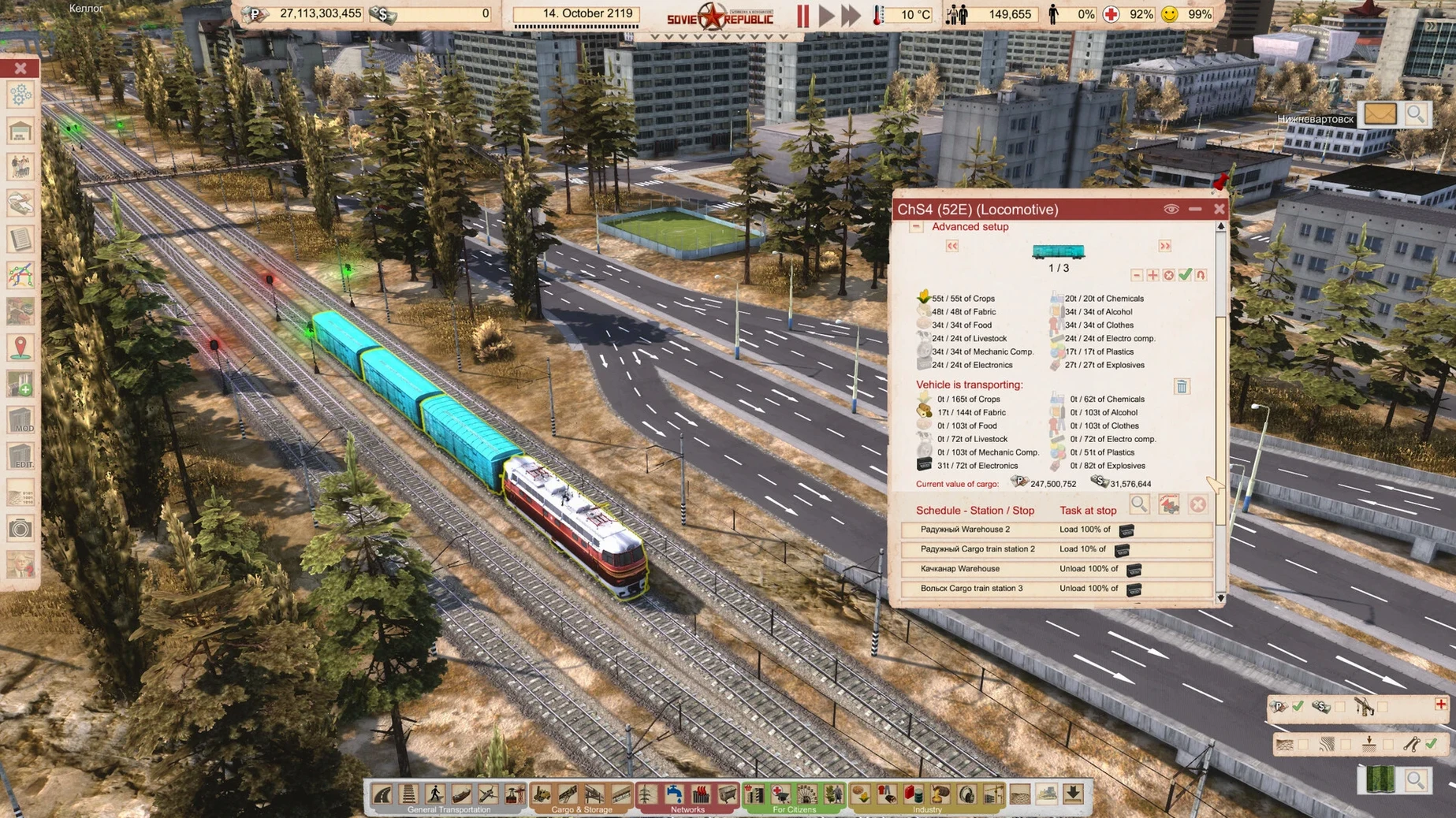
Who gets the most from it: players who enjoy production chains and transport puzzles more than spectacle. Managing a rail network that moves coal, gravel and workers without jamming is a multi-session project. The simulation tracks loyalty, education, healthcare and even tourism — you supply the goods, but citizens decide whether to stay or flee across the border. Who might bounce off: anyone hoping for a quick loop or a relaxed town painter. There is no undo button for a badly angled conveyor, and the interface language must be set in the launcher before the game loads. On a 2020 M1 Mac mini under macOS Sequoia, the simulation holds steady through large maps with hundreds of vehicles in motion, though the learning wall is steep enough that the first few hours feel like an engineering exam.
Starting a Steel Town — a Workflow
Coal and iron sit on opposite sides of the map. One way to tackle early industry: ignore citizens entirely for the first year. Place a free aggregate storage next to the border, buy a dump truck, and set it to import coal continuously. Do the same for iron at a second storage. Build a small coal processing plant and an iron mill — still no workers — and connect them with conveyors. The conveyors feed raw materials straight into the mills. At this stage you are bleeding rubles, but the processed steel stacks up in an open storage yard.
Now lay a rail siding beside the steel yard. Buy a diesel locomotive and flatbed wagons. Set the train to load steel and auto-sell it at the NATO border crossing. Western currency trickles in. Once the train runs a full loop without stopping dead on a signal, you have a cash-positive export chain running before a single apartment block goes up. From here, zone a small residential district near a bus platform, staff the mills, and the republic pays for its own expansion.
Snags and Fixes
The launch error on first open
macOS Gatekeeper flags the Wineskin wrapper. If the game quits immediately, mount the original disk image and run the Fix file. It patches the executable permissions inside the bundle. After that, the app launches normally from the Applications folder.
Conveyors that snap to the wrong height
Conveyor engines default to the highest connection point. When linking a low aggregate storage to a tall processing plant input, the engine sometimes routes the belt vertically then horizontally, which blocks nearby roads. Hold Shift while placing to lock the conveyor at the lower level. The belt stays flat, and vehicles pass underneath.
Workers refusing a bus platform
Citizens walk a maximum of 400 metres to a transit stop. If a bus platform sits outside that radius from apartment doorways, no one boards. Use the overlays panel (the eye icon) and toggle the walking-distance view. Any building shaded red needs a closer stop, a footpath shortcut, or a relocated platform.
Save file location
Saves end up deep inside the app bundle at Workers and Resources Soviet Republic.app/Contents/SharedSupport/prefix/drive_c/KS Games/SovietRepublic/media_soviet/save_cloud. Back them up before updating, because replacing the app wipes the save folder.
Early Mistakes That Stall a Republic
- Paving roads before zoning. Gravel roads cost almost nothing and handle early truck traffic fine. Paving a kilometre of asphalt before the first factory runs burns rubles that could buy an excavator.
- Hiring everyone on day one. Staffing a hospital, school, and shop with full crews while only 80 citizens live nearby drains the budget through wages. Open services gradually, matching worker slots to the population.
- Mixing currencies on one construction. Buying steel in rubles and selling the finished machinery for dollars sounds clever, but the exchange spread plus transport costs erase the margin. Keep each supply chain in one currency until you understand the pricing tables.
- Skipping the heating plant. The tutorial never mentions it, but a Siberian winter without district heating kills loyalty within two seasons. The plant needs coal and workers; budget for both before the first snowfall.
- Apple Silicon Mac
Questions on file
Can I change the interface language after starting?
The language must be set in the launcher before the game opens, not from inside the simulation.
What transport options are available?
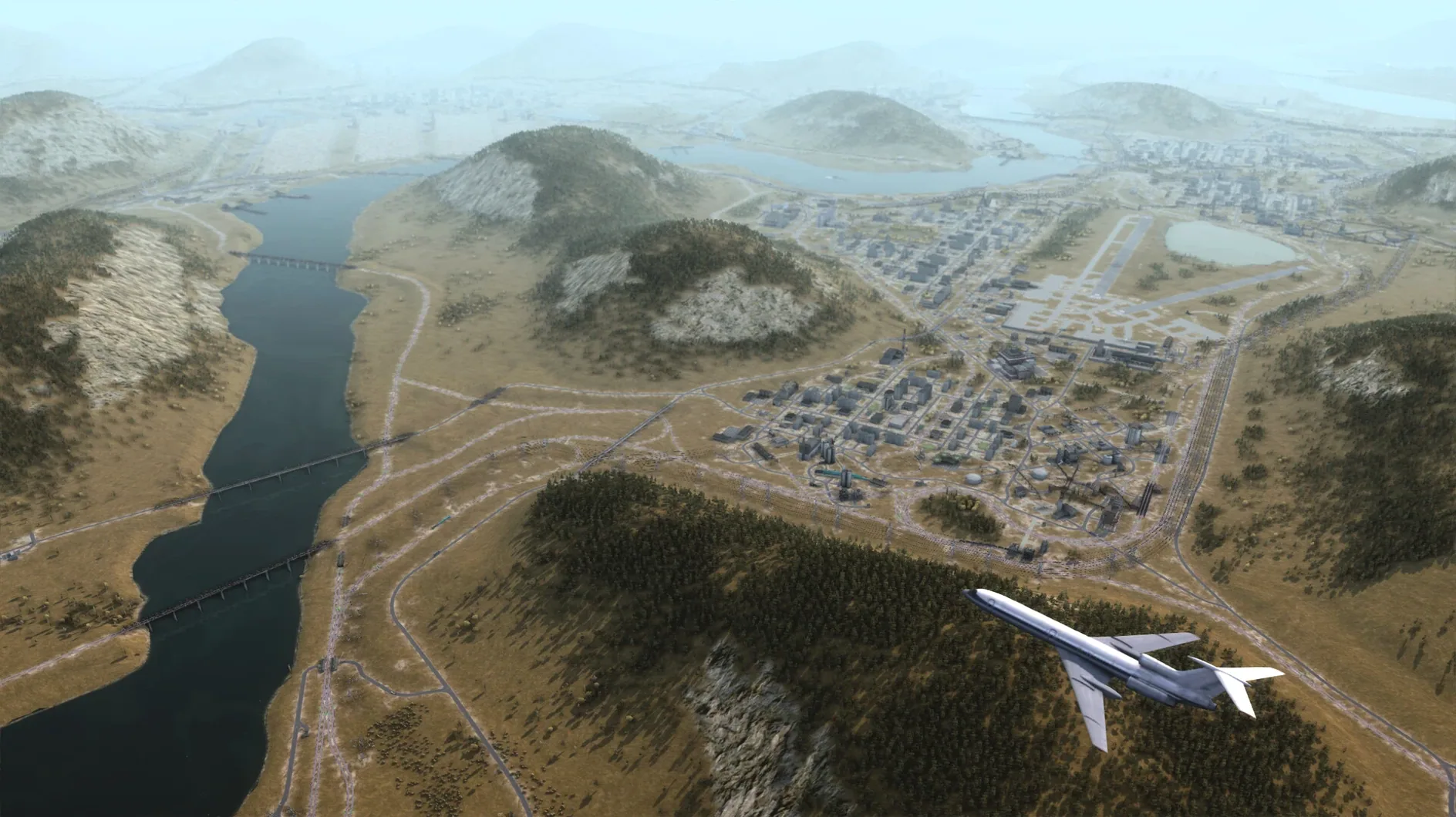
A wide variety of vehicles — trucks, trains, ships and aircraft — move resources and people across a large map with player-built networks.
Sign in · Create an account to add a field note.
No field notes yet. A measurement, a version, a machine — they appear after moderation.