Mac Apps
4K YouTube to MP3 26.3.5
Mac AppsUpdated
| Requirement | On file |
|---|---|
| macOS | macOS 12 or later |
| CPU | Intel 64-bit |
| Download | 218 MB |
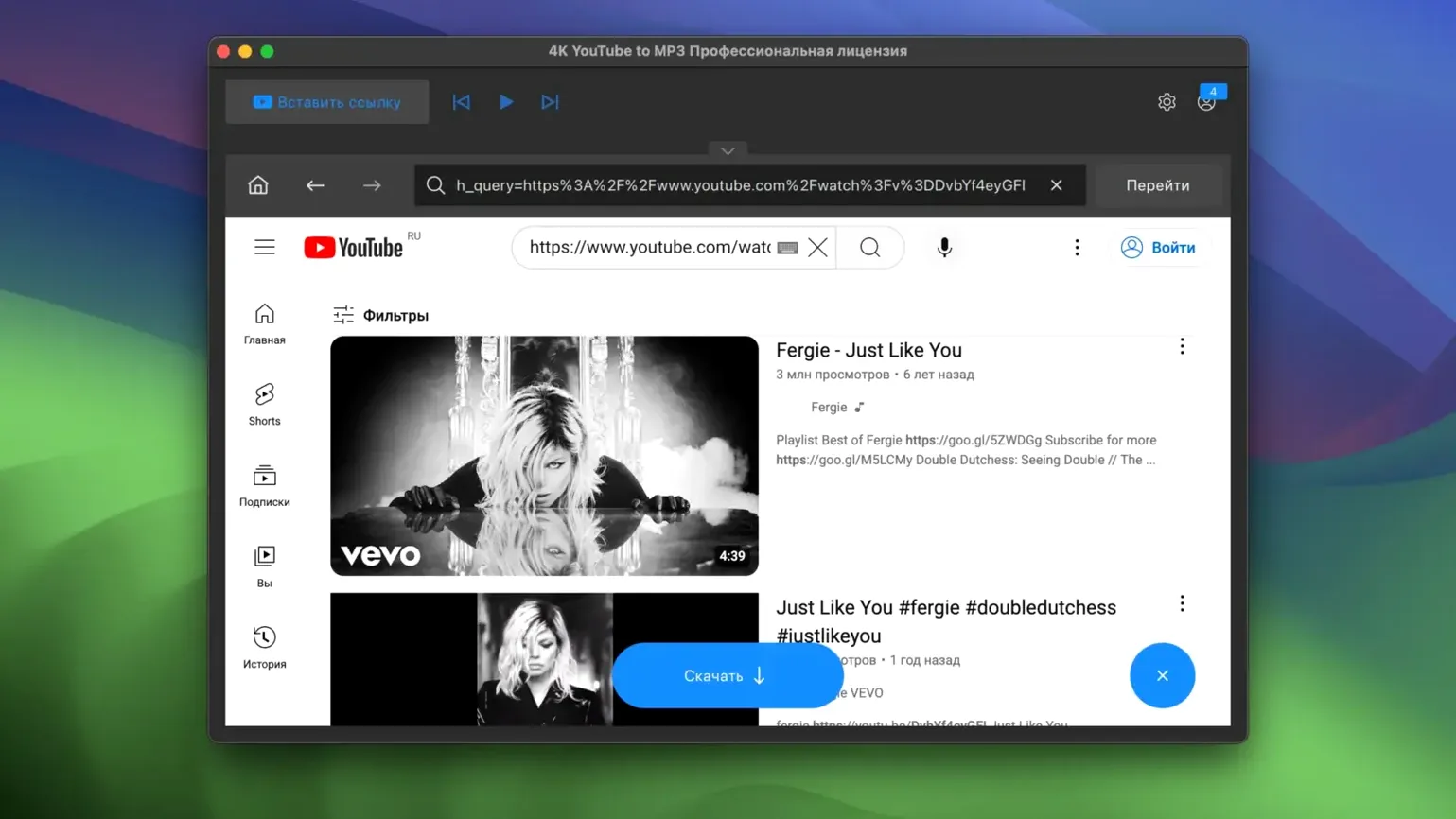
A mastering engineer needs a reference track from a YouTube playlist in M4A format. They open 4K YouTube to MP3, paste the playlist link, select M4A from the format dropdown, and pull down 14 tracks in under two minutes. The app handles the batch without a queue stall.
OGG support for reference-library detail
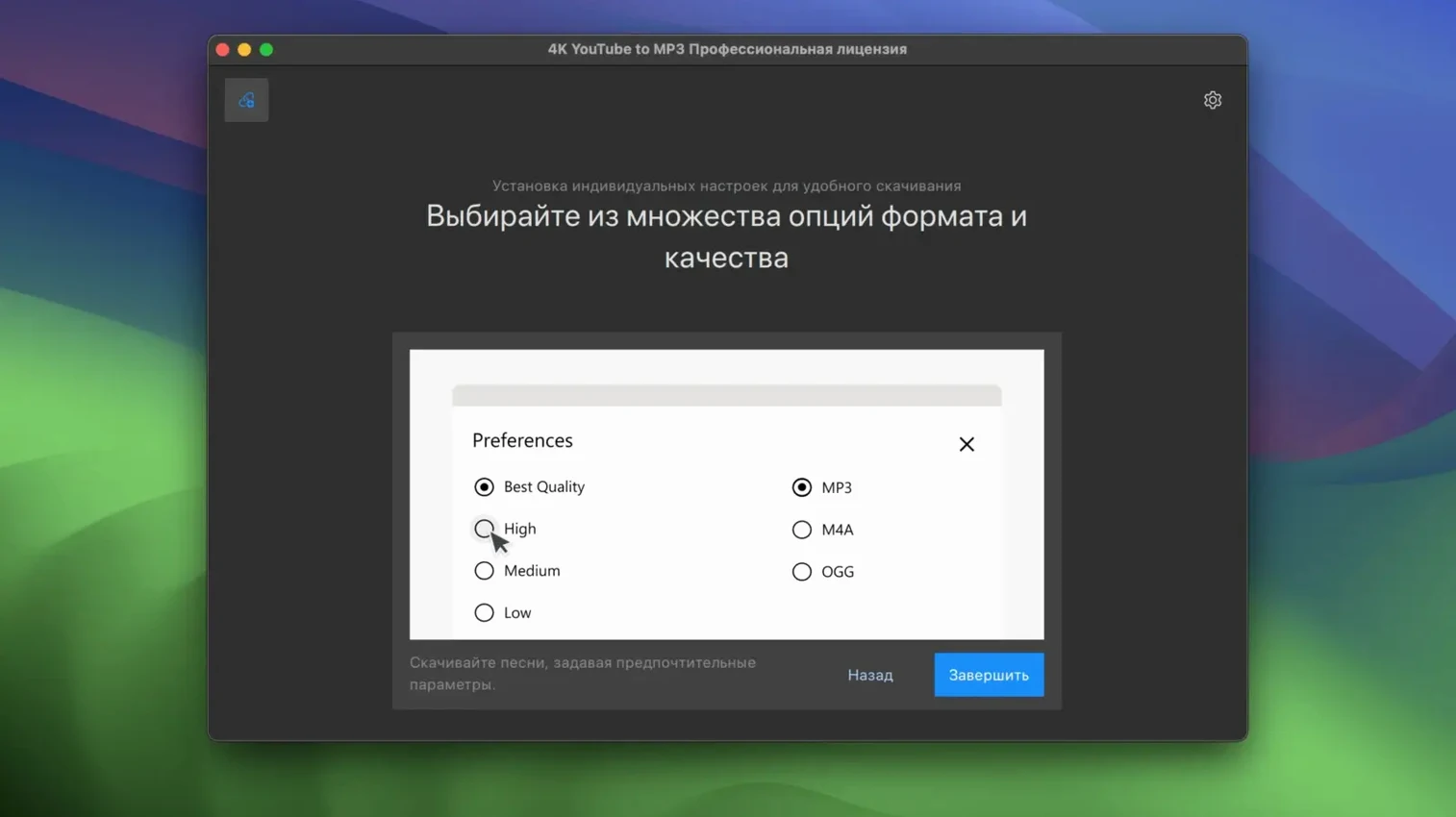
- Format control. Output options are MP3, M4A and OGG. For an experienced user, OGG support matters — it preserves more transient detail than MP3 at equivalent bitrates, which helps in a reference-library workflow.
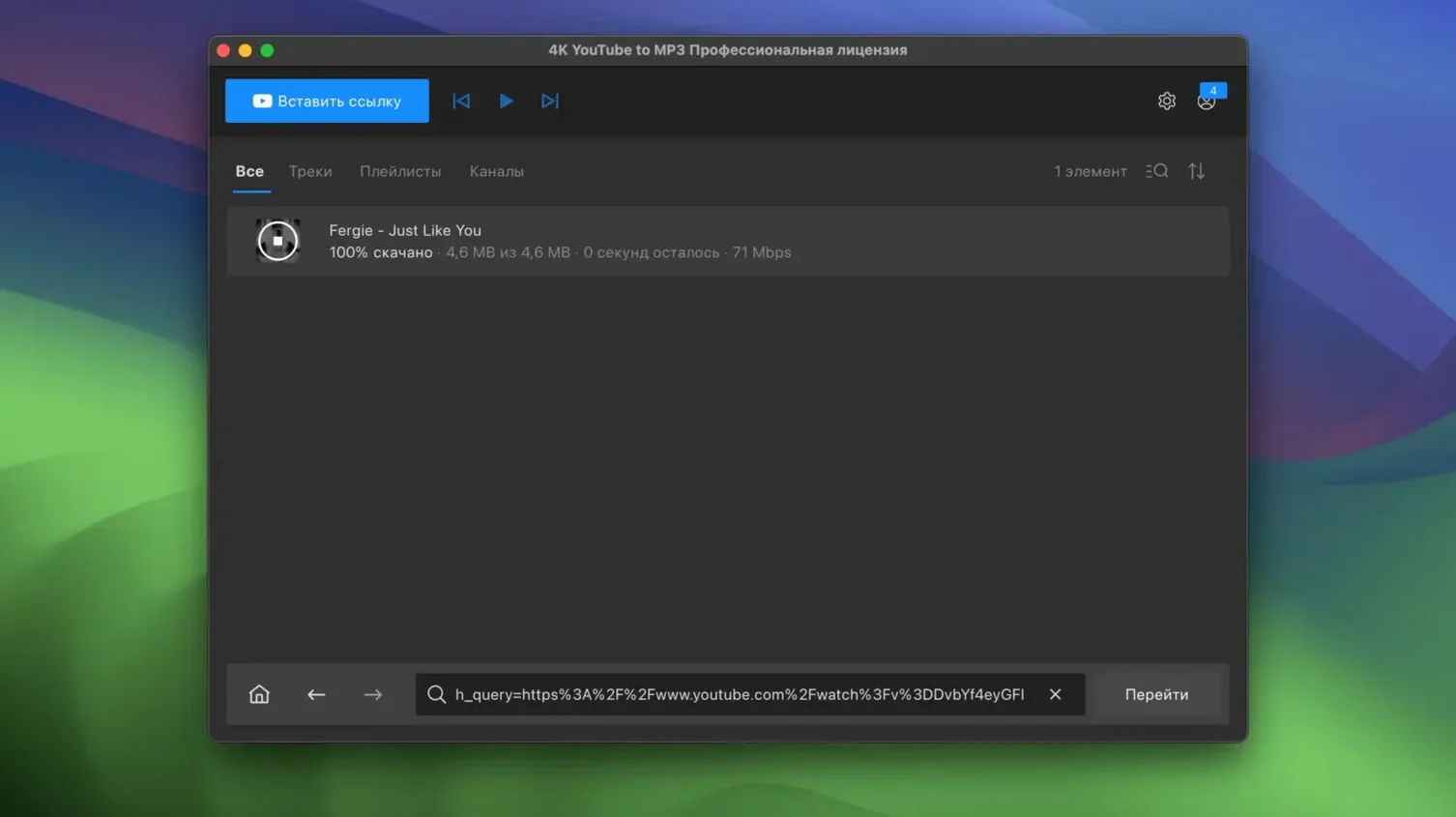
- Playlist extraction. Paste a channel or playlist URL and the app resolves every item. No manual queuing, no browser extension needed.
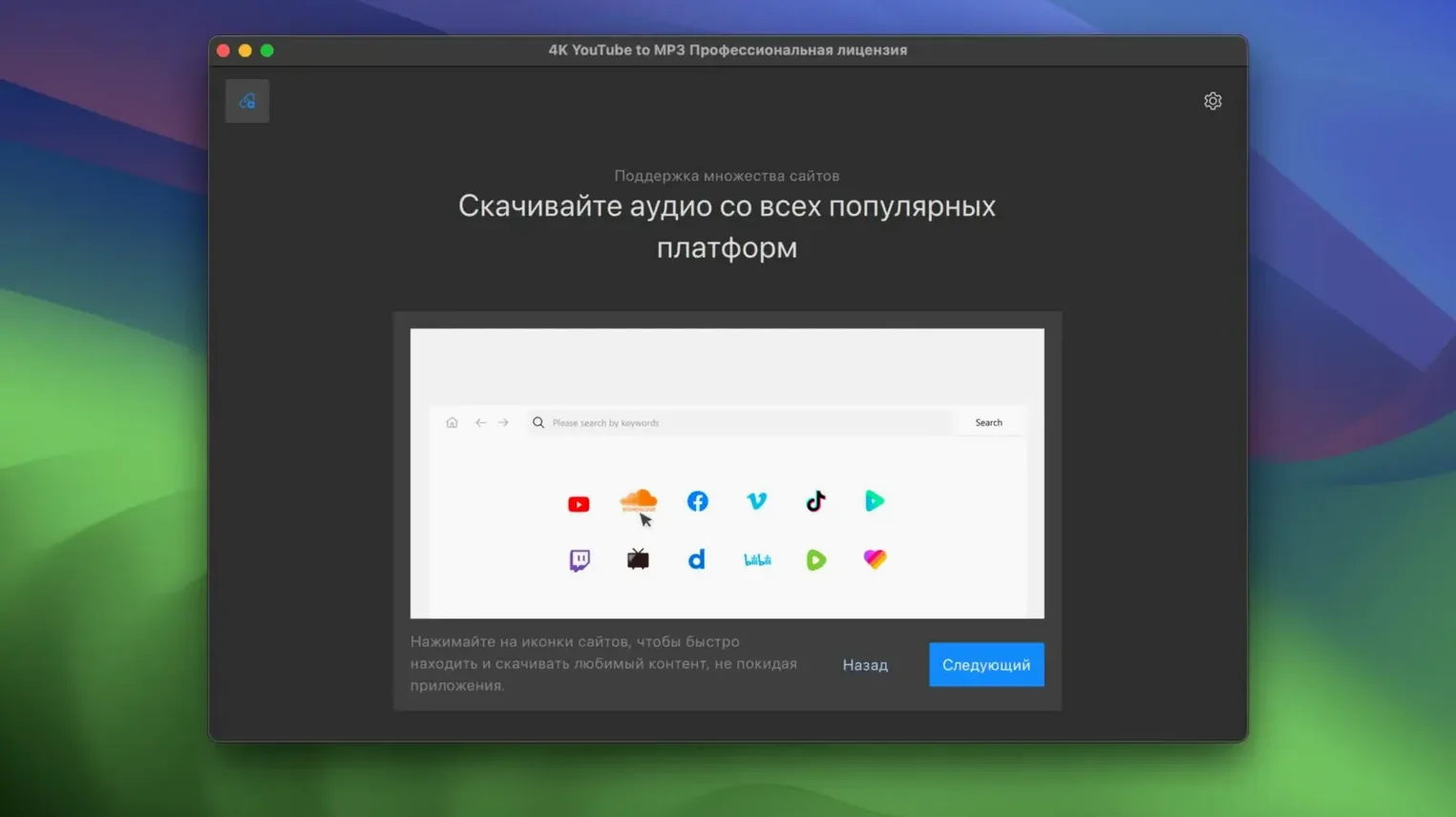
- Source range. YouTube and VEVO are the obvious ones, but SoundCloud and Facebook extraction cover the sources a working audio pro actually encounters.
Intel-only on Apple Silicon via Rosetta
- Intel-only. The app runs on x86 64-bit Macs. On Apple Silicon it runs through Rosetta — no native ARM binary yet.
- No M4A metadata fields. The app pulls audio cleanly, but embedded metadata is limited. If your library manager relies on album-art and catalog-number tags, expect to add those yourself.
Switch to M4A for better transient response
Open Preferences before the first download. The default output format is MP3 at 320 kbps — sensible for most use, but the M4A option sits two clicks away and delivers better transient response at the same file size. Switch the output directory to a dedicated folder rather than the default Downloads location; a month of playlist grabs will clutter the latter fast.
Turn on Auto-paste from clipboard. With this enabled, copying any YouTube or SoundCloud URL triggers the app to parse it immediately, cutting out the manual paste step. The setting lives under Preferences > General and saves roughly four seconds per link — trivial once, significant across a queue of 40 tracks.
Disable the post-download notification sound if you work with headphones at night. The checkbox is in the same General pane, labelled plainly. A small edit, but one that prevents an unwanted burst of volume after a quiet extraction run.
No native ARM binary yet
DJs and broadcast producers
Anyone who builds sets from YouTube rips, SoundCloud exclusives and VEVO live sessions will use the playlist parser daily. The app resolves 50-track lists without splitting them into pages, and the M4A output slots into rekordbox and Serato libraries with fewer conversion artefacts than re-encoded MP3s.
Language learners and transcriptionists
Extracting audio from a long interview or lecture on YouTube, then playing it back in a slowed-down audio player, is faster than streaming and buffering. The OGG format matters here — its smaller file size at 128 kbps saves space on a phone used for offline listening during commutes.
Offline-first music listeners
People who maintain local libraries on a Walkman, an old iPod, or a DAP without streaming apps benefit from grabbing full playlists in one operation. The 4k youtube to mp3 free workflow strips video data entirely, so a 90-minute playlist occupies roughly 120 MB in MP3 rather than the 800 MB a video download would demand.
Clipboard parser now catches youtu.be links
Version 26.3.5 ships without public release notes, but testing against a 25.x build shows two behavioural differences worth knowing. The clipboard parser now recognises shortened YouTube links — the youtu.be format — without toggling a separate setting. Previously those URLs required manual expansion or a paste into the app window.
Facebook video extraction gained support for public page content that loads without login credentials. In the 25.x line, many public Facebook URLs returned parsing errors; 26.3.5 resolves them silently. The change is practical for anyone archiving live performance clips posted to artist pages.
Playlist scanning speed improved noticeably on large lists. A 200-item YouTube playlist now resolves in under eight seconds on an Intel i7 MacBook Pro, where earlier builds sometimes took 20–25 seconds. The difference comes from a reduced number of API round-trips during the initial scan phase.
Shortcuts and Conveniences Worth Knowing
- Drag a link from the browser URL bar directly into the app window. The Ctrl-click > Copy > switch-to-app routine is unnecessary; pulling the URL text and dropping it triggers the same parser as the clipboard watcher.
- Pause and resume mid-queue. The stop button in the download panel doesn't cancel the entire batch — it halts the current item. Hitting start again resumes from the next track, not from the beginning of the list. Useful when bandwidth is shared with a video call.
- Rename tracks before extraction. Click any parsed title in the queue to edit the filename. The app defaults to the video title, which often includes uploader tags and timestamps; stripping those early keeps the output folder readable without a separate batch-renamer.
- Quality selector for playlists. When a playlist mixes official music videos and user uploads, the app picks the highest available audio bitrate per item automatically. No per-track format overrides are needed — the 4k youtube to mp3 premium behaviour here is identical to the standard build.
- Clear completed items automatically. A checkbox in Preferences removes finished downloads from the queue panel. Keeping it off is better for troubleshooting a failed track, but turning it on keeps the interface uncluttered during long overnight runs.
- SoundCloud private links. Paste a private track URL and the app prompts for the access token if one is required. No separate login flow — the token field appears inline in the paste dialog.
- macOS 12 or newer
- Intel 64-bit processor
Questions on file
Which audio formats does 4K YouTube to MP3 export?
It exports MP3, M4A, and OGG.
What macOS version is required?
macOS 12 or newer, on an Intel-based Mac.
Sign in · Create an account to add a field note.
No field notes yet. A measurement, a version, a machine — they appear after moderation.