Final Cut Pro Plugins
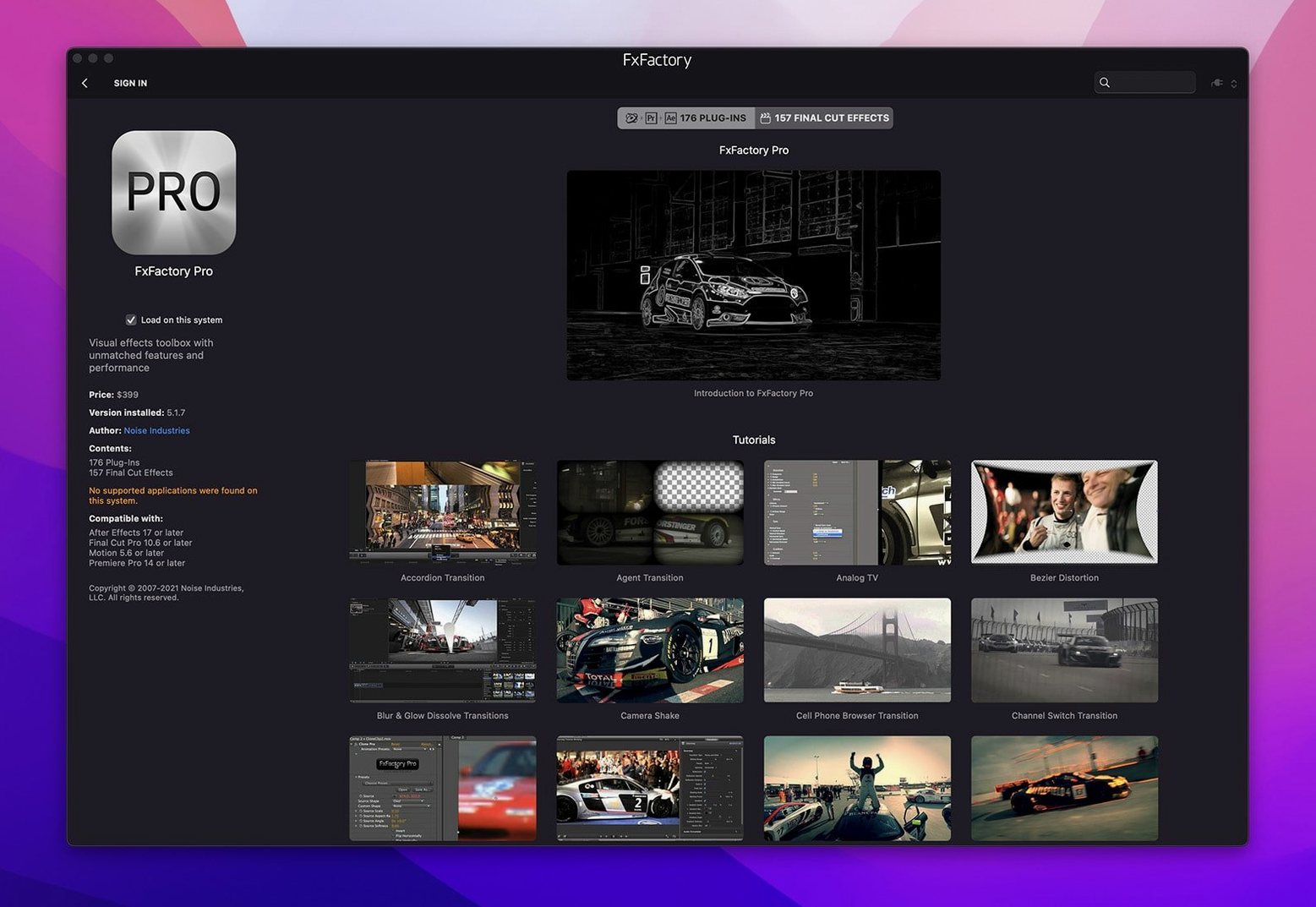
FxFactory Pro 9.0.5-8654
Final Cut Pro PluginsUpdated
| Requirement | On file |
|---|---|
| macOS | macOS 12.6 or later |
| CPU | Apple Silicon, Intel 64-bit |
| Download | 68 MB |
macOS 12.6+ on Apple Silicon and Intel
FxFactory Pro runs on any Mac with macOS 12.6 or newer, natively on both Apple Silicon and Intel processors. The current build, 9.0.5-8654, ships with 64-bit support for ARM and x86 architectures and does not require System Integrity Protection to be disabled.
Standout Features
16-bit and 32-bit Float Color Pipeline
The Pro Pack plugins carry out 16-bit and 32-bit float processing. This preserves colour precision when you push grades, composites and blurs through multiple layers in a timeline.
Can I build effects without writing code?
Yes. The package includes tools for assembling custom visual treatments from existing filters and generators inside a built-in interface, so a title sequence or a transition can be designed by stacking and adjusting parameters rather than scripting.
How are installed packs managed?
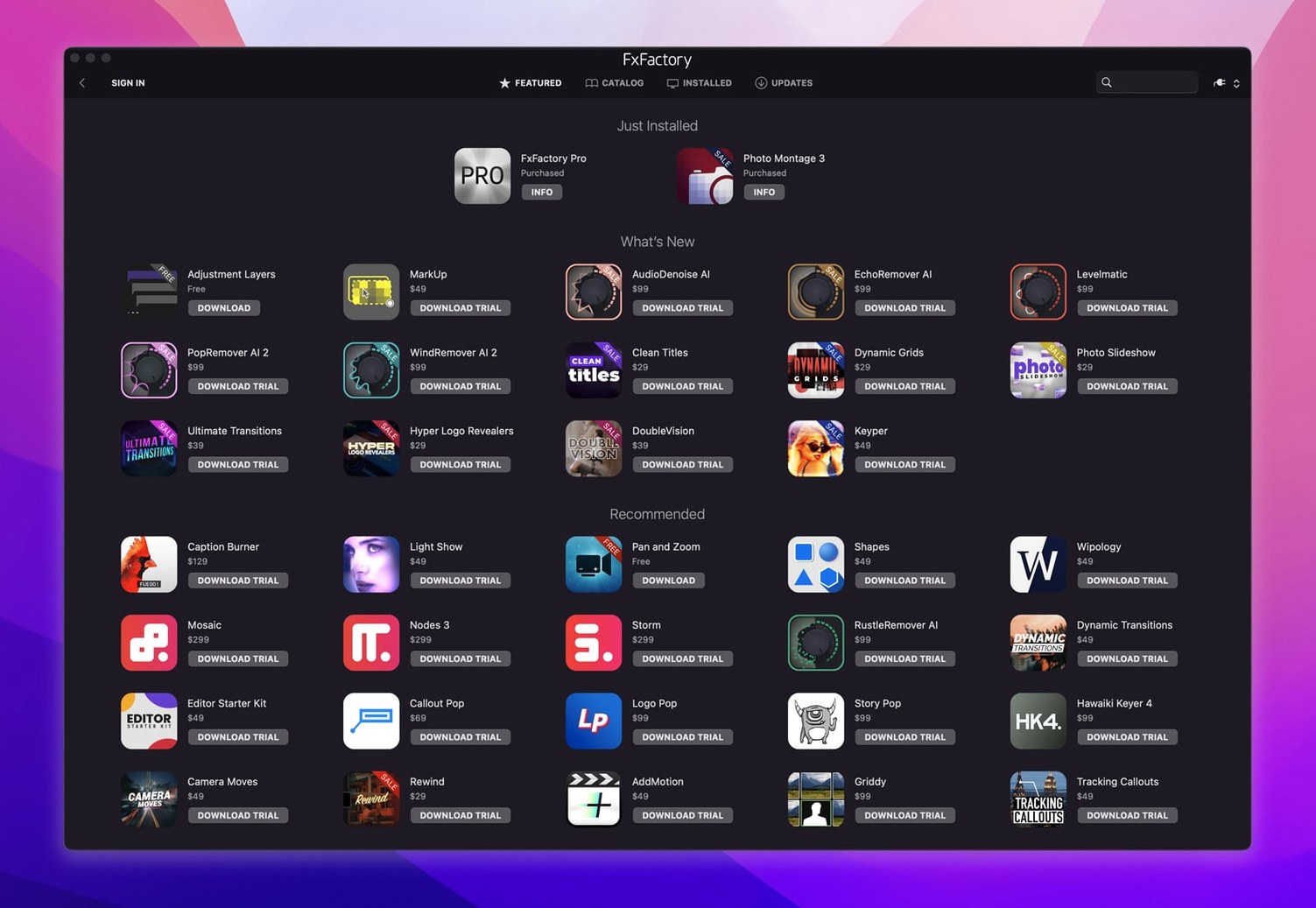
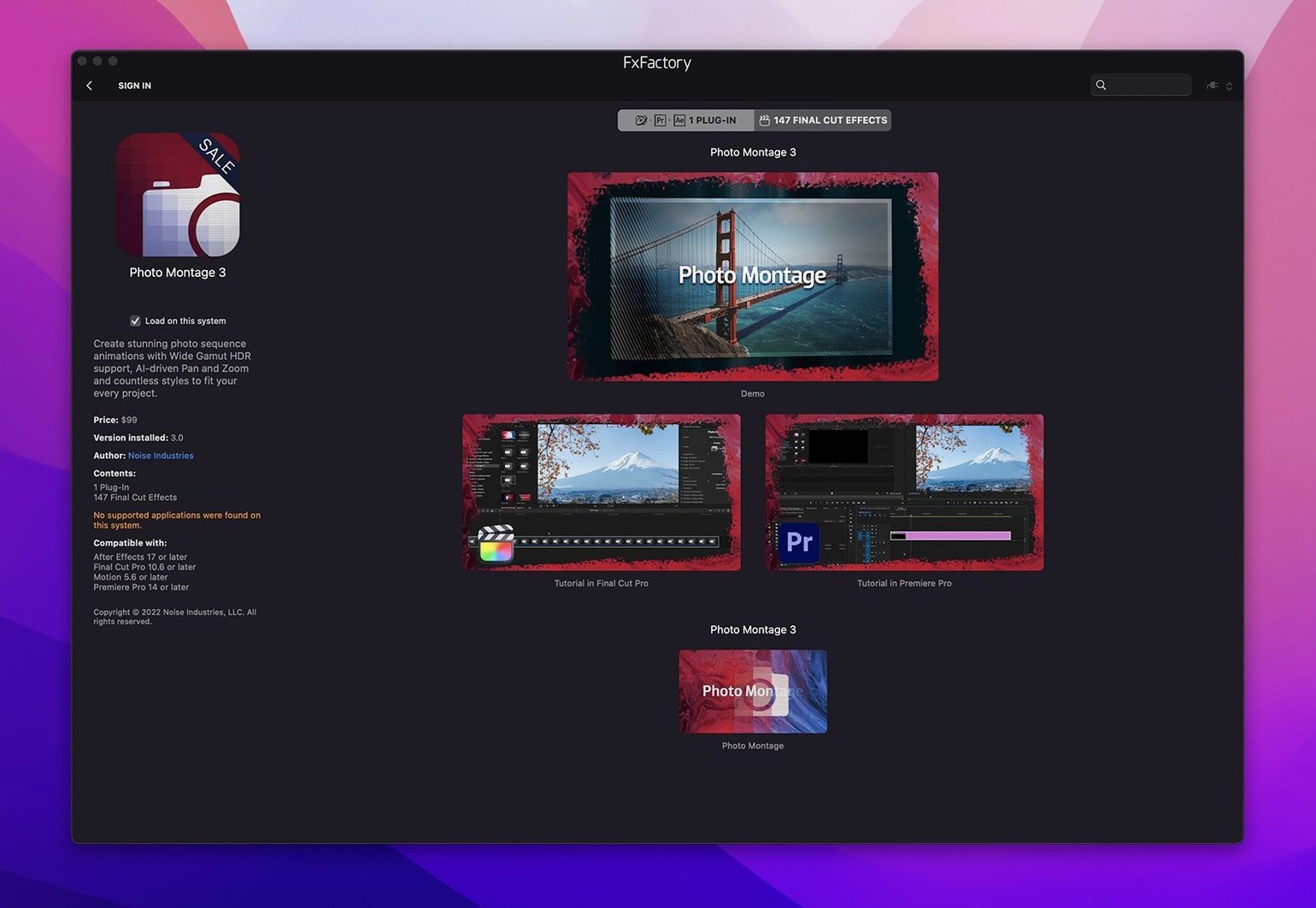
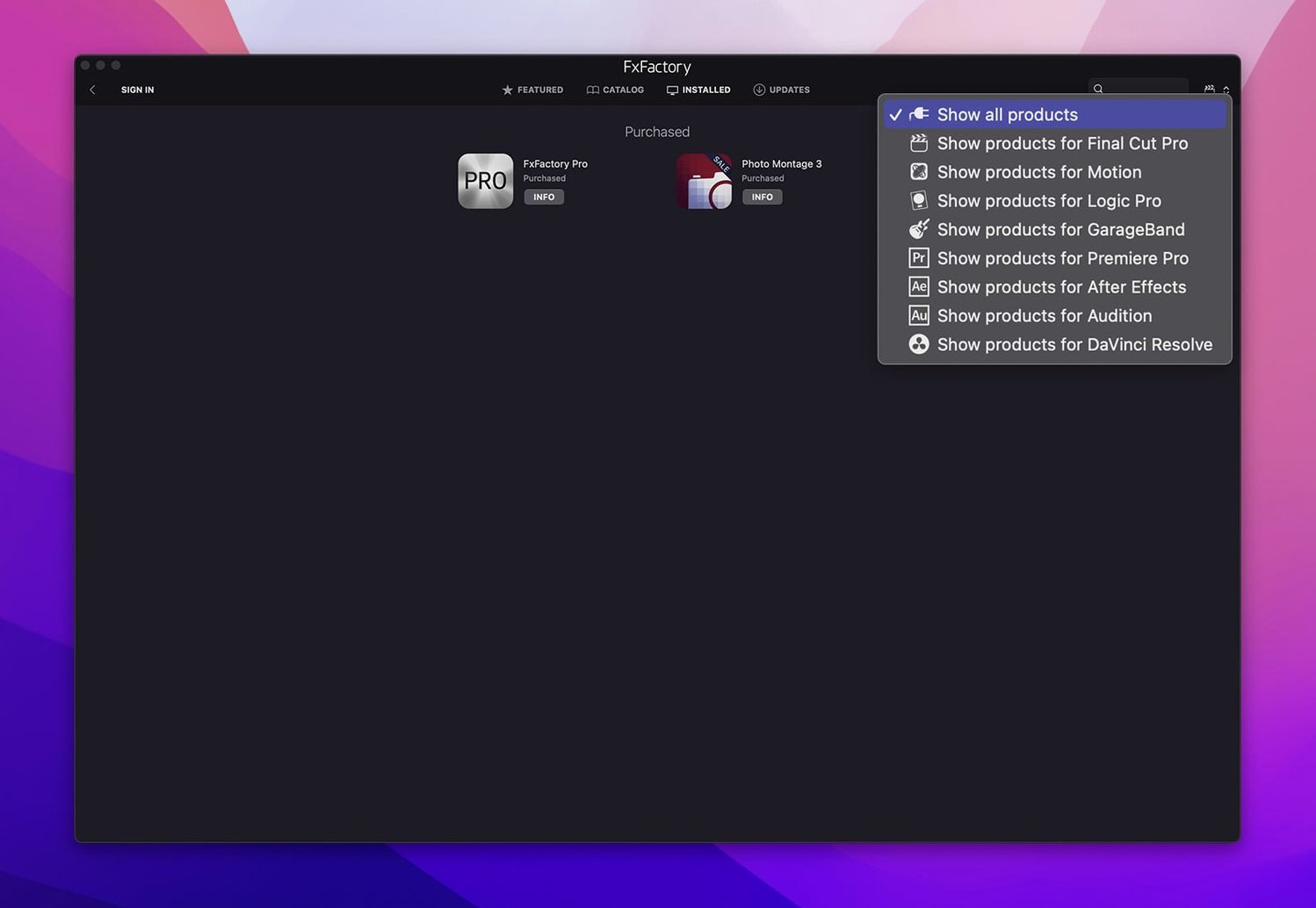
The FxFactory app doubles as a browser for every installed pack from Noise Industries and partner developers. Each effect shows up there with a preview, and the same set appears inside the host project for rendering.
Building a Glitch Title, Light Leak, and More Before Lunch
You open Final Cut Pro at 09:14 with a rough cut of a two-minute product promo sitting on the timeline. The clips are colour-corrected but flat, and the client wants three things by lunch: a glitch-style title card, a light-leak transition between the first two scenes, and some lens-flare accents on the hero shot.
The first step is launching the FxFactory app separately. It sits in the Applications folder and works as a standalone browser even when no host is running. You flip through the Glitch category in the sidebar, hover over a few thumbnails to watch previews loop, and settle on a pack you already have registered. A double-click on the effect does nothing inside the FxFactory window — the real work happens back in the NLE.
Inside Final Cut Pro, the Effects browser now shows every FxFactory entry mixed in with the built-in Apple effects. You drag the glitch preset straight onto the title clip. The inspector populates with a dozen sliders: block size, shift probability, colour bleed amount, scanline density. You pull block size down to 8 px, set shift probability to 0.4, and add a gentle chromatic split of 2 px. The whole adjustment takes under 40 seconds.
The light-leak transition is next. In the FxFactory browser, transitions sit in their own category. You pick one with warm amber bleeding from the top-right corner, drag it between two clips on the timeline, and open the parameters. A single slider controls intensity from 0 to 100. At 65, the leak is present without overwhelming the frame. A second parameter shifts the colour temperature from 3200 K to 5600 K — you pull it toward the warmer end to match the tungsten-lit footage underneath.
For the lens-flare accents, you switch to the Generators tab. FxFactory generators work like native Final Cut Pro generators: they sit on a track above the footage and composite over it. You drop a multi-element flare generator onto a secondary storyline, set blend mode to Screen, and keyframe the position so the flare drifts left to right across the hero shot over three seconds. The generator renders in real time on an M1 Max at full quality with no dropped frames.
By 09:52 you have all three effects roughed in. You run a quick export of the first 30 seconds as an H.264 master. The Pro Pack processing pipeline handles the 16-bit float colour data cleanly — no banding in the light-leak gradient, no posterisation in the glitch blocks. A few parameter tweaks later and the timeline is client-ready before 10:30.
Freelance FCP Editors, Motion Designers, and Plugin Tinkerers
FxFactory Pro is not a one-size-fits-all tool. Its design splits the audience into three clear groups, each drawing on different parts of the package.
Freelance video editors cutting in Final Cut Pro benefit from the tight FxPlug integration. Every effect, transition and generator appears in the standard Effects browser, with no floating windows or separate rendering queues. The parameter controls follow the same inspector layout conventions as Apple's built-in effects, which keeps the learning curve shallow. Freelancers who juggle multiple client projects each week tend to rely on FxFactory for repeatable, adjustable looks that can be tweaked per-project without rebuilding from scratch.
Motion graphics artists working in After Effects or Motion lean on the Pro Pack's 32-bit float pipeline. When a composite stacks eight adjustment layers, three glows and a heavy blur, 8-bit processing would introduce visible stepping in gradients. The higher bit depth preserves smooth falloff across the full tonal range. Artists building templates for broadcast or streaming also use the custom effect-building tools inside FxFactory to create parameterised rigs that a junior editor can later adjust with a few sliders.
Post-production teams running DaVinci Resolve use FxFactory as a bolt-on effects library inside Resolve's OFX pipeline. Colourists who finish a grade often need to add stylised looks — film grain, halation, bloom — without round-tripping to another application. FxFactory's OFX support lets them stay inside Resolve, apply the effect on a node, and render as part of the normal delivery workflow.
Users who get less out of the package are those working exclusively inside applications that lack FxPlug or OFX support, or editors whose projects never exceed 8-bit delivery with minimal compositing. The Pro Pack's higher bit-depth processing is wasted on a timeline that stays 8-bit from start to finish.
Let the Standalone App Finish Its Inventory First
After installing FxFactory Pro, a few deliberate moves in the first hours save frustration later.
Open the standalone app before launching your NLE. The FxFactory application handles registration checks and scans installed packs. Let it complete its inventory before you fire up Final Cut Pro or Premiere. If a host application loads while FxFactory is still indexing new packs, some effects may not appear in the browser until the next relaunch. A quick launch of the FxFactory app, a glance at the packs list to confirm everything shows green, then the host — that sequence avoids the most common first-run hiccup.
Create a test project with one of each effect type. Drop a filter, a transition and a generator onto a short timeline, even if the footage is placeholder. This confirms the FxPlug or OFX bridge is working correctly in your specific host version. Some Resolve users discover that OFX plugins need a project setting adjustment — the "Use GPU for OFX" checkbox under Preferences > Memory and GPU — to render at full speed.
Organise your favourites early. FxFactory installs everything in a flat list by default. After browsing for 20 minutes, mark the five or six effects you return to most often. In Final Cut Pro, you can drag them into a custom category folder inside the Effects browser. In the FxFactory standalone app, the Favorites tab serves the same purpose across hosts. Doing this on day one prevents the "where was that grain filter" scroll on day 30.
Check clip colour space before applying heavy grades. A few FxFactory effects expect Rec. 709 input and produce unexpected shifts when fed Rec. 2020 or Log footage without a conversion LUT upstream. If a glow effect suddenly clips the highlights, the culprit is often a mismatched colour space, not a plugin fault.
Keep the standalone app around for updates. FxFactory notifies you when new pack versions are available. Running the update check from the standalone app, rather than waiting for a host crash to prompt it, keeps the plugin cache clean and avoids version mismatches between the framework and individual packs.
FxPlug Integration vs. Other Plugin Managers
FxFactory Pro vs. MotionVFX mTitle Suite
MotionVFX publishes individual plugin packs — mTitle, mTransition, mFilm — each sold as a standalone Final Cut Pro installer. The effects themselves are polished and the library sizes are comparable in their respective niches. The key difference is the management layer: FxFactory provides a single application that sees every installed pack from Noise Industries and its partners, while MotionVFX products each install as separate bundles with no central browser. An editor running 12 MotionVFX packs has 12 separate registration windows and 12 update paths. FxFactory consolidates that into one app, one update mechanism and one registration system covering dozens of developers. On the processing side, both suites support Final Cut Pro natively, but FxFactory's Pro Pack extends 32-bit float support to After Effects and Resolve through the OFX bridge, whereas MotionVFX targets Final Cut Pro and Motion almost exclusively.
FxFactory Pro vs. Boris FX Continuum
Boris FX Continuum is a larger, broader effects library with around 300 filters and a dedicated particle system, and it includes a standalone effect builder called the BCC FX Editor. The particle engine in Continuum is more capable than anything inside FxFactory's generator set for complex, physics-based simulations. The trade-off is integration depth: Continuum runs as a separate plugin layer that calls its own UI for many parameters, while FxFactory effects expose every parameter directly in the host's inspector. For a Final Cut Pro editor who wants to stay in one interface and avoid pop-up windows, FxFactory is the tighter fit. Continuum also carries a footprint roughly triple the disk space of a typical FxFactory installation with Pro Pack and four or five add-on packs.
FxFactory Pro vs. built-in host effects
Final Cut Pro, Motion and Resolve all ship with competent built-in effects libraries. The built-in sets cover the basics well: blurs, colour correction, simple wipes and dissolves. Where FxFactory pulls ahead is in stylised, template-driven effects that would take 15 to 20 minutes to rebuild from scratch using basic filters. A multi-layer light-leak transition with chromatic aberration, bloom and directional blur can be applied in one drag using FxFactory; building the same look from stock filters requires five layers, three blend modes and a lot of keyframing. The built-in tools also process at the project bit depth, which is usually 8-bit in Final Cut Pro unless you specifically set a library to Wide Gamut HDR. FxFactory Pro Pack plugins run 16-bit and 32-bit internal pipelines regardless of the project setting, so colour-critical work stays cleaner for longer in the signal chain.
Skipping the Standalone App Before Opening Your NLE
Skipping the standalone app entirely. Some users install the package, open Final Cut Pro, and expect every included effect to appear automatically. If a pack requires registration or a first-time acceptance of a licence, it will not show in the host until that step is completed inside the FxFactory application. The fix takes 30 seconds: quit the host, open FxFactory, click through any pending prompts, relaunch.
Stacking too many 32-bit effects on a 1080p timeline without checking GPU memory. A single Pro Pack effect processing 32-bit float data is light work for any Apple Silicon Mac. Stacking 12 of them on a 4K timeline with heavy blurs and glows can push GPU memory past 8 GB on systems with shared RAM, which slows rendering to a crawl. The solution is to render a baked intermediate of the effect-heavy section rather than playing it back live, or to reduce the stack to the three or four filters that actually contribute to the final look.
Applying a transition with the wrong handle length. FxFactory transitions need enough extra frames on both sides of the cut to build the overlap. If a clip is trimmed flush to the edit point with no spare media, the transition will either refuse to apply or render with a frozen frame filling the gap. Leaving at least one second of handles on every clip in the timeline prevents this before it becomes a panic at export time.
Assuming every FxFactory effect works in every host. The FxFactory platform supports Final Cut Pro, Motion, Premiere Pro, After Effects and DaVinci Resolve, but individual packs may target a subset. A pack built specifically for Final Cut Pro via FxPlug will not appear in Resolve's OFX list. The FxFactory app labels each pack with its host compatibility — checking that column before downloading saves a hunt for an effect that was never installed for the current NLE.
- Processor support — Native binaries for Apple Silicon and Intel processors, delivered through the FxFactory installer.
- System integration — Build label explicitly notes installation without SIP disabling.
- macOS 12.6 or later
- Apple Silicon or Intel processor with 64-bit support
- English interface
Sign in · Create an account to add a field note.
No field notes yet. A measurement, a version, a machine — they appear after moderation.