
Final Cut Pro Plugins
Plugin Alliance Mega Bundle 1.2.4
Final Cut Pro PluginsUpdated
| Requirement | On file |
|---|---|
| macOS | macOS 13 or later |
| CPU | Apple Silicon, Intel 64-bit |
| Download | 16.9 GB |
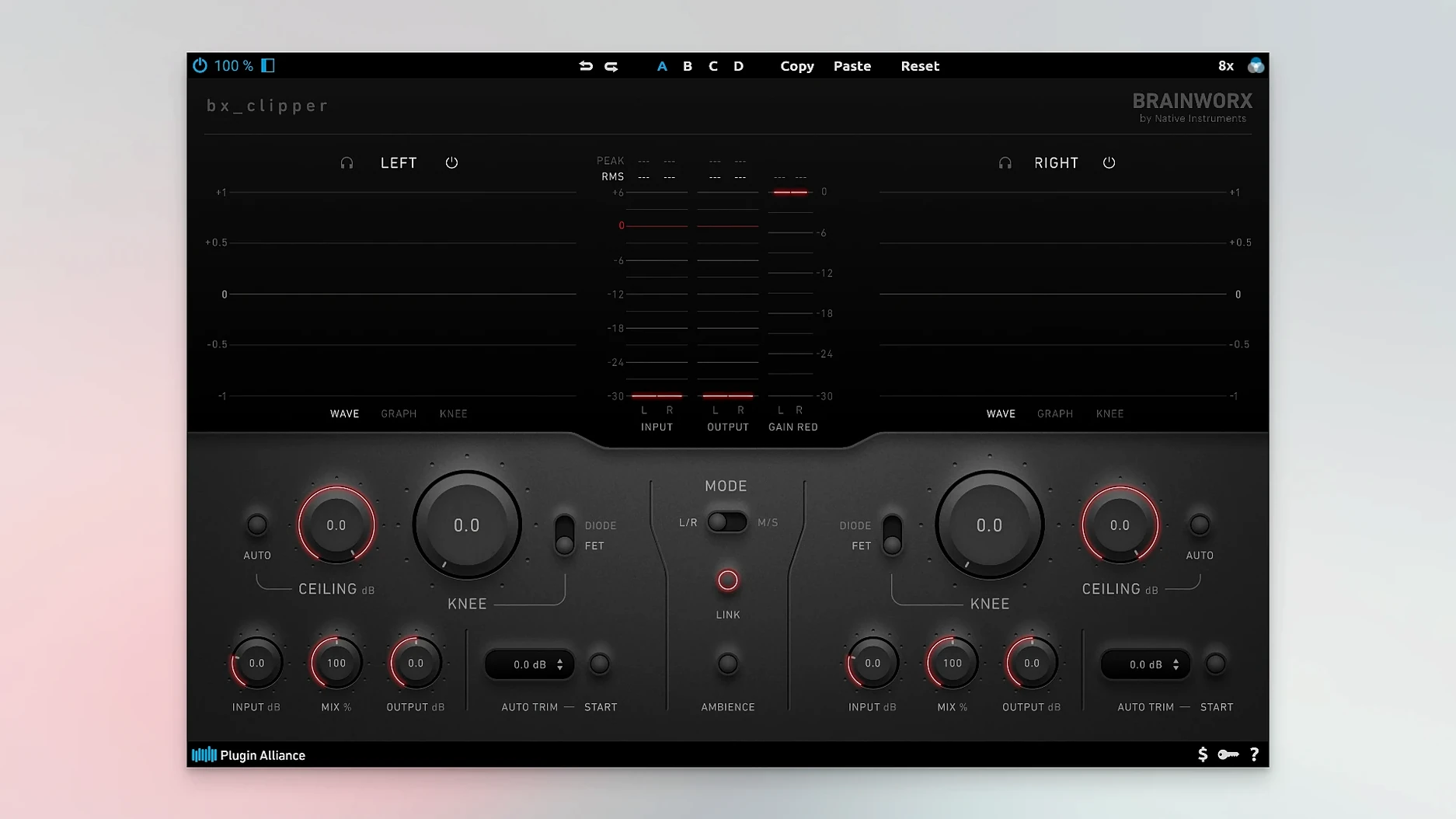
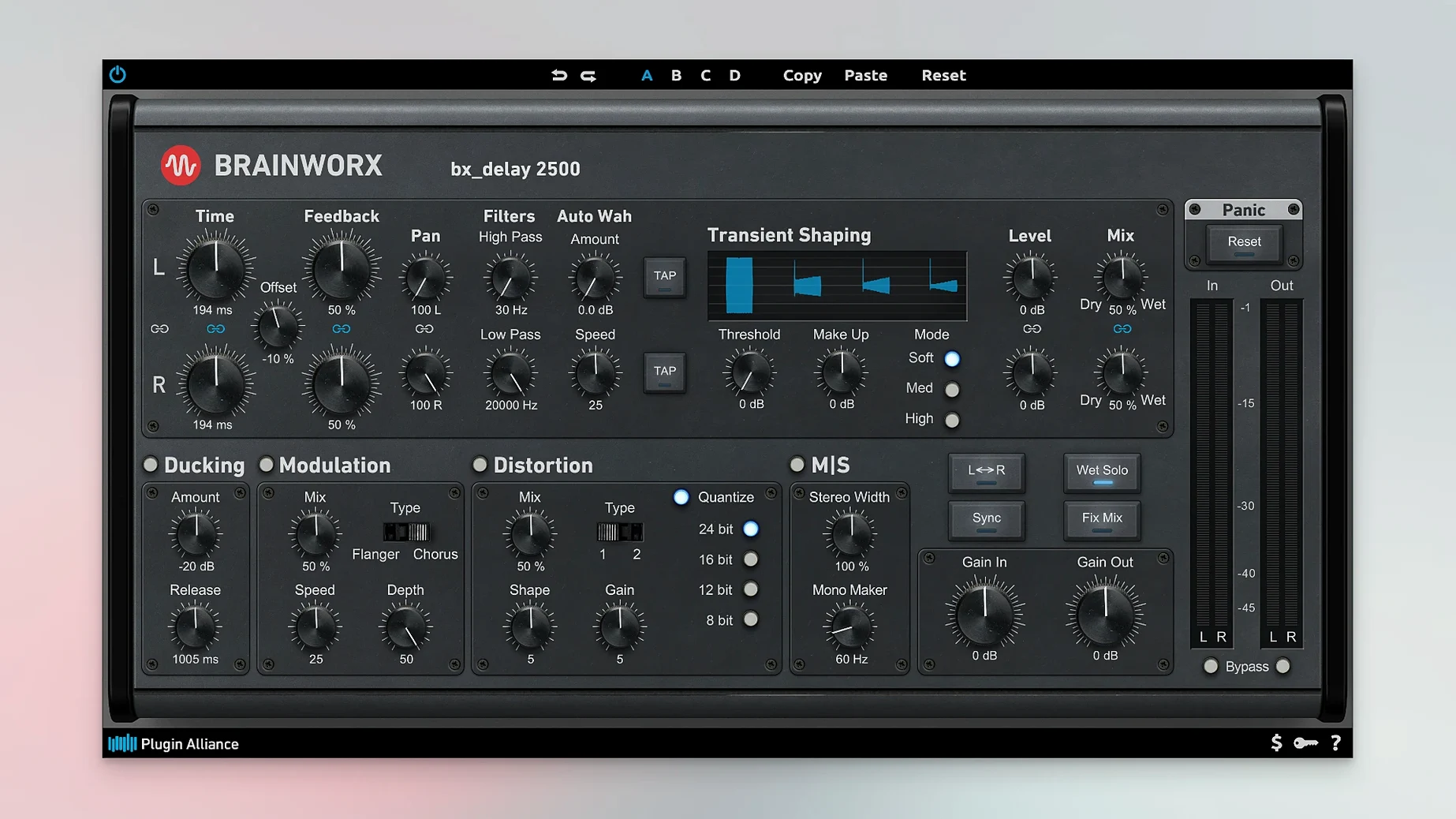
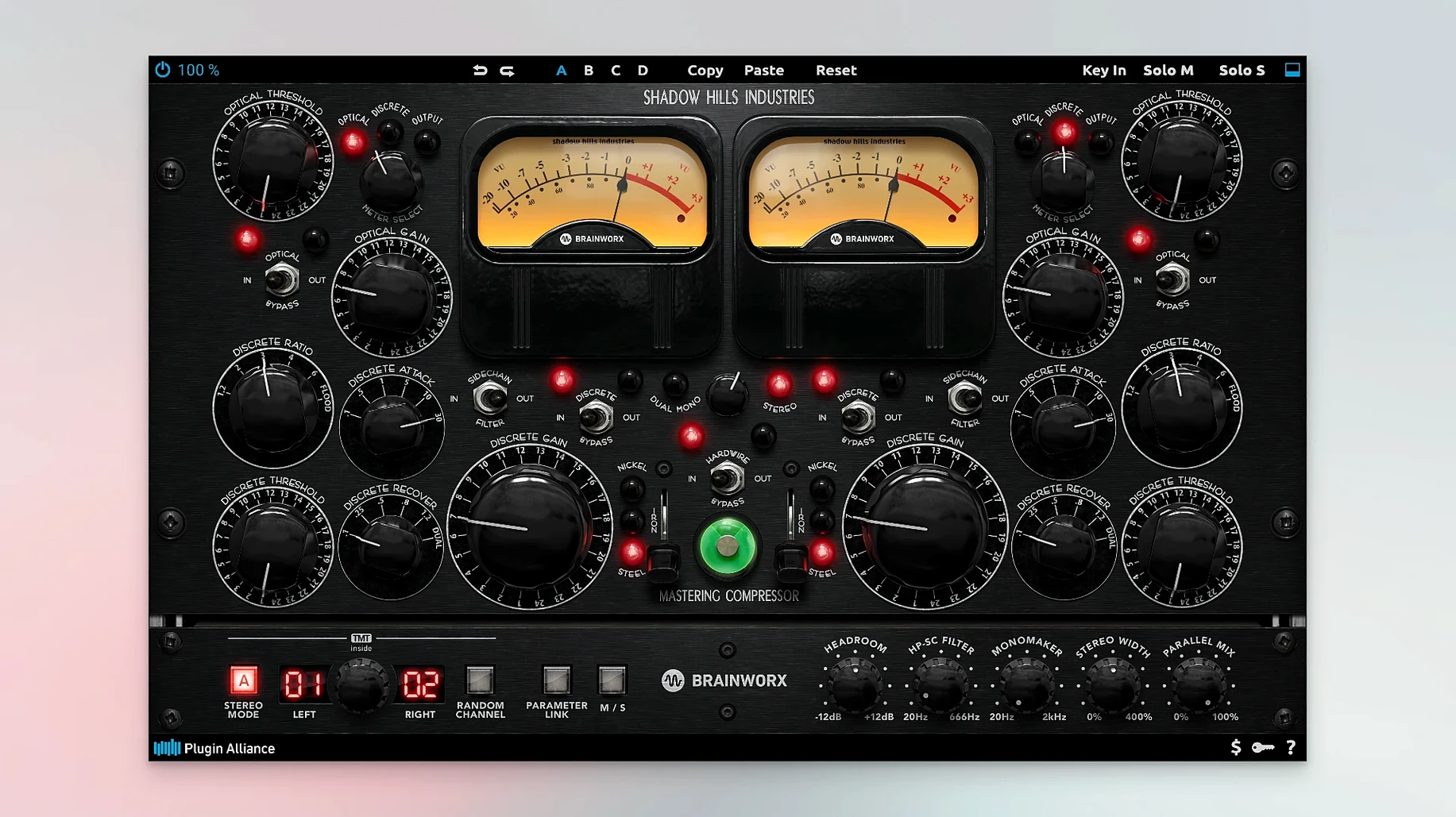
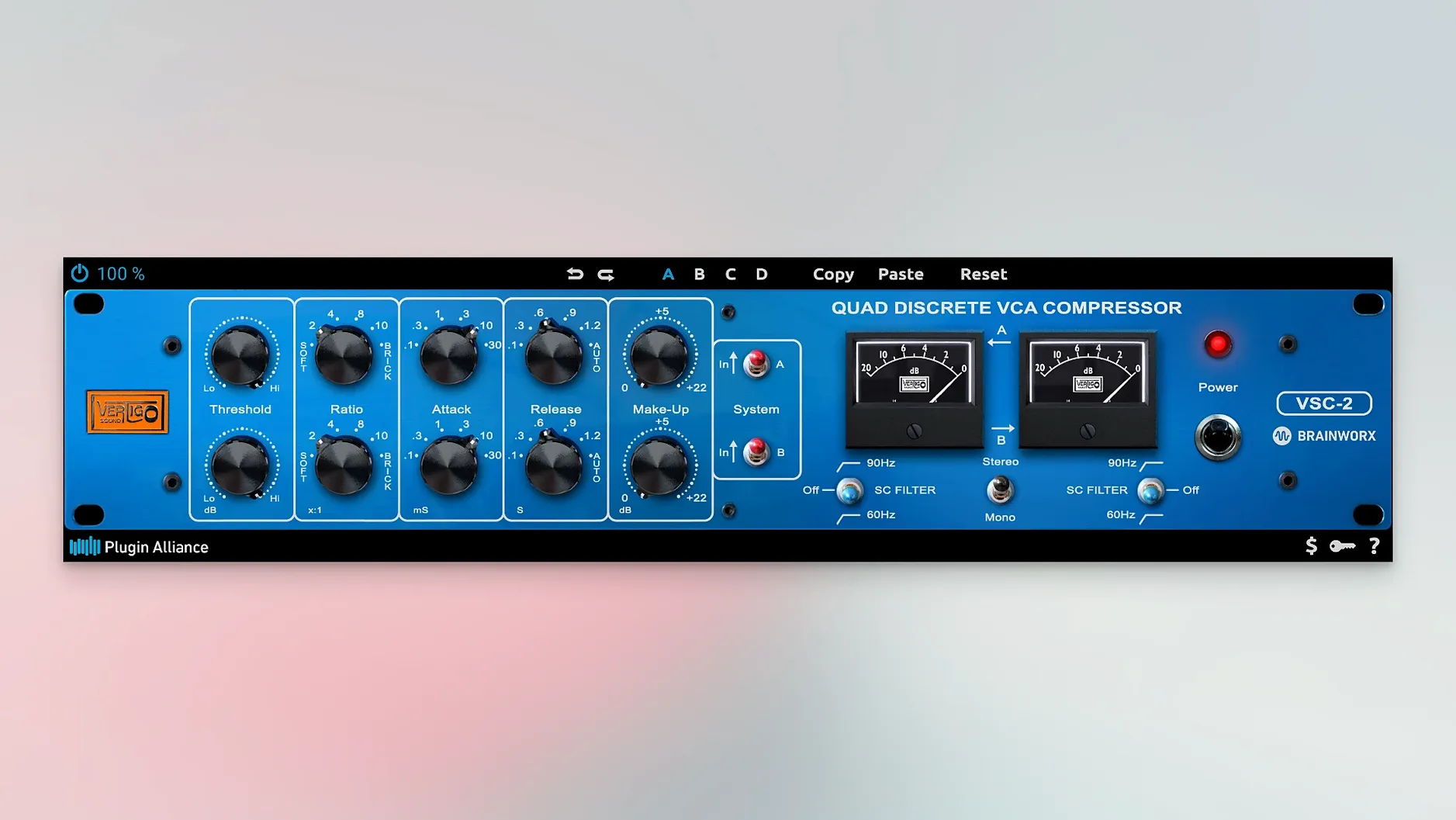
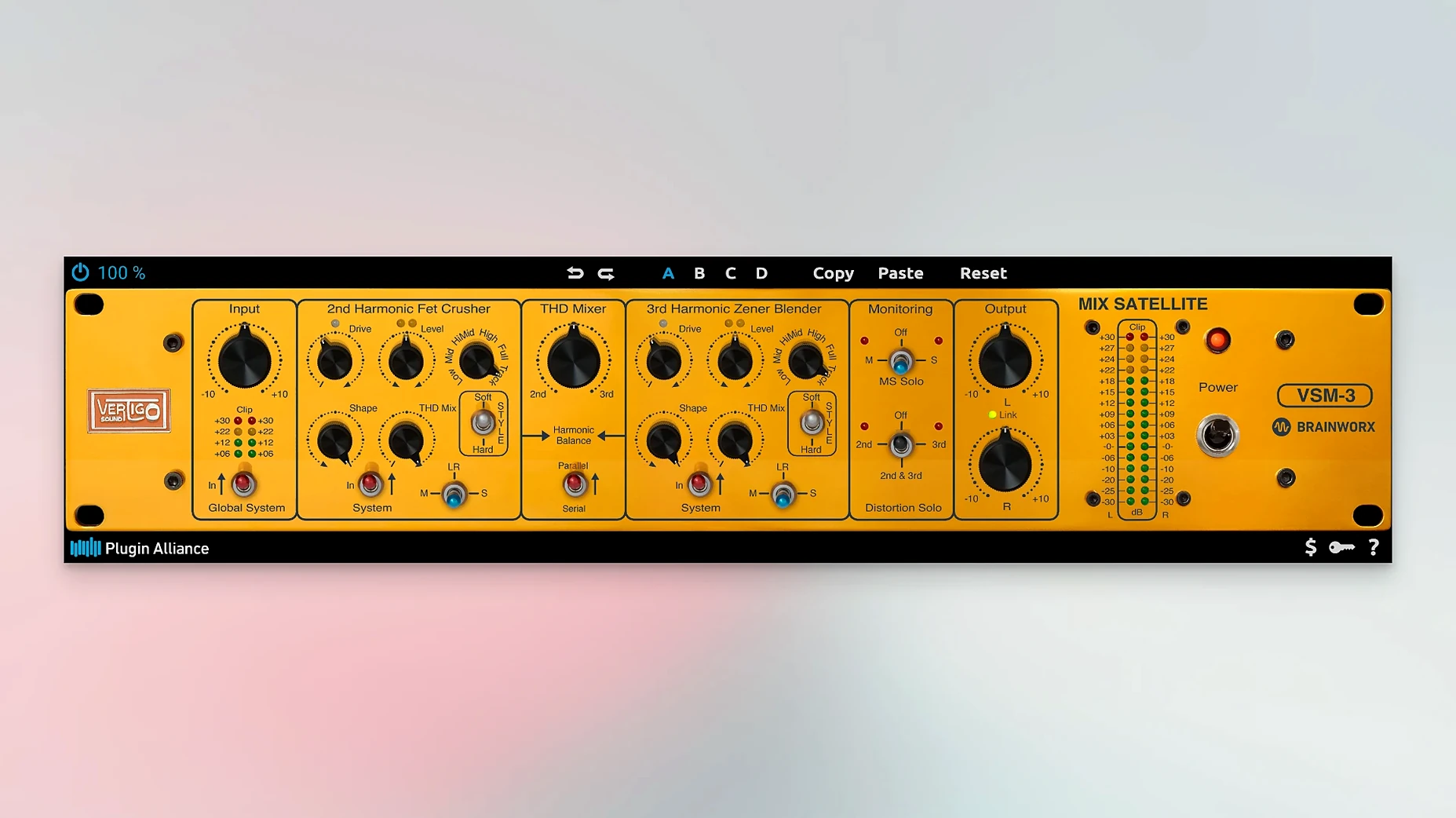
Mixing engineers building a channel strip from scratch and sound designers layering complex textures both reach for the Plugin Alliance Mega Bundle. It aggregates over 200 processors from Brainworx and 40-plus partner brands into a single collection, spanning EQs, dynamics, saturation and spatial tools. The workflow below steps through what matters before you open a DAW: verification, extraction and format confirmation.
- Confirm the environment. The bundle requires macOS 13 Ventura or later. Only VST3 and Audio Unit (AU) plug-in formats are stated to work, so confirm your host supports one of these before proceeding.
- Stage the archives. Place both the .001 and its companion archive file in the same directory. Any split archive relies on this pairing for a clean extraction.
- Extract with a compatible archiver. Right-click the .001 file, choose Open With, and select Keka or another ZIP-compatible utility. The process unpacks a single DMG file ready for mounting.
- Check the documentation. The archive includes installation and activation instructions. Read these before dragging any components into your plug-in folders.
Once loaded, the collection handles processing from individual track sculpting through to final finishing. The brand list skews toward modelled analogue hardware—consoles, compressors and tape machines—alongside utilitarian meters and filters. Expect heavier CPU loads on dense sessions; the modelling detail that defines Brainworx processors is not lightweight by design.
Beginners often treat the bundle as a preset library first and a processing toolkit second. The modelled channel strips ship with recall sheets worth studying—the Brainworx SSL 4000 E, for instance, exposes a tolerance button that randomises component variance across channels. Ignoring it means missing half the analogue modelling. Another misstep: stacking console emulations on every track without checking cumulative TMT (Tolerance Modelling Technology) behaviour. Each instance draws a distinct channel profile, and placing the same strip on 48 tracks can introduce subtle but useful phase and harmonic scatter. Letting the defaults run without listening to the scatter is a missed opportunity.
Daily speed and stability depend heavily on session structure. On an Apple Silicon machine under macOS 14, loading 40–60 instances of the more surgical EQs—bx_digital V3, for example—sits comfortably inside a typical mixing buffer of 256 samples. The heavier amp sims and convolution reverbs push closer to the ceiling: the Ampeg SVT-VR and bx_rooMS can each consume 8–12% of a single performance core at 96 kHz. Satauration stages such as the Black Box HG-2 add about half that, but the real drain comes from oversampling. Several Brainworx processors engage internal upsampling automatically when you push the drive stage past unity. Disabling oversampling on non-critical tracks drops per-instance CPU use by roughly a third, a trade-off worth remembering during tracking sessions where latency matters more than aliasing margins.
Shift‑Click to Mass‑Reset Parameters
- Shift-click parameter reset. Double-clicking a knob returns it to default, but shift-clicking across multiple parameters snaps them all to zero simultaneously—useful when A/B testing a flat EQ against a sculpted curve.
- Output fader lock. Many channel strips let you lock the output trim while adjusting input gain. This preserves unity gain staging and avoids the loudness bias that creeps into A/B comparisons.
- Undo history per plugin. The undo stack lives inside each instance, independent of the DAW. Closing and reopening a plug-in window clears it, but while the window stays open you can step back through up to 32 parameter changes.
- Copy band settings. In the dynamic EQs, option-dragging a band node to another frequency copies its settings—threshold, ratio, attack, release—without altering the original. Building a de-esser and a low-mid dynamic cut from one template takes seconds.
- Preset crossfade. The preset browser supports a blend slider that morphs between two saved states. It is hidden behind the advanced tab in most Brainworx interfaces, but it survives session reloads once set.
Memory footprint stays modest given the catalogue size. A typical mixing session with 70 plug-in slots spread across 30 tracks settles around 1.8–2.3 GB of additional RAM beyond the DAW baseline. The Installation Manager—if someone later adds the official download route—handles incremental updates, but the manual drag-and-drop method described in the archive instructions keeps plug-in folders clean and avoids background services. For anyone exploring the plugin alliance mega bundle mac download route, the extraction steps above remain the critical first checkpoint. Once the DMG mounts, the AU and VST3 components slot into the standard system directories and appear immediately in Logic Pro, Ableton Live and REAPER scans.
- macOS 13 Ventura or later
- Intel or Apple Silicon Mac
- Host supporting VST3 or Audio Unit (AU) plug-in formats
Questions on file
Which plug-in formats work with this bundle on a Mac?
Only VST3 and AU (Audio Unit) formats are stated to function, so a host that supports one of these is required.
What is the minimum macOS version needed?
The listed compatibility starts at macOS 13 Ventura, and the software runs on both Intel and Apple Silicon Macs.
How many plugins and brands are included?
The collection holds over 200 plugins from Brainworx and more than 40 partner brands, covering mixing, processing and sound design.
Sign in · Create an account to add a field note.
No field notes yet. A measurement, a version, a machine — they appear after moderation.