Games
7 Days To Die 3.3.0.B18 Native
GamesUpdated
| Requirement | On file |
|---|---|
| macOS | See the sheet |
| CPU | Apple Silicon, Intel 64-bit |
| Download | 16 GB |
| Tested on | macOS Golden Gate, Mac mini 2024 M4 |
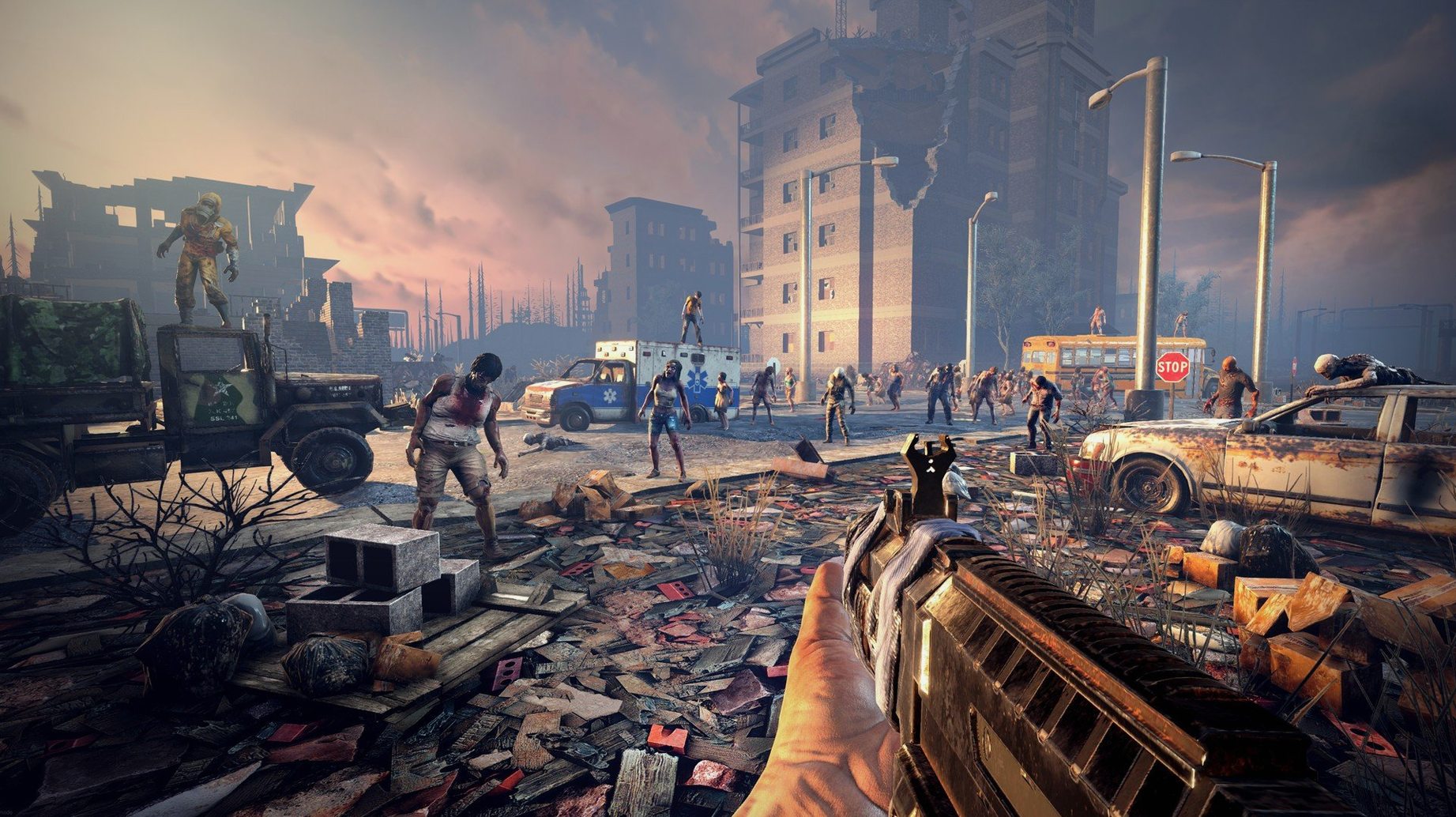
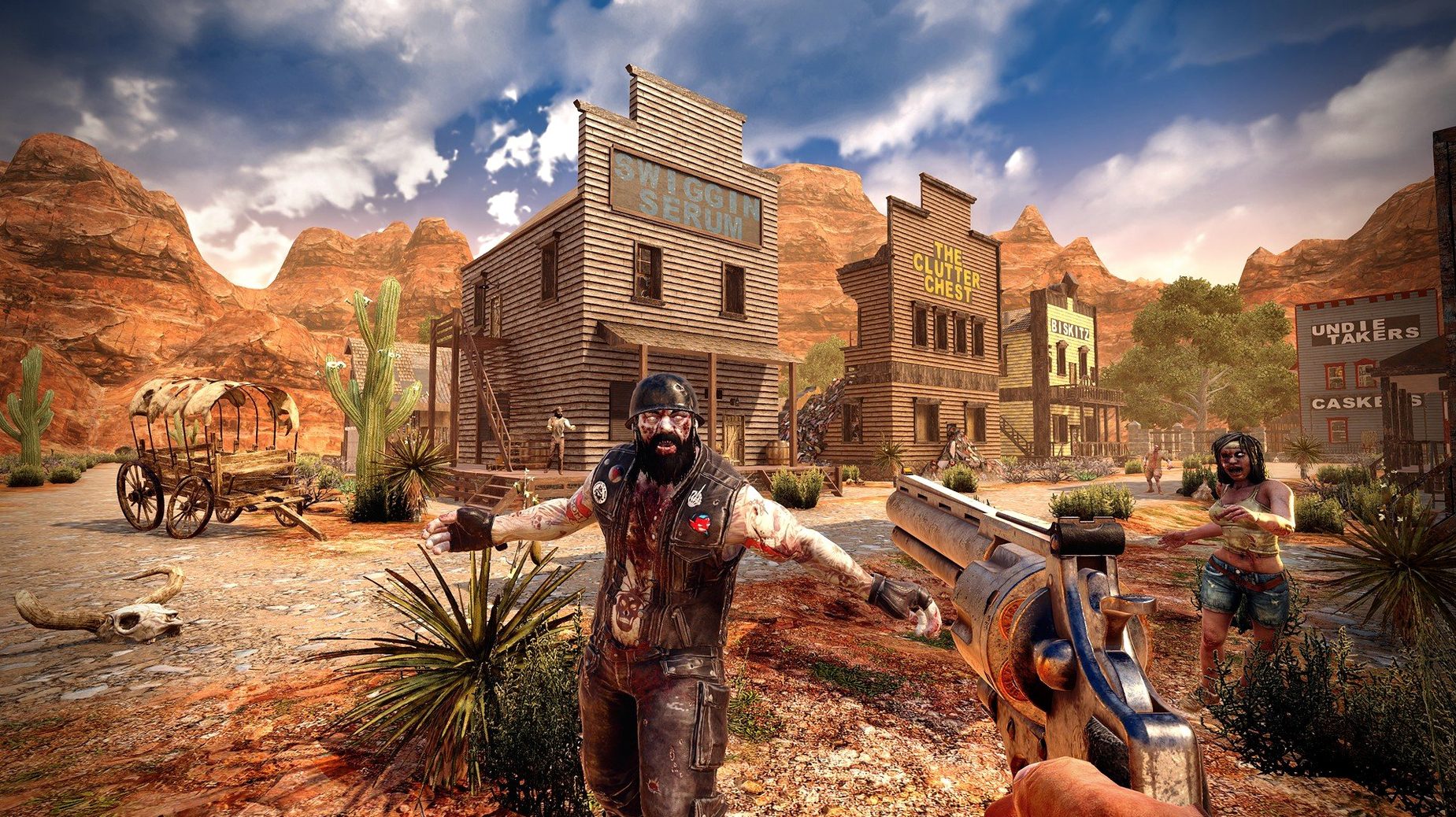
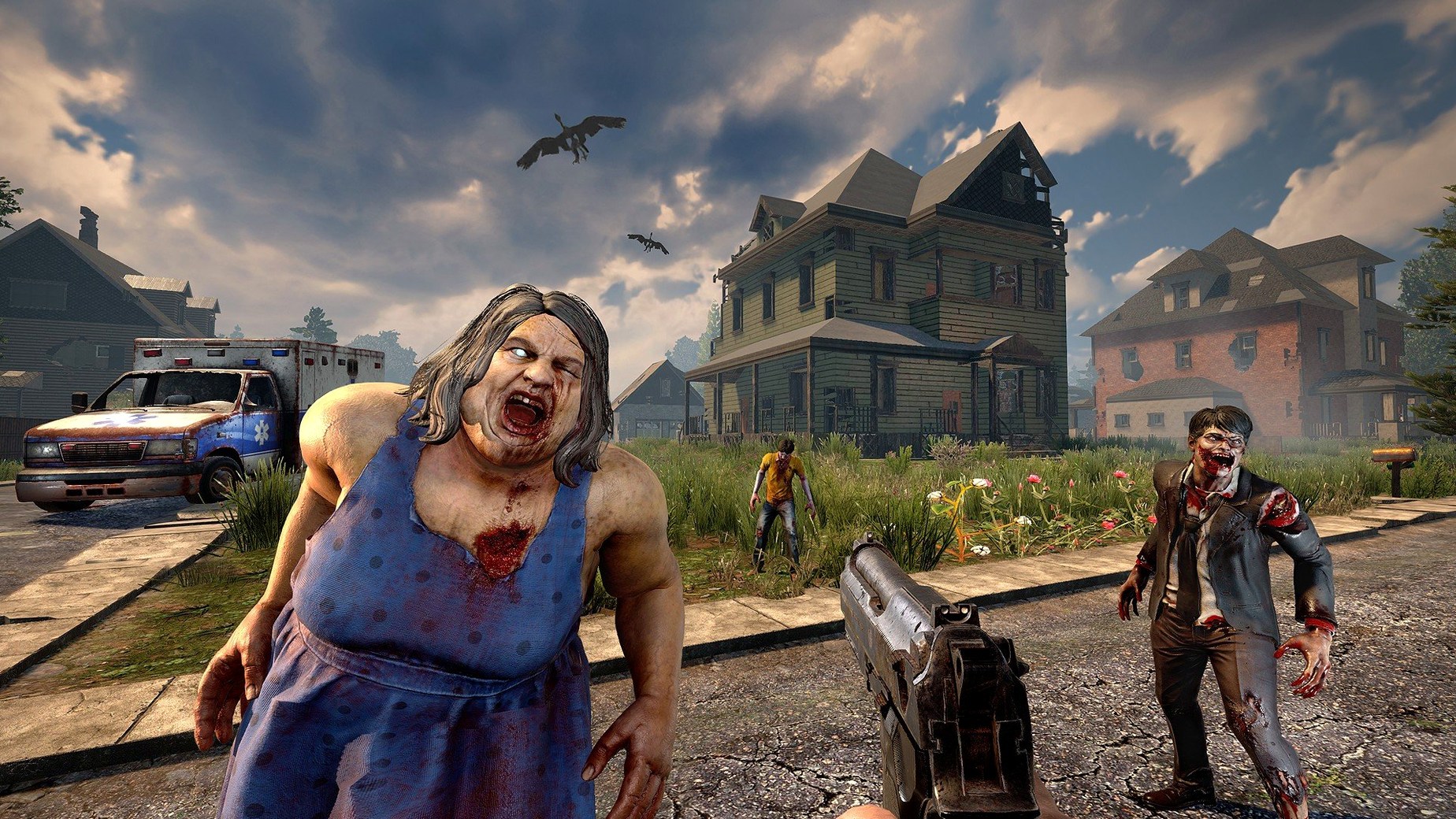
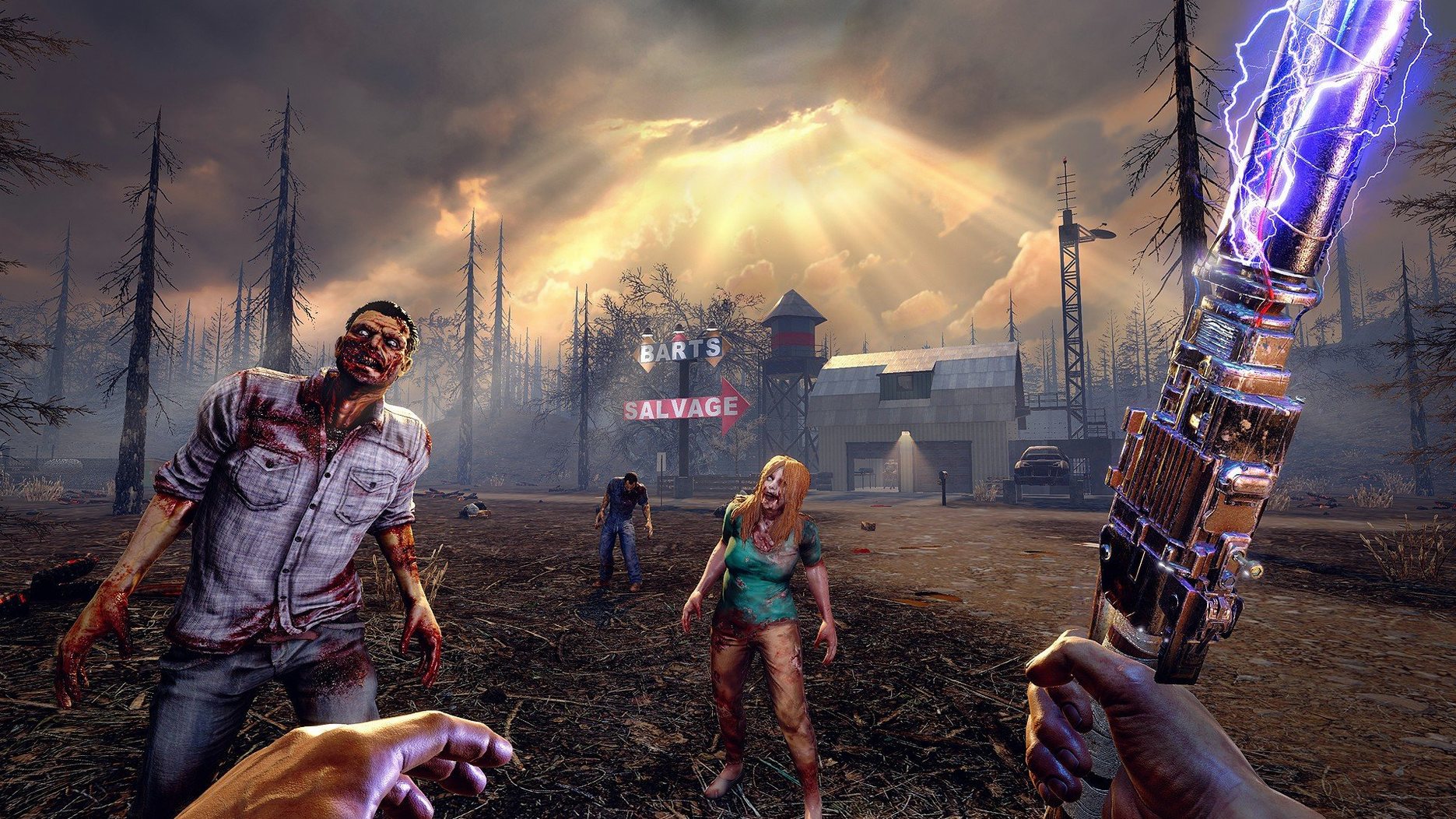
Like a grown-up Minecraft with blood hordes and ballistic curves, 7 Days To Die drops you into a 100 km² post-apocalyptic sandbox and says "survive." Every seventh night, the game throws a wave of special infected at your position, which is where the building systems earn their keep.
Build a defensible position
Construction isn't cosmetic. Walls, supports, and elevated platforms obey structural physics, and a poorly braced sniper tower will collapse under its own weight once enough blocks get shot out. You gather wood, stone, iron, and concrete to reinforce a prefab house or pour a custom bunker from scratch across six item quality tiers.
Explore a hand-crafted world
Procedural generation mixes with over 550 static locations—cities, villages, caves, lakes, and mountain valleys—so the map feels deliberate rather than noise-based. Loot runs through abandoned factories and hospitals feed the crafting loop, with more than 800 in-game items covering weapons, tools, armour, and base modules.
Mac hardware and controls
The native build supports both Intel and Apple Silicon Macs back to macOS 10.13. A Mac mini M4 running macOS Tahoe handles the voxel terrain and horde pathfinding without translation overhead. Keyboard and mouse controls are standard FPS fare; the main adjustment is a 15 GB disk footprint and a minimum 2 GB of dedicated graphics memory for the DirectX 11 renderer.
Bypassing the Silent Launch When the .app Bundle Does Nothing
The most frequent hurdle on macOS is the launch path. The disk image mounts cleanly and dragging the game to Applications is straightforward, but double-clicking the top-level 7DaysToDie.app bundle does nothing. The actual executable sits deeper—at /Applications/7DaysToDie.app/Contents/Game/7DaysToDie.app. Creating an alias to that inner app or pinning it to the Dock saves a trip through Finder each session.
Memory allocation is another recurring issue. The 3.2.0.B10 patch notes mention a fix for player gear textures consuming too much memory, yet a world with a sprawling 7 days to die base and dozens of active forges will still push RAM usage past 6 GB on the host process. Mac users on 8 GB machines should close browser tabs and background utilities before loading a large save. If the frame rate tanks when a blood moon horde spawns, dropping Texture Quality to Half in the video settings recovers 15–20 fps on integrated graphics without making loot containers illegible.
Multiplayer connectivity trips up LAN games between Mac and Windows clients. Both sides need identical game versions, and the Mac host must allow incoming connections through the firewall for the 7DaysToDie.app binary specifically—not just the outer bundle. The prompt appears on first launch, but a macOS update can reset the permission silently.
Navezgane Loads in 40 Seconds at 1080p on Apple Silicon
On an Apple Silicon Mac with 16 GB of unified memory, the game loads a default Navezgane world in under 40 seconds and sustains 50–60 fps at 1080p with medium shadows and SSAO off. The voxel engine streams chunks smoothly during vehicle travel, though the gyrocopter at full throttle can outrun terrain generation for a second or two, leaving you staring at an empty void before the land pops in.
Stability is solid for a Unity title on macOS. Crashes do happen—typically after alt-tabbing repeatedly in fullscreen mode or when a structural collapse involves several hundred blocks simultaneously. Windowed borderless mode eliminates the alt-tab crash almost entirely. The game auto-saves at dawn, so a midday crash loses at most one in-game day of progress.
Disk I/O is the quiet bottleneck. The 15 GB install grows as worlds accumulate chunk data, and a single explored 8 km² map can balloon to 2 GB of save files. Storing the game and saves on the internal SSD keeps chunk-loading stutter to a minimum; external mechanical drives add a noticeable hitch when sprinting into a dense city district.
Mission Control Spaces and the Missing Voice Chat Layer
The game runs as a self-contained window or fullscreen Space, plays nicely with Mission Control, and respects the system volume mixer independently of other audio sources. Voice chat is not built in—players on 7 days mac co-op sessions typically run Discord in the background, which coexists without audio ducking issues on recent macOS versions.
Spotlight does not index save files, so backing up worlds means manually copying the ~/Library/Application Support/7DaysToDie/Saves folder. Time Machine catches it if you exclude nothing, but a manual zip before experimenting with new 7 days to die building techniques is faster to restore. The game writes logs to ~/Library/Logs/Unity/Player.log, which is the first place to check when mods break after a patch.
Cross-platform play is transparent. A Mac host running 3.2.0.B10 can invite Windows and Linux players over Steam or direct IP, and world files are byte-for-byte compatible across operating systems. Moving a long-running save from a Windows desktop to a Mac laptop requires only copying the world folder and pasting it into the Mac saves directory.
Splitting Base Defence, Farming and Trader Quests Across Three Players
Co-op groups of three to six players see the game at its best. Splitting roles—one person handling 7 days to die bases construction, another managing farm plots and cooking, a third running trader quests—turns the steep early-game grind into parallel streams of progression. The shared blood moon defence rewards coordinated trap layouts and firing lanes in a way solo play cannot replicate.
Solo players who enjoy systems-heavy sandboxes also find hundreds of hours of material. The skill book system (over 100 volumes tied to five core attributes) means a character built around Perception and Agility plays nothing like one specced into Strength and Fortitude. The 7 days to die 1.0 milestone on other platforms refined progression pacing, and the Mac build inherits that balance—no single skill tree trivialises the mid-game.
Mac users with an M1 or newer get a genuine advantage in heat and fan noise. A MacBook Air running the game on low settings stays silent during a two-hour session, where comparable Windows ultrabooks spin up within minutes. The trade-off is mod support: most XML-only mods work by dropping files into the Mods folder, but any mod with a Windows-specific DLL component will not load on macOS, narrowing the pool of overhauls that function on this build.
- Apple Silicon or Intel 64-bit Mac
Questions on file
Does 7 Days To Die on Mac support multiplayer?
Yes, the game uses a broadband internet connection for cooperative and player-versus-player servers, though the brief lists only music accompaniment for sound.
Sign in · Create an account to add a field note.
No field notes yet. A measurement, a version, a machine — they appear after moderation.