Games
Baldur's Gate II: Enhanced Edition 2.7.3.0
GamesUpdated
| Requirement | On file |
|---|---|
| macOS | See the sheet |
| CPU | Apple Silicon, Intel 64-bit |
| Download | 3.2 GB |
| Tested on | macOS Tahoe, Mac mini 2024 M4 |
If you have spent time in a tabletop Dungeons & Dragons group, you already know the rhythm this game follows: a dungeon master sets a scene, you declare an action, and dice decide the outcome. Baldur's Gate II: Enhanced Edition renders that loop on a Mac screen through an updated version of the Infinity Engine.
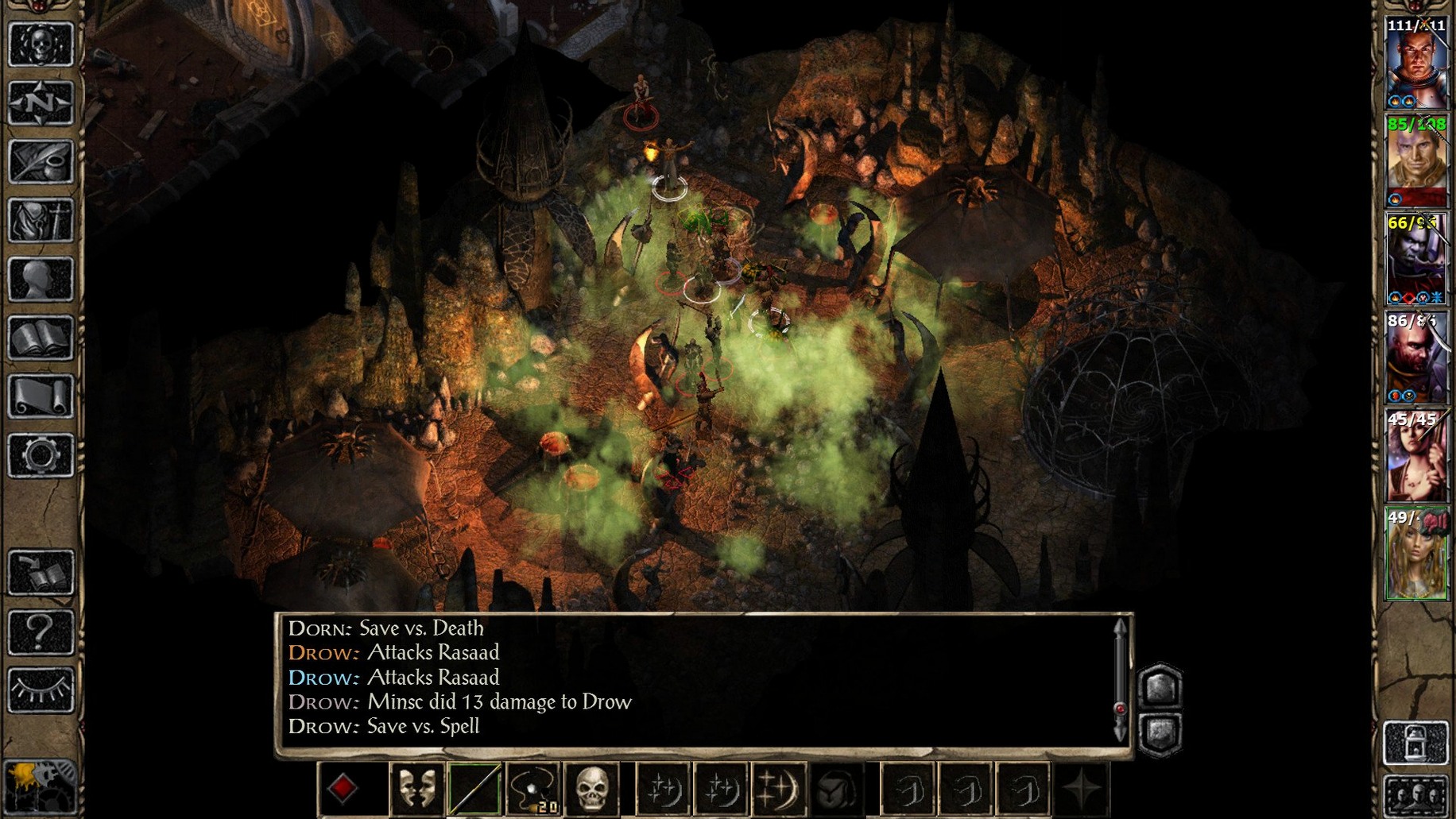
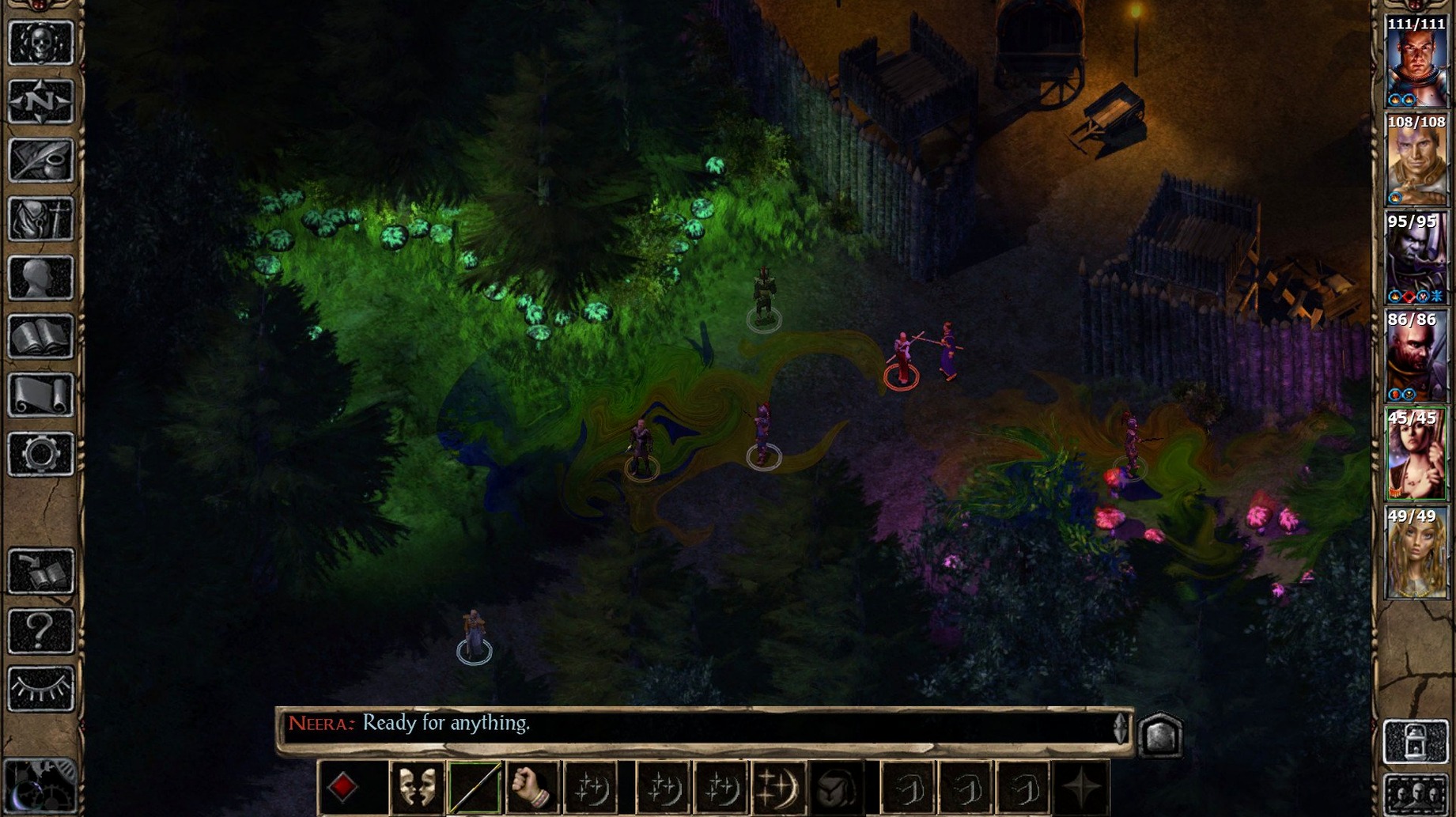
Real-time with pause — combat flows continuously, but you can stop the action at any moment to issue orders to your party.
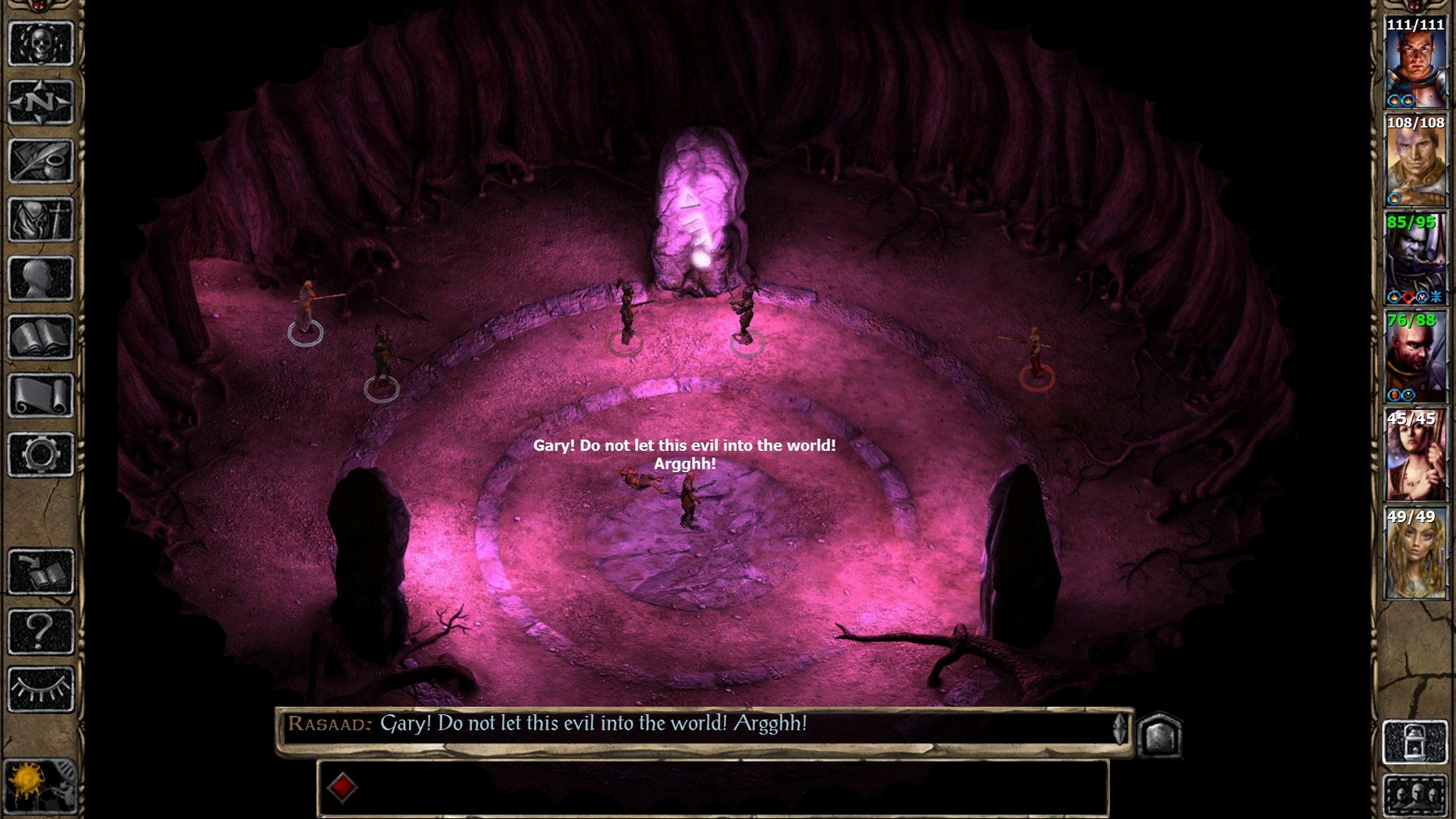
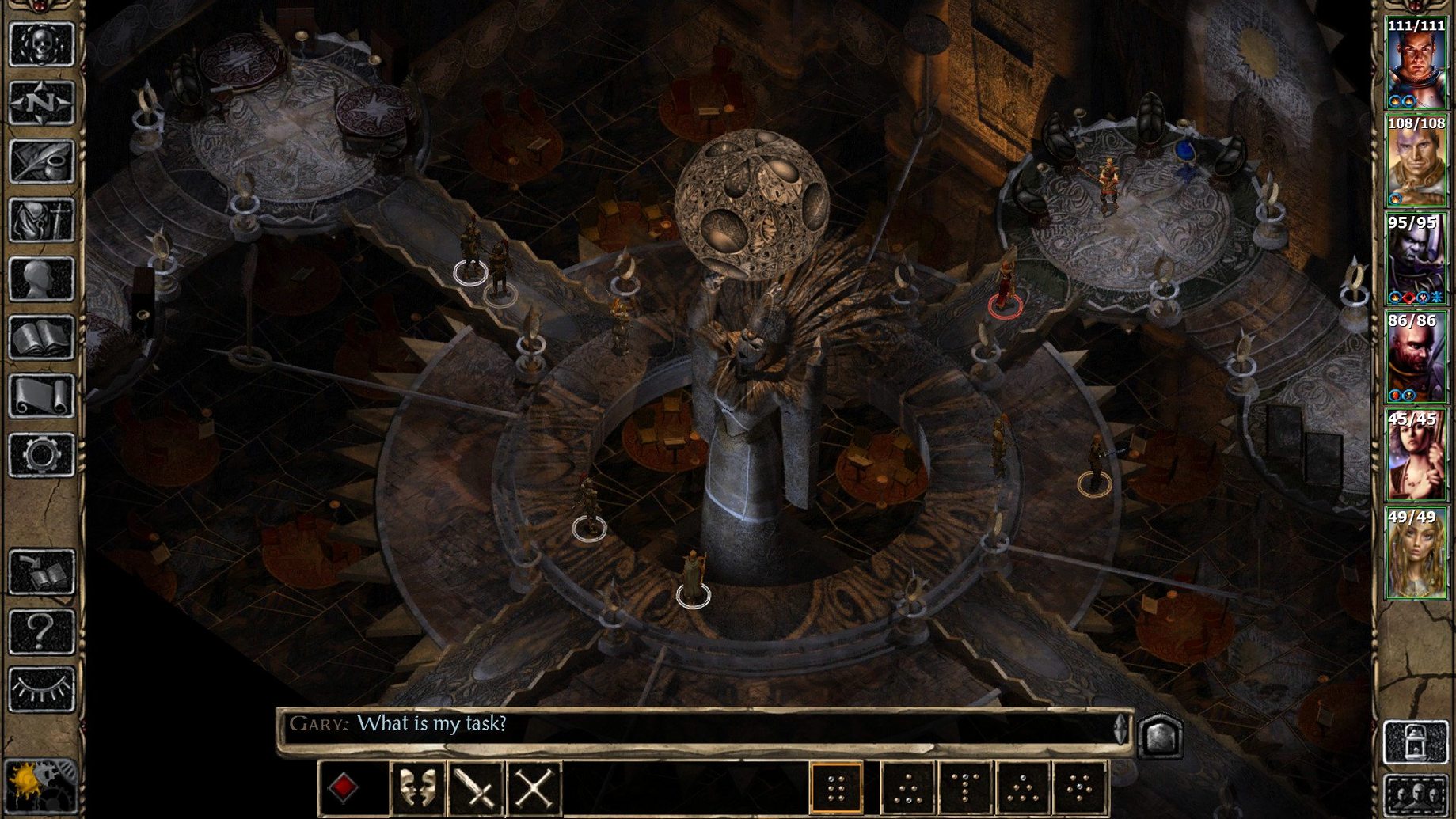
Isometric view — a fixed angled camera shows hand-drawn environments, character sprites, and spell effects across the Sword Coast and beyond.
Party management — you control up to six characters, each with a class, alignment, inventory, and ability scores drawn from D&D rules.
Campaign structure — the package contains Baldur's Gate II: Shadows of Amn and the Throne of Bhaal expansion as one continuous story.
Character creation — a new protagonist can be rolled from scratch, or an existing save can carry over from earlier games.
Story pressure — the opening places your character in the fortress of the mage Irenicus, and the plot moves toward resisting a dark fate tied to the protagonist's bloodline.
Your THAC0 Comfort Zone, Left Intact
Players who already know THAC0 and saving throws will feel at home within minutes. The Enhanced Edition does not modernise the underlying 2nd Edition D&D rules — it presents them as they were, with armour class that descends into negatives and multi-class restrictions that vary by race. For a Mac user who cut their teeth on Gold Box titles or the original Infinity Engine games, the interface is muscle memory dressed in a sharper UI.
Three groups tend to settle into this version naturally. The first is completionists working through the entire saga after finishing Baldur's Gate: Enhanced Edition — character import links the two games, and choices made in the first chapter echo in the second. The second group is D&D players who want a campaign they can pause mid-session; the real-time-with-pause combat lets you stop, assess spell ranges, and queue actions without a tabletop group waiting on your turn. The third is anyone who values a DRM-free Mac build. The game runs on both Apple Silicon and Intel 64-bit machines, tested on macOS Tahoe with a Mac mini 2024 M4, so current hardware is not an obstacle.
A Workflow: Importing a Character from the First Game
Carrying a protagonist forward from Baldur's Gate: Enhanced Edition is straightforward, but the steps are worth laying out because the game offers two distinct paths.
- Launch Baldur's Gate II: Enhanced Edition and select New Game from the main menu.
- Choose Import Game when the character source options appear.
- Navigate to the saved game directory from the first title. On a standard Mac install, this sits inside
~/Documents/Baldur's Gate - Enhanced Edition/save. - Select the save file that holds the character you want to continue with. The game reads class, level, stats, and inventory from that file.
- Confirm the import. The character appears in the prelude dungeon — Athkatla's starting area — with experience intact and a handful of items carried over.
The alternative route is to select Import Character instead of Import Game. This pulls from character files (.CHR) exported manually from the first game. The difference matters: a save import preserves quest flags and party relationships, while a character file import brings only the protagonist's sheet — clean slate, no baggage. For players who want the full narrative continuity, save import is the correct choice. For those who simply want their fighter/mage with 18/00 strength and do not care about previous story beats, the character file method is faster.
A Session in Athkatla
The city of Athkatla loads after the opening dungeon. The party stands at the gates, and the district map is already marked with a dozen points of interest. A typical two-hour session here rarely follows a straight line.
You open the journal first. Six quests are listed, picked up from a combination of the Copper Coronet tavern and street encounters. One entry mentions a shadow thief contact in the Docks District. You select the party — a paladin protagonist, Jaheira, Minsc, Yoshimo, Aerie, and one of the new Enhanced Edition NPCs whose personal quest has just triggered via dialogue — and click toward the district transition.
The screen fades. The Docks District loads, and the ambient audio shifts to creaking rigging and gulls. You spot the contact near the Sea's Bounty tavern. A conversation begins, branching dialogue options appear, and a fetch task is assigned: retrieve an item from a warehouse guarded by rival thieves.
At the warehouse door, the thief character detects a trap. You pause, select the disarm action, and watch the skill check resolve. Success. The door opens onto a room with four hostile NPCs. You pause again — always pause before a fight with casters — and queue a Magic Missile from Aerie, a Bless from Jaheira, and a charge order for Minsc. Unpause. Spells fire, the warrior closes distance, and the melee begins. One enemy mage starts casting Horror. You pause, select Yoshimo, and order a backstab attempt from the shadows. The mage drops before the spell completes.
Loot is distributed. The quest item sits in the protagonist's inventory. The party returns to the contact, dialogue completes, experience is awarded, and the journal updates. Forty minutes have passed, and only one quest entry has moved forward. The rest of the session will likely be spent on two more tasks and a stop at a temple to raise a dead party member after an ambush in the Bridge District — standard operating procedure.
This rhythm — explore, converse, pause, issue commands, unpause, loot, journal update — defines a working session. The Enhanced Edition does not rush you, and the pause function means you never lose a fight because your fingers were not fast enough. You lose because your tactics were wrong, and the game gives you time to think through why.
Interface languages — Russian, English, German, Spanish, Italian, Simplified Chinese, Korean, and Polish are available.
- New character — one more origin option is available at creation.
- New quests — additional side content is included alongside the main campaign.
- Campaign bundle — Shadows of Amn and Throne of Bhaal are now part of a single install.
- macOS — architecture support covers both Intel and Apple Silicon.
Sign in · Create an account to add a field note.
No field notes yet. A measurement, a version, a machine — they appear after moderation.