Games
ASYLUM 1.5.0
GamesUpdated
| Requirement | On file |
|---|---|
| macOS | See the sheet |
| CPU | Intel 64-bit |
| Download | 11 GB |
| Tested on | macOS Tahoe, Mac mini 2024 M4 |
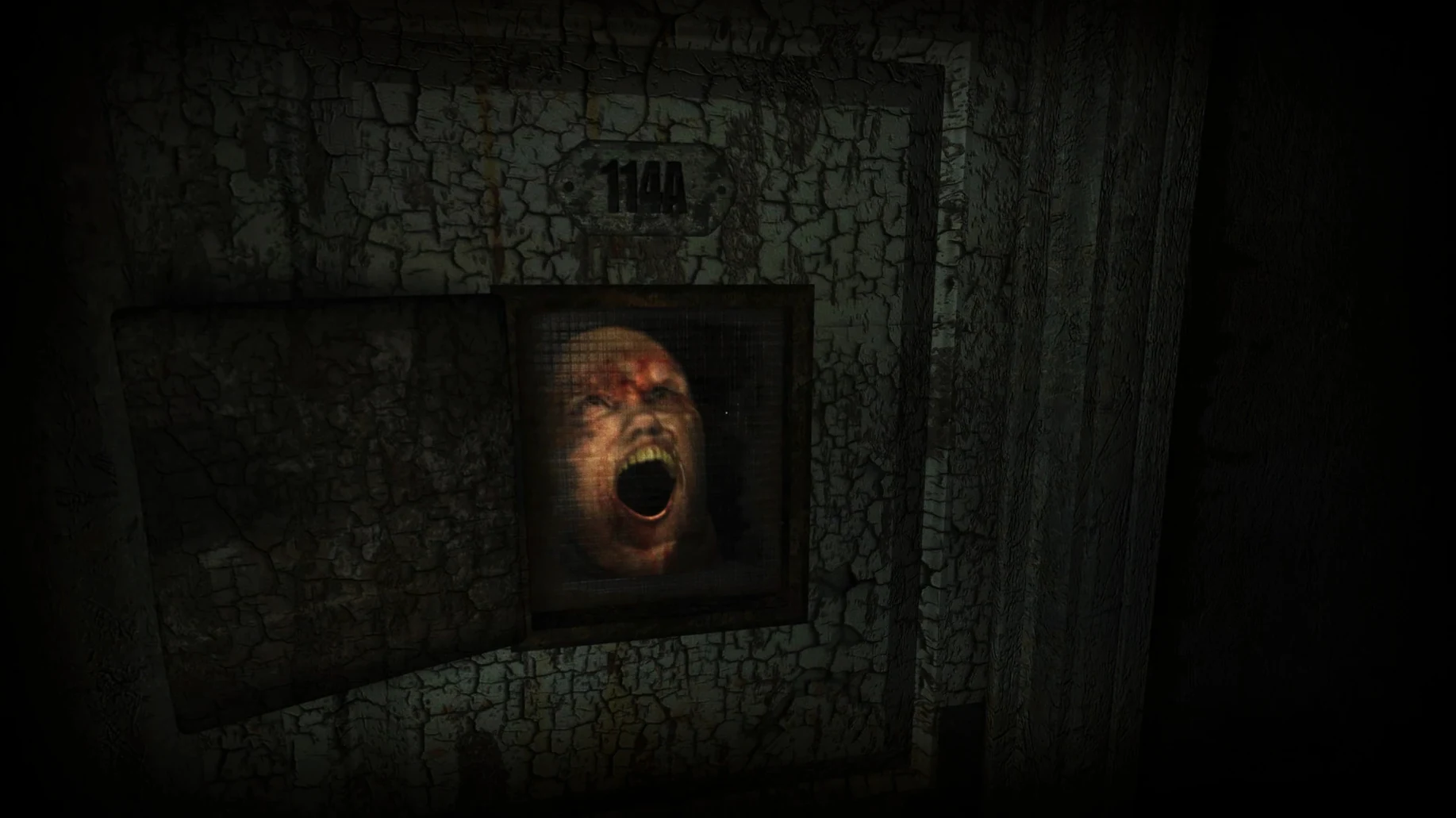
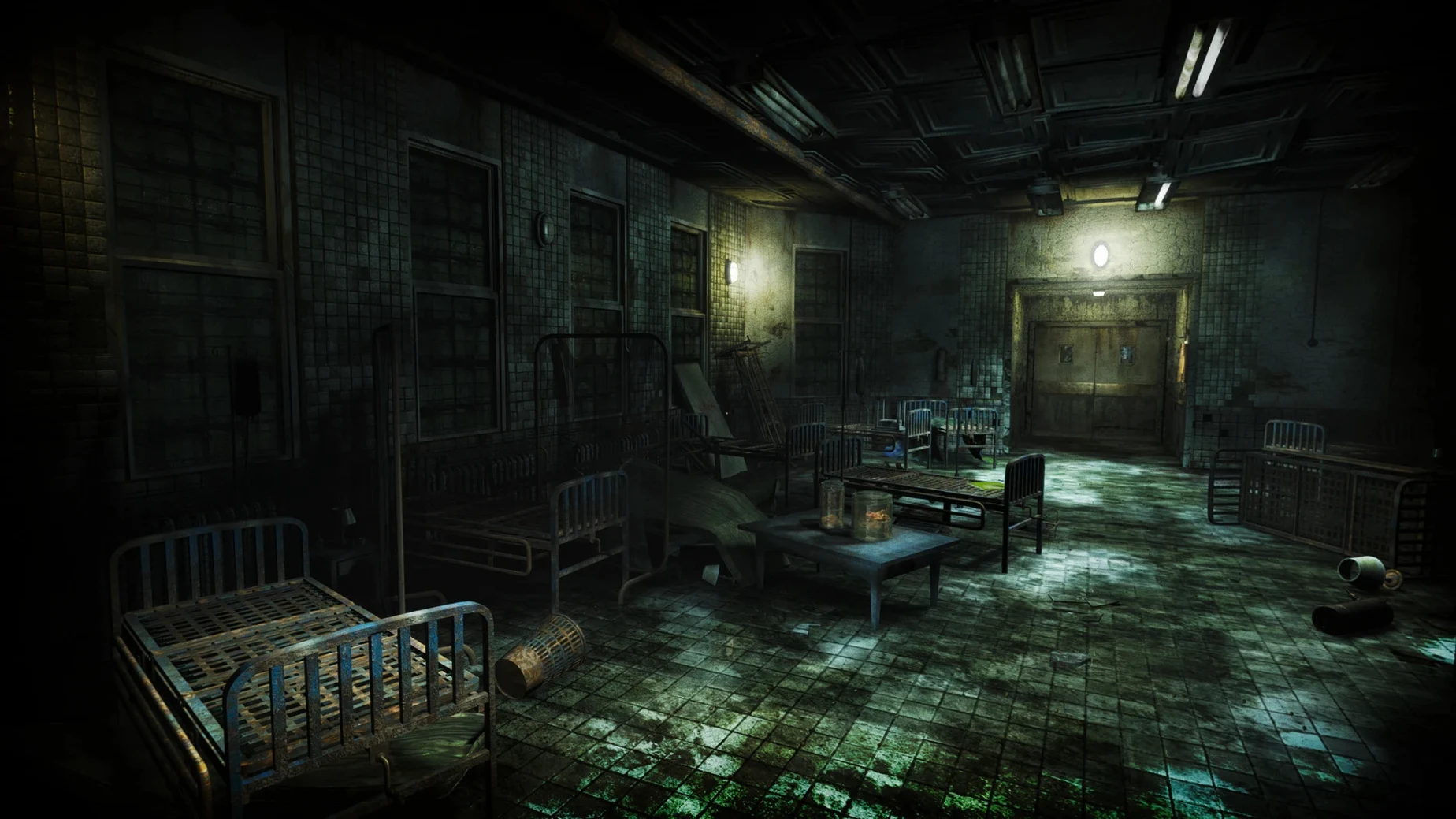
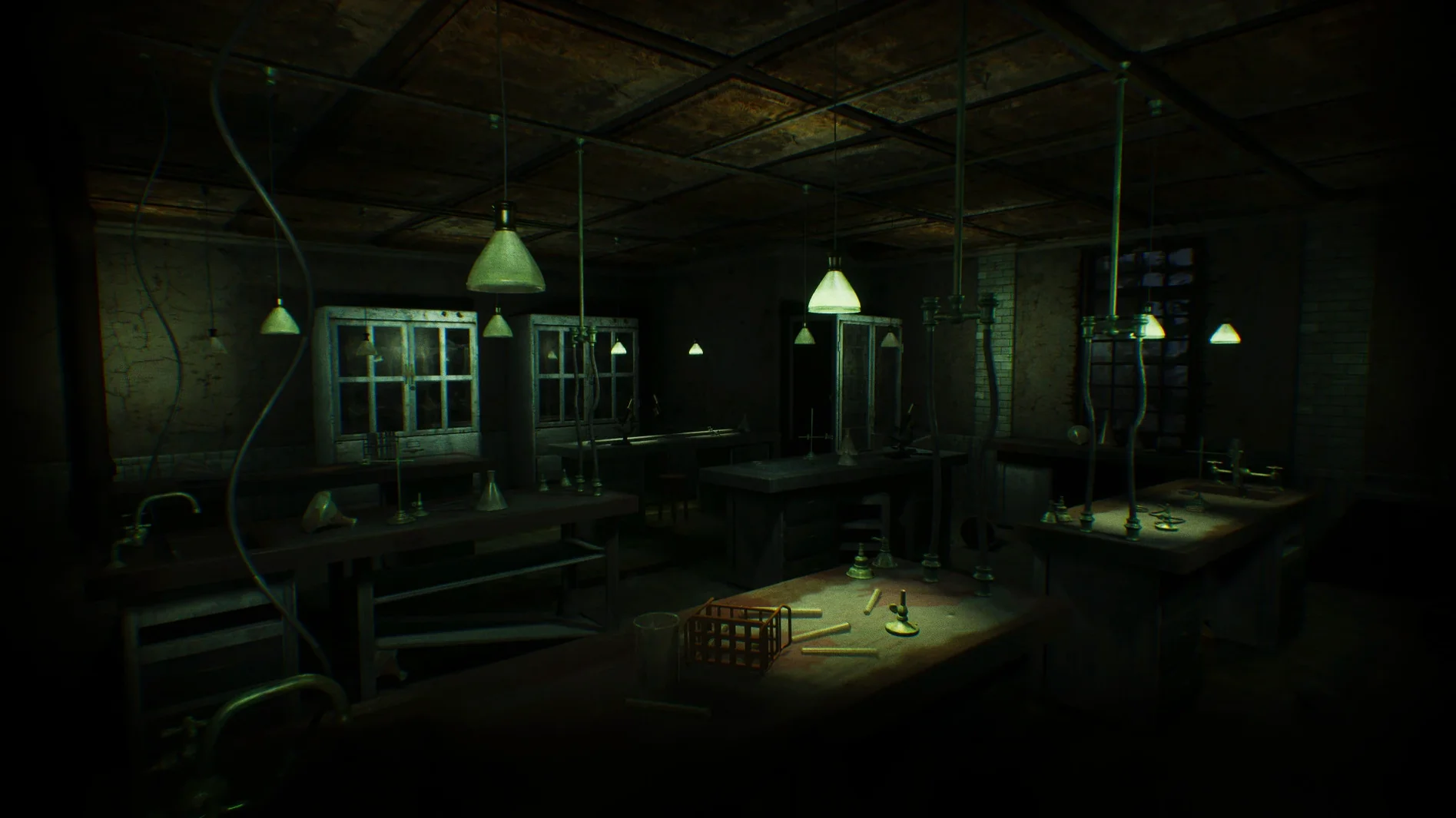
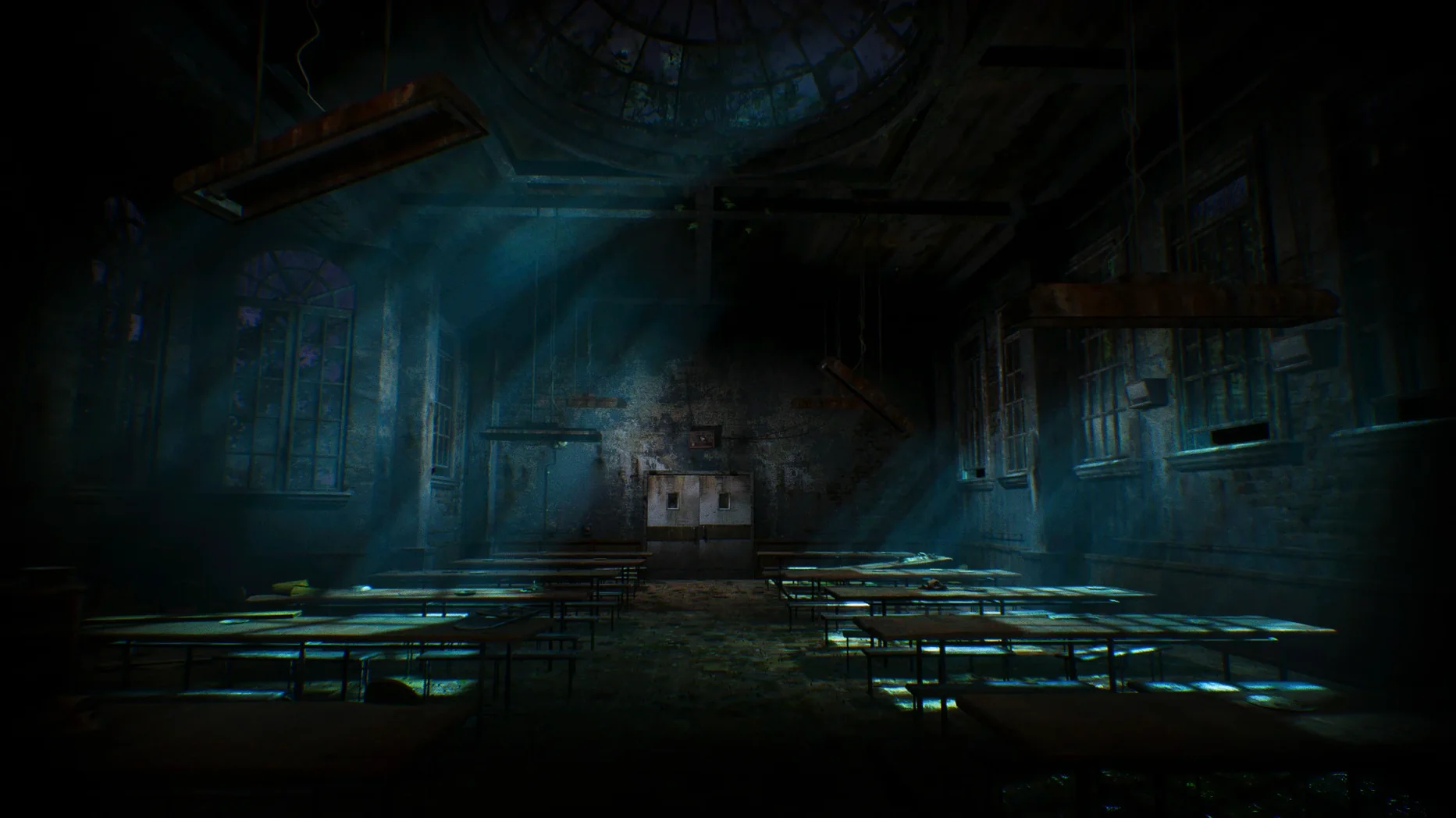
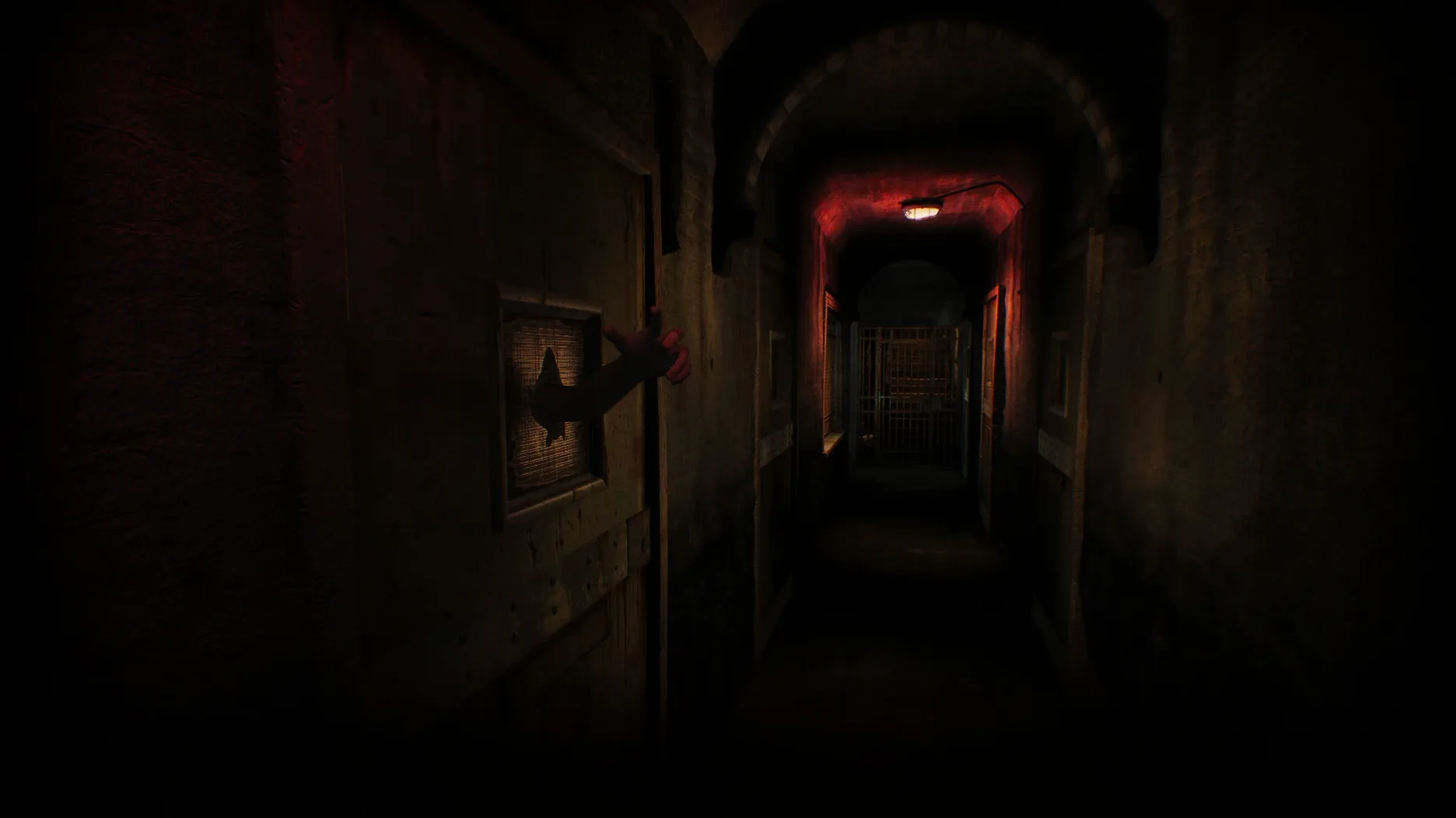
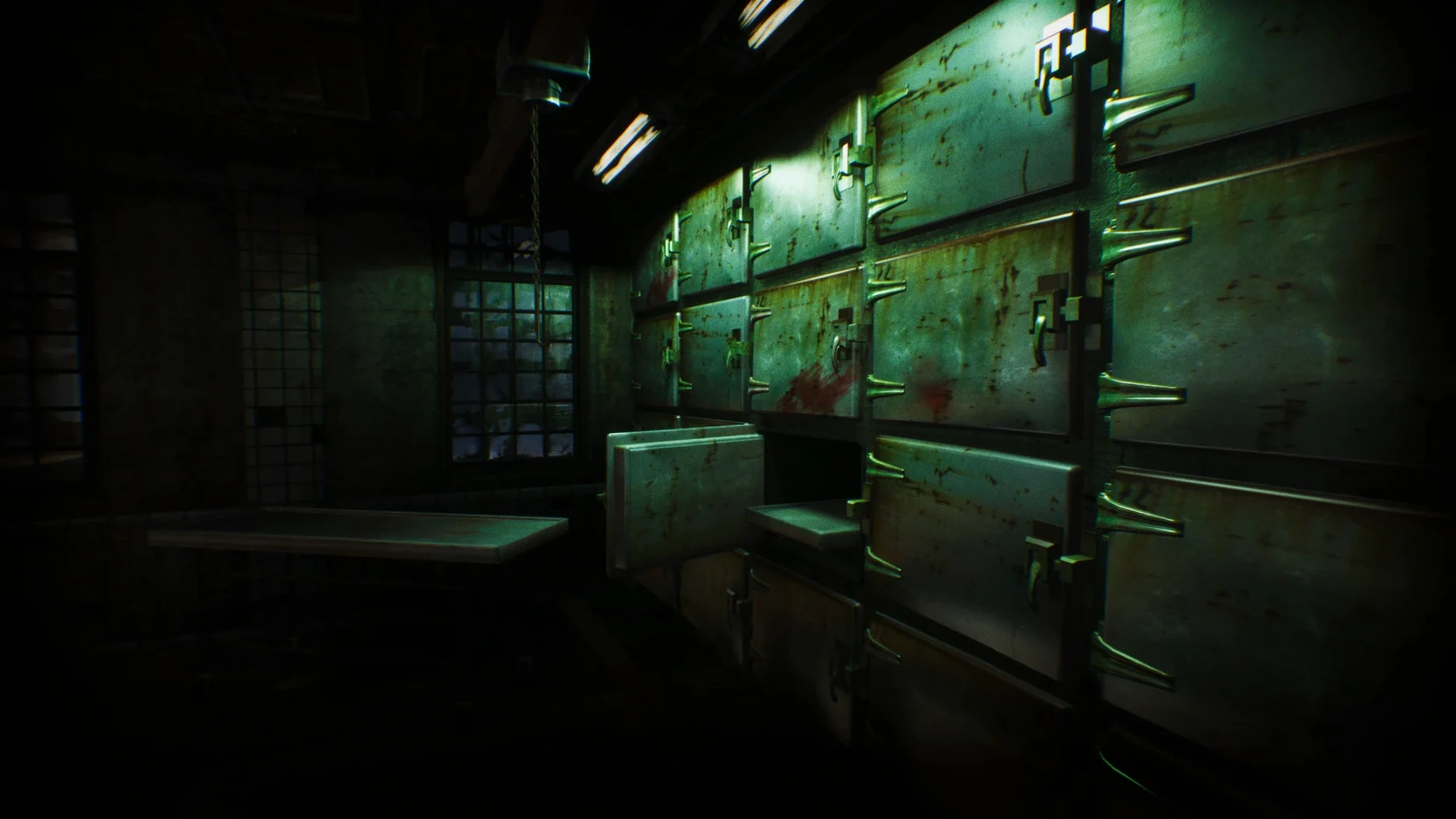
Players who value slow-burn psychological dread over jump scares will find ASYLUM cut from the right cloth. You control a former patient returning to the Hanwell Mental Institute, and the game wastes no time making the building itself the antagonist. Every corridor, dayroom and derelict ward is rendered with a grim attention to decay that serves the story rather than just the screenshot gallery. Senscape describe it as atmospheric, which is accurate shorthand for a place where the architecture feels hostile long before anything supernatural turns up.
- Diegetic interface. There are no floating health bars or quest markers. Information the player needs is embedded in the world — notes, environmental clues, the character's own observations.
- English voice acting. The full cast delivers performances that anchor the narrative, with dialogue and ambient audio reinforcing the institute's oppressive mood.
- Single, contained location. The entire story unfolds inside the Hanwell Mental Institute. The building is large, interconnected and rewards exploration rather than linear progression.
- Eleven interface languages. Subtitles and UI elements cover Russian, English, German, Greek, Spanish, Italian, Polish, Portuguese, Turkish, Ukrainian and French.
- First-person perspective. Every sightline and sound cue is built around the player's direct view, keeping the experience immediate and claustrophobic.
The build released on 13 March 2025 runs as version 1.5.0 on Intel Macs. It is a complete package — no episodic structure, no roadmap promises. What you download is the full Hanwell story, delivered through an interface that trusts the player to pay attention.
Performance in daily play
On an Intel Mac, ASYLUM behaves like a game that has been given a proper optimisation pass rather than one still shaking out its early access quirks. The 1.5.0 build loads the institute's larger wards without the stutter that often plagues Unreal-based indie horror, and the frame rate settles quickly after the initial shader warm-up. Memory usage sits in a modest range for a first-person title of this visual density. The move to Bink format for cutscenes is noticeable — scene transitions that previously hitched now play through cleanly, and skipping a movie no longer feels like the engine is taking a breath first.
Day-to-day stability is solid. The game does not leak memory during long sessions, which matters for a title that encourages slow exploration and backtracking through previously visited wings. Audio remains in sync during the more chaotic sequences, and the diegetic interface — no pause menu overlay, no objective list — means fewer UI calls fighting with the renderer. Resource use climbs when the game loads several connected rooms at once, but the optimisation in patch 1.5 keeps even those moments from turning into slideshows.
What patch 1.5 changed in practice
- Cleaner first launch. The system language detection fix means the game starts in the correct interface language without a trip through the settings menu.
- Correct resolution and frame rate values. The menu now reports what the engine actually renders. Before the fix, the displayed numbers could mislead when tweaking quality settings.
- Removed broken tutorial. The Mac-specific tutorial that referenced non-existent buttons is gone. New players no longer hit a wall of instructions that do not match the hardware in front of them.
- Smaller resource footprint. The extensive resource optimisation reduces loading times and lowers background disk activity during area transitions.
First days with ASYLUM
Installation is standard: mount the downloaded image, run the installer, and choose the Applications folder when prompted. After first launch, take a few minutes in the settings before walking into the entrance hall. Check that the interface language matches your system preference — the patch fixed detection, but checking costs nothing. If the frame rate counter in the menu looks wrong, restart the game once; the corrected calculation sometimes needs a fresh session to populate properly.
When you begin exploring, resist the urge to sprint through doorways. The Hanwell building is designed to be read, not just traversed. Notes and environmental details often carry puzzle clues, and the diegetic interface means there is no journal to consult later. Keep your own notes if you plan to step away from the game for a few days — ASYLUM does not hold your hand when you return.
If the game refuses to launch after installation, the executable path ASYLUM.app/Contents/MacOS/Asylum-Mac-Shipping works as a direct fallback. This is also the quickest way to start the game when you want to skip the launcher entirely.
Players who prefer a slower, observation-heavy horror loop will settle into the rhythm quickly. The ASYLUM Mac torrent build — the DRM-free package currently circulating — contains the same 1.5.0 files as the standard release, so the optimisations apply regardless of how the archive was obtained. Expect the first hour to be the most demanding: the game teaches its rules through atmosphere rather than tutorials, and the building itself is the lesson plan.
- Game resources — extensive optimisation pass.
- Cutscenes and movies — converted to Bink format.
- Steam Deck input — extra trackpad interaction mode added.
- Menu — default resolution and frame rate calculation fixed.
- First launch — system language detection fixed.
- Mac tutorial — removed reference to non-existent buttons.
- macOS (version not specified by developer)
- Intel processor
Questions on file
What should I do if ASYLUM won't launch on my Mac?
Navigate inside the application bundle to ASYLUM.app/Contents/MacOS/Asylum-Mac-Shipping and launch the executable directly.
Sign in · Create an account to add a field note.
No field notes yet. A measurement, a version, a machine — they appear after moderation.