Games
Assassin's Creed Shadows 1.0.35
GamesUpdated
| Requirement | On file |
|---|---|
| macOS | See the sheet |
| CPU | Apple Silicon |
| Download | 145 GB |
| Tested on | macOS Tahoe, Mac mini 2024 M4 |
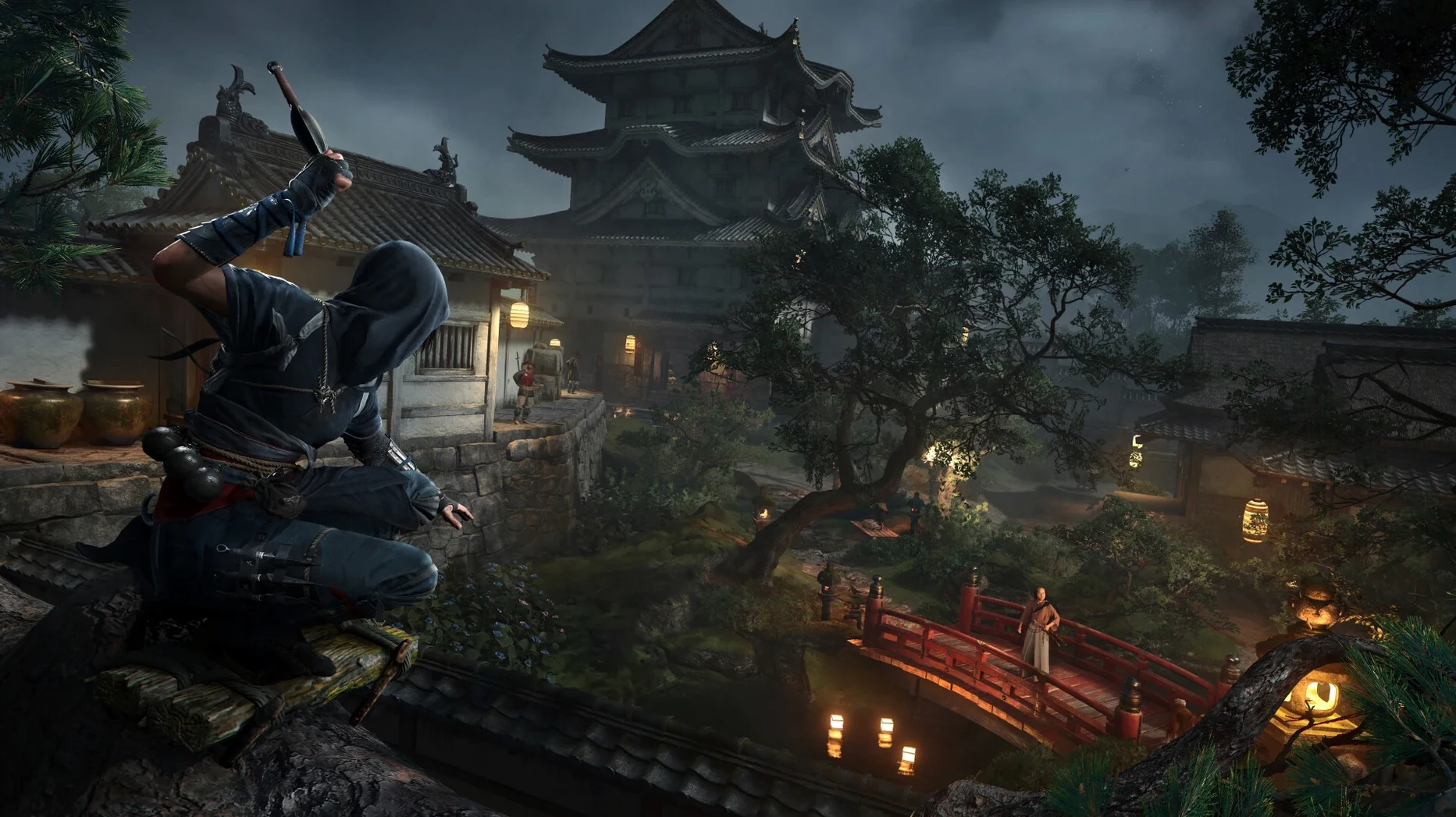
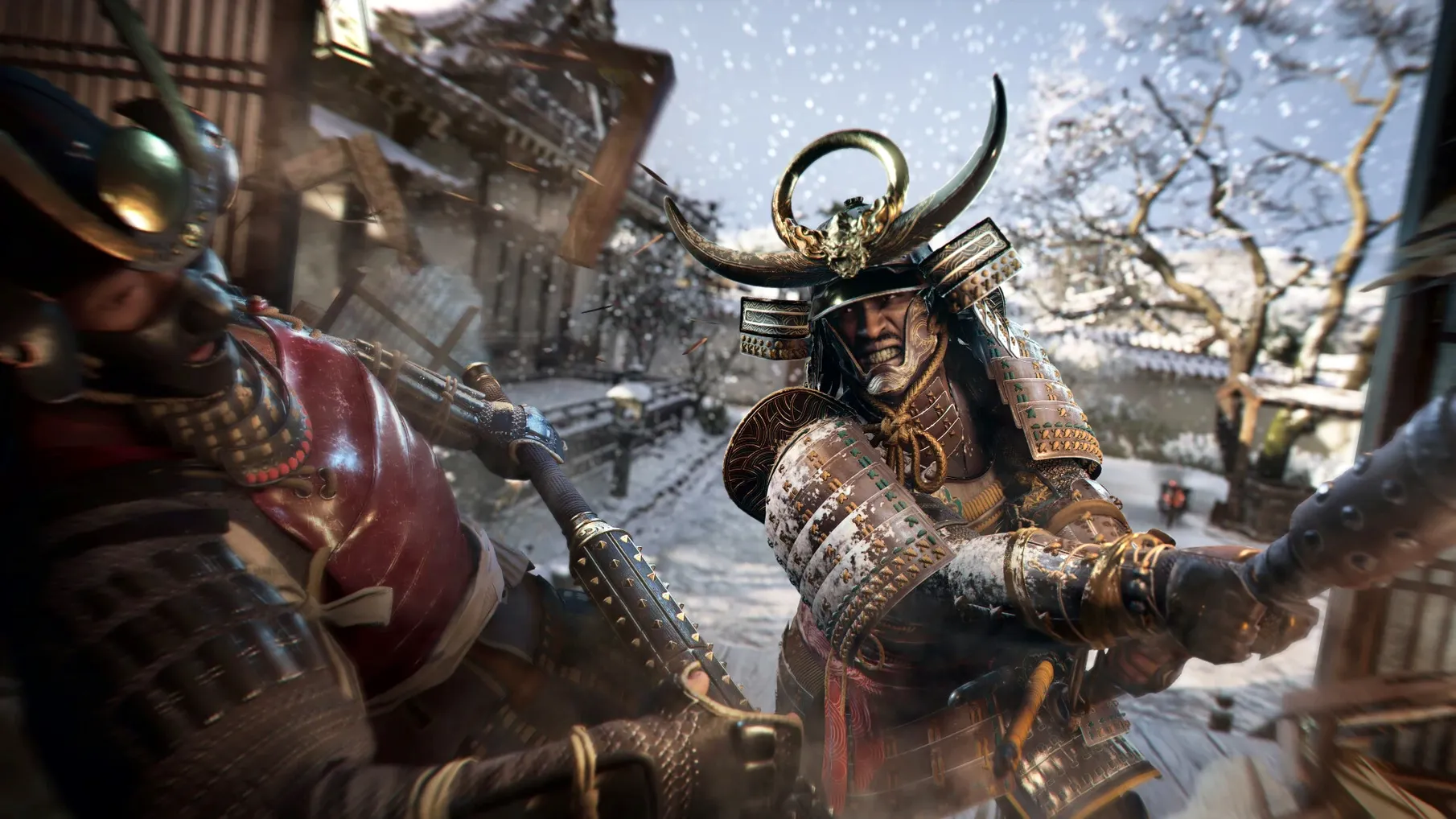
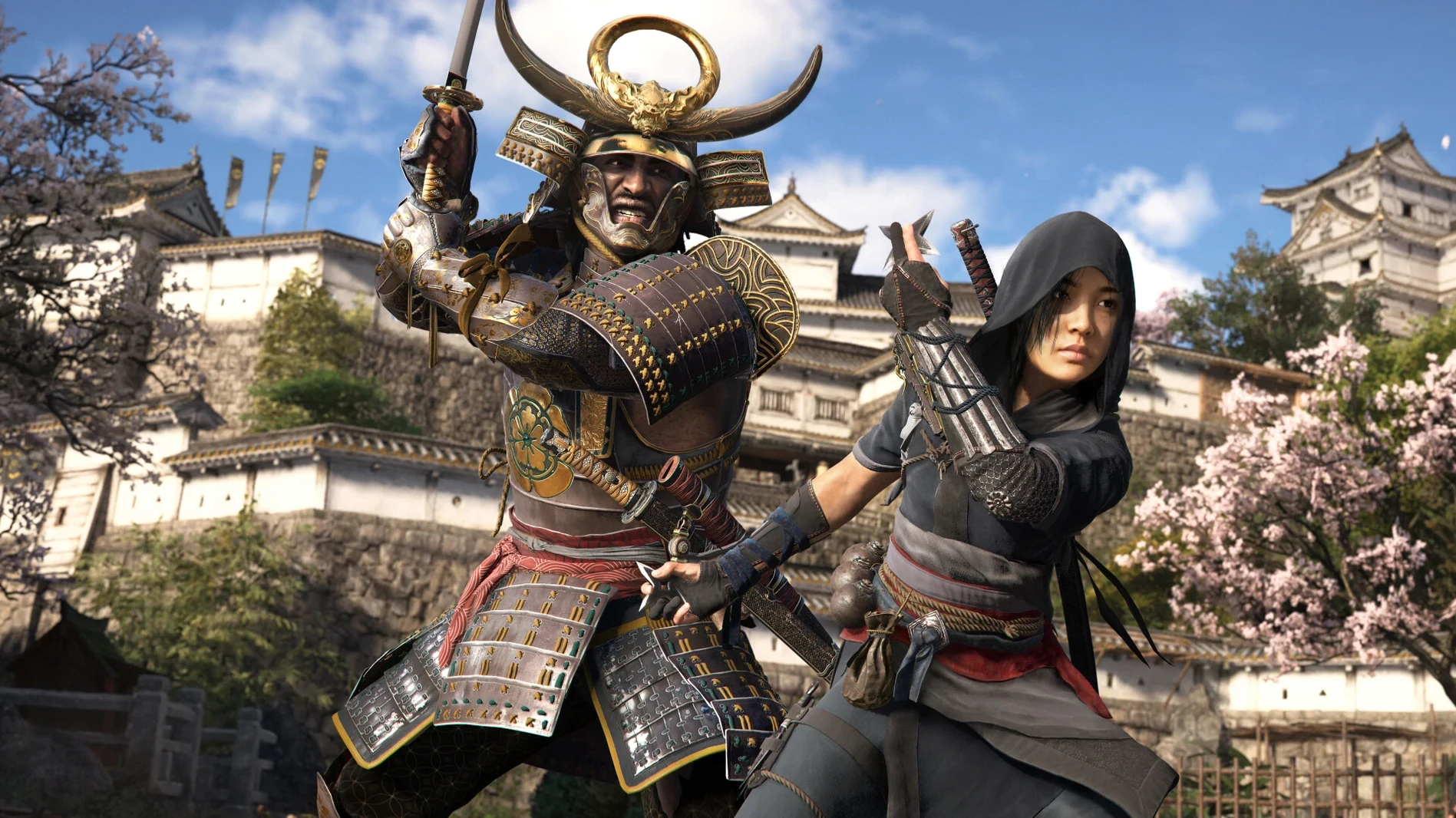
Gaming on a Mac has never been stronger, but finding a native action-adventure title that pushes Apple Silicon remains a specific challenge. Assassin's Creed Shadows answers that directly, dropping players into feudal Japan with a dual-protagonist story that runs natively on M-series hardware.
Switching Between Shinobi and Samurai Tools
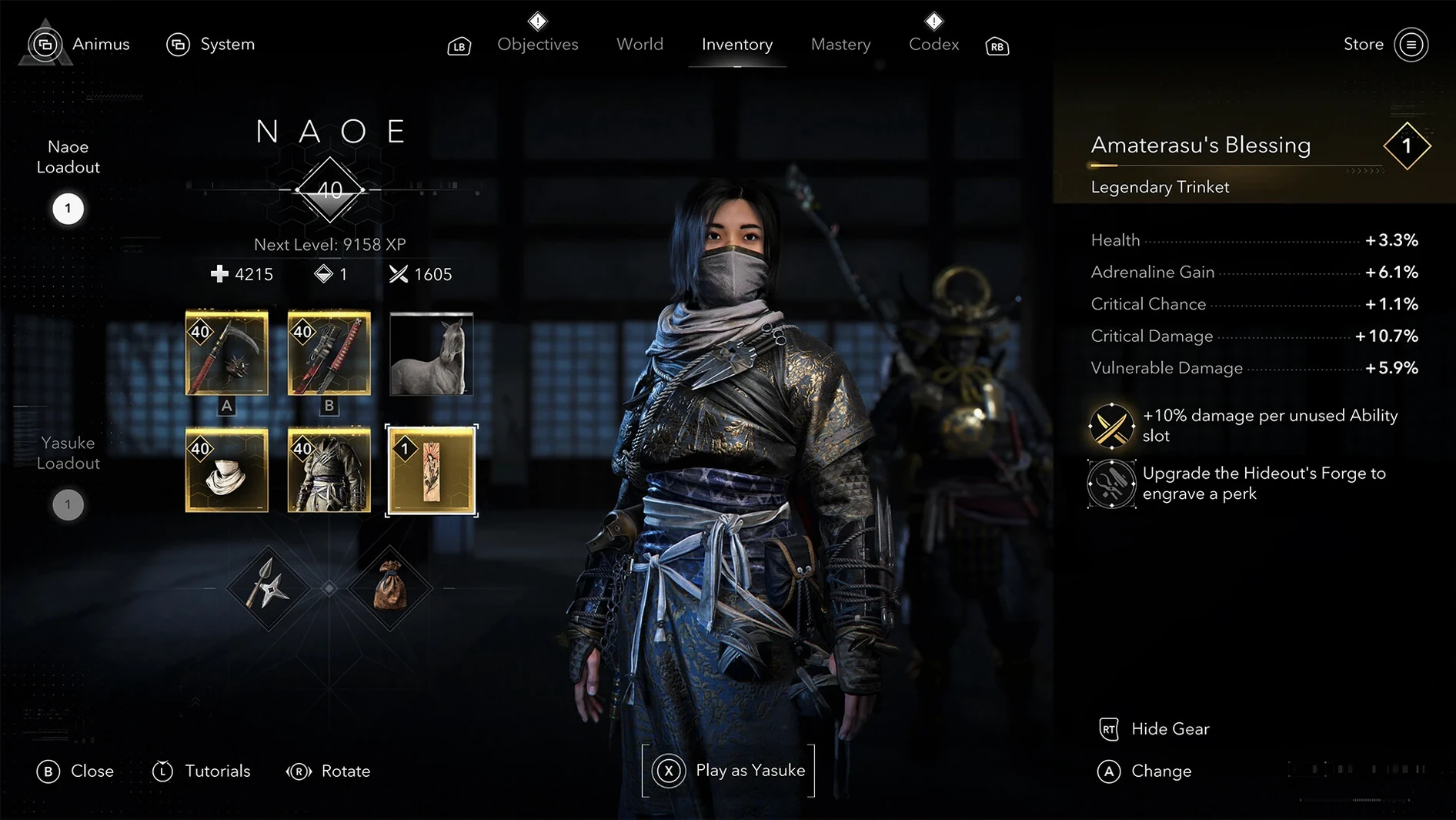
- Dual protagonists. Switch between Naoe, a shinobi, and Yasuke, a samurai, each with distinct play styles and tools.
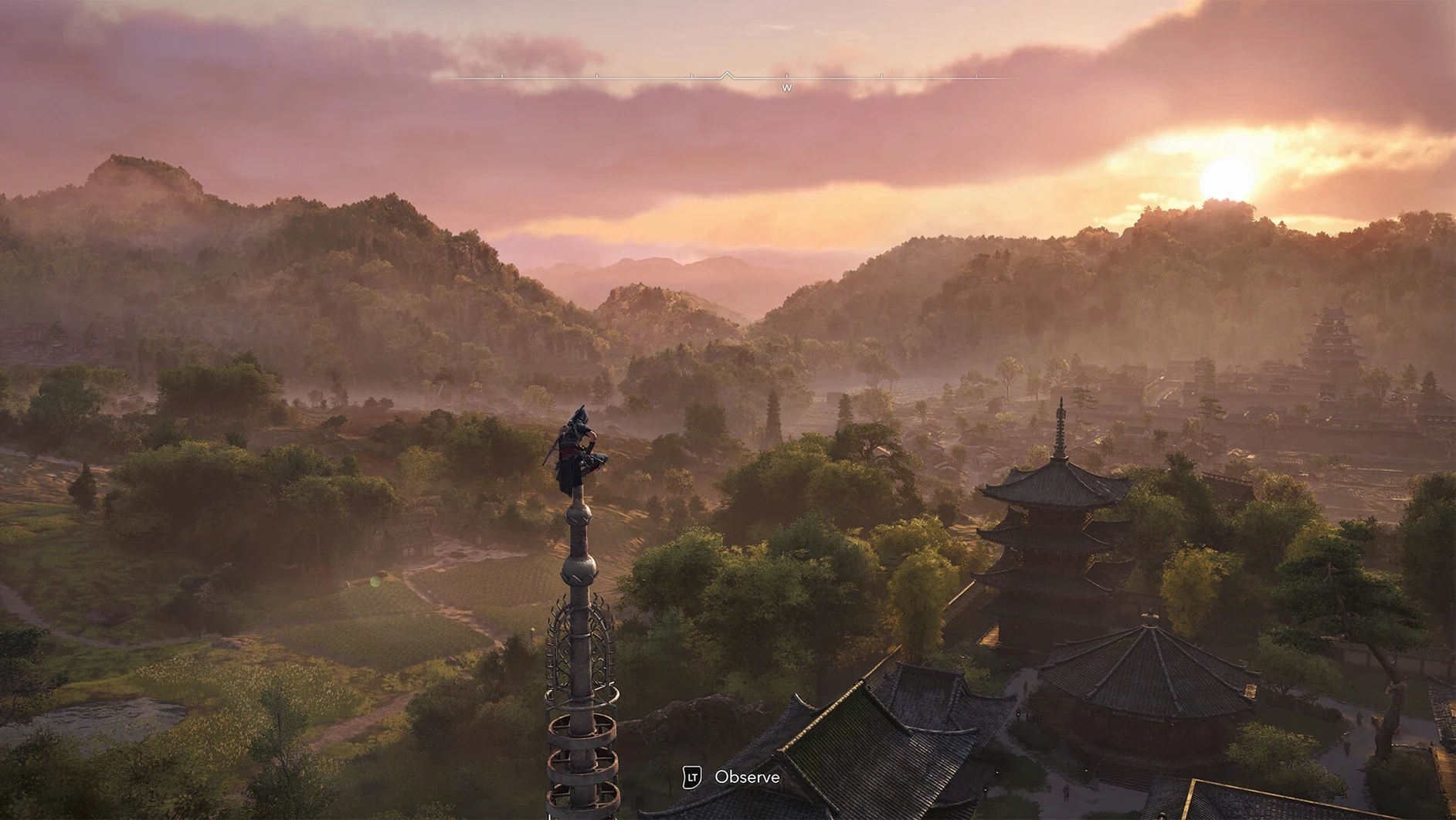
- Dynamic world. Changing weather and seasons affect visibility and movement across the map.
- Shinobi alliance. Recruit allies with unique abilities, train them, and interact with key characters in your customizable hideout.
- Voice languages. English, German, Spanish, Italian, Portuguese, French, and Japanese audio tracks are included.
Performance and Controls
On a modern MacBook Pro or Mac Studio with an M1 chip or later, expect a stable frame rate at medium-to-high settings, provided you have the required 16 GB of unified memory. The 130 GB install footprint is substantial, so an external SSD is worth considering. Controller support is standard, though the keyboard-and-mouse mapping is serviceable for players who prefer it—rebinding keys takes a few minutes to dial in for the dual-character move sets.
Launching a Fog-Shrouded Port Contract as Naoe
You launch from Launchpad, sign into your Ubisoft account, and the title screen loads. The opening prompt places you in Naoe’s boots. Fog rolls across a port town at dusk. You take a contract from the map screen by pinning a target with the scout network — a corrupt magistrate holed up behind guarded gates.
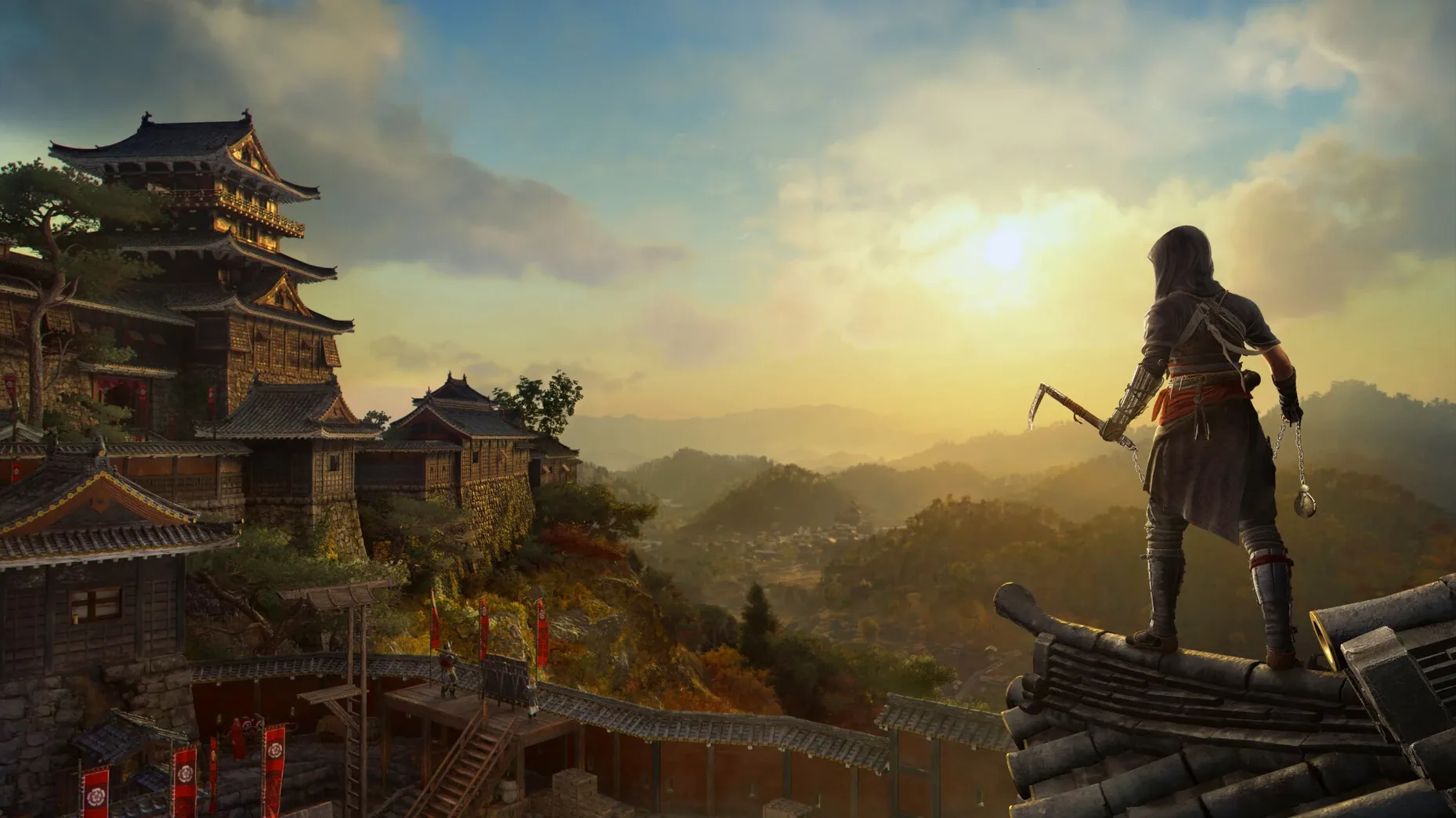
The first ten minutes are reconnaissance. You stick to rooftops, the grapple hook snapping to eaves and watchtowers with a press of the shoulder button. Naoe’s footsteps go quiet on tatami mats and roof tiles after you unlock the silent step skill. Rain begins midway through the infiltration, cutting visibility and muffling the guards’ hearing radius. A seasonal shift — autumn leaves clutter the path — makes ground movement noisier, so you adjust by staying vertical.
You mark three guards with Eagle Vision, note the rotation pattern, and descend behind the outer wall. One guard gets a shuriken to the neck. The second goes down with a hidden blade from a corner. The magistrate spots you before you reach the third, and the situation flips to a short, tense chase. You slam a smoke bomb and scale the gatehouse, breaking line of sight, then circle back through a shrine courtyard where the target is now isolated. The assassination triggers cleanly.
Switching to Yasuke changes the rhythm entirely. You load into the same map at midday, walk through the front gate, and cleave through four ashigaru in a single combo. The kanabo club sends armour pieces flying. A brute-force approach works here, but the wanted level spikes and reinforcements flood the district. You call in a recruited ally — a ronin you trained at the hideout — to draw aggro while you retreat to high ground and switch back to Naoe for a quieter exit.
Double-Tap Dismount That Lands You in a Crouch
Some shortcuts are buried in menus or never explained by tutorial pop-ups. Others become muscle memory only after a dozen hours.
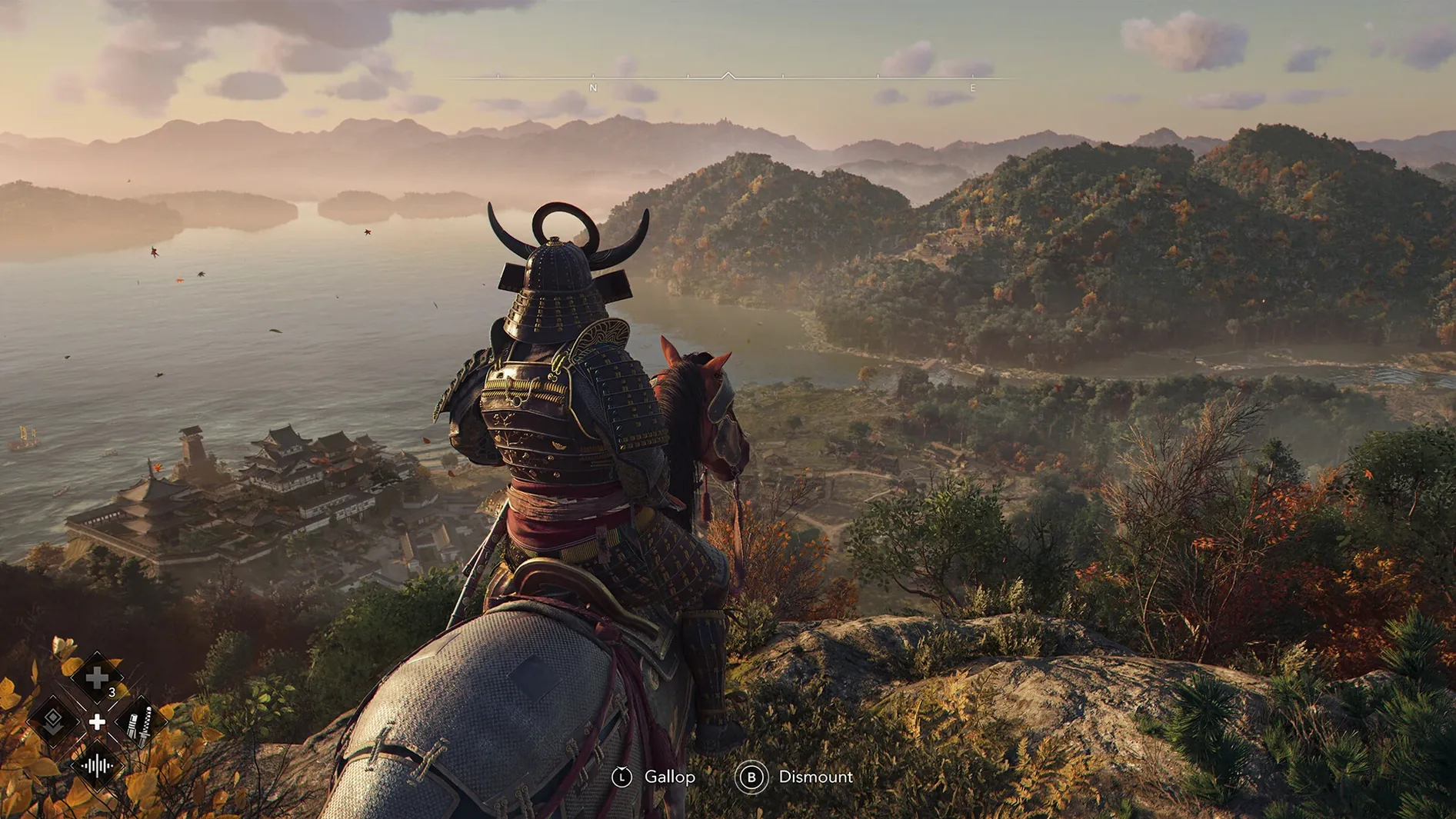
- Double-tap the dodge button on horseback to perform a quick dismount and land in a crouch. Saves a full second over the standard stop-and-dismount animation.
- Hold the weapon wheel button and flick the right stick to swap between Naoe’s kusarigama and tanto without opening the full inventory. The game never points this out.
- Season and weather preview. Open the map, then hold the touchpad or map button. A small overlay shows the forecast for the next in-game day. Useful for timing a night infiltration during a storm.
- Scout cooldown skip. After sending scouts to locate a target, visiting a viewpoint resets the cooldown instantly. The tutorial mentions viewpoints for map reveal, not for scout refresh.
- Hideout furnishing buffs. Decorations are not purely cosmetic. A placed calligraphy scroll shortens ally training time by a small percentage. A bronze incense burner raises the critical hit chance of anyone you send on a passive mission. The buffs stack, but the game only hints at this in a loading-screen tip.
- Photo mode depth-of-field shortcut. Press
F3(or the equivalent on a compact keyboard) to capture a screenshot directly with the current photo-mode settings, bypassing the overlay UI entirely.
Metal 3 and M3 Ray Tracing Parity
Does the Mac version have feature parity with the Windows release?
The core game, narrative, map, and progression systems are identical. On the Mac side, Apple worked with Ubisoft to implement Metal 3 and hardware-accelerated ray tracing on M3 and M4 chips. HDR output is available on Macs with an M3 or M4 and a compatible display. One difference: the Mac App Store build receives patches on the same general schedule, though a few hotfixes have arrived a day or two later than on other platforms.
How does it run on an M1 MacBook Air?
The minimum requirement is Apple M1, 16 GB of unified memory, and macOS Sequoia 15.0 or later. On a fanless M1 Air, the game targets 720p at 30 frames per second on the low preset. Extended sessions will trigger thermal throttling; a cooling pad helps, but do not expect higher resolutions or a locked frame rate during heavy weather effects.
Can two people share one Ubisoft account on the same Mac?
The game requires a Ubisoft account to launch, and save files are tied to that account. Two players on the same machine would need separate Ubisoft accounts to keep progress cleanly divided. macOS user profiles do not bypass this — the launcher checks the signed-in account, not the local home folder.
Is the entire map open from the start?
The provinces unlock as the main story progresses. Once an area is accessible, no artificial gates block exploration. You can ride from a war-torn province straight into a castle town, provided you survive the patrols that guard the connecting roads.
iCloud Sync Through the Ubisoft Connect Overlay
The game integrates with standard macOS features in a straightforward way without overcomplicating anything. Mission progress and key items sync through iCloud if you have the Ubisoft Connect overlay active, but the save file itself lives in ~/Library/Containers/. Backing up manually means grabbing the container folder; Time Machine catches it automatically.
For players who use a capture card or streaming setup, the game outputs a clean signal via USB-C to HDMI. OBS recognises the window on Apple Silicon without needing a display-capture workaround. Discord Rich Presence is absent on the Mac build as of version 1.0.35, so your status will not broadcast the current province and target.
Playing while downloading or torrenting in the background hits the frame pacing, especially on a machine with 16 GB of RAM. The engine streams assets constantly, and any disk contention on the 130 GB install directory introduces micro-stutter. If you are grabbing something like ac shadows mac torrent in the background, pause it during play — the disk I/O is the bottleneck, not the network.
Spotify runs fine alongside the game. The in-game music ducks automatically when system audio plays, so a podcast or playlist layered over exploration works without manual volume fiddling. Siri and dictation remain active but are best disabled through the Game Mode focus filter to avoid accidental triggers during combat.
- macOS Sequoia 15.0 or later
- Apple Silicon (M1 chip or newer)
- 16 GB RAM
- 130 GB available storage
- Ubisoft account for launch
Questions on file
Does Assassin's Creed Shadows run natively on Apple Silicon?
Yes, it requires a Mac with an Apple M1 chip or later and runs natively, not through Rosetta 2.
Sign in · Create an account to add a field note.
No field notes yet. A measurement, a version, a machine — they appear after moderation.