Games
Age of Empires II: Definitive Edition 1.2
GamesUpdated
| Requirement | On file |
|---|---|
| macOS | See the sheet |
| CPU | Apple Silicon, Intel 64-bit |
| Download | 75 GB |
| Tested on | macOS Tahoe, Mac mini 2024 M4 |
Players who grew up with LAN parties and those who just want a solid skirmish against the AI both have a reason to look at this build. The definitive edition lands on macOS as a native Apple silicon and 64-bit x86 application, produced with Feral Interactive, which means the code speaks directly to the processor without a translation layer in between.
Good for
- Over 200 hours of campaign and scenario content, including the three-campaign The Last Khans expansion.
- 35 civilisations available in online multiplayer, each with distinct tech trees and unit rosters.
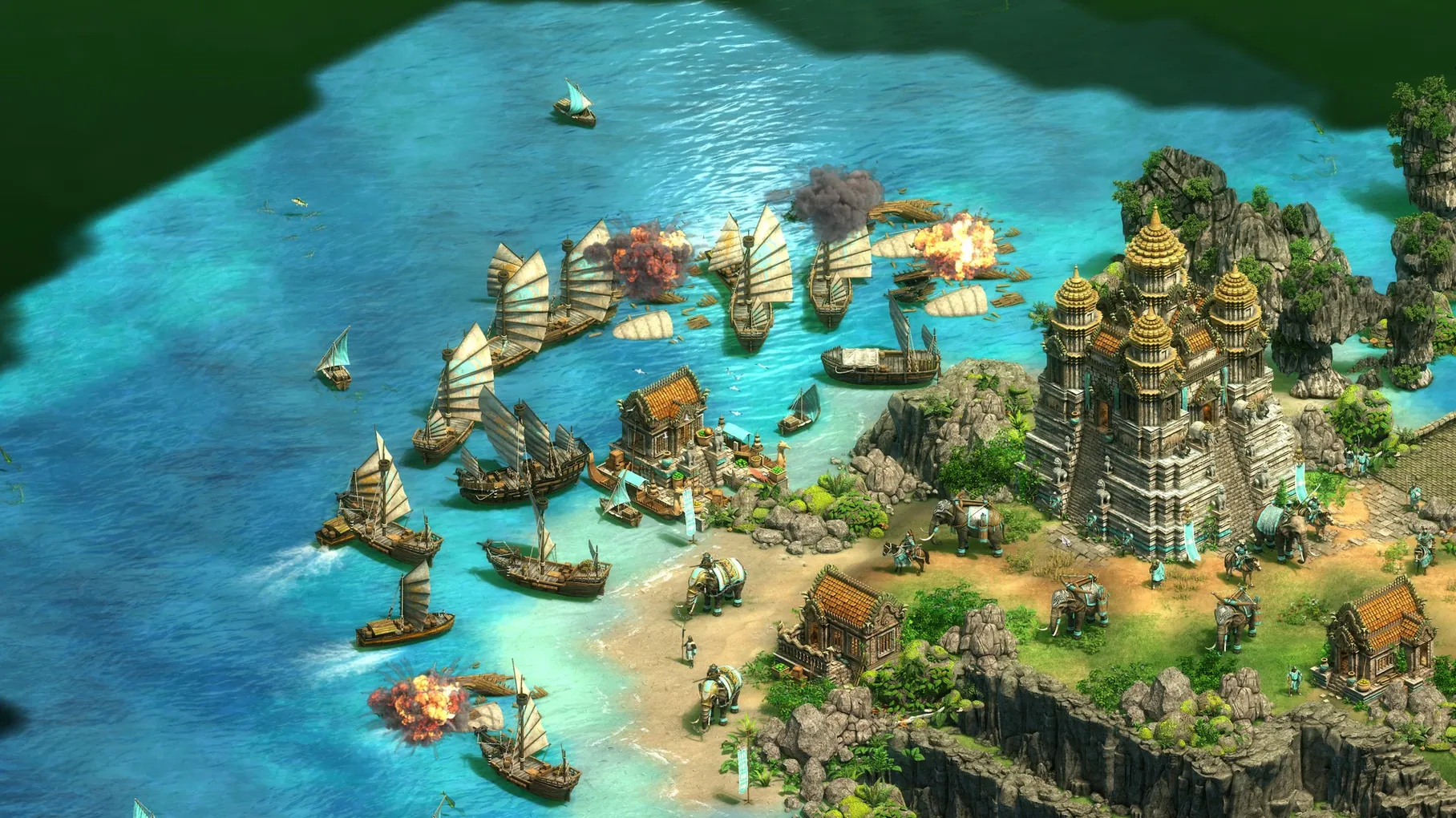
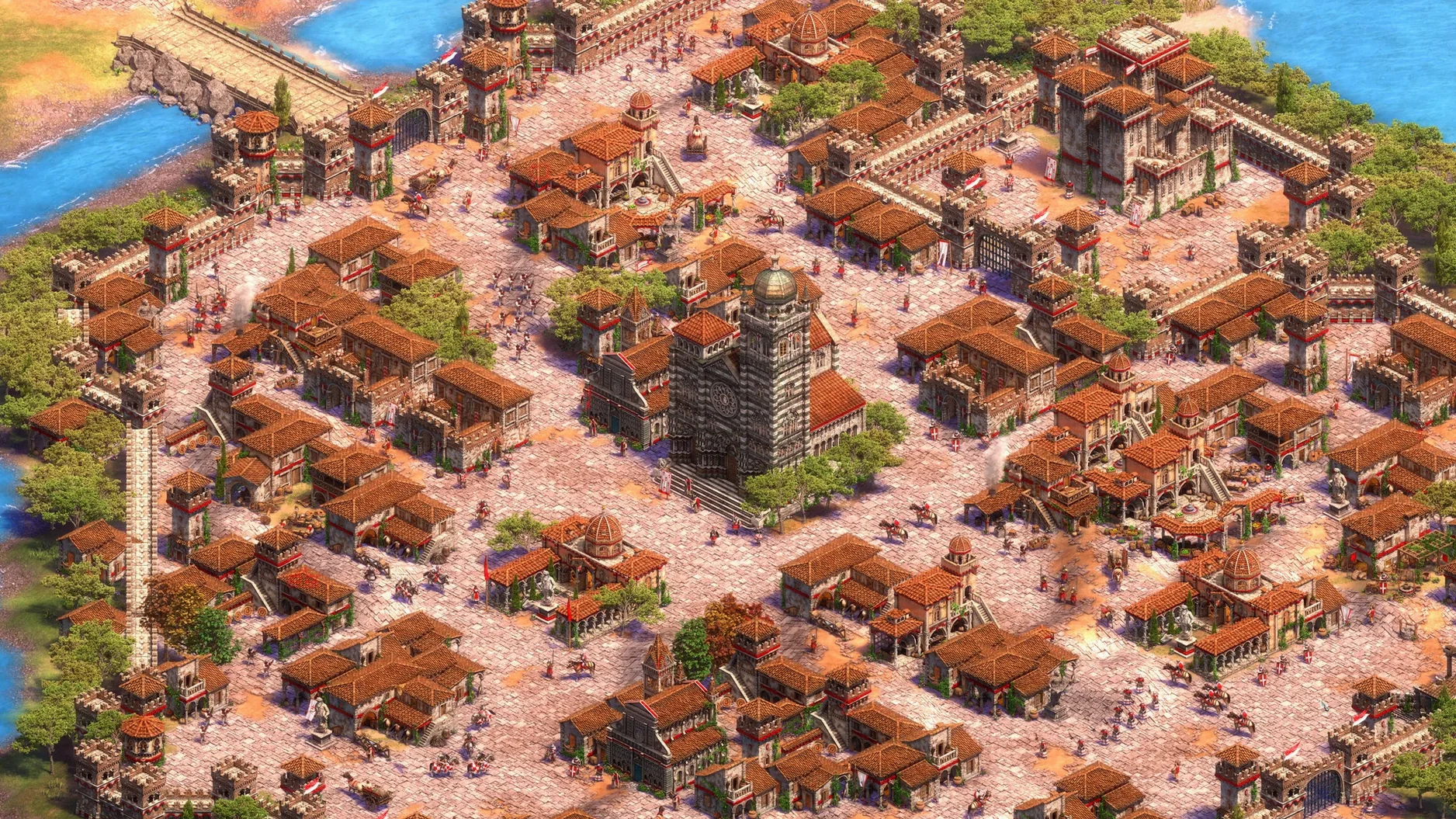
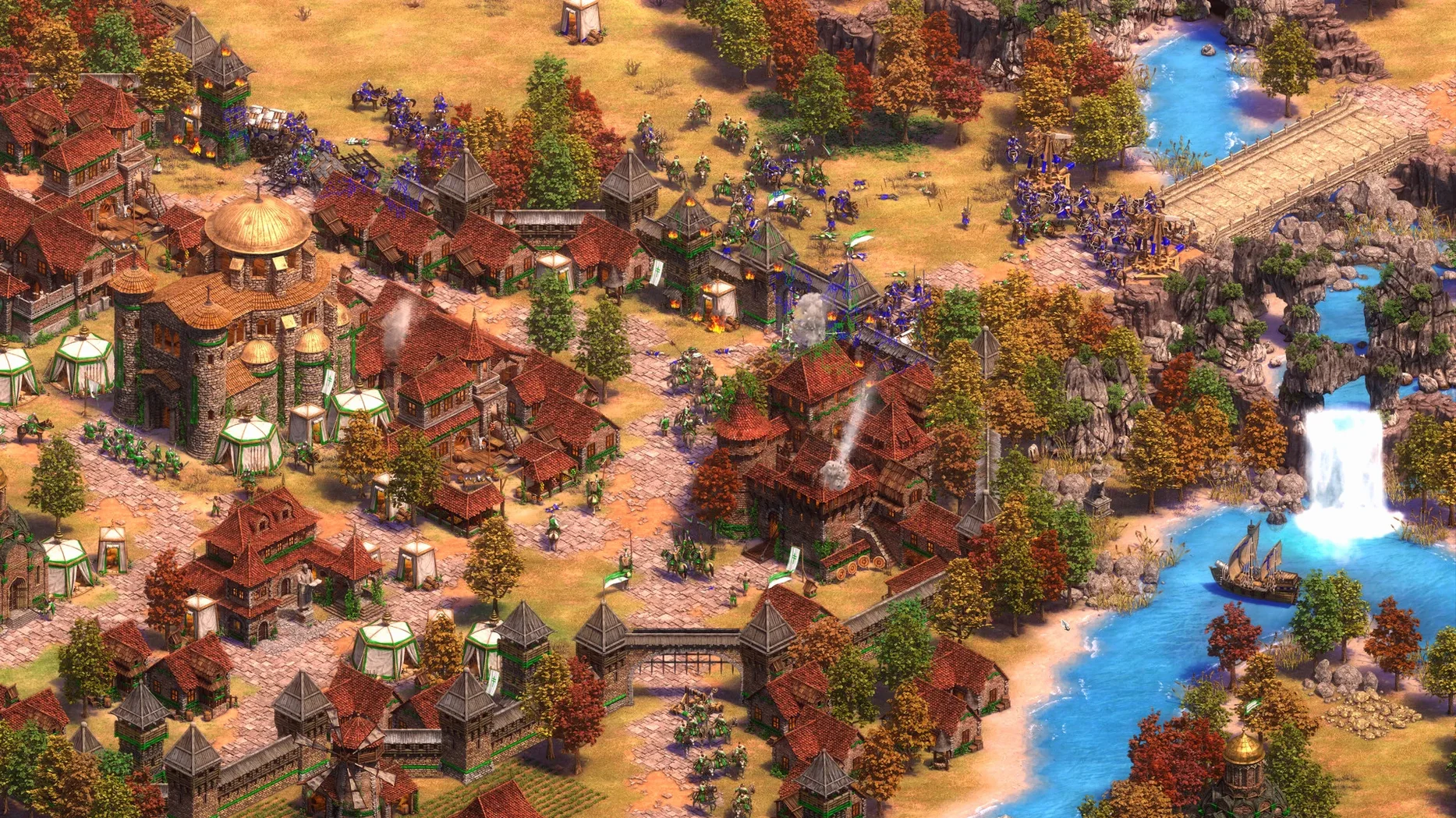
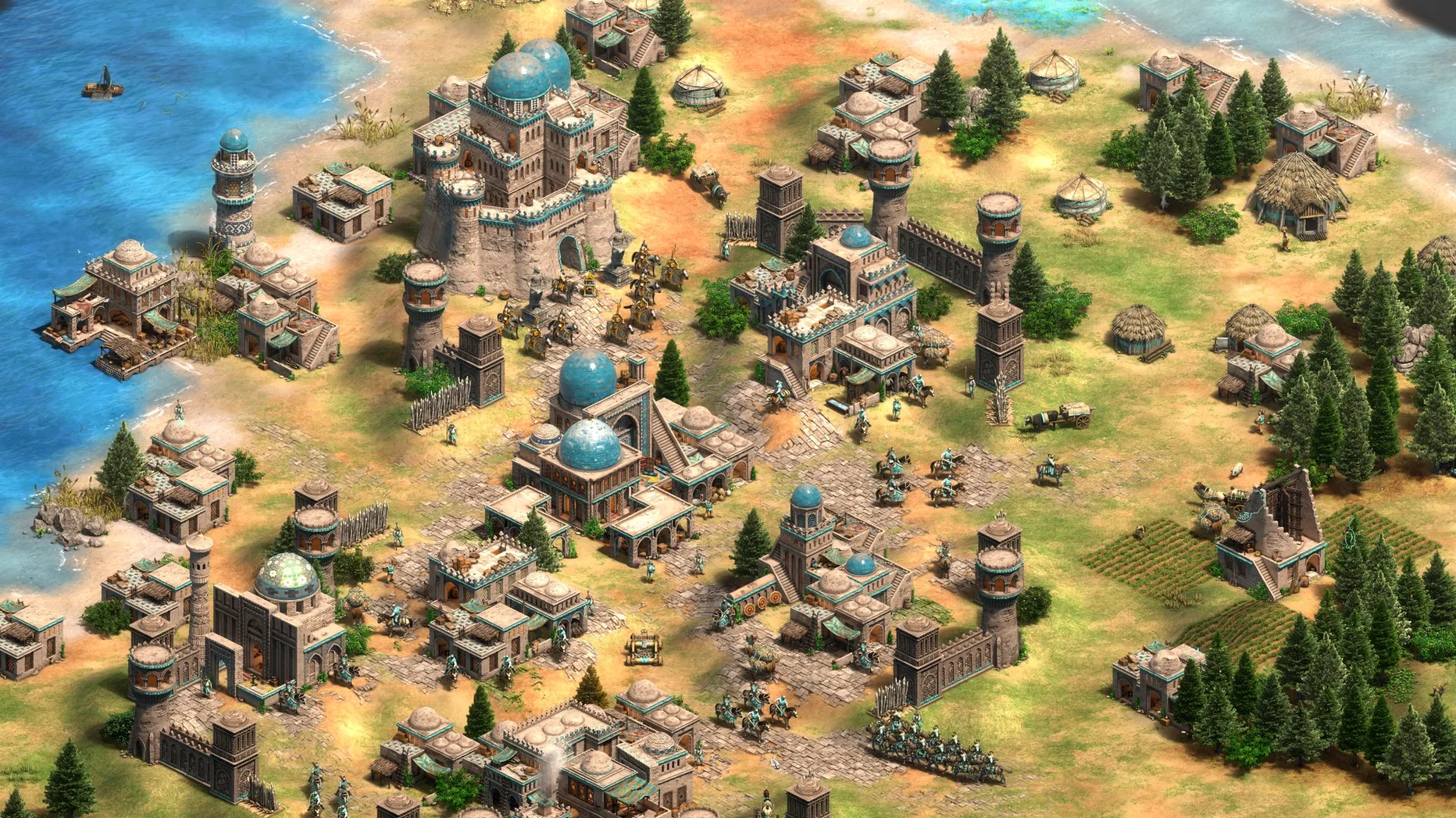
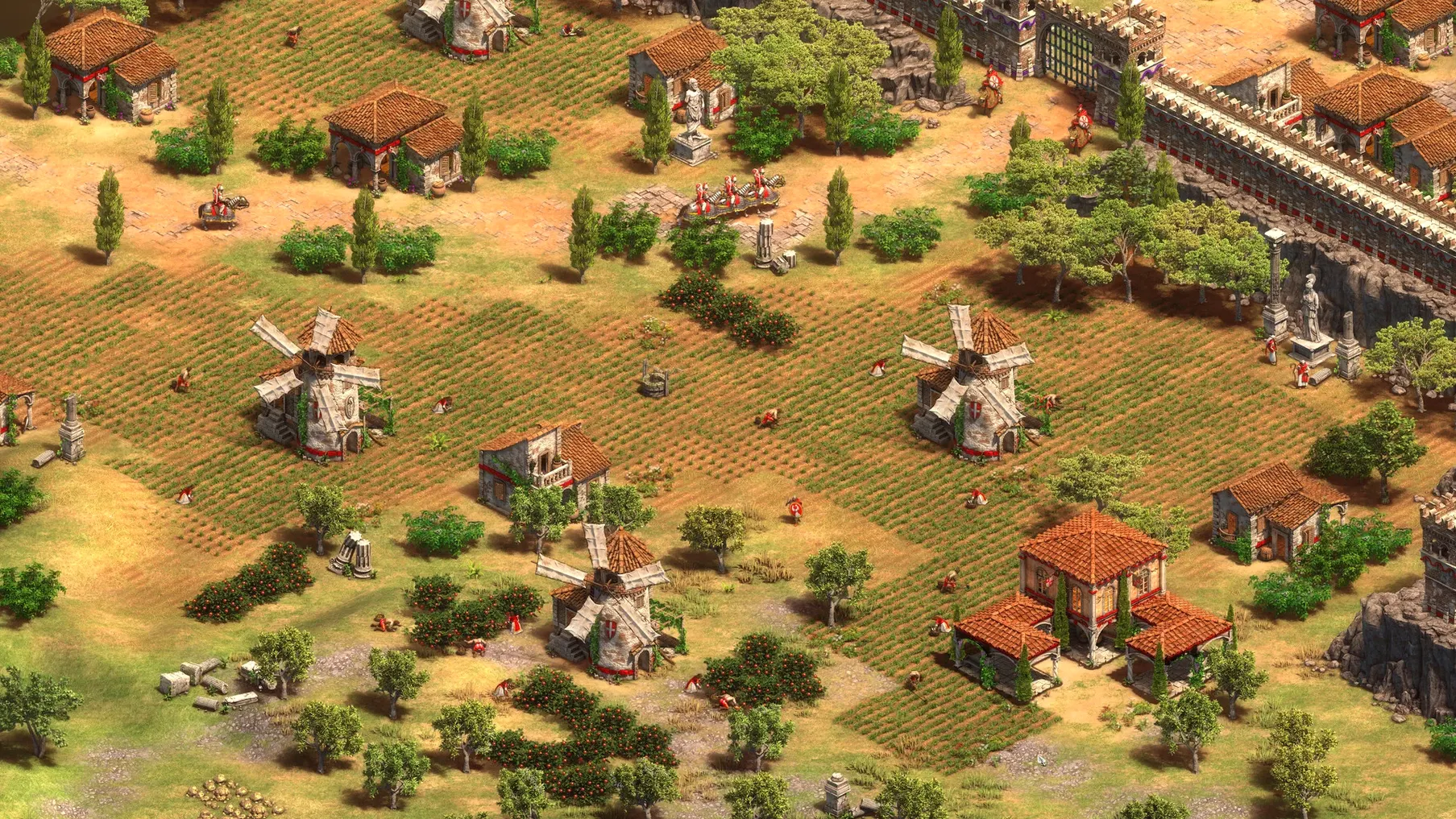
- Ultra HD 4K visuals and a digitally remastered soundtrack that stay true to the original art direction.
- Full voice-over support across nine languages, including English, German, Spanish, Italian, French, Korean, and both Simplified and Traditional Chinese.
- A working scenario editor, so custom maps and triggers work the same way they do on the Windows side.
Keep in mind
- The battle royale mode and quick play option are recent additions; matchmaking volume depends on the time of day and region.
- Interface improvements have been rolling out steadily, but some mods and community tools remain Windows-only.
- The interface supports 16 languages, yet voice-over coverage is limited to nine — text and audio language choices do not fully overlap.
Small moves with outsized returns
Hundreds of hours in, I still notice players who never touch the Shift-queue system. Hold Shift while issuing orders and a unit chains them in sequence. A villager builds a lumber camp, then walks straight to the nearest tree line and starts chopping — no idle gap. Scouts path through unexplored terrain and return to base on their own. The same modifier stacks technologies in a building queue, so you can line up Loom, Feudal Age, and Double-Bit Axe with three clicks and then focus on your dark-age food balance.
The Alt key is just as quiet. Tap it once and health bars appear above every unit on screen without opening a settings panel. Hold it down and click-drag to select only villagers among military units clumped near a forward castle. Alt-right-click a herd of deer and your selected military unit ignores them, heading straight for the enemy scout behind the animals instead.
Control groups deserve the extra second. Highlight a group, press Ctrl + [number], and that number recalls the selection. Double-tap the number and the camera jumps to them. The game registers groups up to 9, but most players run three or four: one for the scout, one for the main army, one for production buildings. Grouping a forward builder allows you to drop a siege workshop behind a treeline without scrolling across the map.
The global queue display — that row of unit icons above the resource bar — is a small interface gift. Right-click an icon and that unit cancels across all buildings of the same type. Over-queue ten knights by accident? Two right-clicks and the extra five disappear without hunting through stables.
Early Friction Points After the Native Apple Silicon Switch
The move to a native Mac build through Feral Interactive means the engine runs directly on Apple silicon and 64-bit Intel chips. That eliminates most of the translation overhead, but a handful of friction points still trips people up.
Input latency in full-screen mode
On some M-series machines the default full-screen setting adds a frame or two of input lag. Switching to Windowed Fullscreen (listed as "Borderless" in the graphics options) clears it while keeping the display at the desktop's native resolution. The visual result is identical; the mouse response tightens immediately.
Multiplayer mismatch after an update
Version 1.2 and the builds that preceded it lock cross-play to other macOS players on the same patch. If one person in a group has not yet applied the latest update, the lobby throws a version-mismatch error with little explanation. The fix is simply to check the version number on the title screen and make sure everyone matches before sending invites. The game does not auto-patch in the background while running, so a quick quit and relaunch after a fresh download solves it.
Trackpad right-click not registering
macOS defaults override the game's right-click behaviour on some trackpad configurations. The command is there — the engine reads it — but the system intercepts it first. Enabling Secondary click as "Click in bottom-right corner" under System Settings → Trackpad restores the expected behaviour without third-party tools.
Soundtrack stutter on Bluetooth headphones
The remastered score runs at a high bitrate and occasionally chokes on the AAC codec negotiation over Bluetooth 5.0. A wired connection or USB-C audio interface fixes it outright. If wireless is the only option, switching the Mac's audio output sample rate to 48 kHz in Audio MIDI Setup stabilises playback for most headphone models.
Scenario editor files not appearing
Custom scenarios saved through the editor land in ~/Library/Application Support/Age of Empires II DE/scenario/, not the cloud. If the game was installed on an external drive, the folder still lives on the boot volume. Dragging a .aoe2scenario file anywhere else means the editor will not see it.
Quick Play Ladder Lands a Tighter Elo Match
- Quick Play mode — a direct-queue ladder that skips the lobby browser entirely. Pick your preferred map pool, hit queue, and the matchmaker assigns an opponent within a tighter Elo band than the older ranked queue. Shorter wait times on weeknights, though late-night Oceania hours can still stretch to three or four minutes.
- Scenario Editor support — previously absent from the Mac build. Triggers, condition trees, and custom AI scripting now behave identically to the Windows editor. Map-makers who had been holding out for a native tool can finally port their workshop items.
- Interface refinements — tech tree icons received a contrast bump; the diplomacy panel scales better on Retina displays above 2560×1440; unit stances cycle with fewer misclicks when bound to hotkeys.
- Battle Royale mode — a limited-time ruleset now available as a permanent queue option. Eight players, shrinking map borders, last civilisation standing. No economic buildup beyond the Feudal Age, so matches resolve in under 15 minutes.
Which Mac users feel most at home here
The game casts a wide net, but three groups settle in faster than others.
Campaign-first solo players. Someone who treats the historical battles as a long-form puzzle sequence gets over 200 hours of structured content before touching a single multiplayer lobby. The three Last Khans campaigns alone — Tamerlane, Ivaylo, and Kotyan Khan — add roughly 25 hours of narrated scenarios with full voice work. Mac users on long-haul flights or patchy internet stints can cache everything locally and play offline.
Competitive ladder grinders. Quick Play and the ranked queue reward players who memorise build orders and want a tight 1v1 format. The native ARM build holds a steady 60 fps at 4K on an M4-class chip, so frame drops during late-game cavalry charges are rare enough that they stop being an excuse for a bad engagement.
Map-makers and mod authors. The scenario editor arriving in the Mac version changes the equation. Someone who enjoys building tower-defence maps or historical recreations can now do it on the same machine they use for Logic Pro or Xcode — no Boot Camp, no Parallels, no Windows licence.
Pre-Download Answers
macOS and Windows Player Pools Are Separate
No. Multiplayer matchmaking is limited to other macOS players. The two player pools are separate, so a friend on a Windows PC cannot join a Mac-hosted lobby and vice versa. This is a network architecture decision, not a temporary limitation, and it is the single biggest thing to know before planning a co-op session.
2018–2019 Intel Macs and the Integrated Graphics Ceiling
The build supports 64-bit x86, so any Intel Mac that meets the macOS version requirement can launch it. Performance on integrated graphics from that era — the UHD Graphics 617 in a MacBook Air, for instance — will need resolution and shader settings dialled down to the "Low" preset to hold 30 fps in 4v4 late-game fights. Discrete GPUs fare better, especially those with at least 4 GB of VRAM.
30 GB Full Install vs. 16 GB Base
With all campaigns, the enhanced graphics pack, and voice files for the nine supported languages, the total sits around 30 GB. The base install without the optional high-resolution texture pack trims that to roughly 16 GB. The game runs fine from an external SSD over USB 3.2, though loading times for eight-player scenarios lengthen by a few seconds compared to the internal drive.
Are the newer expansions — Lords of the West, Dynasties of India, Dawn of the Dukes — included or sold separately?
They are part of the macOS release. The build ships with all three bundled alongside The Last Khans. The civilisation count reflects that: Burgundians, Sicilians, Bengalis, Dravidians, Gurjaras, Bohemians, and Poles are all present and functional in both single-player and multiplayer.
Can it be played with the keyboard alone, or is a mouse required?
A pointing device is mandatory for unit selection and camera scrolling. The keyboard handles hotkeys and control groups, but there is no full keyboard-navigation mode. Players on a MacBook without a mouse can get by with the trackpad, though micro-intensive tasks like quick-walling or monk micro benefit from a physical mouse with a scroll wheel.
- Visuals — Ultra HD 4K asset pack now standard on all supported Macs.
- Audio — digitally remastered soundtrack included in the base install.
- Content — The Last Khans expansion with three new campaigns and four civilisations.
- Modes — battle royale and quick play options added to multiplayer.
- Tools — scenario editor support enabled for custom map creation.
- Apple silicon (M-series) or 64-bit Intel Mac.
- Tested on macOS Tahoe with a Mac mini 2024 M4.
- No activation step required after installation.
Questions on file
Does the Mac version include all content from the Windows Definitive Edition?
Yes, it ships with the full 4K remaster, the remastered soundtrack, The Last Khans expansion, and support for 35 civilisations in online play.
Sign in · Create an account to add a field note.
No field notes yet. A measurement, a version, a machine — they appear after moderation.