Games
Dome Keeper 5.0.8
GamesUpdated

| Requirement | On file |
|---|---|
| macOS | See the sheet |
| CPU | Apple Silicon, Intel 64-bit |
| Download | 832 MB |
| Tested on | macOS Tahoe, Mac mini 2024 M4 |
You’ve got a Mac, you want the game, and you’d rather not troubleshoot for an hour before the first dig. Dome Keeper on macOS runs natively on both Apple Silicon and Intel hardware, so the architecture side is settled. The real question is whether the controls and rhythm hold up without a Windows machine in sight.
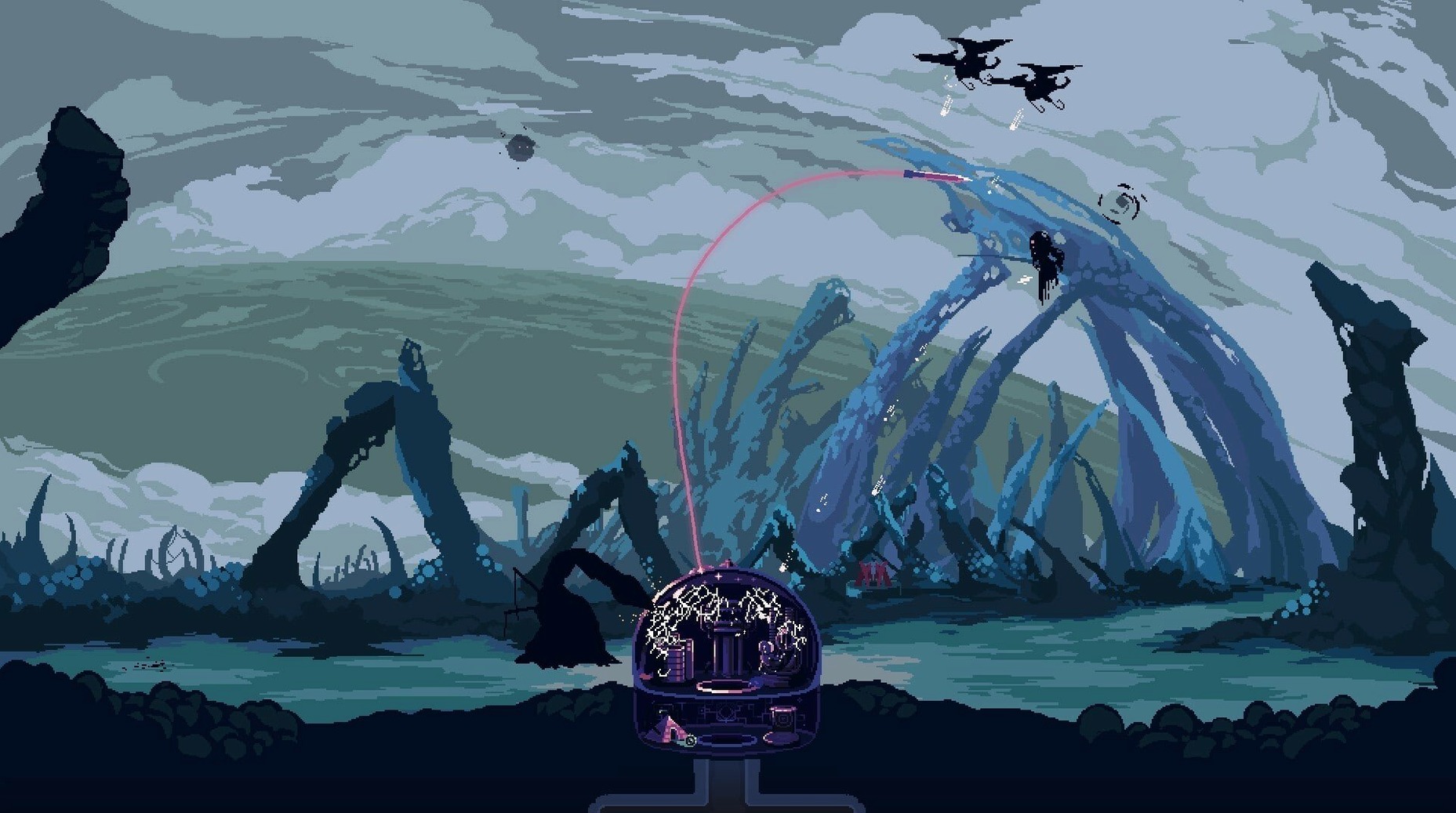
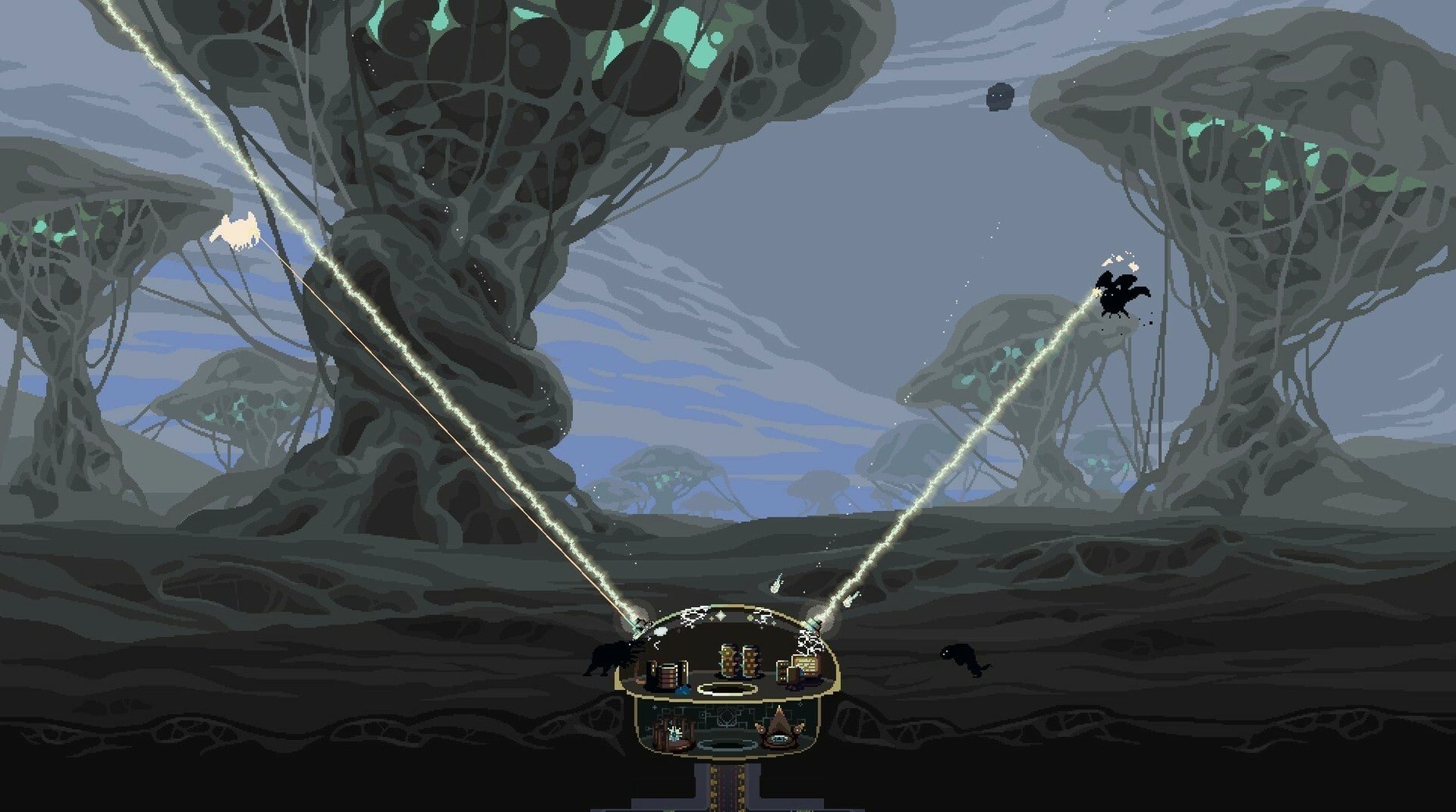
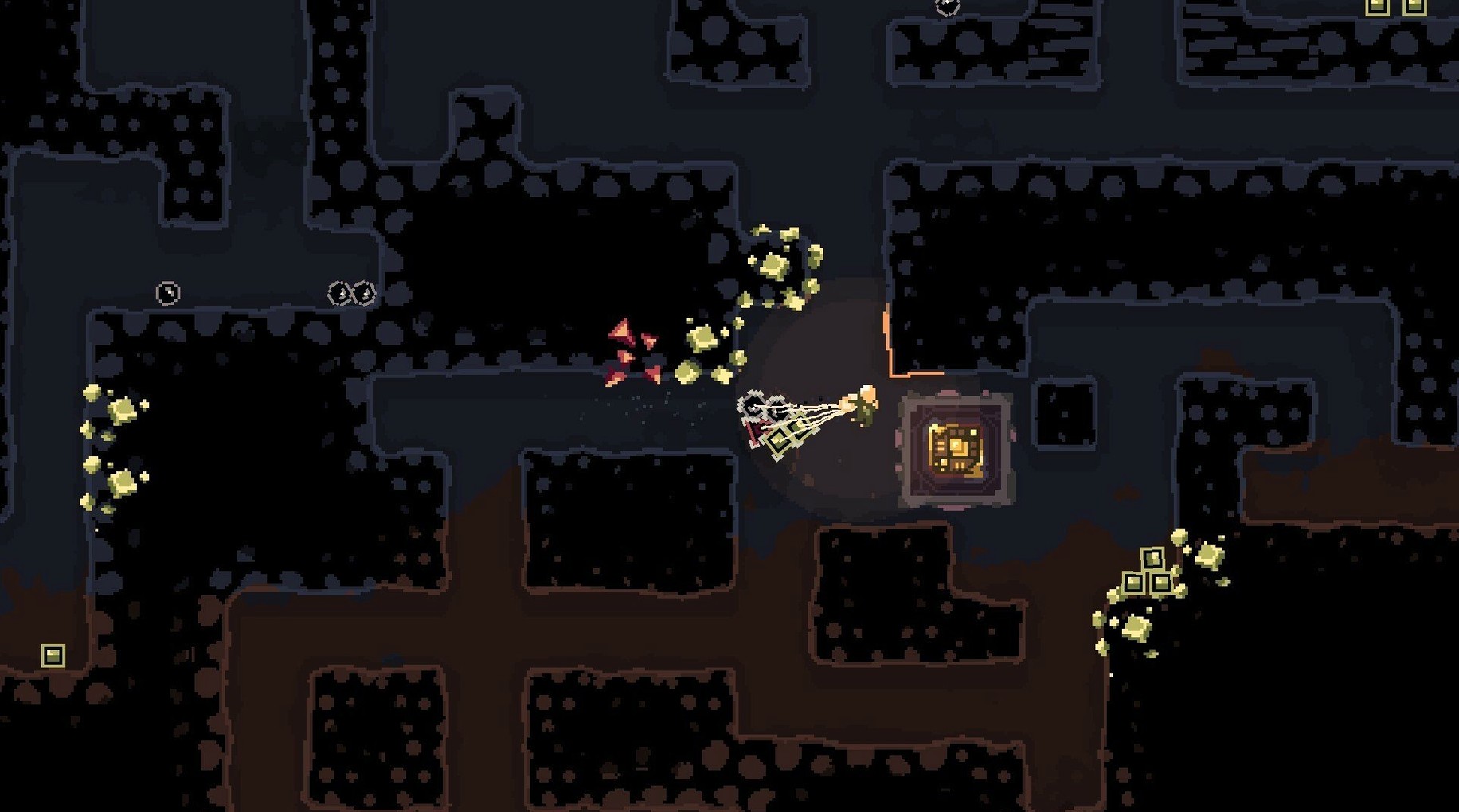
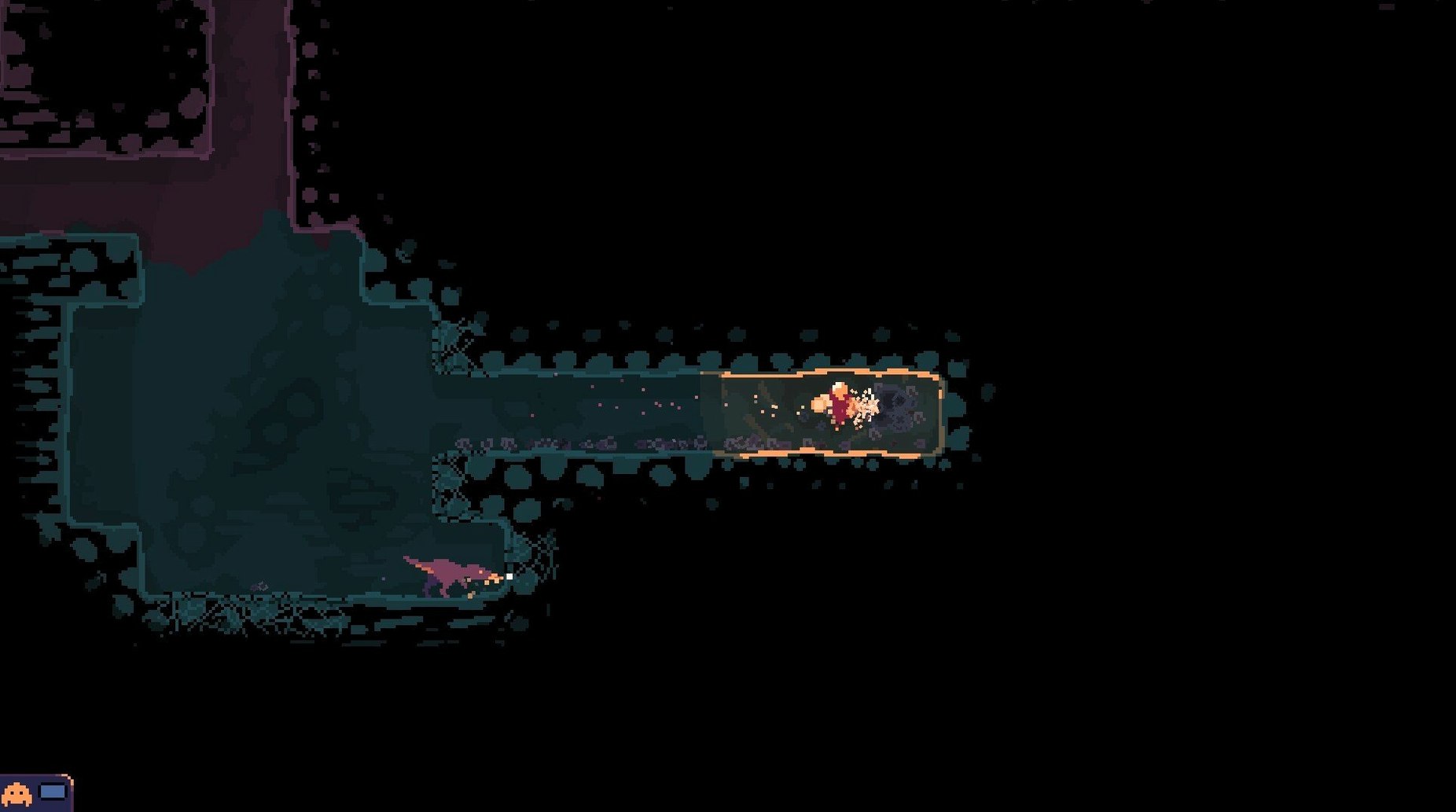
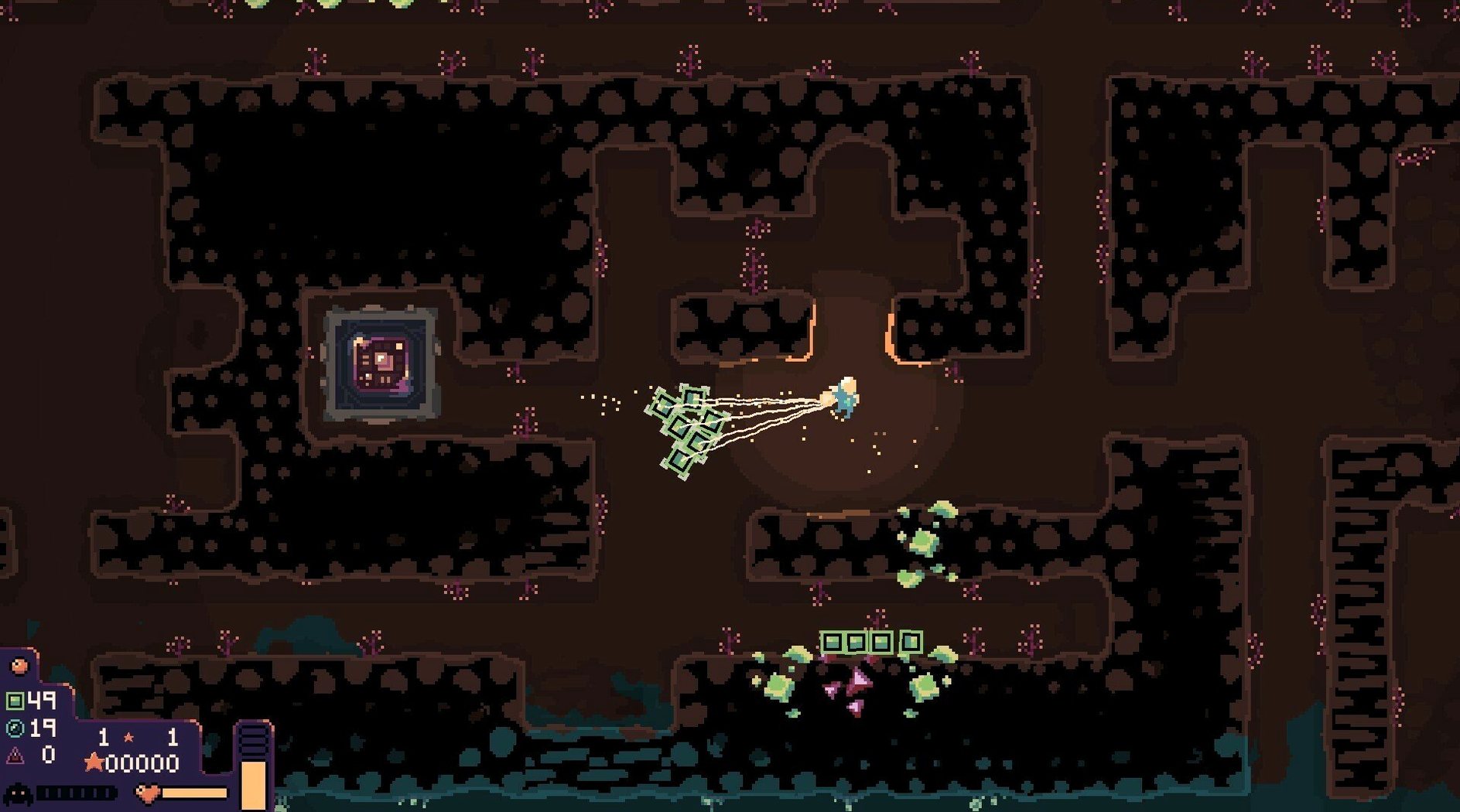
You control a keeper stationed under a dome. Each run sends you tunnelling through procedurally generated pixel-art environments, collecting resources and artifacts with a drill you upgrade over time. The loop is simple: dig, gather, return to the surface before the next attack wave hits, then spend your haul on defenses. It’s a tight push-your-luck cadence that plays identically on macOS—mouse and keyboard are the expected input, and there is no controller-only feature locked away.
Performance expectations are modest. The game’s 2D pixel art doesn’t stress a modern Mac’s GPU, and the procedural generation keeps level loads quick. On an M1 or later, expect a locked frame rate with near-silent thermals. Older Intel machines with integrated graphics should still hold 60 fps without issue, provided background tasks are kept in check.
The macOS build mirrors the Steam release distributed by Raw Fury, with full support for 18 interface languages including Russian, German, Japanese and Simplified Chinese. Installation is a standard disk-image drag to Applications. If Gatekeeper blocks the first launch, a quick Terminal command clears the quarantine attribute and lets the app run as expected.
Resource Drops Clipping Into Terrain
A few friction points appear often enough to address upfront. None are Mac-specific bugs — they are design quirks that hit new keepers regardless of platform.
Resource drops getting stuck in terrain. Occasionally a mineral chunk or artifact clips into a tile edge and becomes unreachable. The drill can usually free it if you dig the tile directly adjacent, not the one the item appears to occupy. If it sits in solid rock above your tunnel ceiling, dig upward one tile to its left or right — the physics system often nudges it loose on the next game tick. As a last resort, the jetpack lets you clip through narrow gaps to grab items that have lodged themselves at awkward angles.
Missing the wave timer. The countdown bar at the top of the screen is easy to ignore when you are three screens down chasing a cobalt vein. The audio cue — a rising synth tone — fires at roughly ten seconds remaining, but ambient music can mask it. A practical habit: glance at the timer after every third resource chunk you collect. If the bar has passed the halfway mark and you are deeper than two screen-heights, start heading up immediately. Jetpack upgrades reduce ascent time significantly, so prioritise them if late returns keep costing you dome integrity.
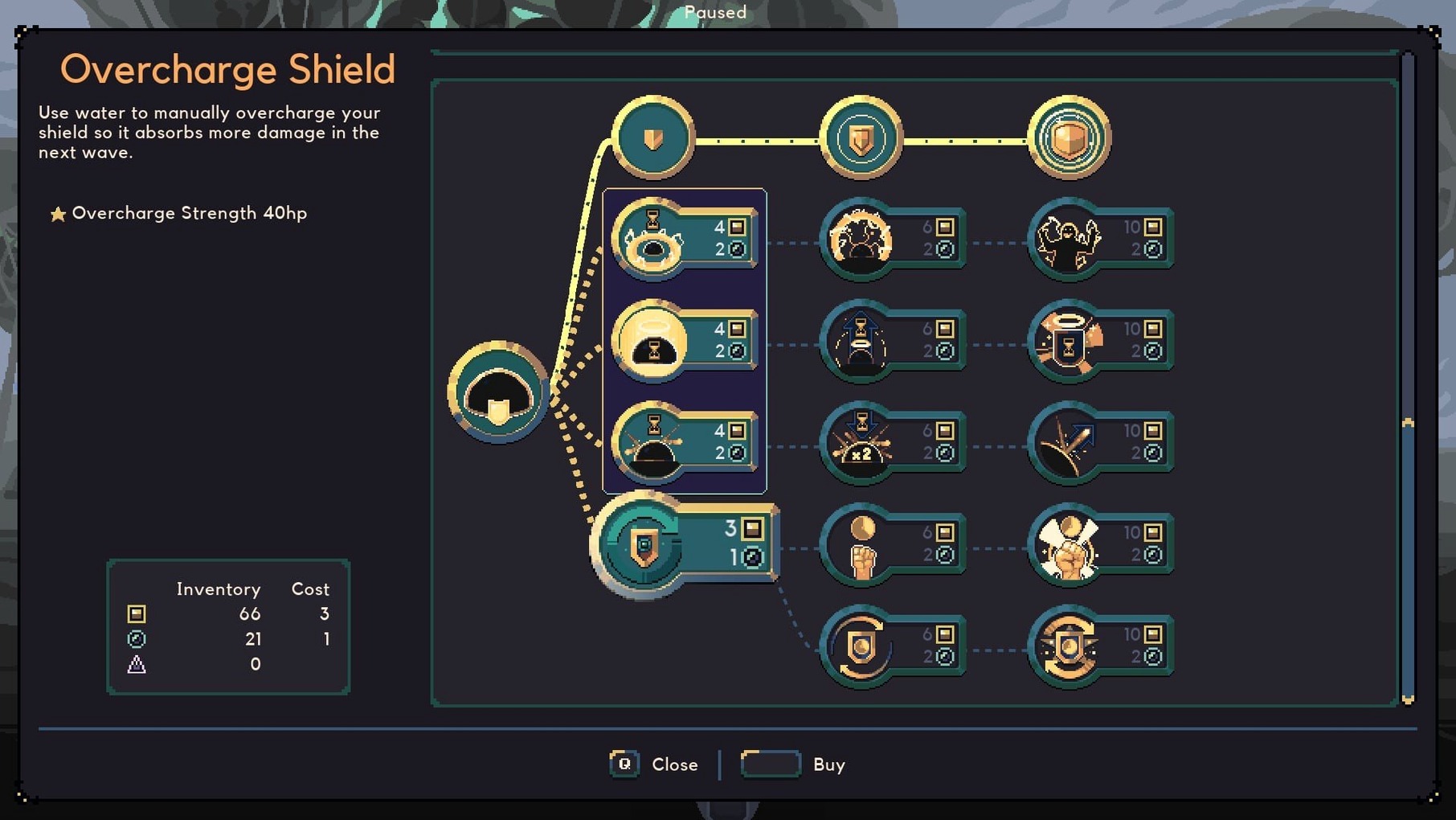
Upgrade regret on long runs. The skill tree does not offer respecs. Spreading cobalt across drill speed, weapon damage and dome repairs early on leaves all three underpowered by wave twelve. Specialising in one damage type and one movement upgrade for the first ten waves produces more consistent survival. You can branch out later when resource yields increase from deeper strata.
Twenty-Minute Mining Sessions on an M1 MacBook Air
Consider someone who maps ore bodies for a living — a geologist in Perth who spends mornings interpreting drill-core data and wants twenty minutes of mining that does not resemble work. She launches Dome Keeper on a MacBook Air M1, picks the default keeper, and drops into a run on normal difficulty.
Her first five waves are methodical. She digs narrow vertical shafts with lateral branches at depths where the resource density shifts, treating each screen as a grid to clear systematically. By wave six she has upgraded the drill to tier three and installed the first laser turret, which handles airborne enemies while she stays below ground an extra fifteen seconds per cycle. That extra time nets her enough cobalt for a jetpack upgrade before wave eight — the turning point where attack frequency outpaces a basic drill’s yield rate.
The run ends at wave fourteen when a swarm of ground units breaches from two sides simultaneously. The loss traces back to a choice she made at wave ten: spending cobalt on dome health instead of a second turret. The dome repair bought one extra wave, but without additional passive damage, the next swarm overwhelmed it anyway. The takeaway she notes: repair upgrades delay defeat; damage upgrades prevent it.
Dial Screen Shake Down to 30–40% Before Your First Dig
Three adjustments improve the experience before you start your first dig.
Screen shake intensity. Default setting is 100%, which produces a pronounced judder on every explosion and drill impact. Dropping it to 30–40% keeps the tactile feedback without making the display feel unstable on a 13-inch MacBook screen. The slider lives under Options > Video.
Manual pickup toggle for the Infiltrator. Version 5.0.8 added an option to switch between manual and automatic collection of Kunai Carriers. Automatic pickup is disabled by default for flying carriers, which means you need to walk over every thrown kunai to reclaim it. If the Infiltrator is your keeper of choice, enabling automatic pickup saves several seconds per combat cycle and reduces the cognitive load of tracking scattered projectiles during multi-directional attacks.
Resource drop priority. Also new in 5.0.8: an option that controls whether resources or gadgets drop first when a keeper takes damage. Setting this to "resources first" means you lose cobalt and iron before losing artifacts or equipped gadgets. On runs where you are carrying a rare artifact back to the surface, this ordering can prevent a single hit from costing you a run-defining find. Find it in the gameplay options under the loadout section.
If you grabbed the dome keeper mac full version and want split-screen multiplayer, the 5.0.8 patch also added a UI scaling option for split-screen runs. Crank it up on smaller displays — the default scale can leave text and loadout elements hard to parse when two players share a 14-inch panel.
- Multiplayer — direction indicators added.
- Infiltrator — option to toggle manual or automatic pickup of Kunai Carriers; automatic pickup of flying Kunai Carriers disabled.
- Keepers — option to choose whether resources or gadgets drop first for several keepers.
- Split-screen — option added to scale the overall loadout and most text during split-screen runs.
- Architecture: ARM (Apple Silicon) and x86-64 (Intel)
- Interface languages: Russian, English, German, Hungarian, Danish, Spanish, Italian, Simplified Chinese, Dutch, Norwegian, Polish, Portuguese, Turkish, Ukrainian, Finnish, French, Czech, Japanese
Questions on file
Does Dome Keeper run natively on Apple Silicon?
Yes. The macOS build supports both ARM (Apple Silicon) and x86-64 (Intel) architectures without Rosetta translation.
Sign in · Create an account to add a field note.
No field notes yet. A measurement, a version, a machine — they appear after moderation.