Games
#DRIVE Rally 1.5.1.0
GamesUpdated
| Requirement | On file |
|---|---|
| macOS | See the sheet |
| CPU | Apple Silicon, Intel 64-bit |
| Download | 1.2 GB |
| Tested on | macOS Tahoe, Mac mini 2024 M4 |
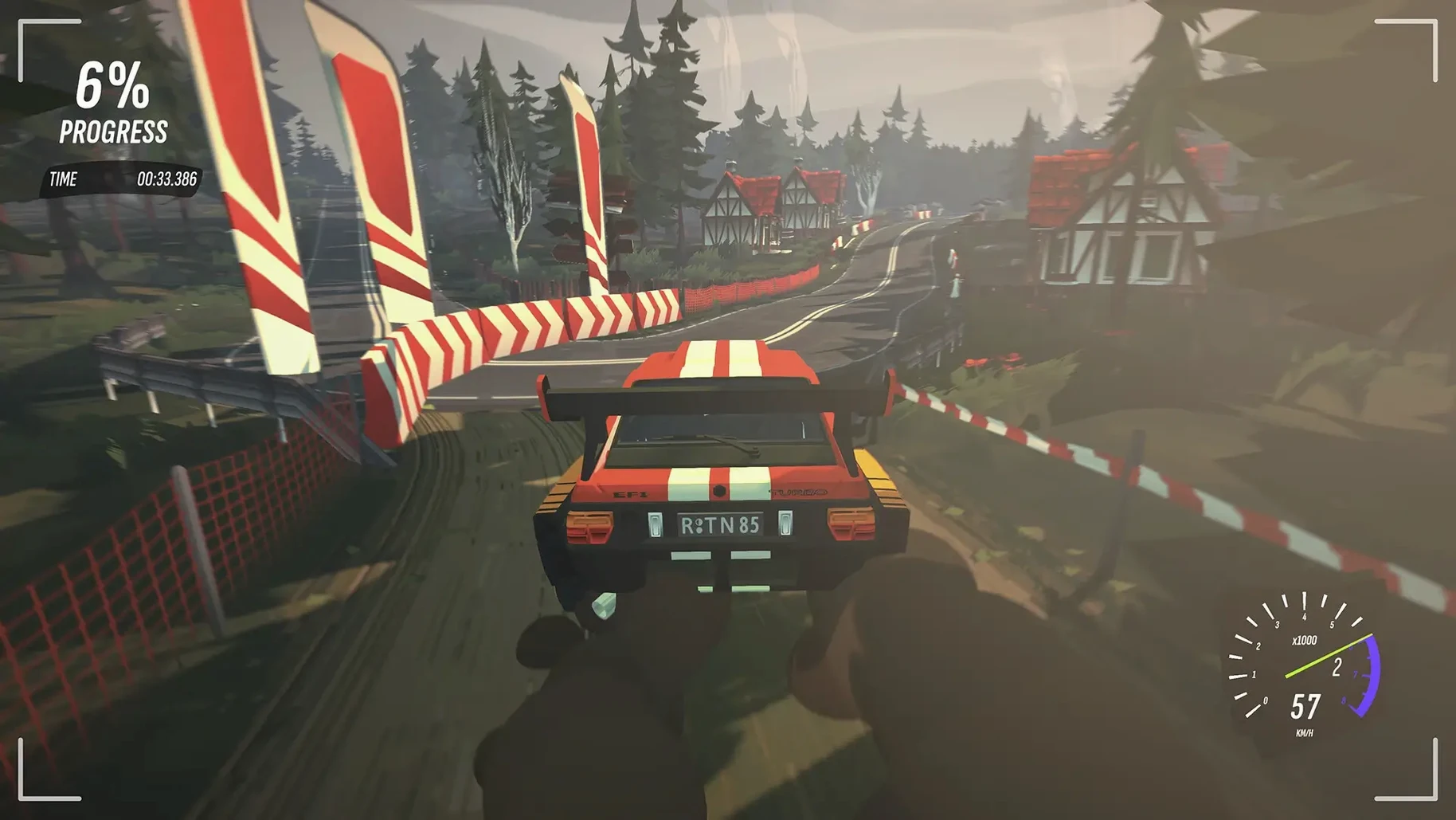
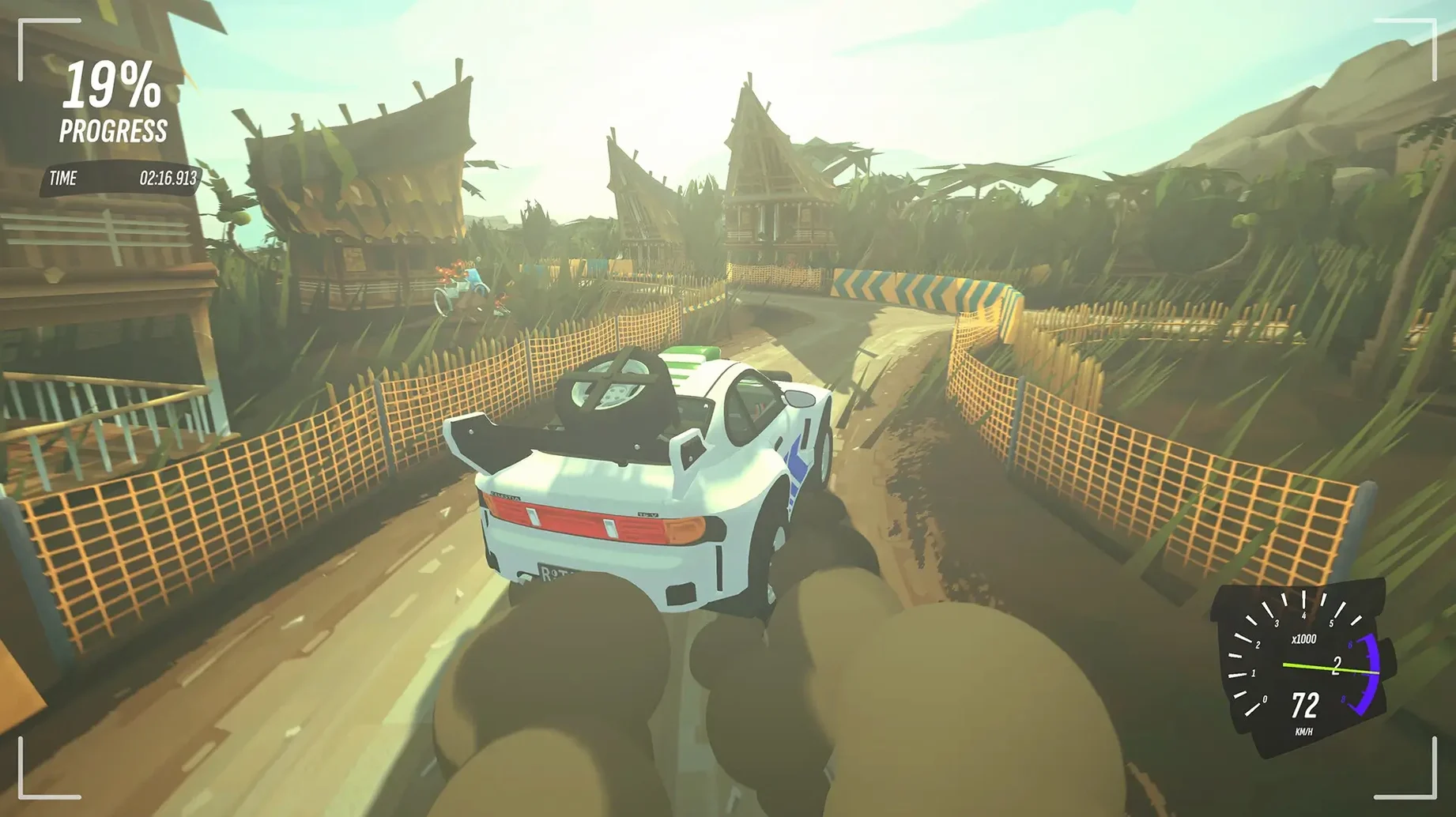
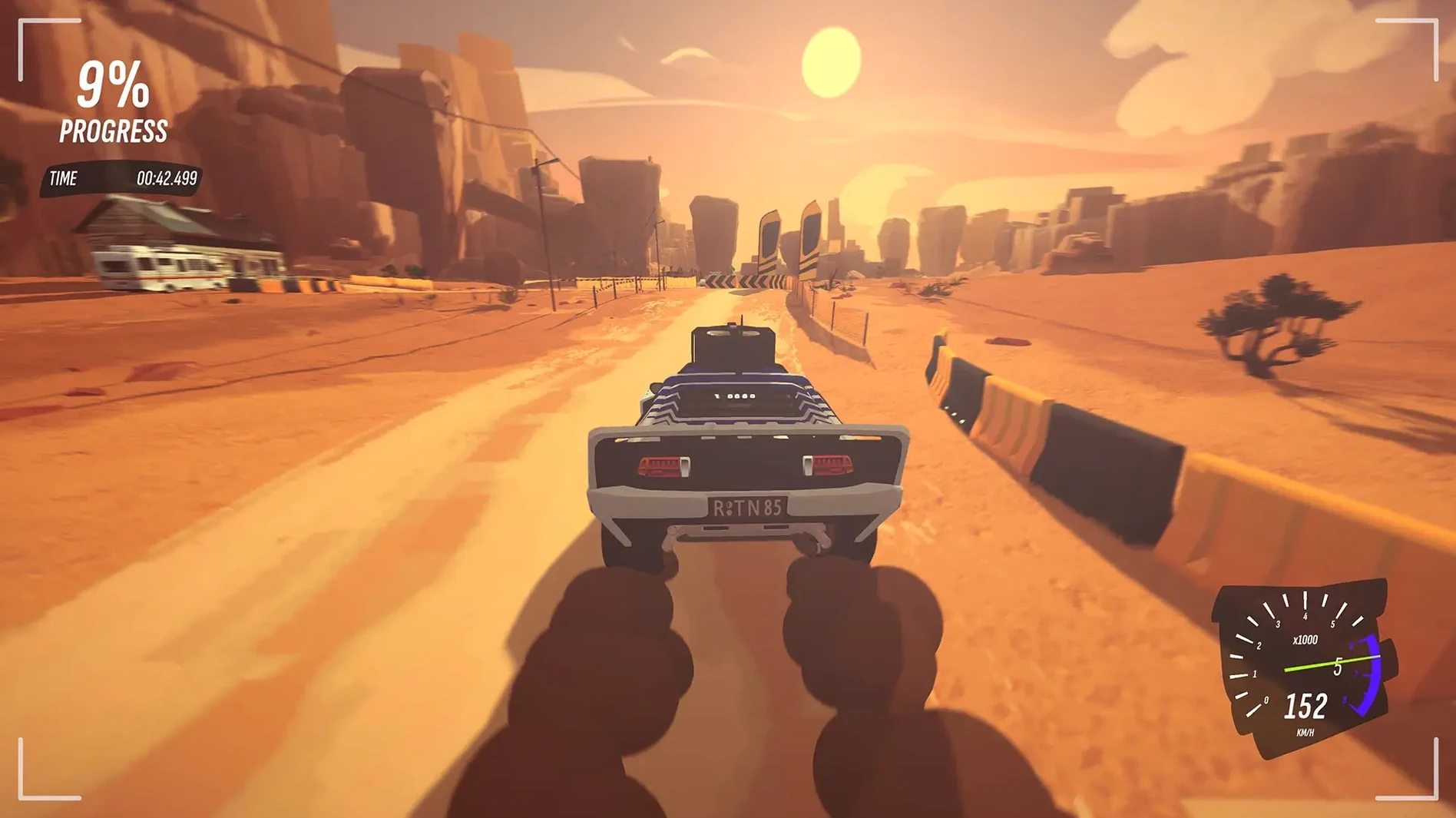
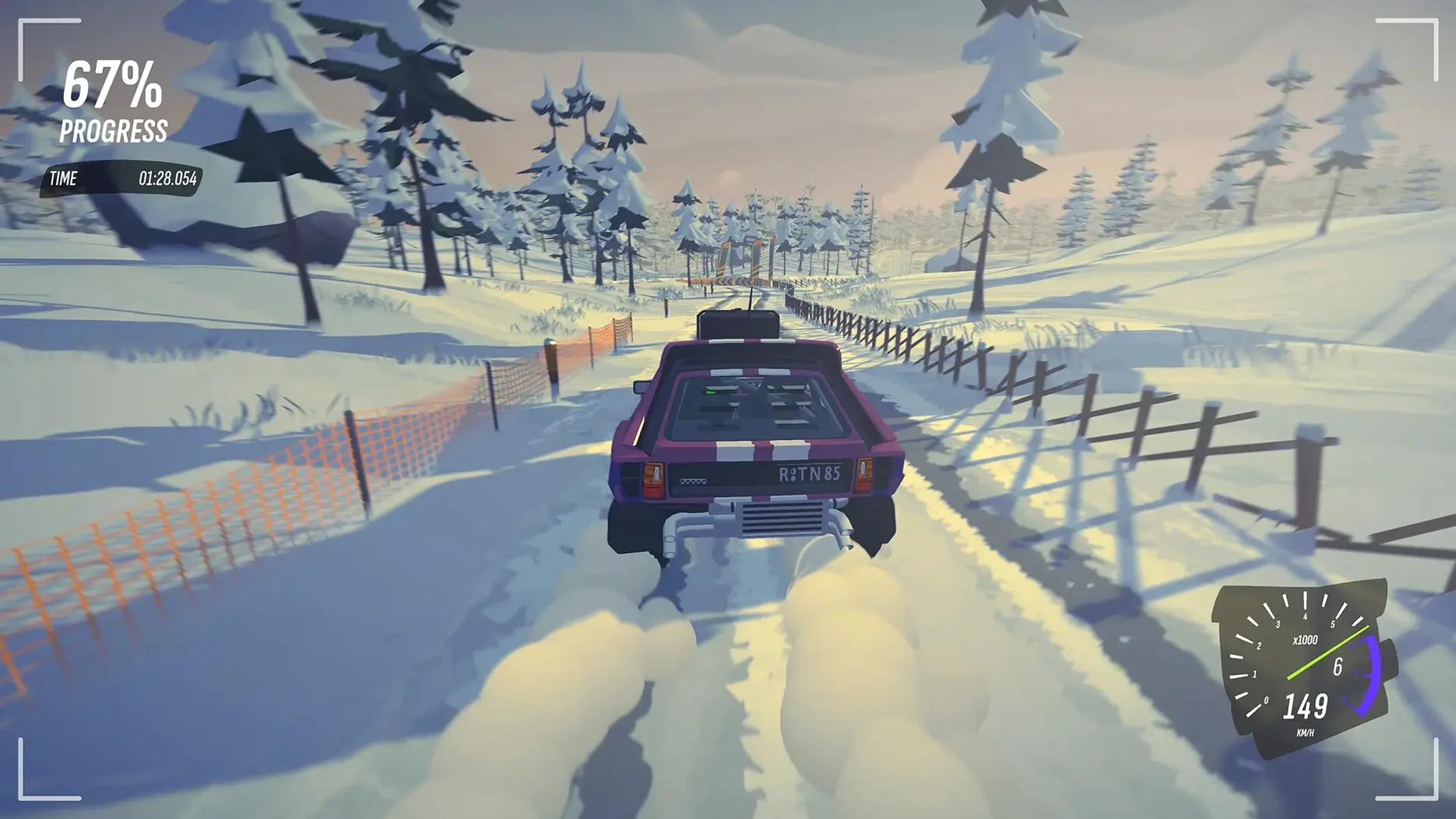
Fourteen interface languages ship with the build, and the co-driver calls pace notes in English only. That split says a lot about who #DRIVE Rally is for: players who want the feel of a 1990s rally broadcast without the setup overhead of a full simulation.
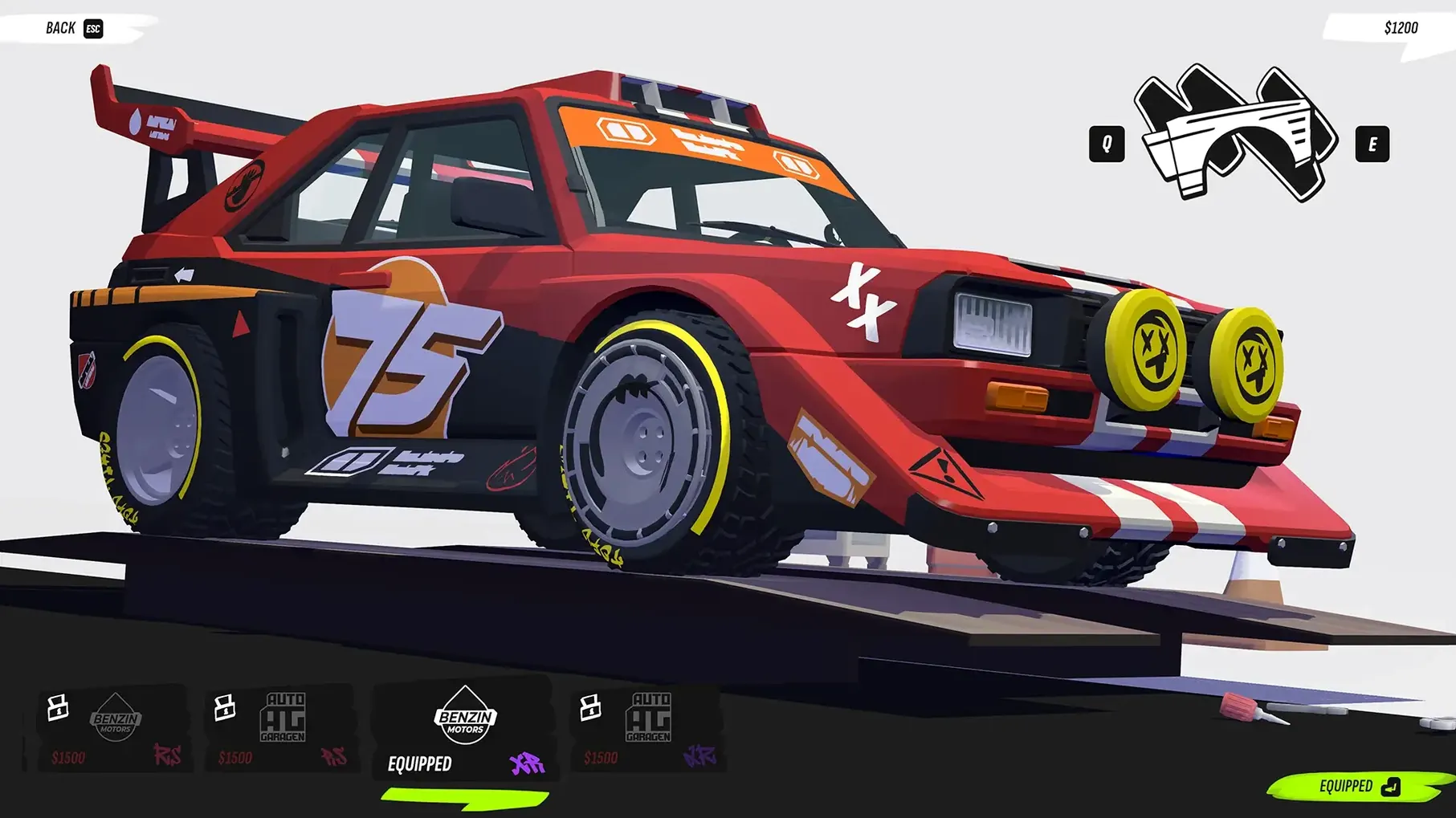
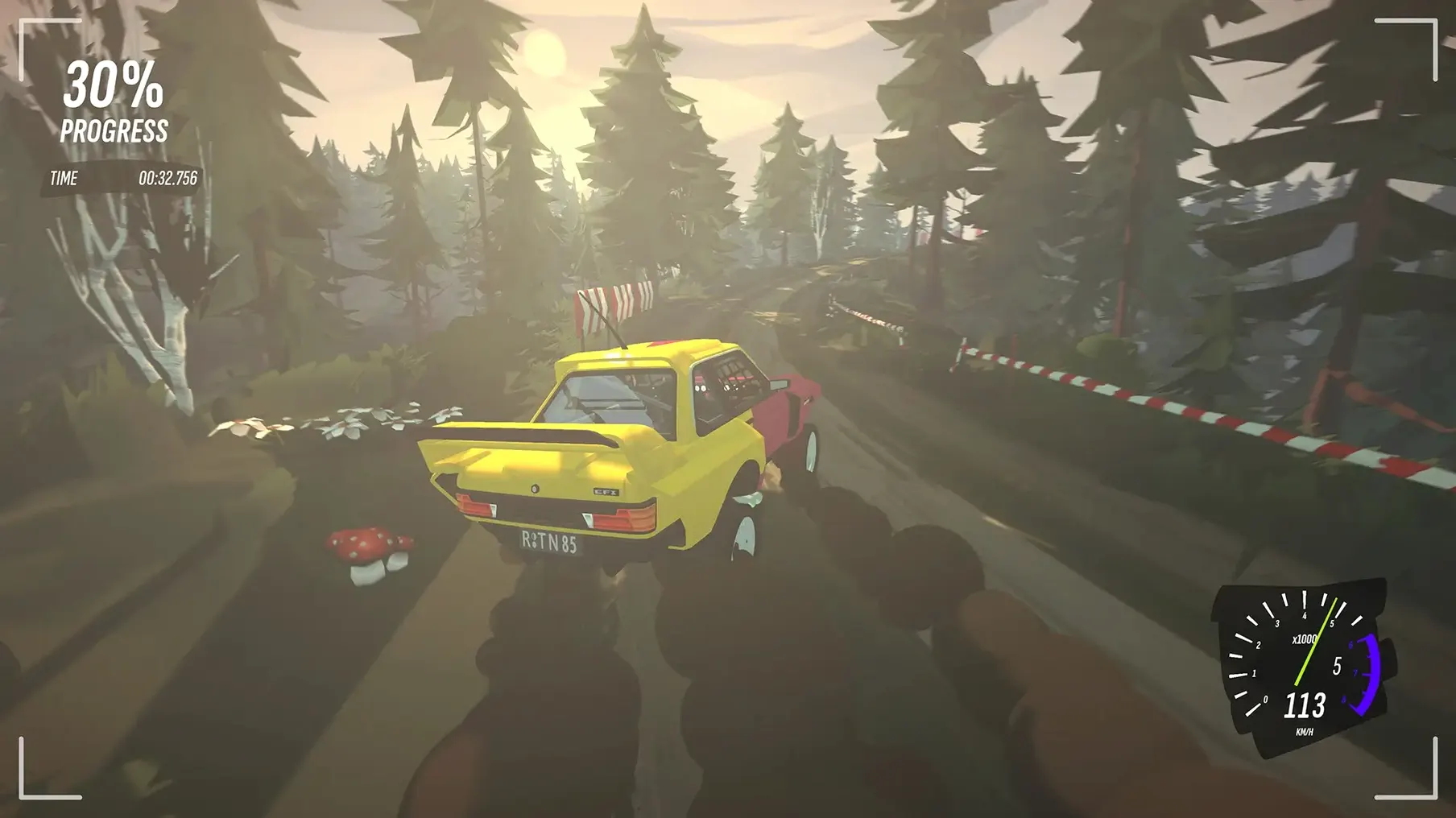
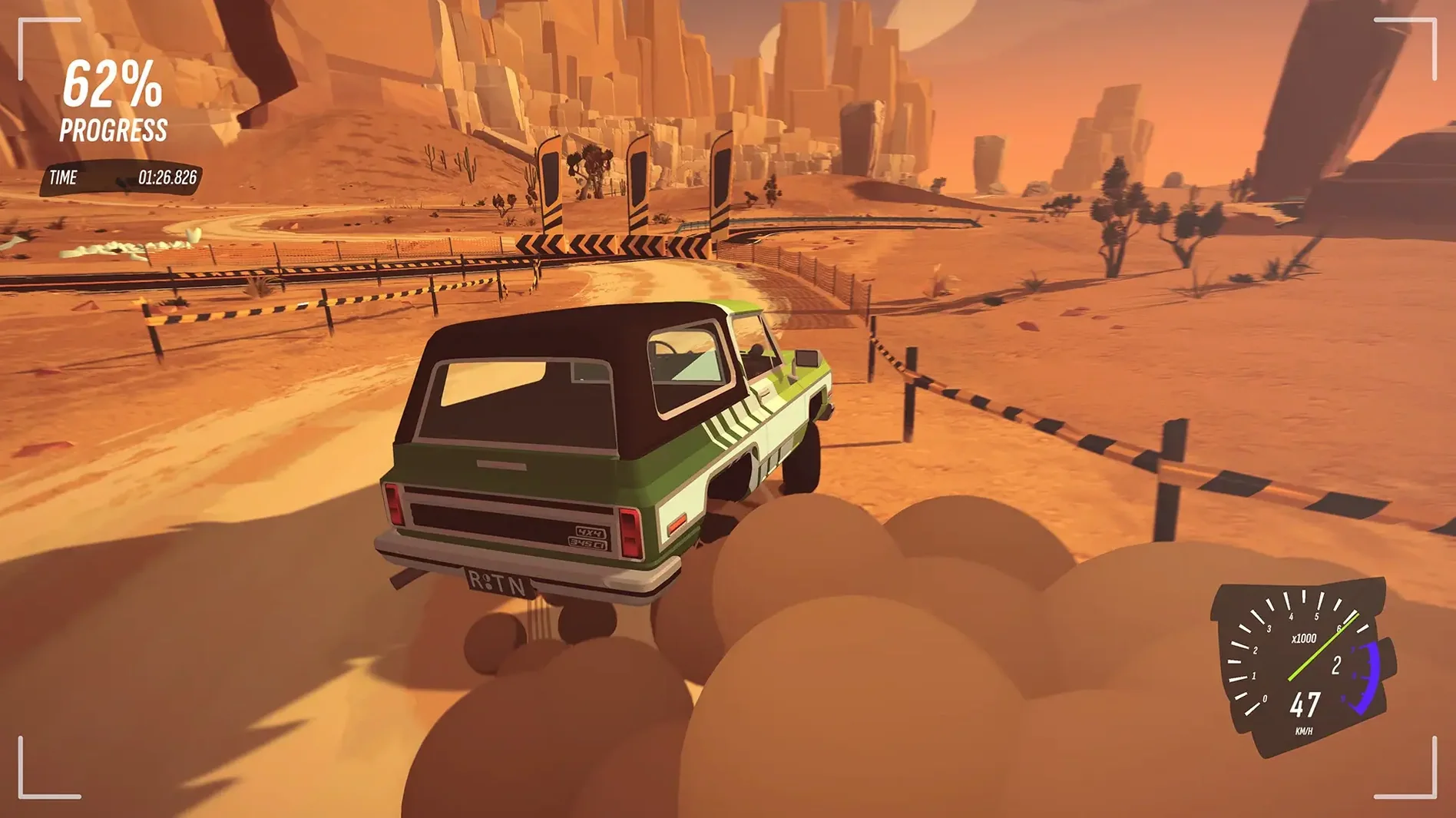
The car customisation covers body, paint, stickers and decorations, which gives tinkerers something to do between stages. A photo mode is also included, so if you spend as much time framing a jump as landing it, the tools are there. The co-driver feedback keeps you oriented, but the handling stays arcade — forgiving enough for short sessions, not deep enough for setup-obsessed rally fans.
On the hardware side, the game needs macOS 14.0 or later and an Apple M1 chip or newer. It was tested on macOS Tahoe with a Mac mini 2024 M4, which gives a reasonable idea of the intended baseline. Players on older Intel machines are out.
If you want quick stages, light car fiddling and a co-driver who talks back, #DRIVE Rally fits. If you want tyre compounds, pace note editing and stage-length concentration, it will feel thin.
Throttle Is Not an On/Off Switch
New players tend to treat the throttle as a toggle — full on or full off — and then wonder why corners become gravel traps. The cars in #DRIVE Rally respond better to partial inputs, especially on loose surfaces. Ease off before a hairpin rather than braking hard and turning simultaneously.
Another common error is ignoring the co-driver's calls until the corner is already in view. By then the braking point is gone. The pace notes arrive about two seconds ahead of the feature, which leaves just enough time to shift weight forward and pick a line. Listen to the number first, then the direction. A "4 left" needs less scrubbing than a "2 left tightens."
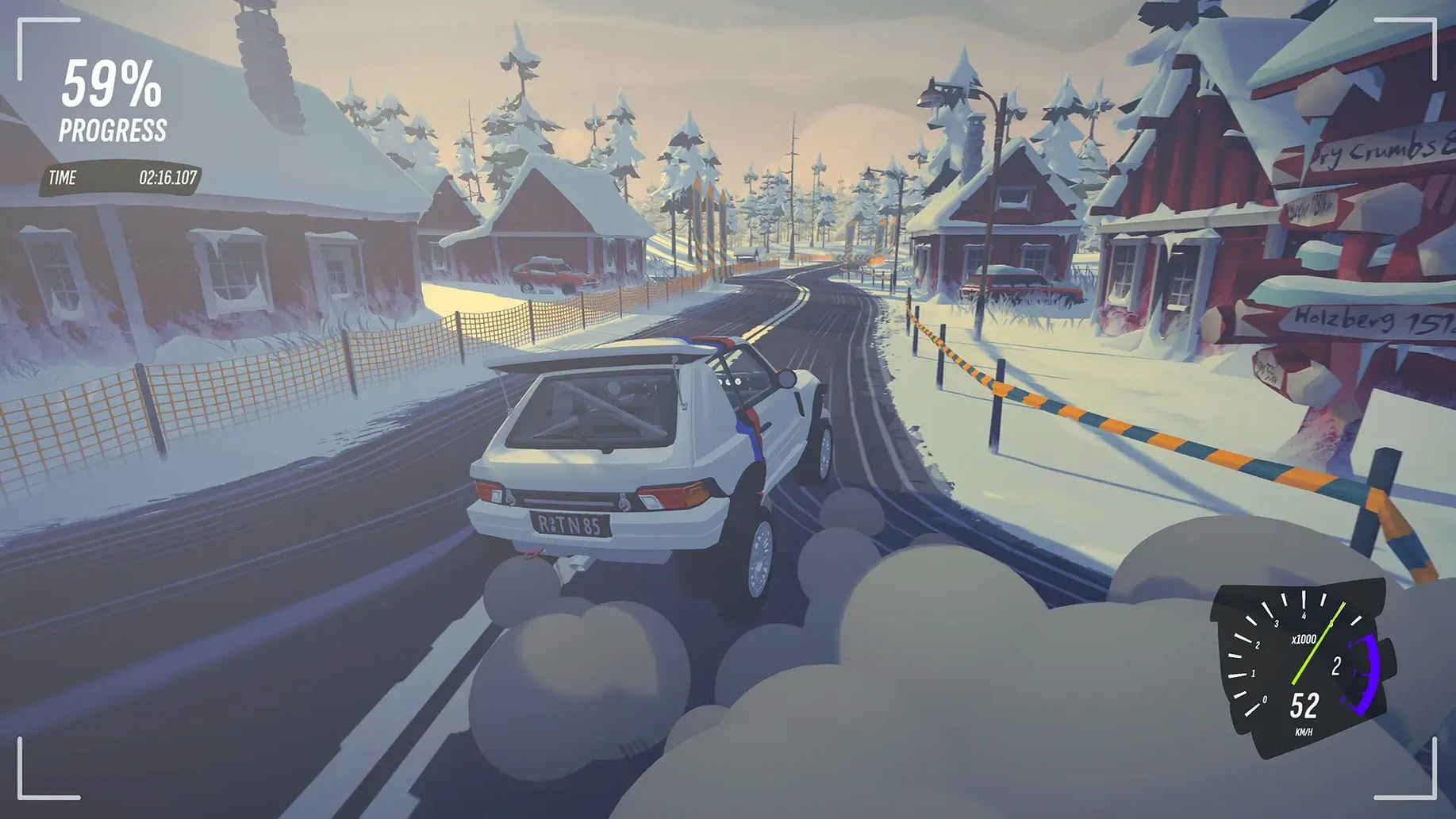
Beginners also overlook the handbrake entirely. On the tighter Holzberg hairpins, a light flick at corner entry rotates the rear without bleeding too much speed — faster than a conventional downshift-and-brake approach, and less likely to stall the engine mid-slide.
A quieter mistake: diving straight into the fastest car in the garage. The Doggo's power-to-weight ratio feels lively, but Das Holzwagen is easier to catch when the rear steps out. Start with the heavier car, learn the rhythm of the stages, then move up.
No Default Settings Listed
Camera Distance and Height
The default chase camera sits low and close, which makes reading road camber difficult on Revontuli's undulating sections. Pull the camera back by 3–4 notches and raise it slightly. You lose a little sense of speed but gain a full second of extra reaction time on crests.
Co-driver Timing
The pace note timing slider defaults to Normal, and on faster stages that can feel half a beat late. Move it one notch earlier during the first hour. You can always push it back once your brain starts anticipating the calls.
Steering Linearity
Arcade handling does not mean linear steering helps everyone. The default curve is progressive near centre, which suits gamepads. If you are using a wheel or prefer more direct response, flatten the curve by reducing the steering linearity value from 2.5 to around 1.8. Less dead zone, more immediate turn-in.
Motion Blur and Camera Shake
Both are on by default and both eat visual clarity on fast gravel sections. Motion blur set to Low keeps a hint of speed without smearing roadside markers. Camera shake at 30% preserves the jolts without making it hard to spot the next braking zone.
Learn Stage Profiles in Time-Trial First
Drive each location in time-trial mode before entering any championship. Dry Crumbs teaches weight transfer on loose surfaces. Holzberg demands rhythm through linked corners. Revontuli tests crest-judgment and patience. Knowing the stage profile cuts down the mistakes that cost entire rallies.
Spend ten minutes in photo mode early on, but use it to study corner entries you struggled with. Freeze the car mid-corner, rotate the camera to the apex, and check how much room was actually available. The visual feedback sticks better than replay footage.
The sticker editor is easy to ignore, but placing a coloured decal on the rear quarter panel gives a visual reference point for weight shift. A bright marker on the left-rear corner helps you sense rotation before the audio cue confirms it — particularly useful with The Bobond's longer wheelbase.
If a stage feels too loose, drop tyre pressures by two clicks in the pre-event menu. The game does not simulate temperature build-up, so the trade-off is pure grip versus top speed. On the short Dry Crumbs sprints, the softer setting pays for itself in corner exits.
When playing the #drive rally mac full version, the co-driver's English-only calls become second nature after roughly three hours. Until then, turn off the music and keep engine volume at 80% — you need to hear the revs to judge wheelspin, and the co-driver cuts through more clearly without a soundtrack underneath.
- macOS 14.0 or later
- Apple M1 chip or later
- Apple Silicon and Intel architecture
Questions on file
Does #DRIVE Rally have car customisation?
Yes, you can change the body, paint, stickers and decorations on your car.
Is there a photo mode in #DRIVE Rally?
Yes, the game includes a photo mode so you can capture your car and the stages.
What languages does #DRIVE Rally support?
The interface supports 14 languages including English, German, French, Spanish, Italian, Japanese and Korean. The co-driver voice is in English only.
Sign in · Create an account to add a field note.
No field notes yet. A measurement, a version, a machine — they appear after moderation.