
Games
Factorio 2.1.23 Native
GamesUpdated
| Requirement | On file |
|---|---|
| macOS | See the sheet |
| CPU | Apple Silicon, Intel 64-bit |
| Download | 5.7 GB |
| Tested on | macOS Tahoe, Mac mini 2024 M4 |
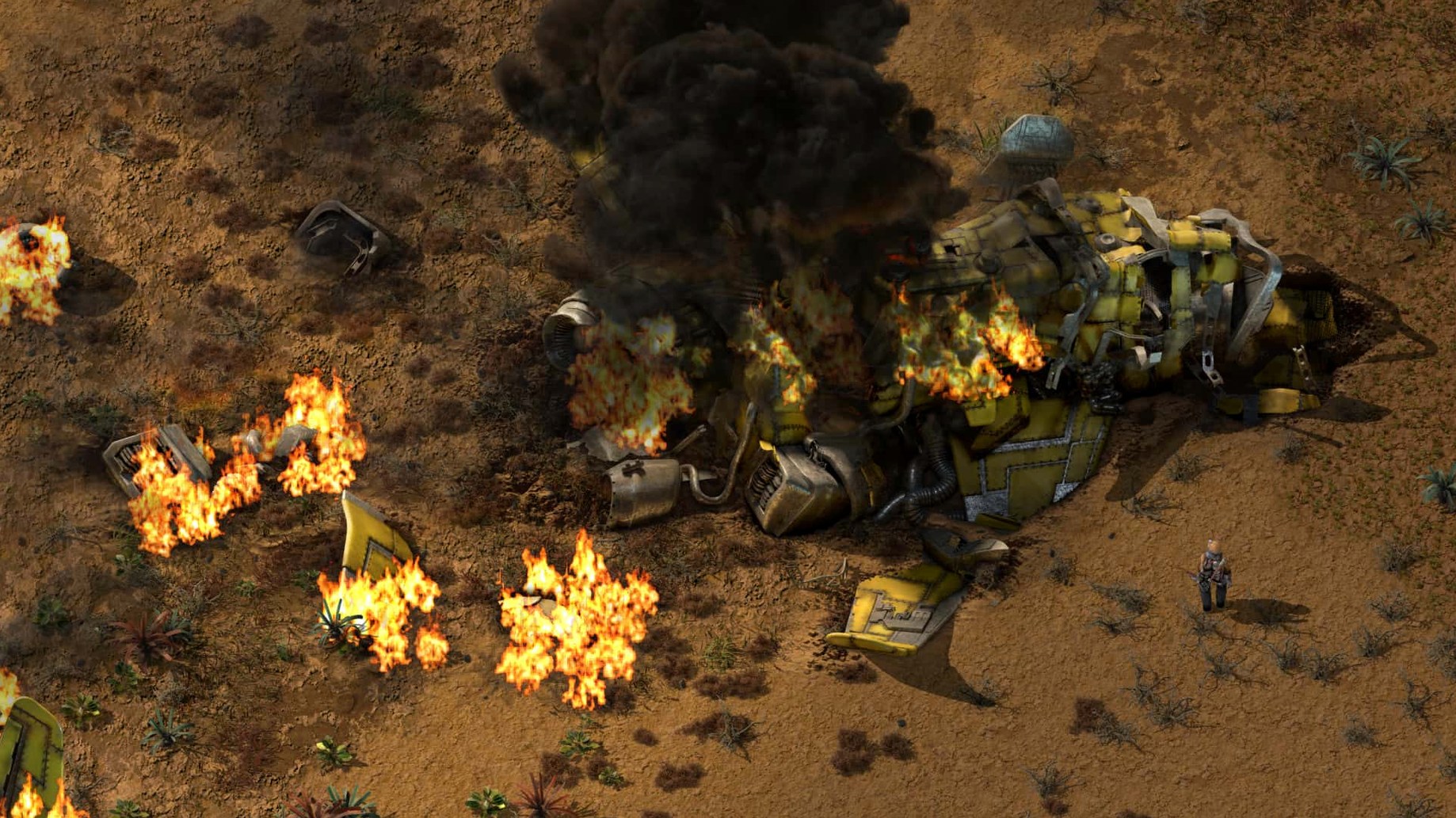
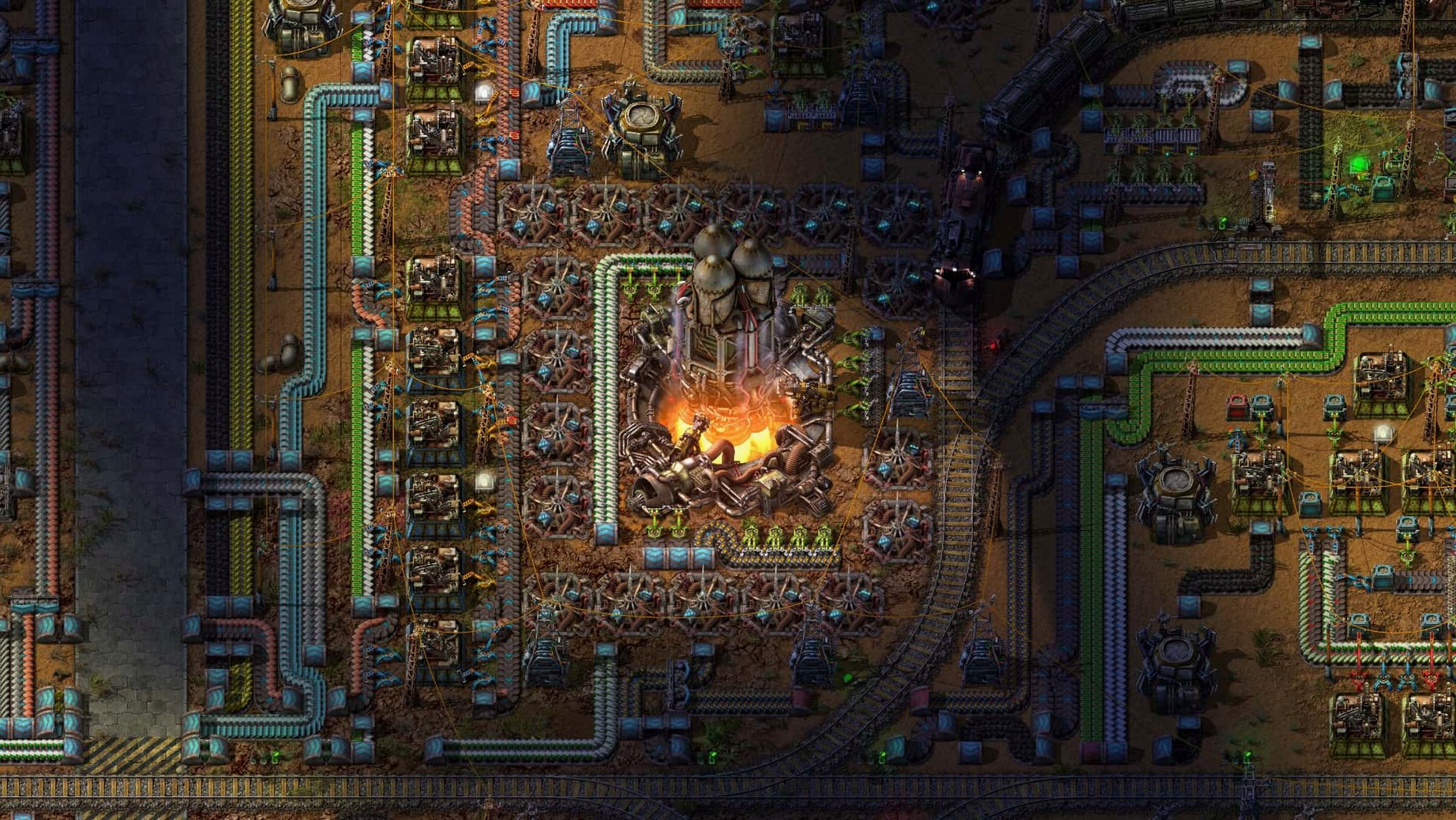
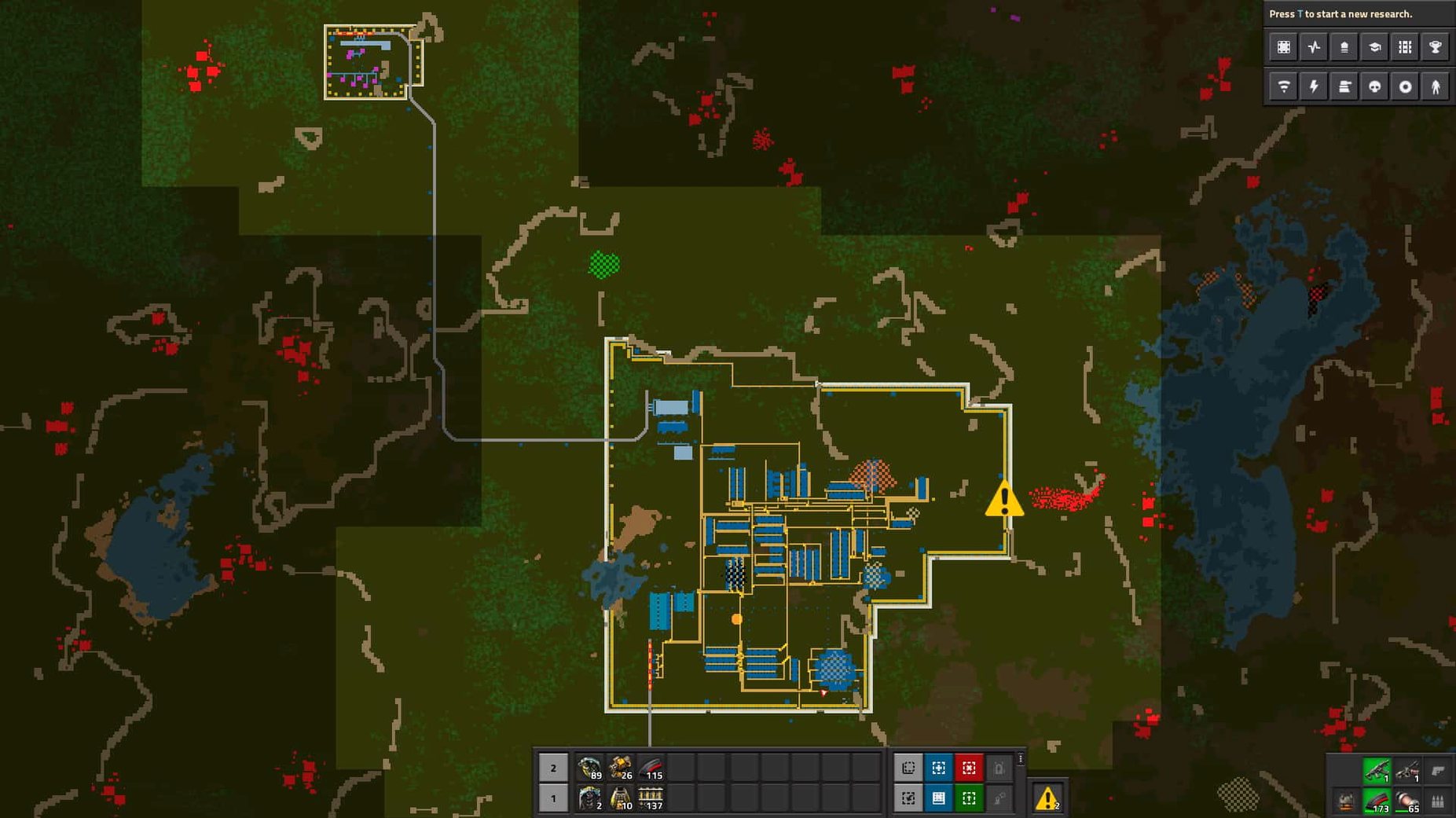
The factory floor starts as a single stone furnace. From that one structure, the game expands into a continent-spanning network of transport belts, chemical plants, and flying logistic robots across an endless 2D world. The main mode is sandbox, without scripted objectives—progress comes entirely from the production graphs ticking upwards.
Hand-Mining to Your First Automated Smelting Line
You cut trees, mine iron and copper ore by hand, and craft your first burner mining drills and stone furnaces. Within the first hour, basic inserters and transport belts begin moving plates between assemblers, and the manual work fades into the background.
What production chains appear later?
Research unlocks oil processing, which feeds refineries and chemical plants for plastic, sulfur, and batteries. Solar farms and accumulators take over from steam power, while a logistics network of requester and provider chests hands the heavy lifting to flying robots.
What can players modify?
Mod support is built in. The modding API exposes entity, fluid, and quality-related properties through Lua prototype reads, giving creators fine control over the behaviour of every assembler, inserter, and recipe in the game.
Fixing Backed-Up Belts and Miswired Signals
Most issues in Factorio trace back to three things: a belt that’s backed up, a signal wired the wrong way, or a mod folder in the wrong location. The fix is rarely complicated once you know where to look.
Inserters frozen mid-swing. This usually means the target assembler or chest is full, or the source has run dry. Click the entity and check its contents. If the machine’s output slot is at capacity, the production line downstream needs more consumers. A quick fix while you diagnose: hold F and run along the belt to grab a stack, freeing up space temporarily.
Cargo pods clipping through silos was a known bug in earlier 2.0 builds, fixed in version 2.0.77. If you see it still, verify you’re on the current stable release. The same patch sorted out inserter deadlocks where two inserters would stare at each other across a belt, each waiting for the other to move an item that never came.
Mods not appearing in the mod manager. The game reads from ~/Library/Application Support/factorio/mods. A common mistake is dropping the zipped mod folder inside another subfolder. The structure should be flat: mods/YourMod_1.2.3.zip, not mods/YourMod/YourMod_1.2.3.zip. After adding files, restart the game—there’s no live folder watching.
Trains deadlocking at intersections. Chain signals before and after every crossing, regular rail signals only on the exit blocks. A chain signal reads the next signal down the line; if it’s red, the train won’t enter the intersection and block cross traffic. Misplacing even one signal turns a four-way junction into a pile-up within twenty minutes.
Performance dropping in late game. Megabases with thousands of active entities will eventually push the update tick. The game runs on a deterministic tick loop, so the bottleneck is almost always entity count, not rendering. Nuclear reactors with hundreds of heat pipes are a common culprit; replacing them with solar and accumulators removes fluid calculations per tick. Turning off pollution spread in the map generator settings also frees up processing time.
Native Apple Silicon Backgrounding and Cloud Saves
Factorio is a self-contained app with no external dependencies, but it plays well with the wider macOS environment in a few useful ways.
Multitasking on Apple Silicon. The ARM build runs natively on M-series chips, and backgrounding the game during long research queues works without issue. Switch to a browser with Cmd-Tab, look up a blueprint string on a community site, then paste it back into the game via the import button—no clipboard conversion needed.
Save file portability. Saves are plain zip archives in ~/Library/Application Support/factorio/saves. You can copy them between Macs, or to a Windows or Linux machine running the same version, and they load identically. The map seed and settings are embedded, so a save from an Intel Mac loads on an M4 Mac mini without re-generation. This is handy for groups where one person hosts from a desktop and another picks up the same map on a laptop later.
Multiplayer and network setup. Hosting a LAN game requires no port forwarding if everyone’s on the same local network. The host clicks “Multiplayer” → “New game”, and others find it under “Browse LAN games”. For internet play, the default port is 34197 UDP. macOS’s built-in firewall may block it silently on first launch; allowing the connection in System Settings → Network → Firewall → Options solves it.
Screen recording and streaming. The game exposes a clean 2D view that plays nicely with OBS and the macOS Screen Recording permission. Window capture mode works better than display capture for keeping the UI out of recordings. The /screenshot console command saves a high-resolution PNG to the script-output folder, bypassing compression artifacts from external tools.
Factorio and the Steam-free install. The DRM-free build means no launcher overlay, no online check. You can drop the app onto an external SSD, plug it into another Mac, and run it immediately. Mods, saves, and config files stay in the user Library folder, so a portable install still reads local mods from whatever machine it’s on.
ARM-Native M1 Through M4 Without Rosetta
Does the macOS version support Apple Silicon natively, or is it running through Rosetta? It’s a universal binary. The ARM slice runs without translation on M1, M2, M3, and M4 chips. The 64-bit Intel slice is there for older Macs. The build was tested on a 2024 Mac mini with M4 under macOS Tahoe, and there’s no emulation layer for ARM users.
Can I play with friends who are on Windows or Linux? Yes. Multiplayer is cross-platform. All three operating systems run the same deterministic simulation, so a Mac host can have Windows and Linux clients join without desyncs. The only requirement is that everyone’s game version matches—2.0.77 clients need a 2.0.77 host.
Is there controller support on Mac? The game is designed for keyboard and mouse. There’s no native controller mapping in the macOS build, and the interface relies heavily on cursor precision for belt placement and entity selection. Trackpad users will want a mouse for extended sessions.
How big is the download? The disk image is roughly 2 GB. Installed, the game folder sits around 4 GB before mods and saves. A late-game megabase save file with a large revealed map can reach 100–200 MB on its own.
Will mods from the community work on the Mac version? Mods are Lua scripts interpreted by the game engine, not platform-specific binaries. Any mod written for version 2.0 works on macOS, Windows, and Linux identically. If you grab a Factorio Mac torrent or Factorio download Mac bundle that includes modpacks, those mod folders drop straight into the Application Support directory without conversion.
From Launchpad to the Map Generator Tabs
You open Factorio from Launchpad. The main menu appears with “Single player”, “Multiplayer”, “Map editor”, and “Mods”. You click “Single player” → “New game”.
The map generator offers tabs for terrain, resources, enemies, and advanced settings. You leave most sliders at default but bump iron and copper richness up one notch—fewer ore outpost replacements later. The seed field shows a random number; you type “cascade” for a world with winding water features and hit “Generate”.
The preview renders in a few seconds. You click “Play”.
Your engineer appears in a clearing surrounded by mixed forest. You hold right-click on a nearby tree trunk to harvest wood, then press E to open the crafting menu. One iron axe queued. While it crafts, you find a patch of iron ore five tiles away and drop a burner mining drill on it, feeding it coal from a nearby deposit.
Within ten minutes you’ve placed four stone furnaces in a line, all smelting iron plates. You craft an offshore pump at the edge of a lake, run a pipe to a boiler, connect it to a steam engine, and click a small power pole between them
- Apple Silicon or Intel 64-bit Mac
Questions on file
Is there combat in the game?
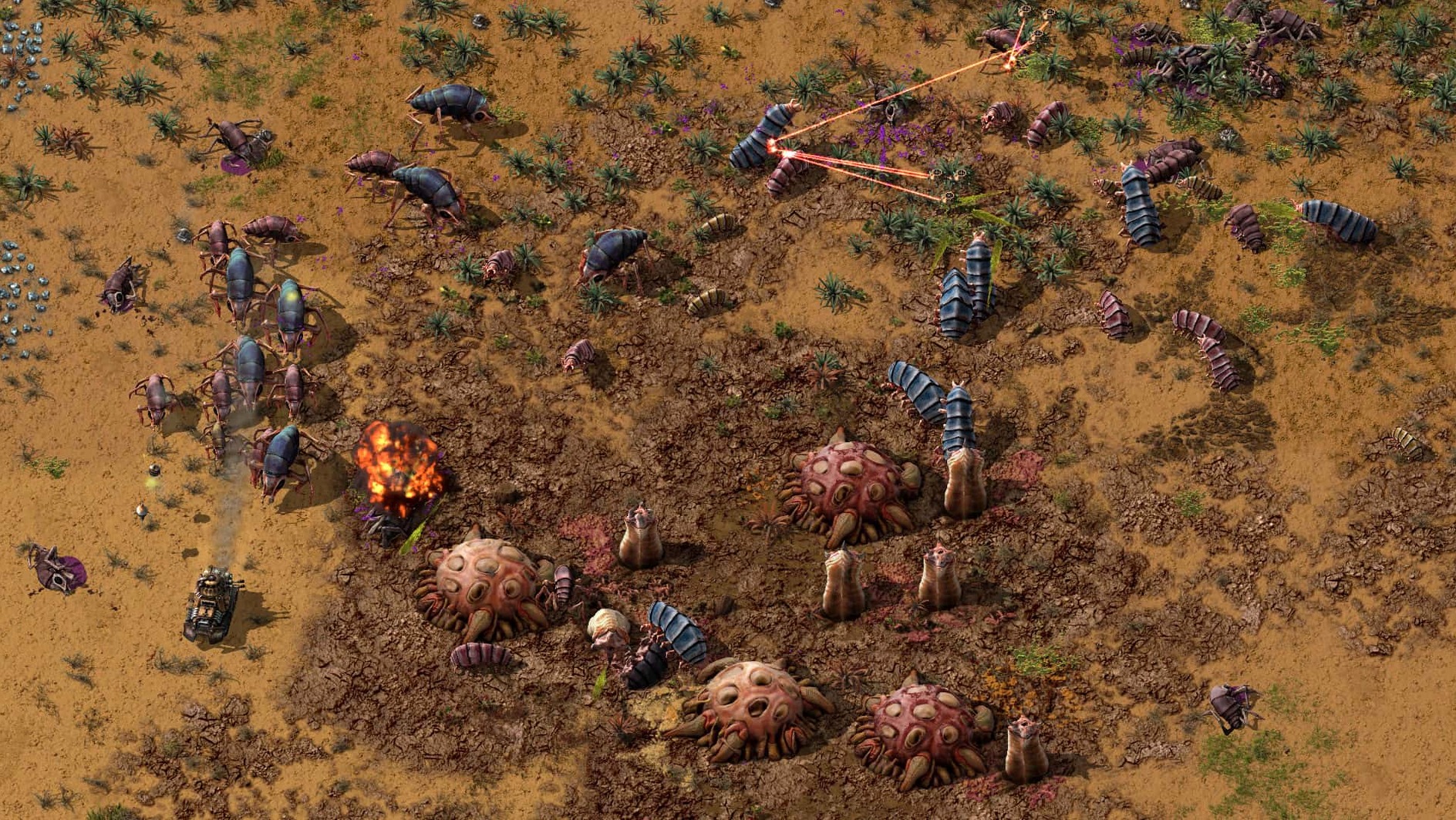
Yes. While building automated factories, you must fight enemies that react to pollution generated by your mining and smelting operations.
How complex do the produced items get?
Automated factories produce items of increasing complexity, moving from iron gears and electronic circuits all the way to rocket components and nuclear reactor fuel cells.
What languages does the interface support?
It ships with Russian, English, German, Hungarian, Spanish, Italian, Traditional Chinese, Simplified Chinese, Korean, Dutch, Norwegian, Polish, Portuguese, Romanian, Turkish, Ukrainian, Finnish, French, Czech, Swedish, and Japanese.
Sign in · Create an account to add a field note.
No field notes yet. A measurement, a version, a machine — they appear after moderation.