Games
Farming Simulator 25 1.25.0.0 Native
GamesUpdated
| Requirement | On file |
|---|---|
| macOS | See the sheet |
| CPU | Apple Silicon, Intel 64-bit |
| Download | 31 GB |
| Tested on | macOS Tahoe, Mac mini 2024 M4 |
Farming Simulator 25 is for the Mac user who reads equipment spec sheets for fun, not just for work. It's a virtual agricultural operation where the appeal lies as much in the machinery catalogue as in the harvest yields. If the idea of managing a fleet of licensed tractors and implements from AGCO, CLAAS, or John Deere sounds like a good afternoon, this fits right alongside a well-organised reference library.
400+ Branded Machines Across Three Continents
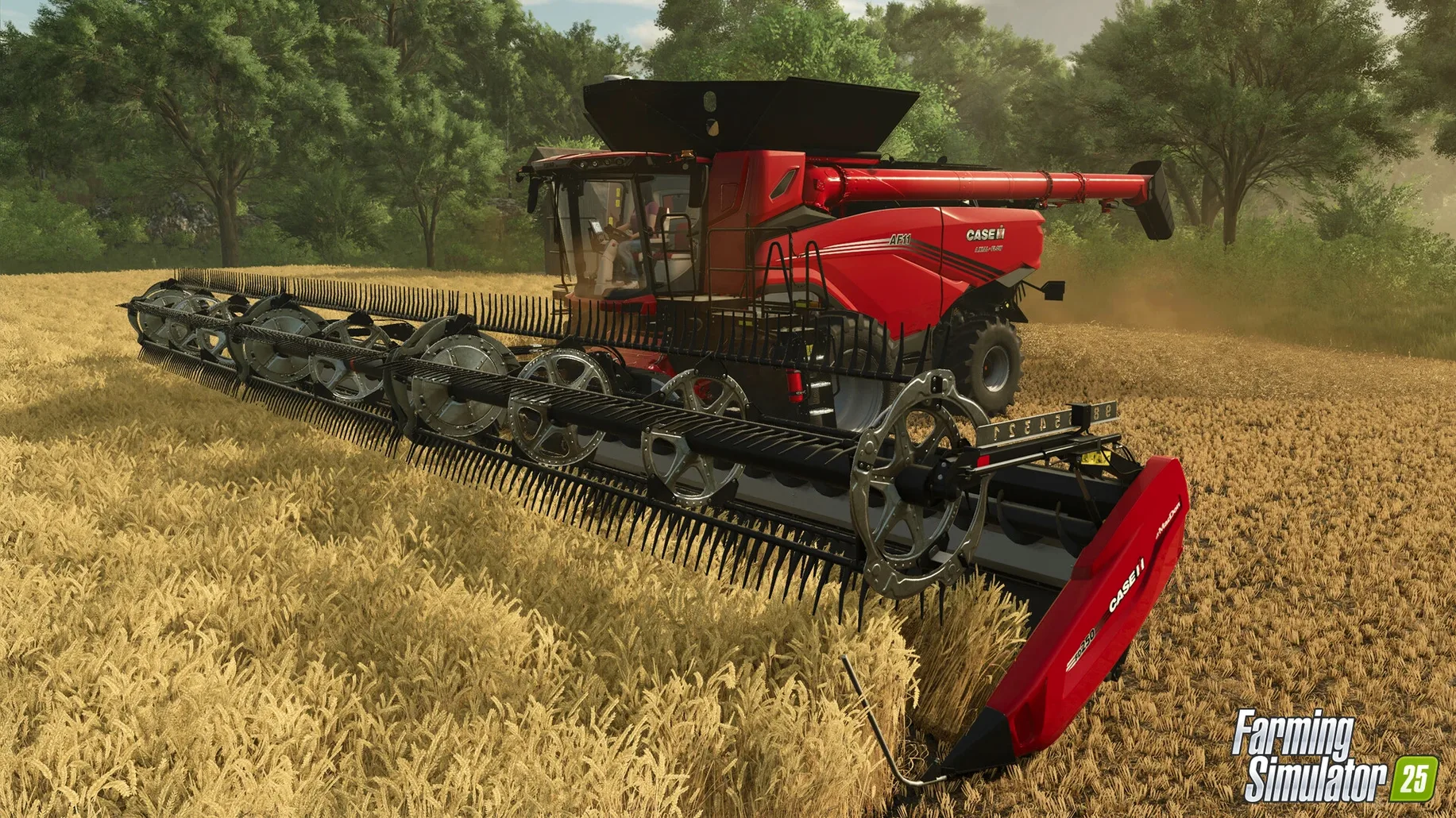
- Equipment depth. The roster includes more than 400 machines and tools from over 150 manufacturers. Models carry real branding and handling characteristics.
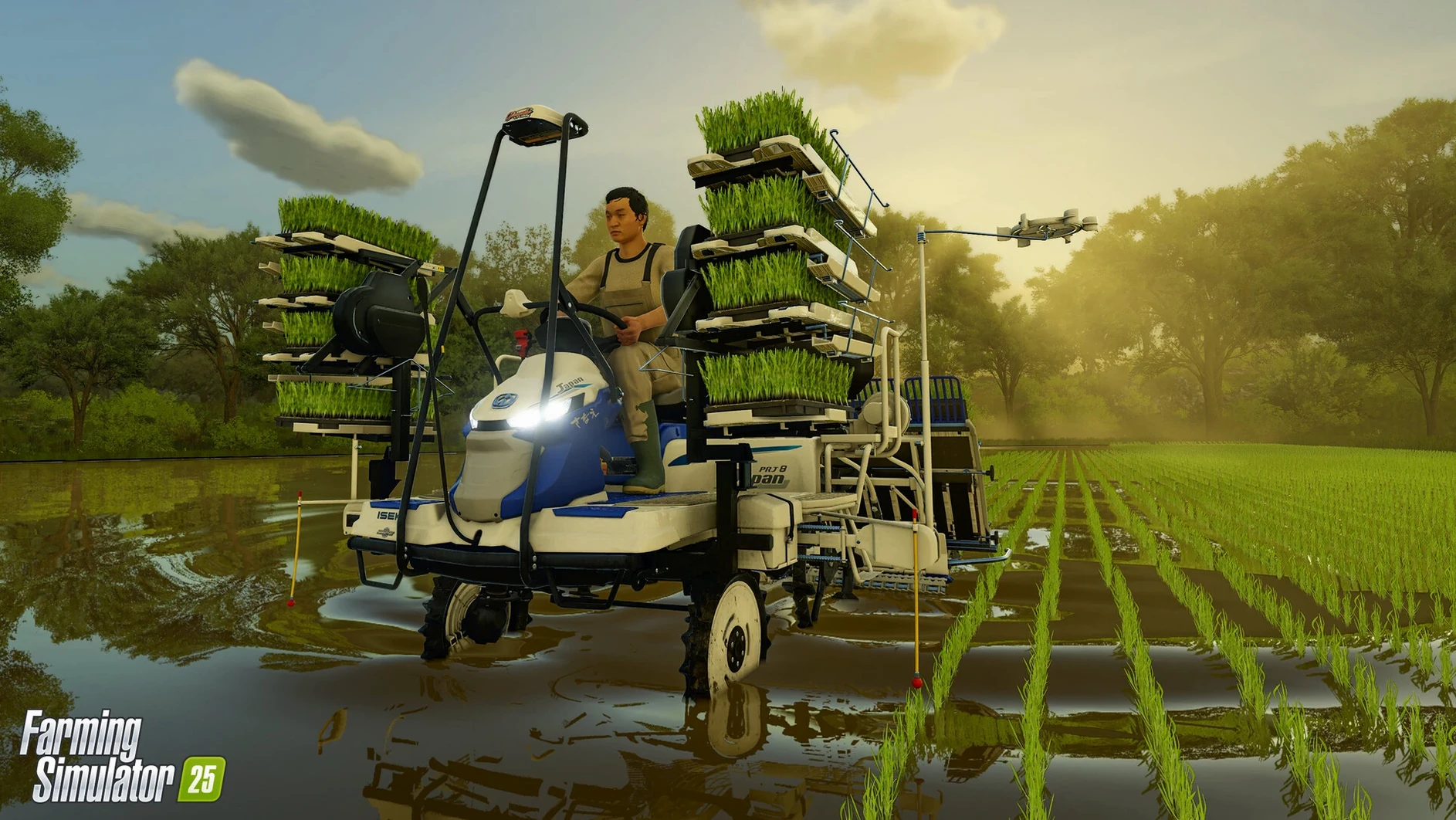
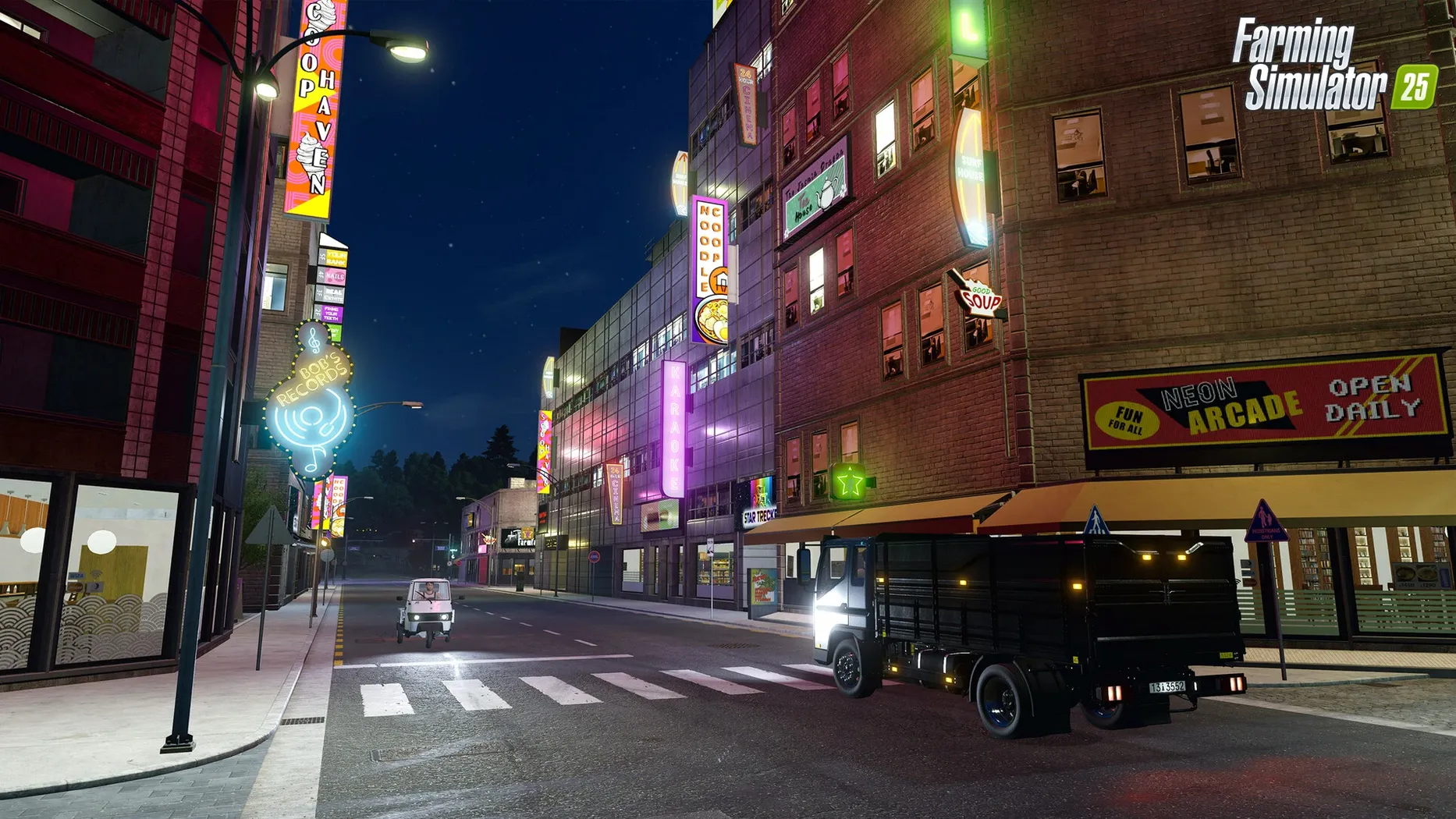
- Environmental variety. Three distinct settings—North America, Central Europe, and East Asia—change the look, available crops, and operational rhythm.
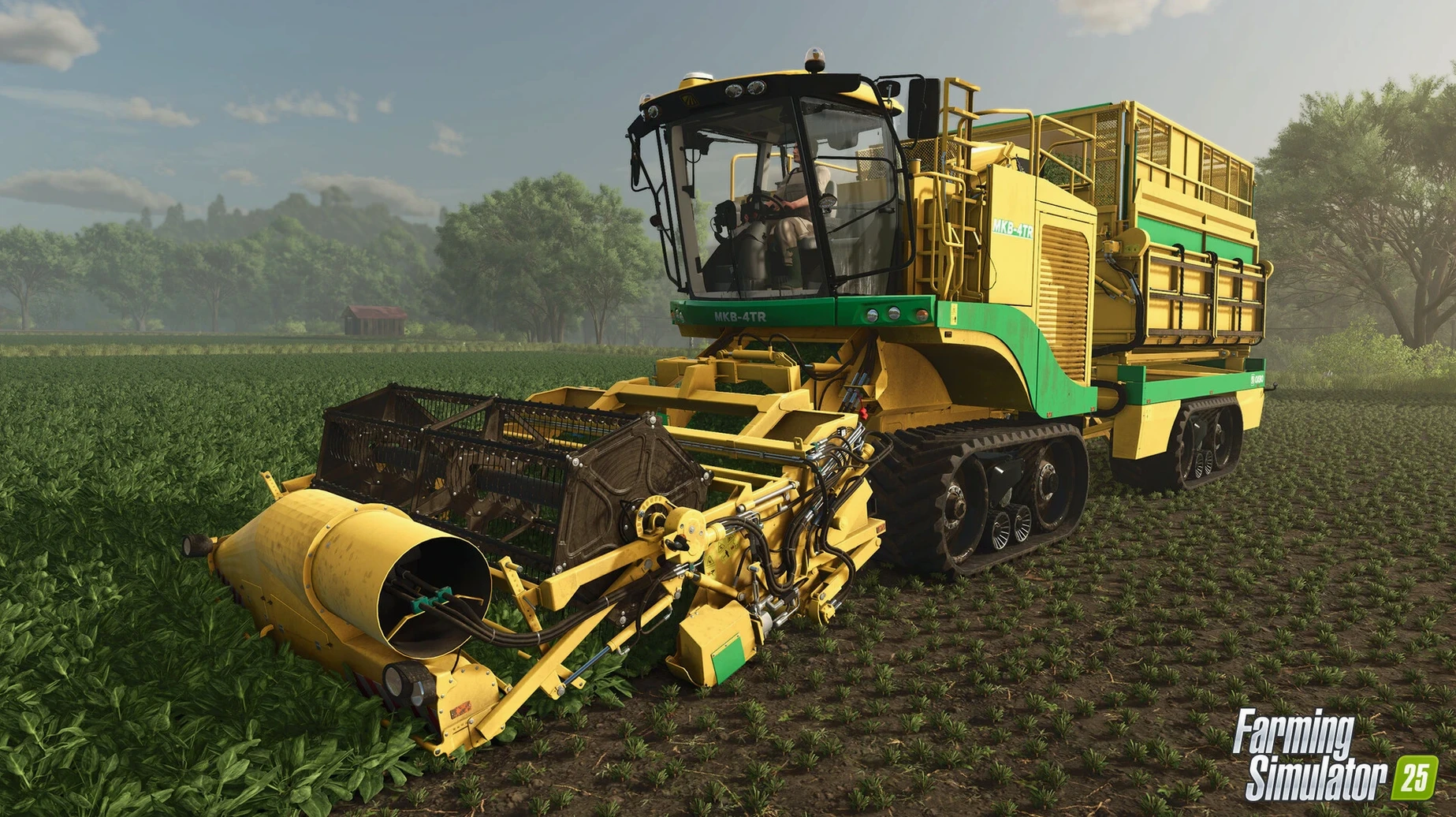
- New crop types. Spinach, peas, and green beans join the planting rotation, adding harvest steps that differ from standard grain farming.
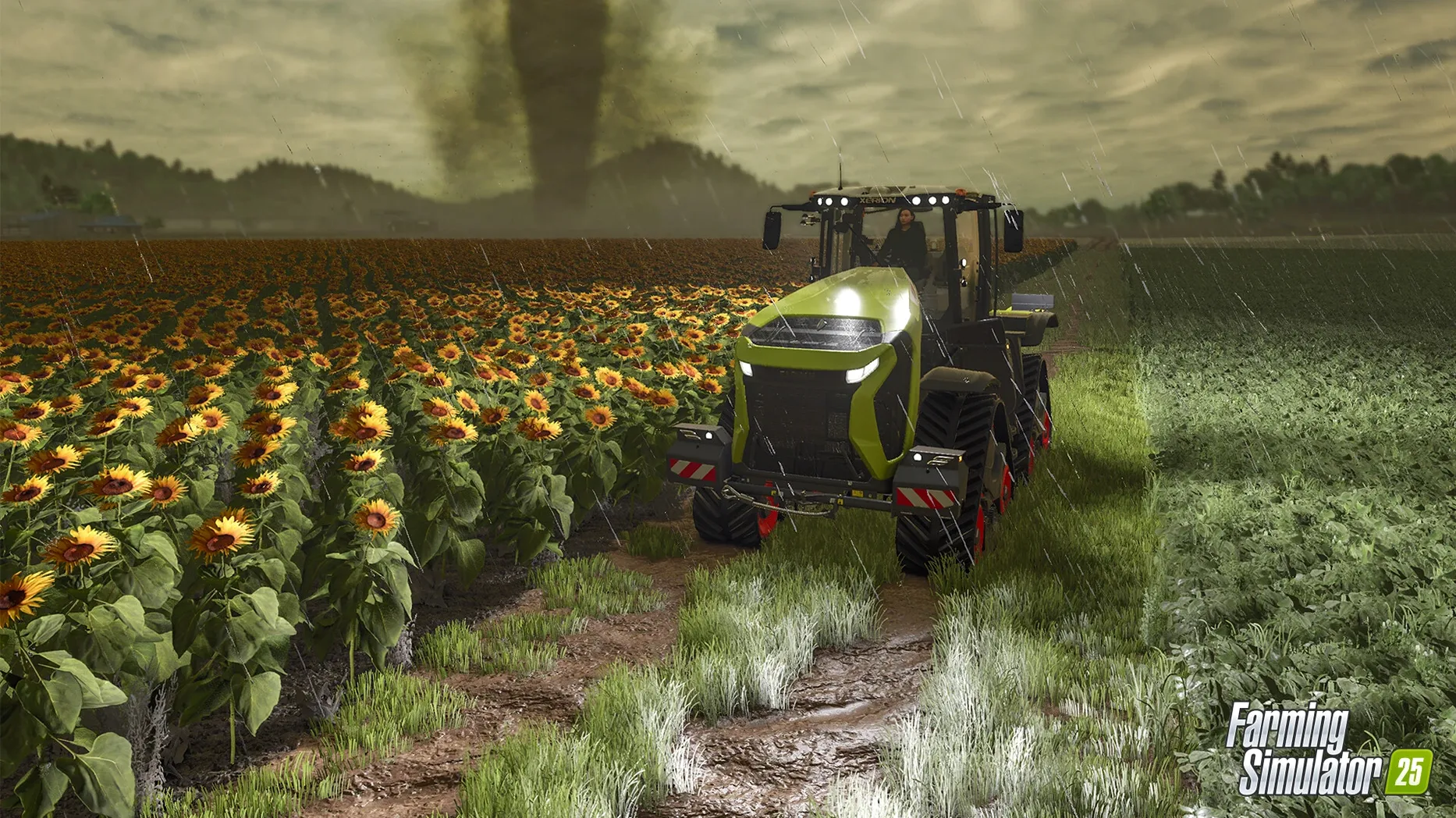
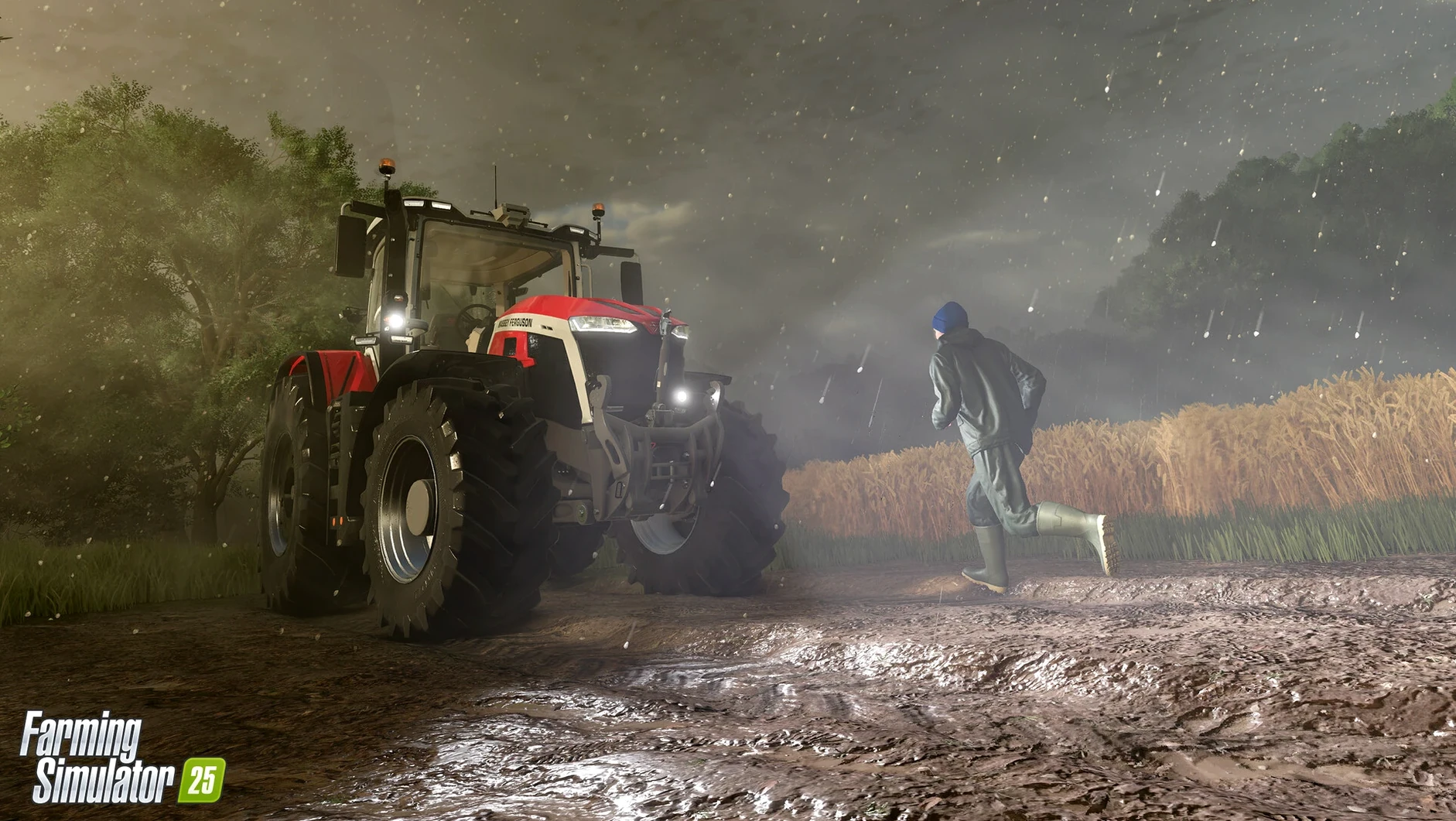
- Terrain feedback. GIANTS Engine 10 introduces a deformation feature where tire tracks persist in the ground, giving visual feedback from repeated passes.
- Cooperative play. Single-player and cooperative multiplayer are both supported, so a second pair of hands can run a grain cart during harvest.
- ModHub access. User creations can be downloaded directly, extending the equipment pool beyond the base game.
- Assisted steering. GPS-assisted steering is included, useful for maintaining consistent row spacing during fieldwork.
Requires Apple Silicon and 45 GB Storage
- The simulation runs on GIANTS Engine 10. Physics and deformation calculations demand a Mac with an Apple M1 or later, 8 GB RAM, and 45 GB of available storage.
- macOS 11.3 is the minimum operating system version.
- Mastering the equipment takes time. The learning curve is real for anyone not already familiar with modern agricultural machinery workflows.
Black Screen on First Launch Is Shader Compilation
First launch after a fresh install sometimes sits on a black screen for 15–20 seconds before the menu appears. This is normal on Apple Silicon Macs while the engine compiles shaders. Force-quitting during that window often corrupts the settings file, which sits in ~/Library/Application Support/FarmingSimulator2025. Deleting the game.xml file inside resets graphics settings to safe defaults without touching save data.
The deformation system that leaves tire tracks in the ground can surprise new players who park a fully loaded trailer on wet soil. The vehicle sinks slightly, and extracting it without a second tractor often means resetting the vehicle to the shop. Toggling the in-game option for "Reset Vehicle" from the map screen is faster than wrestling with a stuck rig for ten minutes.
ModHub downloads occasionally stall on the first attempt after a major game update. The fix is straightforward: unsubscribe from the mod through the in-game menu, restart the application, and subscribe again. The game re-fetches the mod metadata and the download proceeds normally.
Cooperative multiplayer sessions sometimes show a version mismatch error even when both players run update 1.23.1.0. The cause is usually one machine loading a mod the host does not have. Disabling all active mods on both sides before connecting resolves it quickly, after which mods can be re-enabled one at a time to isolate any incompatible item.
Players who search for a Farming Simulator 25 torrent may find versions that strip out shader caches or language packs. A common symptom on those builds is missing machine textures where implements appear solid grey. To resolve missing asset bundles, verify that the downloaded package includes all DLC folders and that the game's resource paths in game.xml point to the correct directories.
Equipment Spec-Sheet Readers Feel Right at Home
Three types of Mac users tend to settle into this simulation comfortably, each for different reasons.
Equipment enthusiasts are the core audience. Someone who already browses manufacturer spec sheets—comparing the turning radius of a CLAAS Xerion against a John Deere 9R—will treat the garage screen as a reference library. The 400-plus machines are not just reskins; they differ in horsepower bands, attachment compatibility, and working widths. That kind of person logs hours not just playing, but comparing gear configurations before a single seed goes in the ground.
Process-oriented tinkerers gravitate toward the production chains. The game's farm shop, production buildings, and construction system mean a player can spend a full session optimising a spinach-to-packaged-goods pipeline without ever driving a tractor. The satisfaction comes from watching input ratios line up and output pallets accumulate. These users treat the map overlay like a factory floor diagram.
Co-op duos who share a farm find the multiplayer structure fits a specific rhythm. One person handles fieldwork while the other runs transport or manages animal pens. The GPS-assisted steering feature means the field worker can maintain straight lines during planting while the transport driver lines up a grain trailer at the silo—no constant voice coordination needed for row spacing.
Crop Calendars Versus Job-Site Logic
Two other Mac-compatible simulations sit in roughly the same space, though they pull in different directions.
Construction Simulator shares Giants Software's engine lineage but swaps the crop calendar for a job-site logic. Where Farming Simulator 25 asks a player to plan around weather and growth stages, Construction Simulator structures time around contract deadlines and equipment logistics on a single worksite. The vehicle physics feel similar—heavy, deliberate steering, a sense of mass on inclines—but the loop is project completion rather than seasonal management. Farming Simulator 25 offers more long-term planning; Construction Simulator delivers tighter, task-sized sessions.
Pure Farming 2018 runs on macOS and covers similar ground with a smaller machine roster and no GPS-assisted steering. Its strength is a globe-hopping campaign that moves between distinct farms with preset goals. Farming Simulator 25 takes the opposite approach: three maps exist in parallel, but the player sets the goals. Pure Farming feels more structured; Farming Simulator 25 feels more like an open sandbox where the player decides whether this session is about harvest logistics or forestry expansion.
Where Farming Simulator 25 pulls ahead is the deformation system and the sheer equipment breadth. Neither competing title models persistent tire tracks or offers 400-plus implements. Where it demands patience is the initial learning investment—Pure Farming is gentler for someone who wants a guided introduction to virtual farming without reading a manual.
Fix Sluggish Mouse Aim Before You Plow
Spend the first session in the settings menu, not in the field. The default camera sensitivity is tuned for gamepads and can feel sluggish with a mouse. Bumping the internal camera sensitivity to roughly 140% and disabling "Camera Collision" in the general settings prevents the view from snapping around awkwardly near buildings.
Start on the Central Europe map. Its field sizes are modest (the largest are around 4–5 hectares), and the road network is straightforward. North American fields run larger and demand more time per operation, which can drag during the learning phase. East Asia introduces narrow terraced paddies that require specific rice-planting equipment—best saved for the second week.
Enable the worker helper early, even if the goal is to learn manual fieldwork. Watching how the AI positions a seeder on the headland and turns at the row end teaches spacing and approach angles that would take hours of trial and error to figure out. The GPS steering toggle is the next step—turn it on for straight passes, then switch it off to practice manual turning.
Claim the starter equipment and immediately check the vehicle maintenance screen. A used tractor at 35–40 hours of operation with low repair status costs more in fuel and moves slower across the field. Repairing it at the shop before the first job improves fieldwork speed noticeably and costs less than a new implement.
Anyone who found the game through a farming simulator torrent should verify that the ModHub folder structure under ~/Library/Application Support/FarmingSimulator2025/mods exists and is writable. A missing or locked mods directory prevents user creations from loading, and manual folder creation with read-write permissions fixes it.
Worked Example: Spinach from Seed to Sale
A single spinach harvest on the Central Europe map, field 19 (roughly 3.2 hectares), shows how the pieces connect.
Step 1 — Soil preparation. Attach a cultivator with a working width of at least 6 metres to a medium tractor (150–180 hp range). Lower the implement and run one pass across the full field. The deformation system means the second pass will ride slightly in the grooves left by the first, so plan the working direction to minimise crossing tire tracks.
Step 2 — Seeding. Spinach uses a specialised vegetable seeder, not a standard grain drill. The in-game shop filter set to "Vegetable Technology" narrows the list to compatible implements. Fill the seeder with spinach seed from the pallet at the farm shop. Enable GPS steering and let the worker helper run the seeding passes while you check the weather forecast—spinach needs moisture soon after planting.
Step 3 — Fertilising and waiting. Apply solid fertiliser with a spreader set to a 24-metre working width. One pass covers the field quickly. Then the waiting begins. Spinach has a shorter growth cycle than wheat, roughly one in-game day with time set to 5× speed. Rain during this period is beneficial; hail is not. If a hail warning appears on the weather ticker, harvest immediately even if the crop is not at peak maturity—hail damage can wipe a field entirely.
Step 4 — Harvest. A self-propelled vegetable harvester with a spinach header runs one pass. The machine fills quickly on a 3-hectare field, so position a trailer at the field's edge before starting. When the harvester's tank hits 80%, call the transport driver over. Unload on the go—the harvester extends a conveyor arm without stopping—and send the full trailer to the farm shop sell point or a processing building if a production chain is set up for packaged vegetables.
Step 5 — Wrap-up. After harvest, run a mulcher over the field residue. This returns a small yield bonus for the next crop and prevents the stubble texture from lingering into the next planting cycle. Check the tractor's maintenance meter—a full spinach cycle from cultivation to mulching adds roughly 1.5–2.0 operating hours and will push a used machine into repair territory.
- Apple Silicon or Intel 64-bit Mac
Questions on file
Which crops does the current version add?
Farming Simulator 25 adds spinach, peas, and green beans to the crop roster.
Can I play with other people on Mac?
Yes, the game supports both single-player and cooperative multiplayer.
Does the ground react to vehicle weight?
GIANTS Engine 10 includes a deformation feature that leaves persistent tire tracks in the soil.
Sign in · Create an account to add a field note.
No field notes yet. A measurement, a version, a machine — they appear after moderation.