
Games
Firmament 2.1.3
GamesUpdated
| Requirement | On file |
|---|---|
| macOS | See the sheet |
| CPU | Apple Silicon, Intel 64-bit |
| Download | 13.6 GB |
| Tested on | macOS Tahoe, Mac mini 2024 M4 |
Compatible with macOS 14.5 and later on both Intel and Apple Silicon Macs, Firmament runs on machines like a 2024 Mac mini with M4.
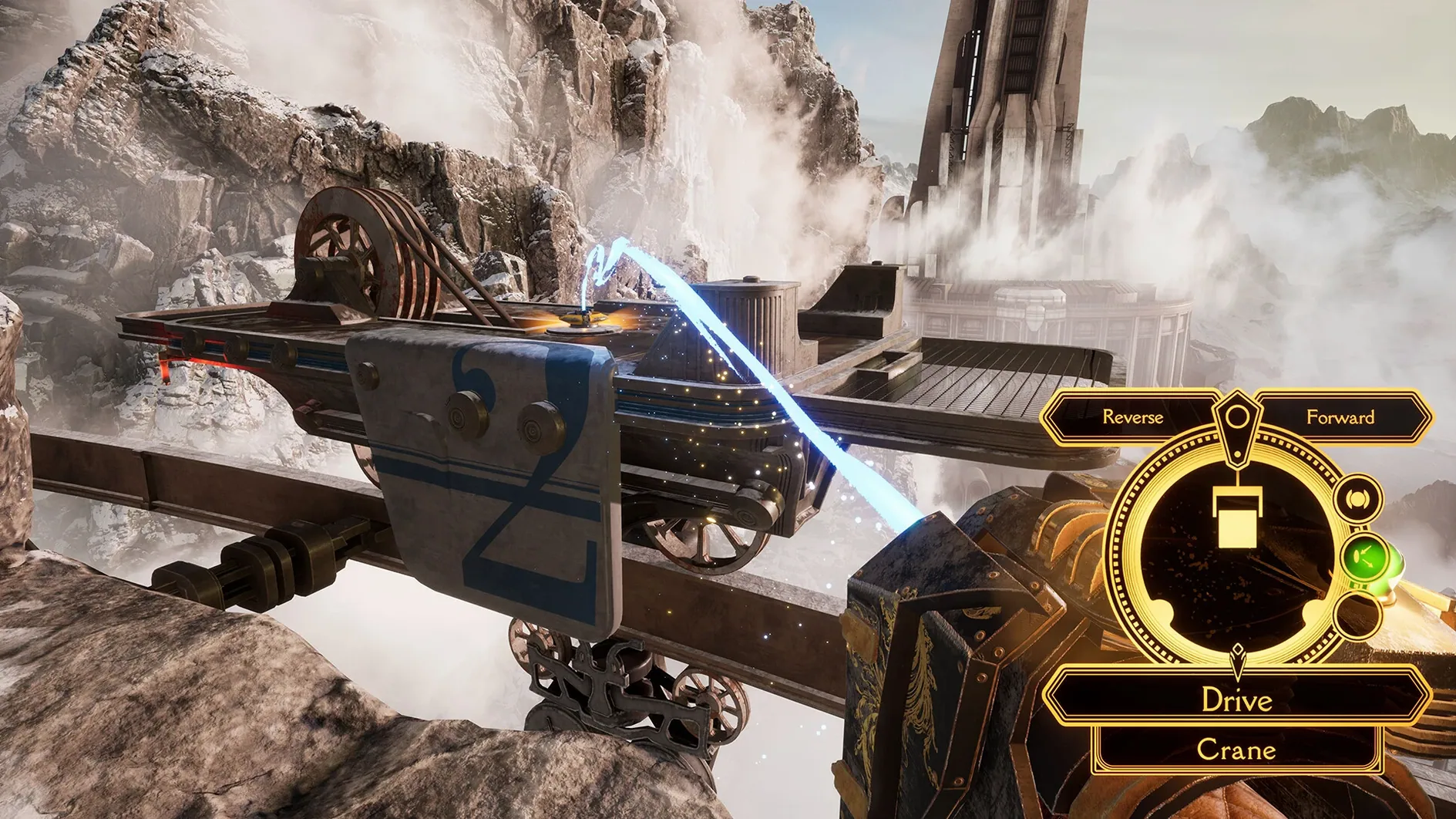
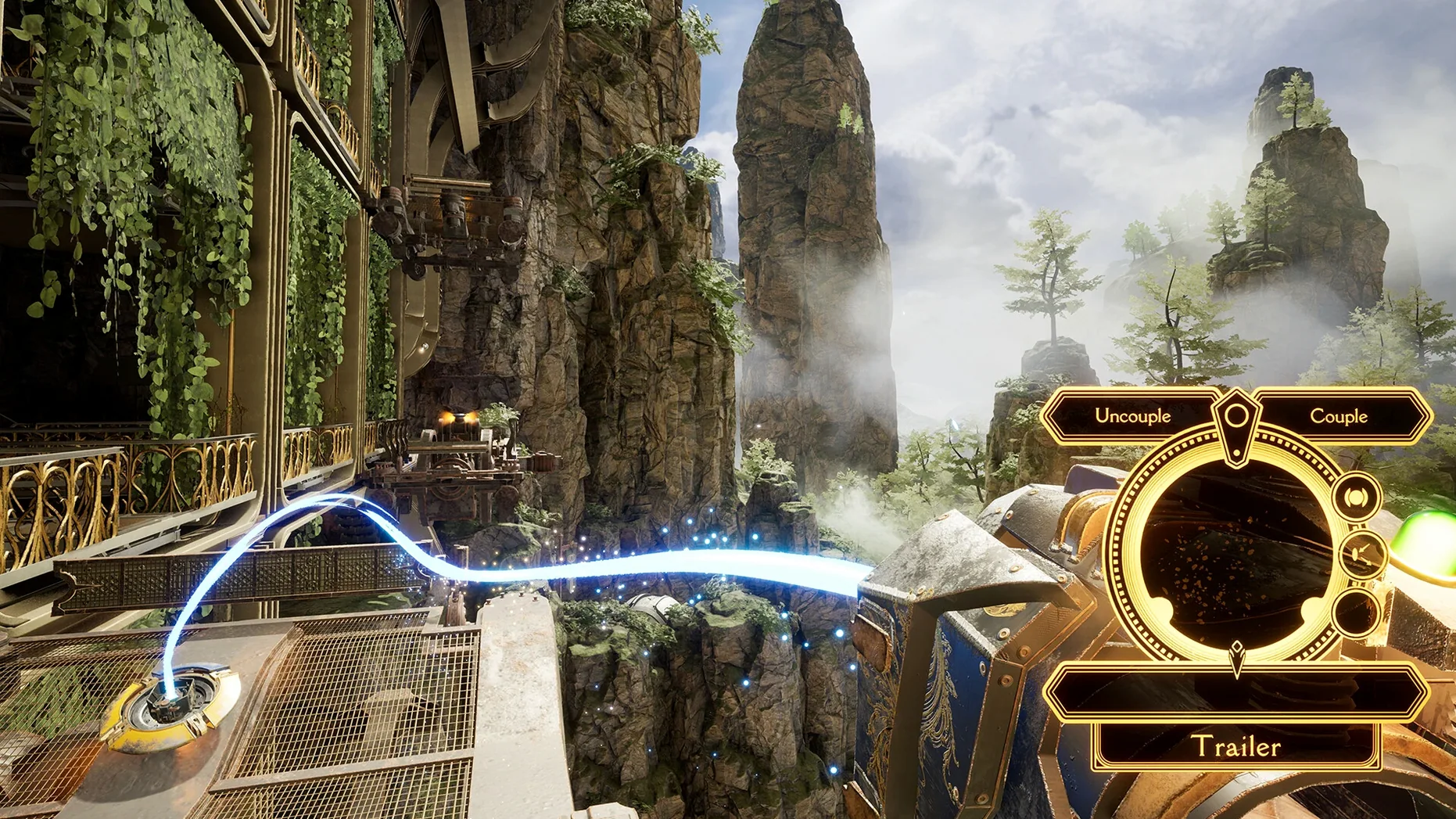
Adjunct — A wrist-mounted device used to interface with every mechanism across the three realms. Rotating a dial, pulling a lever, or redirecting energy all happen through this single tool.
The Mentor — A disembodied voice accompanying you from the first minutes. It provides context, hints, and narrative fragments without issuing direct orders.
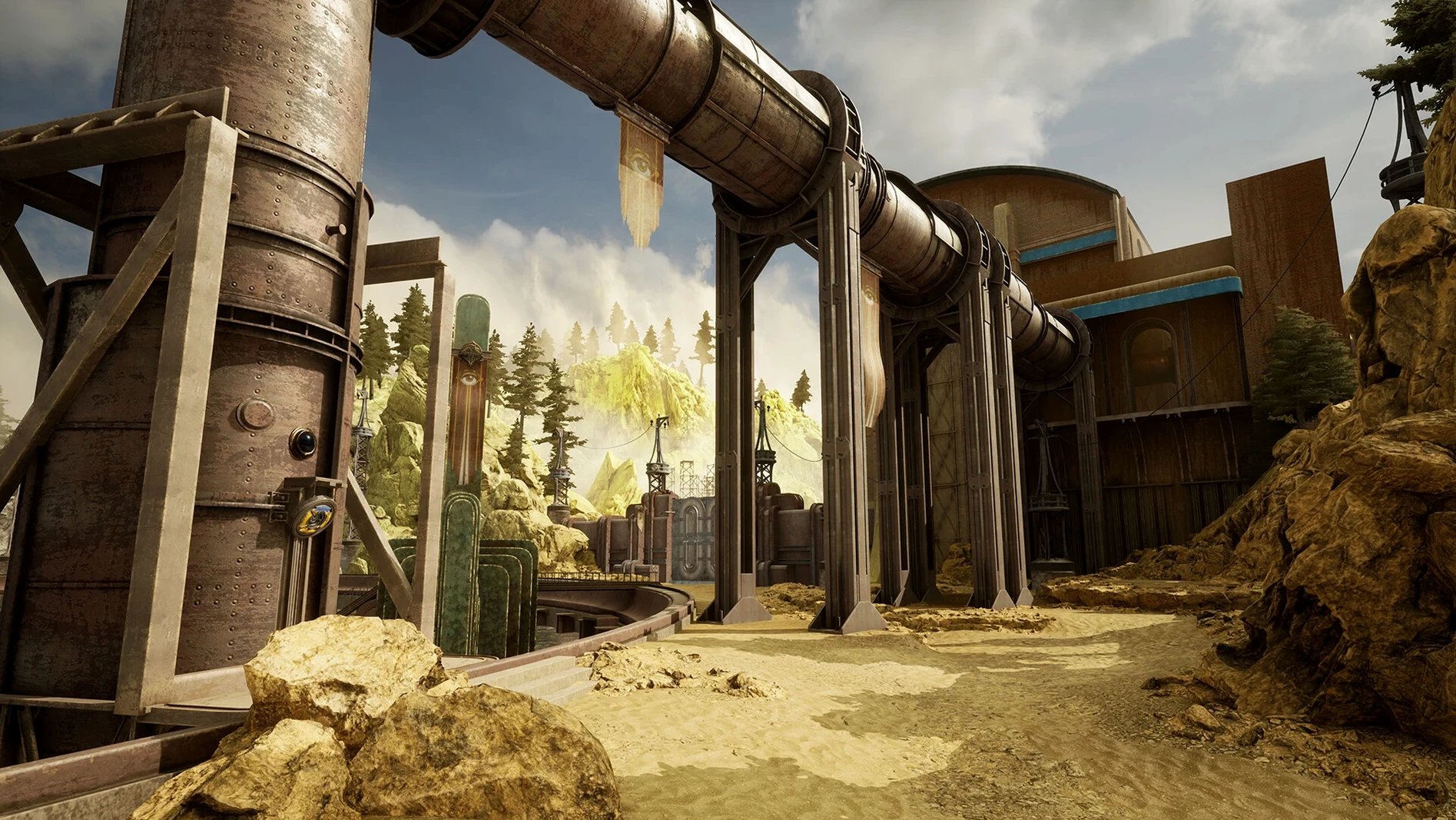
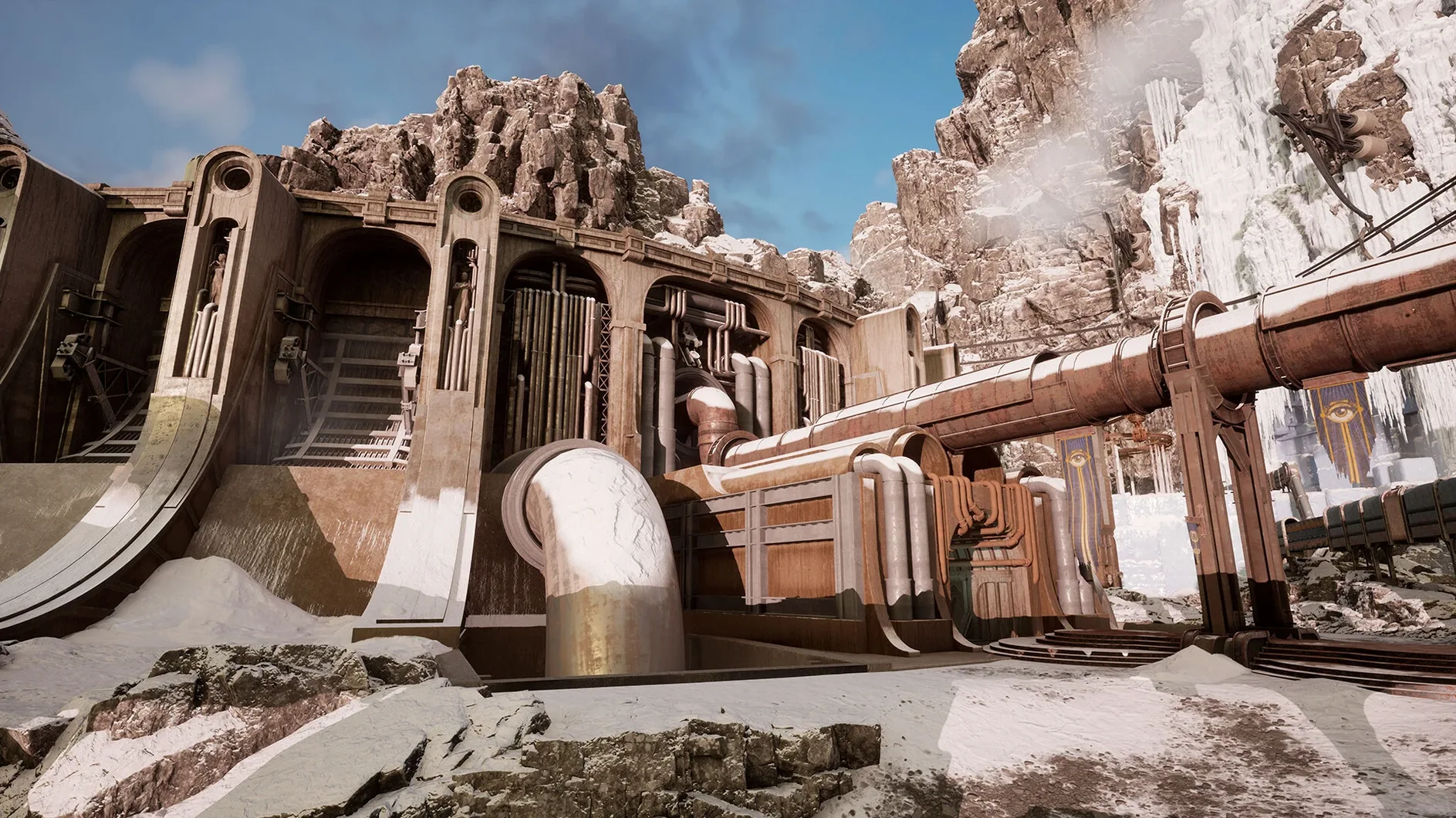
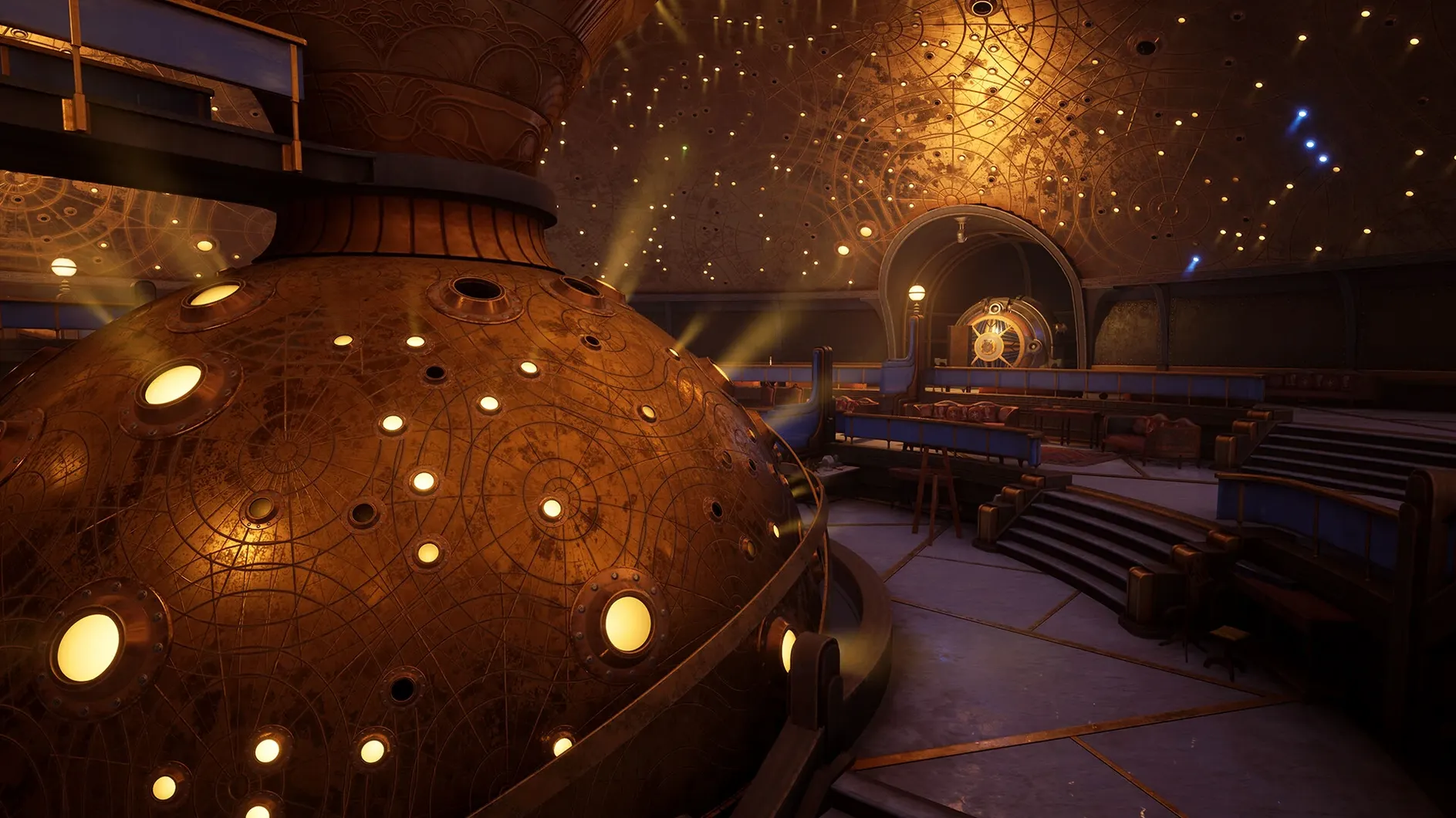
Realm traversal — You walk between three distinct, connected worlds. Each contains its own architectural logic, climate, and set of locked systems that block progress until you understand their rules.
Puzzle loop — Observe a dormant machine, interpret the Adjunct’s available interactions, and restore power or sequence. Solutions rely on environmental clues rather than inventory items.
Narrative delivery — Story unfolds through environmental detail, short voiced lines from The Mentor, and the behaviour of the abandoned structures themselves. No cutscenes interrupt play.
Where Firmament Sits in the macOS Ecosystem
Firmament integrates with a few macOS services without demanding them. It respects the system's full‑screen mode, so swiping between spaces with a three‑finger gesture leaves the game paused cleanly in its own desktop. Mission Control handles it without glitching on a 2024 M4 Mac mini — the window restores at the native resolution of the display you left it on, whether that is a 4K studio monitor or the built‑in panel of a MacBook Pro.
The game writes its save data to the user’s ~/Library/Application Support folder, which means Time Machine captures progress alongside the rest of your home directory. If you migrate to a new Mac using Apple’s Migration Assistant, the saves travel with no extra steps. For players who move between an Apple Silicon desktop and an Intel MacBook, the universal binary keeps the experience consistent; the only variable is frame rate, which scales with GPU headroom.
VoiceOver does not narrate the game’s interface, but the audio design carries enough positional information that players who rely on sound cues can locate active machinery. The English voice track from The Mentor is mixed prominently in the centre channel, so it remains intelligible even when environmental drones swell in the rear field. If you use macOS’s built‑in audio balance controls or third‑party equalisers like eqMac, the game’s output responds predictably — there is no locked audio pipeline that bypasses system settings.
Cold Launch to Main Menu in Four Seconds Flat
A typical evening session starts cold. You double‑click the Firmament icon in the Applications folder. The game launches into a black screen for about four seconds, then fades into the main menu. No launcher, no splash screens for middleware — just the Cyan Worlds logo and the menu. You select Continue, and within eight seconds you are standing at the exact spot where you left off the night before, inside the humid conservatory of the first realm.
The Adjunct hums faintly on your wrist. You walk toward a sealed bulkhead. Three metres to the left, a bronze pipe drips condensation onto a gear assembly that has not turned in decades. You raise the Adjunct with a right‑click hold and sweep its targeting reticle across the room. A soft click in the audio tells you the device has locked onto the gear assembly’s interface ring. You release the button, and the Adjunct expands a control dial into view.
You rotate the dial counter‑clockwise. Nothing happens. You walk back to a pressure gauge you passed earlier, link to it, and vent a reservoir. A distant thud rumbles through the floor. Returning to the gear assembly, you try the dial again — this time steam hisses and the bulkhead shudders open. The Mentor murmurs a fragment about the Curator’s obsession with balance. Twenty minutes have passed. You step through the bulkhead into a sun‑bleached courtyard, and the session continues for another hour until you reach a navigation puzzle involving four mirror plinths. You quit through the pause menu; the game writes the save and releases its memory allocation within two seconds.
Steady 60 fps at 1440p High on M4 Mac Mini
On an M4 Mac mini with 16 GB of unified memory, Firmament holds a steady 60 fps at 1440p with settings on High. The GPU utilisation sits around 72–78 %, leaving enough headroom that a YouTube video playing in Safari on a second screen causes no frame‑time spikes. Memory pressure stays in the green zone: the game process occupies roughly 4.2 GB, and the total system load rarely pushes beyond 11 GB during play. On an older Intel iMac with a Radeon Pro 570, 1080p at Medium settings yields 38–45 fps in open courtyards, dipping to 32 fps when volumetric fog rolls through the swamp realm.
Stability has been uneventful across a dozen hours of play. The build (2.1.3) has not crashed once on Apple Silicon hardware. The only quirk observed is a three‑second hitch when transitioning between realms while macOS is indexing the drive in the background; pausing Spotlight for the session eliminates it entirely. Load times between realms average 11 seconds on the M4’s internal SSD and 19 seconds on an external USB‑C SSD — respectable for a title that streams large texture sets.
The fan on the M4 Mac mini never became audible during testing. On Intel machines with dedicated GPUs, the fans ramp up gradually after about 15 minutes and settle at a steady medium hum, which is typical for a 3D title of this visual density. There is no memory leak apparent: the resident set size stays flat across multi‑hour sessions.
Kill macOS Mouse Acceleration Before You Aim
- Disable mouse acceleration early. The game reads raw input from your mouse, but macOS’s default acceleration curve still applies to cursor movement in the Adjunct’s targeting mode. Run
defaults write .GlobalPreferences com.apple.mouse.scaling -1in Terminal before your first session, or use a tool like LinearMouse. The difference in precision when linking to small interface rings is immediate. - Pick a screen resolution that matches your display’s pixel density. The game’s UI elements — especially the Adjunct’s dial markings — are sized for 1440p and above. At 1080p on a 27‑inch display, some etched numbers become fuzzy. If you are on a Retina screen, choose a scaled resolution in the game’s graphics menu that gives you at least 1440 vertical pixels.
- Let the first realm breathe. The conservatory area is designed as a tutorial space but does not gate you. Spend 30 minutes walking its full perimeter before attempting any sequence. The environmental clues that matter later — pipe colour coding, gear tooth counts, reservoir fill lines — all appear here first in simpler configurations.
- Map the Adjunct to a side mouse button. The default right‑click hold for raising the Adjunct works, but a thumb button on a gaming mouse reduces fatigue during long puzzle chains. The game’s input settings recognise Mouse 4 and Mouse 5 without third‑party drivers.
- Use wired headphones for a specific reason. The Mentor’s voice panning shifts subtly when you are facing the wrong direction in a large chamber. Bluetooth headphones introduce a latency of 120–180 ms that smears this cue. Wired output keeps the spatial audio precise enough that you can orient toward the next objective by sound alone.
- Archive the
firmament mac full versiondisk image after installing. The DMG contains the universal binary with no online activation check. Keeping a copy on an external drive means you can reinstall on a clean macOS installation without re‑down
- macOS 14.5 or later
- Supports Intel and Apple Silicon Macs
Questions on file
What is the objective in Firmament?
The goal is to uncover the purpose of the three connected worlds by solving environmental puzzles with the Adjunct, guided by a character called The Mentor.
Sign in · Create an account to add a field note.
No field notes yet. A measurement, a version, a machine — they appear after moderation.