Games
Library Of Ruina 1.1.0.6a13 REV 1
GamesUpdated
| Requirement | On file |
|---|---|
| macOS | See the sheet |
| CPU | Apple Silicon |
| Download | 3.8 GB |
| Tested on | macOS Tahoe, Mac mini 2024 M4 |
Most strategy games treat information as a reward you earn through trial and error. Library Of Ruina solves the opposite problem: the frustration of hidden mechanics and unpredictable enemy behaviour. It shows you enemy moves in advance. Every clash becomes a puzzle of probability, not a gamble.
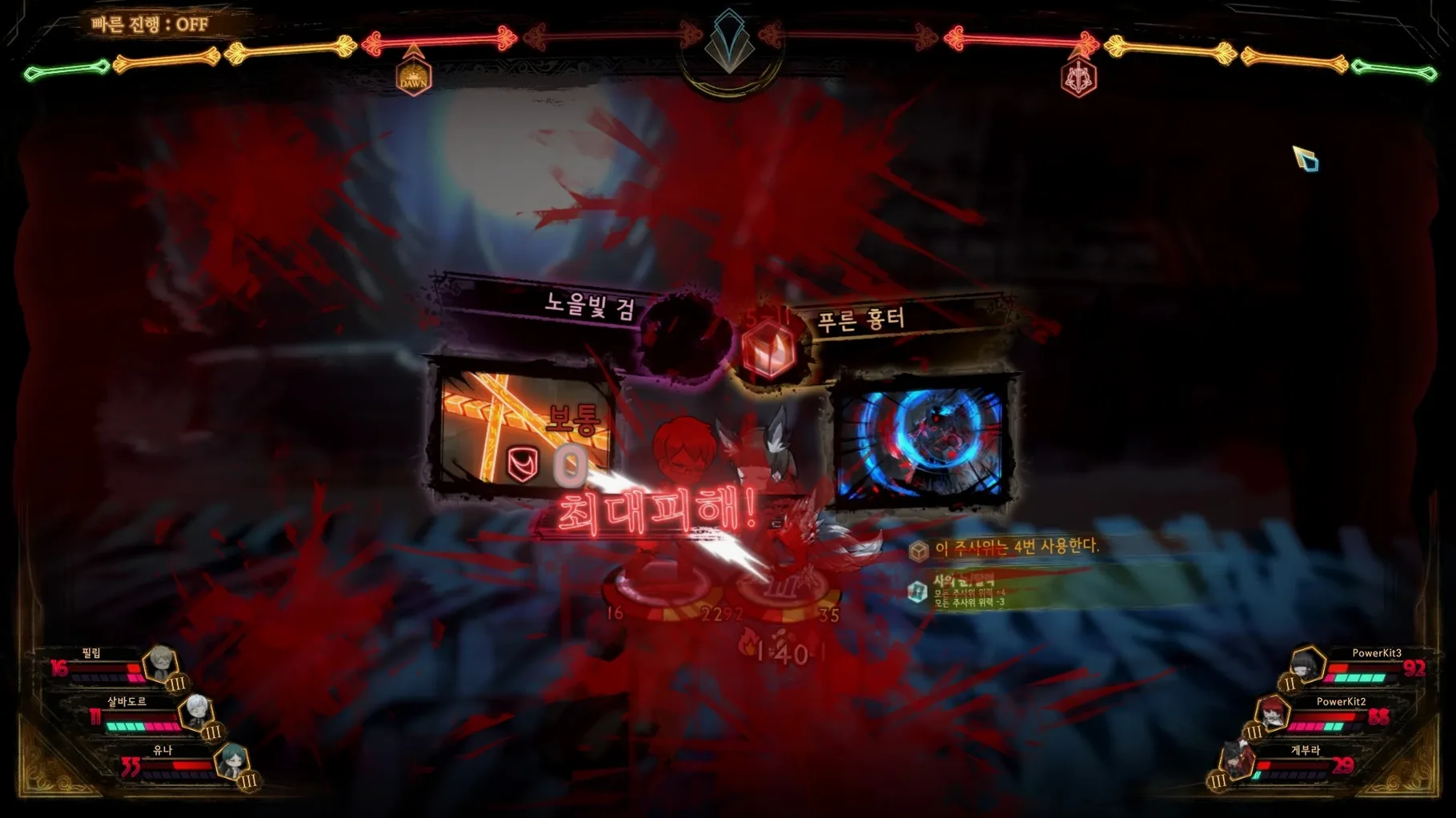
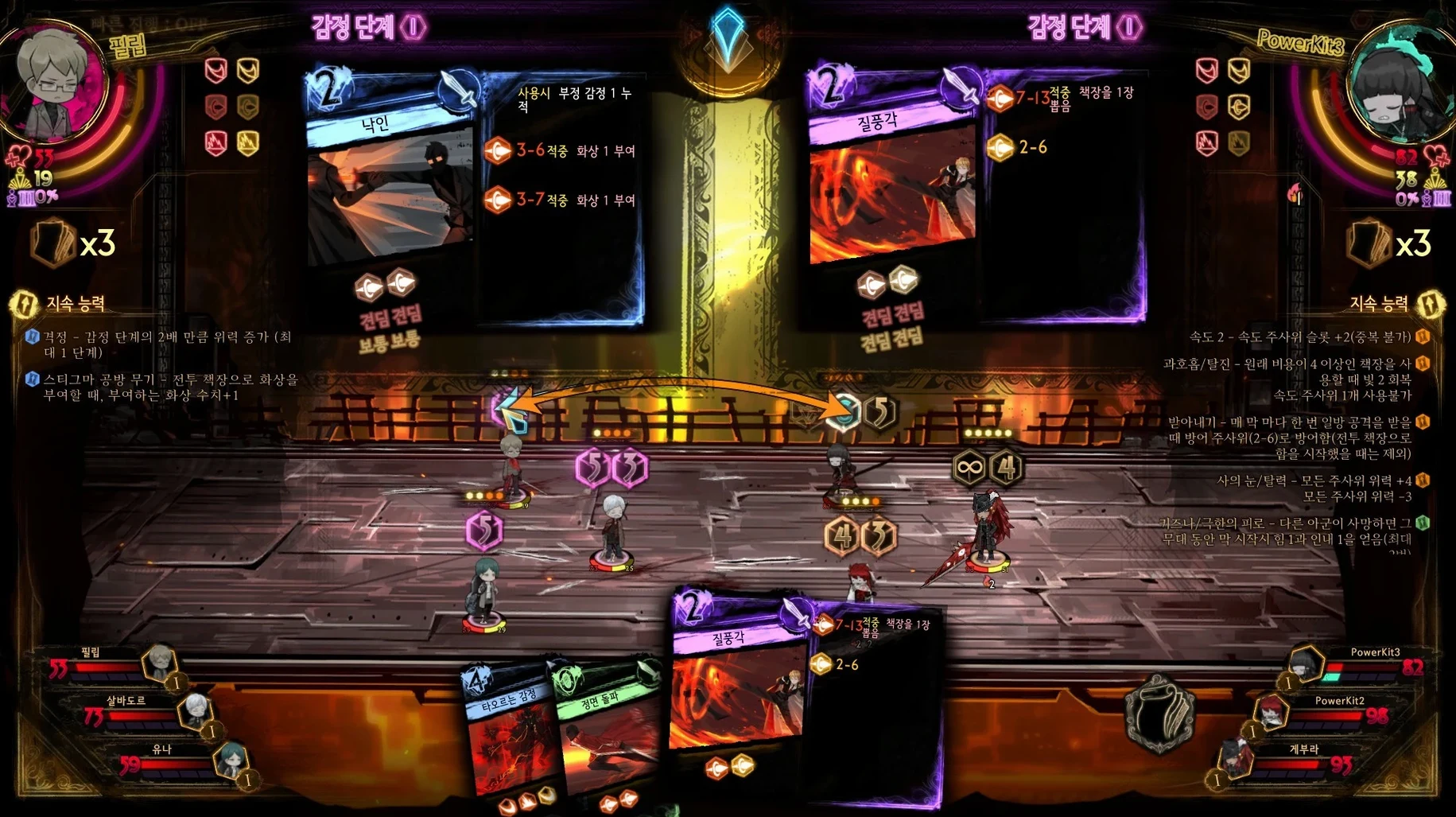
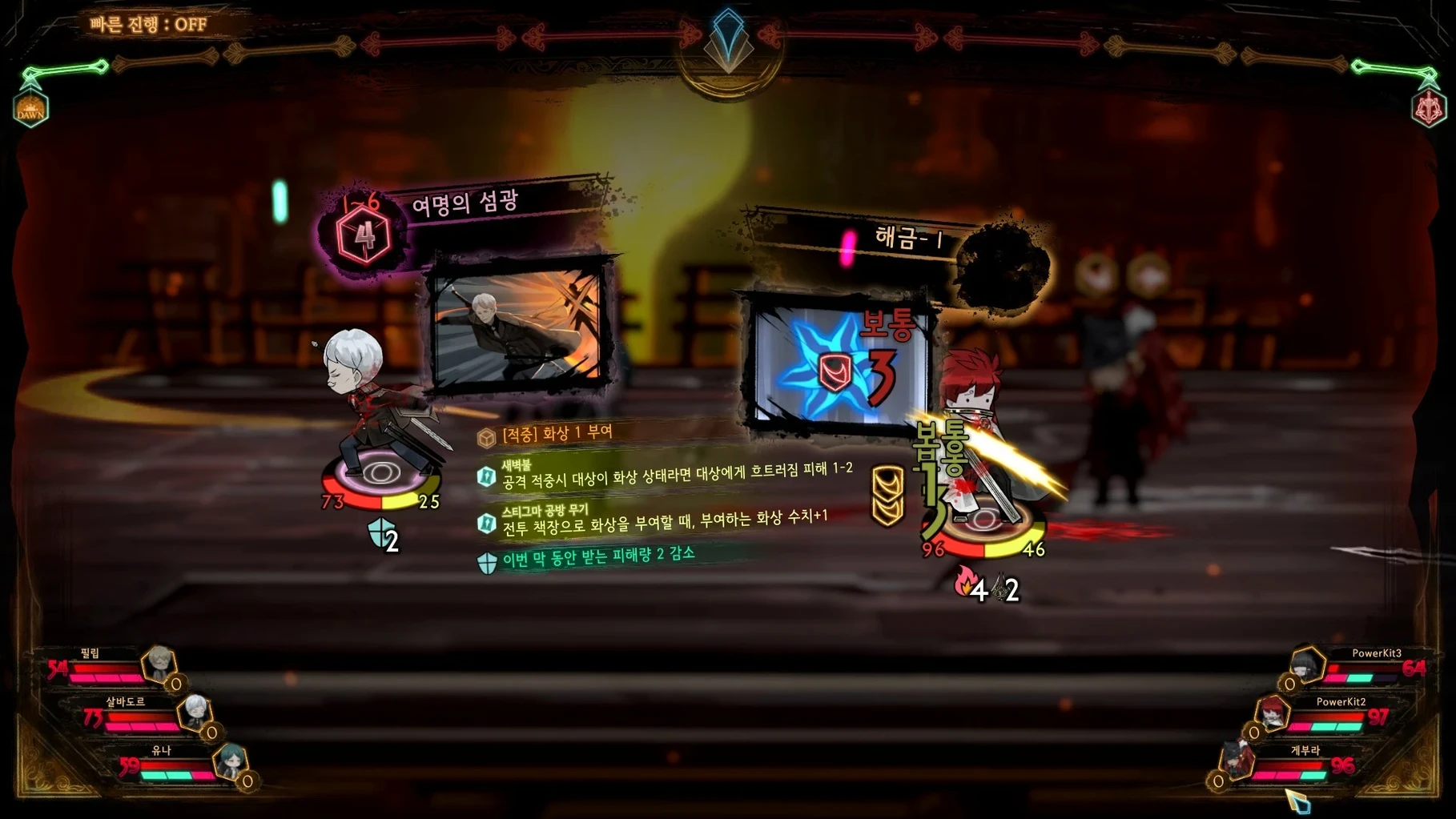
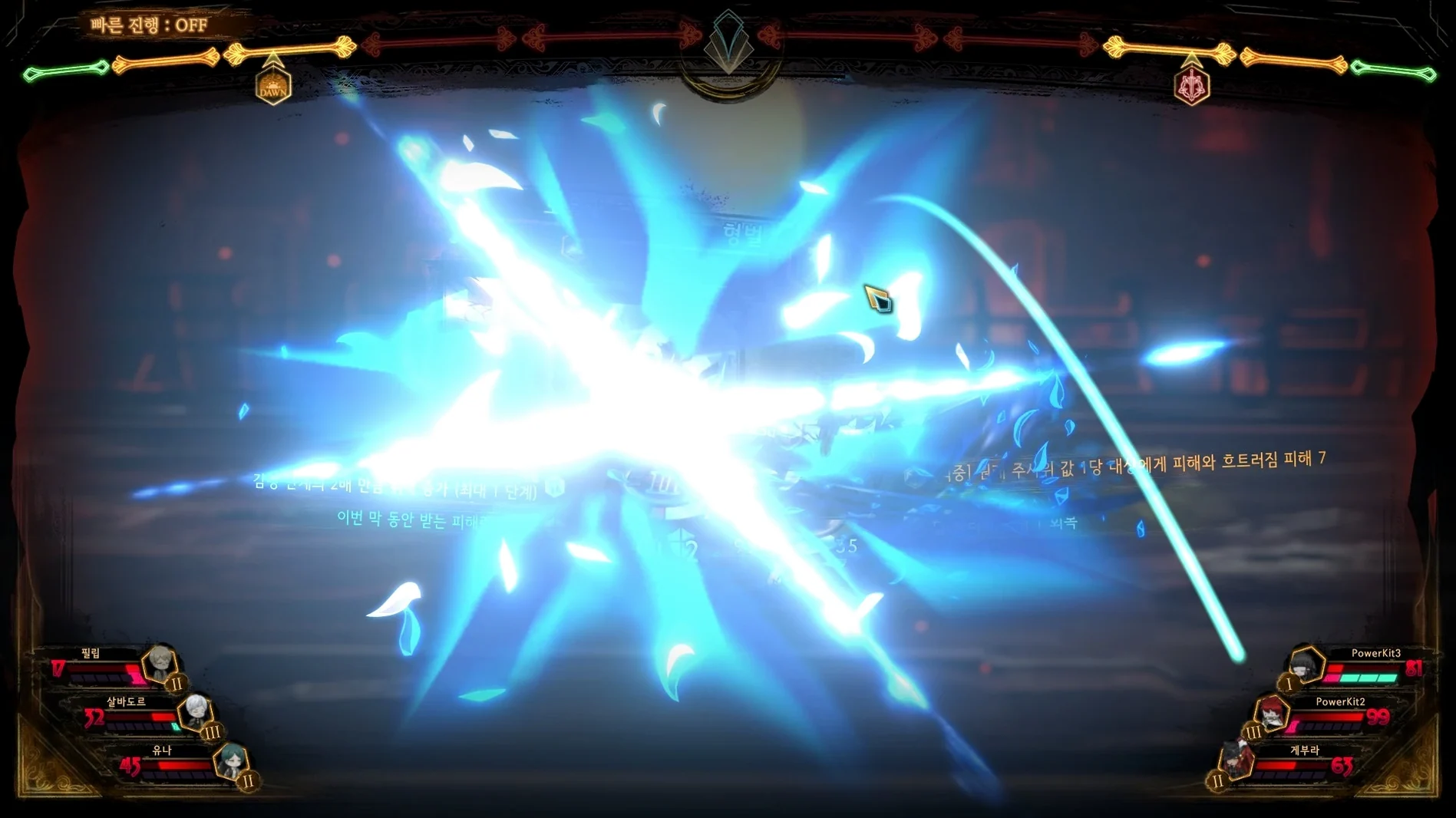
You oversee a library where battles are staged like theatrical performances. Librarians face off against guests in encounters that use cards and dice. Each card holds a set of dice rolls, and when two cards clash, the values compete directly. Because you can see what the opponent intends to play, your decisions centre on match-ups: which die beats theirs, which card sacrifices a clash to win another, and when to take a hit on purpose.
Reading Opponent Intent Through Card Clashes
- Players who enjoy reading an opponent’s intent and countering it with precise card selection
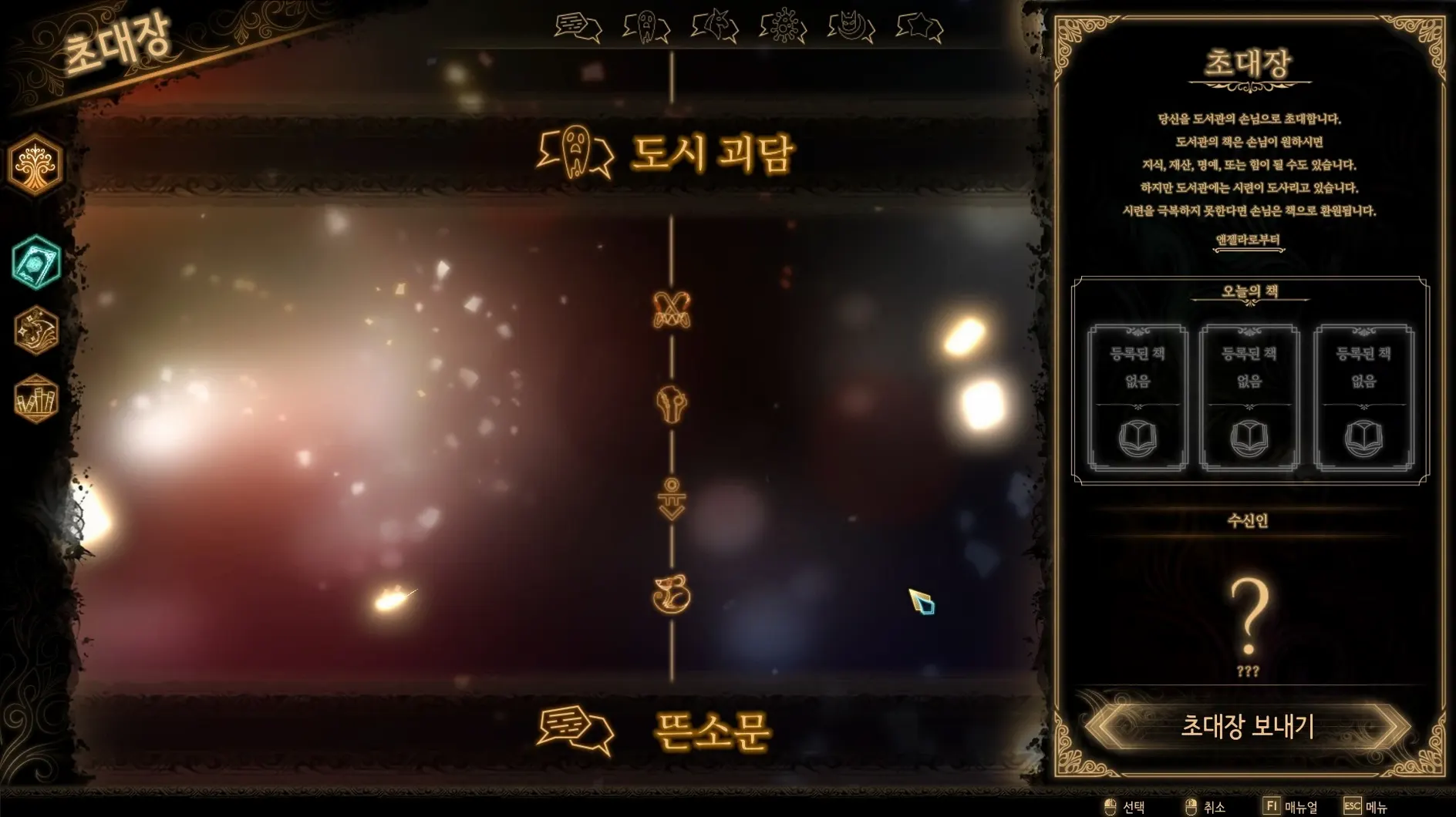
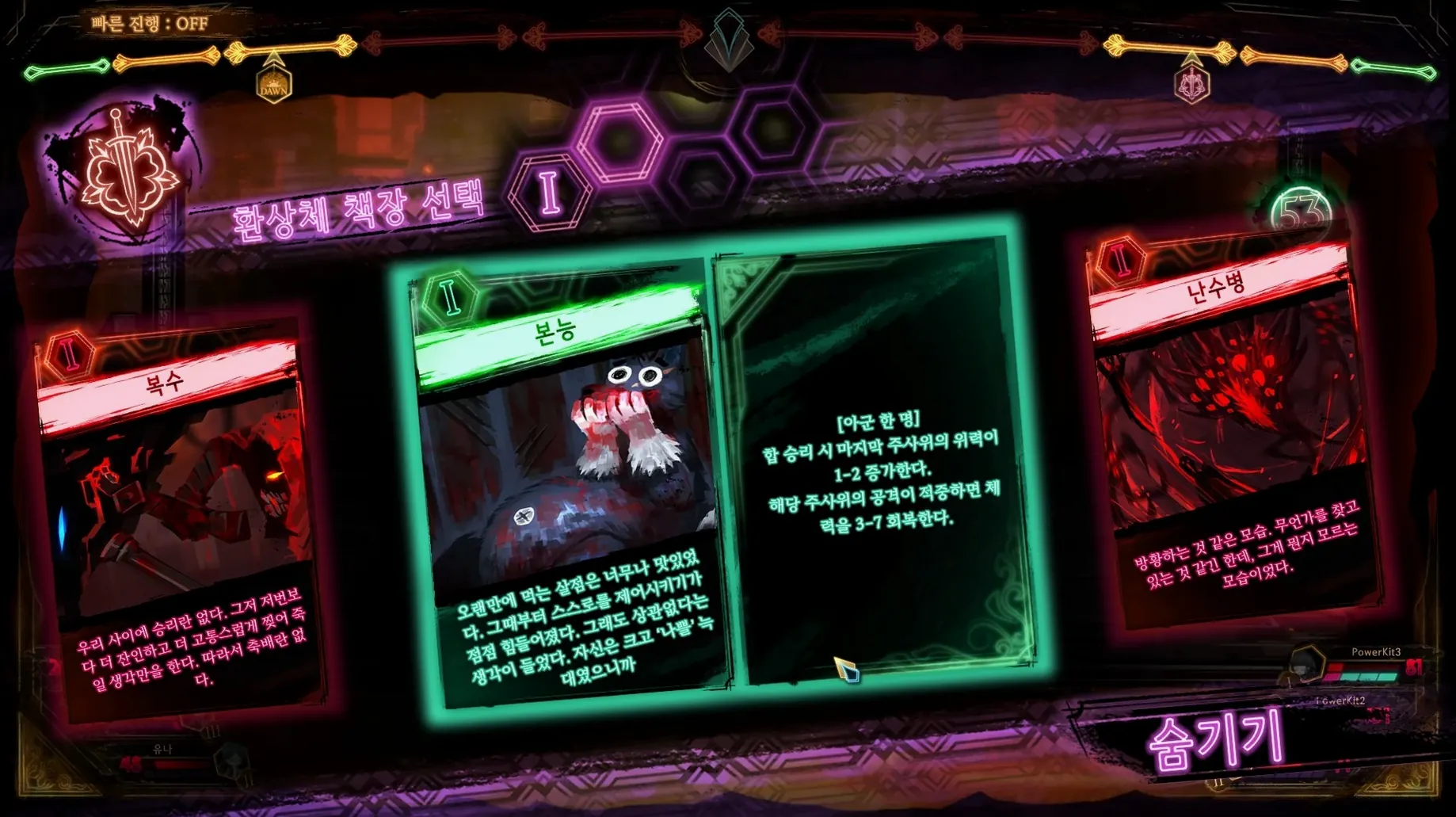
- Fans of single-player campaigns where the library itself expands as you collect more books from defeated guests
- Anyone who prefers turn-based systems built around visible dice math rather than hidden modifiers
Wineskin-Wrapped Build With Korean Voiceovers
- This is a Wineskin-wrapped build, not a native macOS application
- Voice acting is Korean only; interface text supports English, Simplified Chinese, Japanese, and Russian
- Save data sits in a prefix path, not the standard macOS Library folder
Flip Interface Language Before Your First Invitation
Before the first invitation, open the settings menu and flip the interface language if the default does not match your preference. The Russian build locks to Russian; the multilingual build defaults to English but lets you switch to Simplified Chinese, Korean or Japanese without a restart. You will also find a windowed mode toggle and resolution scaling — useful because the Wineskin wrapper sometimes misreads Retina displays and draws text at a size that strains the eyes after an hour of dice arithmetic.
One setting that catches people off guard: combat speed. The default pace animates every die clash as a deliberate sequence, which fits the theatrical mood early on but drags once you face receptions with five librarians and four guests. Slide it to double speed. You can still pause at any clash result screen to study what happened. The game never punishes you for rushing animations — it only hides the spectacle, not the numbers.
Self-Contained Bottle With No Mission Control Swiping
Library Of Ruina runs inside a self-contained Wineskin bottle, so it does not integrate with native macOS conveniences the way a Metal-native game would. Mission Control treats the game as a single window; you cannot swipe between it and other spaces without the wrapper occasionally losing focus and muting audio until you click back in. Keep that in mind if you run a second screen for deck reference sheets or wiki pages.
The save data path — Library of Ruina.app/Contents/SharedSupport/prefix/drive_c/users/Sikarugir/AppData/LocalLow/Project Moon/LibraryOfRuina — is buried inside the app bundle, which means two things. First, Time Machine backs it up as part of the application, so restoring from a snapshot after a corrupted reception log actually works. Second, if you ever need to move your progress to another Mac, copy the entire app rather than hunting for a separate Library folder. The bottle holds everything: saves, settings, and the Wine prefix configuration.
For players who keep notes — and you will, once abnormality pages start layering status effects mid-fight — the game coexists fine with a floating Quick Note window invoked from a hot corner. TextEdit or a markdown scratchpad on a side monitor works better than the in-game battle log, which scrolls fast at double speed and lacks a search filter.
The Index Proxy Singleton Deck Test
About six hours in, you reach the first reception that genuinely tests whether you have internalised the clash system. A solo guest enters the library: an Index Proxy wielding a deck of singleton cards, each one gaining bonus effects because no card appears twice. The pre-battle screen shows you their deck composition, and the numbers look beatable — until the first emotion level triggers and the Proxy’s dice gain +2 power across the board.
This is where the advance information system shifts from helpful to essential. You can see every card the Proxy will play next turn. One of them, Unlock, rolls a block die high enough to neutralise your strongest blunt page. Another, Binding Chains, applies bind and feeble to whichever librarian it clashes against. You have three librarians on the floor of Literature, each with a mix of slash and pierce pages, and a fourth on standby.
The play that wins the fight: redirect the Binding Chains clash onto a librarian whose deck is already spent — she will eat the debuff and become a dead slot, but that is better than having your main damage dealer crippled. Use a one-sided attack from the standby librarian to snipe the Proxy’s stagger resistance while the other two focus on winning clashes against the remaining dice. The fight takes eleven rounds and leaves two librarians standing, but the books that drop unlock a key passive attribution — Singleton — that shapes the mid-game deckbuilding meta.
That pattern repeats across the game’s arc. The system hands you the enemy’s script; your job is to rewrite it with the cards you chose forty minutes earlier, back in the floor customisation screen.
- Build delivery — Moved to Wineskin REV 1 for ARM-based Macs
- macOS (ARM architecture)
- Wineskin wrapper included — no separate Windows licence required
Questions on file
How does the book system work in Library Of Ruina?
Defeated guests turn into books, and those books expand the Library with new cards, key pages, and story chapters over the course of the single-player campaign.
Can I see what enemies will do on their turn?
Yes. The game displays enemy moves in advance, so you build your strategy around known dice values and card match-ups instead of guessing.
What should I do if the game shows an error on first launch?
Run the Fix file included on the disk image. After that, the Wineskin wrapper should start without the error.
Sign in · Create an account to add a field note.
No field notes yet. A measurement, a version, a machine — they appear after moderation.