Games
Kingdom Rush 5: Alliance TD 7.00.62
GamesUpdated
| Requirement | On file |
|---|---|
| macOS | See the sheet |
| CPU | Apple Silicon, Intel 64-bit |
| Download | 1.1 GB |
| Tested on | macOS Tahoe, Mac mini 2024 M4 |
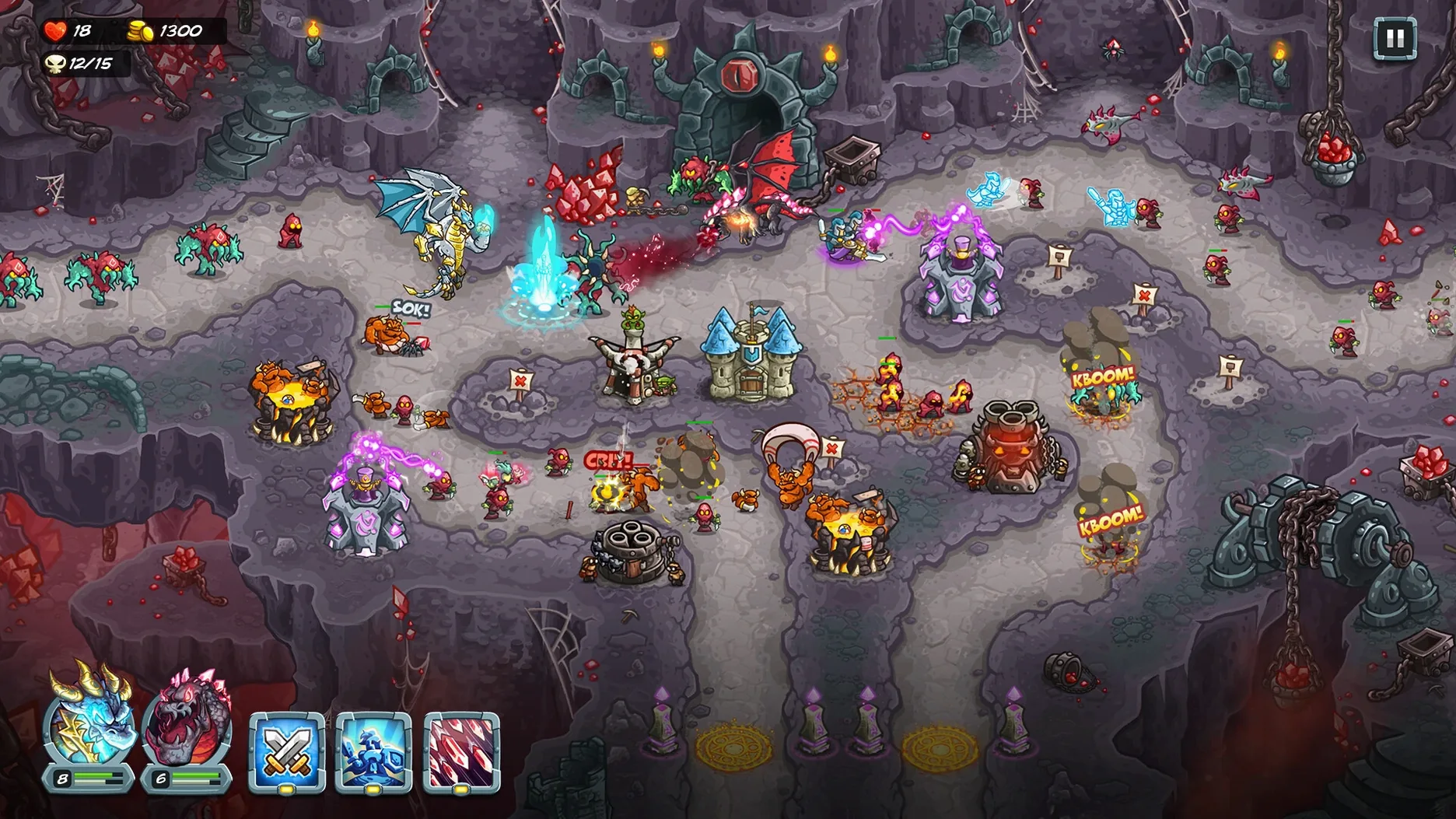
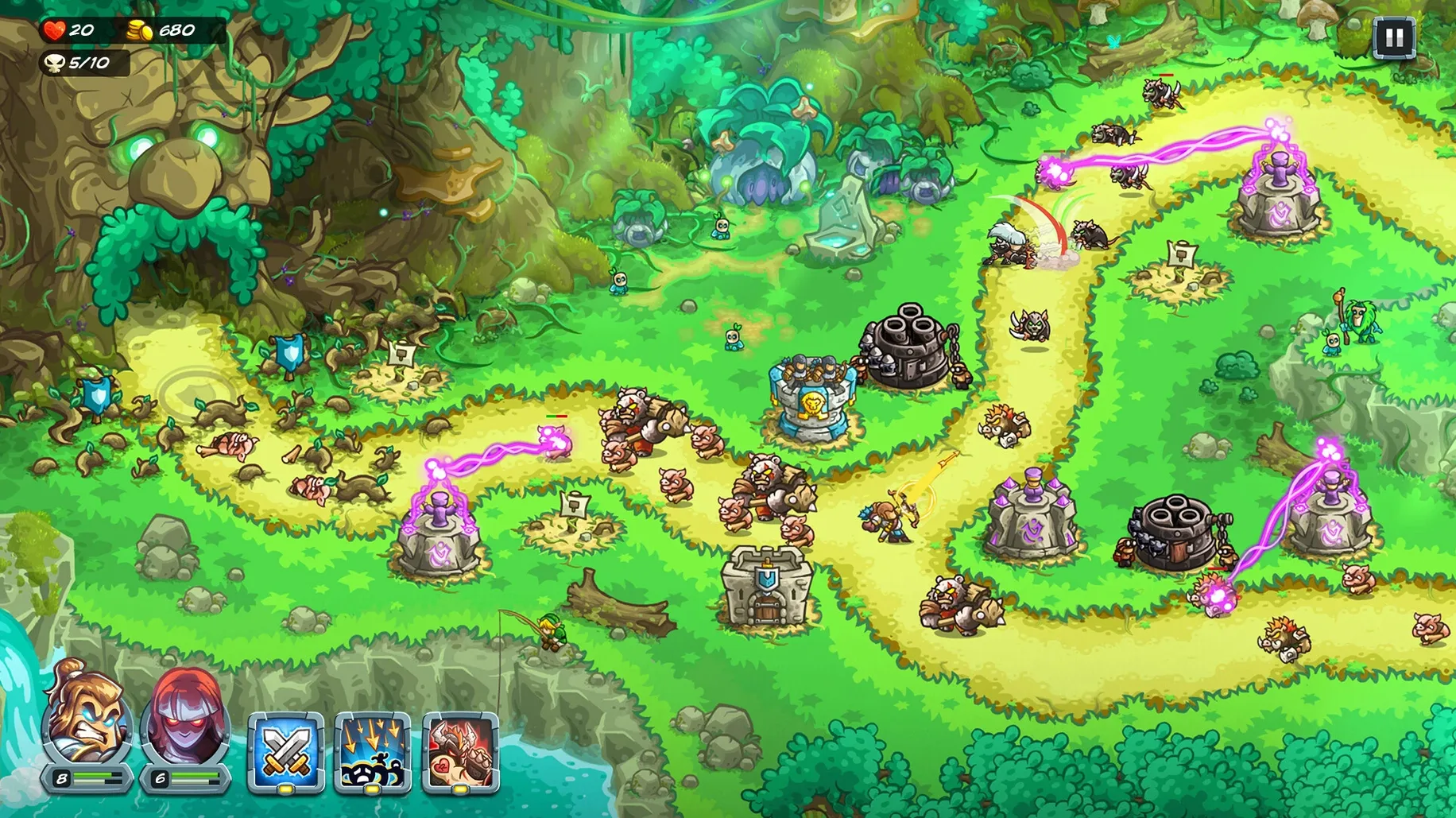
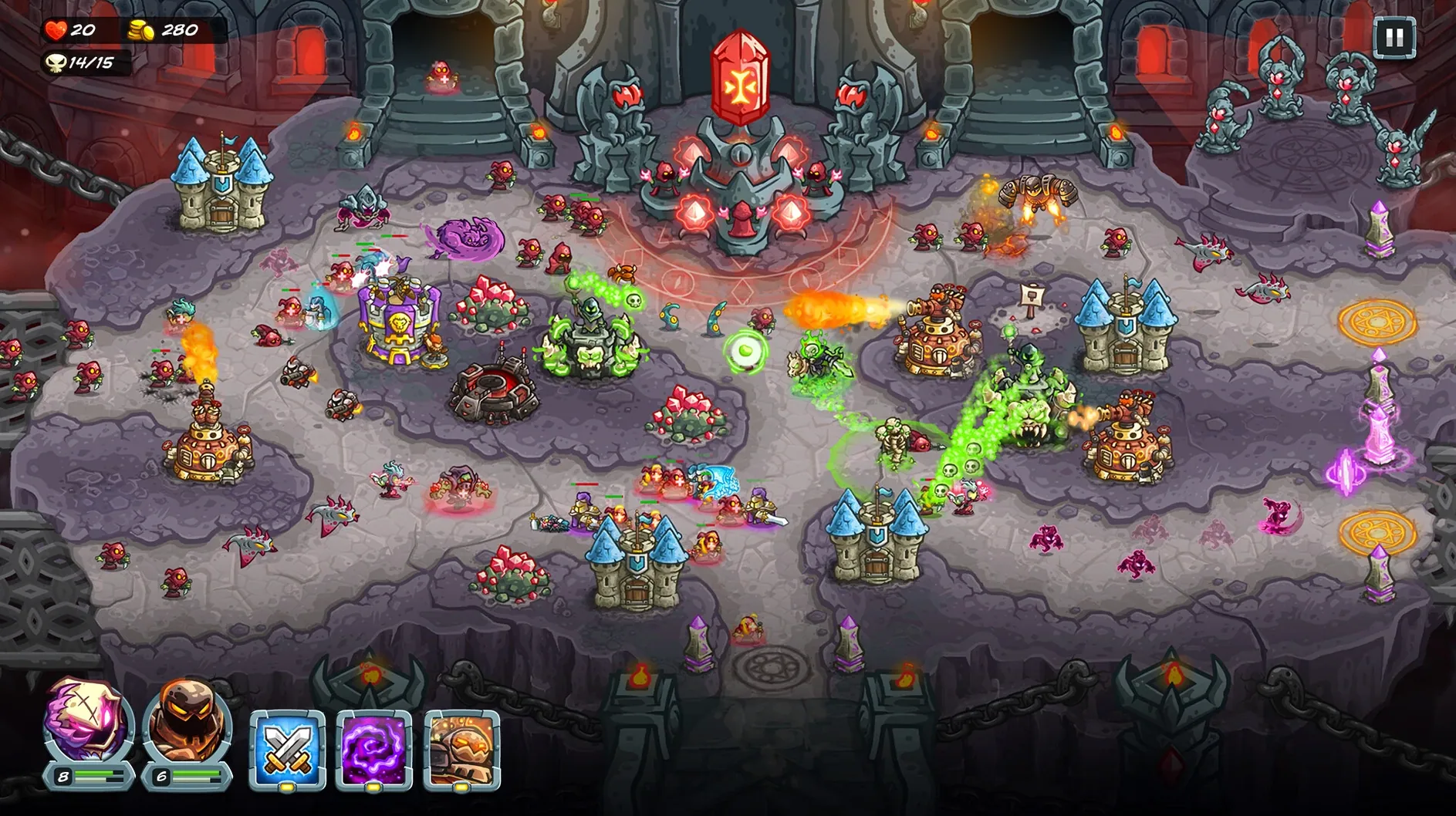
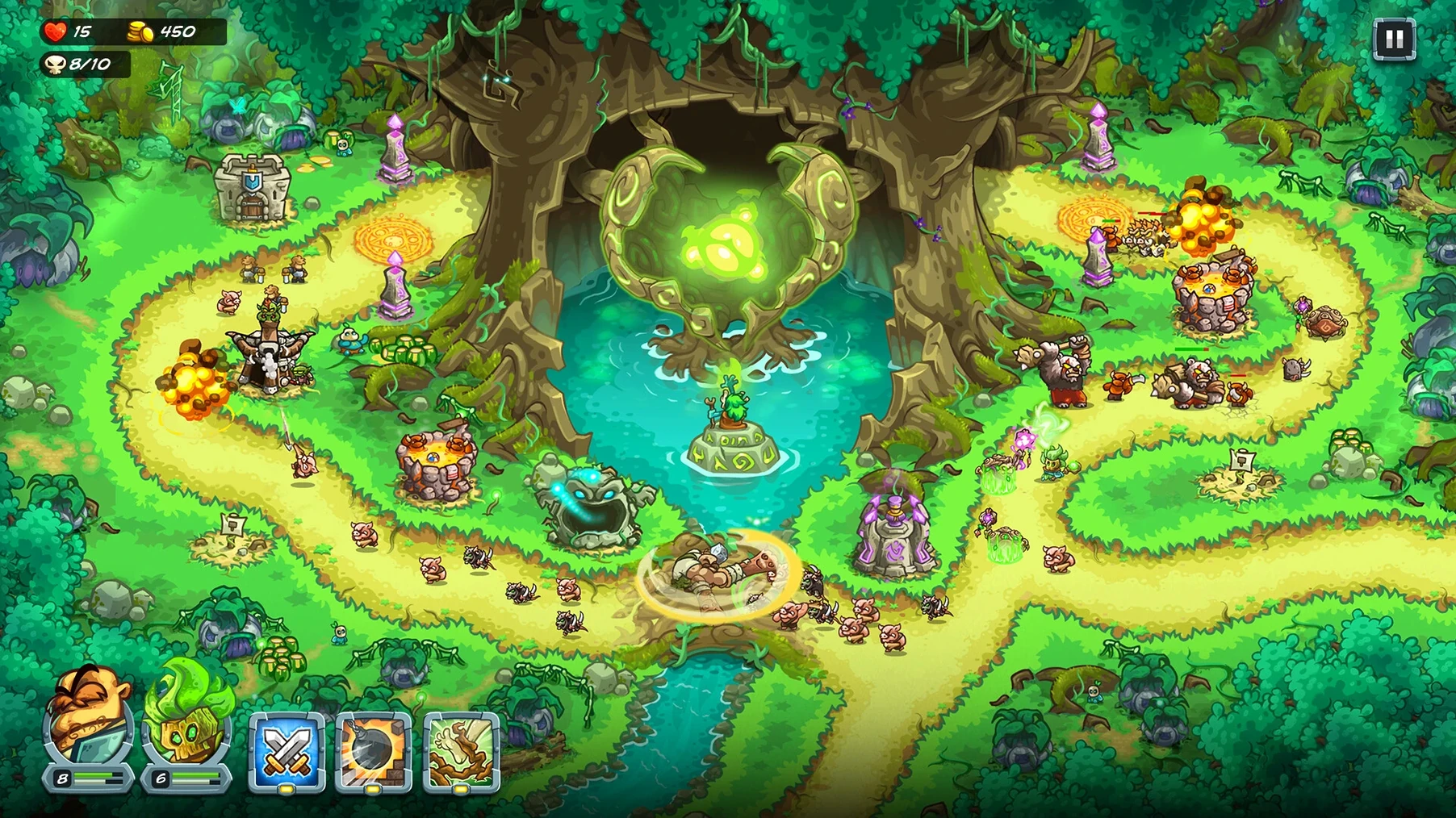
Version 7.00.62 ships with the full 16-stage campaign and 15-tower roster intact, no new content but a stable build for current macOS releases. The disk image weighs in at roughly 1 GB, matching the storage footprint Steam lists.
What does a Mac need to run it smoothly?
Ironhide asks for macOS 11.0 or later, 4 GB of RAM, and a graphics card with 1 GB of VRAM that supports OpenGL 3.0. On a 2024 Mac mini with an M4 chip running macOS Tahoe, the game holds a steady frame rate at native resolution without the fan spinning up.
Right-click cancels towers, hotkeys fire hero abilities
Mouse and keyboard remain the primary input; right-click to cancel tower placement, hotkeys for hero abilities. The experience is identical to the Windows build—no trackpad-specific gestures, but a standard two-button mouse is all you need.
What kind of performance can you expect?
Late-campaign waves with multiple tower abilities active push the GPU slightly, yet Apple Silicon Macs handle it comfortably. The game is single-thread bound, so clock speed matters more than core count for those split-second hero redeployments.
Are there any Mac-specific limitations?
Cloud save syncing relies on iCloud or Steam Cloud depending on where you got the build. Only one display mode is available—fullscreen with a fixed aspect ratio—so ultrawide monitors will show letterboxing on the sides.
Turn off Edge Scrolling to sidestep macOS fullscreen lag
Three preferences tucked away in the options menu make a tangible difference on macOS. The defaults are reasonable, but a few quick adjustments save frustration later.
- Disable "Edge Scrolling" — macOS handles fullscreen apps with a slight delay when the pointer hits the screen edge, and the game's default scroll zone competes with that behaviour. Switch to drag-to-scroll or rely entirely on the arrow keys. It removes the stutter every time you pan left or right during a wave.
- Bind hero abilities to the number row — Clicking ability icons with the mouse is viable early on, but by stage 7 you are managing two heroes and four active tower abilities. Reassign abilities to
1–4so your left hand stays on the keyboard while the right places reinforcements and rally points. - Turn off "Screen Shake" — Boss fights trigger heavy camera movement that obscures small enemy pathing cues. Disabling it helps track fast-moving flyers and the tiny visual tells before a special attack lands.
The audio mix defaults to equal levels for music, effects, and voice. Dropping music to 70 % and leaving effects at 100 % makes hero callouts and tower ability sound cues cut through more clearly—useful when a stage throws three enemy types at once from separate lanes.
A complete workflow: three-starring a late-campaign stage
Take stage 13 as an example—two spawn points feeding into a split path that merges before the exit, with fast burrowers appearing in wave 4 and a boss at wave 8. The goal is three stars on Veteran difficulty without using gems for retries.
- Scout the layout first. Pause immediately and count buildable spots along the merge point. That chokepoint gets three towers regardless of composition; everything else reinforces lanes before enemies converge.
- Pick hero synergy, not just power. One hero with armour-shred (physical damage debuff) paired with a second hero who deals rapid multi-hit damage doubles output on the boss. Deploy them on the lane the boss spawns from, not at the exit.
- Place two barracks at the merge point, not one. Reinforcements plus two sets of summoned units create a block long enough that artillery towers get three volleys instead of one before enemies break through.
- Upgrade economically. Buy the second-tier archer tower on the secondary lane before upgrading the primary choke tower to tier three. The marginal damage-per-gold is higher on a second active tower than on a single over-invested one during waves 1–3.
- Save both hero abilities for wave 8. The boss telegraphs its area attack with a 1.2-second glow. Popping defensive cooldowns right then—not on cooldown—keeps heroes alive for the full fight. Move them manually behind barracks units while abilities recharge.
- Sell and reposition after wave 7. The burrower path changes once the boss spawns. One archer tower from the secondary lane can be sold and rebuilt facing the new route without losing gold efficiency, since refunds return 70 % of the cost.
The entire stage runs about 14 minutes on Veteran. Three stars requires no lives lost and no more than two enemies reaching the exit path beyond the merge point.
Dual-hero system skips build-order homework for strategy fans
Three groups stand out, and for different reasons.
Strategy players who want depth without build-order homework. The tower roster and dual-hero system offer meaningful choices—physical vs. magic damage, area denial vs. single-target burst—without the spreadsheet-level optimisation some RTS titles demand. You experiment with tower pairings across 16 stages and can feel the difference, but a suboptimal pick on stage 5 does not ruin a run.
MacBook owners who game in short sessions. Stages run 10 to 18 minutes, pause cleanly with a tap of the spacebar, and resume without reloading. The game draws about 8–10 W on an M-series chip under load, so a 45-minute session on battery costs roughly the same charge as a YouTube stream. That suits commutes, lunch breaks, or the gap between work calls.
Completionists on Apple Silicon. The 50+ achievements, three difficulty modes, and hero levelling system reward replay. Because the build runs natively on ARM, there is no Rosetta overhead eating into frame pacing during achievement-hunting sessions that stretch past an hour. Ironhide's scoring system tracks per-stage performance separately by difficulty, so chasing a perfect campaign clear on Veteran adds another 20–30 hours beyond the first playthrough.
Casual tower defense fans who only want a few stages may find the hero-levelling curve a touch slow around stages 8–10, but the three difficulty tiers let them drop to Casual and still see all 16 maps without grinding. The kingdom rush 5 alliance td mac full version includes every stage and hero from the start, so no content sits behind a paywall or time-gated unlock.
- macOS 11.0 or later
- Apple Silicon or Intel processor
- 4 GB RAM
- 1 GB available storage
- OpenGL 3.0 compliant graphics with 1 GB video RAM
Questions on file
Which languages does the Mac version include?
The interface and subtitles ship in English, Russian, German, Spanish, French, Portuguese, Japanese, Korean, Traditional Chinese, and Simplified Chinese.
Sign in · Create an account to add a field note.
No field notes yet. A measurement, a version, a machine — they appear after moderation.