Games
Potion Craft: Alchemist Simulator 2.0.2.0
GamesUpdated
| Requirement | On file |
|---|---|
| macOS | See the sheet |
| CPU | Apple Silicon |
| Download | 1.5 GB |
| Tested on | macOS Tahoe, Mac mini 2024 M4 |
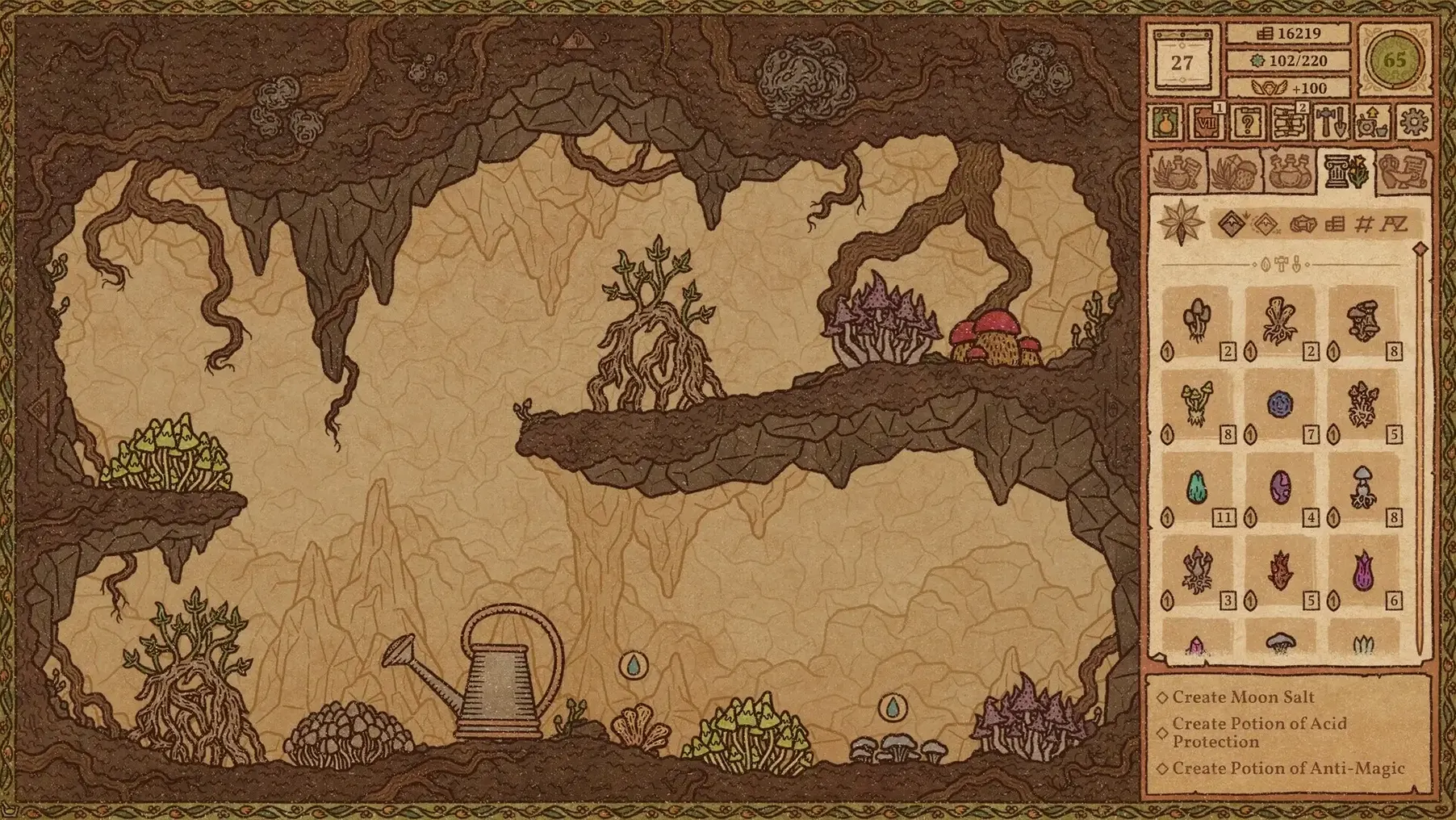
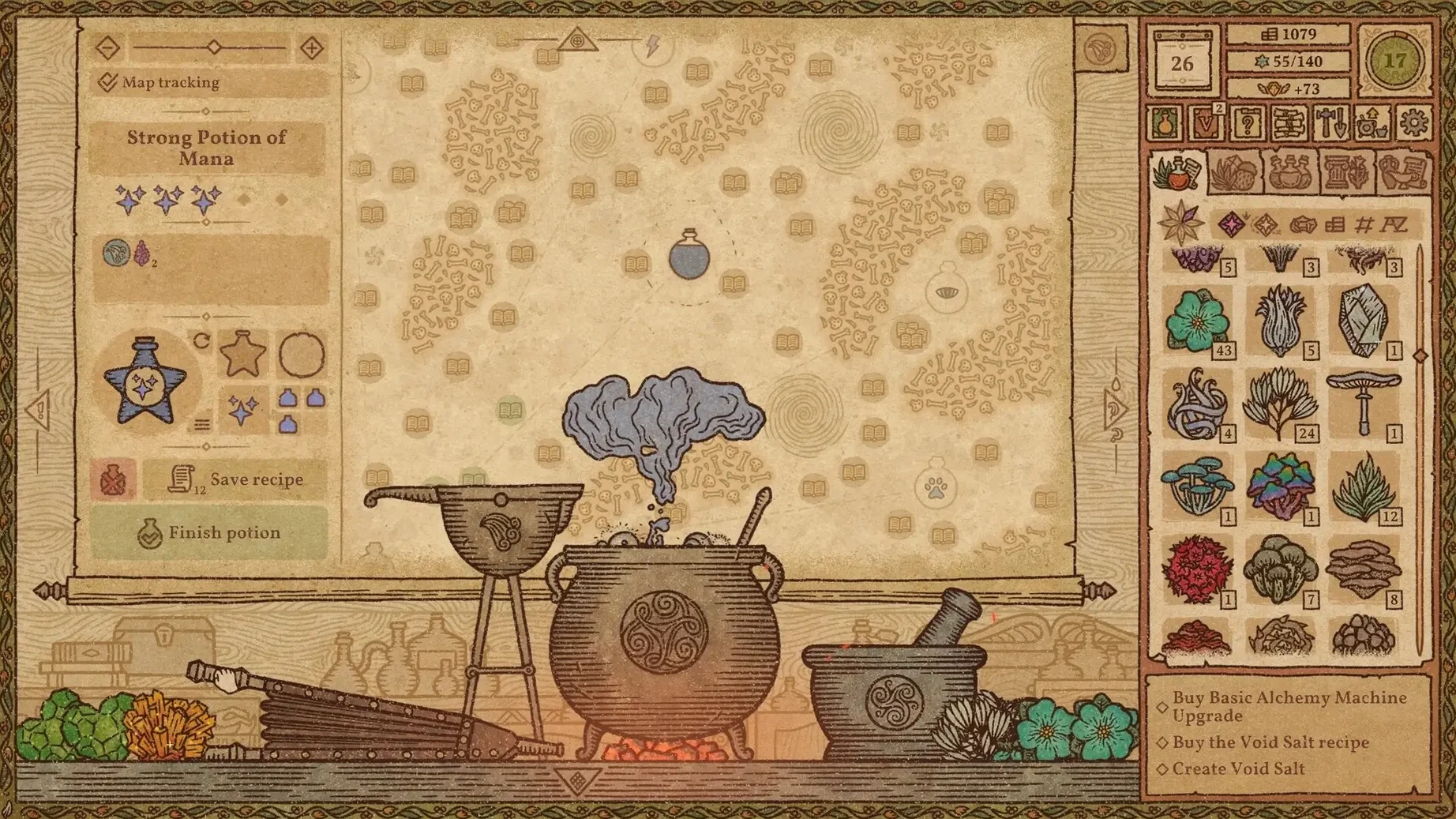
Players who like hands-on crafting loops and shop management will find Potion Craft: Alchemist Simulator a methodical take on brewing. It runs on Apple Silicon Macs and rewards careful work with ingredients, tools and the Alchemical Map.
Term — what it means
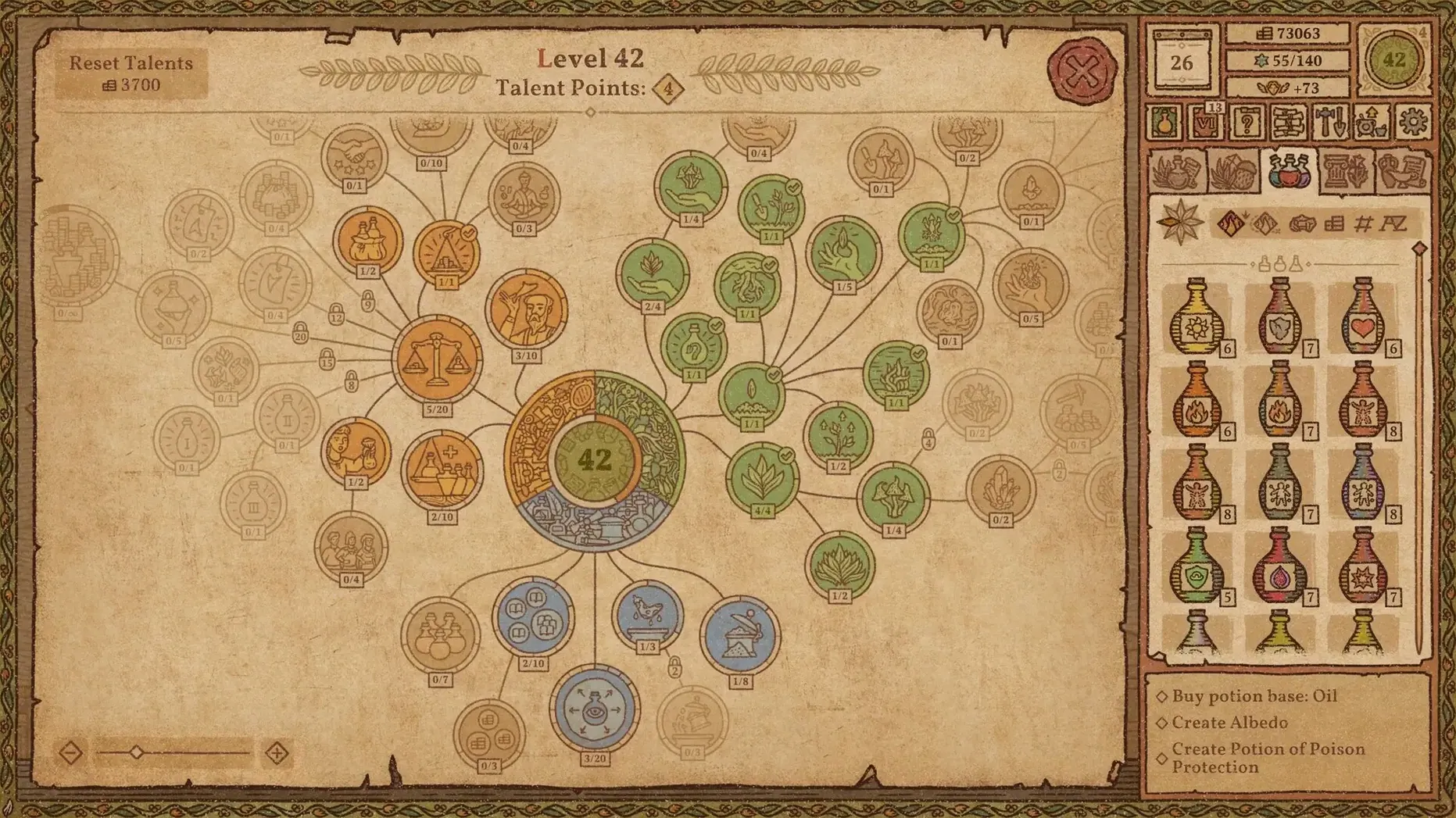
- Alchemical Map — a navigable diagram where you chart a route to give one potion several effects
- Mortar — the tool for grinding ingredients before they go into the cauldron
- Base — the liquid foundation of a brew; water, oil or another option changes how ingredients behave
- Cauldron — the vessel you stir with a spoon and top up drop by drop
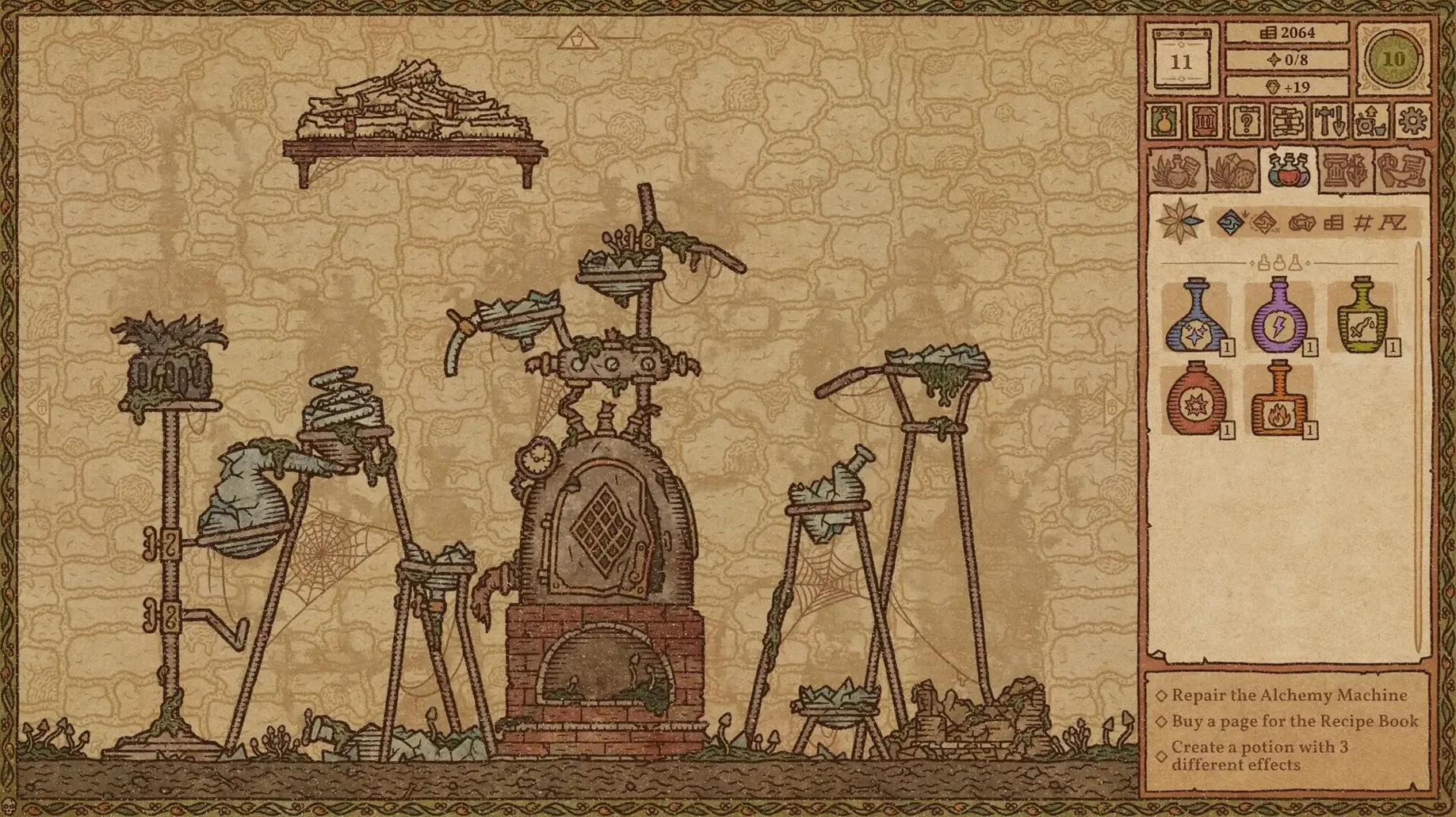
On a Mac mini 2024 M4 running macOS Tahoe, the game holds up without noticeable stutter. The interface suits a mouse or trackpad: dragging ingredients into the mortar, stirring in slow circles, and adding water one drop at a time all feel deliberate rather than fiddly. Music accompaniment plays throughout, which softens the quiet stretches of grinding and planning.
Customers arrive at the counter with specific requests. Fulfilling them means choosing a base, preparing ingredients, then steering the brew across the map toward the requested effect. A wrong route wastes stock, so the planning phase matters as much as the physical interaction.
Limits
- No Intel Mac support; the game requires an Apple M1 chip or later
- Interface languages cover 13 options, but audio and text cues stay simple enough for non-native players
Save Any Day After 10–15 Minutes
Does the game demand constant grinding or just casual play? Sessions are self-paced. A typical in-game day lasts 10–15 minutes if you serve every customer and experiment with one new recipe. You can save and quit between days without losing progress.
How much manual dexterity does it require? The mortar grinding and cauldron stirring respond to mouse or trackpad movement, not rapid clicking. No timed sequences or reflex checks exist. If you can trace a gentle circle with a cursor, you can brew a potion.
What happens when a recipe fails? The map resets your position, and the ingredients you added are gone. The game does not punish you beyond the material loss. Failed experiments sometimes reveal map regions you had not explored, which makes them useful for later recipe planning.
Can you play without the music? Yes. Sound settings let you lower the music accompaniment independently from interface sounds, so you can keep the mortar and customer chimes while muting the background.
Workflow: Brewing a Multi-Effect Frost Potion
This task assumes you have a garden producing windmill flowers and a stock of waterbloom from a wandering trader. The goal is a potion with both Frost and Slow effects, sold to a guild envoy who pays extra for layered brews.
- Open the shop ledger and note the envoy’s request: Frost primary, Slow secondary. Check your ingredient shelf for 2 windmill flowers and 1 waterbloom.
- Select Oil as the base. Oil widens the path range on the Alchemical Map for frost-adjacent effects compared to water.
- Drop 1 windmill flower into the mortar. Grind it to fine powder — stop when the texture line reaches the upper third of the mortar icon. Coarse grind gives less directional push on the map.
- Add the ground flower to the cauldron. Stir with the spoon in clockwise quarter-turns until the potion marker drifts toward the Frost node on the Alchemical Map. Do not overshoot.
- Add 3 drops of water to refine the marker position, then heat the coals once. The marker should lock near the Frost node’s outer ring.
- Grind the second windmill flower identically. Add it, then steer toward the Slow node via the map’s upper-left corridor. Use short stirs — two clockwise, one counterclockwise — to avoid sliding into a Sleep effect by mistake.
- Add the waterbloom whole. Its pull is strong; one gentle stir northwest brings the marker into the Slow node’s centre. Confirm the brew.
- Label the potion “Frostbind” in your recipe book. The envoy accepts it, and the guild reputation increases by a visible notch in the relationship panel.
Stockpile Windmill Flower, Terragill, and One More Early
Start by working through the tutorial days without skipping dialogue. The game introduces the mortar, map and customer flow in sequence, and missing a step here makes later recipes feel opaque.
Stockpile three ingredients early: windmill flower, terragill mushroom and mudbloom. These appear in most beginner recipes and dry up quickly if a wandering trader leaves without restocking. Buy from every trader who visits, even if your coin count dips — the inventory does not spoil.
Experiment with one failed potion per in-game day. Deliberately overshoot the Fire node with a cheap ingredient to see what lies beyond it on the map. The uncovered terrain stays revealed, which helps when a customer later asks for an effect you have not yet brewed.
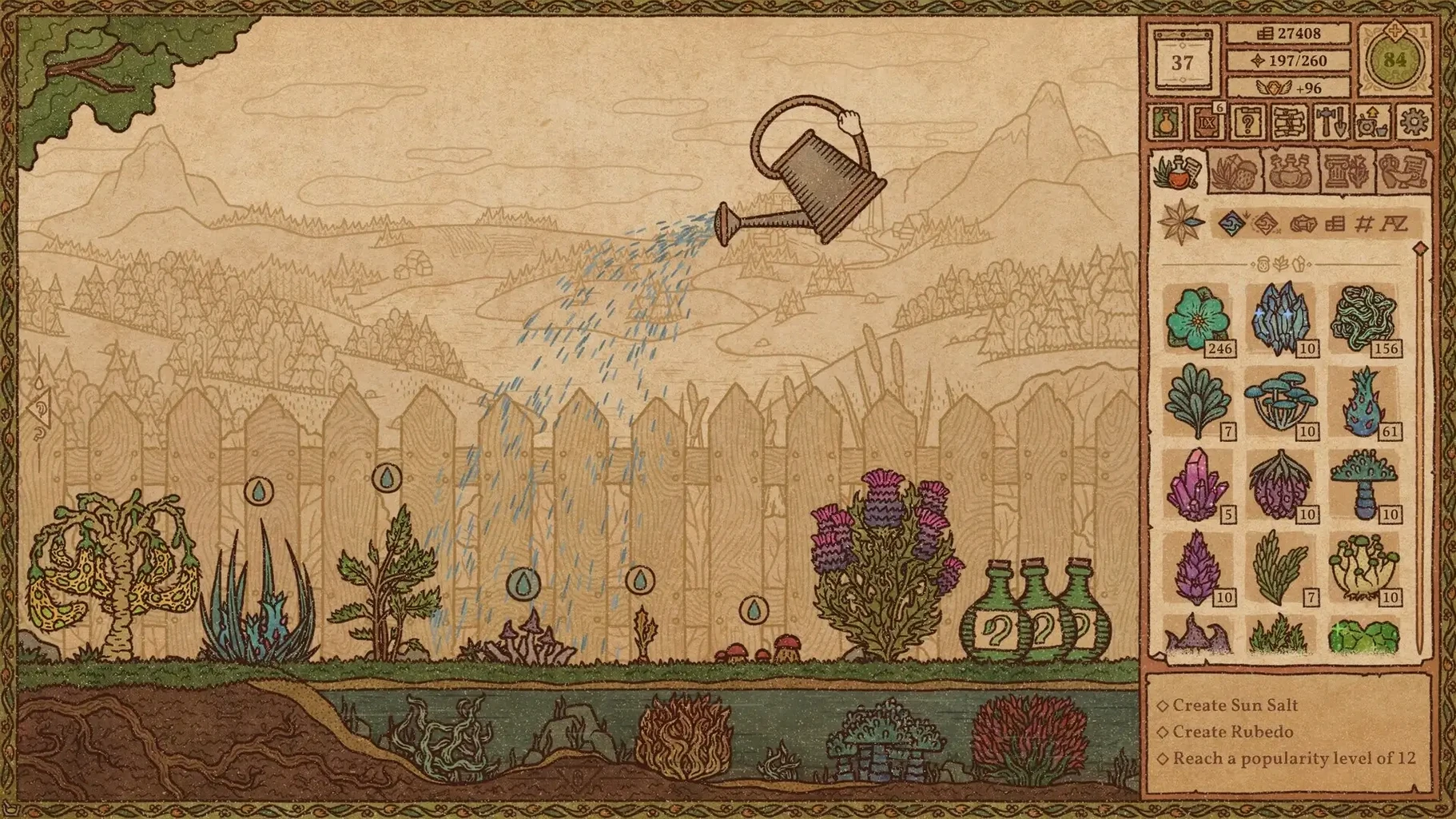
Place your first garden plot as soon as the option unlocks. Growing windmill flowers yourself cuts ingredient costs by roughly half for common brews. Water plants daily; one missed day delays the harvest by a full cycle.
Do not sell every potion at the counter. Keep one Healing and one Poison potion on the shelf for guild characters who arrive with unpredictable demands. Running out when they appear locks you out of reputation gains until the next visit cycle.
Disable automatic base selection in the settings. The game defaults to water, but oil and other bases change map behaviour enough that manual choice prevents wasted ingredients in the early hours.
- macOS 12.0 or later
- Apple M1 chip or later
Sign in · Create an account to add a field note.
No field notes yet. A measurement, a version, a machine — they appear after moderation.