
Games
Project Hospital 1.2.23726
GamesUpdated
| Requirement | On file |
|---|---|
| macOS | See the sheet |
| CPU | Intel 64-bit |
| Tested on | macOS Tahoe, Mac mini 2024 M4 |
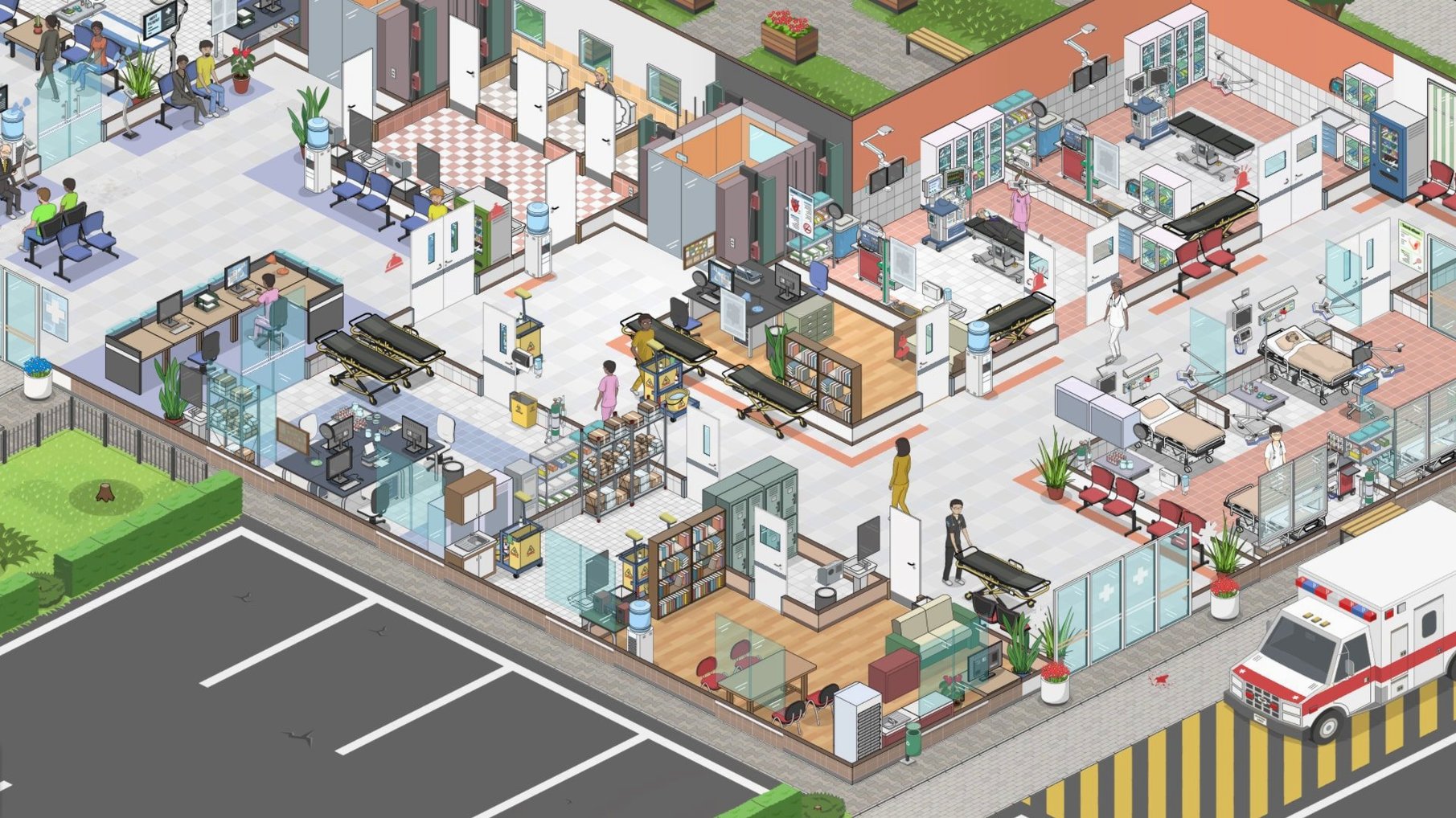
Finding a management sim that treats medicine as more than a cartoonish mini-game isn't easy. Project Hospital steps in with a diagnostic engine grounded in real procedures, letting you run a functioning clinic on a 64-bit Intel Mac without simplified arcade rules.
Building wings from scratch & following real diagnostic paths
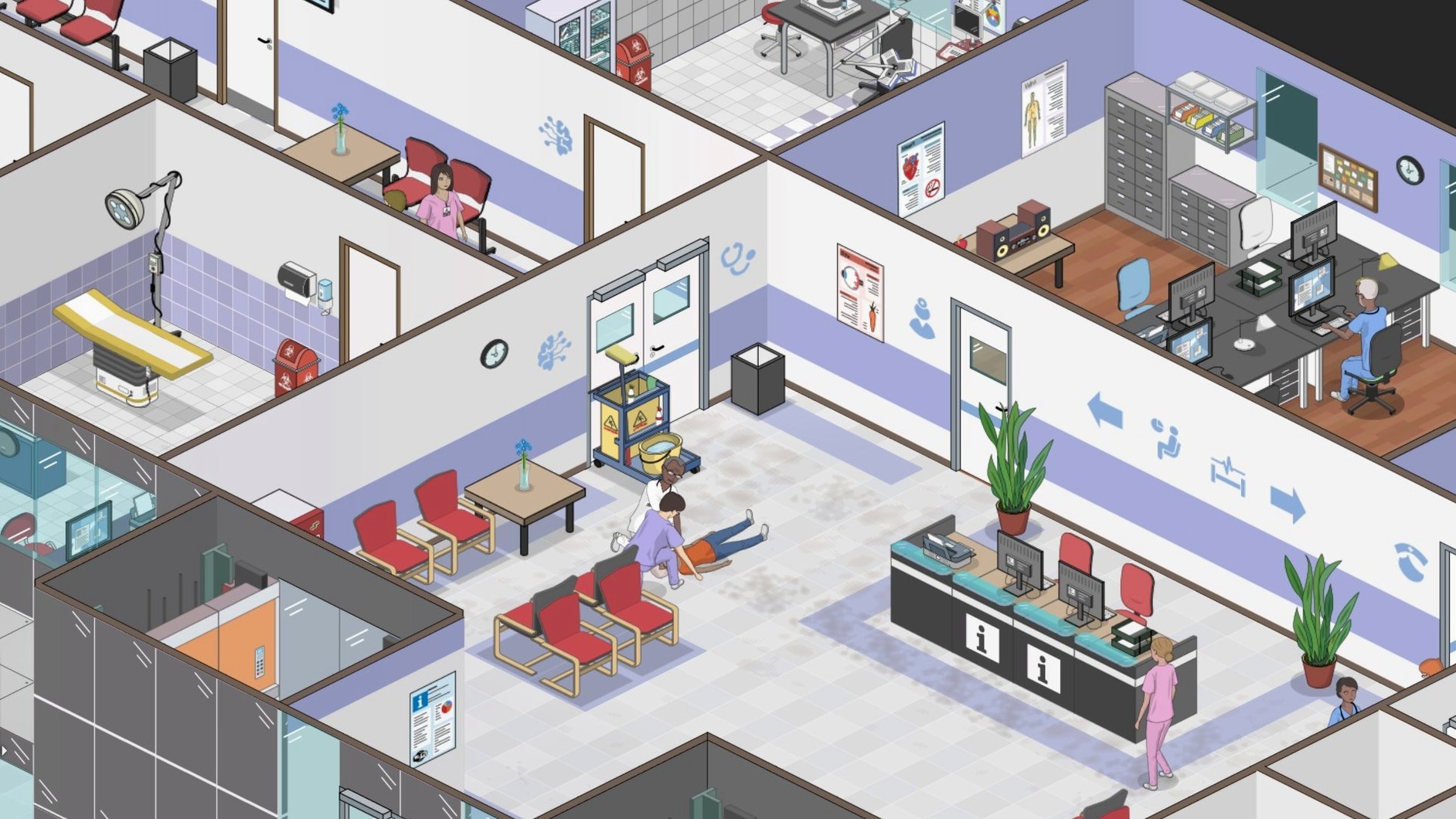
- Players who enjoy building layouts from scratch or tweaking preset hospital wings down to the individual room.
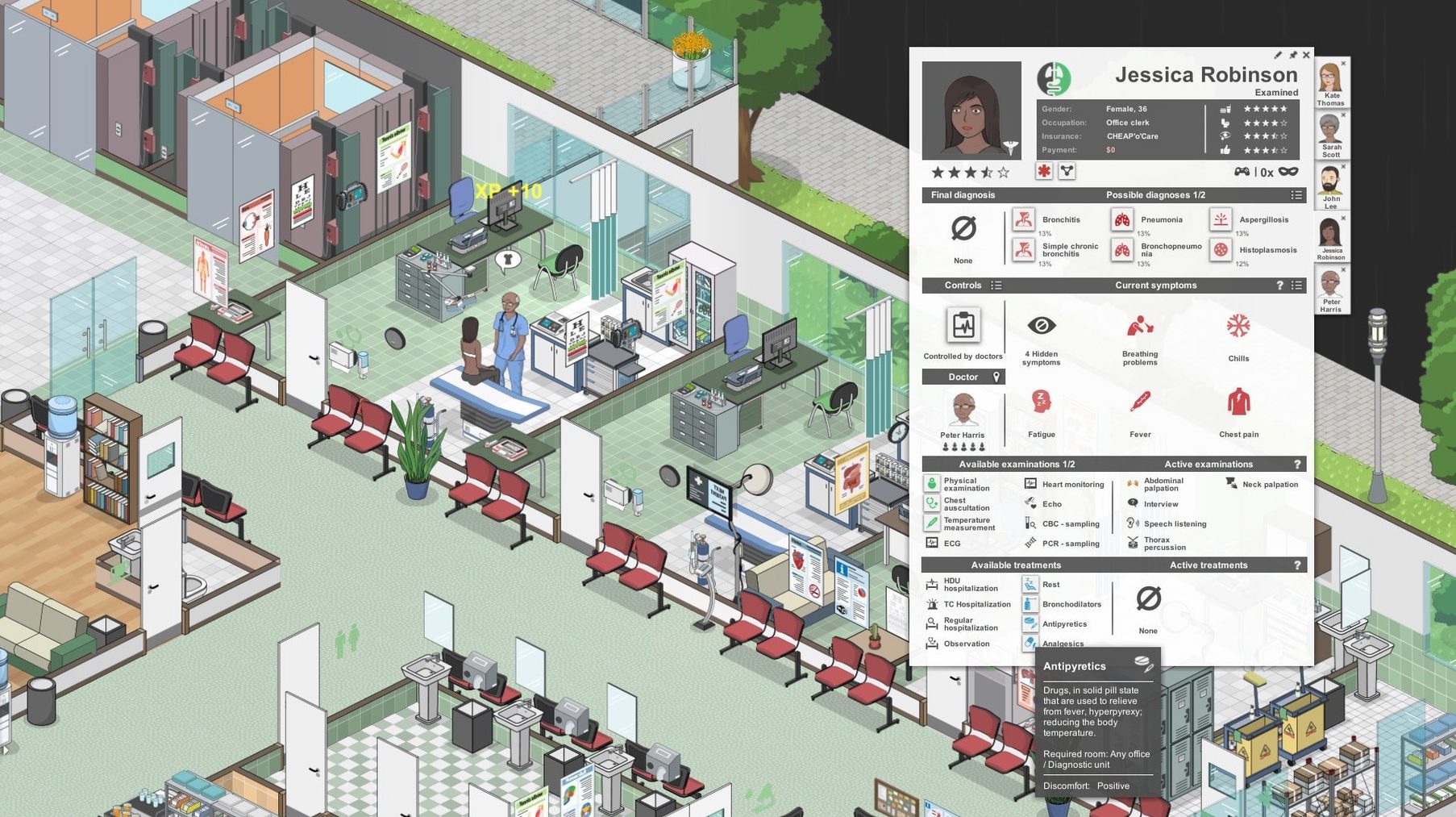
- Sim fans who want diagnostic gameplay where symptoms, tests and specialist referrals follow logical medical pathways.
- Management layers that go beyond placing furniture: you sign contracts with insurance companies to unlock patient groups with specific illnesses.
- Soundtrack listeners — the game ships with its own music as audio content.
Apple Silicon runs through Rosetta 2, text feels tiny on Retina
- Architecture is 64-bit Intel only. Apple Silicon Macs run it through Rosetta 2, which adds a translation layer.
- Interface and text scale were designed for pointer-and-click, so trackpad precision varies on high-density Retina displays.
- Patient pathfinding can stall if a specialist exam loops — a known bug the latest patch targeted.
Building a cardiology department from scratch
A common early-game goal is opening a dedicated cardiology wing. Start by signing a contract with an insurance provider that covers cardiac patients. Open the Contracts panel, review the illness list, and pick a partner whose patient pool includes hypertension, angina and myocardial infarction follow-ups. The contract unlocks a steady stream of diagnostic cases that justify the department.
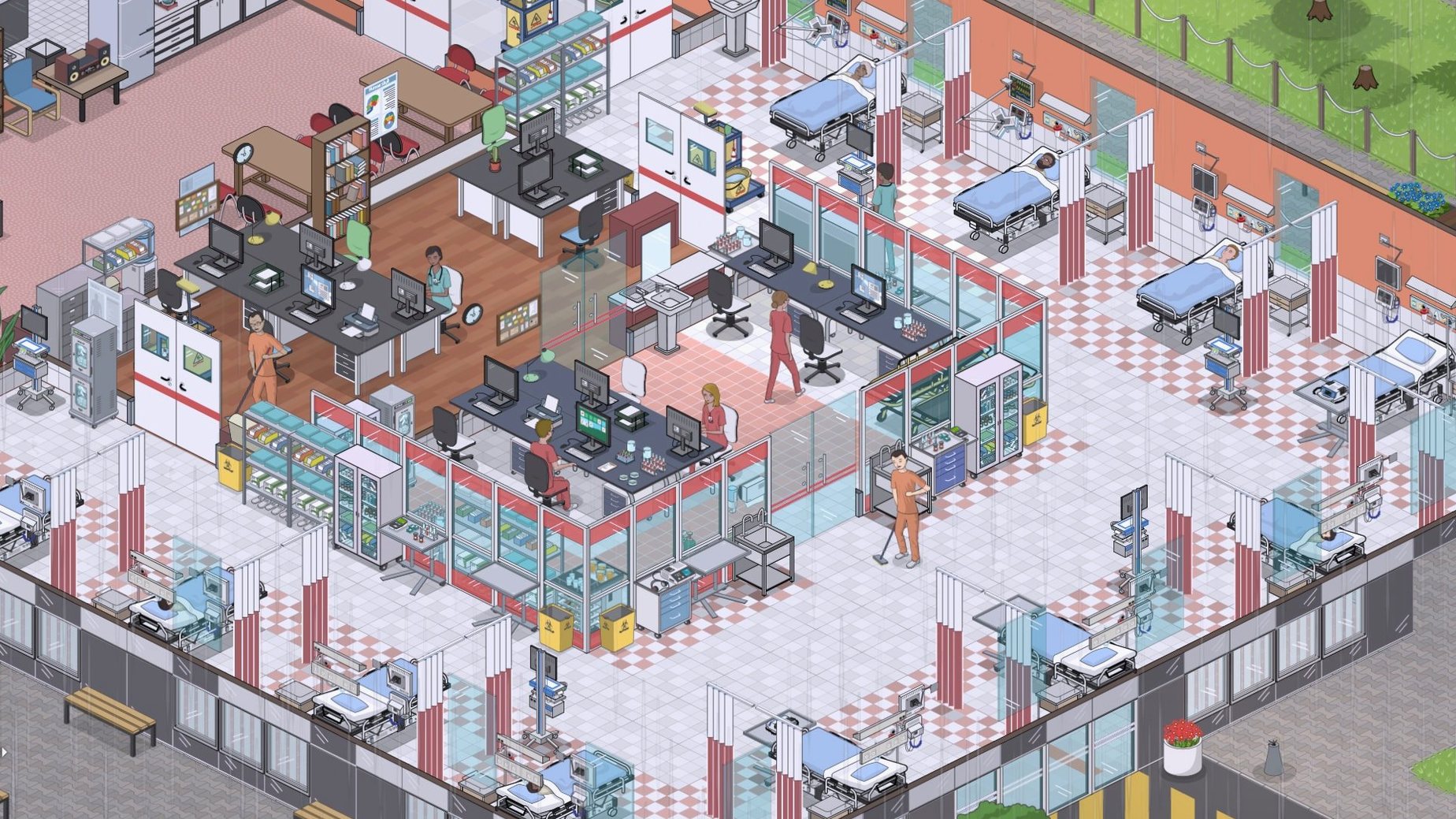
Switch to Build mode and choose an empty floor or wing. The multi-floor construction system lets you drag prebuilt rooms, but cardiology benefits from a custom layout. Place a waiting area with at least six seats near the lift, then add two examination rooms with examination tables and blood pressure monitors. Cardiology leans heavily on lab work, so build a small blood-test lab next door with a haematology analyser and a centrifuge. For advanced diagnostics, place an ECG room with a treadmill and a Holter monitor station. If the budget allows, add a sonography room with an echocardiography machine — it speeds up diagnosis for valve-related complaints.
Staff the department with one cardiologist, one general practitioner for triage, and two nurses trained in lab procedures. Assign them through the Management panel, ticking the cardiology department checkbox so they don't wander to unrelated clinics. Once the layout is complete, open the department overview and set hospitalisation permissions: cardiac patients often need overnight observation, so ensure at least one observation bed is flagged for cardiology use. The first patient should arrive within a few in-game hours if the insurance contract is active.
A common failure point at this stage is lab turnaround time. If the blood-test lab is shared with general diagnostics, queue lengths spike. Building a dedicated lab for cardiology cuts the average diagnosis time from roughly 10 in-game hours to under four. Watch the department statistics panel after the first 20 patients — if the misdiagnosis rate climbs above 5%, add a second cardiologist or upgrade the ECG equipment to a model with higher diagnostic accuracy.
Lightbulb heads vs. real medical charts
Next to Two Point Hospital, Project Hospital feels like a different genre despite the shared premise. Two Point leans into whimsy — patients arrive with lightbulb heads and clowns need de-clowning — while Project Hospital stays grounded in real medical terminology and clinical workflows. The trade-off is tone: Two Point is a casual, pick-up-and-play management game; Project Hospital demands attention to diagnostic logic and department layouts. If you want charm and accessibility, Two Point wins. If you want to track troponin levels after a suspected infarction, Project Hospital is the only one of the three that lets you.
Hospital Tycoon sits between them in age and ambition. It offers a narrative-driven campaign and a more traditional tycoon economy, but its medical model is shallow — examinations are essentially timed minigames. Project Hospital's diagnostic engine, where symptoms cascade into differential diagnoses and test orders, is far more detailed. Hospital Tycoon also lacks the insurance-contract layer; all patients arrive from a generic pool, so you never plan a department around a specific illness profile. On the Mac side, Hospital Tycoon is a 32-bit title that stopped working after macOS Catalina, while the current Project Hospital build runs on modern 64-bit Intel systems.
Skip the sandbox — the tutorial campaign teaches the real systems
Installation is straightforward: open the downloaded disk image, run the standard procedure, and pick the Applications folder when prompted. Once the game loads, resist the urge to start a sandbox with a large budget. The tutorial campaign — a series of small, scripted hospital scenarios — teaches the diagnostic workflow, insurance contracts and staff scheduling in about 90 minutes. Skipping it leads to overcrowded waiting rooms and unexplained patient deaths within the first two in-game shifts.
On first launch, the interface text may render small on high-DPI Retina displays. There is no native UI scaling slider, but lowering the screen resolution in the game's graphics settings improves readability without affecting simulation speed. Set the resolution to 1440 × 900 or 1680 × 1050 if the default looks cramped.
Start with the prebuilt hospital layout rather than an empty plot. The preset gives you a working general clinic with functional patient flow, so you can study room adjacency and staff assignments before building your own wing. After an hour of observation, open the Statistics panel and note which departments run at capacity. Build your first custom expansion — a small radiology unit or a dedicated lab — based on that data, not on impulse. The insurance contract you pick after the tutorial should match the department you plan to build next, so check the illness lists before signing.
Save before undertaking a major construction project. The undo system covers individual object placement, but demolishing an entire floor with patients still inside can break pathfinding in ways that a reload fixes faster than manual intervention. The latest patch addressed a specialist-examination loop bug, but the project hospital mac full version build remains sensitive to queuing logic when patient volume spikes, so spread appointment slots across at least two specialists per department once you exceed 10 patients in the queue.
- Mac loading — fixed a startup hang when hidden AppleDouble files were present in the game directory.
- Patient logic — taken-over patients no longer loop indefinitely in the waiting room during a specialist examination.
- Treatment path — ICU patients who need a Boston brace can now be sent directly to Orthopaedy for treatment.
- Text — minor text fixes applied.
- macOS (64-bit Intel architecture)
Questions on file
Does Project Hospital use real medical conditions?
Yes, the diagnostic system is built on real medicine. Patients present symptoms, you order tests, and the results guide specialist referrals and treatment choices.
Can I play Project Hospital on an Apple Silicon Mac?
The game is compiled for 64-bit Intel, so M-series Macs run it through Rosetta 2. Performance depends on the chip, but the simulation load is generally manageable.
Sign in · Create an account to add a field note.
No field notes yet. A measurement, a version, a machine — they appear after moderation.