
Games
Poppy Playtime - Chapter 5 Build 21976689
GamesUpdated
| Requirement | On file |
|---|---|
| macOS | See the sheet |
| CPU | Apple Silicon |
| Download | 11.1 GB |
| Tested on | macOS Tahoe |
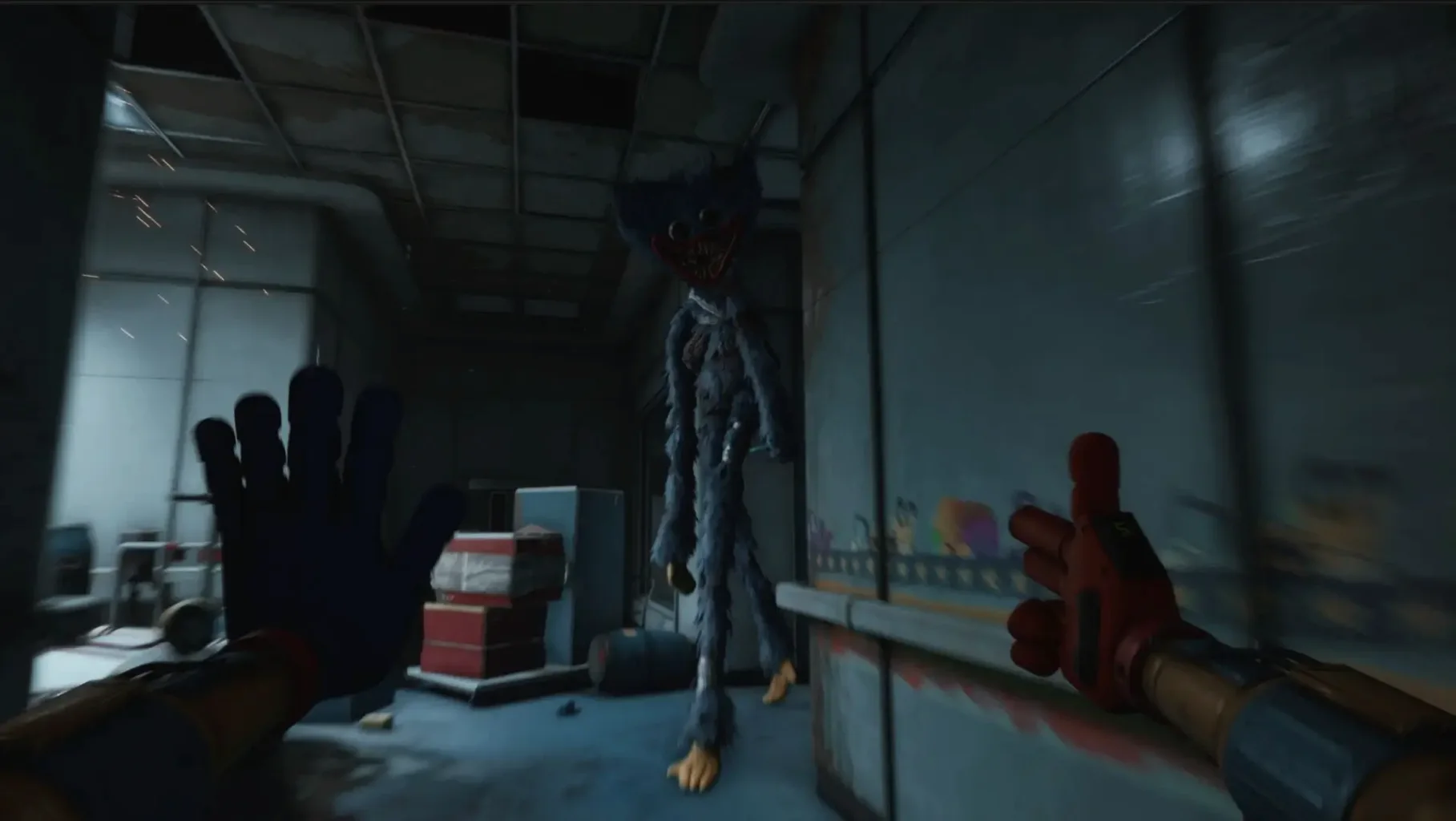
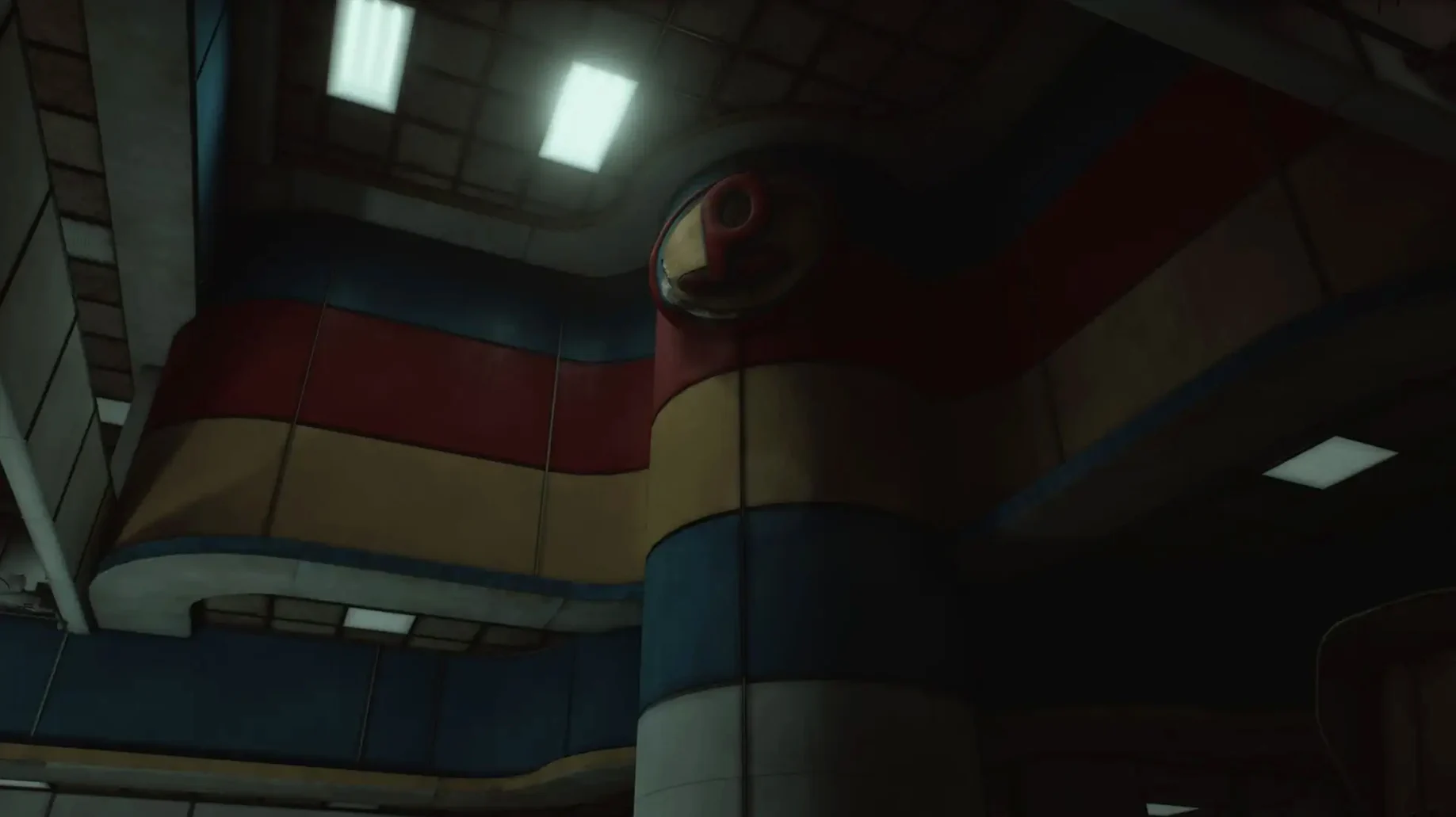
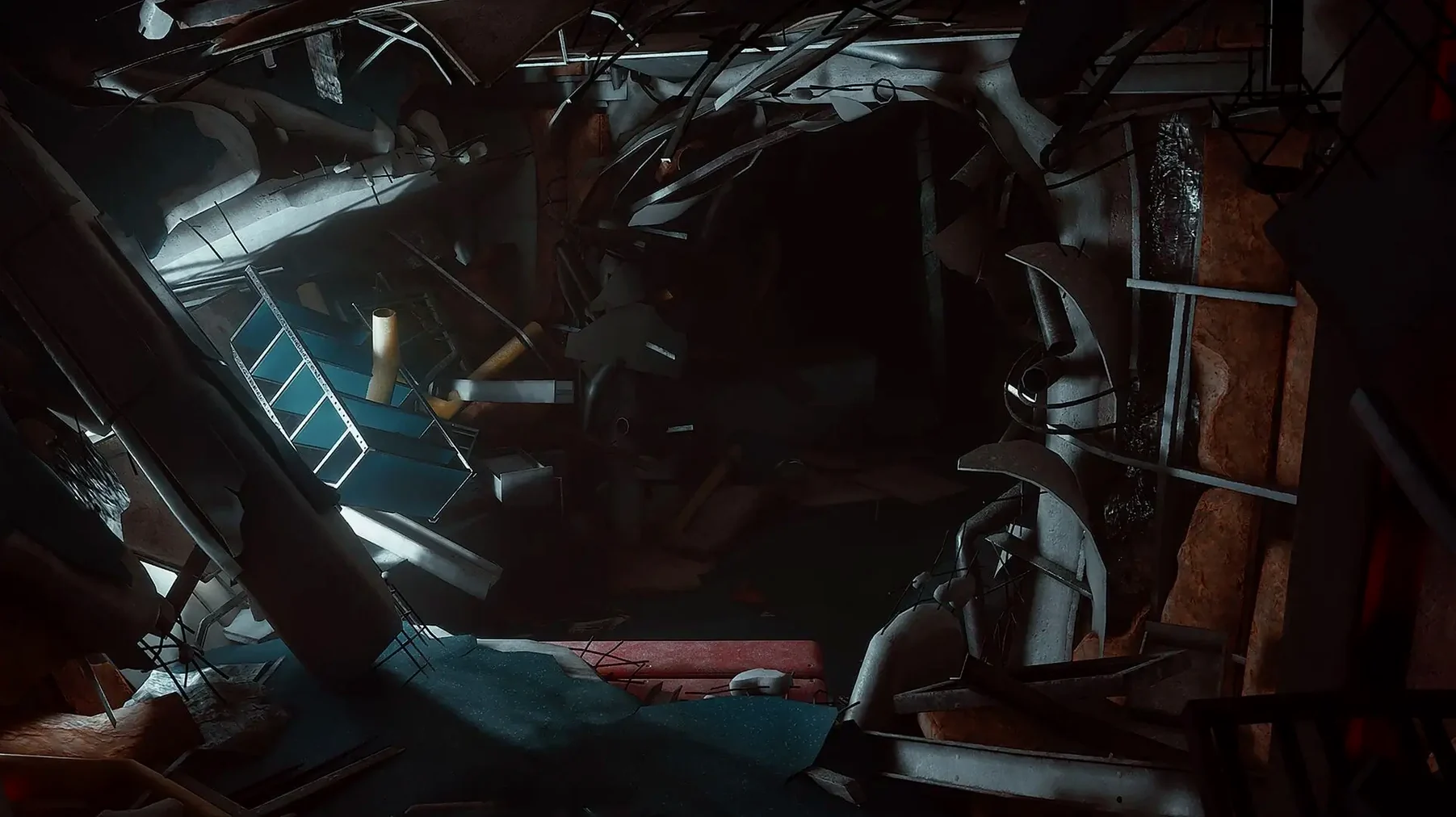
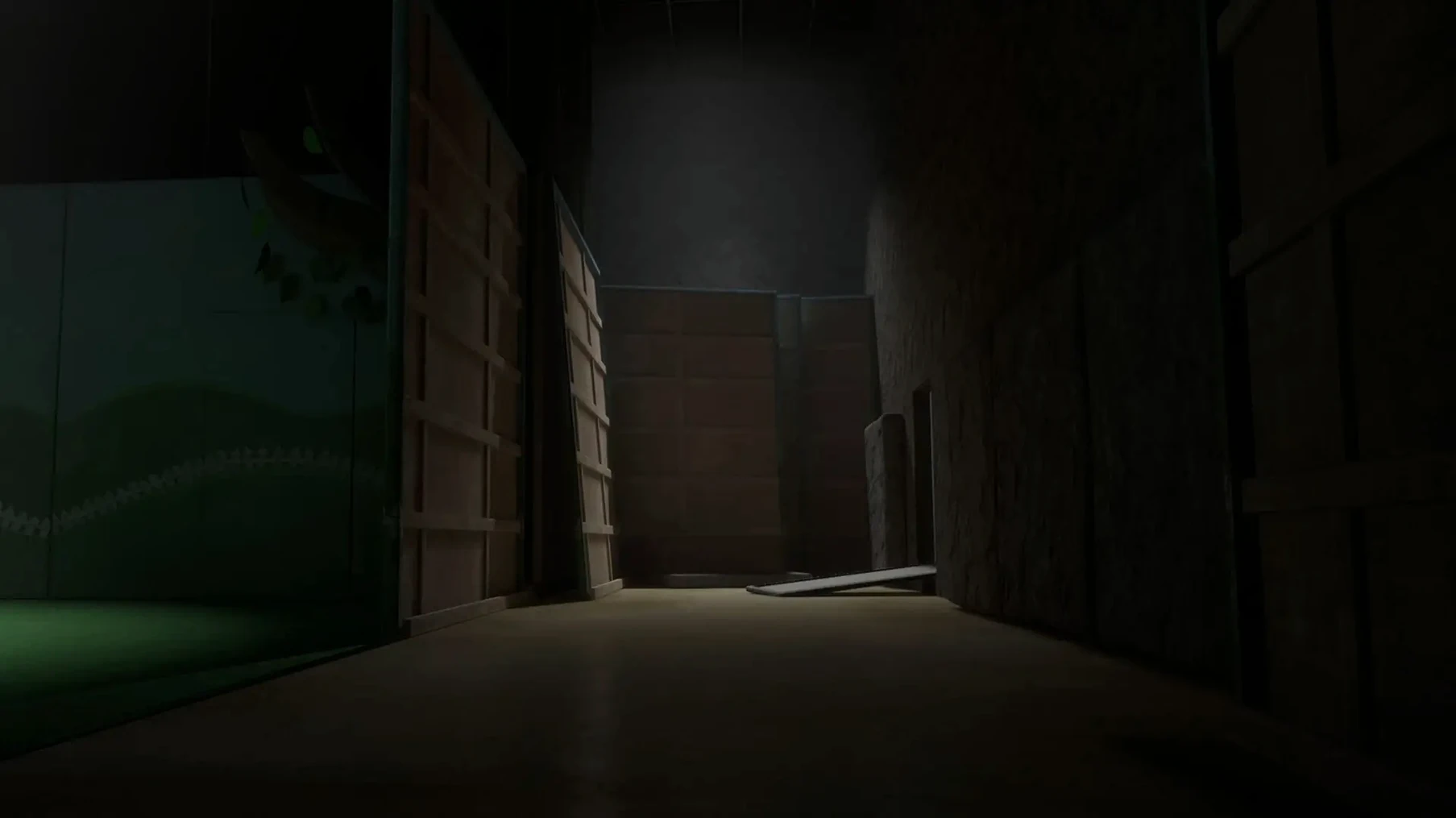
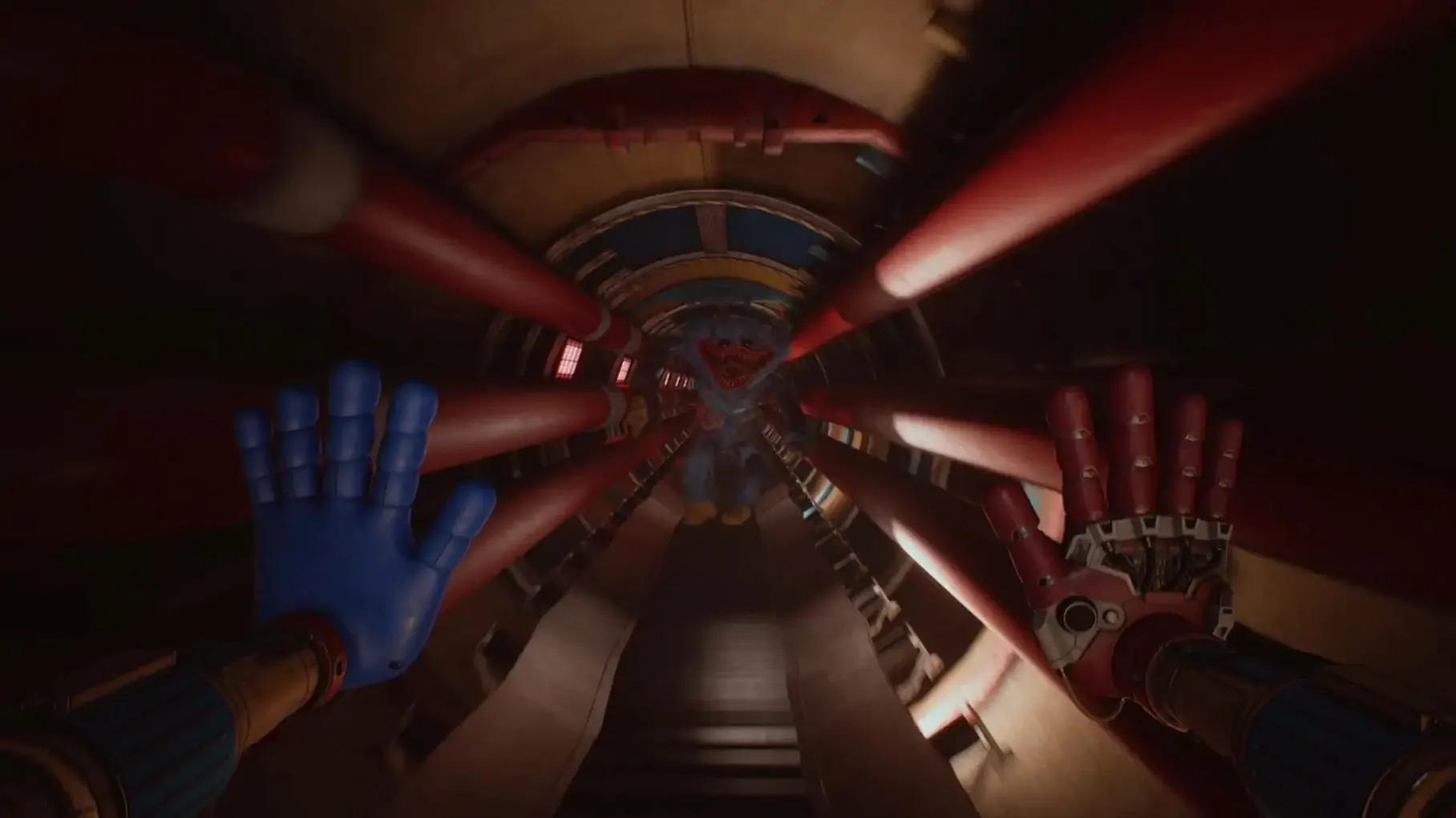
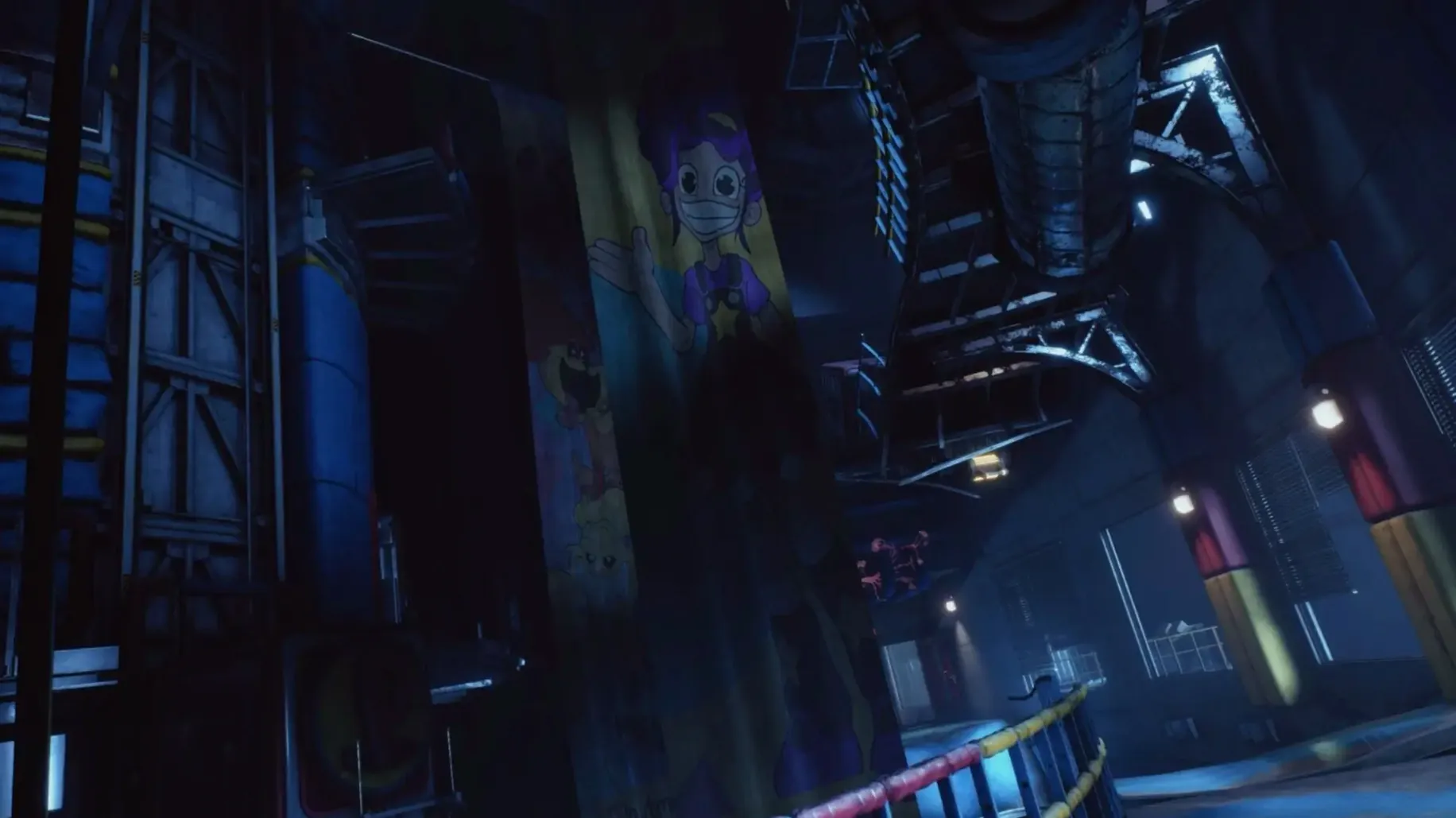
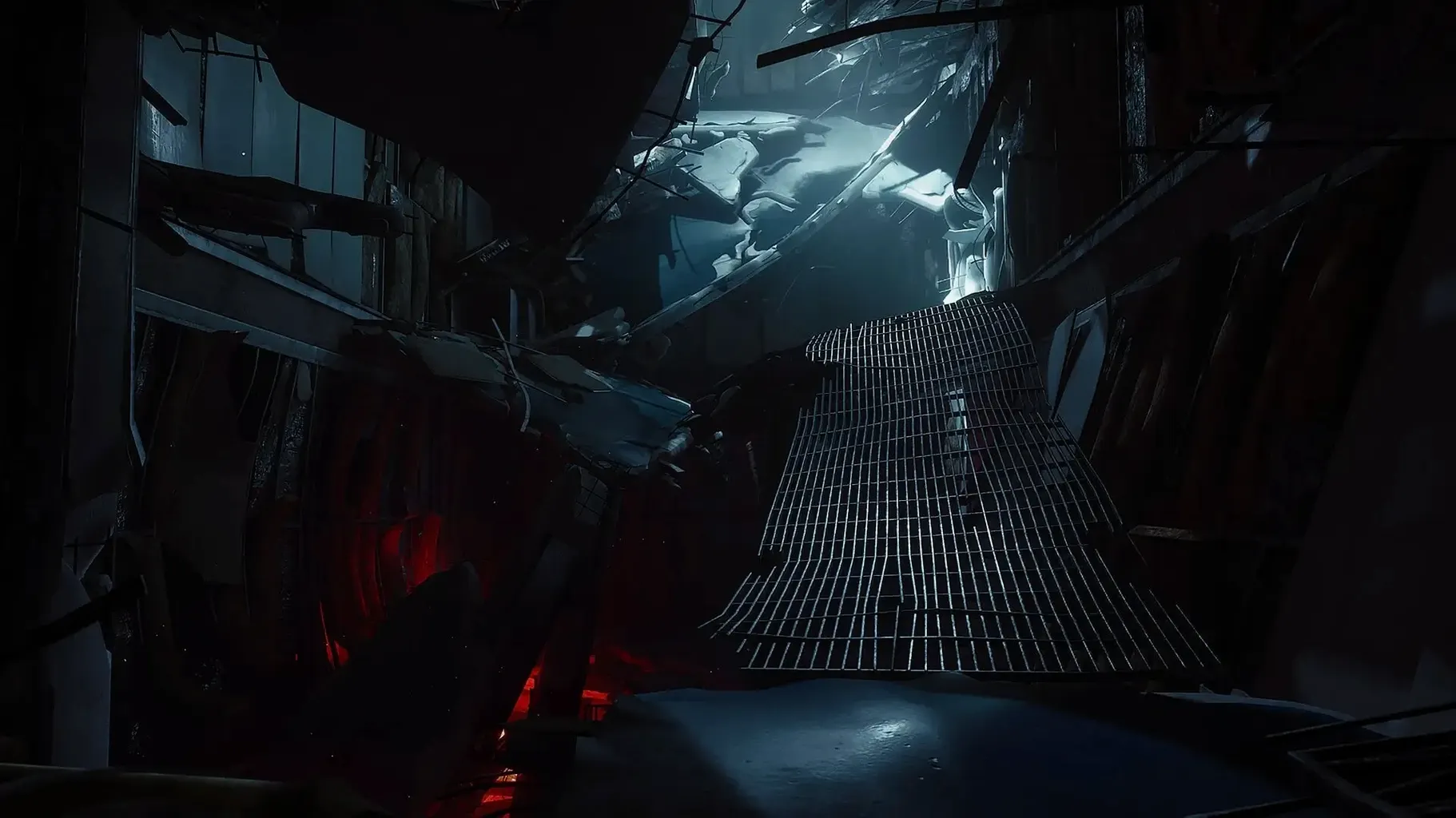
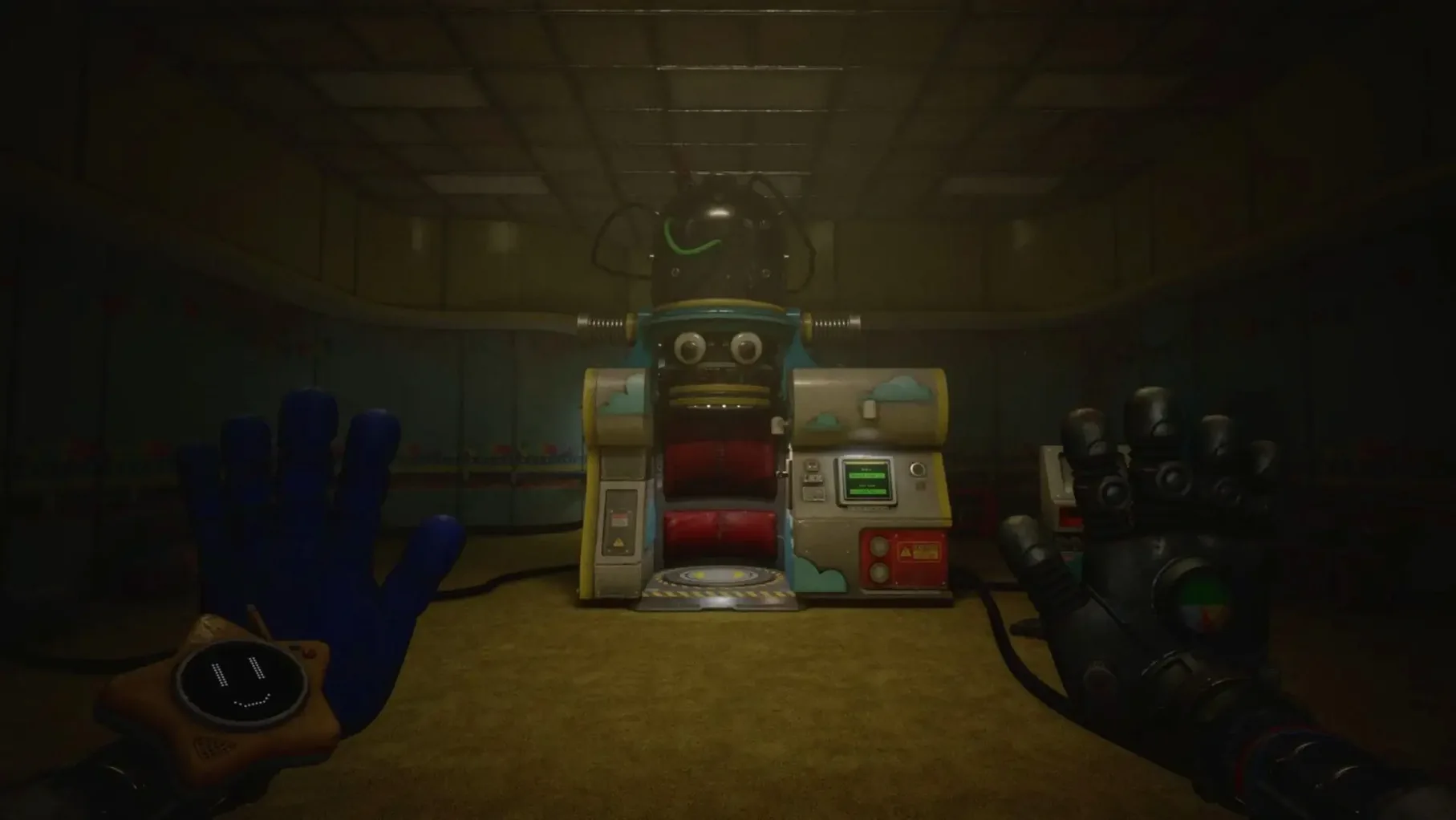
The GrabPack hand retracts with a soft mechanical whir, its sensors scanning the dark for a grip point that isn't there. Poppy Playtime - Chapter 5 continues the series' trek into the crumbling depths of the Playtime Co. factory on Apple Silicon Macs. This build, wrapped for macOS Tahoe, brings the penultimate horror to the ARM architecture.
Who Will Find This Chapter Engaging
- Lore completists. Mentions of the Prototype and the "dark works" hidden deep in the facility suggest this chapter is heavy on the backstory that connects the entire series.
- Players who value atmosphere over action. The slow descent into a new factory section prioritises environmental dread over constant chase sequences, building tension through abandoned production lines and flickering lights.
- Fans of the core antagonist. Huggy Wuggy, a central figure from earlier chapters, is said to be in pursuit, a presence felt in the periphery rather than always seen.
Who Might Step Back
A player seeking a self-contained story will find little to latch onto. This is the fifth chapter, and it assumes a detailed knowledge of prior events. The pacing also skews heavily toward slow-burn exploration over immediate scares. If you are looking for a short, sharp burst of horror, the methodical unravelling of the factory's secrets might test your patience before the real terror begins.
Haptic Feedback That Makes Corrugated Metal Feel Gritty
Several interaction details slip past without a tutorial prompt, yet they change how sections of the factory feel to navigate. The GrabPack hands now register surface texture through haptic feedback on supported controllers — a low, gritty rumble across corrugated metal, a sharper pulse when the grip latches onto an electrical conduit. You can use this to orient yourself in pitch-black vents without relying on the flashlight.
Hold the crouch button while sprinting into a low pipe and the character auto-slides through without breaking momentum. It is never explained, but it saves seconds during sequences where Huggy Wuggy closes distance. Tapping the inventory key twice swaps to the last-used tool, skipping the radial menu entirely — useful when you need to switch from the new conductivity probe back to the standard hand in the middle of a fuse puzzle.
The chapter also respects headphone users. Audio panning is precise enough that you can judge which ventilation shaft a metallic skitter originated from. If the Prototype's voice lines begin overlapping ambient noise, the accessibility menu lets you drop environmental audio by 6 dB while keeping dialogue clear — a small slider that prevents whispered lore from getting buried under factory rumble.
A Workflow: Restoring Power to Sector C
One early puzzle sequence demonstrates how the new tools layer together. You enter Sector C, a flooded packaging hall with a dead control room overlooking conveyor lines. The goal is restoring mains power to open the security shutter at the far end. Here is how it plays out from start to finish.
1. Survey from elevation. Climb the maintenance ladder to the gantry walkway. From here you can map the flooded floor below: three fuse boxes, two submerged, one sparking behind a collapsed shelving unit. The sparking box is the priority — it feeds the pump controls.
2. Isolate the sparking circuit. Equip the conductivity probe. Fire a charged shot at the circuit breaker across the hall to trip it remotely, killing the arc before it shorts the whole grid. The probe's charge meter depletes by roughly 40% per shot, so you get two attempts before the cooldown. Miss and you wait 12 seconds.
3. Drain the water. With the sparking circuit dead, the pump panel on the west wall lights up. Standard GrabPack hand: pull the lever down, hold for three seconds until the drainage grate audibly engages. Water level drops over about 20 seconds. An audio cue — a strained groan from the pipes — signals it is done.
4. Cross and connect. The drained floor reveals a maintenance trench. Drop in, follow it to the second fuse box, and use the new dual-grip function (both hands simultaneously on separate anchor points) to pull the box open. Inside, three colour-coded fuses sit loose. The correct order — blue, yellow, red — is stencilled on a wall panel back on the gantry, visible only with the flashlight at an angle.
5. Test the shutter. With all three fuses seated, the control room hums to life. Return to the console, press the shutter release, and listen for the hydraulics. If Huggy Wuggy's footsteps start echoing from the east corridor during step 4 — and they sometimes do — the auto-slide through the ventilation duct behind the fuse box buys you a faster exit than climbing back out.
Fitting It Together With Other Apps and macOS Features
The game runs inside a Wineskin wrapper, which places it in a sandbox macOS treats like any bundled application. This means standard system behaviours apply. You can assign the app to a specific Desktop Space via Mission Control, so factory exploration sits on its own screen while notes or a walkthrough PDF occupy another. Three-finger swipe switches between them without the game minimising.
QuickTime Player screen recording works out of the box if you want to capture a puzzle solution or a particular scare. The recording picks up system audio at the current output volume, so set the accessibility sliders beforehand — quiet ambient, loud dialogue, or vice versa — and the capture reflects those levels. If you run Discord in the background for voice chat while playing, the game respects the system's audio ducking behaviour: incoming calls drop game volume by roughly 50% without pausing the render.
For players mapping the factory layout, the built-in screenshot tool (Shift-Command-4) grabs exactly the area you select, and the images drop sequentially into the desktop folder. Some players pair this with Preview's annotation tools to mark fuse box locations or safe room positions on the fly. The game does not block macOS keyboard shortcuts, so you can also use Spotlight to search for a specific note without tabbing out, though the overlay dims the screen until dismissed.
- Environment — A new factory section opens up, with the player descending deeper into the decaying facility.
- macOS Tahoe
- Apple Silicon (ARM) processor
Questions on file
On what architecture does Chapter 5 run?
This build of Poppy Playtime - Chapter 5 is designed for Apple Silicon (ARM) Macs running macOS Tahoe.
What is the core premise of this chapter?
The player descends deeper into the Playtime Co. factory to uncover the Prototype's dark works, with Huggy Wuggy said to be in pursuit.
In what language is the game voiced?
The voice-over language is English, while the interface supports nine languages including Russian, German, Spanish, and Japanese.
Sign in · Create an account to add a field note.
No field notes yet. A measurement, a version, a machine — they appear after moderation.