Games
Turing Complete 2.1.334
GamesUpdated
| Requirement | On file |
|---|---|
| macOS | See the sheet |
| CPU | Apple Silicon, Intel 64-bit |
| Download | 280 MB |
| Tested on | macOS Sequoia, MacBook Pro (M3 Pro 2023) |
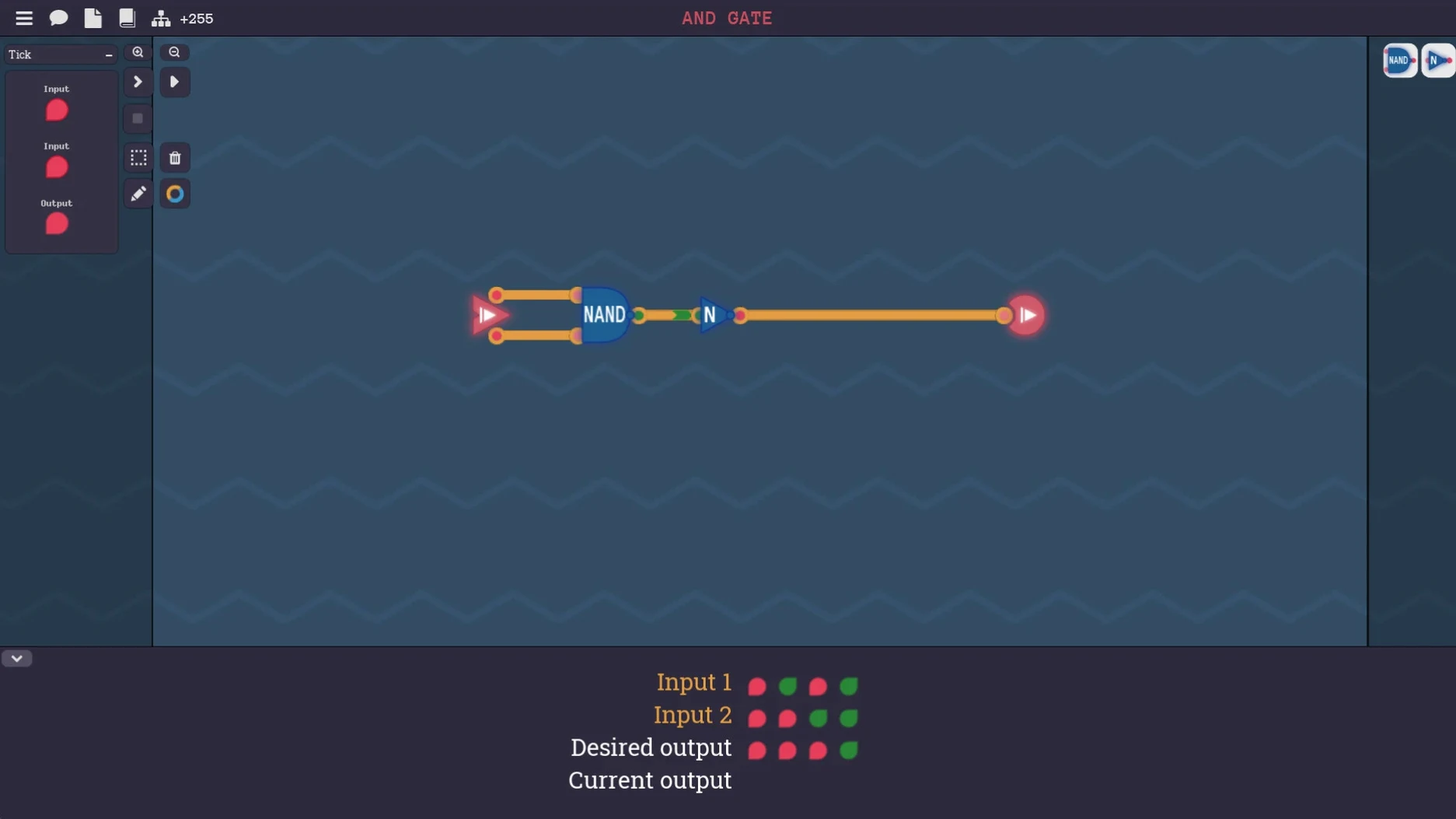
You place a NAND gate on the breadboard and wire its two inputs to the toggle switches. Its output runs to a single LED. You flip the switches through their four possible combinations and watch the light obey the truth table you just drew on a scrap of paper. That is the first minute of Turing Complete, and the game never really changes scale — only complexity.
The Gate-Level Grind
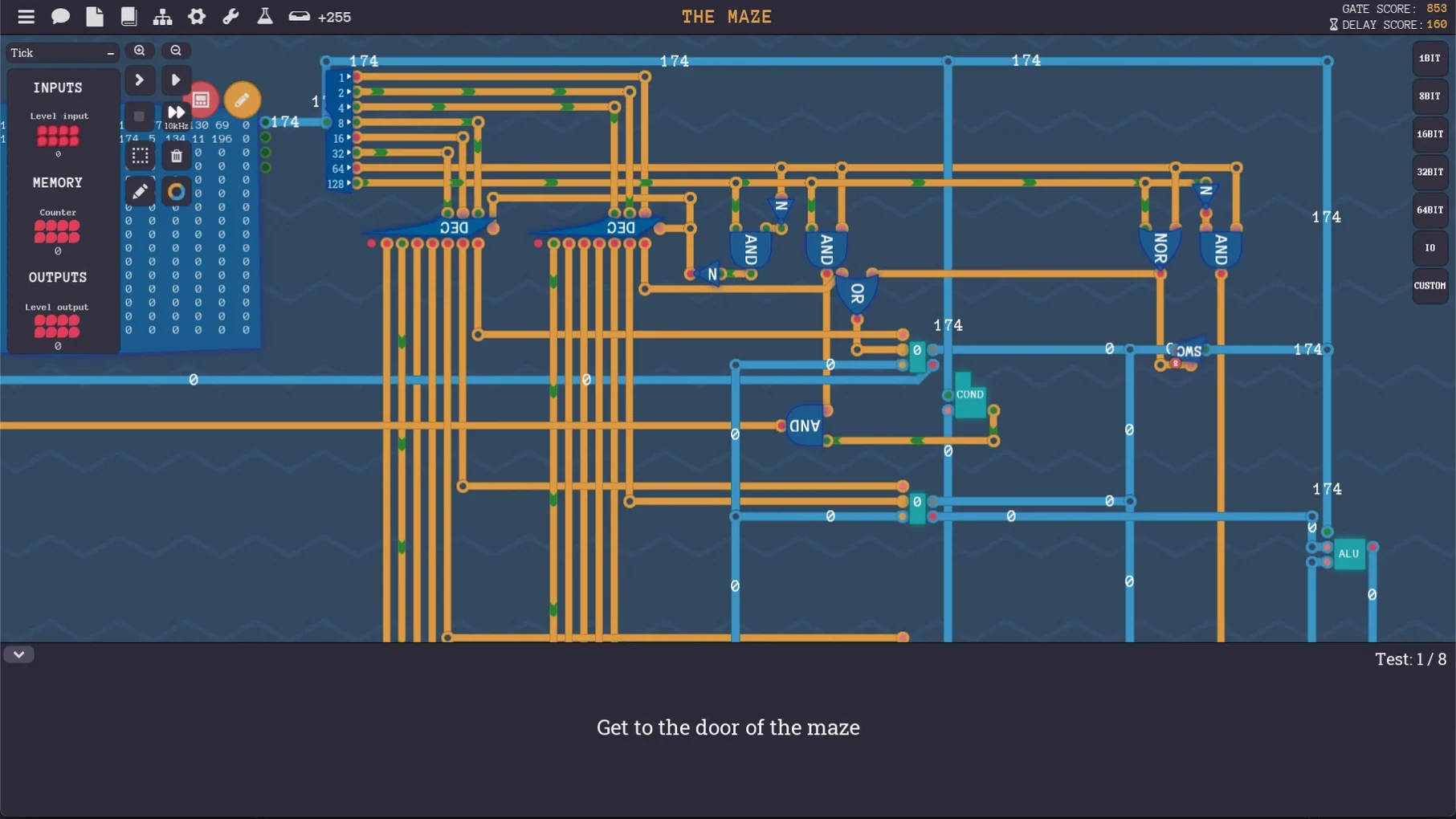
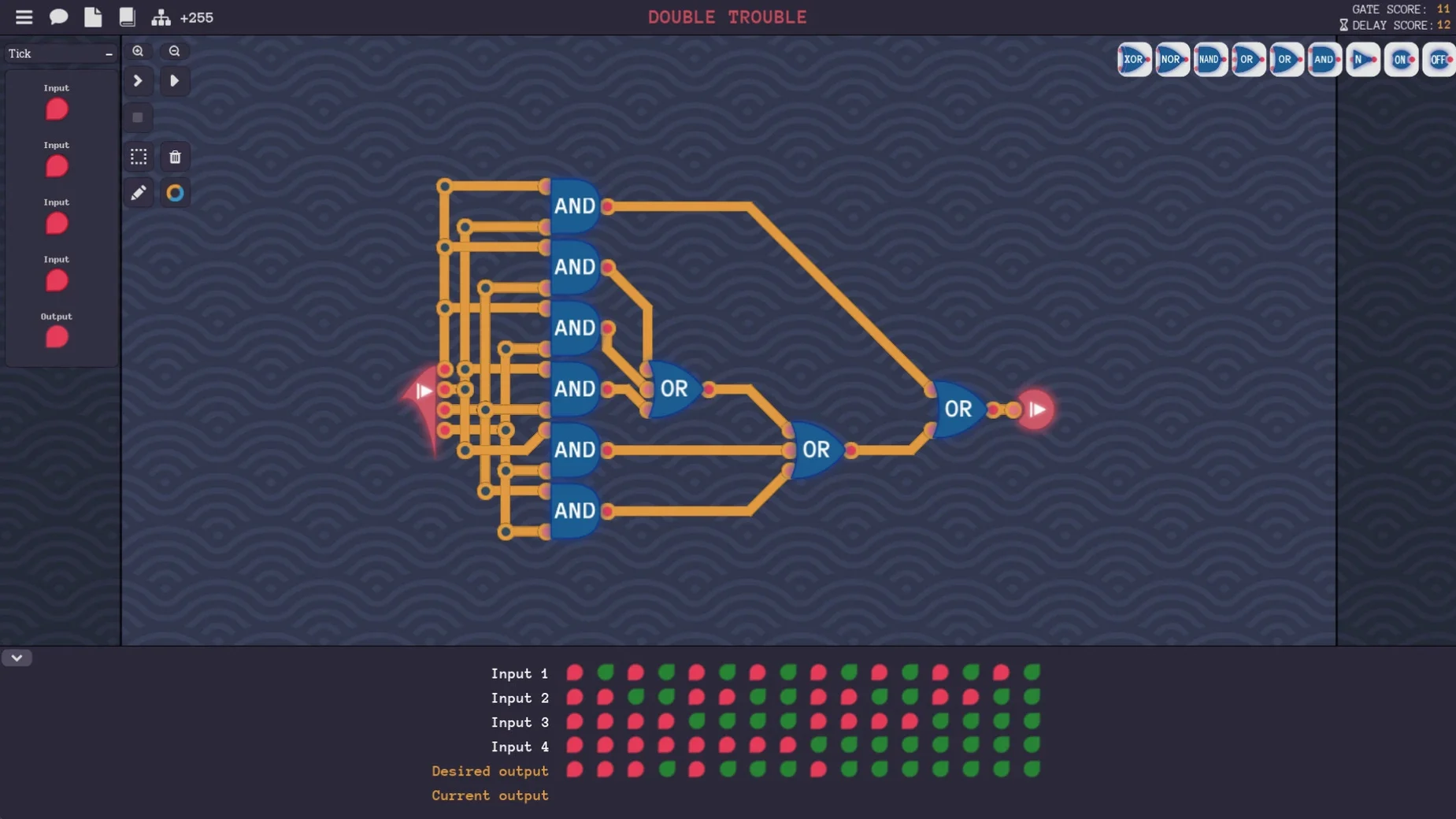
Every component you use later is something you first build from simpler parts. A half-adder starts as five NAND gates wired by hand. A byte of memory is a row of flip-flops you trace signal by signal. The game gives you a schematic and a blank canvas; it never drags components for you. You route wires, set bit widths, and debug your own timing mistakes. The satisfaction comes from plugging your custom arithmetic unit into the next puzzle and watching it compute exactly as designed, because you placed every gate that makes it work.
From Opcodes to Programs
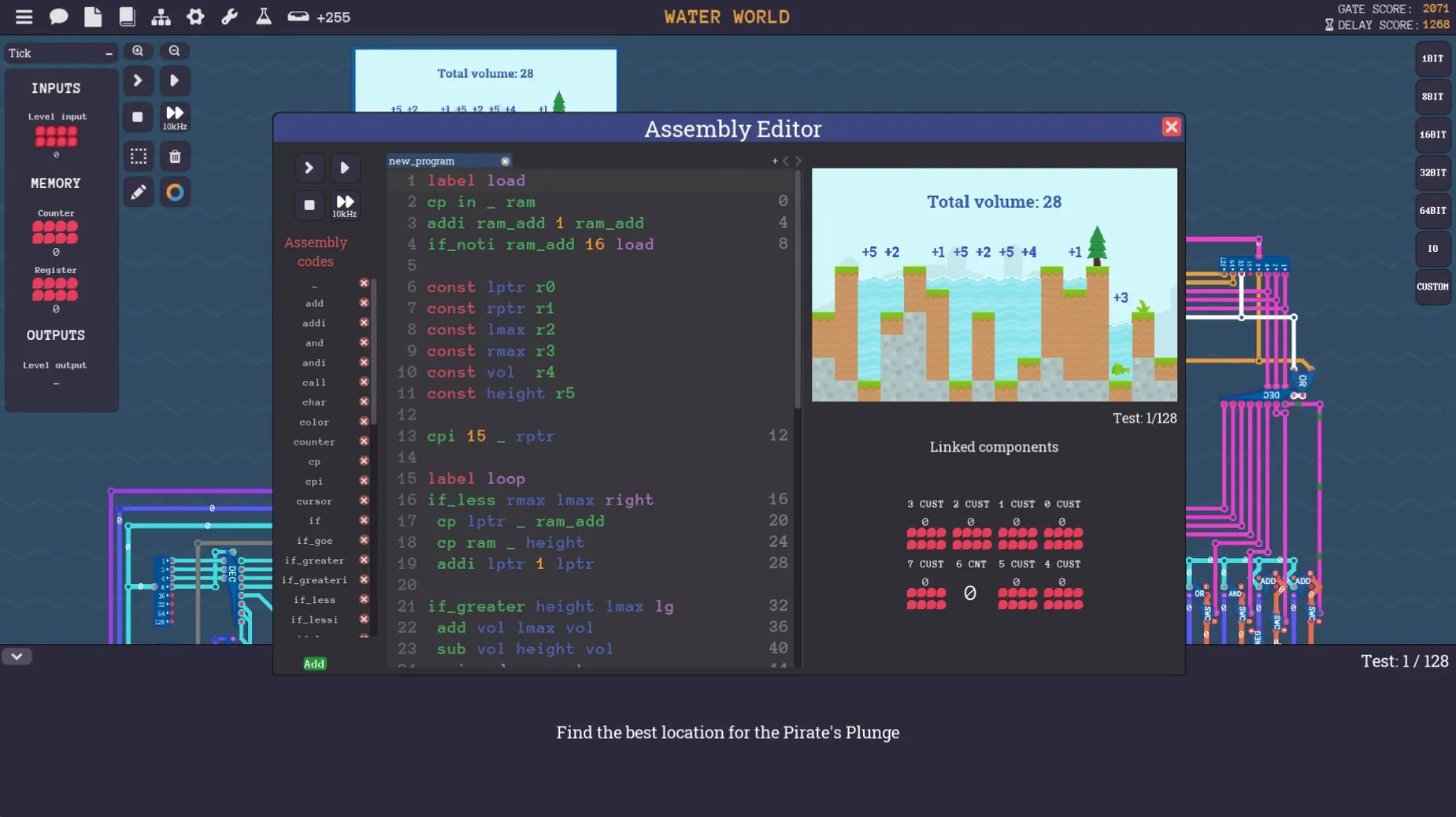
Midway through, the puzzles shift upward a layer of abstraction. You define an instruction set for the CPU you have assembled, assigning bit patterns to moves, adds, and conditional jumps. Then you write short assembly programs that run on your own architecture, watching the program counter tick through memory addresses you laid out. Later levels add screens, keyboard input, timers, and sound components, so the computer you built starts to feel like a real machine — limited, a little fragile, and entirely yours.
Common Stumbling Blocks
Signal timing causes more grief than any other single issue. A gate's output changes one tick after its inputs settle, and a design that looks correct on the schematic can produce garbage because two paths to the same destination have different propagation delays. When a byte-wide adder suddenly spits out 0xFF on every second clock cycle, count the ticks from the slowest input to the output latch — you have almost certainly built a race condition. Adding a buffer stage or re-clocking the signal at a slower rate usually fixes it.
Bit-width mismatches are the other silent killer. The game lets you place a 16-bit constant next to an 8-bit register without complaint, but the wiring will truncate or pad in ways that make no sense until you check the tooltip on each wire segment. If your assembled program refuses to jump to the correct address, open the program counter's input and verify the bit width matches the address bus you designed. A missing top bit means the CPU loops through the first 256 bytes forever.
On Apple Silicon Macs, the app occasionally crashes on first launch. The fix is simple: right-click the app in Finder, choose Get Info, tick Open using Rosetta, and relaunch. The performance hit is negligible for a logic simulator of this scale, and it eliminates the crash entirely on M-series chips running macOS Sequoia.
Changes That Shaped Everyday Play
Version 2.1.334 landed in October 2021 and brought the architecture from early-access sketches to a stable, fully playable chain of puzzles. The component library solidified — earlier builds had placeholder gates that behaved inconsistently across saves — so a NAND gate now behaves identically whether it sits in a half-adder or a register file. The save system stopped corrupting circuits that used nested custom components, which was the single largest source of lost work before this release. Players who build large machines with deeply hierarchical blueprints now keep their progress across dozens of sessions.
Network components also reached a working state in this version. You can route signals between two instances of your own computer, which opens a small but obsessive subculture of building multiplayer tic-tac-toe on homebrew architectures. It is not a polished online mode — just raw packet exchange — but it works, and it lets you test whether your custom assembly language can handle inter-machine coordination without crashing.
Maria’s Weekend Gate-to-CPU Breakthrough
Maria is halfway through a computer engineering degree and has read about instruction decoding until her eyes glaze over. She picks up Turing Complete on a Friday evening, intending to play for an hour. By Sunday afternoon she has built a working 8-bit CPU with sixteen instructions, a stack pointer, and a tiny screen driver that renders a bouncing pixel. The moment that clicks is not the first time her assembly program runs — it is when she rewrites her ADD opcode to use fewer micro-instructions and sees the cycle count drop by three. That is a real design trade-off, made with gates she placed, and it teaches her more about pipelining than a semester of lecture slides. She names her architecture MARIA-1, documents its instruction set in a text file, and starts planning a second core.
- macOS (ARM and x86 64-bit supported)
Questions on file
Does Turing Complete run on Apple Silicon Macs?
Yes, though if the game crashes on Apple processors, launching it with Rosetta usually resolves the issue.
What does the game teach about programming?
It connects high-level concepts like if statements, loops, and functions directly to the assembly instructions and hardware gates that execute them.
Sign in · Create an account to add a field note.
No field notes yet. A measurement, a version, a machine — they appear after moderation.