
Mac Apps
Squash 3.3.0
Mac AppsUpdated
| Requirement | On file |
|---|---|
| macOS | macOS 12 or later |
| CPU | Apple Silicon, Intel 64-bit |
| Download | 43 MB |
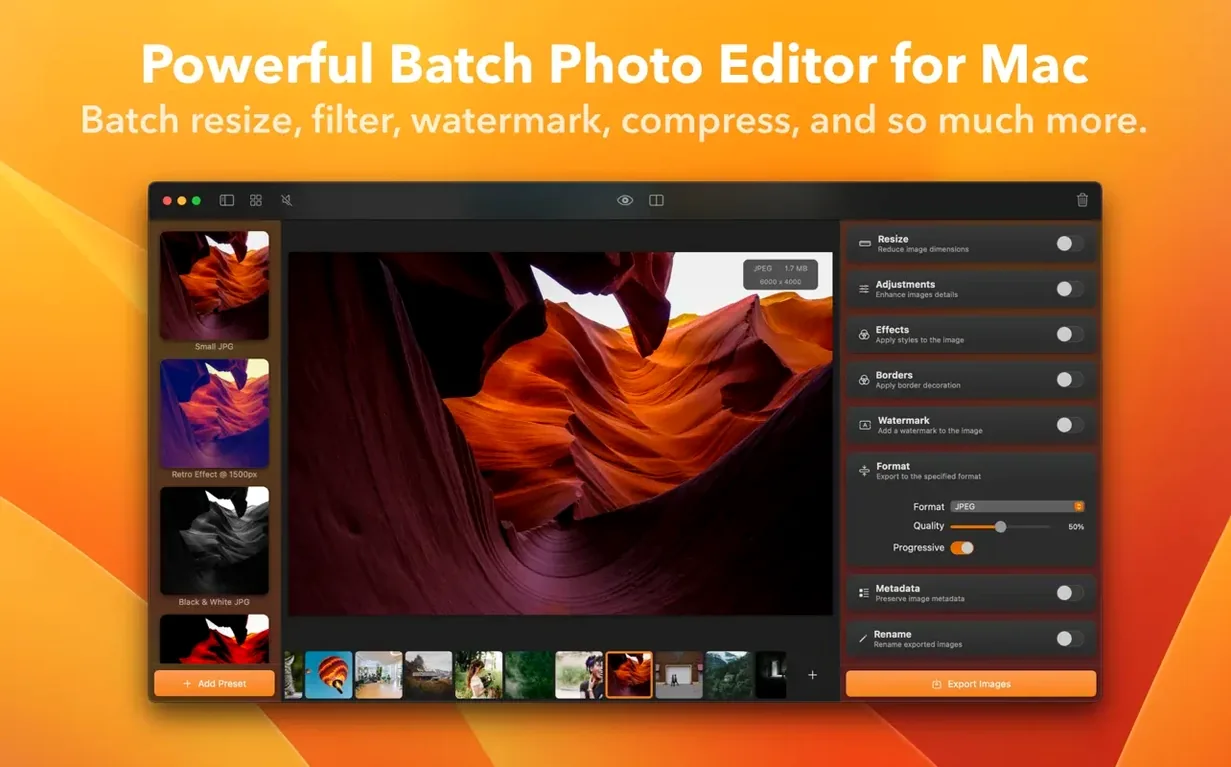
A folder of 30-megabyte TIFFs from a studio shoot won't upload itself. Resizing them one by one is tedious; emailing them raw bounces. Squash handles the grunt work—drag a stack in, pick a format, and walk away while it writes optimised copies.
macOS 12 Monterey or Newer Required
Not every Mac utility keeps pace with Cupertino's annual release. Squash 3.3.0 is built in Swift and SwiftUI, so it aligns well with current hardware and OS versions. The compatibility picture is straightforward:
- macOS 12 Monterey or later is required. The 3.3.0 update specifically improves compatibility with macOS Sequoia.
- Apple Silicon and Intel 64-bit are both supported natively. You get a universal binary, not a translated one.
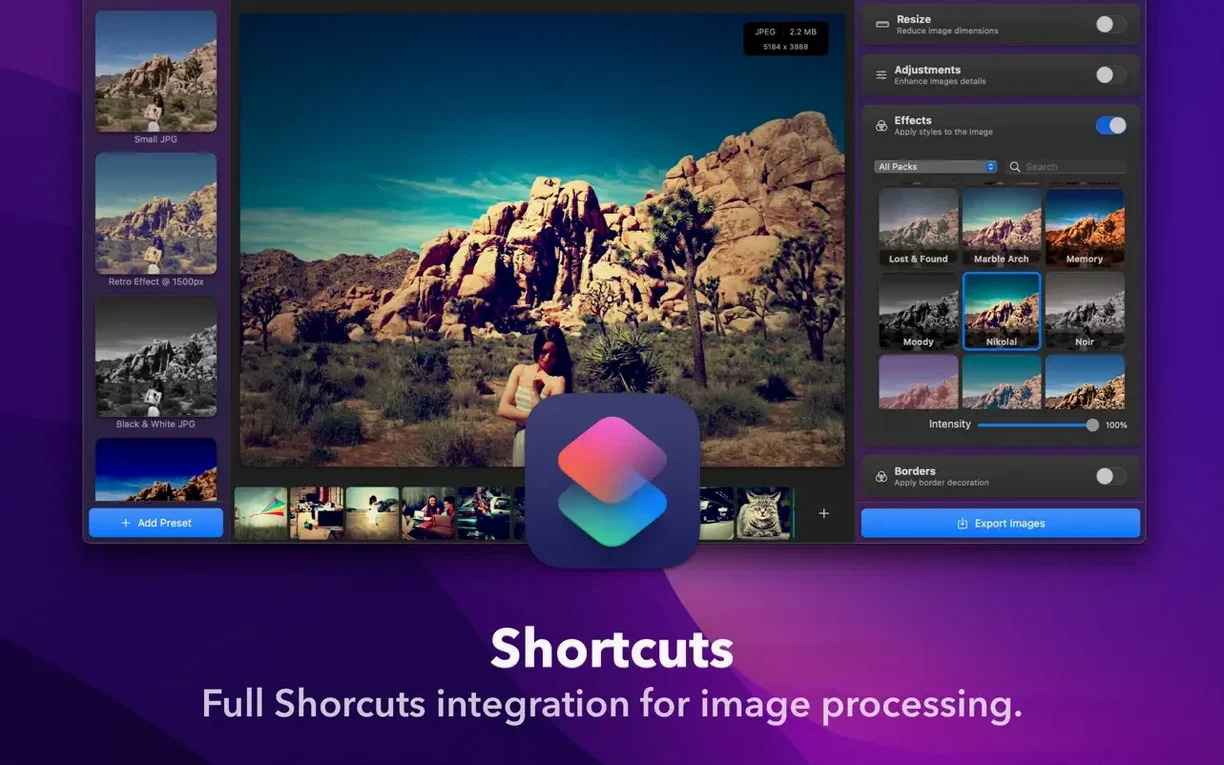
- Shortcuts integration works on any supported Mac, letting you fold compression into automations.
Sequoia Smoother Operation and Faster Exports
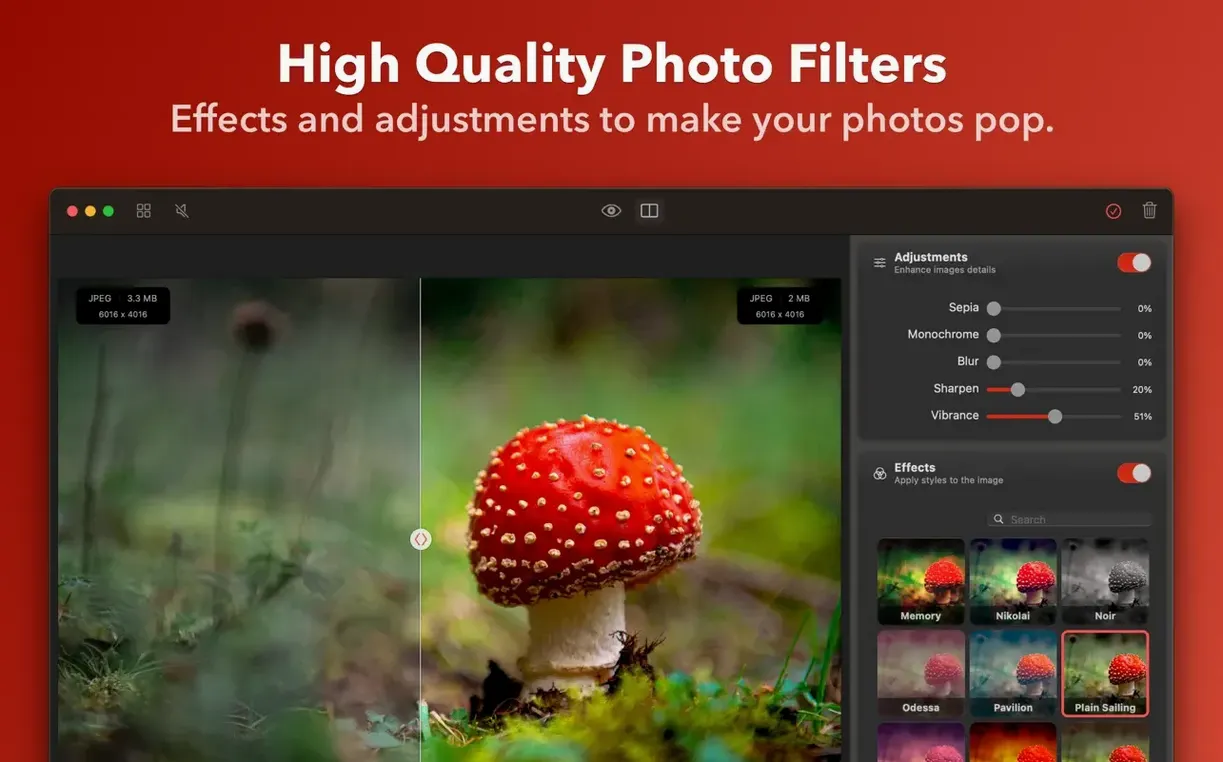
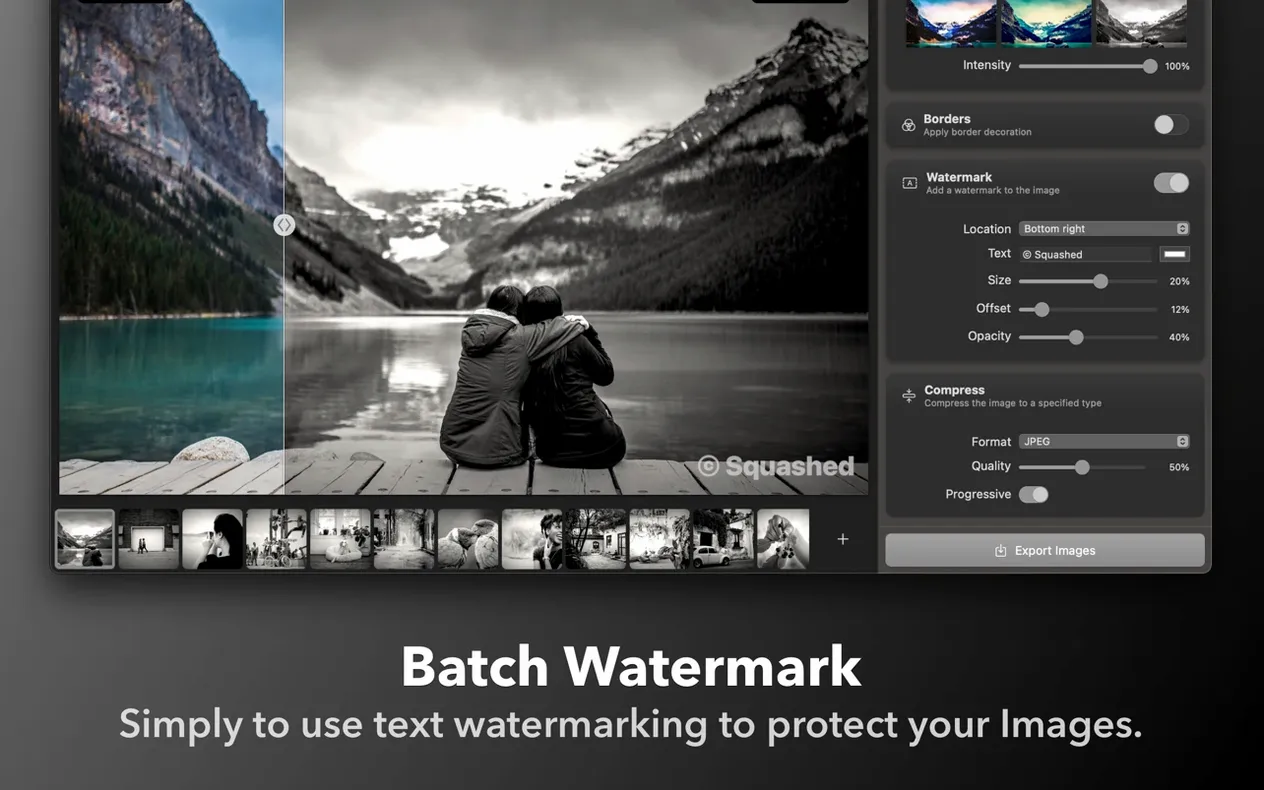
Build 913 is a maintenance release that tightens a few bolts. The headline change is smoother operation on macOS Sequoia. A handful of bug fixes ship alongside general performance improvements, so export queues should finish a little faster. Interface language remains English only. The feature set is mature: batch resize, format conversion, and metadata stripping all happen in a single-window workflow that stays out of your way once a job starts.
A Working Photographer’s Lunch Break
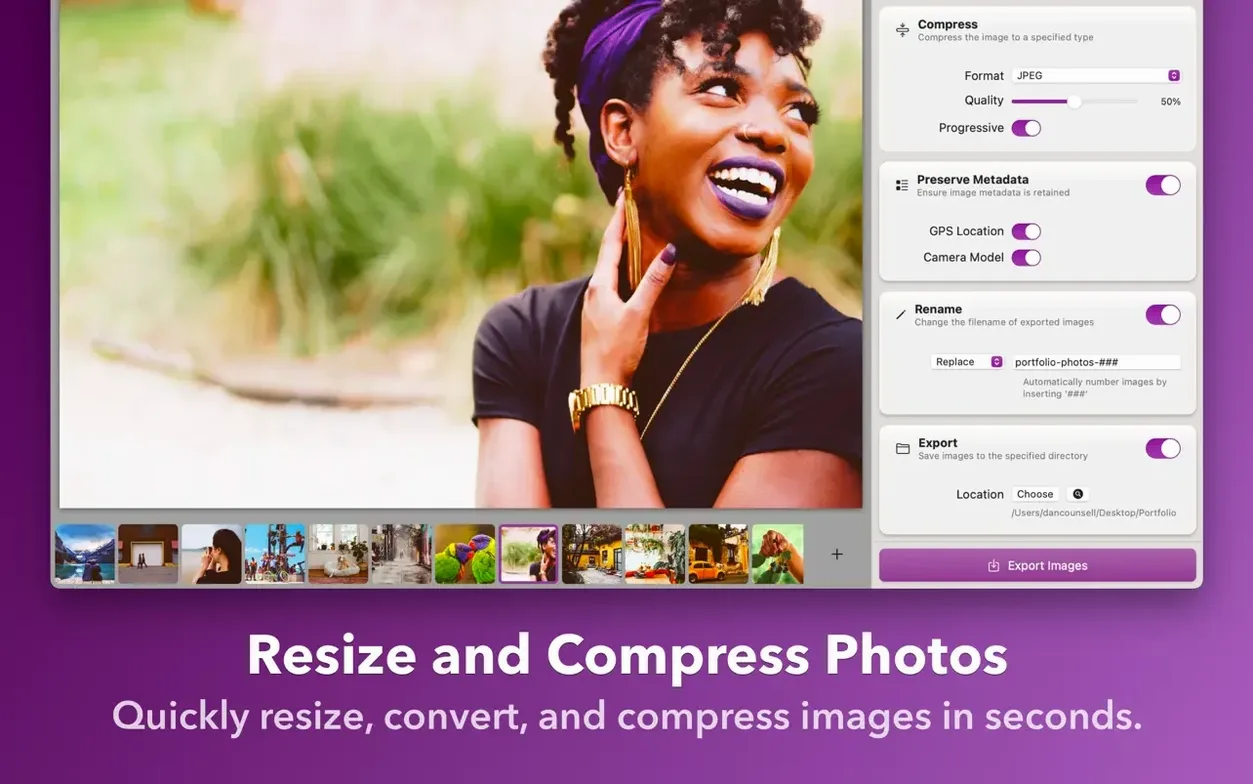
Imagine a product photographer who just wrapped a session with 140 RAW files from a Sony body. Each one sits around 50 MB. The client wants JPEG proofs in a shared Dropbox folder before close of business, and the studio’s upload pipe is rural-grade ADSL. Dragging the lot into Squash, selecting JPEG at 85% quality, setting the long edge to 2400 px and hitting Start takes less than 30 seconds of actual human attention. While the queue churns through the batch, the photographer eats lunch. By the time the kettle boils for a second coffee, a folder of 2–4 MB files is ready—small enough to sync in minutes instead of hours. No script, no export dialogue acrobatics in Lightroom, just a clean set of web-ready images with the original RAWs untouched in their folder.
Three Groups That Extract Maximum Value
Squash suits a fairly specific mindset. It is not a replacement for a full raw developer, and it does not pretend to be. The users who extract maximum value tend to fall into three groups:
- Web publishers and content editors who receive enormous source files from photographers or designers and need to squash them down to page-friendly dimensions and byte sizes before a CMS upload. The drag-and-drop, single-window flow fits between receiving an attachment and publishing it.
- Designers exporting asset sheets who already have their master files in Sketch or Figma but want a quick way to crunch a folder of PNG exports into optimised JPEGs or WebP for a handoff document. It sidesteps the export options inside design tools, which often lack fine-grained compression previews.
- Mac users who think in Shortcuts. Because Squash hooks into Apple Shortcuts, a folder action that auto-compresses anything dropped into a “To Shrink” directory saves repetitive manual steps. That appeals to people who batch-process invoices, scanned receipts, or eBay listing photos as part of a daily routine.
Users who live entirely inside Lightroom or Capture One and want compression tied to their catalogue may not feel the same pull. Squash works on files, not libraries, and its value grows with the number of one-off folders you handle outside a managed workflow.
Silent Fans on JPEGs, Efficiency Cores on RAWs
Compression is a CPU-bound task, and Squash makes that obvious. On an Apple Silicon Mac, the fans stay quiet during a moderate batch of 30–40 JPEGs, but a large queue of TIFFs or RAWs will push the efficiency cores. The app saturates available threads without making the rest of the system feel sluggish—background processing priority seems sensibly tuned. Memory use stays flat; the app streams files rather than loading an entire batch into RAM at once, so even a folder of 100 full-resolution 24-megapixel frames does not cause swap pressure.
Over a week of daily use, crashes were absent in testing on macOS Sequoia with build 913. The 3.3.0 performance improvements are not night-and-day compared to the previous release, but they show up in the final seconds of a long queue: export progress feels a little snappier when writing to fast external SSDs. The interface never beachballs during a job, and you can queue a second batch while the first one runs without confusing the progress indicator. For a utility that sits in the background and does one job, that kind of quiet reliability is exactly what makes it stick around in the Dock.
- macOS Sequoia compatibility — Improved behaviour on the current macOS release.
- Bug fixes — Several under-the-hood corrections.
- Performance — General speed improvements across compression tasks.
- macOS 12 Monterey or later
- Apple Silicon or Intel 64-bit Mac
Questions on file
Does Squash 3.3.0 run natively on Apple Silicon Macs?
Yes. Squash is a native macOS app written in Swift, and version 3.3.0 ships with native support for both Apple Silicon and Intel 64-bit Macs.
What macOS version does Squash 3.3.0 require?
It requires macOS 12 Monterey or later. The 3.3.0 update also includes specific compatibility improvements for macOS Sequoia.
Sign in · Create an account to add a field note.
No field notes yet. A measurement, a version, a machine — they appear after moderation.