
Mac Apps
Stoic 2026.10
Mac AppsUpdated



| Requirement | On file |
|---|---|
| macOS | macOS 15 or later |
| CPU | Apple Silicon, Intel 64-bit |
| Download | 121 MB |
Keeping a journal sounds simple until a blank page asks how you really feel. The impulse to reflect gets crowded out by the day itself. Stoic structures that reflection into a few deliberate moments, turning vague intention into a repeatable practice.
Scheduled Interventions Across Your Apple Devices
| Area | Detail |
|---|---|
| Developer | Stoic app inc. |
| Current version | 2026.10 |
| macOS requirement | macOS 15 |
| Architecture | Apple Silicon, Intel |
| Sync | iCloud across iPhone, iPad, Mac, Apple Watch, web |
| Languages | English, German, Spanish, Italian, Polish, French, Swedish |
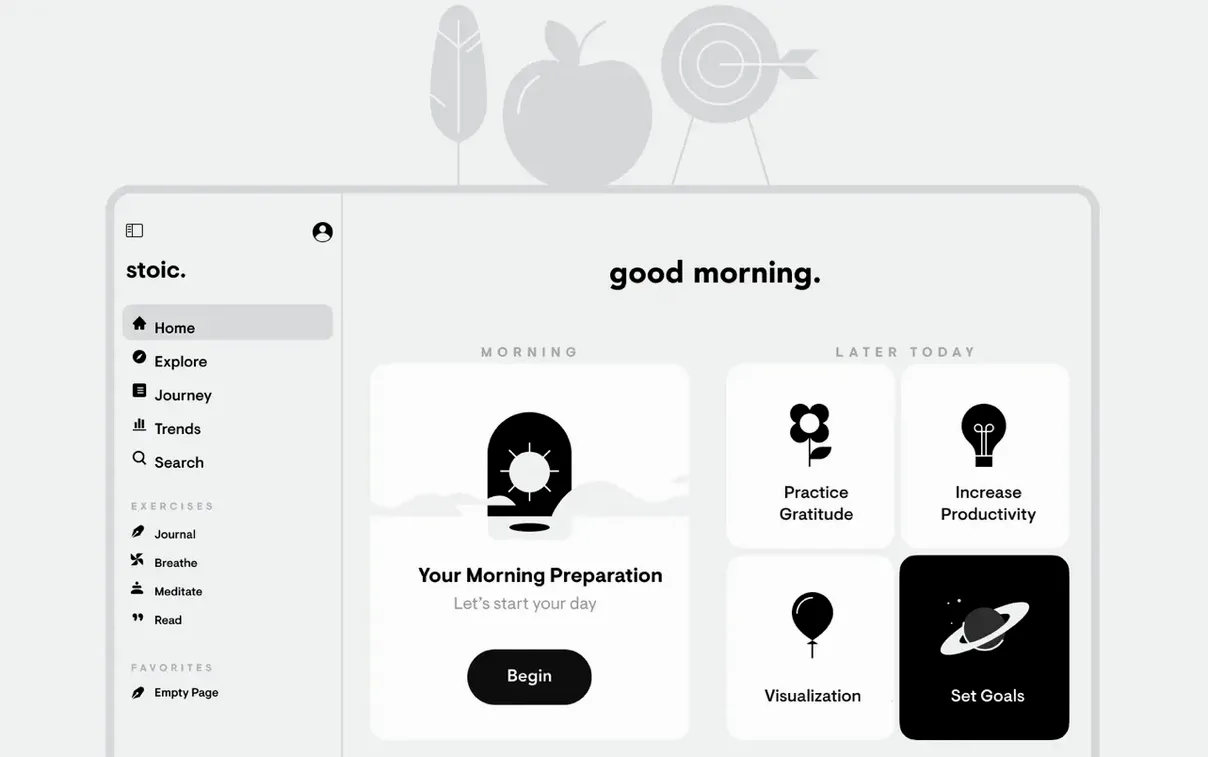
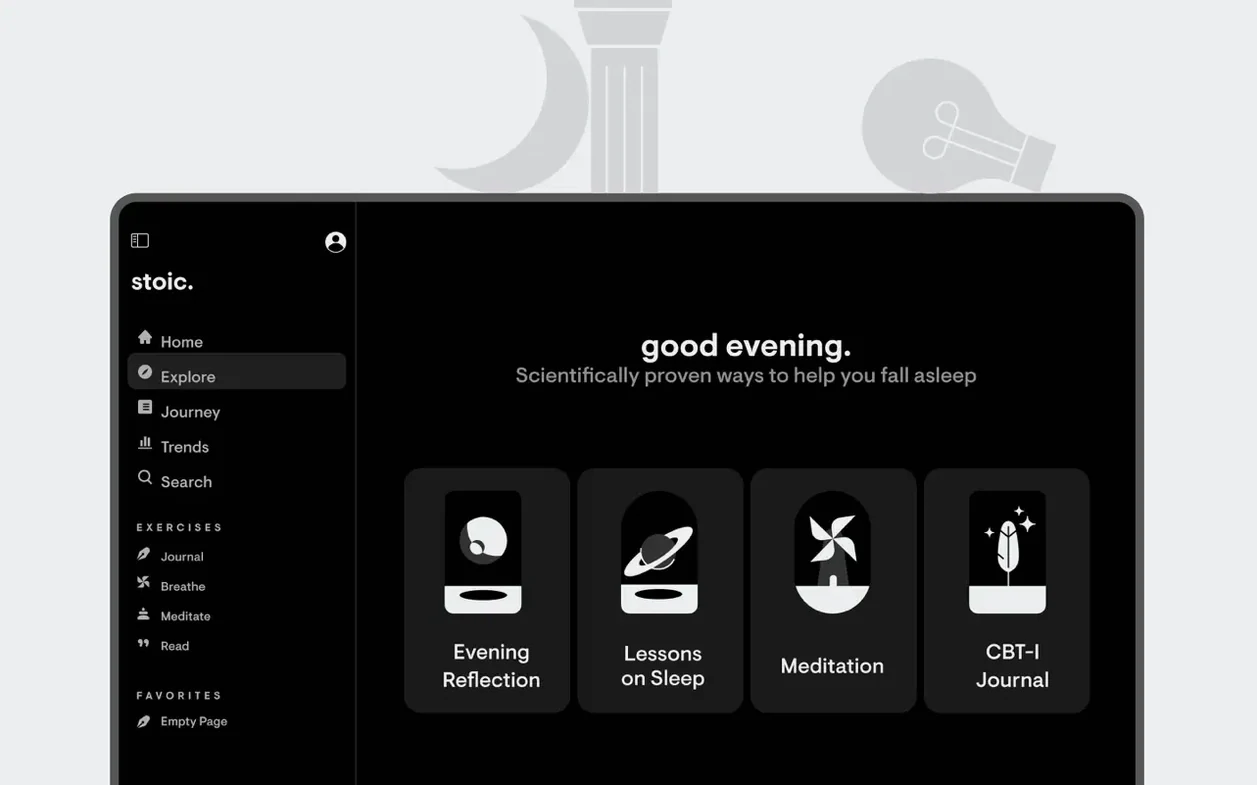
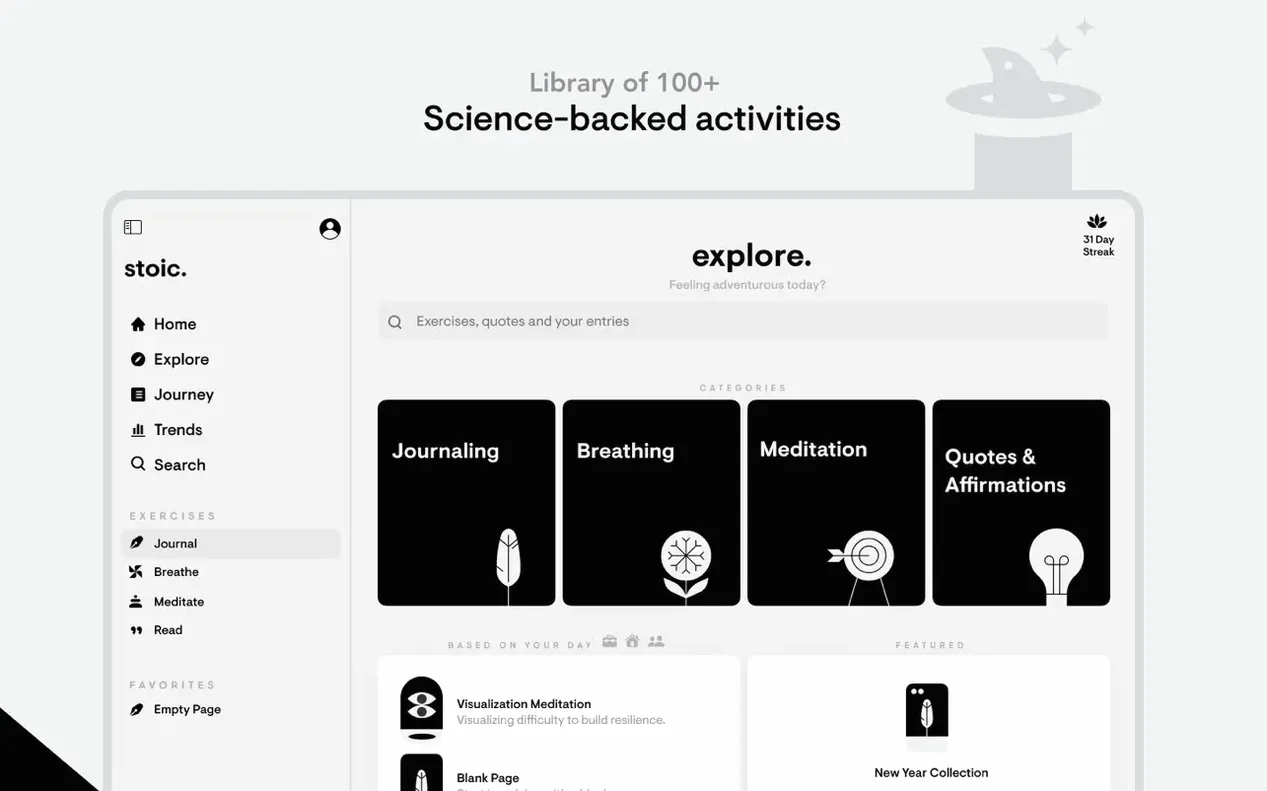
The app works as a set of small, scheduled interventions. A morning routine prompts you to set an intention; an evening routine closes the day with a review. Between those bookends, you log your mood and note what shaped it — sleep, exercise, caffeine, social time, or a dozen other factors the app lets you track alongside the number. That data builds a picture over time, while a streak counter rewards consistency without making it the point. Short meditation sessions sit inside the same interface, so the reflective space doesn't fragment across different tools. Everything syncs through iCloud, keeping the journal current whether you open it on a Mac, phone, or watch.
Why Morning and Evening Prompts Solve Journaling Inconsistency
Stoic fits a specific rhythm of use. People who already journal but struggle with consistency gain the most — the morning and evening prompts remove the friction of deciding what to write. The app doesn't just ask “how are you”; it narrows the question into something answerable in ninety seconds before coffee.
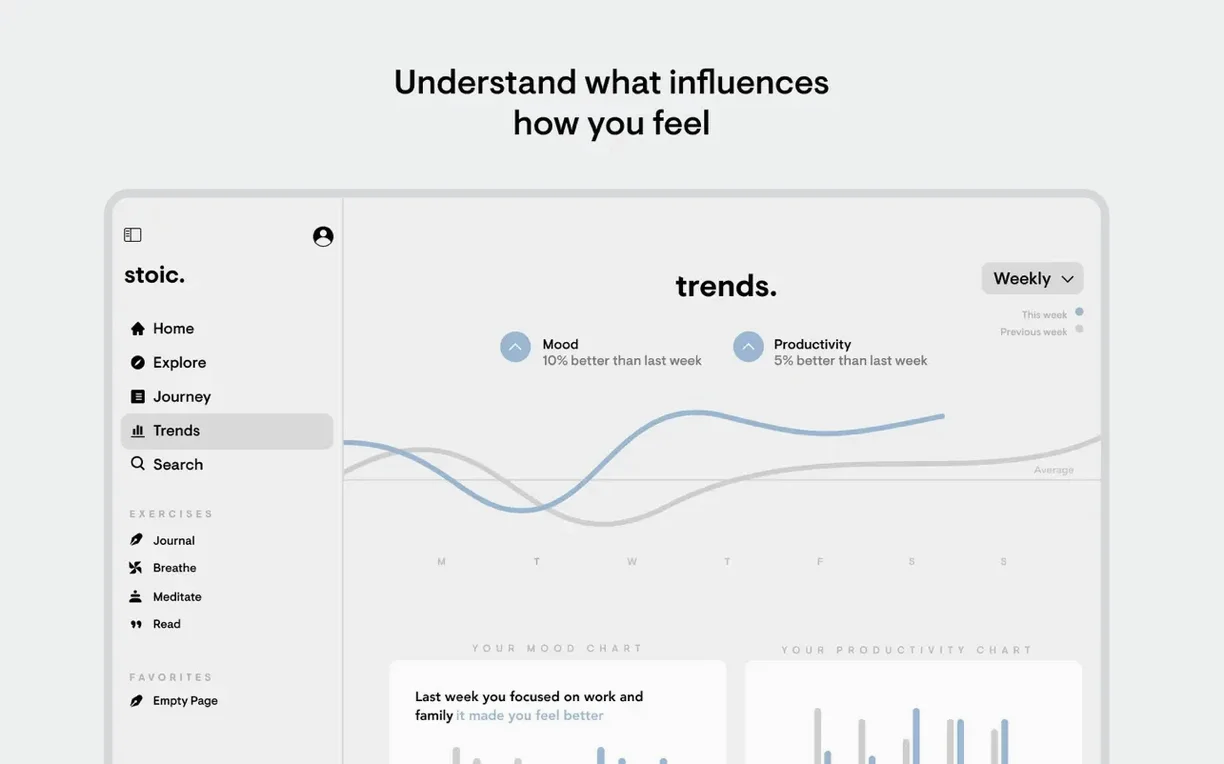
Mood-trackers who want more than a colour-coded calendar also find their footing here. Because Stoic lets you tag contributing factors — poor sleep, a long walk, a tense conversation — the data becomes legible in ways a simple 1–10 scale misses. After three or four weeks, the stats panel starts showing which inputs reliably lift or drop your baseline. That pattern recognition is the part a paper journal cannot do.
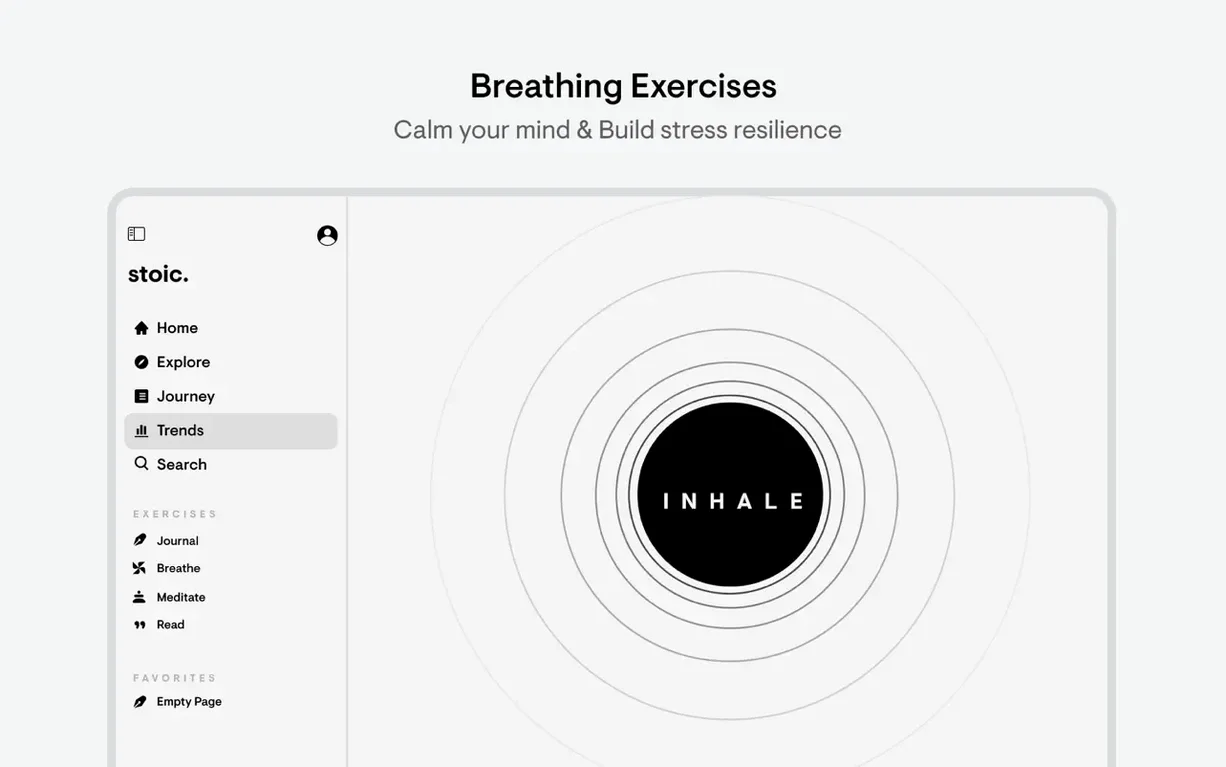
The guided reflection suits anyone put off by meditation apps that assume a twenty-minute sit. Stoic's breathing exercises and short meditations run two to five minutes, tucked inside the same interface as the journal. No switching apps, no separate subscription. Mac users who spend long hours at a desk and want a structured mental pause without reaching for a phone get a clean desktop window that doesn't feel like another demand on their attention.
The Streak Counter Only Rewards Full-Day Reflections
Several conveniences sit just below the surface. The streak counter, for instance, counts only days you complete both the morning and evening reflection — not just opening the app. That distinction keeps the number honest and prevents the hollow streaks that inflate other habit trackers.
The weekly themes change every Monday and shape the prompts across all seven days. If you miss one, you cannot scroll back to it, which sounds like a limitation but functions as a gentle nudge: the reflection belongs to this week, not last week. The themes cycle through stoic concepts — resilience, clarity, acceptance — without ever naming Marcus Aurelius or leaning on philosophical jargon.
Other quiet details:
- Mood factors are tappable, not typed. Logging what affected your mood takes two taps — the app lists common factors (sleep, exercise, work stress, social time) as buttons. You can add custom ones, but the defaults cover most days.
- Keyboard navigation on Mac. Arrow keys move between mood ratings;
Cmd-Returnsaves the entry. The whole morning routine runs without touching a mouse. - Badge notifications are off by default. The app awards badges for milestones — seven-day streak, fifty entries — but never pushes them. You notice them when you check stats, not via a ping.
- Export is plain text. Under settings, you can export the entire journal as a
.txtfile. No proprietary format, no lock-in. The export includes dates, moods, factors, and full entry text. - The web version mirrors the Mac layout. If you ever need to journal from a non-Apple machine, the web interface keeps the same two-column design and prompt structure.
A 7:42 AM Morning Prompt, Waiting in the Dock
It's 7:42 am. The Mac wakes from sleep, and Stoic sits in the Dock with a small dot under it — the morning reminder fired ten minutes ago. You click the icon.
The window opens to a single question: “What do you want to feel today?” Below it, a text field with a character limit generous enough for a paragraph but not an essay. You type a sentence about staying patient during a morning meeting. Tap Cmd-Return. The screen shifts to a mood selector — five faces arranged horizontally. You pick the one that matches your energy level, not your optimism. The app logs 7:44 am, mood neutral, intention set.
At 2:15 pm, a lull between calls. You open Stoic from the menu bar icon — the Mac version keeps a small status item there, showing only the streak number. The check-in asks for a mood rating and factors. You tap sleep (six hours, interrupted) and workload. The entry takes eighteen seconds. You close the window; the app saves without a confirmation dialog.
Evening, 9:50 pm. The evening prompt appears: “What went well today?” The weekly theme is detachment, so the follow-up question asks, “What did you let go of that you would have held onto a year ago?” You sit with it for three minutes, typing a reflection about a critical email you chose not to send. The breathing exercise icon sits in the corner of the window — a circle that expands and contracts over two minutes. You run it once, then close the app. The streak counter ticks from 34 to 35.
The session leaves no notifications, no social-sharing prompts, no “you might also like” suggestions. Just the entry, stored and synced to the phone and watch before the screen locks.
- macOS 15 or later
- Apple Silicon or Intel Mac
Sign in · Create an account to add a field note.
No field notes yet. A measurement, a version, a machine — they appear after moderation.