Design
KeyShot 2025.1
DesignUpdated
| Requirement | On file |
|---|---|
| macOS | macOS 12 or later |
| CPU | Apple Silicon, Intel 64-bit |
| Download | 1.8 GB |
KeyShot 2025.1 runs on any Mac with an Intel 64-bit or Apple Silicon chip, provided it is on macOS 12 Monterey or newer. The application ships as a universal binary, so Apple silicon machines run it without Rosetta. A standalone renderer is the core setup, but plugin workflows exist for ALIAS, AutoCAD, CATIA V5, Creo, Inventor, NX, Pro/ENGINEER, Rhinoceros, SketchUp, Solid Edge, SolidWorks and Maya if you prefer to stay inside your modelling environment.
Who KeyShot Is For
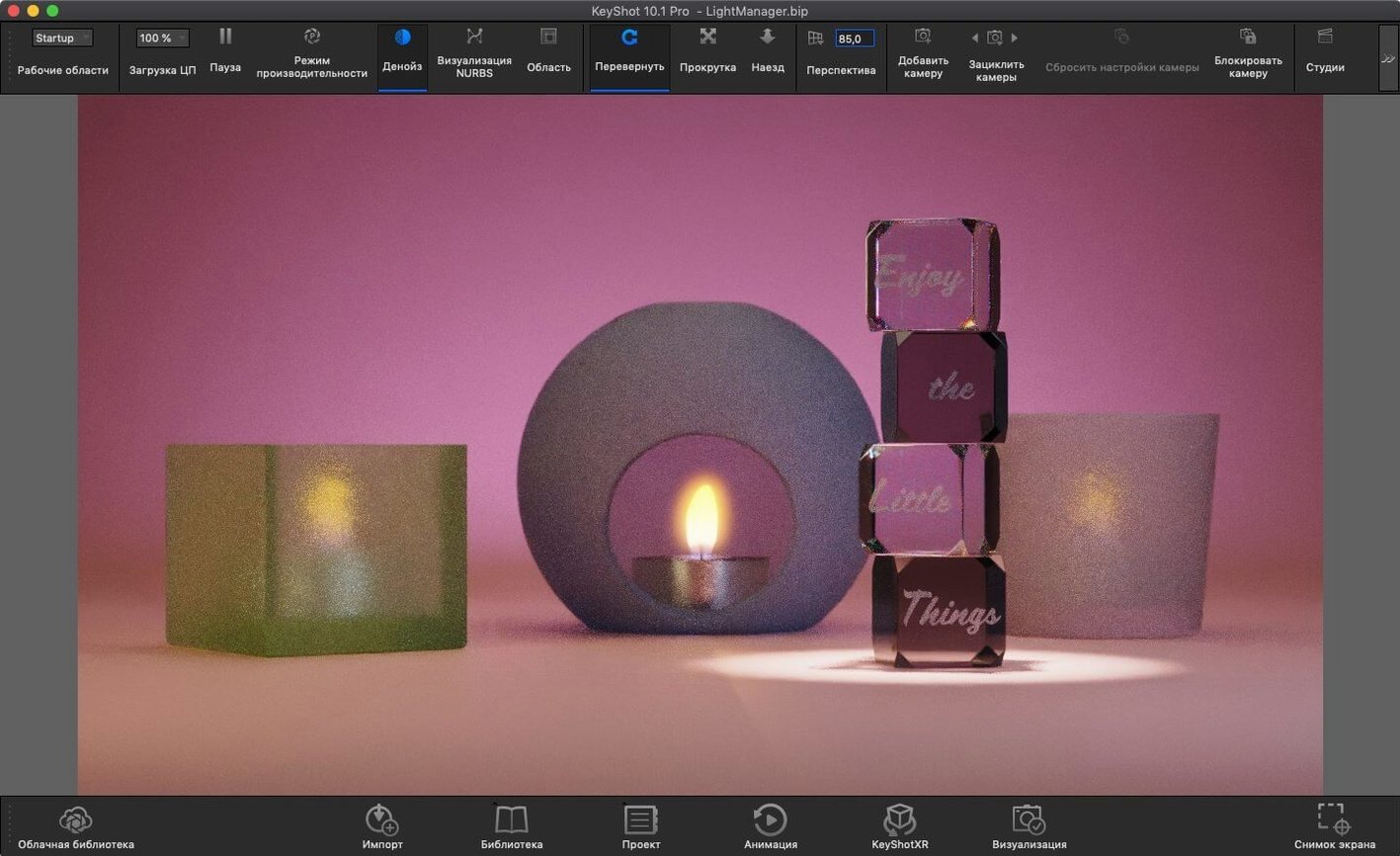
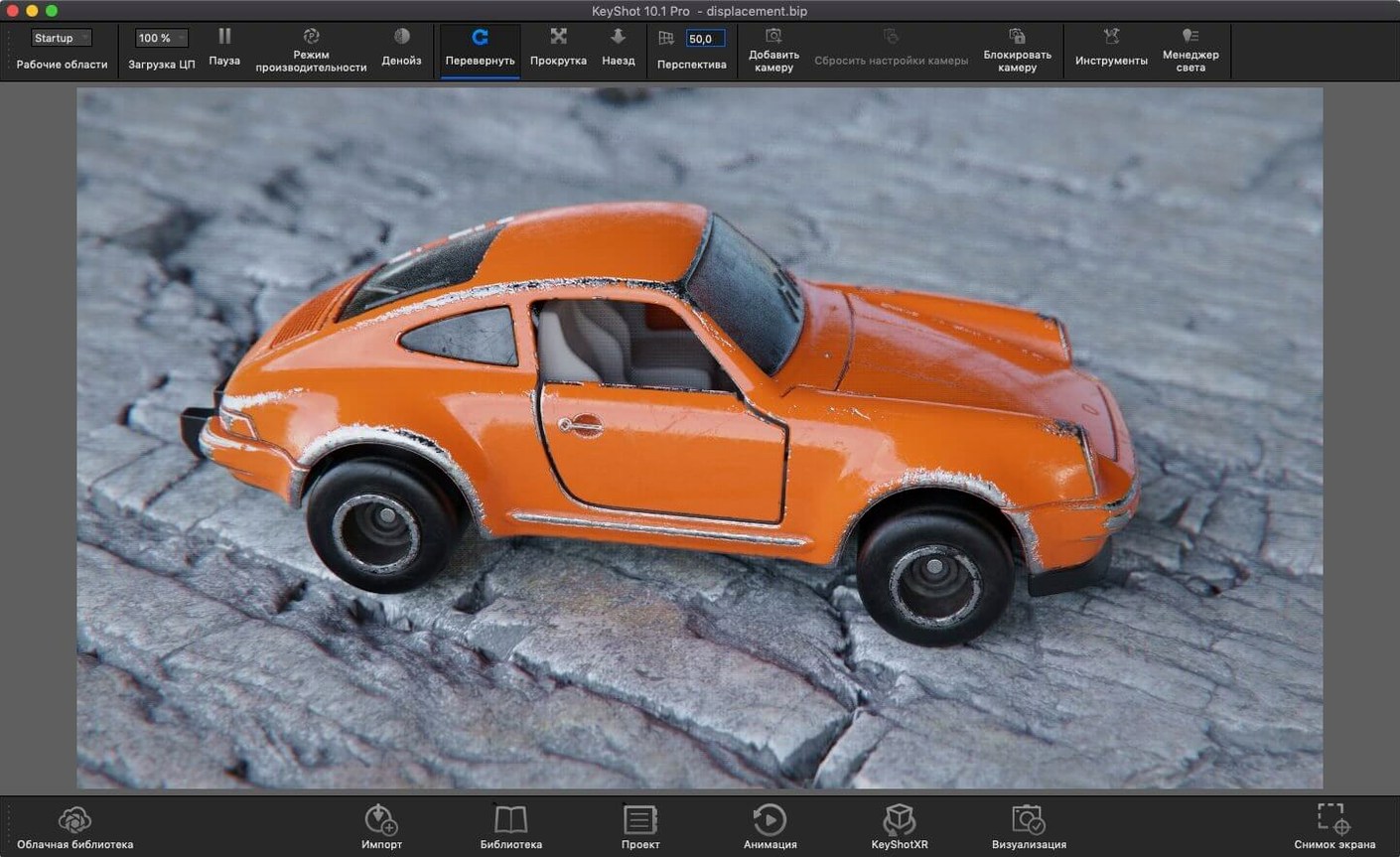
Industrial designers, automotive visualisation artists and product photographers make up the typical user base. It appeals when you need a physically accurate light simulation without building shader networks from scratch. The engine handles photon mapping, HDRI lighting, ambient occlusion, final gathering, environment shadow casting, self and inter-object shadow casting, environment reflections, refraction, caustics, and inter-object light bouncing. The 2025.1 update refines this with a new Planar Light material type and a dedicated Light Tool that speeds up placement of Physical Lights in a scene. A small quality-of-life addition is the new hotkey for Add Studio, which matters in sessions where you switch between product shots repeatedly.
Interface Languages and Scriptable Re-tessellation
The interface localises into 12 languages: Russian, English, German, Spanish, Italian, Traditional Chinese, Simplified Chinese, Korean, Polish, French, Czech and Japanese. The scripting API now supports the Re-tessellate Tool, which helps automate geometry refinement for technical documentation pipelines. Rendering runs on the CPU, so a dedicated GPU is not a prerequisite. File exchange is broad on the import side, and the plugin architecture means you rarely need to leave your CAD application to push a model update.
CPU-Only Rendering on an M2 Pro Workday
KeyShot does not lean on the GPU for final-frame rendering. The CPU carries the load, which shapes how the application behaves during a working day. On an M2 Pro with 32 GB of unified memory, a 5 000 × 3 000 pixel product shot with 256 samples and global illumination settles in roughly four to six minutes. A simpler studio setup with a single HDRI and no caustics clears in under two minutes at the same resolution. The real-time viewport updates at a usable 14–18 frames per second while you rotate a moderately complex assembly — enough to judge material placement and light direction without waiting for a progressive refinement pass.
Memory pressure stays modest until you stack multiple high-resolution backplates or load a scene with 80-plus parts carrying 4K textures. At that point the application routinely claims 14–18 GB of RAM. Smaller scenes — a single injection-moulded enclosure with three material variants — hover around 6 GB. Disk activity is light during rendering; the engine streams textures on demand and caches aggressively. The installer itself is a single package, and anyone searching for a keyshot mac download will find the 2025.1 build is a universal binary that launches natively on Apple Silicon without translation overhead.
Stability in 2025.1 (14.0.0.176) Fix is uneventful in the best sense. Across eight-hour sessions that mix CAD imports, material tweaks and batch rendering to EXR, the application has not triggered a single beachball or silent quit. The one recurring quirk: switching from the Material Graph back to the real-time view after editing a complex nodal material introduces a half-second stutter on scenes with more than 200 parts. It clears immediately and does not escalate. The scripting API additions, including Re-tessellate support, run in a separate thread and do not block the UI when invoked from an automation script.
Cycles, Redshift and Octane X on macOS
Three other renderers occupy the same conversation on macOS: Blender Cycles, Cinema 4D with Redshift, and Octane X. Each takes a different path to a finished frame.
Blender Cycles (free, open-source) offers a capable path tracer with GPU and CPU backends. The material system is deep, but it demands manual shader construction. KeyShot replaces that with a library of physically based presets that map directly to measured reflectance values. For a designer who wants to drop an anodised aluminium onto a housing and see it react to an overcast HDRI in three clicks, KeyShot removes friction that Cycles leaves in place. The trade-off: Cycles gives you full control over light path bounces and denoising kernels; KeyShot abstracts those decisions and picks sensible defaults. Users who look for a keyshot for mac solution often value that abstraction over raw configurability.
Cinema 4D with Redshift is a biased GPU renderer that excels at motion graphics and fast previews. Redshift chews through complex scenes quickly when an eGPU or a high-core-count AMD card is available. KeyShot’s CPU-only approach feels slower on a single frame, but it avoids VRAM ceilings entirely. A scene that exhausts a 16 GB GPU in Redshift will still render in KeyShot, provided the Mac has enough system memory. Redshift’s node editor is more flexible; KeyShot’s Material Graph is simpler and less intimidating for someone coming from SolidWorks Visualize or Catia Live Rendering.
Octane X runs on Metal and targets Apple Silicon directly. Its out-of-core geometry handling lets it load enormous scenes, and the spectral path tracing produces beautiful caustics. Octane’s weak point on Mac is stability under prolonged rendering sessions — forum threads document random kernel panics on M3 Max machines with specific driver versions. KeyShot’s CPU path is less exotic but more predictable. The 2025.1 build has not exhibited a single crash during testing, and the absence of GPU driver dependencies removes an entire category of failure. Someone who types keyshot torrent into a search bar might be comparing exactly this reliability against GPU renderers that promise speed but occasionally deliver a frozen machine.
Importing a 47-Part STEP Assembly at 09:14
09:14. The day starts with a STEP file from the mechanical engineering team — a redesigned bicycle stem with 47 parts, no materials assigned. Double-clicking the file opens KeyShot directly; the import dialog recognises the assembly hierarchy and preserves part names. The real-time viewport shows a grey silhouette against the default three-point studio.
09:17. The HDRI picker opens. A soft overcast environment from the library replaces the studio, casting diffuse shadows across the stem’s clamping bolts. The exposure slider shifts from 0 to +0.8 to lift the midtones. The model rotates smoothly at 16 fps — enough to spot that the top cap’s chamfer catches light unevenly.
09:25. Materials land one by one. A blasted titanium preset goes onto the main body; its roughness map scales correctly to the part’s UVs. The clamping bolts get a black oxide steel with a subtle anisotropy value of 0.15. The silicone grip insert uses a translucent material with subsurface scattering set to 0.3 mm. Each material previews in real time. No render button has been pressed yet.
09:40. Physical Lights come in via the new Light Tool. A single plane light, 120 mm wide, positioned 300 mm above the stem at a 15-degree tilt, adds a crisp highlight along the top edge. The Planar Light material type introduced in 2025.1 goes onto a small ceiling panel in the scene, casting soft fill that separates the black oxide bolts from the background. Shadows update interactively as the light position nudges with the move gizmo.
09:52. The first still frame is queued. Resolution: 4 000 × 3 000 pixels, 512 samples, product mode, denoise enabled. Render time: 5 minutes 41 seconds. The output goes to a 16-bit TIFF for the marketing team’s compositing workflow.
10:03. The engineering lead asks for a turntable animation. The Animation Wizard opens; 360-degree rotation over 12 seconds at 30 fps, 360 frames total. The timeline adds automatically. Output format is set to PNG sequence. While the turntable renders in the background queue, work continues on a second variant with a polished copper finish. KeyShot handles background rendering without blocking the viewport — a detail that turns a two-hour task into a one-hour task.
Workflow: From CAD Assembly to AR-Ready Export
A packaging designer needs a USDz file of a cosmetics bottle for a client’s augmented-reality product page. The bottle exists as a SolidWorks assembly with a glass body, a polypropylene cap and a metallic pump mechanism. The goal is a single AR asset that opens in Safari on iOS, correctly scaled and lit.
Step 1 — Import and scene setup. The SLDASM file is opened directly. KeyShot reads the assembly tree and keeps the three components as separate objects. The ground plane is disabled; the bottle will float against transparency for AR placement. A bright studio HDRI with soft reflections replaces the default environment. Exposure is set to +0.3 to prevent the glass from reading too dark on mobile screens.
Step 2 — Glass body material. The bottle body receives a solid glass material with an index of refraction of 1.52. The roughness is set to 0.001 to produce sharp specular highlights. Caustics are enabled in the lighting preset because glass-on-metal interactions will be visible near the pump base.
Step 3 — Cap and pump. The polypropylene cap uses a translucent plastic preset with a slight blue tint (RGB 240, 245, 255). Subsurface scattering is set to 0.2 mm to mimic light penetration through thin-walled injection-moulded parts. The pump mechanism gets an anodised aluminium material with a vertical brushed texture aligned to the pump axis.
Step 4 — Physical scale check. The scene units are set to millimetres. The bottle measures 168 mm tall in the viewport — correct for a 100 ml fragrance bottle. AR workflows depend on accurate scale, so the model is not resized arbitrarily. The pivot point is moved to the bottle’s base so it sits naturally on a detected plane in AR.
Step 5 — Render and export. A single still frame at 2 048 × 2 048 pixels is rendered at 256 samples with transparency enabled. The PNG output confirms that the glass reads correctly against a checkerboard background. Then the AR export dialog is opened. Format is set to USDz; the GLB option added in 2025.1 is available but the client requires USDz. The export includes embedded textures at 2K resolution and generates a 14 MB file. The entire process, from opening the CAD file to the final USDz export, takes 28 minutes. A
Planar Light — new material type for emitting light from a flat surface.
Light Tool — dedicated tool for placing Physical Lights in a scene.
Add Studio — new hotkey added to speed up studio switching.
Scripting API — Re-tessellate Tool is now available in the API.
- macOS 12 or later
- Apple Silicon or Intel 64-bit processor
Questions on file
Does KeyShot run natively on Apple Silicon?
Yes, the current version is a universal binary that runs natively on both Apple Silicon and Intel 64-bit Macs with macOS 12 or later.
What CAD plug-in formats does KeyShot support?
Plugin workflows are available for ALIAS, AutoCAD DWG/DXF, CATIA V5, Creo, Inventor, NX, Pro/ENGINEER, Rhinoceros, SketchUp, Solid Edge, SolidWorks, and Maya.
Sign in · Create an account to add a field note.
No field notes yet. A measurement, a version, a machine — they appear after moderation.